Most people assume building NSFW AI videos requires technical expertise, expensive tools, or years of creative practice. That assumption is completely wrong. In 2027, AI NSFW video maker for beginners tools have become so capable and accessible that a first-timer can produce stunning, cinematic-quality results on day one. The only thing standing between you and compelling adult AI video content is knowing which tools to use and how to write prompts that actually deliver.
What "NSFW AI Video" Actually Means
Before touching a single tool, it helps to clarify what this category covers. "NSFW" does not automatically mean explicit. The term spans a wide creative spectrum: from glamour and lingerie photography brought to life, to suggestive storytelling, sensual movement, and artistic body expression. The vast majority of the best NSFW AI content sits firmly in the suggestive and aesthetic zone, not the explicit one.
Suggestive vs. Explicit: The Real Line
Most reputable AI platforms operate within a non-explicit NSFW framework. Understanding this boundary is the first thing every beginner needs to internalize:
- Allowed: Bikinis, lingerie, implied artistic nudity, sensual movement, glamour aesthetics, intimate but non-graphic scenarios
- Restricted: Explicit sexual acts, graphic pornographic content, non-consensual scenarios described explicitly, anything involving minors
The creative space within non-explicit NSFW is genuinely massive. Think fashion-forward editorial visual stories with a sensual tone. Think music video aesthetics. Think the kind of content you would see in a bold perfume commercial or a high-end glamour shoot brought to cinematic life.
💡 The most compelling NSFW AI content tends to be suggestive rather than explicit. Implication and atmosphere are more powerful than literalism, and the output quality is significantly better.
Why the Platform Matters More Than You Think
Not all AI video platforms handle adult content the same way. Some have overly aggressive filters that block even tasteful content. Others produce low-quality output with minimal moderation. The sweet spot for beginners is a platform with a broad model selection, reliable generation infrastructure, and sensible content policies that allow creative freedom without enabling harmful content.
Platform choice also determines which text-to-video models you have access to. Model quality is the single biggest factor in output quality, so platform and model selection are directly linked decisions.
How AI Video Generation Actually Works
Understanding the core mechanics makes you a significantly better creator. You do not need to understand the underlying math or architecture, but you do need to understand the two primary generation methods.
Text-to-Video: The Core Mechanic
You type a description, and the AI renders a short video clip based entirely on that text. Simple in concept, extraordinarily powerful in practice. The quality of your output is almost entirely a function of prompt quality, not technical setup. There are no buttons to configure, no sliders to calibrate on day one. Write better, get better video.
A weak prompt produces weak results: "a woman walking on the beach"
A strong prompt produces cinematic results: "a confident woman with long dark hair walking slowly along a white sand beach at golden hour, soft ocean waves in the background, wearing a coral string bikini, warm side volumetric lighting, slow motion movement, cinematic shallow focus, 8K, photorealistic, film grain"
The second prompt is five times more likely to produce something worth keeping. The difference is specificity, not complexity.
Image-to-Video: More Control, Better Results
If you already have a photorealistic still image, image-to-video tools animate it. This two-step method gives you significantly more creative control because you define the visual style, character appearance, and environment through the source image before animation begins.
For NSFW work, many experienced creators start with a text-to-image generation, select the best result, and then animate it using an image-to-video model. This workflow consistently outperforms pure text-to-video for detailed character-focused content, because you solve the "look" problem before solving the "motion" problem separately.
The Best Models for NSFW Content
The model you choose shapes everything: quality, motion realism, how naturally human bodies move, prompt adherence, and how the system handles suggestive content. Here are the standout text-to-video options available right now.
| Model | Primary Strength | Best Use Case |
|---|
| Kling v3 Video | Hyper-realistic human motion | Character animation, intimate scenes |
| WAN 2.6 T2V | Open, flexible, high quality | Custom creative workflows |
| PixVerse v5.6 | Fast, clean, consistent output | Beginners, quick drafts |
| Hailuo 2.3 | Speed plus reliable quality | Rapid prompt iteration |
| LTX-2.3-Pro | Audio and text input support | Longer, more complex clips |
| Gen-4.5 by Runway | Cinematic scene consistency | High-end, polished output |
| Vidu Q3 Pro | Image plus audio input | Character animation with sound |
Kling v3: Motion Quality That Stands Out
Kling v3 Video has become the benchmark for realistic human motion in AI video generation. It handles body movement with a fluidity that earlier models consistently struggled with, particularly in scenarios involving natural, slow character motion. For NSFW content where natural, believable movement is everything, Kling v3 is currently the most reliable choice.
If you need precise motion control, Kling V3 Motion Control lets you transfer specific motion patterns onto your characters directly. This is a significant tool for repeatable, consistent results across multiple generations with the same character or scene style.
WAN 2.6: Open and Flexible
WAN 2.6 T2V is the choice for creators who want flexibility without sacrificing output quality. Its image-to-video counterpart, Wan 2.6 I2V, is equally capable and particularly well-suited for animating custom character images that you have generated separately.
For situations where you want to swap characters into an existing scene while maintaining the environment and motion, Wan 2.2 Animate Replace is a powerful and underused option. Most beginners do not discover this model until much later, which is a mistake.
PixVerse v5.6: Built for Beginners
PixVerse v5.6 earns its place in every beginner toolkit by producing consistently clean, well-composed video from relatively simple prompts. It does not require highly technical prompt engineering to get good results, which makes it ideal during the learning phase when you are still developing your prompting instincts.
Hailuo 2.3: Fast Iteration Wins
Speed matters enormously when you are learning through iteration. Hailuo 2.3 and its faster variant Hailuo 2.3 Fast let you run multiple prompt variations quickly and identify what works before committing to longer, higher-quality generation runs on more compute-intensive models like Kling or Gen-4.5.
A proven beginner workflow: draft and iterate on Hailuo, finalize on Kling. Run 10 variations fast to find the right prompt direction, then put the winning prompt into Kling for a polished final output.
Writing Prompts That Actually Work
Prompt writing is the single skill separating average output from exceptional output. The good news: it is learnable in hours, not months.
What to Include in Every Prompt
Every effective AI NSFW video prompt contains these elements:
- Subject description: Apparent characteristics, hair color, outfit or state of dress
- Action and movement: What is happening in the scene, how the subject moves
- Environment: Location, time of day, furniture, spatial atmosphere
- Lighting: Golden hour warmth, studio softbox, candlelight, window rim light
- Camera specifics: Angle (low-angle, aerial, close-up, medium), lens focal length, camera motion
- Style qualifiers: Cinematic, 8K, photorealistic, film grain type, slow motion
Miss any of these and you hand creative decisions to the model, which will fill gaps with average choices.
The Anatomy of a High-Quality NSFW Prompt
Side-by-side comparison of prompt performance:
| Element | Weak Version | Strong Version |
|---|
| Subject | "pretty woman" | "woman, long auburn hair, wearing black lace bralette and high-waisted satin shorts" |
| Action | "standing" | "slowly turning toward camera, hair falling over one shoulder, subtle composed expression" |
| Environment | "room" | "minimalist loft apartment, marble floors, monstera plants, warm Edison bulb pendants" |
| Camera | (nothing) | "low-angle 85mm lens, shallow depth of field, slow push-in toward subject" |
| Style | "realistic" | "cinematic, photorealistic, 8K RAW, Kodak Portra 400 grain, golden hour warmth" |
The difference is not creativity. It is specificity.
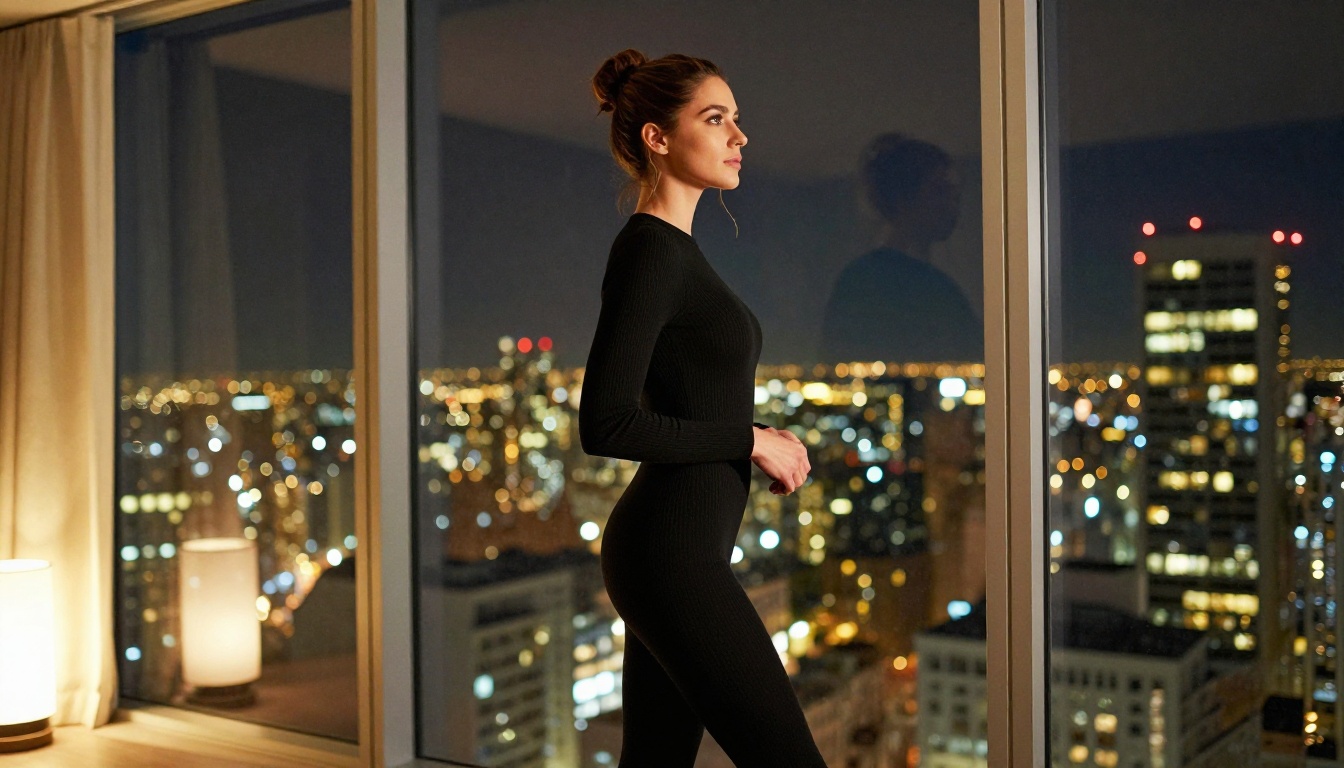
Common Prompt Mistakes That Beginners Make
Over-describing impossible physics. Asking for "hair flowing perfectly in still indoor air" creates model confusion. Keep physics consistent with the environment you describe.
Stacking conflicting visual styles. "Cinematic AND anime AND hyper-real AND watercolor" pulls the model in four directions simultaneously and produces muddy, inconsistent output. Pick one dominant style and commit to it.
Ignoring camera language entirely. Most beginners write detailed character descriptions but forget to specify a camera angle and lens. Adding this single detail improves compositional quality dramatically and consistently.
Writing too short. A 10-word prompt is not a prompt, it is a search query. AI NSFW video models respond to detail. Write 60-100 words and watch the output quality jump.
💡 Write your prompt as if you are directing a real film crew. Describe what the director, camera operator, and lighting technician would each be doing simultaneously. That mental model produces better prompts than any other approach.
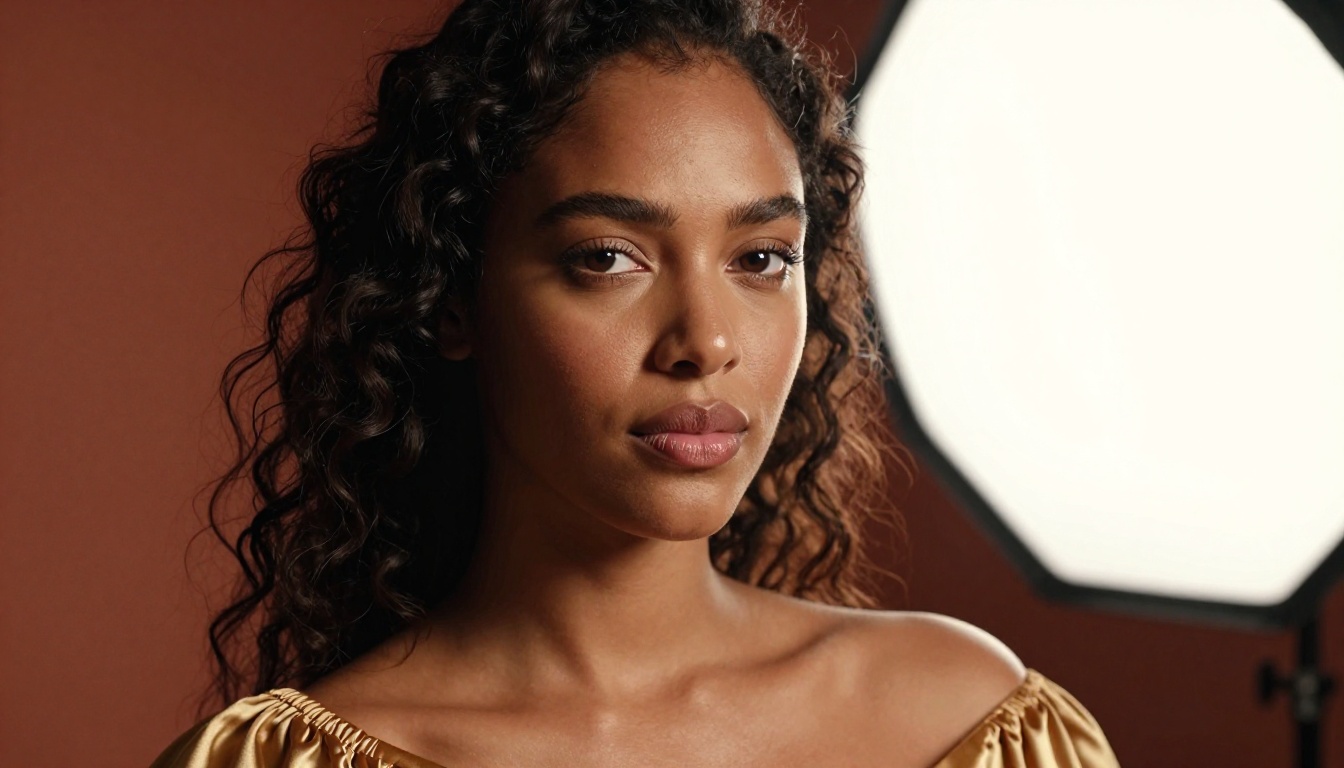
How to Use Kling v3 on PicassoIA
Kling v3 Video is currently one of the most capable models for NSFW content on the platform. Here is a practical step-by-step workflow for beginners running their first generation.
Step 1: Build Your Prompt Using the Checklist
Open Kling v3 Video and build your prompt using the six-element checklist above. A 60-100 word prompt works optimally for Kling. Do not go shorter. Longer prompts above 150 words can occasionally cause the model to lose track of priorities, so stay in the 60-100 range initially.
Example prompt to start from: "A beautiful woman with long black hair lying on cream silk sheets, wearing a delicate white lace bralette, soft morning light filtering through sheer white curtains, slow gentle breathing movement visible, close-up medium shot from a slightly elevated angle, 85mm lens, shallow depth of field with the background dissolving into soft bokeh, cinematic, photorealistic, 8K, Kodak Portra 400 grain warmth"
Step 2: Adjust Duration and Motion Intensity
Kling v3 allows clip duration settings and motion intensity parameters. For character-focused NSFW content, the following settings consistently perform:
- Duration: 5-7 seconds for detail and character-focused shots
- Motion intensity: Low to medium (high motion intensity creates unnatural, jerky movement in close-up character scenes, which is the most common beginner mistake)
High motion intensity works well for action scenes, environmental shots, or abstract content. For intimate, character-focused NSFW work, keep it low.
Step 3: Generate, Review, Iterate Systematically
Run the first generation. Review it critically. If the motion is too fast, reduce motion intensity only. If the composition is wrong, adjust the camera description only. Change one variable per iteration, not the entire prompt. Systematic single-variable iteration produces results in 3-5 generations that random rewrites would take 15-20 generations to reach.
💡 Save every prompt that produces something you like, organized by subject type, lighting style, and camera angle. After 50 generations, this prompt library becomes your most valuable creative asset. Do not skip this step.
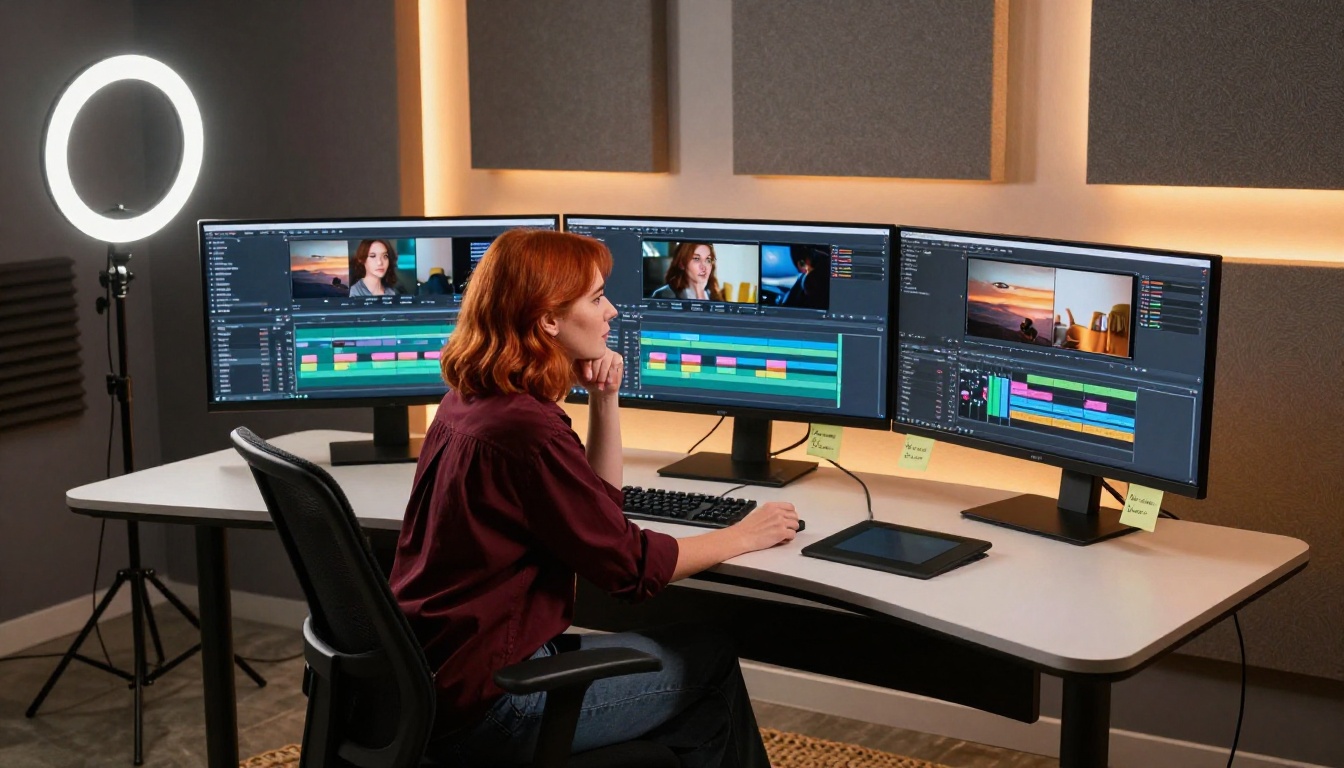
Polishing Your Videos After Generation
Raw AI video output is rarely ready to use as-is. A minimal post-generation workflow dramatically improves the perceived quality and professionalism of every clip.
Upscaling with AI Resolution Tools
Most text-to-video models generate at 720p or 1080p by default. For distribution, portfolio use, or any context where quality perception matters, upscaling is not optional. Video Increase Resolution is a dedicated AI video upscaler that can bring AI-generated clips up to 4K-8K quality without the visual artifacts that standard interpolation produces.
This single post-processing step is often the difference between output that looks like an AI draft and output that looks like a polished, professional production. Most viewers cannot identify the exact quality difference, but they feel it.
Style Transfer and Scene Modification
If a generated clip is compositionally solid but the lighting or visual style is slightly off, Modify Video allows style adjustments and scene modifications without regenerating from scratch. This saves significant generation time and credits when the core clip is good but the aesthetic needs refinement.
For creators who want clean subject isolation without greenscreen production complexity, Video Remove Background removes backgrounds from existing AI-generated videos automatically and cleanly.
Platform Rules and Content Safety
Every AI platform operates within content guidelines. Understanding them prevents wasted generation credits and avoids account issues.
What Gets Blocked
The specific triggers vary by platform, but universally blocked categories include:
- Any content involving minors under any circumstances
- Explicit sexual acts and graphic pornographic content
- Non-consensual scenarios described explicitly
- Content designed to harass, defame, or target real specific individuals
Non-explicit NSFW content as defined above (glamour, lingerie, artistic suggestive content, bikini-style content) passes filters on platforms that permit adult content.
Why Working Within Limits Produces Better Content
Here is something experienced creators realize quickly: working within content guidelines often produces better creative output than pushing against them. Suggestion, implication, and artful composition are more compelling than explicit content in most storytelling and aesthetic contexts.
Focus on mood, lighting, atmosphere, and movement rather than explicitness. The most visually arresting NSFW AI video content is seductive because of its aesthetic intelligence, its quality of light, the naturalness of movement, the composition of a shot. Not because of what it shows explicitly.
💡 Some of the best NSFW AI content barely shows anything. It creates an atmosphere that the viewer's imagination fills in. Work with implication and you will consistently produce more powerful results.

Start Creating Today
The fastest path from beginner to capable AI NSFW video creator is intentional volume. Run 20 generations this week. Study what worked and what did not. Build your prompt library. Try LTX-2.3-Pro for longer, audio-synced clips. Use P-Video for rapid low-cost experimentation. Try Vidu Q3 Pro when you want to combine image input with audio for character animation.
The LTX-2.3-Fast model is worth running in parallel with your main generation for speed comparisons. And if you need to keep costs low while learning, Seedance 1 Lite delivers solid output at a fraction of the cost of premium models.
The tools are all in one place. Pick a model, write a detailed prompt using the six-element structure, generate, and iterate. That is the entire workflow. There is no technical barrier between your idea and the screen except the quality of your description.
Every creator who gets good at this started exactly where you are now: at the first generation, with no idea whether the prompt would work. The only way forward is to start.