Type "nude anime" into any search bar and you get a mess: dead links, paywalled sites, blurry thumbnails and tools that refuse half your prompts. The real demand behind that search is simpler. People want adult, fictional anime characters rendered with glamour, confidence and a bit of heat, and they want it fast and free. This article shows exactly how to get there with AI Nude Anime: Free Generators, Prompts and Examples for Fictional Characters as the topic, using photorealistic, tasteful, non-explicit results.
Every example below features adult characters only, and every image is suggestive and artistic rather than pornographic. That is not just a safety line. It is also the approach that gives the best-looking pictures, because lighting, fabric and mood do more work than skin ever will.
What AI Nude Anime Really Means
The phrase covers a wide range of images. Some people mean sketch-style fan art. Others mean glamour photos of an anime heroine as if she stepped into the real world. This article focuses on the second type: photorealistic anime-inspired characters with silky fabrics, sheer layers, swimwear, corsets and artistic implied styling.
Fictional Adults Only
Rule one is non-negotiable. Characters must be clearly adult, original or fictional, and never based on a real person. Never type the name of a real celebrity, a classmate or an ex. Never describe anyone as young, school-aged or childlike. Write "adult woman in her mid twenties" in the prompt, and the model gets a clear signal about face shape, body proportion and expression.
Suggestive Versus Explicit
There is a huge difference between a glamour portrait and explicit material. Think magazine shoot: a satin robe slipping off one shoulder, a bikini on a sunny beach, a lace corset under a cape. That style is what the best generators do well, and it is what this article aims for. Aim for beauty, not shock value.
💡 Quick rule: If your prompt would look fine on a fashion magazine cover shoot brief, the output usually lands in the sweet spot: attractive, bold and tasteful.
Free Generators Worth Trying
Not every tool handles adult-leaning glamour well. Many mainstream generators block anything beyond a shirt and jeans. The models below are the ones that give the most room for artistic, suggestive results without constant refusals.
Seedream 4.5 Comes First
Seedream 4.5 is the first model to open for this kind of work. It renders skin with believable pores, handles satin and lace without smearing, and follows long prompts closely. If you describe a silver-haired heroine in a navy two-piece with gold trim, you get exactly that, with the gold trim in the right place. It is also fast, so you can run ten variations in a few minutes.
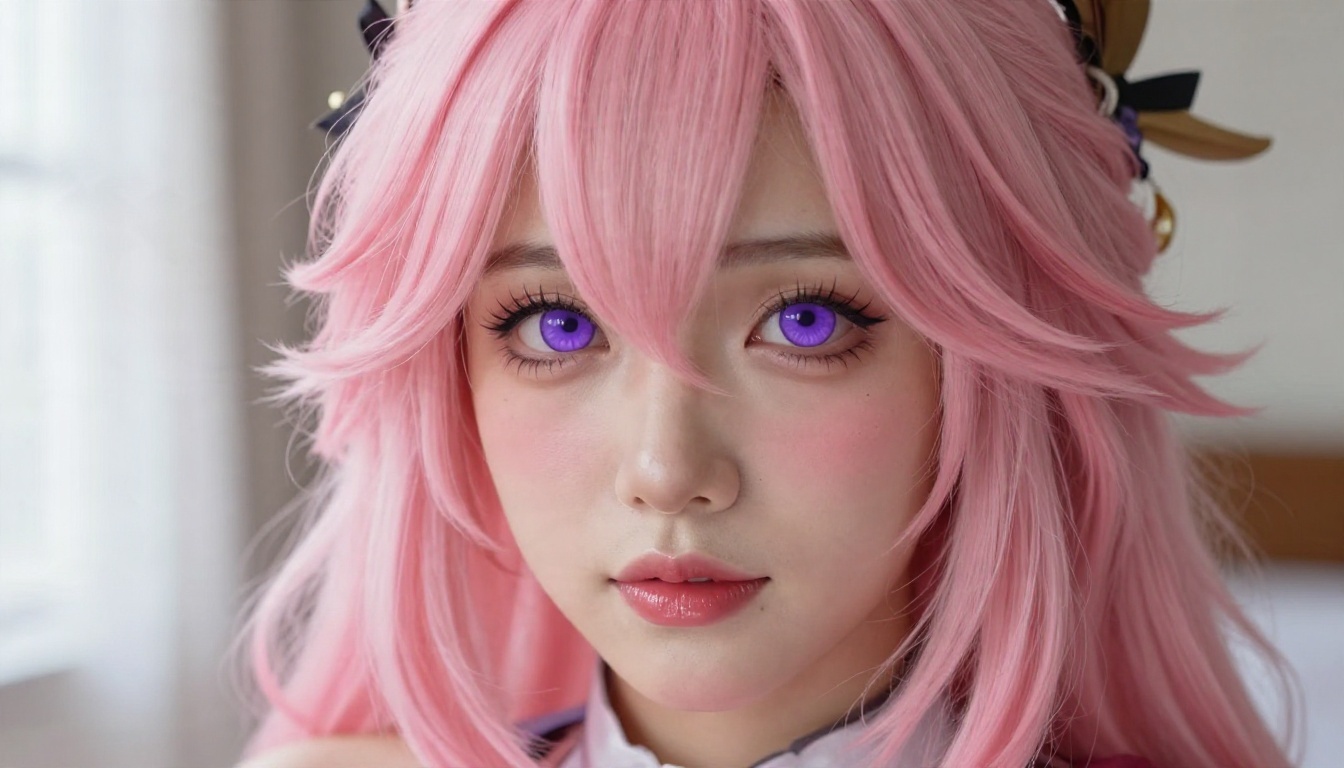
Why it fits anime-inspired work: it keeps unusual hair colors and costume details consistent while still looking like a photograph. Pink hair does not turn plastic. Violet eyes do not turn into glowing discs.
Image Editor Pro for Unlimited Runs
PicassoIA Image Editor Pro is the second tool to keep open. It offers unlimited generations, which matters more than it sounds. Good glamour images rarely appear on the first try. You usually need five to fifteen attempts to get hands, expression and fabric right. With a metered tool that adds up fast. With unlimited runs you can iterate until the picture is right.
It also edits existing images. Generate a base picture, then ask for a different outfit color, a new hairstyle or softer lighting without starting from scratch.
Other Models Worth Having
Different models give different moods. Use the table to pick the right one for the job.
💡 Tip: Run the same prompt on two models and compare. A model that nails skin can lose to another on costume detail, so pairing them often gives a better final pick.
Prompts That Actually Work
A good prompt reads like a photographer's shot list. Vague words like "sexy anime girl" give generic results. Specific words about light, lens and fabric give images that look like they came from a real shoot.
The Prompt Formula
Use this order for every image:
- Subject: adult woman, mid twenties, fictional anime-inspired character
- Hair and face: color, style, eye color, expression
- Outfit: fabric, color, trim, how it fits
- Pose: weight on one hip, glance over the shoulder, hand in hair
- Setting: loft, beach, forest, rooftop
- Light: direction, time of day, softness
- Camera: lens, aperture, angle
- Texture: skin pores, film grain, fabric weave
A sample prompt: "Adult woman in her mid twenties as an original anime heroine, long silver-white hair in twin braids, amber eyes, light freckles, navy satin two-piece costume with gold trim, thigh-high stockings, one hand in her hair, loft window with sheer curtains, warm golden light from the left, 85mm f/1.8, shallow depth of field, Kodak Portra 400 film grain."
Ten Prompt Examples to Copy
Swap the details for your own character:
- Sorceress: pink wavy hair, violet eyes, black ribbon, sunlit bedroom, soft window light, 85mm portrait.
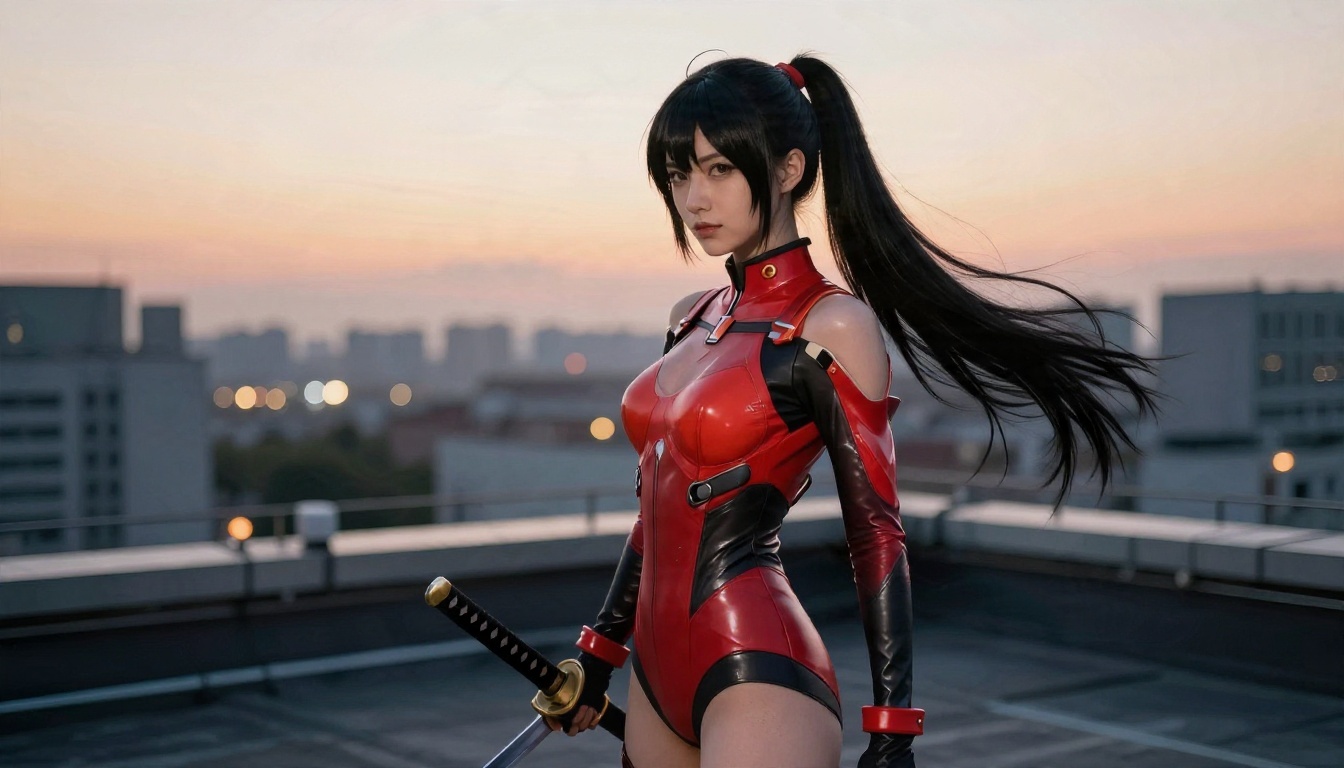
- Swordfighter: red and black fitted bodysuit, long black ponytail, prop katana, rooftop at dusk, rim light.
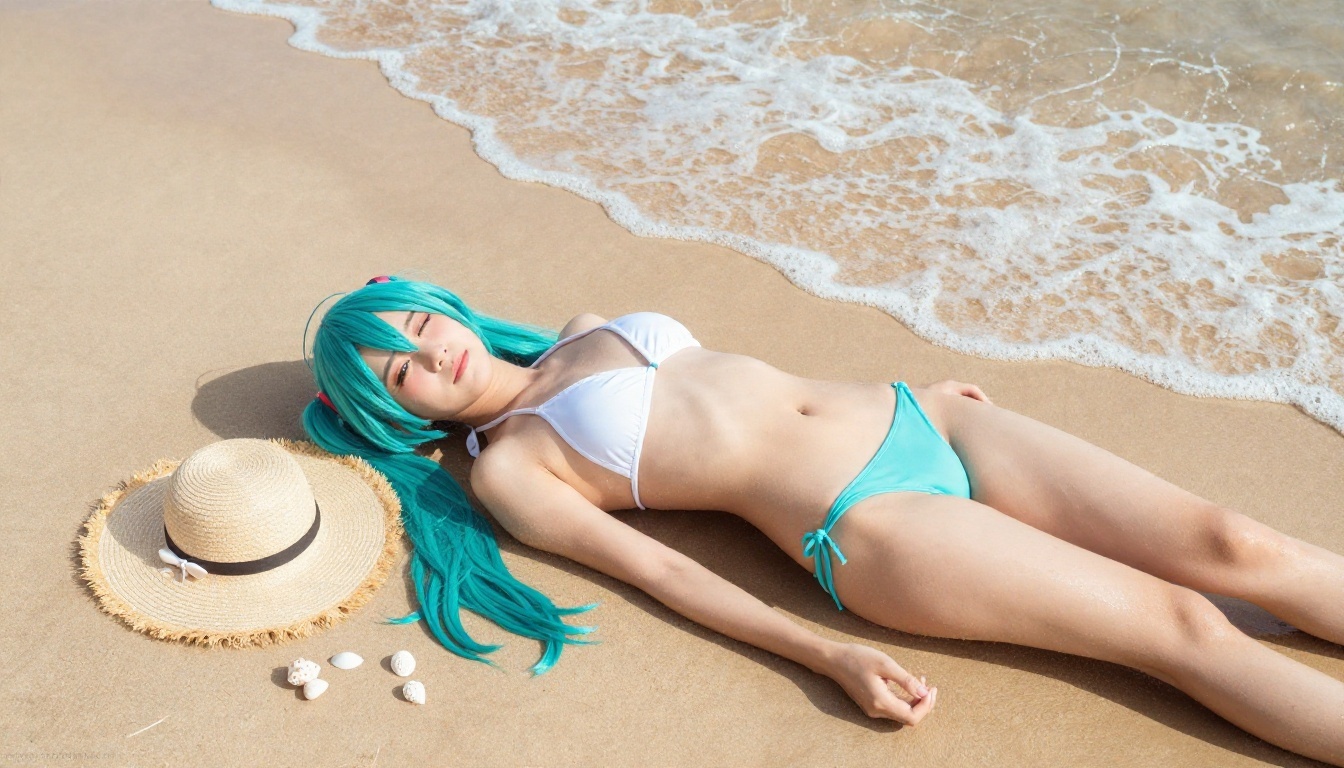
- Beach heroine: white and turquoise bikini, teal twin tails, warm sand, overhead angle, midday sun.
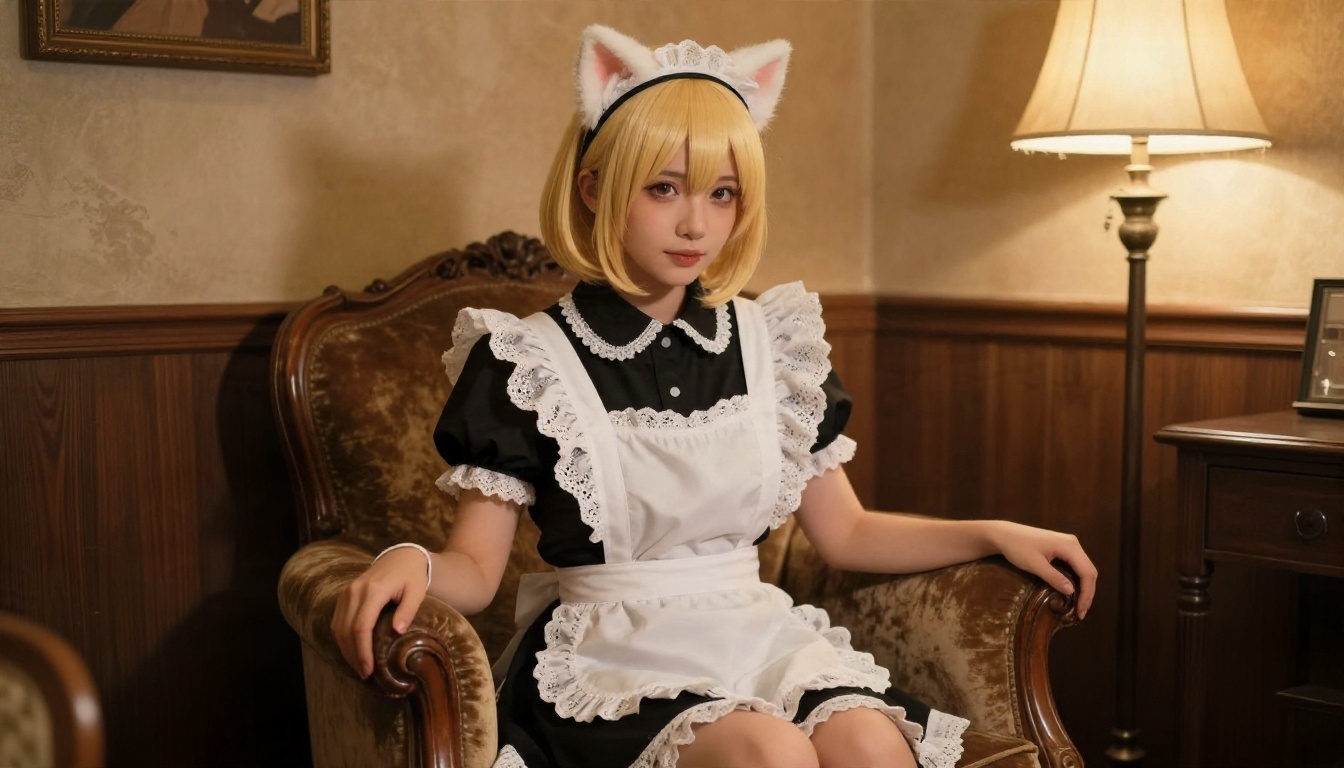
- Cafe character: black lace-trimmed maid-style outfit, blonde bob, cat-ear headband, velvet armchair, lamp light.
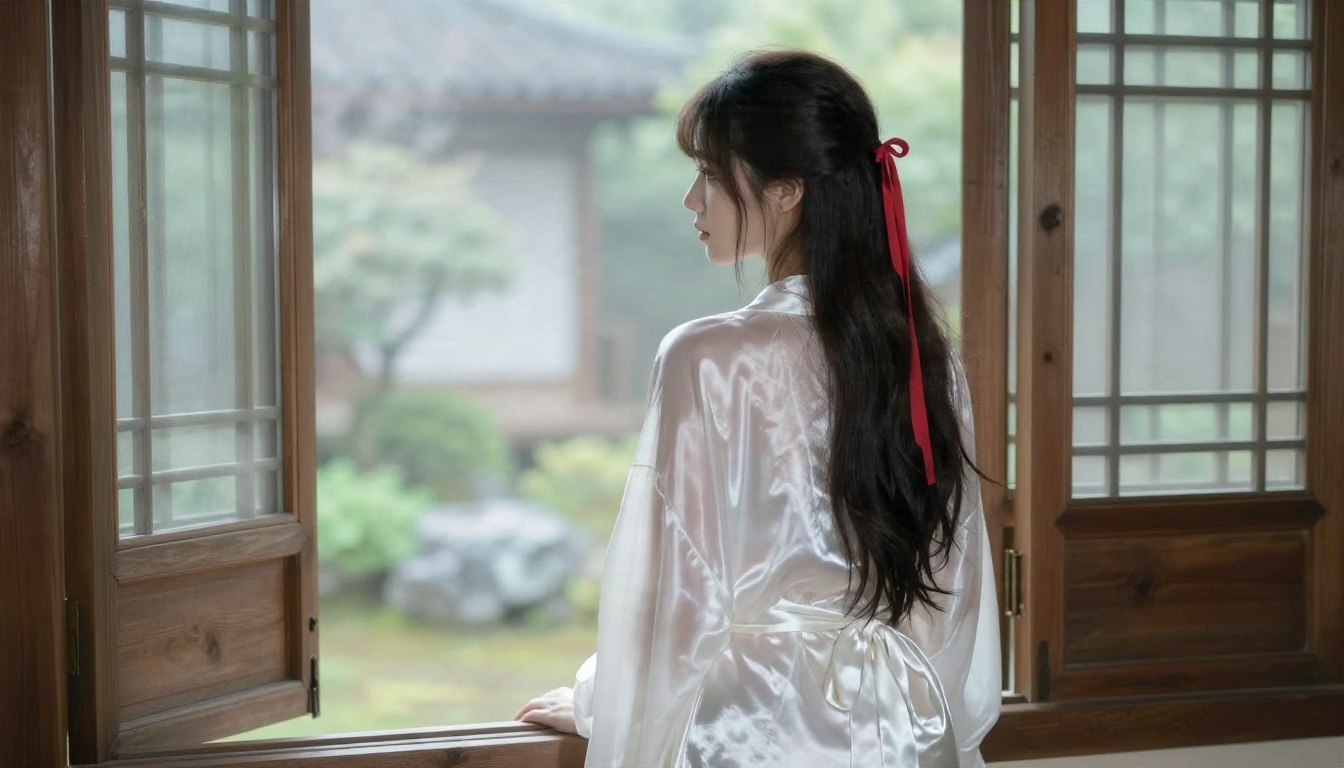
- Shrine maiden: sheer white silk robe over a satin slip, red hair ties, misty garden window, morning light.
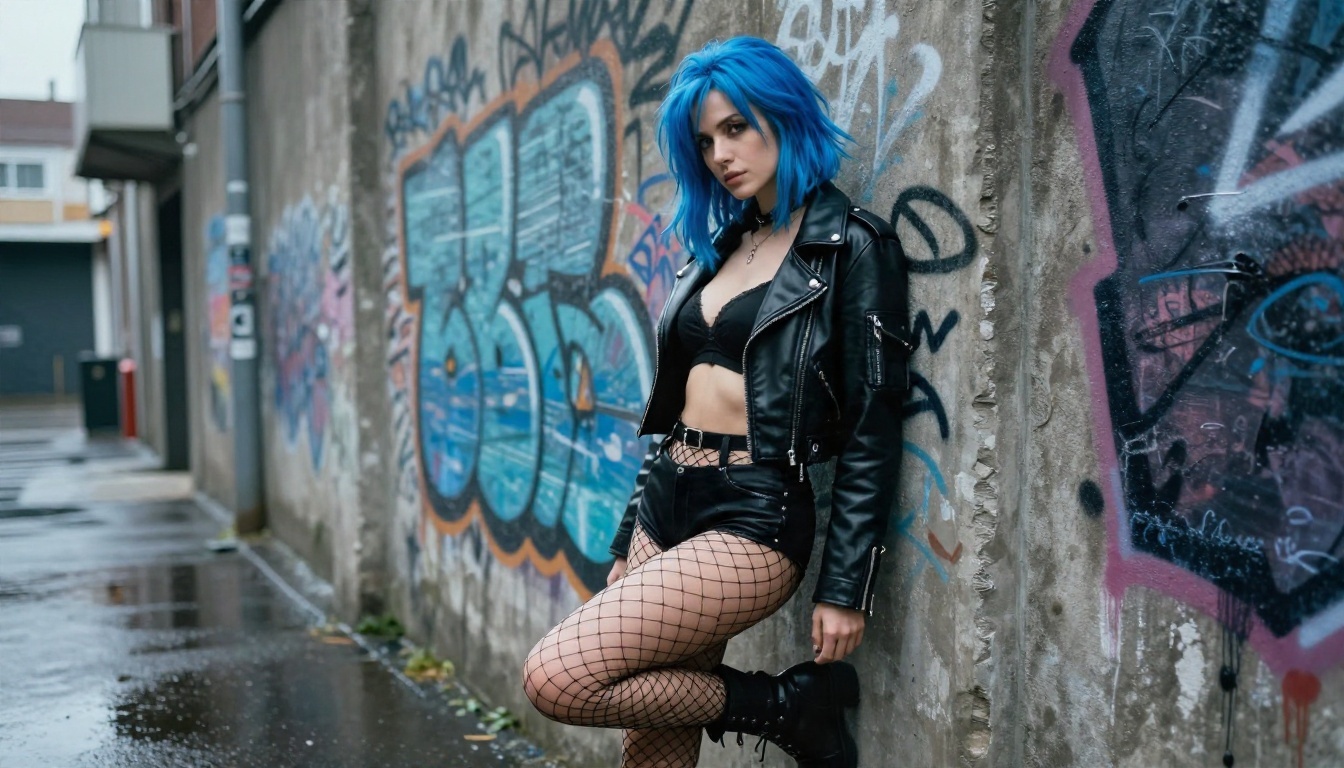
- Rebel: cropped leather jacket, black bralette, fishnet stockings, blue hair, alley after rain.
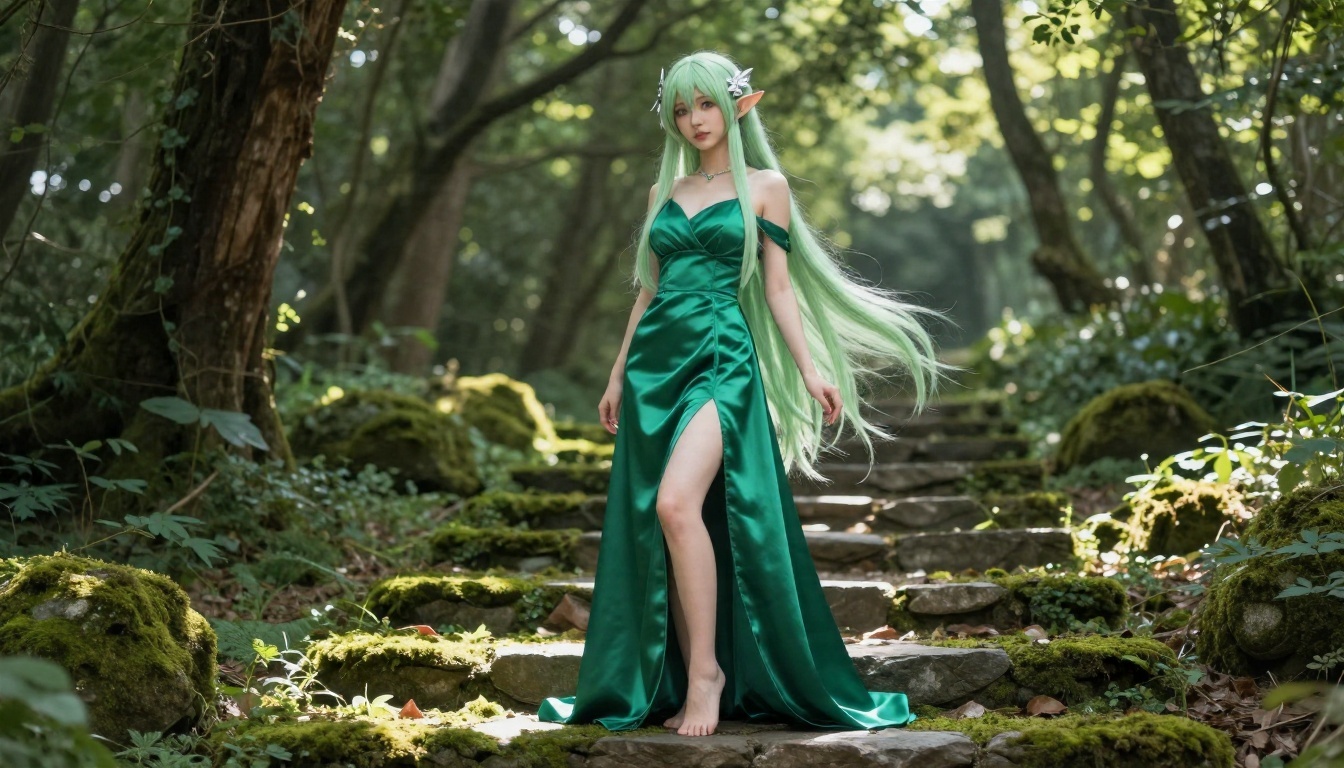
- Elf queen: emerald satin gown with a high slit, pale green hair, mossy steps, dappled forest light.
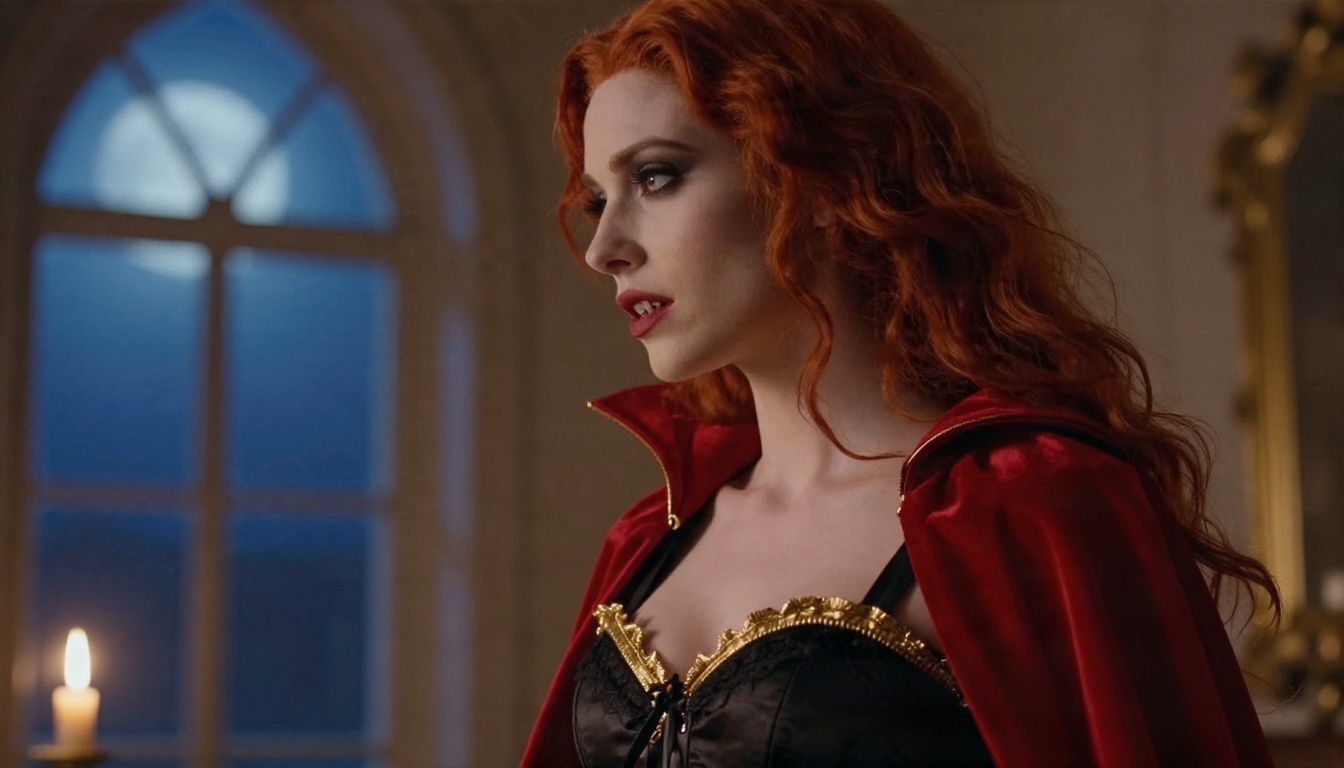
- Vampire countess: black corset top, red cape, long dark red hair, arched window, candle glow.
- Pilot: fitted flight jacket, goggles on forehead, windswept auburn hair, hangar door light.
- Idol: sparkly stage outfit, bright pink hair, backstage mirror with warm bulbs, soft flash.
Habits That Ruin Results
A few mistakes show up again and again:
- Using the word "anime" alone, which pushes models toward flat cartoon shading. Write "anime-inspired cosplay photograph" instead.
- Listing too many outfit items. Pick three or four.
- Forgetting light direction, which leaves faces flat.
- Skipping lens details, which makes images look like stock renders.
- Asking for "perfect skin," which produces a plastic look. Ask for "natural skin texture with visible pores."
Examples by Character Type
Each character type responds to a different mix of light and costume. Here is what works best, based on the examples in this article.
Warriors and Rebels
Fitted bodysuits and leather jackets look best in hard directional light: sunset rim light, wet pavement reflections, cool overcast skies. Low angles add power. A low three-quarter view of a swordfighter on a rooftop gives that anime hero pose without looking staged. Streetwear characters work well with a Dutch angle and a concrete wall behind.
Cafe, Shrine and Boudoir Styles
Softer characters want softer light. A cafe character in lace and cotton looks best with a warm lamp from one side and a dim room behind her. A shrine maiden in a loose silk robe wants cool, diffused morning light and a quiet background. Keep the framing tasteful: over-the-shoulder shots, window views and seated poses carry the mood without needing anything explicit.
Fantasy Queens and Night Characters
Elves, countesses and sorceresses give you room to play with flowing fabric and mixed light. An emerald satin gown looks best when dappled sunlight hits the folds. A vampire countess looks best when cool blue evening light mixes with a warm candle glow on one side of the face. Satin, velvet and lace all show off the detail that good models can render.
Step by Step on PicassoIA
Here is the workflow that gives consistent results with Seedream 4.5 and PicassoIA Image Editor Pro.
Generate the Base Image
- Open Seedream 4.5 and paste your prompt using the formula above.
- Set the aspect ratio to 16:9 for scenes or 2:3 for portraits.
- Write the character as an adult in the first sentence.
- Generate four versions and pick the one with the best face and light.
Refine in Image Editor Pro
- Upload the best image to Image Editor Pro.
- Ask for one change at a time: "change the hair color to teal," "make the light warmer," "swap the stockings for white lace."
- Because generations are unlimited, run as many passes as you need.
- Save the final version at the highest resolution.
💡 Tip: Change one thing per edit. Stacking five changes in one instruction is the fastest way to lose the face you liked.
Upscale and Polish
Finish with a super resolution pass if you plan to print or post in high resolution. This sharpens hair strands and fabric weave without changing the picture. Browse the full list on the all models page for upscalers and editors.
Fixing Common Problems
Even strong models slip. These are the usual faults and the quick fixes.
Hands, Eyes and Costumes
Hands are the classic weak spot. Keep them simple: one hand in hair, one hand on a hip, one holding a prop. Avoid fingers interlaced or gripping complex objects. For eyes, ask for "natural catchlights from the window" and "realistic iris texture." For costumes, name the fabric: satin, lace, leather, cotton. Fabric words steer the model toward real material behavior instead of painted shapes.
Plastic Skin and Flat Light
If skin looks smooth like a filter, add "visible pores, fine freckles, faint skin sheen, film grain." If the picture looks flat, name a light direction: "warm window light from camera left, soft shadow across the waist." Always include a lens: 85mm f/1.8 for portraits, 35mm f/2 for full body, 50mm for balanced scenes.
Quick Fix Table
| Problem | Fix |
|---|
| Cartoon look | Replace "anime" with "anime-inspired cosplay photograph" |
| Plastic skin | Add "natural skin texture, visible pores" |
| Flat face | Add light direction and time of day |
| Messy hands | Simplify the pose |
| Odd outfit | Name fabric and fit, limit to three items |
| Wrong age look | State "adult woman in her mid twenties" |
Safe Habits for Adult Content
Good habits keep your work clean and your accounts safe.
- Fictional only. Never recreate a real person, even loosely.
- Adults only. Always state adult age and avoid any youthful framing.
- Keep it tasteful. Suggestive and artistic images look better and travel further.
- Label your work. If you post online, mark it as AI generated and adult.
- Respect platform rules. Each site has its own limits. Follow them.
These habits also make your portfolio more consistent. A clean, stylish set of images builds an audience faster than a random pile of edgy ones.
Make Your Own Characters Today
You now have the full workflow: a clear idea of what the topic covers, the models to use, a prompt formula, ten ready prompts and fixes for the usual flaws. The fastest way to improve is to make images and compare them.
Open Seedream 4.5 on Picasso IA, paste the silver-haired heroine prompt, and see the result in seconds. Move the best image into PicassoIA Image Editor Pro and run as many edits as you like, since generations are unlimited. Try Z Image Turbo for rapid drafts and Flux Dev for natural light.
Pick a character type, change the hair color, swap the setting, and build your own set. For more options, browse every model at picassoia.com/en/all-models.


