You have about four thousand photos of your dog on your phone. Maybe three hundred of your cat sleeping in a laundry basket. Almost none of them are on a wall. An AI pet portrait from photo fixes that in a few minutes: you upload one good picture, pick a style, and get back something that looks like it belongs in a gallery instead of a camera roll. And you can start for free.
This article walks through how it works, which free options are worth your time, how to choose the photo that gives the best result, and what to do once you have a portrait you love. No art skills needed. No waiting two weeks for a commissioned painting.
What an AI Pet Portrait Really Is
Photo in, artwork out
The idea is simple. You give an image model a reference photo of your pet. The model reads the shape of the face, the fur pattern, the eye color and the pose, then redraws it in the style you ask for: oil painting, watercolor, pencil sketch, royal portrait, storybook illustration, or a polished studio photo.
Two approaches dominate right now:
- Image editing models. You upload your photo and write an instruction such as "turn this dog into a classical oil painting, keep the same markings." The model edits the picture and keeps your pet recognizable.
- Text to image models. You describe your pet in words and the model paints from scratch. This is more flexible, but your pet will look like a golden retriever, not your golden retriever, unless you describe every detail.
For a portrait of a real animal, the editing route nearly always wins, because the reference photo carries the details that make your pet look like themselves: the crooked ear, the white sock, the one eyebrow that sits higher than the other.
Why people love them
Pet owners rarely order these for the novelty. The usual reasons are practical and emotional:
| Reason | What it looks like in real life |
|---|
| Memorial piece | A portrait of a pet who has passed, made from the best photo you kept |
| Gift | A framed print for a partner, parent or friend who adores their dog |
| Home decor | A stylish alternative to a standard framed photo |
| Social profile | An avatar or header image that stands out |
| Fun | Seeing your cat as a Renaissance nobleman |
💡 Tip: Think about where the portrait will end up before you choose a style. A moody oil painting suits a hallway. A bright watercolor suits a kitchen. A cartoon style suits a phone case.
Pick the Right Source Photo
Most disappointing results come from the input, not the model. A blurry photo gives the model nothing to work with, so it guesses, and guesses rarely look like your pet.
Light and angle
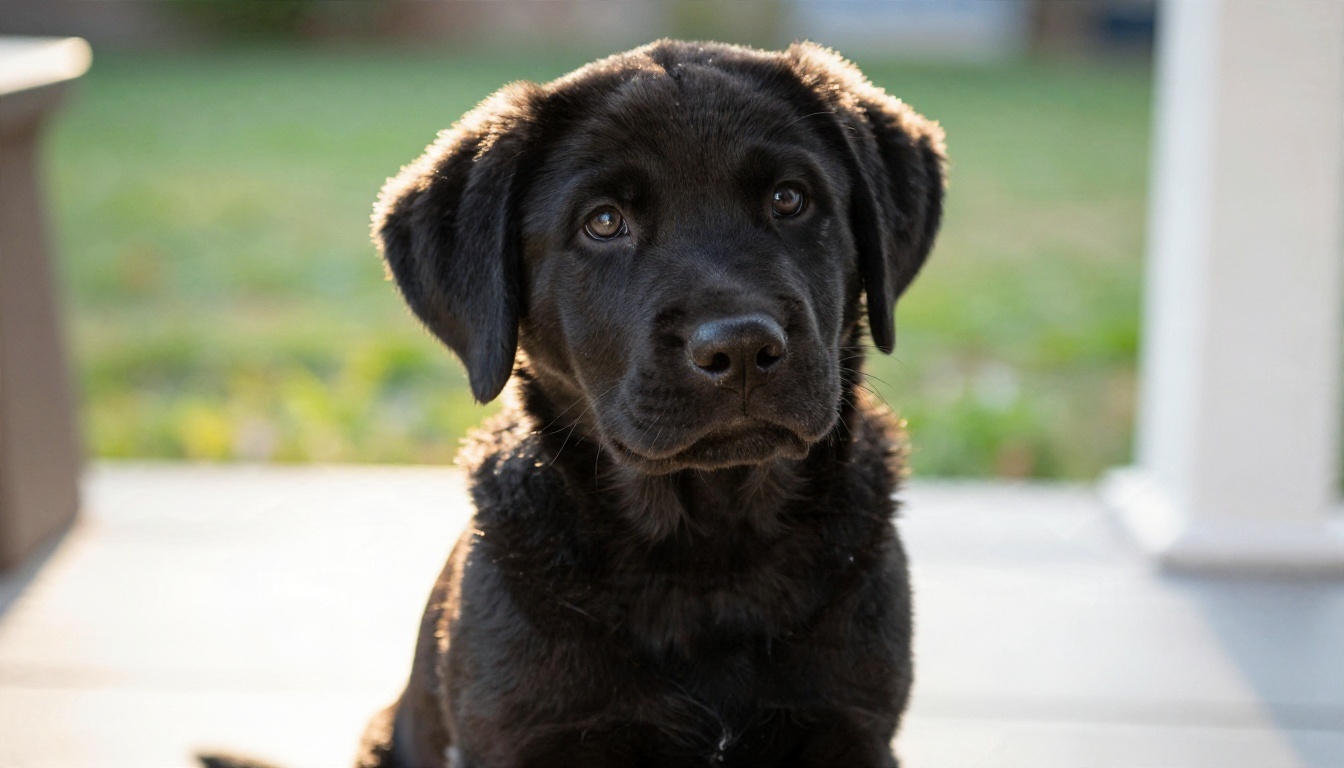
Soft, even light is your friend. Window light, a shaded porch, or the hour after sunrise all work well. Harsh midday sun creates deep shadows under the chin and eyes that the model may read as dark patches of fur.
Shoot at eye level with your pet. Getting down on the floor makes a huge difference. A photo taken from above squashes the face and makes the head look oversized, and that distortion carries straight into the artwork.
Eyes and sharpness
The eyes carry the portrait. Check that both are visible, in focus, and not covered by a flash glare or a red or green glow. On black dogs and cats, a little visible light in the eye helps the model keep that spark of life.
Zoom in on your photo before uploading. If you can see individual whiskers and fur edges, you are in good shape. If it looks soft at full size, pick another one.
Multiple pets
Two pets in one frame can work, but they should be clearly separated and not overlapping. If the result mixes their faces, generate each pet on its own and combine them later in an editor. A group of three or more is easier to handle as separate portraits.
💡 Quick checklist: face fully visible, eyes sharp, even light, no heavy filters, plain or simple background, at least 1000 pixels on the short side.
Free Options That Actually Work
"Free" is a slippery word online. Many apps give you one watermarked preview and then ask for payment. Here is a more honest breakdown of what you can reasonably expect.
Browser based generators
Mobile apps and web tools from many companies offer a free tier or a trial for pet portraits. They are quick, but they tend to lock you into preset styles, add watermarks, or cap resolution at a size too small for printing. They are fine for a fast avatar and less ideal for a wall piece.
Photo editing models
On PicassoIA you work directly with the models, which gives you far more control than a one-tap preset. A few that suit pet portraits:
| Model | Best for | Why it fits |
|---|
| Nano Banana | Editing a pet photo into a new style while keeping the likeness | Follows plain-language instructions closely |
| Nano Banana Pro | Higher detail and larger output for print | Sharper fur, cleaner text-free results |
| P Image Edit | Fast experiments with many styles | Quick edits, so you can try ten versions in a short session |
| Seedream 4.5 | Rich, polished studio style portraits | Strong detail and lighting |
| Flux 2 Klein 9B Base LoRA | Styled looks with a consistent artistic feel | Handles stylized results well |
You do not need to try them all. Start with one editing model, run a few styles, and only switch if the result is not close enough.
Upscaling for print
AI outputs are often around one to two megapixels. That looks great on a screen and soft on a 16 by 20 inch print. Run your favorite result through Real ESRGAN, which upscales images up to four times, and you will have a file that holds up in print. It is a small extra step that rescues the whole project.
Art Styles Worth Trying
Style choice changes the feeling of the portrait more than anything else. Here are the ones pet owners ask for most.
Classic royal oil painting
The Renaissance cat in a velvet collar. The general in a red coat who happens to be a pug. This style is funny and dignified at the same time, and it looks wonderful in a dark frame.
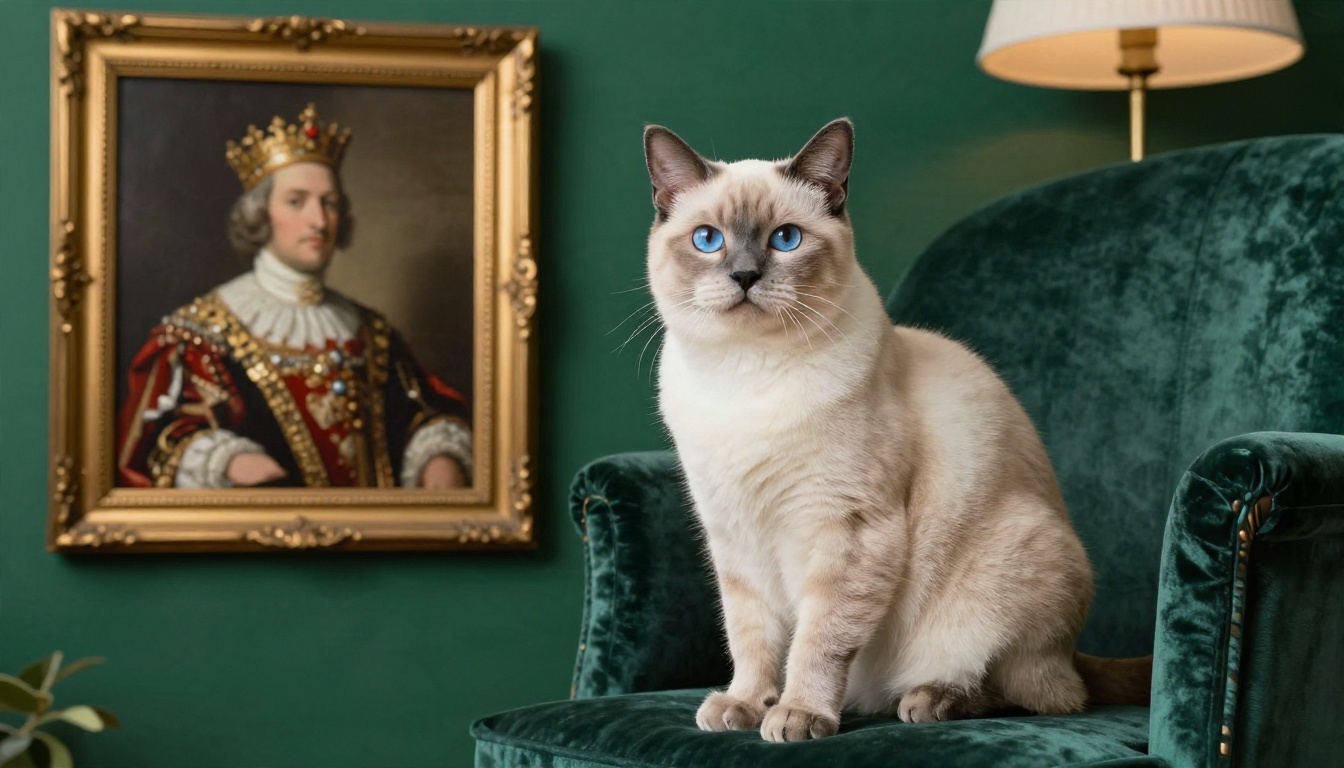
Prompt idea: "Turn this cat into a classical oil painting portrait in the style of 17th century European court painters, dark moody background, rich velvet and gold details, visible brush strokes, keep the exact fur pattern and blue eyes."
Words that help: chiaroscuro, canvas texture, museum lighting, craquelure, heavy impasto.
Soft watercolor
Watercolor is forgiving and gentle. It works best on pets with simple, strong color shapes: a black and white border collie, a ginger tabby, a cream colored poodle. Pale backgrounds and loose edges give it that hand painted feeling.
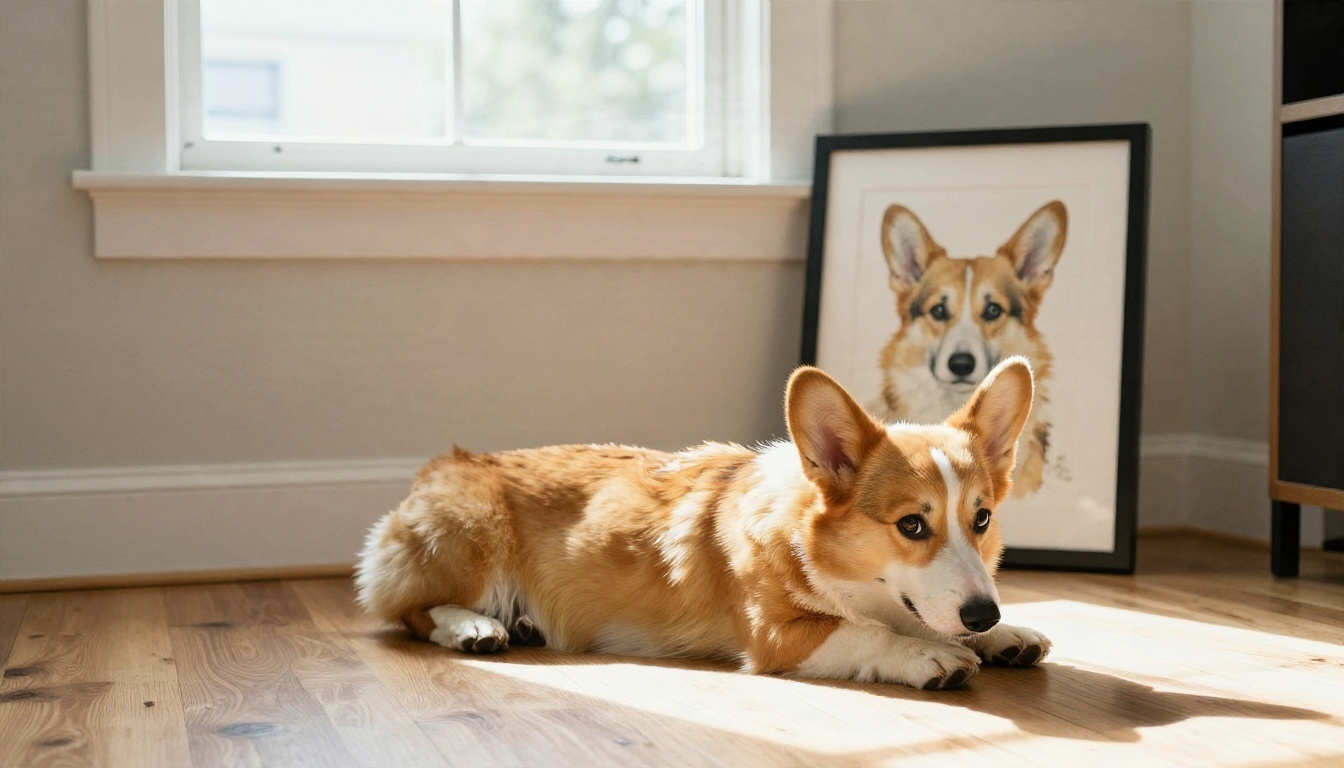
Prompt idea: "Convert this dog photo into a loose watercolor portrait on cold press paper, soft washes, white background, delicate ink outlines around the eyes, keep the markings exactly the same."
Photoreal studio portrait
Not every pet portrait has to look painted. A photoreal studio result with a dark backdrop and a single soft key light makes a very elegant print, like something from a professional pet photographer.
Prompt idea: "Restyle this photo as a professional studio portrait, dark charcoal backdrop, soft side light, shallow depth of field, sharp whiskers, natural fur texture."
💡 Pro move: Generate the same photo in three styles and pick your favorite. The differences are often bigger than you expect.
How to Use Nano Banana on PicassoIA
Nano Banana is a strong first choice because it takes a reference photo and a plain sentence, with no technical settings to fight. Here is a simple workflow.
Step by step
- Open the model page. Go to the Nano Banana page on PicassoIA.
- Upload your reference photo. Use the sharpest, best lit picture of your pet that you have.
- Write one clear instruction. Name the style, the background, and what must stay the same.
- Generate and compare. Run it two or three times. Small wording changes give noticeably different results.
- Refine with a follow-up. Ask for one change at a time, such as "make the background darker" or "add a thin gold frame."
- Upscale before printing. Send your favorite to Real ESRGAN.
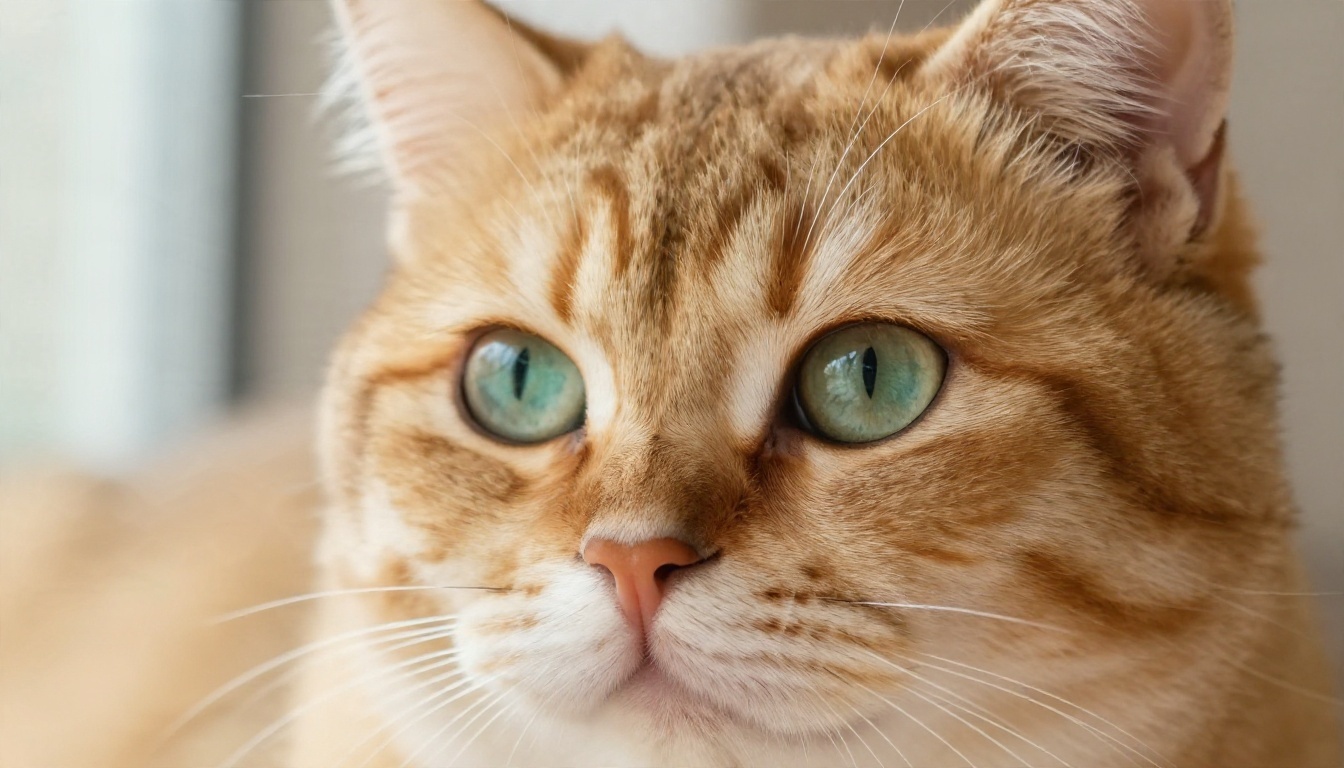
Prompts you can copy
Use these as starting points and swap in your pet's details.
- Oil painting: "Paint my dog from this photo as a classical oil portrait, warm candlelight, dark green background, visible brush strokes, keep the exact coat colors and the white patch on the chest."
- Pencil sketch: "Redraw this cat as a detailed graphite pencil portrait on cream paper, fine crosshatching, keep the eyes realistic and sharp."
- Pop art: "Turn this dog into a bold four panel pop art poster with flat bright colors and thick outlines, keep the face shape and markings."
- Memorial piece: "Create a calm, soft light portrait of this dog sitting in a sunny meadow, painterly style, peaceful mood, keep every detail of the face."
- Costume fun: "Dress this cat as a Victorian ship captain in an oil painting, keep the face and fur pattern identical."
Tweaking the result
| Problem | Fix to try |
|---|
| Face looks different | Add "keep the exact face, fur pattern and eye color" and use a sharper source photo |
| Style too weak | Name specific painting words: "heavy brush strokes, canvas texture" |
| Background too busy | Add "plain dark background" or "plain white background" |
| Fur looks plastic | Ask for "natural fur texture, individual hairs visible" |
| Wrong number of legs or ears | Regenerate, and use a photo where the whole body is clear |
If you want more polish and detail for a large print, repeat your best prompt in Nano Banana Pro or Seedream 4.5 and compare the two.
Common Mistakes and Fixes
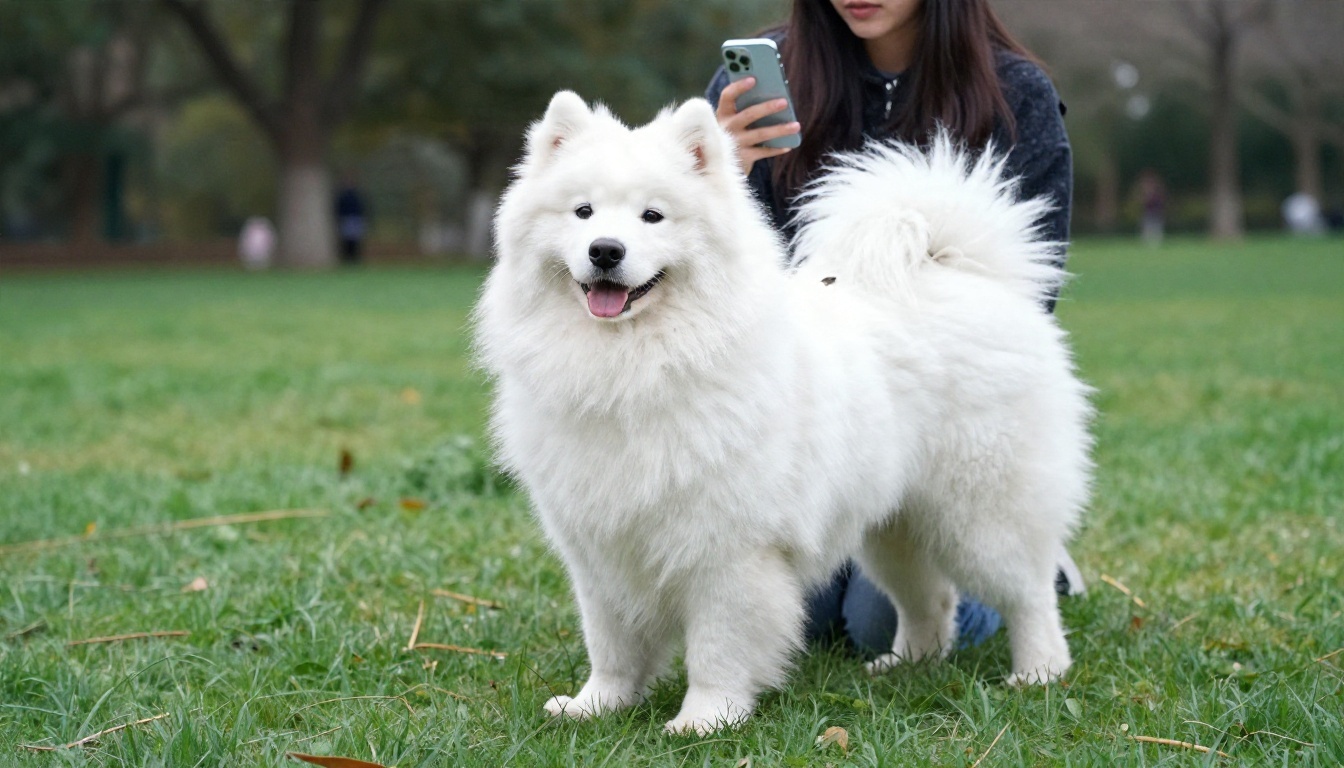
Using a tiny or compressed photo
Photos that were sent through a messaging app are often compressed heavily. Go back to the original file on your phone. Even a modest original beats a shrunken copy.
Asking for too much at once
A prompt with six styles, four moods and three backgrounds confuses the model. Give it one style and one mood. Add extras in a second round.
Forgetting the likeness instruction
If you do not say what to keep, the model is free to change it. Always include a line such as "keep the exact markings, eye color and ear shape." It is the cheapest fix there is.
Choosing a style that fights the coat
A fluffy white dog in a dark, heavy oil style can lose its shape. A sleek black cat in a pale watercolor can disappear. Match style to coat: contrast helps.
Skipping the zoom check
Before you print, zoom to 100 percent and look at the eyes, nose and whiskers. If you find a warped pupil or a smudged nose, regenerate. It is far better to catch that on screen than on paper.
Print, Frame, Gift
A portrait that lives on your phone is only half done. Printing it is what makes it feel like art.
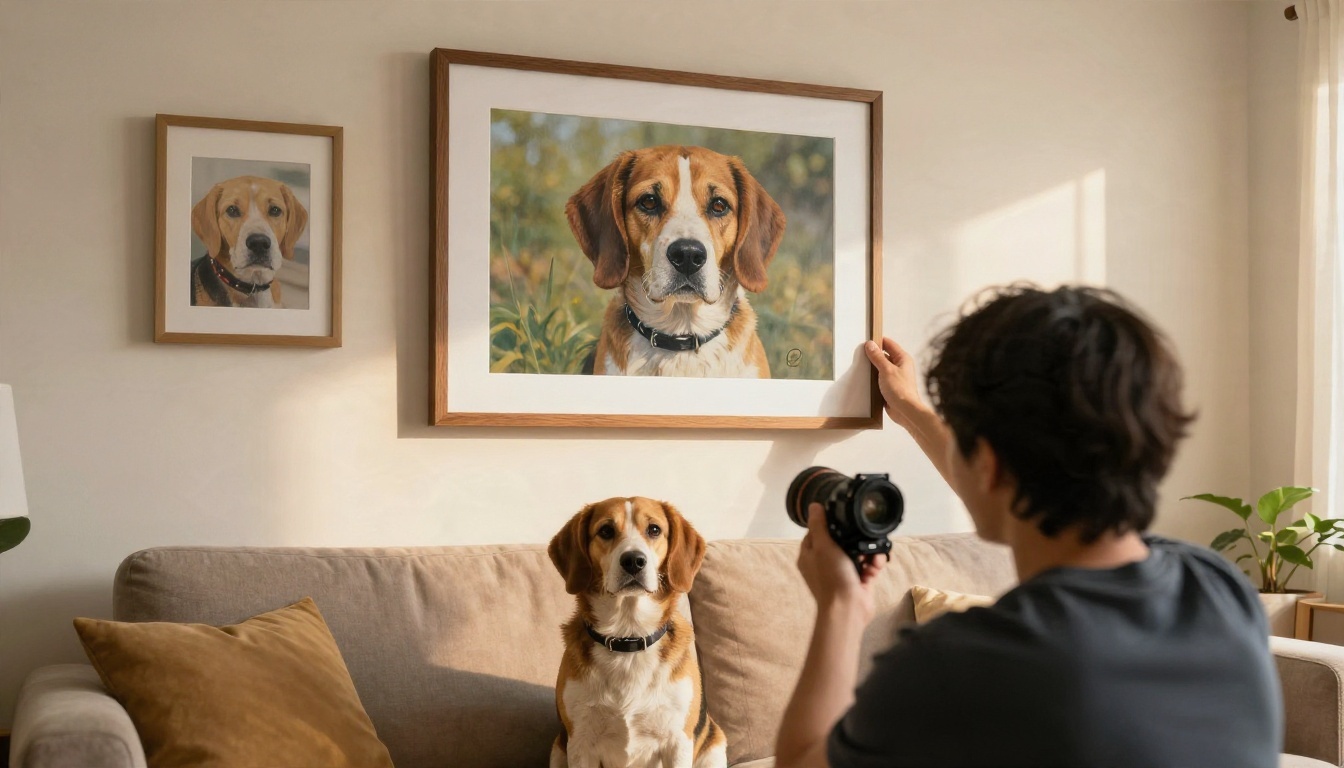
Sizes and paper
| Print size | Good for | Suggested resolution |
|---|
| 5 by 7 in | Desk, shelf, greeting card | 1500 by 2100 px |
| 8 by 10 in | Standard frame | 2400 by 3000 px |
| 16 by 20 in | Statement wall piece | 4800 by 6000 px |
Matte or textured paper suits painted styles. Gloss suits photoreal studio results. A canvas print gives an oil painting its natural look.
Gift ideas
A framed print is the obvious choice, but there are other options that make people smile:
- A mug or tote bag with the portrait for a pet loving friend
- A set of greeting cards with your cat in costume
- A calendar with twelve different styles of the same pet
- A small framed print with a handwritten date on the back
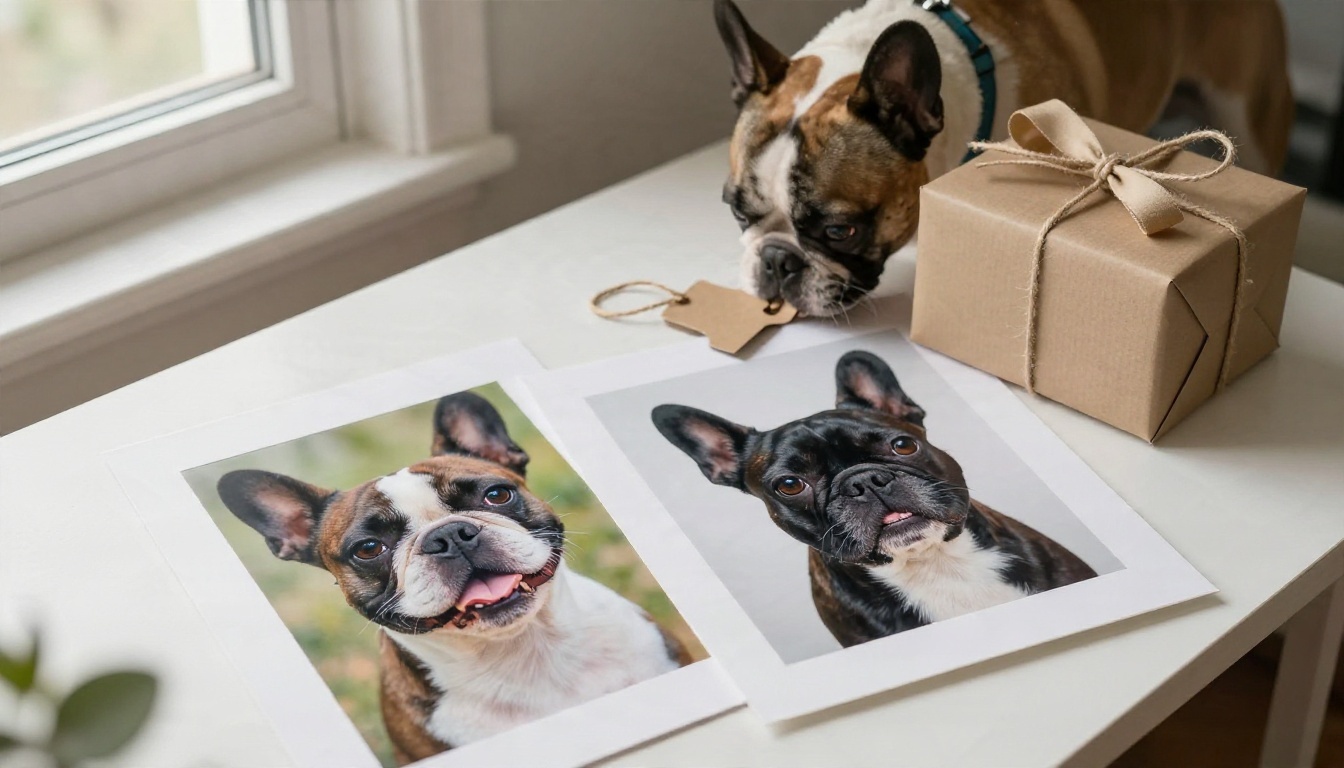
💡 Gift tip: Ask a family member to send you three of their favorite photos of the pet. Surprise gifts land best when the photo is one they already love.
Make Your Pet's Portrait Today
You already have the hard part: a pet worth painting. Pick your sharpest, best lit photo, choose a style that suits the coat, and write one clear instruction that says what to keep. In under ten minutes you can have a few versions to compare.
Open Nano Banana on Picasso IA and try the oil painting prompt first. Then run the same photo through P Image Edit for a fast watercolor, and send your favorite through Real ESRGAN so it is ready to print. If you want to see what else is available, browse everything at picassoia.com/en/all-models.
Your dog has been the star of your camera roll for years. Give them a wall of their own.


