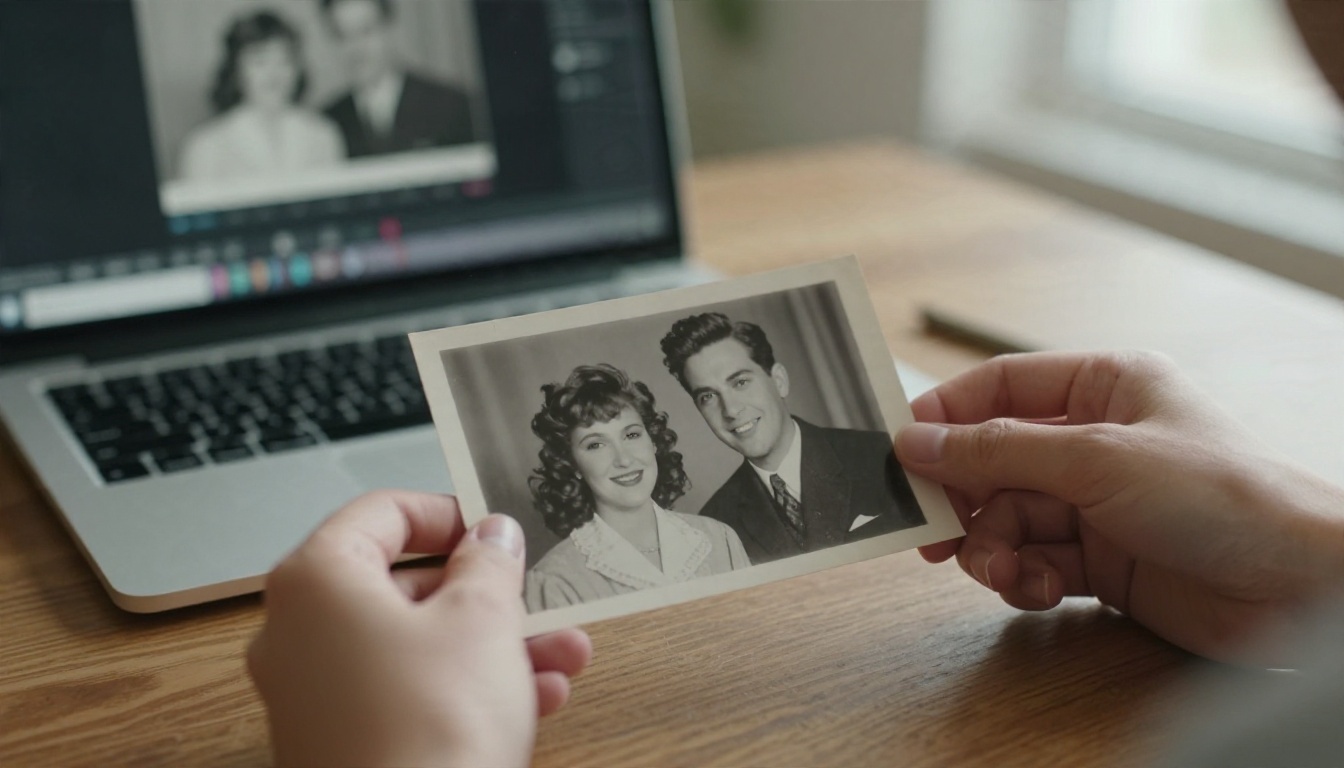
There is a shoebox in almost every family home. Inside it, a grandmother at nineteen squints into the sun, a dog that passed away years ago mid-bark, a wedding party frozen one second before the laughter. For a century, a photo has been a held breath. Now you can let it out. AI photo animation takes a single still image and predicts how the scene would move: hair lifting in a breeze, eyes shifting, waves rolling, a smile finishing itself. It takes seconds, it often costs nothing, and it works on a phone.
The catch is that the market is crowded. Dozens of apps promise to bring photos to life, and the word "free" hides a lot of limits: watermarks, daily caps, slow queues and low resolution. This article sorts the noise. You will see what free really means, which kinds of tools exist, which video models give the most natural motion, and exactly how to get a clean result from your first try.
What AI Photo Animation Really Does
From Still Pixels to Motion
A video model does not "unfreeze" your photo. It treats your picture as the first frame of a short clip and then generates the frames that plausibly follow. To do that, it has studied millions of real clips, so it knows that fabric sways, that water flows downhill, that a head turns on a neck and not on a shoulder.
Most tools in this category work in one of three ways:
- Image to video: you upload a photo, add a short motion prompt, and the model generates a 3 to 10 second clip.
- Motion transfer: you supply a photo plus a reference video, and the subject copies the movement of the reference.
- Face animation: a narrower tool built for portraits, which adds blinking, head tilts and a gentle smile.
The first option is the most flexible, and it is where the best models live today.
Why Everyone Is Doing It Now
Two things changed. First, models got dramatically better at keeping faces, clothing and backgrounds stable across frames, which used to be the biggest giveaway of AI video. Second, several models added native audio, so a clip of waves on a beach can arrive with the sound of waves, and a street scene can come with distant traffic.
💡 Quick truth: the photo you start with matters more than the tool you pick. A sharp, well lit image with a clear subject beats a blurry one in every model.
Free Apps That Animate Photos
What Free Usually Means
Roundups published through 2026 keep naming the same group of tools: Dreamina, Kling AI, Pika, Luma, Krea, Viggle for character motion and MyHeritage Deep Nostalgia for old family portraits. Almost all of them follow the same pattern. You get a daily or monthly allowance of credits, a lower resolution, and often a watermark. Limits change often, so check the current terms before you build a plan around any one of them.
Here is how free tiers generally compare:
| Feature | Typical free app | Typical free online model |
|---|
| Daily allowance | Small credit pool | Varies, sometimes unlimited |
| Watermark | Often on by default | Often removed |
| Resolution | 480p to 720p | 720p to 1080p |
| Clip length | 3 to 5 seconds | 5 to 10 seconds |
| Motion control | Presets and sliders | Free text prompts |
| Audio | Rare | Increasingly common |
Phone Apps Worth a Look
Phone apps win on convenience. You pick a photo from your gallery, tap a preset such as "gentle smile" or "wind," and you have a clip in under a minute. They are ideal for a single memory or a quick social post. The trade-off is control: when you rely on presets, you cannot say "the child looks up at the camera while the curtain moves behind her." If a preset gets it wrong, you have little room to fix it.
Watermarks and Daily Limits
A watermark is not just ugly, it limits where you can post the clip. If you plan to share on a business page or in a presentation, look for a tool that lets you export clean. If you only want a keepsake for the family chat, a small logo in the corner may not matter.
Browser Tools vs Apps
A browser tool needs no install and works on any laptop, which makes it better for batches, larger screens and careful comparison. You can drag in several photos, write more detailed prompts, and download a file at higher quality.
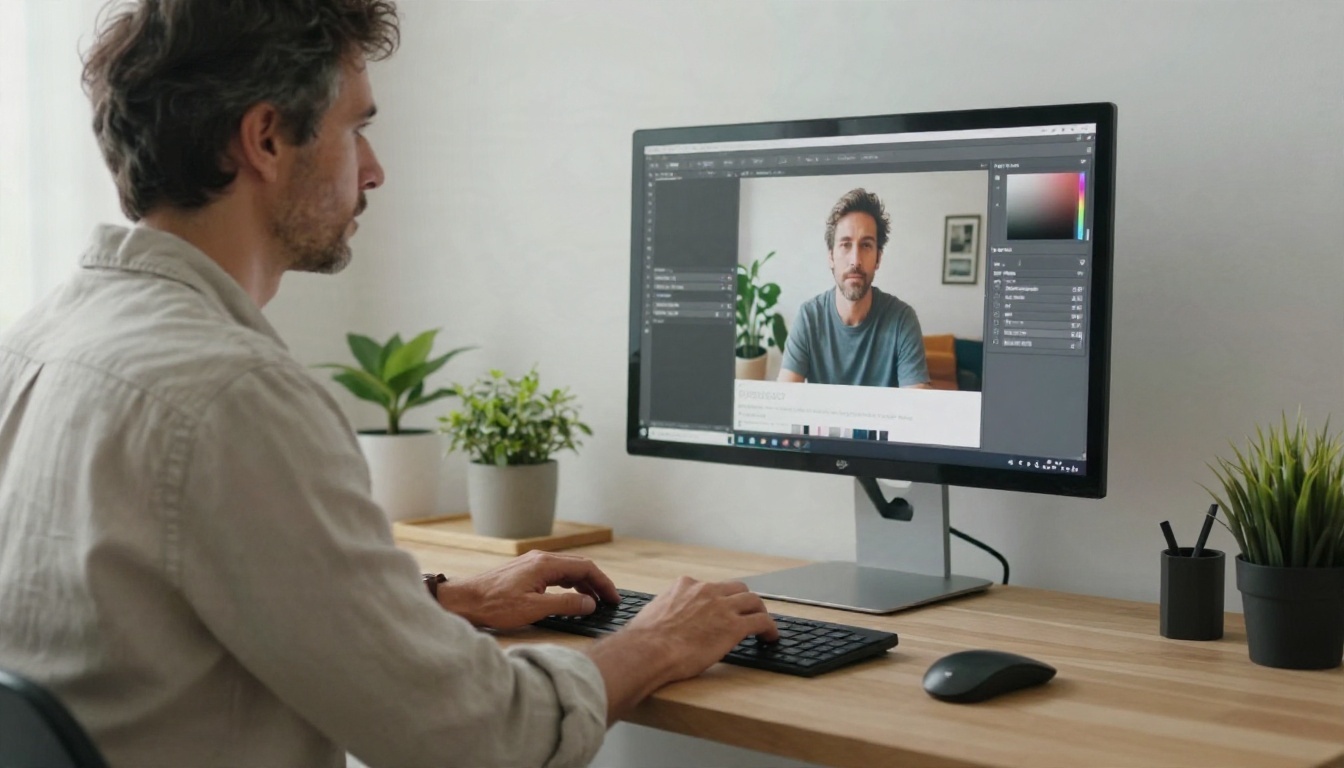
The strongest argument for browser tools is model choice. A single platform can give you access to several engines, each with a different personality. One handles realistic faces better, another handles camera moves, another is quick and cheap for testing a concept.
Free Models on PicassoIA
PicassoIA gathers many of these engines in one place, and two of them are built for people who want to experiment without counting credits:
- Seedance 2.5 Lite is described as a free and unlimited video generator, with clips of up to 10 seconds.
- PicassoIA Video is a free, unlimited generator that accepts a text prompt or an image.
If you want to start cheap and loose, begin with those two. Once you find a motion you like, move to a heavier model for the final version.
💡 Tip: Use a free model for ten quick drafts, then spend your effort on the one prompt that works. Experimenting on a fast model costs minutes, not money.
Best Models for Bringing Photos to Life
Not every model has the same strengths. This table lists image-to-video options on PicassoIA that suit photo animation, along with what each does well.
Fast Models for Quick Tests
When you are not sure what prompt will work, speed matters more than polish. Wan 2.5 I2V Fast, Hailuo 2.3 Fast and Gen4 Turbo let you run an idea, look at it, and adjust. Think of this stage as sketching: you are asking whether the subject should move its head, whether the camera should push in, whether the background should stay still.
Cinematic Models for Final Clips
When the motion is settled, move to a model that produces richer detail. Kling v3 Video is a strong choice for deliberate camera moves such as a slow push-in on a face. Veo 3.1 Fast adds synchronized sound, which turns a silent landscape into something that feels like a real moment. Wan 2.7 I2V sits in the middle: a dependable all-rounder when you want one model for everything.
How to Animate a Photo Step by Step
The process is nearly identical across tools. Here is the workflow that gives the most consistent results.
Pick the Right Source Photo
The photo sets your ceiling. Choose an image with these qualities:
- Sharp focus on the main subject, especially the eyes.
- Good light without heavy shadows across the face.
- Room to move, meaning the subject is not cropped tight at the edges.
- One clear subject, because crowded scenes confuse motion.
If your photo is old, scratched or small, run it through an upscaler first. PicassoIA has super resolution and restoration tools in its model library, and a cleaner input gives the video model more detail to hold on to.
Write a Motion Prompt
A good prompt describes what moves, how, and what the camera does. Keep it short and physical. Compare these two:
| Weak prompt | Strong prompt |
|---|
| "Make it come alive" | "She slowly turns her head toward the camera and smiles softly, hair moves in a light breeze, slow push-in" |
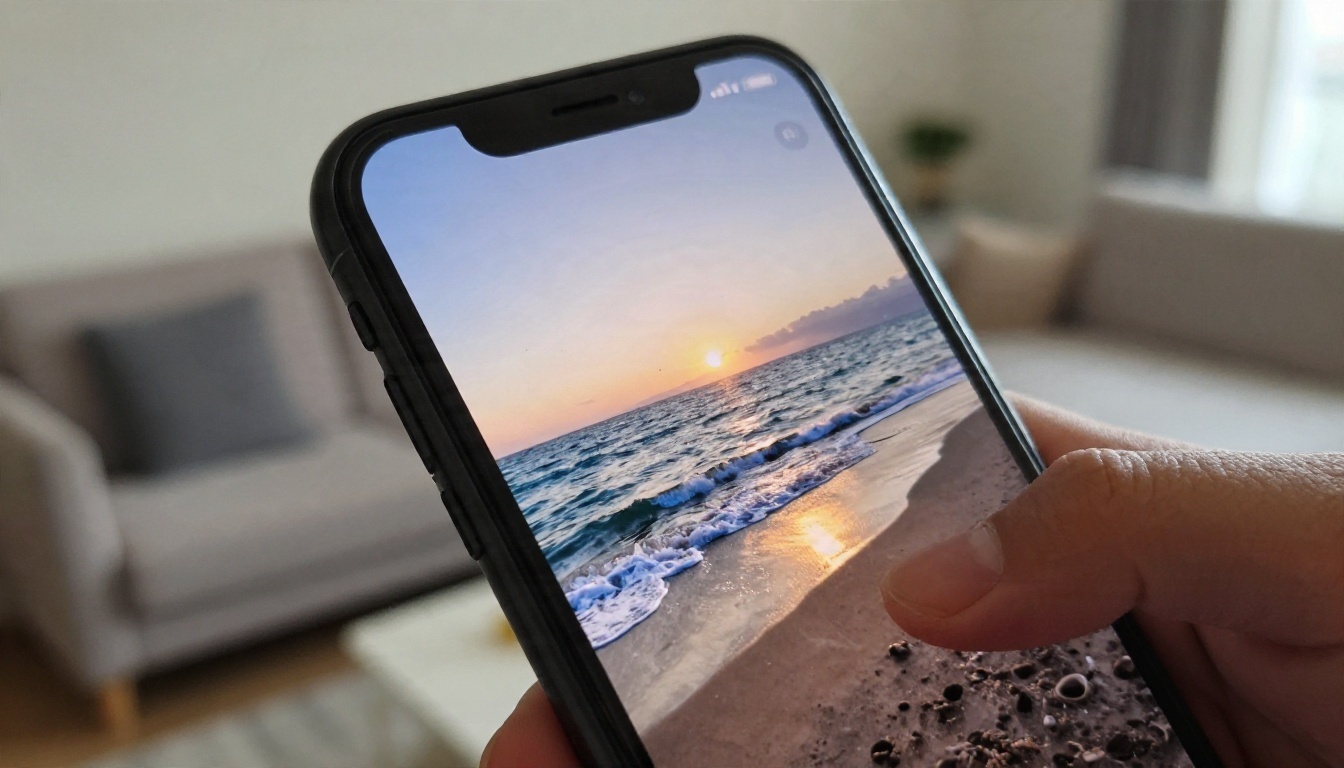
| "Animate the beach" | "Waves roll in and break gently, foam slides across wet sand, clouds drift slowly, camera stays still" |
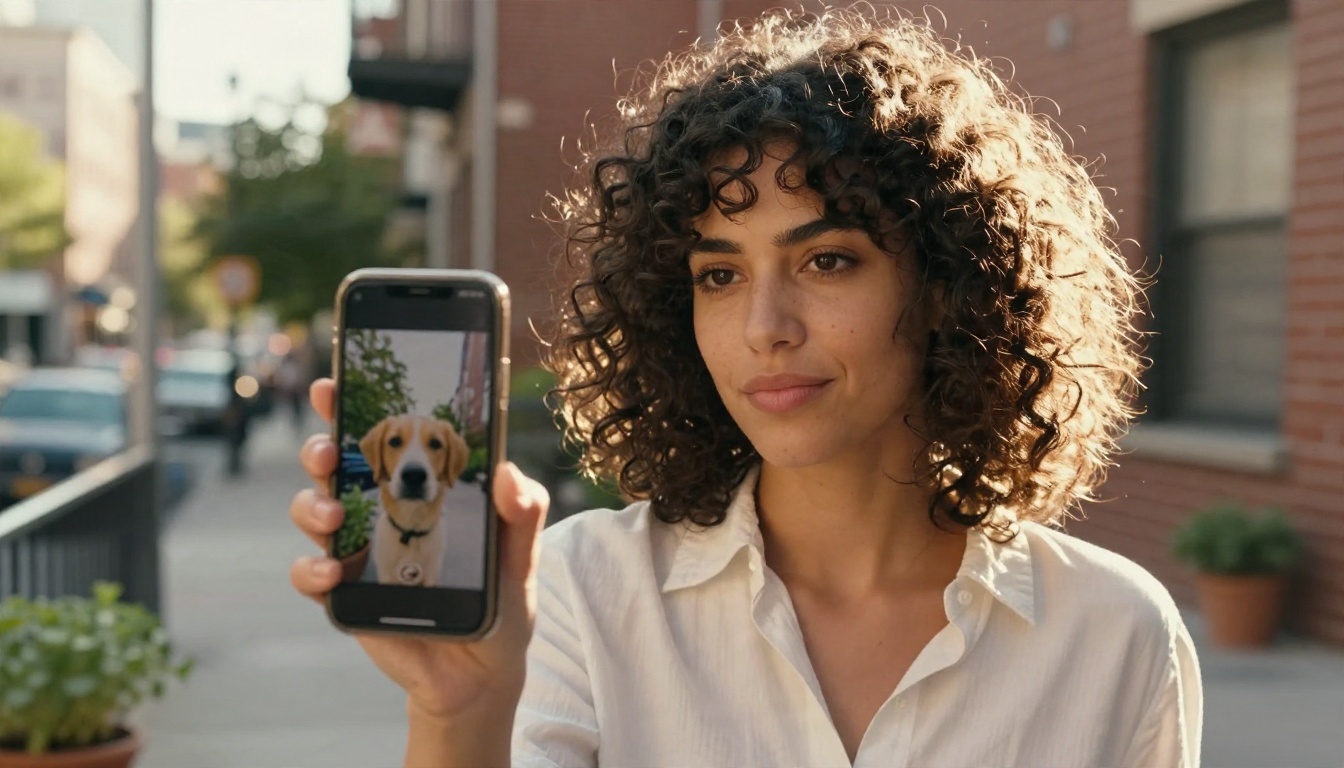
| "Move the dog" | "The dog tilts its head, ears twitch, tail wags slowly, soft daylight, static camera" |
Use a single main action. When a prompt asks for five things at once, the model tends to do none of them well.
💡 Rule of thumb: one subject action, one background action, one camera instruction. That is enough for a five second clip.
Check and Refine
Watch the clip three times. First for the face, then for the hands and edges, then for the background. If something looks off, change one thing in the prompt and run it again. Do not rewrite the whole thing, because you will lose track of what helped.
If a model keeps distorting a face, try a different engine rather than fighting it. Models have different strengths, and a prompt that fails on one will often work on another.
Best Uses for Animated Photos
Family Photos and Old Portraits
This is the use that moves people. A grandparent who sees their own mother blink and smile in a clip made from a 1950s print often reacts in a way no still can produce. Keep the motion subtle: a slow blink, a small smile, a tiny head turn. Big movements break the illusion and can feel unsettling.
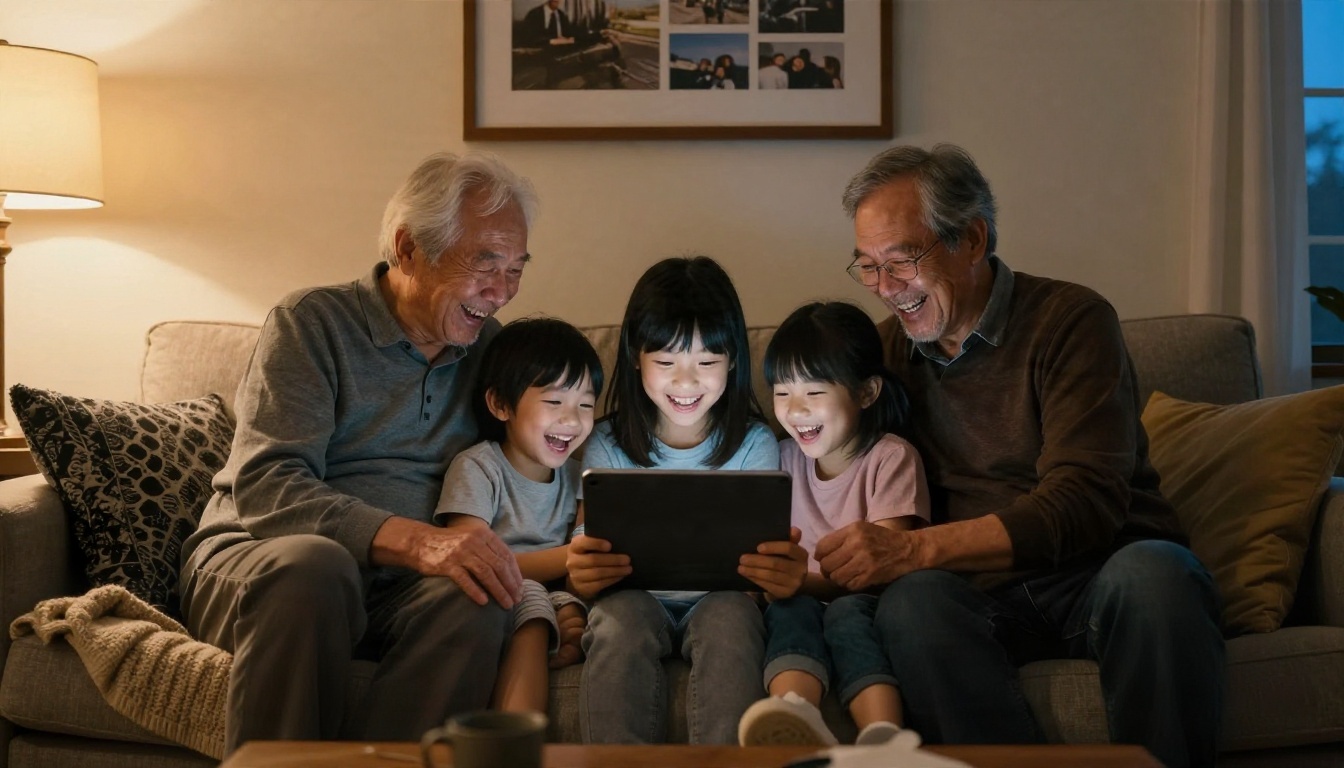
Be honest with your family about what you are showing them. The clip is a plausible guess at motion, not a recording. Many people find that framing makes the result feel warmer, not colder.
Pets, Products and Social Posts
Pets are forgiving subjects. A head tilt or a tail wag reads instantly, and there is no face recognition problem if the model gets a whisker wrong.
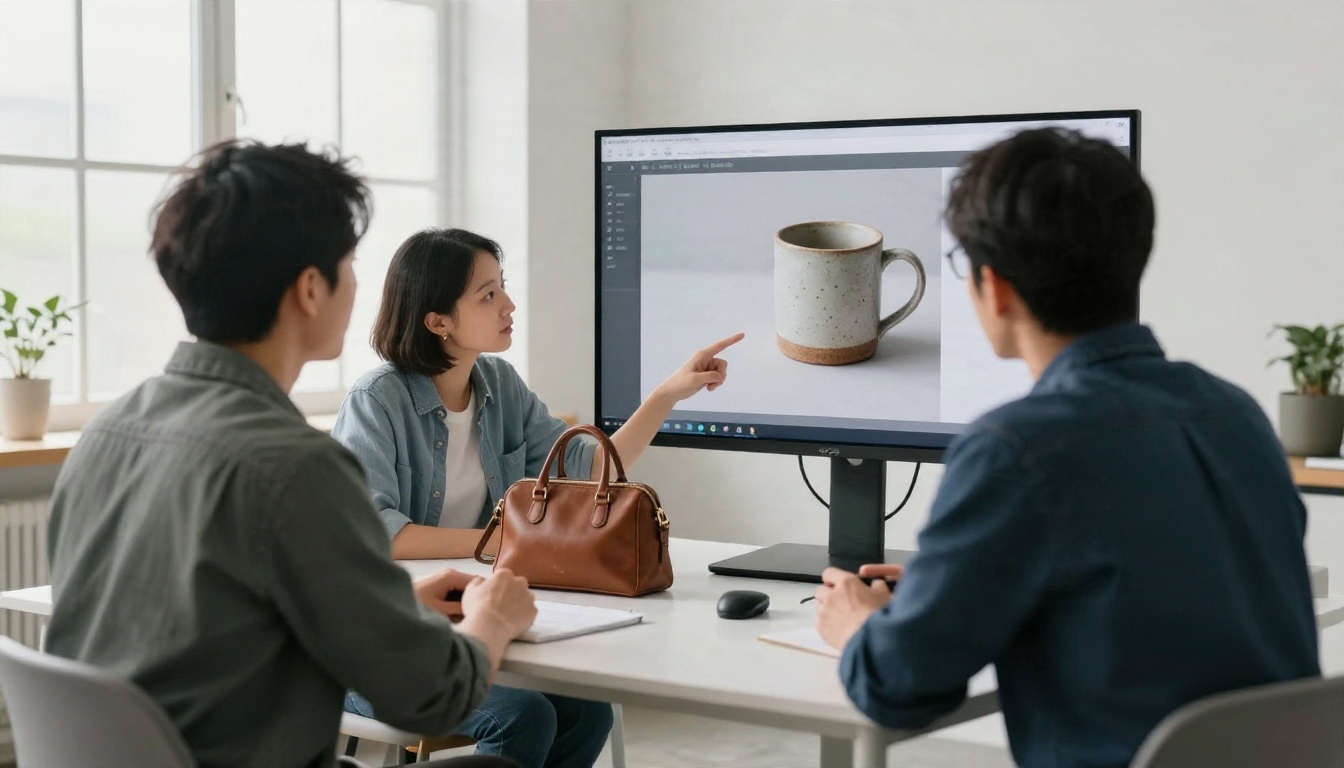
Products are the commercial favorite. A still of a mug, a bag or a bottle becomes a short clip with a slow camera orbit, steam rising or light moving across a surface. For a small shop, that replaces a day of filming.
Here are a few clip ideas that tend to work well:
- Landscape loops: drifting clouds, moving water, swaying grass.
- Portrait moments: a blink, a smile, a slow turn.
- Food and drink: rising steam, pouring liquid, gentle camera push.
- Product reveals: slow orbit, light sweep across a surface.
- Pet clips: head tilt, ear twitch, tail swing.
Mistakes That Ruin Animated Photos
Most bad results come from the same few errors. Fix these and your success rate goes up quickly.
- Starting with a low quality photo. A tiny, compressed image gives the model very little to work with. Upscale first.
- Asking for too much motion. Big actions cause warped limbs and melting faces. Keep movement gentle.
- Writing vague prompts. "Make it cinematic" tells the model nothing. Name the motion.
- Ignoring the camera. If you do not say what the camera does, you may get a random drift. Write "static camera" when you want stillness.
- Using one model for everything. If a face keeps going wrong, switch engines.
- Skipping the rights question. Only animate photos you own or have permission to use, and be careful with images of other people.
💡 Watch for: hands, teeth and text on signs. These are the spots where models most often slip. If your photo has readable text, expect it to shift slightly.
Animate Your First Photo Today
You do not need a subscription or a film crew to bring a still image to life. Pick one photo you care about, write one clear sentence about how it should move, and run it on a fast model first. If the motion feels right, send it through a heavier model for the final version.
PicassoIA puts all of these engines in one place: free options like Seedance 2.5 Lite and PicassoIA Video for experiments, and stronger models like Kling v3 Video and Wan 2.7 I2V for the clips you want to keep. Open the platform, upload that photo from the shoebox, and watch it move. To see every model available, browse picassoia.com/en/all-models and try a few side by side.


