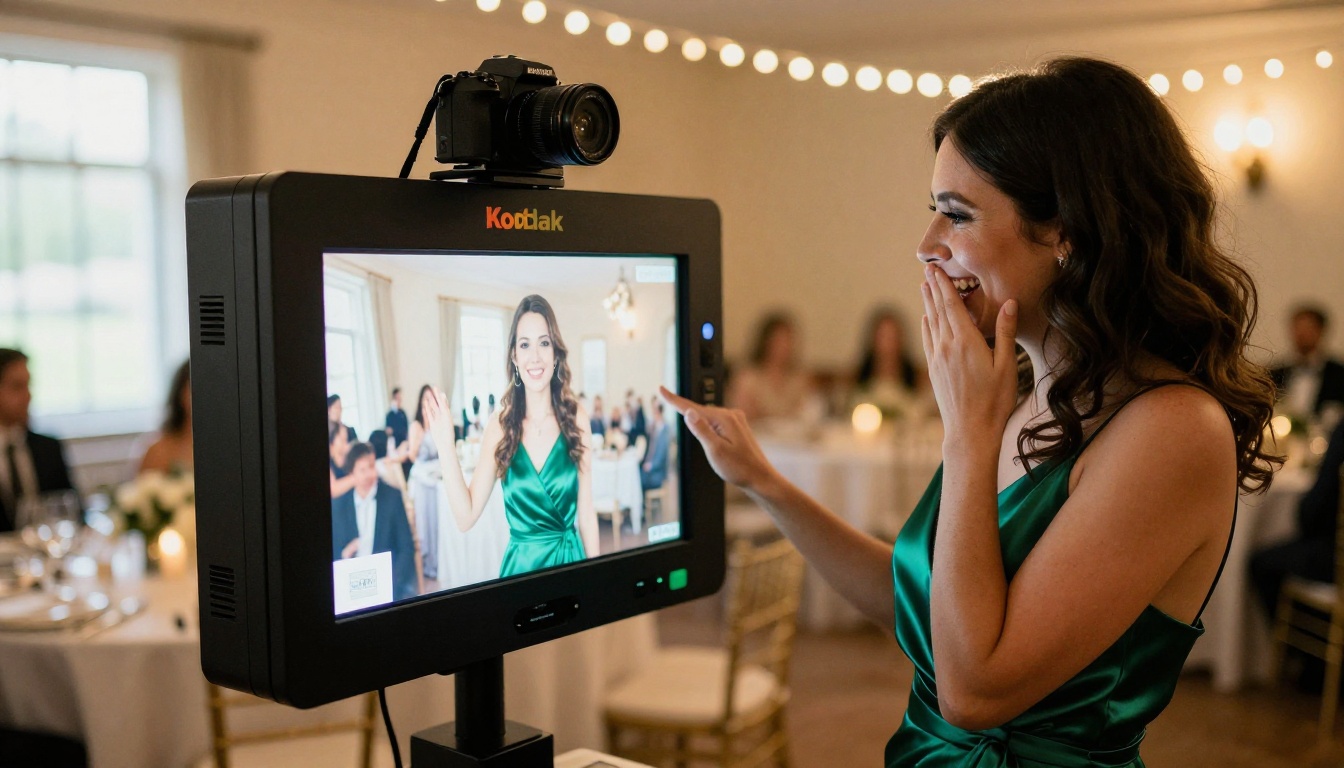
A guest steps up to a screen, grins at a camera, and ten seconds later holds a portrait that looks like it came out of a studio. That is the whole pitch of an AI photo booth for events, and it is why planners keep asking the same three questions: which software runs it, which apps are worth paying for, and what a rental really costs once the final invoice lands.
This article answers all three with real price ranges, a side by side comparison, and a build-it-yourself route that costs a fraction of a rental. The numbers come from public vendor pages and rental listings reviewed in October 2026. Prices move by city, season and weekday, so treat every figure as a range and confirm the current number before you sign anything.
What an AI Photo Booth Does
A traditional booth takes a picture and prints it. An AI booth adds one step in the middle: after the shutter fires, an image model reworks the photo. Depending on the setup, that can mean a polished studio headshot, a clean new background, a different hairstyle, a stylized portrait, or a guest standing in front of a famous landmark. The booth stops being a camera with a bucket of props and becomes a small portrait studio that never gets tired.
| Classic photo booth | AI photo booth |
|---|
| Output | The photo as shot | The photo reworked into a chosen style or setting |
| Time per guest | About 30 to 60 seconds | About 30 seconds to 2 minutes |
| Variety | Props and backdrops | Dozens of themes from the same camera |
| Typical cost | Lower | Higher, because of AI usage and software |
| Main risk | Long lines | Slow Wi-Fi and odd results on some faces |
How the Flow Works for Guests
The guest experience has to be simple, because a slow line ruins the fun:
- The guest taps the screen and the camera takes a photo, from a tablet, a mirrorless body or a phone.
- They pick a theme from a short menu: studio headshot, retro film, holiday card, landmark.
- The model processes the image. In the published examples for the PicassoIA portrait models, results arrive in roughly 6 to 10 seconds, and most booth apps land somewhere between 5 and 30 seconds.
- The result shows on screen, then gets printed, texted, emailed or pushed to a QR code gallery.
💡 Tip: Limit the theme menu to four or five choices. Guests who face fifteen options freeze, and the line grows.
Why Planners Are Switching
- Novelty that fills the line. Guests watch each other's results and queue up without being asked.
- Shareable output. A flattering portrait gets posted. A blurry strip rarely does.
- Brand control. Corporate events can lock themes to company colors and dress codes.
- Lead capture. With a clear opt-in, the share step can collect email addresses.
- Lower staffing. Self-serve setups need one helper instead of a full-time attendant.
Three Ways to Run One
Every AI photo booth for events falls into one of three buckets, and the bucket changes the price more than any single feature does.
Rent a Booth With a Host
A vendor arrives with the hardware, an attendant, the backdrop and the prints. They set up, run the session and pack down. You approve the layout and nothing else. This is the easiest route and the most expensive one, and your styles are limited to whatever the vendor has configured. It suits weddings, galas and any event where nobody on your team wants to troubleshoot a printer.
License Photo Booth Software
Here you bring the hardware (a tablet or laptop, a camera, a printer, a stand) and pay a monthly or yearly licence for software that runs the guest flow, AI effects, branding, printing and sharing. Names in this space include Snappic, Simple Booth, Touchpix and Darkroom Booth. It suits photographers and small rental owners who run many events a year and want control over the look.
Build Your Own With AI Models
The lightest option is a camera, a laptop and an image model. A helper takes the guest photo, runs it through a model, then shares or prints the result. PicassoIA is a web platform rather than a ready-made kiosk app, so this route fits small and mid-size events, brand activations and content shoots. Developers who want a self-serve screen can also connect a kiosk to PicassoIA's developer API, though that takes real coding time.
Software and App Pricing
Software cost has two parts: the licence and the AI usage. The figures below come from vendor pricing pages and comparison listings, so expect small differences by region and plan.
| Software type | Licence price | AI usage cost |
|---|
| Entry-level app (Darkroom Booth Pro upgrade) | $29.99 per month or $299.99 per year | Varies by effect |
| Mid-range app (Simple Booth) | $49 per month or $490 per year | About $0.10 per credit, 1 to 3 credits per AI portrait |
| Multi-event platform (Touchpix) | Around $440 per year for the entry plan | About $0.10 to $0.12 per credit |
| Full-service platform (Snappic) | $69 to $399 per month, roughly 20% off on annual plans | AI photo effects offered inside the platform |
| DIY with AI models on PicassoIA | No booth licence | Depends on your PicassoIA plan and the model |
Licences are only half the bill when you bring your own hardware. These are typical retail ranges, so check local prices:
| Hardware | Rough cost |
|---|
| Tablet or laptop you already own | $0 |
| New tablet for the booth | $350 to $900 |
| Floor stand or tripod mount | $50 to $150 |
| Two soft lights on stands | $100 to $250 |
| Compact consumer dye-sub printer | $130 to $200 |
| Professional event printer | $800 to $1,200 |
Monthly Plans vs Yearly Plans
If you run two or three events a year, month-to-month wins. Pay for the months you work and cancel in between. Simple Booth at $49 per month for three busy months costs $147, while the yearly plan costs $490. The break-even point is ten months of use. A rental company working every weekend should take the annual plan. A one-off launch party should not.
Per-Portrait AI Credit Costs
Credits look tiny until you multiply them. At $0.10 per credit and two credits per portrait, 300 portraits cost about $60. Three credits per portrait pushes the same night to $90. A good rule is to budget 1.5 portraits per guest, because people retake shots, and then multiply.
💡 Tip: Ask whether retakes and failed generations count against your credits. A cheap plan gets expensive when every blink counts twice.
The Real Cost of Renting
Rental pricing is where most budgets get surprised. The base fee looks friendly, then the extras arrive.
Typical Rental Price Ranges
| Booth type | Typical price per event |
|---|
| Open-air booth | $300 to $700 |
| Enclosed booth | $400 to $1,000 |
| Digital touchscreen booth | $500 to $1,200 |
| Green screen booth | $500 to $1,200 |
| 360 video platform | $1,000 to $3,000 |
| AI portrait booth | Roughly $1,000 to $2,500 |
Base packages usually include two to four hours. Extra time runs about $50 to $150 per hour. AI booths sit at the premium end: one market listing put them at roughly $1,288 to $2,588 per event in Singapore in mid-2026, well above a standard digital booth. Your own quotes will vary by city and date, so collect at least three before you decide.
Three things push a quote up faster than anything else: the day of the week, the number of hours, and how much custom branding you want on the prints and the AI themes. A Tuesday corporate lunch and a Saturday in June can differ by hundreds of dollars for the same hardware.
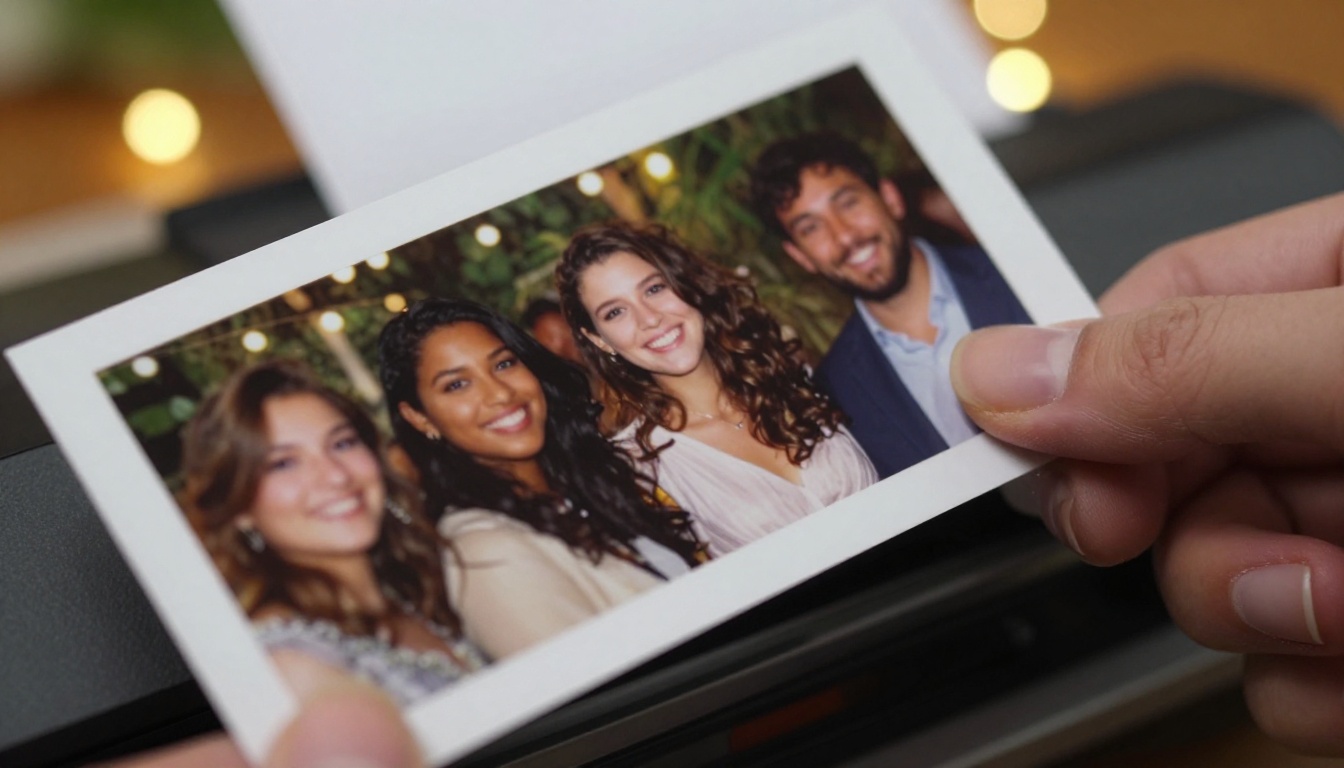
Fees Nobody Mentions Up Front
Ask for each of these in writing before you pay a deposit:
- Travel fees beyond a set radius from the vendor's base.
- Load-in charges for stairs, long walks or freight elevators.
- Peak-date surcharges for Saturdays, December and wedding season.
- Custom branding such as print templates, overlays and themed AI styles.
- Overtime when the party runs past the booked window.
- Insurance paperwork if the venue demands a certificate.
- Extra prints or digital gallery fees once you pass the included count.
💡 Tip: Request a line-by-line quote. Headline prices often grow once travel, branding and Saturday surcharges are added.
How to Use Portrait Series on PicassoIA
If you pick the DIY route, Flux Kontext Portrait Series is a strong starting model. It takes one guest photo and returns four portraits in different poses by default, on a background you choose. That makes it a natural fit for a "studio session in one click" station.
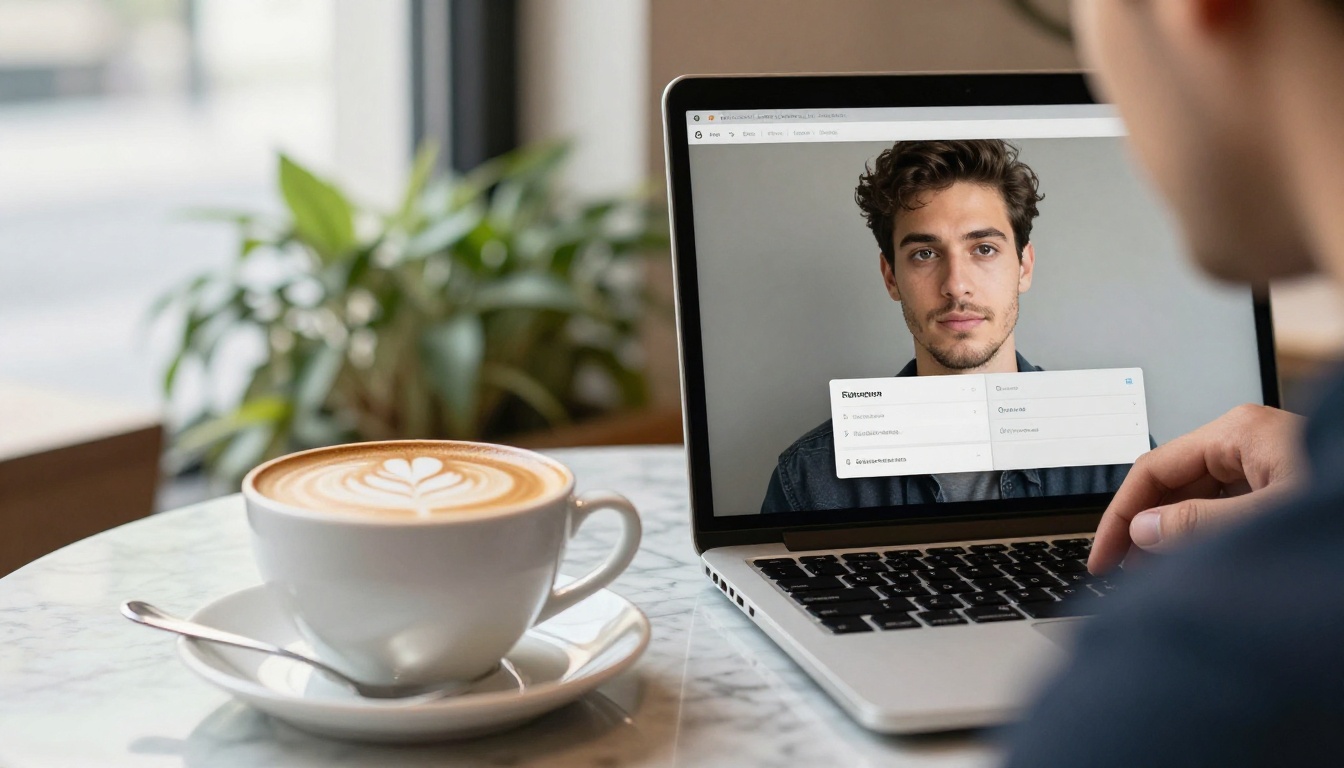
Step-by-Step Workflow
- Take the guest photo with a phone or camera. Face a window or soft light, and avoid harsh overhead lighting.
- Open the Flux Kontext Portrait Series page on PicassoIA and upload the photo as the input image. JPEG, PNG, GIF and WebP all work.
- Choose a background: white, black, gray, green screen, neutral or original.
- Leave the number of images at four for a full set, or lower it for speed.
- Pick PNG for print or JPG for quick sharing.
- Run the model, review the results with the guest, then download and print or send a QR link.
Settings That Matter Most
| Setting | What it does | Event tip |
|---|
| Background | White, black, gray, green screen, neutral or original | Use original for party mood, white or gray for clean headshots |
| Number of images | Poses per run, four by default | Lower it when the line is long |
| Randomize poses | Off keeps poses consistent, on adds variety | Turn it on for gallery walls |
| Output format | PNG or JPG | PNG for prints, JPG for sharing |
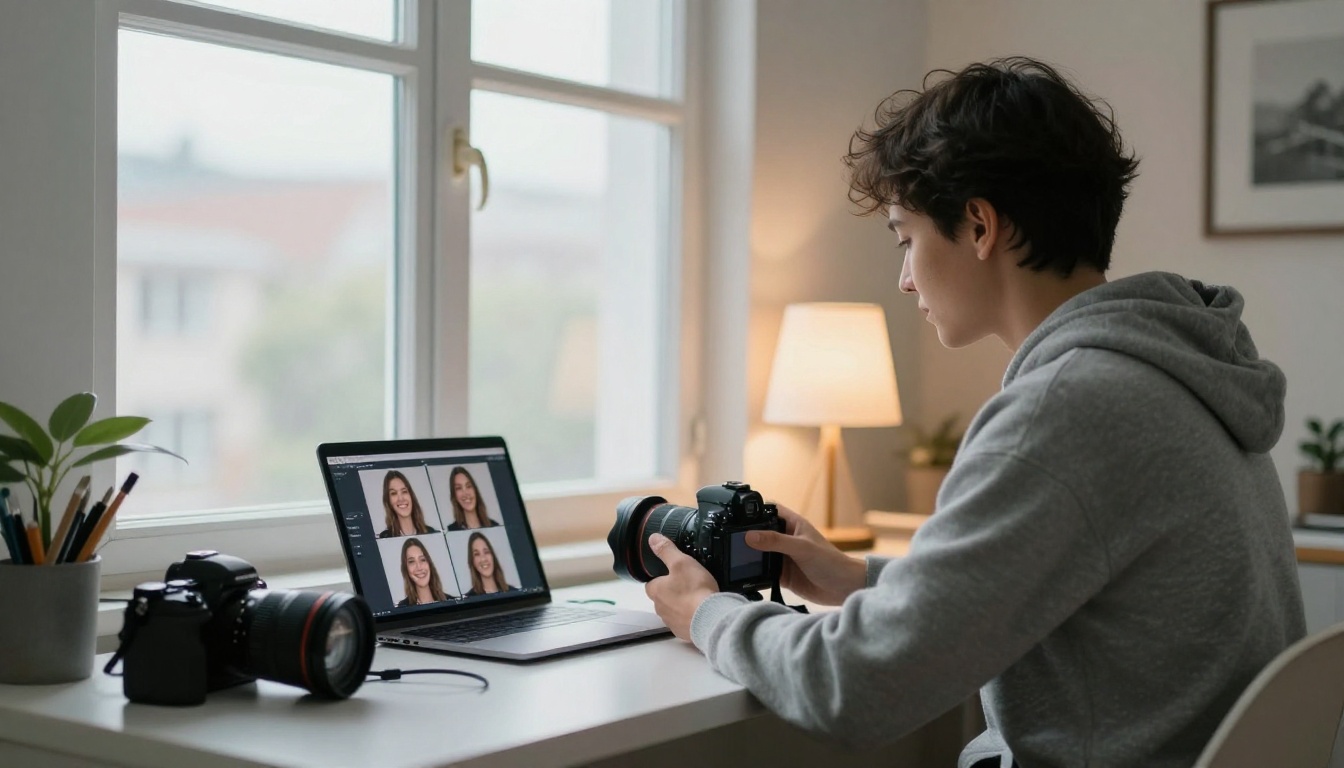
The model descriptions center on one person per photo, so test couples and group shots before the event instead of assuming they work. For a single polished frame instead of a set, Flux Kontext Professional Headshot offers five backgrounds (white, black, neutral, gray or office) and 14 aspect ratio presets, so you can output square for Instagram or 4:5 for a print card. A seed value reproduces the exact same result, which helps when a guest loves a shot and wants a second copy.
Add-On Models for Polish
- Flux Kontext Iconic Locations places a guest at one of 70+ landmarks, from the Eiffel Tower to Machu Picchu. It is the closest thing to a "wow" station, and its published examples run in about 6 to 7 seconds.
- Bria Remove Background returns a transparent PNG cutout, so you can drop guests onto a branded backdrop or event poster.
- Topaz Image Upscale enlarges a result 2x, 4x or 6x with optional face sharpening, which matters when a guest wants a large framed print.
Event Day Setup Checklist
A strong AI model cannot rescue bad input. Most failures at events come from lighting, Wi-Fi and power, not from the software. Run a full dry run the day before with five volunteers, a printed backup of your best shots, and the exact network you will use at the venue.
Gear and Power
- Camera height: Mount the camera near eye level for the average guest and angle it slightly down.
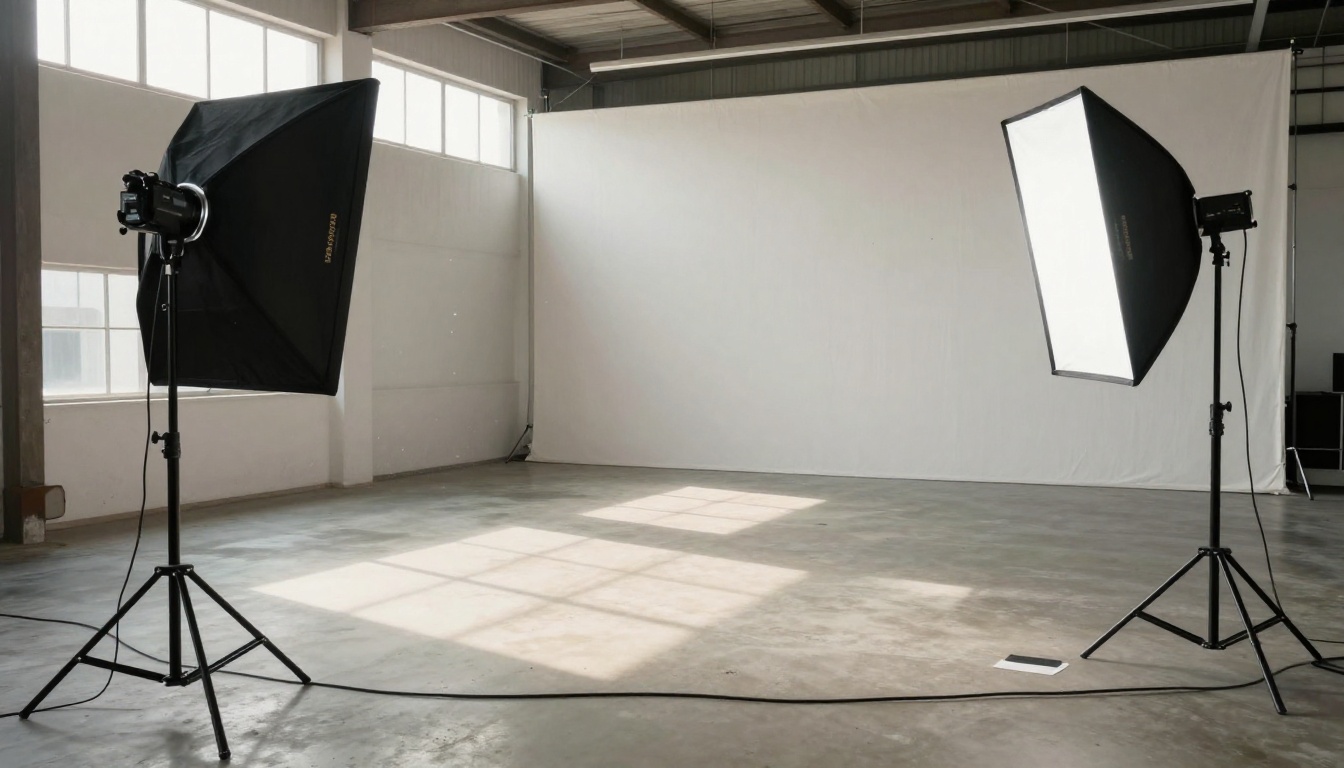
- Lighting: Two soft lights at 45 degrees on either side beat a single flash. Avoid overhead spotlights that carve shadows into eye sockets.
- Backdrop: A plain, evenly lit backdrop helps the model separate the guest from the background.
- Connection: Cloud AI needs internet. Bring a wired connection or a dedicated hotspot, and test it at the venue before doors open. Some booth apps offer an offline mode, so ask.
- Power and tape: Pack a surge-protected power strip, spare batteries and gaffer tape for cables.
- Print supplies: Dye-sublimation media runs roughly 15 to 40 cents per 4x6 print once paper and ribbon are counted, so a 300-print night adds about $45 to $120 in supplies.
Consent and Privacy
Guests are handing over their faces, so say how you use them. Post a short sign near the screen explaining that photos are processed by AI, ask for opt-in before collecting emails, and delete source files after the event. Get a parent's consent for children's portraits. Corporate events should confirm the vendor's data policy before the contract is signed.
Which Option Fits Your Event
The best choice depends on guest count, budget and how much hands-on work you want.
| Rental with host | Booth software | DIY with AI models |
|---|
| Cost | Highest | Medium | Lowest |
| Effort | Almost none | Medium, you run the gear | Higher, someone runs the model |
| Customization | Limited to vendor styles | Good | Full control over models and settings |
| Best for | Weddings, galas | Repeat events, photographers | Small events, brand activations, tests |
Budget Math for Three Events
| Event | Guests | Best fit | Rough budget |
|---|
| Backyard birthday | 30 | DIY with AI models | Under $100 plus any prints |
| Wedding reception | 120 | Rental with a host | $1,000 to $2,500 for a four-hour AI package |
| Corporate launch | 400 | Software plus your own hardware | $150 to $550 in software and credits, plus gear you own or rent |
These budgets are rough estimates built from the ranges above, not quotes. The pattern holds, though: rentals buy convenience, software buys control, and DIY buys the lowest cost if someone on your team is willing to run it.
Build Your First Booth Today
You do not need a rental contract to find out whether your guests will love this. Grab a selfie, open Flux Kontext Professional Headshot on PicassoIA, and watch a casual photo turn into a studio portrait in seconds. Then run the same photo through Flux Kontext Iconic Locations and see how a guest looks in front of the Eiffel Tower or Big Ben. Ten minutes of testing tells you more about the experience than any vendor brochure.
When the results look right, pick your route: rent a host for the night, license software for repeat events, or run the DIY version with Flux Kontext Portrait Series and a laptop. Whichever you choose, test your theme menu with five friends before the event and keep a printed backup of the best shots.
Try PicassoIA today, generate your first set of booth portraits, and see which styles your guests would line up for.


