Your first photo gets about two seconds. Someone swipes, squints at a thumbnail, and decides whether you look warm, fun and real. That is a brutal filter, and it is exactly why people are turning to an AI picture generator for a dating app: better light, a nicer backdrop, a sharper frame, without hiring a photographer for a Saturday afternoon.
But there is a catch, and it is a big one. The same tool that can polish your profile can also build a person who does not exist, or a version of you that nobody will meet at the restaurant. This article covers both sides: how to get realistic photos, which prompts work, which models are worth trying, and the limits you should respect before you upload a single image.
What Dating Apps Actually Need

Why Photos Decide Matches
Profile text matters, but photos do the first sorting. People tend to look for a few simple signals: a clear face, a genuine expression, evidence of a life outside the phone, and at least one photo that looks like it was taken by someone else. A grainy mirror selfie in bad light hits none of those.
That is the gap an AI photo generator can fill. Good light, a clean background and a sharp image are things you can control with the right tool, even when your camera roll is full of blurry snapshots.
What AI Can Realistically Do
Think of AI as a helper in four jobs, not as a replacement for you:
- Fixing weak photos: upscaling a small image, cleaning noise, sharpening a face that came out soft.
- Replacing a messy background: swapping a cluttered bedroom for a tidy café or a park.
- Trying outfits or hairstyles: previewing a haircut or jacket before you commit.
- Creating scene inspiration: generating example shots so you know which poses, locations and lighting to aim for in a real photoshoot with a friend.
💡 Tip: The safest and most useful role for AI is as a planning and polishing tool. Use it to decide what your best real photo should look like, then go and take it.
Realistic Photos: What Makes Them Work
Skin, Light and Imperfection
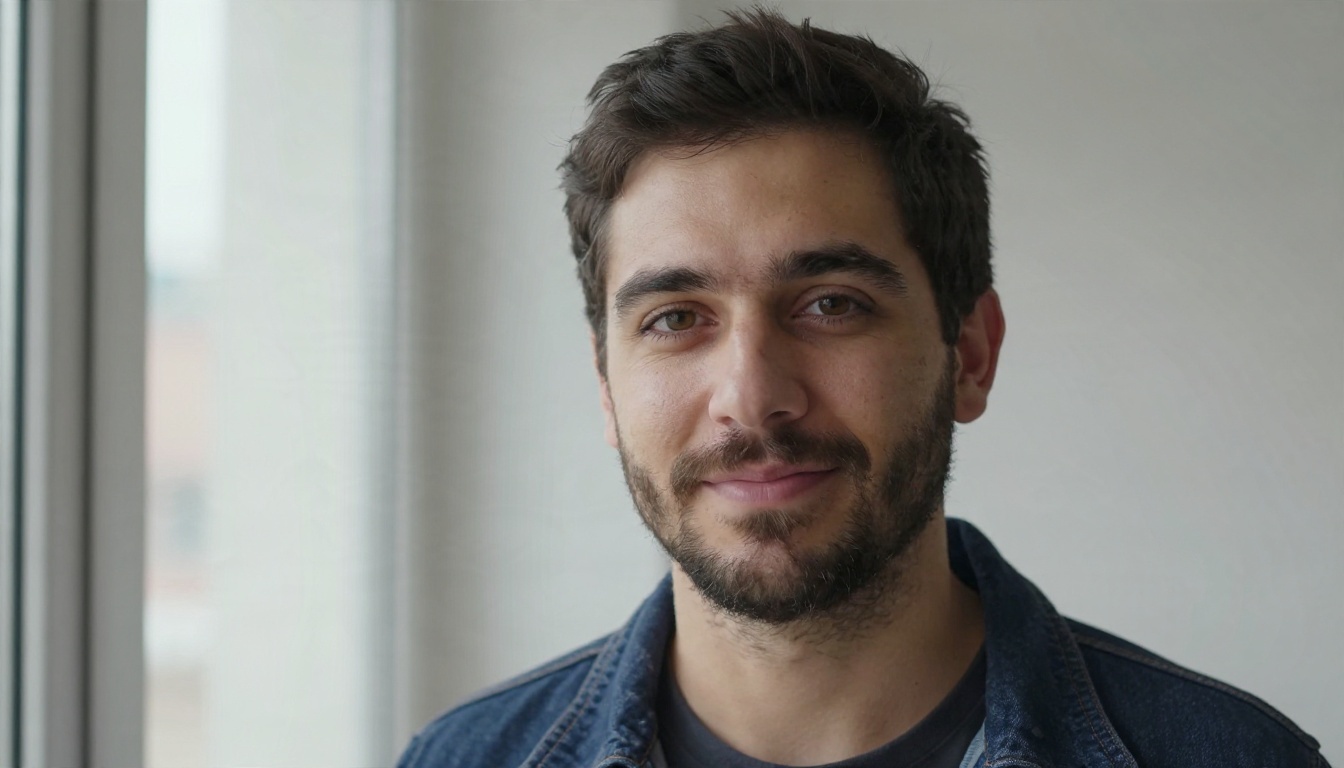
The number one giveaway of an AI image is skin that looks like plastic. Real faces have pores, uneven tone, tiny asymmetries and stubble that does not repeat in a pattern. When you write a prompt, ask for those things on purpose: visible skin texture, natural pores, unretouched, soft window light.
Lighting is the second giveaway. Hard, even lighting from every side looks like a render. One soft source, such as a window on the left or low evening sun, creates the gentle shadow under the chin and the highlight on the cheekbone that your eye reads as real.
Backgrounds That Feel Lived In
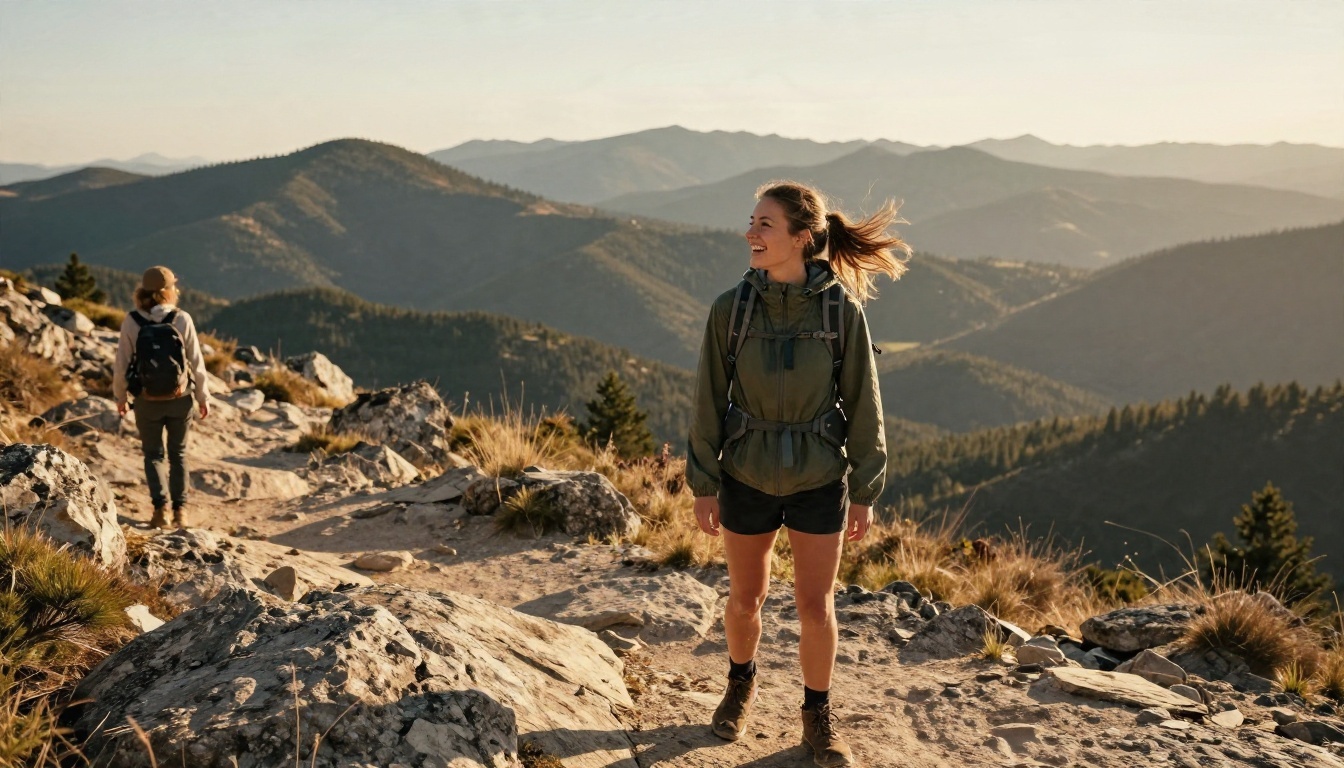
A perfect, empty background reads as fake. Real places have a bicycle against a wall, a tram blurred in the distance, dust on boots, wrinkles in a linen shirt. Add two or three small, ordinary details to your prompt and the whole frame becomes more believable.
Also keep the scene plausible. A hiking photo on a mountain trail is fine if you actually hike. A yacht deck is a red flag if the person who shows up on the first date has never been on a boat.
Hands, Teeth and Other Tells
Even strong models can slip on small details. Before using any generated or edited image, zoom in and check:
- Hands: extra fingers, merged knuckles or odd proportions.
- Teeth: too many, too uniform, or a smile that looks painted on.
- Jewelry and glasses: frames that melt into the skin, earrings that do not match.
- Text: shop signs and shirts with garbled letters.
- Eyes: mismatched reflections or slightly different pupil sizes.
If you spot one of these, regenerate or edit that area. Do not upload and hope nobody notices.
Prompts You Can Copy
The best prompts read like a photographer's brief: subject, setting, light, lens and mood. Below are structures that consistently give natural results. Replace the subject with a description of your own real appearance if you are generating reference or concept images.
Natural Portrait Prompt
Close-up portrait of a man in his early thirties, short dark hair, light stubble, genuine slight smile, navy denim jacket, standing by a large window, soft overcast daylight from the left, visible skin pores, unretouched, 85mm f/1.8 lens, shallow depth of field, Kodak Portra 400 film grain.
This works because it asks for a slight smile instead of a wide grin, names a single light source and sets a real lens. Models respond well to camera language.
Hobby and Lifestyle Prompt
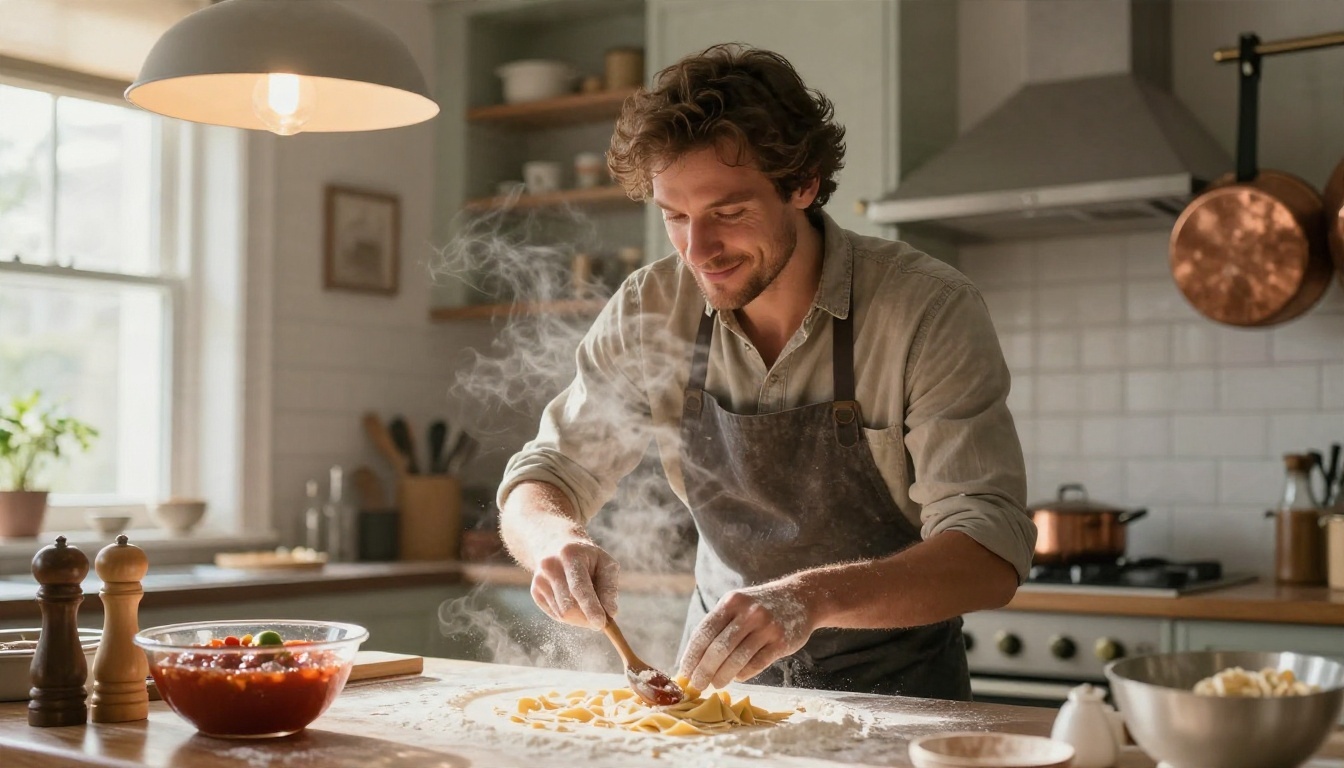
Medium shot of a man cooking fresh pasta in a bright home kitchen, flour on his forearms, tasting sauce from a wooden spoon with an amused expression, warm pendant light mixed with window daylight, 35mm f/2 lens at chest height, realistic steam, natural cloth texture.
Hobby shots do heavy lifting on a profile. They give a conversation opener without you writing a word. The cooking scene above says "I like making dinner" better than a bio line ever could.
Pet and City Prompt
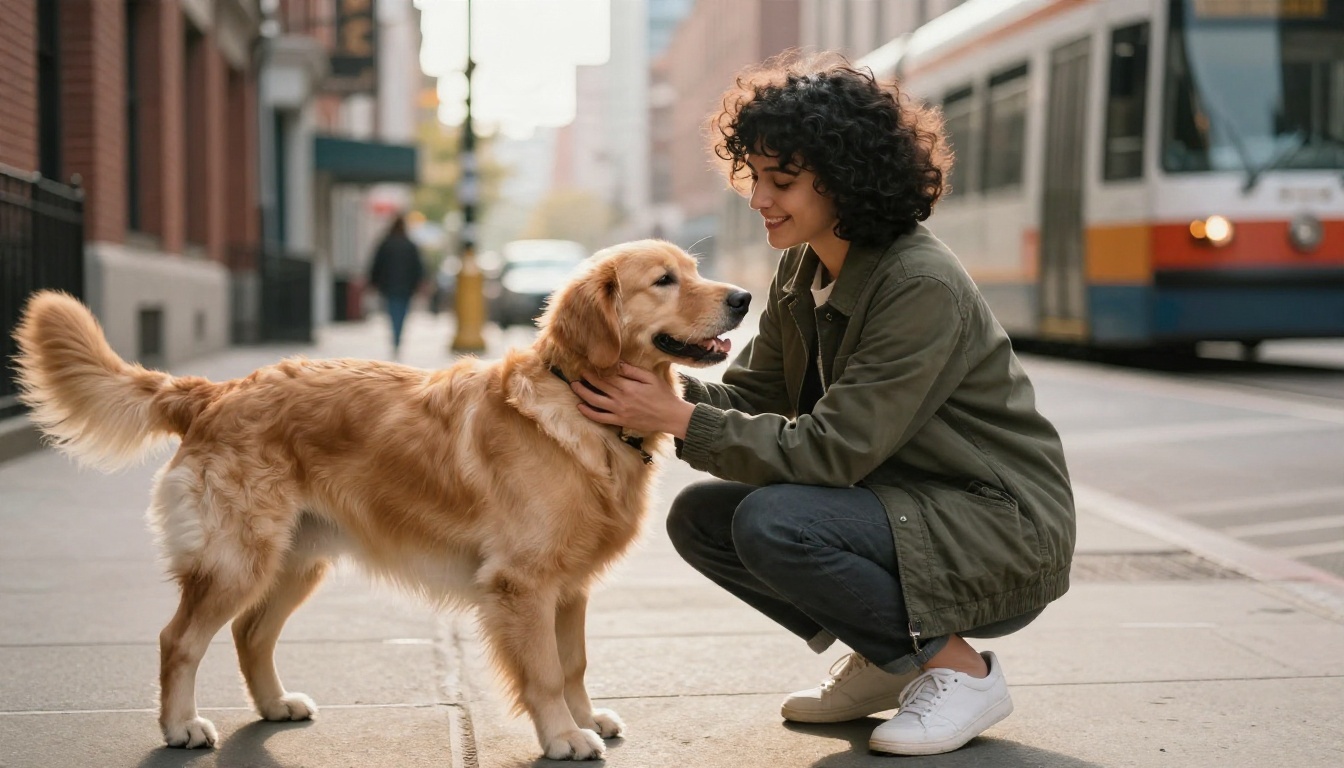
Candid low-angle photo of a woman crouching on a city sidewalk to pet a golden retriever, olive jacket, white sneakers, brick buildings and a blurred tram behind, soft late morning sun from behind, 35mm f/2 lens, realistic fur and skin texture.
Quick Prompt Formula
| Part | What to write | Example |
|---|
| Subject and action | Who, doing what, with which expression | laughing at a friend off-frame |
| Setting | Real place plus two small details | cafe terrace, bicycle, potted plants |
| Light | One direction, one quality | low golden sun from the left |
| Lens | Focal length and aperture | 85mm f/1.8, shallow depth of field |
| Texture | Skin, fabric, film grain | visible pores, linen wrinkles, Portra 400 grain |
💡 Tip: Avoid stacking words like "perfect", "flawless" and "ultra beautiful". They push models toward the smooth, glossy look that gets swiped past.
Best Models for Dating Photos
You do not need one magic model. Different jobs suit different tools, and all of them are available on PicassoIA.
| Job | Model to try | Why it fits |
|---|
| Photorealistic scenes from text | Seedream 4.5 | Sharp detail and natural skin at high resolution |
| Photographic lighting and fine control | Flux 2 Pro | Strong prompt following, works from text or photos |
| Editing an existing photo | Nano Banana | Edits and generates images from a reference |
| Fast drafts | Nano Banana 2 Lite | Quick iterations while you refine a prompt |
| Detailed photographic output | Qwen Image 3 | Photorealistic results with good texture |
| Upscaling a small photo | Real ESRGAN | 4x upscaling for sharper detail |
| Swapping a cluttered backdrop | Remove Background | Clean cutout of your real photo |
| Previewing a new look | Change Haircut | Test a hairstyle on a real photo before the barber |
Text to Image vs Photo Editing
Generating a brand new person from text is the riskiest use, since the result is not you. Editing or upscaling your own photos is almost always the better route: the face stays yours, and the AI only handles light, background or resolution. If you only take one thing from this article, take that.
Fixing a Weak Photo
Say you have one great expression in a dark, grainy photo. Run it through Real ESRGAN for a sharper base, use Remove Background to isolate yourself, then place a natural scene behind you. That keeps the real you in the frame and fixes the technical flaws.
How to Use Seedream 4.5 on PicassoIA
Seedream 4.5 is a good first stop for realistic scene and portrait concepts. Here is a simple workflow.
- Open the model page. Go to the Seedream 4.5 page on PicassoIA and open the generator.
- Write a photographer's brief. Use the formula table above: subject, setting, light, lens, texture. Keep it between 40 and 80 words.
- Pick a ratio. Choose a portrait ratio such as 4:5 or 3:4 for phone profiles, or 16:9 if you want wide lifestyle scenes.
- Add realism cues. Include visible skin pores, unretouched, natural light, film grain. Leave out flawless and perfect.
- Generate a few variations. Run three or four times and compare. Small prompt changes, like moving the sun from left to right, give very different moods.
- Zoom and check. Look at hands, teeth, jewelry and any text in the frame.
- Upscale if needed. Send your favorite through an upscaler for a crisper final image.
💡 Tip: Change one thing per run. If you rewrite the whole prompt every time, you will never know what actually improved the result.
If you prefer to work from a real photo, open Nano Banana, upload your picture and describe the change you want, such as "same person, softer evening light, tidy café background". Keep your instruction small and specific.
The Limits Nobody Mentions
Honesty Comes First
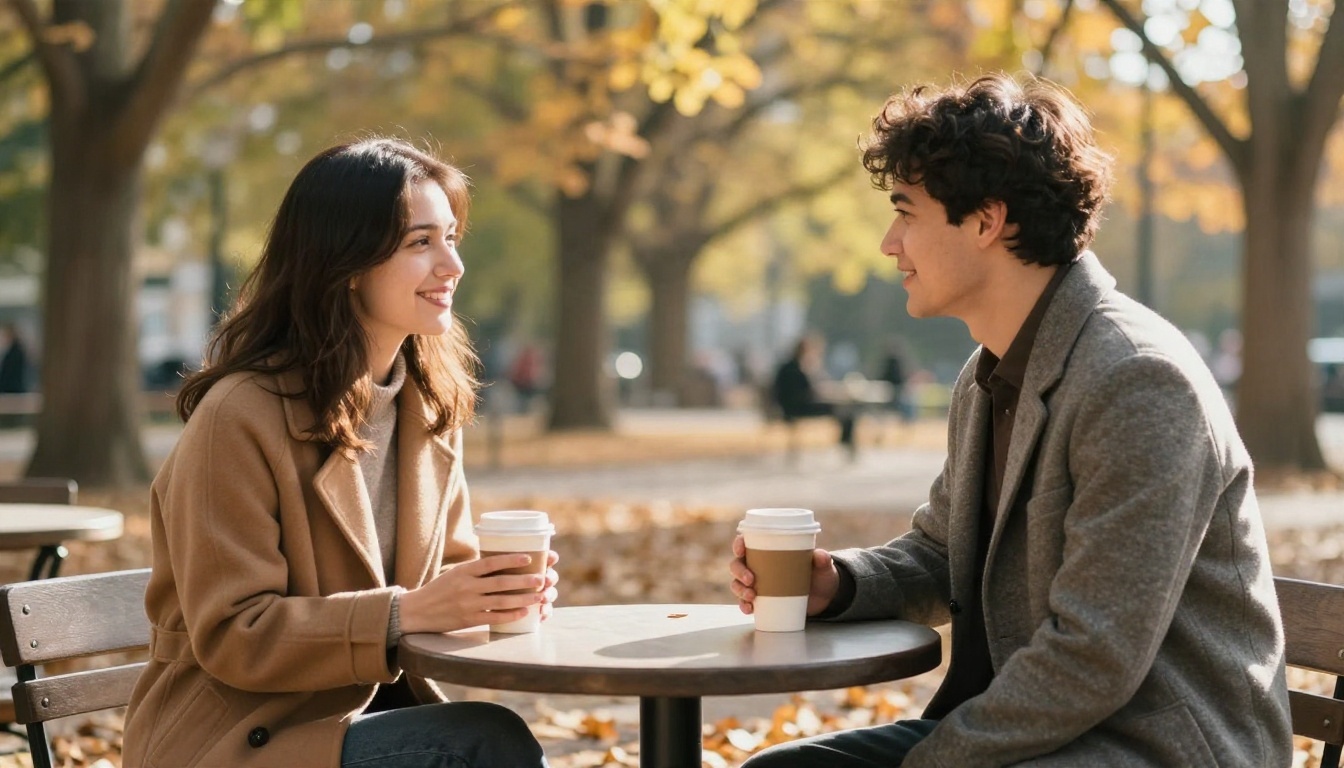
Here is the only test that matters: will the person you match with recognize you when you walk in? If the answer is no, the photo is a lie, no matter how good the technology is. A date who feels tricked in the first thirty seconds is not going to give you a second chance, and the trust damage is hard to repair.
Good rules of thumb:
- Use AI to improve your photos, not to invent a different face or body.
- Do not generate fake travel, cars, jobs or events you never experienced.
- Keep your age, build and hair roughly as they are today.
- If you used AI for a background or a scene, say so in your bio. A short line such as "some photos edited with AI" is honest and surprisingly disarming.
Platform Rules and Verification
Dating apps are getting stricter about fake or misleading profiles. Many offer selfie verification, where you copy a pose in real time and the app compares it with your profile photos. A generated face will fail that check, and an account flagged for deceptive images can be banned. Rules differ from app to app, so read the photo policy of the one you use before uploading anything generated.
Also remember that other users are growing more skeptical. Photos that look too clean, too symmetrical or too well lit raise suspicion fast, and the first reaction is usually a report button, not a heart.
When AI Is the Wrong Tool
Sometimes the better move is not to use AI at all:
| Situation | Better option |
|---|
| You have no clear, recent face photo | Ask a friend to take 20 shots in daylight |
| You want to look younger or slimmer | Choose honest, flattering angles instead |
| You want a photo with a partner or friend | Use a real photo, never a generated companion |
| The app requires verification | Use only real, unedited face photos |
| You feel anxious about meeting | Be upfront in your messages instead of editing |
AI also cannot supply personality. A photo gets a match, but the conversation and the date still depend on you.
A Safe Workflow Before You Upload
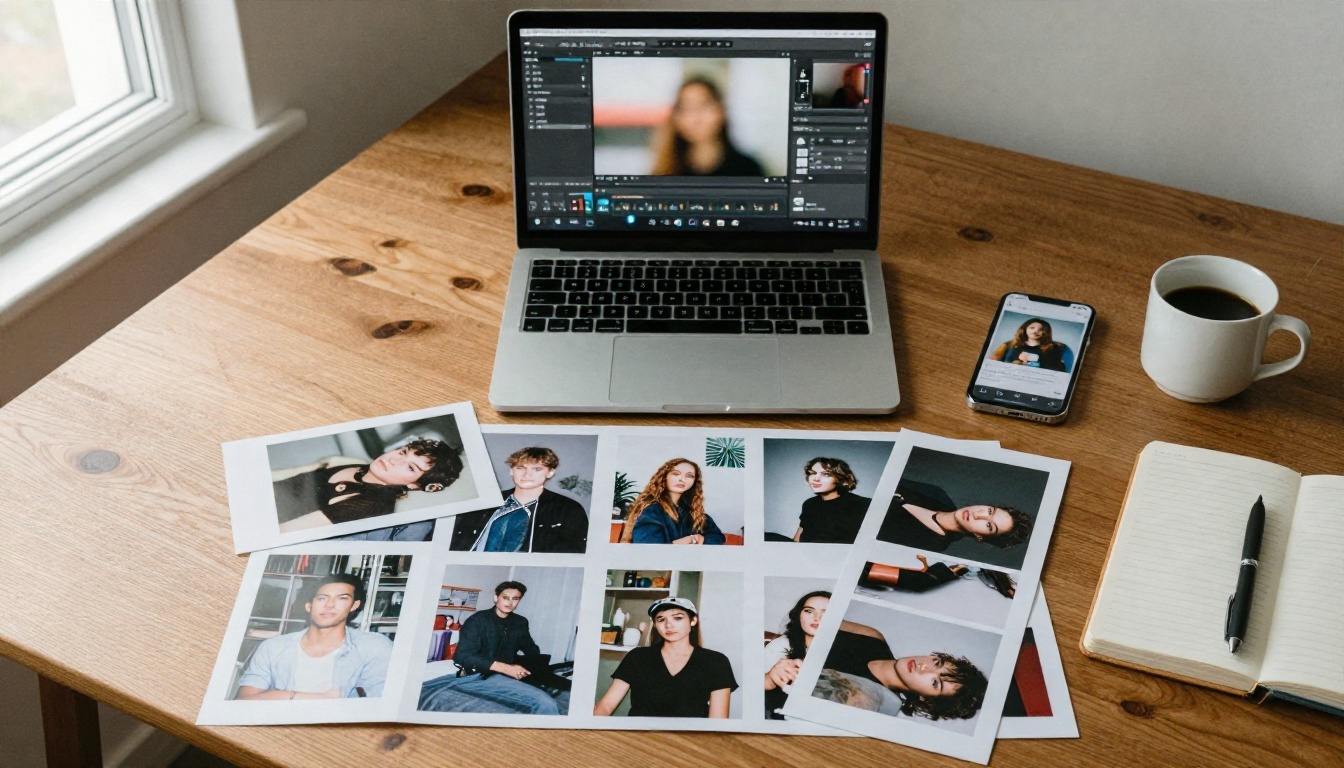
Here is a routine that keeps you on the right side of the line and still gives you a stronger profile.
Step 1: Collect Real Source Photos
Pick five to eight real photos where your face is clear: one close-up, one half-body, one with a hobby, one outdoors. Even if they are imperfect, they are your starting material.
Step 2: Fix Technical Problems Only
Use upscaling for blur, background removal for clutter, and light correction for dark rooms. Do not reshape your face or body. A good test is to hold the edited image next to the original: a friend should say "that is just a nicer version of the same photo".
Step 3: Use Generated Scenes as Inspiration
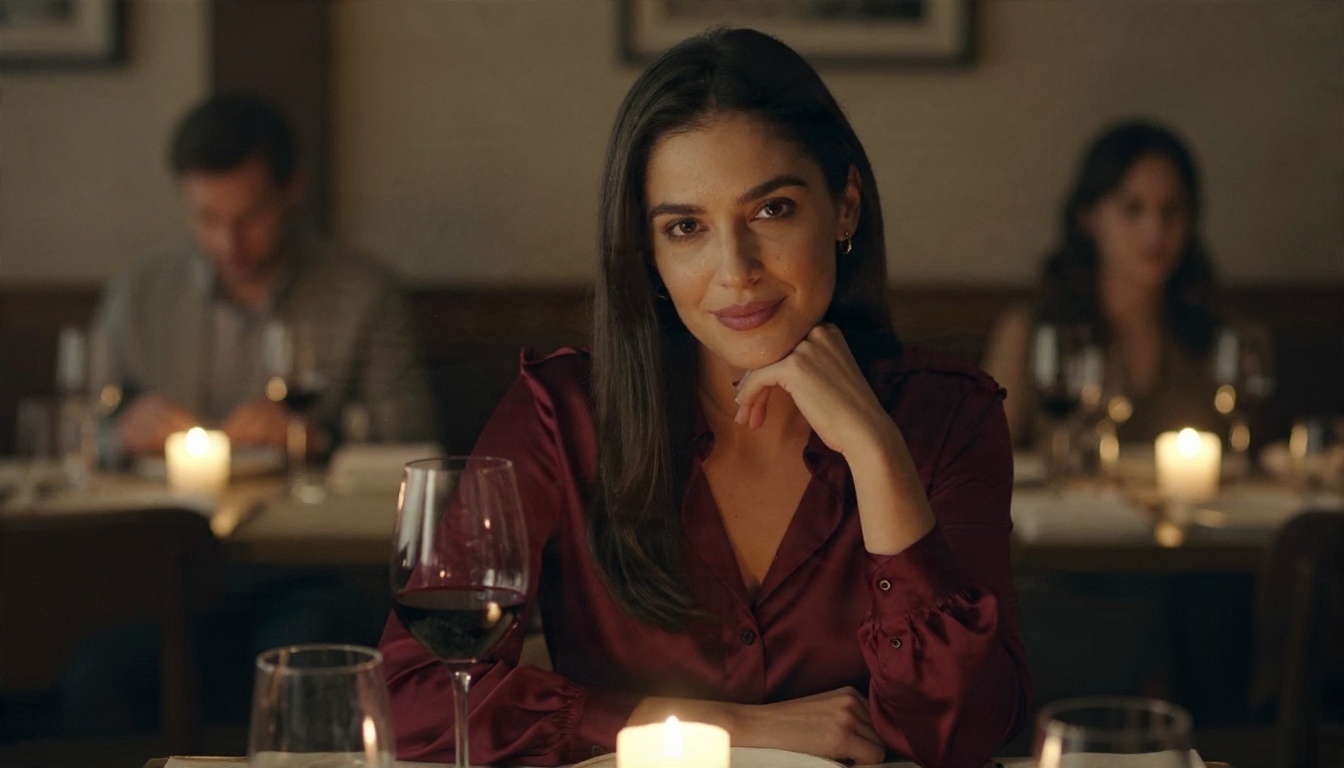
Generate a few reference images, like the candlelit dinner portrait above, to decide what mood suits you. Then recreate the look for real: book a table, ask a friend to bring a camera, and shoot at the same time of day. You end up with an authentic photo and a clear plan for getting it.
Step 4: Check Before Posting
Run through this list for every image:
- Does it look like me on a normal day?
- Are hands, teeth and text clean on zoom?
- Would the photo pass a selfie verification?
- Is the scene something I actually do or have done?
- Would I be comfortable explaining how I made it?
If you answer no to any of these, leave the photo out.
Step 5: Mix and Order
Lead with a clear, smiling close-up in natural light. Follow with a hobby shot, a full-body photo and something social. Keep group photos to one at most, and put a clearly identifiable photo of you first.
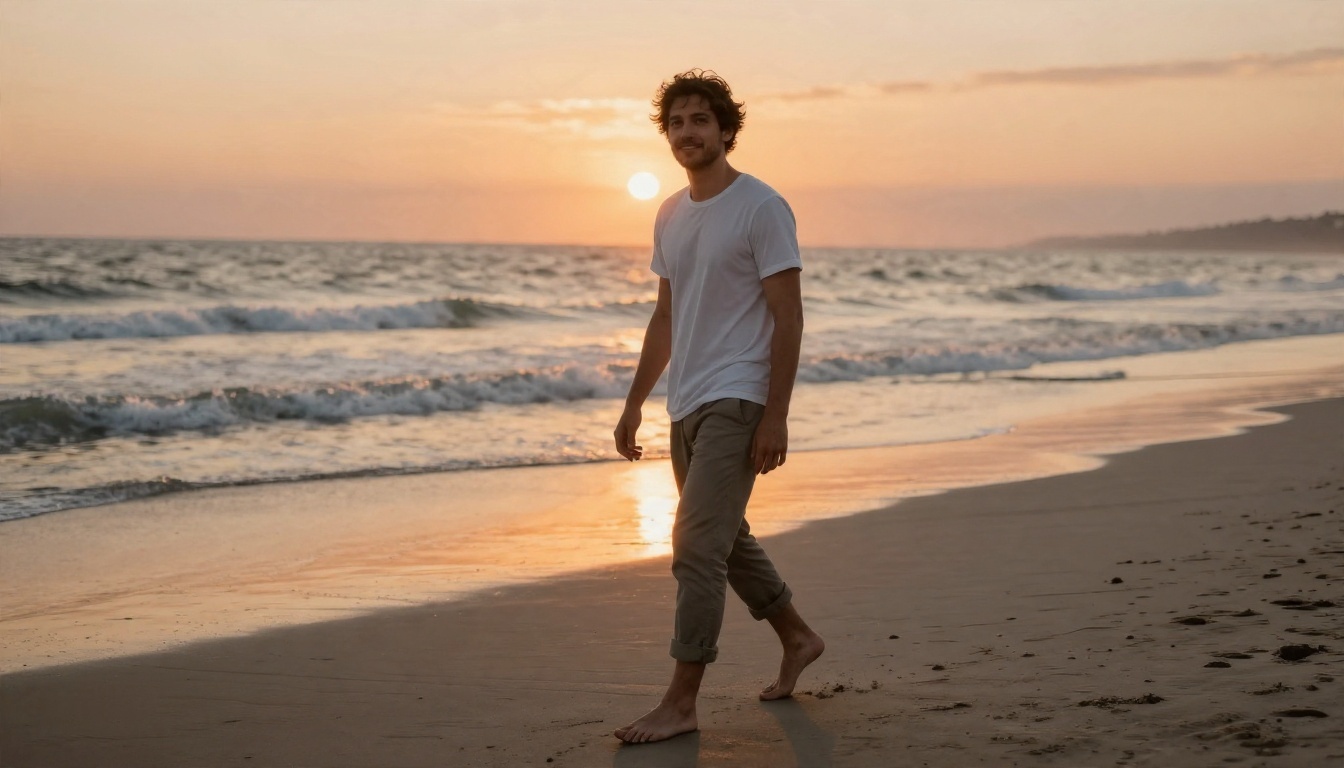
A full-body photo in warm light, like the beach walk above, is a good example of what to aim for in real life: relaxed posture, honest framing, no heavy filter. Generating it first gives you a clear target. Shooting it yourself makes it true.
Try It Yourself
An AI picture generator for a dating app is a strong helper when you use it to polish, plan and inspire, and a risky shortcut when you use it to pretend. The best results come from a simple rule: the person in the photo has to be the person who shows up.
If you want to experiment, open PicassoIA and try Seedream 4.5 for realistic scene references, Nano Banana for editing your own pictures, and Real ESRGAN to sharpen the best shot you already have. Test the prompts from this article, change one detail at a time, and see how quickly your ideas turn into usable concepts for your next photoshoot.
You can browse every available option at picassoia.com/en/all-models. Start with one prompt today, and build a profile that looks great and still looks like you.


