You type a perfectly normal prompt, something like a woman in a swimsuit on a beach at sunset, and the tool answers with a polite refusal. Or worse, it returns a blurred square and a lecture. That moment is exactly why searches for an AI picture generator no filter keep climbing. People are not looking for chaos. They want a tool that treats them like adults, respects an artistic brief, and delivers the picture they described.
This article sorts through what "no filter" really means, which free options exist, how to write prompts that get results, and where the hard limits sit. You will also see photorealistic examples, a comparison table, and a short workflow you can follow in five minutes.
What "No Filter" Really Means
The phrase sounds absolute, but in practice it describes a spectrum. Almost every hosted service applies some form of safety layer, and the difference between tools is how wide or narrow that layer is.
Filters vs. moderation layers
There are three places where a prompt can get stopped:
- Prompt screening. A text classifier reads your words before anything is generated. Certain terms trigger an instant refusal.
- Model training. Some models were trained on cleaned data, so they simply do not know how to draw certain things well.
- Output screening. The picture is generated, then a second model checks it and blurs or deletes it.
A generator that feels "unfiltered" usually has a lighter version of layers one and three, and a model that was not scrubbed too aggressively in layer two. That is a big difference from a tool with no rules at all, which basically does not exist on any reputable hosted platform.
💡 Reality check: "Free" and "unrestricted" rarely arrive together. Services that advertise zero rules often still block illegal material, celebrity likeness and anything involving minors. Treat any site claiming otherwise with suspicion.
Why people search for it
The reasons are more ordinary than the keyword suggests:
- Fashion and swimwear shoots. Bikinis, lingerie campaigns and glamour portraits trigger false positives on strict tools.
- Figure and anatomy reference. Artists need believable bodies, not fabric-covered mannequins.
- Horror and gritty drama. Blood, scars, fog and danger get flagged as violence even when the scene is plainly cinematic.
- Over-cautious refusals. A prompt with the word "shot" for a photography brief can be blocked by a clumsy classifier.
- Adult-leaning aesthetics. Boudoir, sensual portraits and suggestive editorial work, kept tasteful and non-explicit.
Free Options Worth Your Time
You have two realistic routes: hosted tools in a browser, or models running on your own machine. Each has a real cost, even when the price tag says zero.
Online tools with daily credits
Many web generators hand out a daily allowance. Perchance is known for unlimited use with no login. Tensor.art and SeaArt.ai give daily credits that refill, and Mage.space is a common entry point for anime-style output. Venice.ai markets itself on privacy and lighter restrictions. Among the big mainstream names, Grok Imagine is often described as one of the more permissive hosted options right now.
A word of caution: free tiers, queue times and content policies change often, and roundups written by the tools themselves are marketing as much as testing. Open the current terms page of any service before you rely on it for a project.
Running models on your own PC
Local setups with open-source diffusion models remove the hosted filter entirely, because nothing leaves your computer. The trade-off is hardware. The whole model has to fit in your graphics card memory, which usually means a recent card with plenty of VRAM, plus time spent on installation and updates.
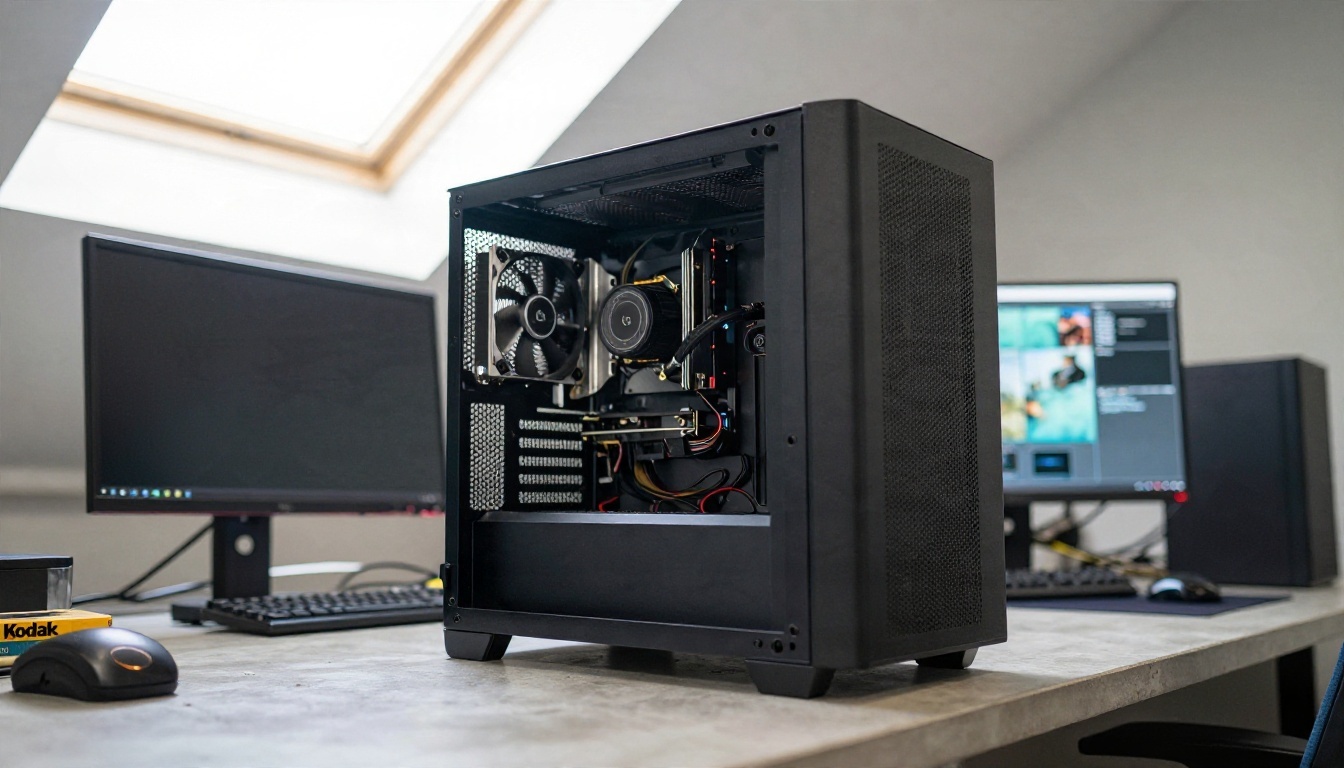
Local also means you are the one responsible for output quality. You pick checkpoints, tune settings and fix hands by hand. It suits tinkerers. If you just want a clean photo in 10 seconds, a browser tool wins.
Picking by use case
| Your goal | Best route | Main catch |
|---|
| Quick tests, no signup | Free web tools with daily credits | Queues, watermarks, shifting rules |
| Photorealistic portraits and fashion | Dedicated photoreal models online | Needs a precise prompt |
| Total privacy, no hosted rules | Local open-source models | Expensive hardware, setup time |
| Many variations fast | A platform with unlimited generations | Check each model's limits |
| Editing an existing photo | An image editor with inpainting | Needs a clear source image |
Where PicassoIA Fits In
If your main goal is photorealistic, glamour-friendly and artistic output without fighting refusals every other prompt, a platform with many models and a generous generation limit is a better fit than hopping between free sites. Here is how to use PicassoIA for this.
Seedream 4.5 first
Start with Seedream 4.5. It is the model to open first for adult-leaning but non-explicit work such as swimwear editorials, boudoir portraits and sensual fashion looks. It produces sharp skin texture, believable fabric and clean lighting, and it renders quickly, so you can iterate through a dozen takes while a stricter tool would still be rejecting your first one.
Why it works for this search intent:
- Fewer false refusals on swimwear, lingerie and glamour briefs.
- Strong photorealism with natural skin pores, flyaway hair and real fabric folds.
- Fast output, which matters when you are refining a prompt.
- High resolution, good enough for print and large screens.
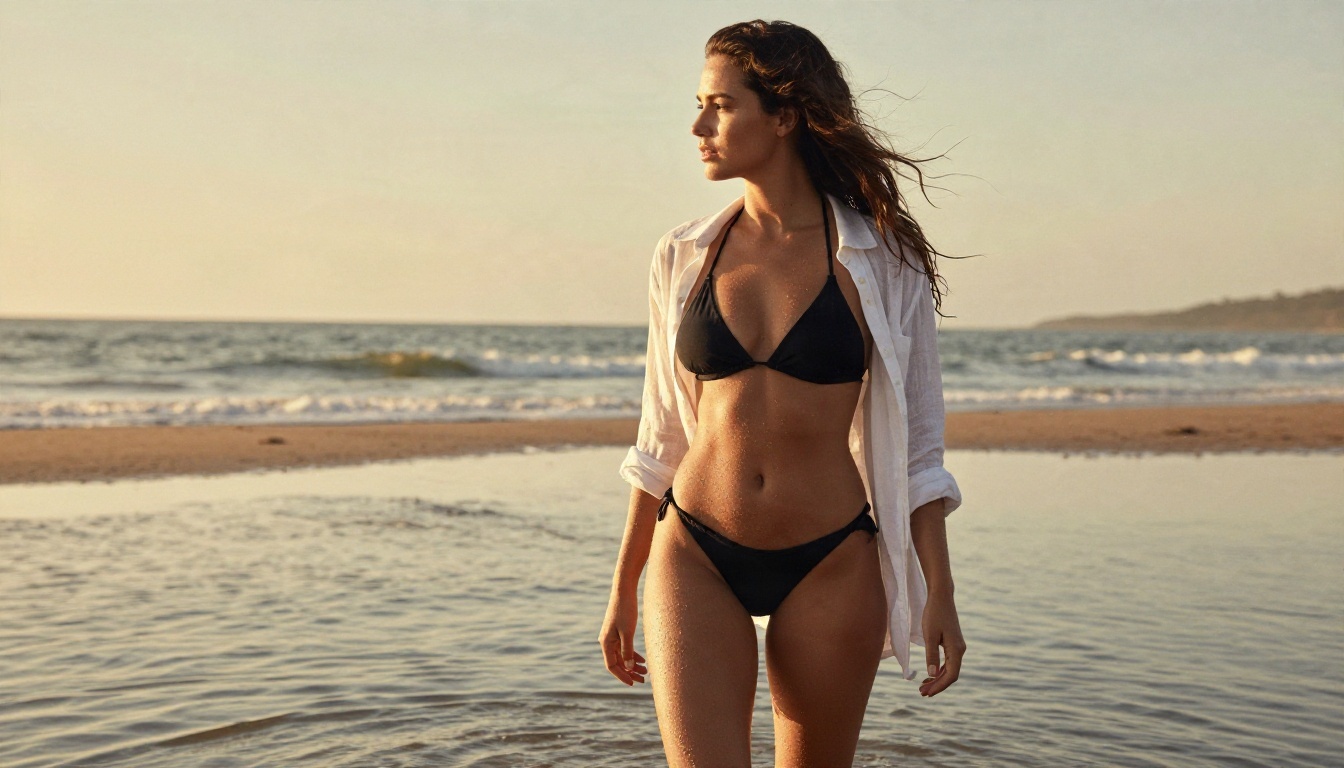
Image Editor Pro, unlimited
Next comes the PicassoIA Image Editor Pro. Its main selling point is unlimited generations. No credit counter ticking down means you can try twenty wording variations, swap outfits, change lighting or fix a single detail without worrying about running out. It also edits: upload a photo, describe the change, and get a new version.
That combination of freedom to iterate and speed is what most people want when they type "no filter" into a search bar.
Other models worth trying
Once you have your base images, these models add different strengths:
| Model | Best for | Link |
|---|
| Seedream 4.5 | Photoreal glamour, swimwear, sensual editorials | Open page |
| Image Editor Pro | Unlimited iterations and photo edits | Open page |
| Nano Banana Pro | Sharp 4K images and precise edits | Open page |
| Z Image Turbo | Very fast drafts for prompt testing | Open page |
| Realistic Vision v5.1 | Lifelike portrait photography | Open page |
| Qwen Image 3 | Photoreal scenes with clean detail | Open page |
| Flux Schnell | Instant results at low cost | Open page |
You can also browse the full catalogue at picassoia.com/en/all-models and test several models against the same prompt.
Prompts That Actually Work
Most blocked or ugly results come from vague prompts, not from the tool. A clear photographic brief reads as professional, which helps with classifiers and gives the model more to work with.
The five-part prompt formula
Use this order every time:
- Subject and action. Who is in the frame and what they are doing.
- Wardrobe and skin detail. Fabric, color, texture, skin finish.
- Environment. Location, props, background elements.
- Light. Direction, time of day, warmth.
- Camera. Lens, aperture, angle, film stock.
Here is the formula in action:
A woman in an emerald silk slip dress seated on a velvet armchair in a dim hotel room, bare shoulders with natural skin texture, warm lamp light from the left and cool window light from the right, 50mm f/1.4, shallow depth of field, Kodak Portra 400 grain.
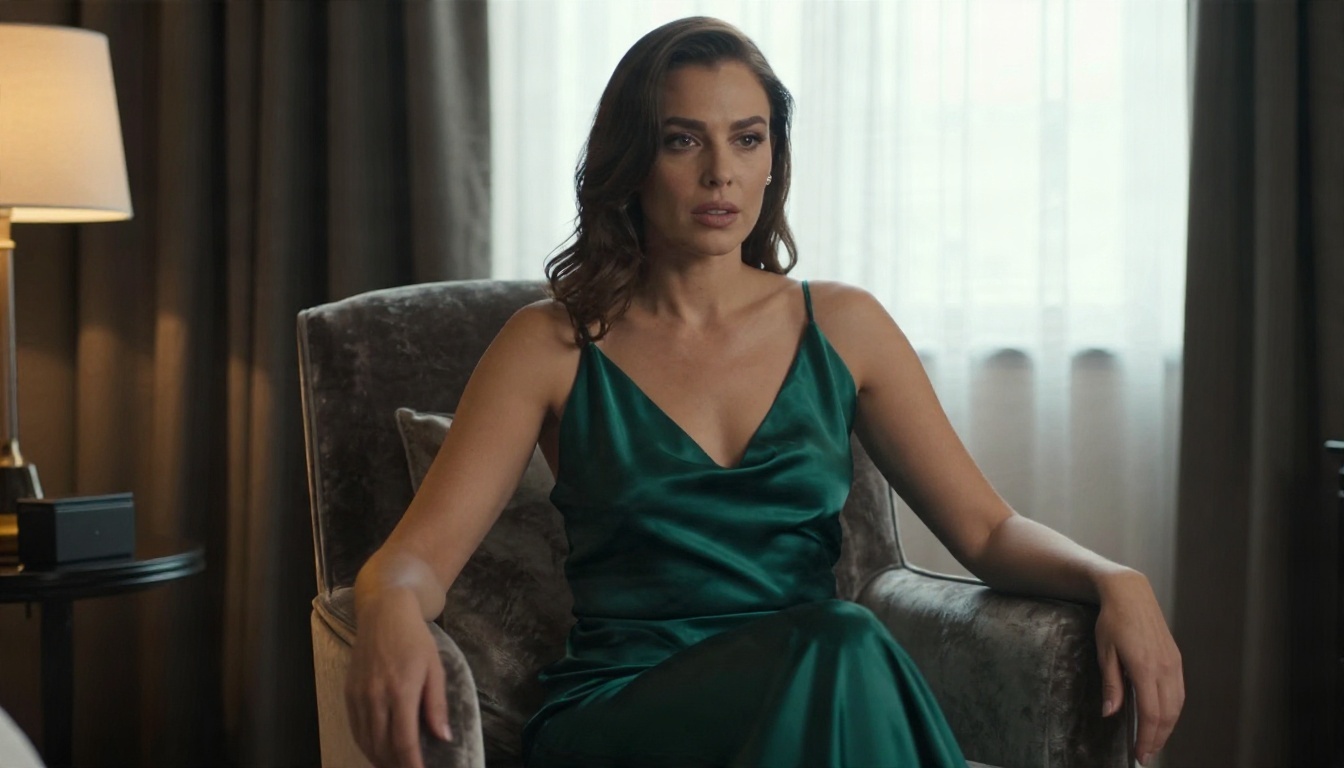
💡 Prompt tip: Name the photograph, not the content. Words like "editorial," "boudoir portrait," "fashion campaign" and "film still" steer the model toward tasteful, magazine-style framing.
Ten copy-ready prompts
Paste any of these into Seedream 4.5 or Image Editor Pro and adjust the details:
- Golden-hour beach editorial, woman in a black bikini and open white linen shirt, wet sand, backlight, 85mm f/1.8, film grain.
- Boudoir portrait by a rain-streaked window, white satin robe, soft overcast light, 50mm f/1.4, muted palette.
- Poolside fashion shoot, woman in a red one-piece, midday sun, glossy water reflections, 35mm f/2.8.
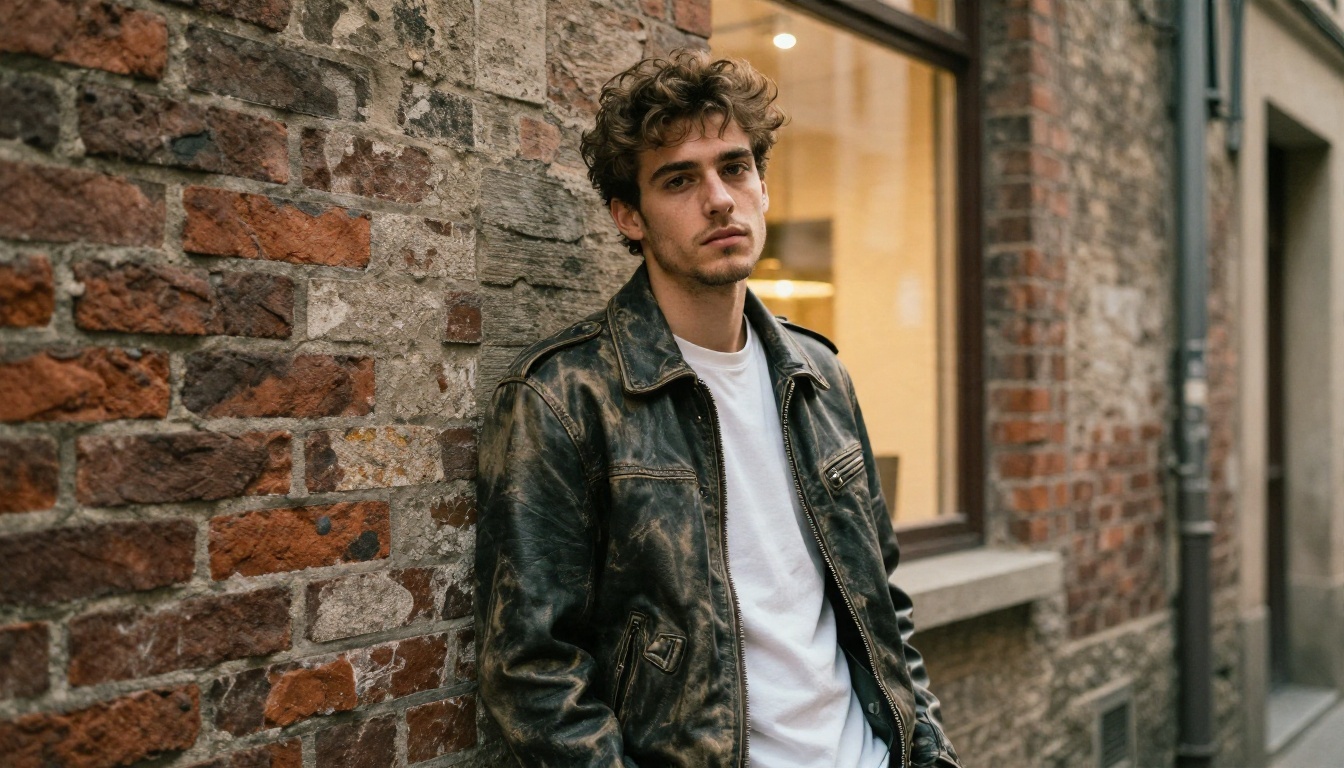
- Street portrait of a man in a worn leather jacket, brick alley at dusk, shop window light, 85mm f/1.8.
- Gym editorial, athlete in a sports bra and leggings, chalk dust in the air, side light, 70mm f/2.
- Horror still, abandoned hospital corridor, a figure in the distance, cold fluorescent flicker, 24mm, heavy grain.
- Figure study in a sunlit studio, dancer in a nude-tone leotard, stretching, window light, 85mm f/2.
- Vintage lingerie campaign, 1970s styling, cream lace set, warm tungsten room, medium format look.
- Rooftop party at dusk, friends laughing, string lights, candid, 35mm f/1.8.
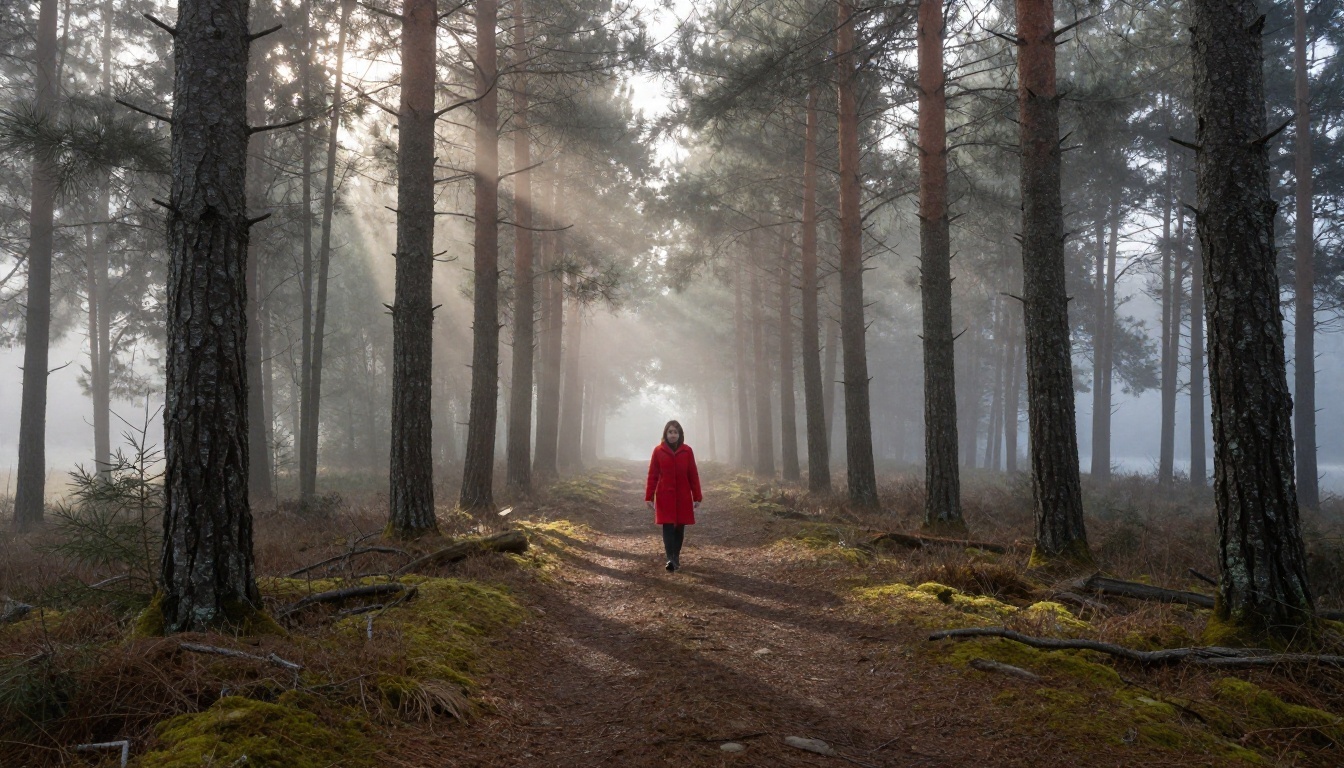
- Misty pine forest trail at sunrise, lone woman in a red coat, light shafts, 24mm, deep focus.
Real Examples, Real Results
A prompt only proves itself on the screen. These three styles show how far a clean photographic brief can go.
Glamour on the shoreline
The beach shot above came from a swimwear brief with a clear light source and lens. Water droplets on skin, wet sand reflecting the sky and a shallow focal plane make it read like a magazine page. The tasteful framing is deliberate: suggestive does not need to mean explicit, and keeping it elegant is also what makes the images usable on social media, portfolios and mood boards.
Street portraits without the plastic look
Many generators give faces a waxy sheen. The cure is to mention real imperfections: stubble, scuffed leather, light mist, uneven skin tone.
Landscapes and mood scenes
Freedom is not only about people. A moodier, riskier or more atmospheric scene often gets refused by cautious tools, and a platform with fewer refusals lets you build fog, shadow and tension without rewording five times.
From Prompt to Photo in 5 Steps
This workflow works on Seedream 4.5 and on the Image Editor Pro.
- Open the model page. Pick Seedream 4.5 for a fresh image, or Image Editor Pro if you want to start from an existing photo.
- Write the five-part prompt. Subject, wardrobe, environment, light, camera. Keep it to two or three sentences.
- Set a wide ratio. Choose 16:9 for scenes and landscapes, or a tall ratio for fashion portraits.
- Generate, then compare. Make four variations. Look at hands, eyes and fabric first, because those reveal quality fastest.
- Refine one detail at a time. Change the light, then the lens, then the wardrobe. Changing three things at once makes it impossible to tell what worked.
💡 Speed tip: Draft with Z Image Turbo to test wording quickly, then run the winning prompt through Seedream 4.5 for the final render.
If a result is nearly right but the face is off or an object is out of place, use the Image Editor Pro to patch just that area instead of regenerating the whole picture. For a final polish, an upscaler from the super-resolution category will sharpen fine texture for print.
Risks and Hard Limits
A tool with fewer refusals does not mean a tool without rules. Some lines never move, and knowing them saves you from wasted time and real trouble.
Scams and shady sites
Search results for this topic are crowded with copycat pages, auto-generated "reviews" and sites that exist only to collect card numbers. Watch for these red flags:
- A "free unlimited" promise that asks for a card at signup
- No named company, no terms page, no privacy policy
- Download buttons for software you did not ask for
- Prompts or uploads stored with no stated retention rule
- Pop-ups claiming your image is "ready" before you have generated anything

Lines that stay closed
Reputable platforms, PicassoIA included, keep a few boundaries regardless of how a tool is described:
- No minors, ever. Any sexualised content involving anyone under 18 is illegal and always blocked.
- No real people without consent. Deepfakes of private individuals or celebrities cause real harm and legal exposure.
- No explicit pornography. The focus here is glamour, boudoir and artistic work that stays suggestive.
- No material meant to deceive or harass. Fake evidence, impersonation and revenge imagery are out.
Staying inside those lines is what keeps an account, a portfolio and a reputation safe.
Try It Yourself Today
You do not need a gaming rig, a stack of free-tier accounts or a long list of workarounds. You need a clear photographic prompt and a model that lets you iterate without a countdown.
Open Seedream 4.5, paste one of the ten prompts above, and run four variations. Then take your favorite into the PicassoIA Image Editor Pro, where unlimited generations let you adjust light, wardrobe and framing until the picture matches what you imagined. If you want more choice, browse every model at picassoia.com/en/all-models and run the same prompt through two or three of them.
Pick one scene you have been wanting to see, write it as a photographer would, and make your first image on PicassoIA now.


