You type a prompt, hit generate, and get a polite refusal. Or a blurred square. Or a watermark across the middle of the face. That is the moment most people start searching for an AI picture generator without restrictions, and it is also the moment they land on a pile of pages that promise "unlimited, uncensored, free" and deliver a credit wall. This article sorts the real from the exaggerated: what "no restrictions" can honestly mean, which free routes exist, which prompts work, what the results look like, and the limits that stay no matter which tool you pick.
💡 Short version: you can get far fewer refusals, no daily cap and sharp photorealistic output. You cannot get a tool that ignores the law, and the better tools do not pretend otherwise.
What "Without Restrictions" Really Means
People use the phrase for three different wishes, and mixing them up is why so many searches end in frustration.
Fewer Content Filters
The first wish is simple: stop blocking harmless prompts. Mainstream chat-based generators often refuse swimwear, fashion shoots, dramatic injuries for a film still, or anything that mentions a public figure's era or style. Overcautious filters are the number one complaint. A tool with relaxed filters accepts glamour, artistic and editorial subjects while still staying non-explicit.
No Usage Caps
The second wish is quantity. A free plan that stops after a handful of images makes real iteration impossible, and good photographs usually need six to twenty attempts. "Without restrictions" here means unlimited or very high generation counts, no queue and no forced waiting.
Full Creative Control
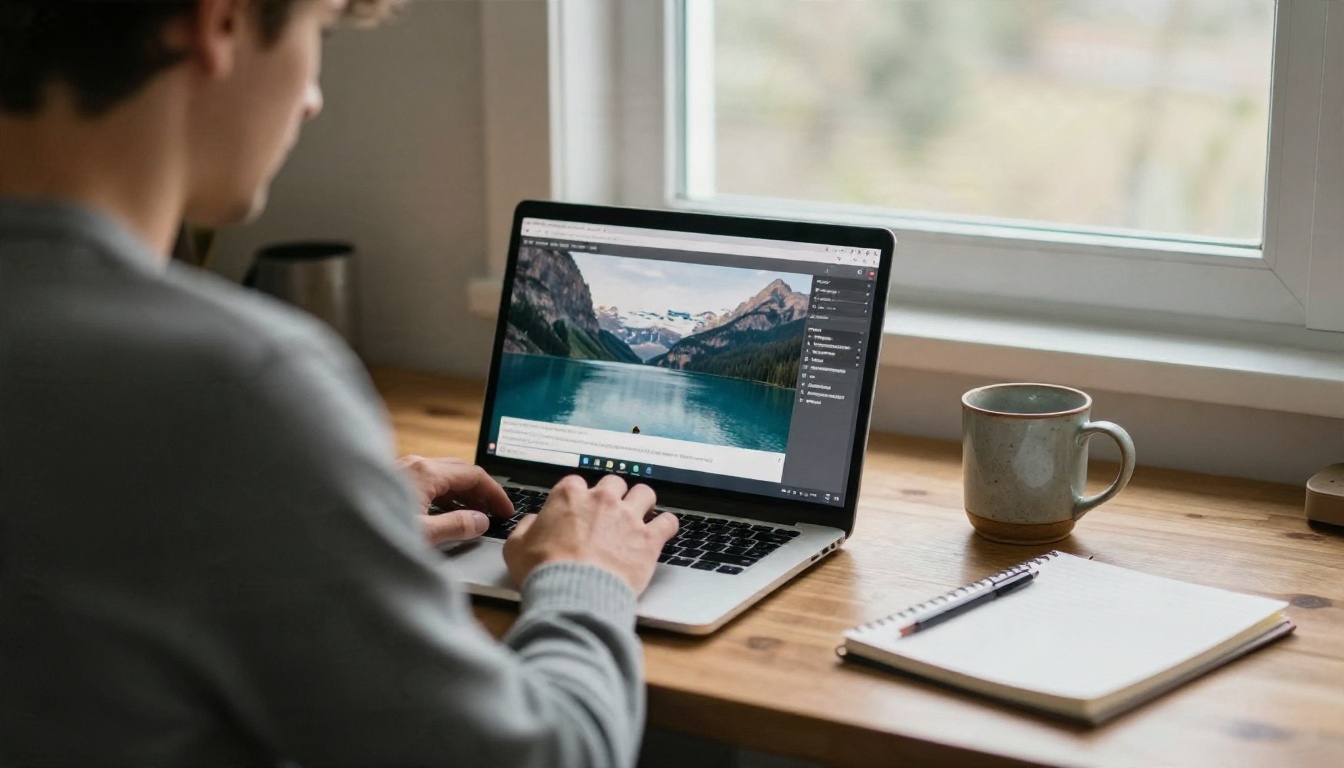
The third wish is control over the output: resolution, aspect ratio, lighting, wardrobe, location, and the ability to edit the result instead of starting over. This one is about features, not filters.
| What you want | What it means in practice | Realistic? |
|---|
| Fewer refusals | Relaxed filters for glamour, fashion, art | Yes |
| No daily cap | Unlimited or very high generation count | Yes, on some tools |
| Zero rules | Nothing is ever blocked | No |
| Free forever | No payment, no credits, no watermark | Rare |
Free Options That Actually Work
I ran a quick scan of what reviewers were saying in 2026, and the pattern is consistent: hundreds of sites claim "free, uncensored, no watermark," and most fall short on at least one of the three.
Hosted Free Tools
Some hosted generators need no account and let you type almost anything. Perchance is the name that comes up most often in reviews, and its limit is resolution: output stays small, around 768 by 1024, which is fine for a social post and weak for print. Mainstream assistants from the big companies have the most generous free tiers (Google's Nano Banana line is frequently described as the most generous), but they filter more and their limits change often.
Local Models on Your Own Machine
Running Flux or Stable Diffusion at home is the closest thing to a truly unlimited setup. Nothing is capped, nothing is logged by a third party, and you pick the checkpoint. The price is setup time, a decent graphics card, and the responsibility of following each model's license and your local law. For most people the install alone ends the experiment.
The Credit Wall Trap
Several pages ranked for "no restrictions" turned out, in recent tests, to be credit systems in disguise. One site's "no login, unlimited free" promise failed on the third image. A quick test protects you: generate five images in a row, change the aspect ratio, and try to download at full size. If any step asks for payment, you have your answer.
💡 Fast test: five images, one aspect ratio change, one full-size download. If all three work, the tool is honest.
Best Models on PicassoIA
If you want relaxed filters, no cap on attempts and photorealistic results in one place, this is the shortlist, in the order I would try them.
Seedream 4.5 First
Seedream 4.5 is my first pick for adult-leaning but non-explicit work such as glamour, swimwear, boudoir-style portraits and fashion. It handles skin texture, fabric and light direction well, outputs up to 4K, and it follows long prompts without dropping details. For a portrait, it is the model that most often gets pores, flyaway hair and fabric weave right on the first try.
Image Editor Pro for Unlimited Runs
PicassoIA Image Editor Pro is the answer to the cap problem: unlimited generations, plus editing. You generate, then change outfit, background or lighting with a plain sentence instead of rerolling from zero. If you iterate a lot, this is where you will spend most of your time.
Other Models Worth Trying
💡 Workflow that saves time: draft with Z Image Turbo, pick the best composition, then rebuild the same prompt in Seedream 4.5 for the final render.
Prompts That Actually Work
A relaxed filter does not rescue a lazy prompt. The tools respond to specifics, and the same sentence structure works on almost every photorealistic model.
The Five-Part Formula
Write your prompt in this order:
- Subject and action: who is doing what, with a clear pose.
- Environment: where, with two or three real objects in the scene.
- Light: direction, time of day, softness ("low golden light from the left").
- Camera: lens, angle, distance ("85mm f/1.8, eye level").
- Texture and film look: skin detail, fabric, grain, color palette.
A prompt of 50 to 75 words in this order beats a three-line one almost every time.
Five Prompts to Copy
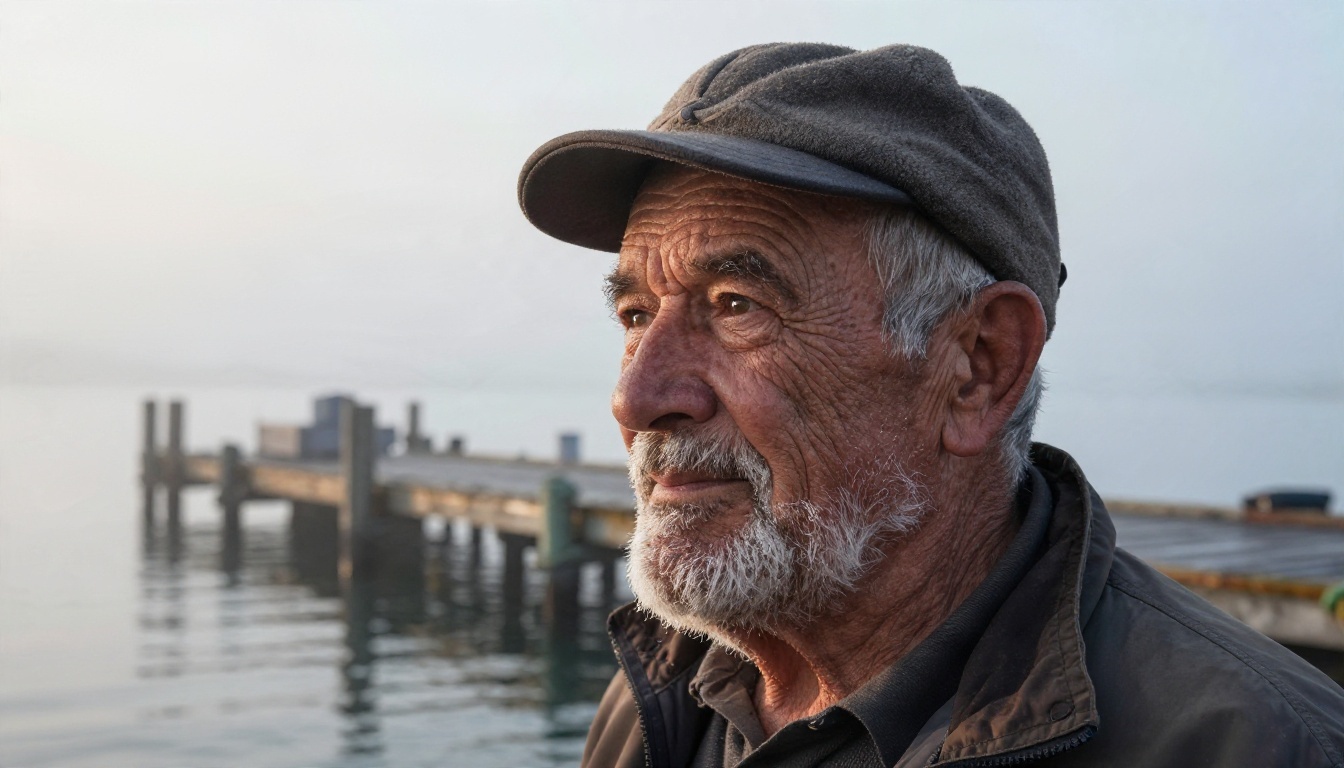
- Portrait: Close-up of an elderly fisherman with weathered skin and white stubble on a misty harbor dock at dawn, soft overcast light from the left, 85mm f/1.4, visible pores, salt on his beard, Kodak Portra 400 grain.
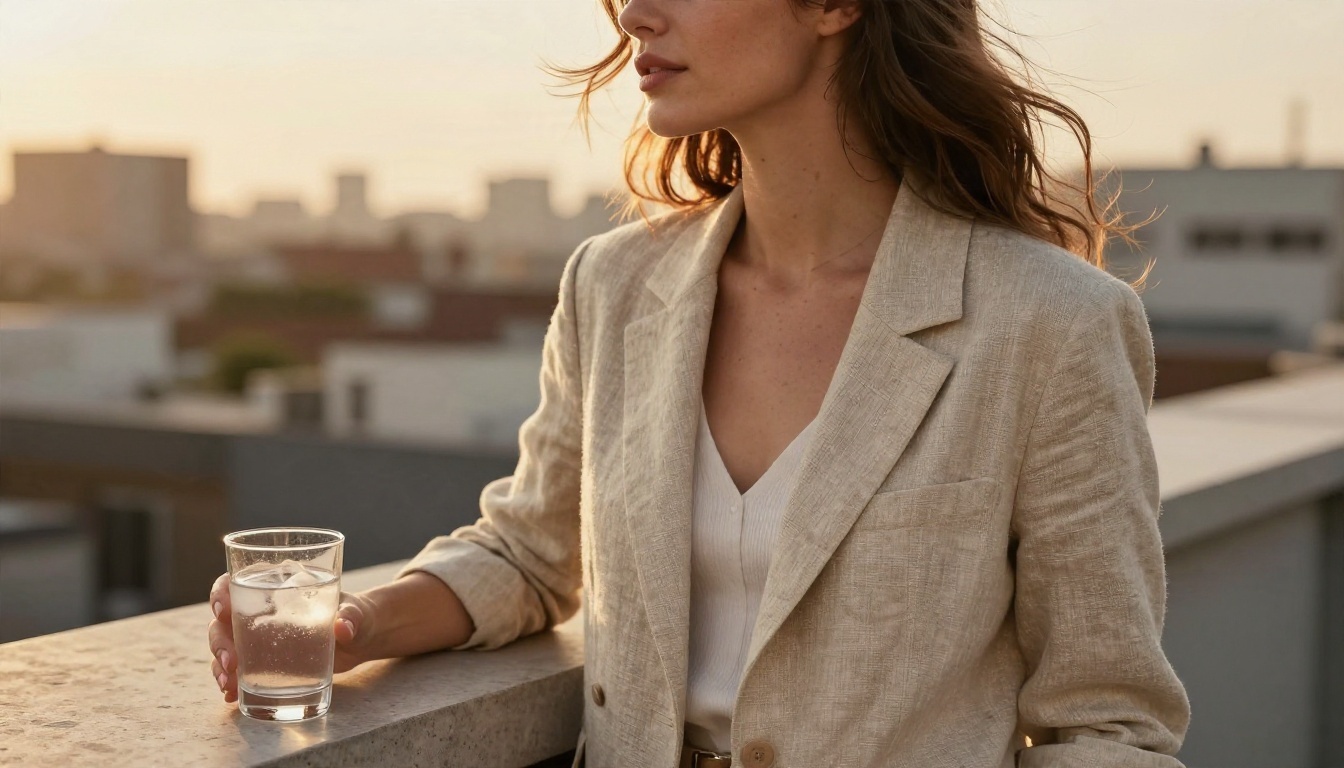
- Fashion: Low-angle shot of a woman in a linen blazer on a rooftop at golden hour, warm backlight on her hair, 50mm f/1.8, fine fabric weave, faint freckles, film grain.
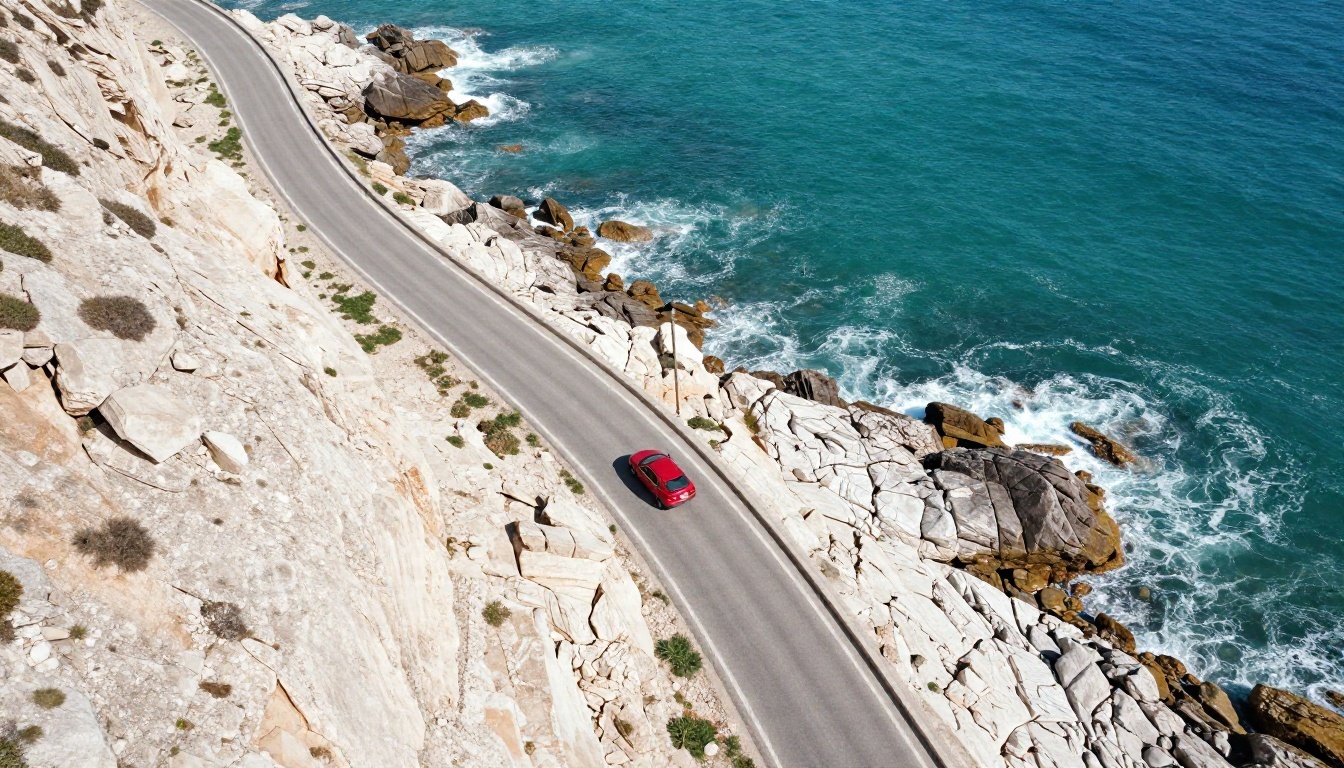
- Landscape: Aerial top-down view of a coastal road along turquoise water and limestone cliffs, a single red car, hard midday sun, 24mm, true-to-life color.
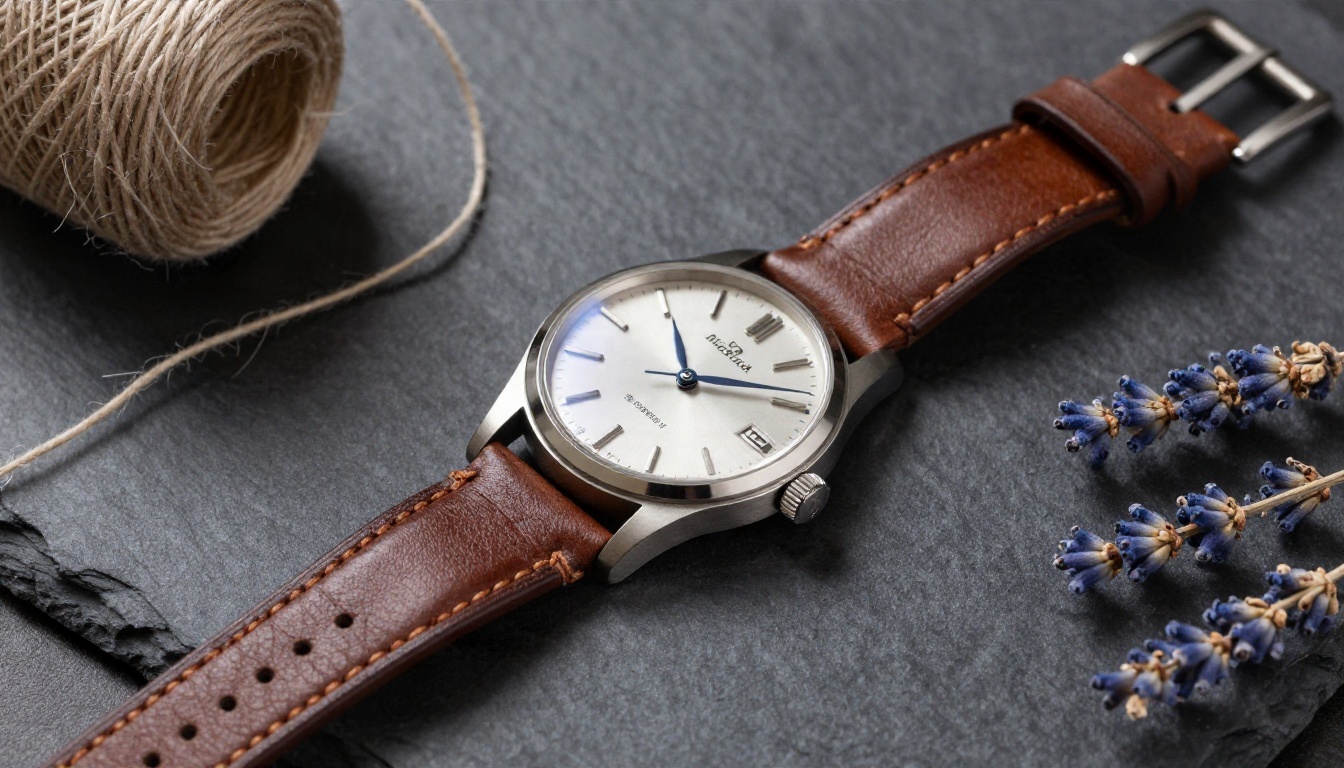
- Product: Vintage wristwatch on dark slate with dried lavender, single soft window light from upper left, 90mm macro, crisp steel reflections, leather stitching.
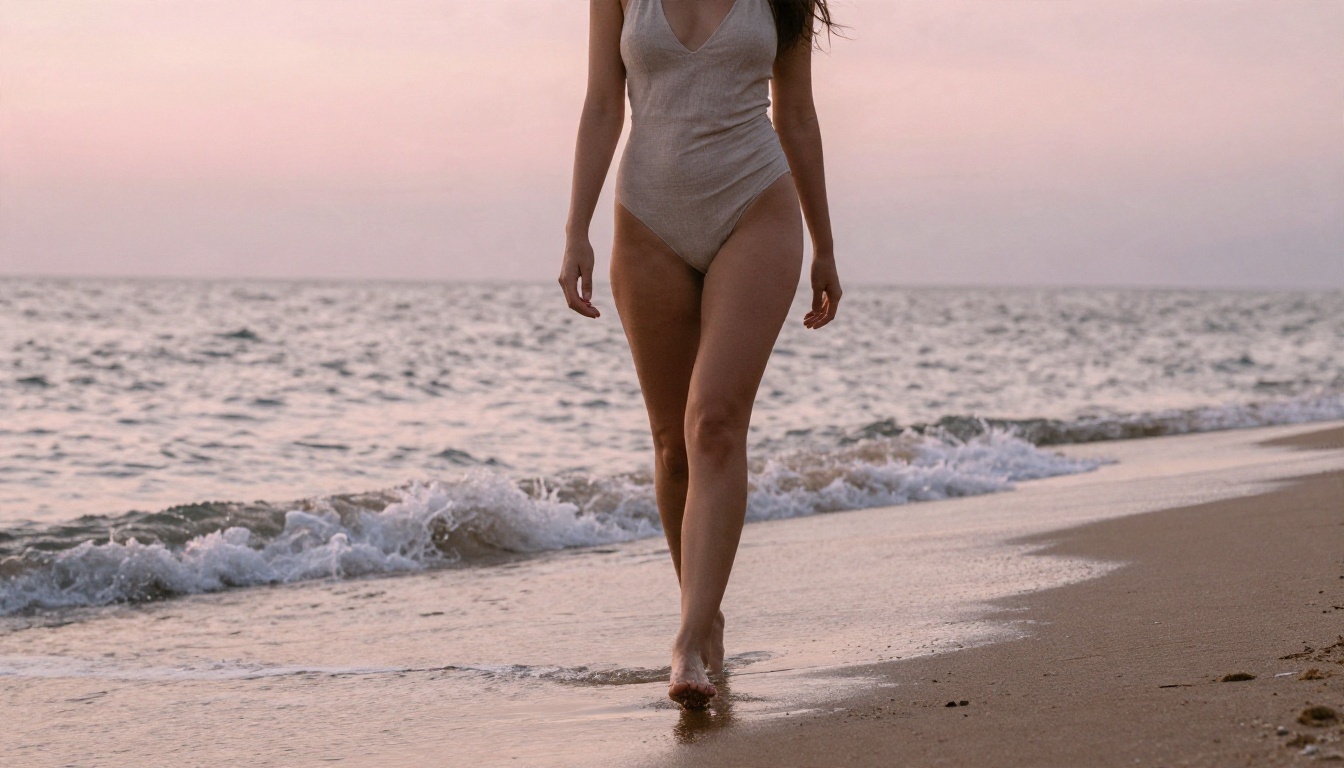
- Glamour (non-explicit): Woman in a swimsuit and linen cover-up walking along a sandy beach at sunrise, waves at her ankles, soft gold light behind her, 70mm f/2.8, natural skin sheen.
Fixes for Weak Results
| Problem | Fix |
|---|
| Plastic, smooth skin | Add "visible pores, fine peach fuzz, natural freckles" |
| Flat lighting | Name the light direction and time of day |
| Odd hands | Give the hands a simple task, like holding a mug |
| Generic background | List three specific objects |
| Cartoon look | Add "raw photograph, film grain, no illustration" |
Real Examples of Photorealistic Output
Examples beat promises, so here is what well-written prompts of the kind above produce.
Portraits With Real Skin
The test every generator fails first is the human face. A believable result needs uneven skin, tiny shadows inside wrinkles, damp hair and eyes with a catchlight. The weathered portrait below is the standard to aim for.
Fashion and Glamour Without Crossing the Line
Relaxed filters mean you can ask for swimwear, evening wear and bold editorial poses. The best of these shots lean on light and location instead of exposure: backlit hair, a skyline, sea spray. That is also what keeps them within the non-explicit line that every reputable platform draws.
Landscapes and Products
Scenes without people are the easiest wins. A coastal aerial or a macro product photo needs no filter relaxation at all, and it shows how far texture rendering has come: rock strata, sea foam, brushed steel, leather stitching.
Limits You Will Still Hit
This section matters most. Any page claiming that a generator has no limits at all is either careless or selling something.
Hard Limits That Never Move
Some lines are drawn by law and by common sense, not by a filter setting:
- No explicit sexual content on mainstream platforms, and none involving anyone under 18, ever.
- No realistic images of real people in sexual, defamatory or deceptive situations. Deepfakes of real individuals without consent are illegal in a growing number of places.
- No fake documents, fake IDs or forged evidence.
- Copyright and trademark rules still apply to what you publish, even if the generator will happily draw it.
"Uncensored" removes platform filtering. It does not remove the law, and you are responsible for what you publish.
Technical Limits
| Limit | What to expect | Workaround |
|---|
| Resolution | Free tools often top out near 1 megapixel | Use a 4K-capable model or upscale afterwards |
| Text in images | Long words still break | Keep it to one or two words |
| Hands and crowds | Occasional errors | Regenerate or inpaint the area |
| Consistency | Same face across images is hard | Use an edit model with a reference photo |
| Speed | Free queues can take minutes | Draft on a fast model first |
Quality Limits
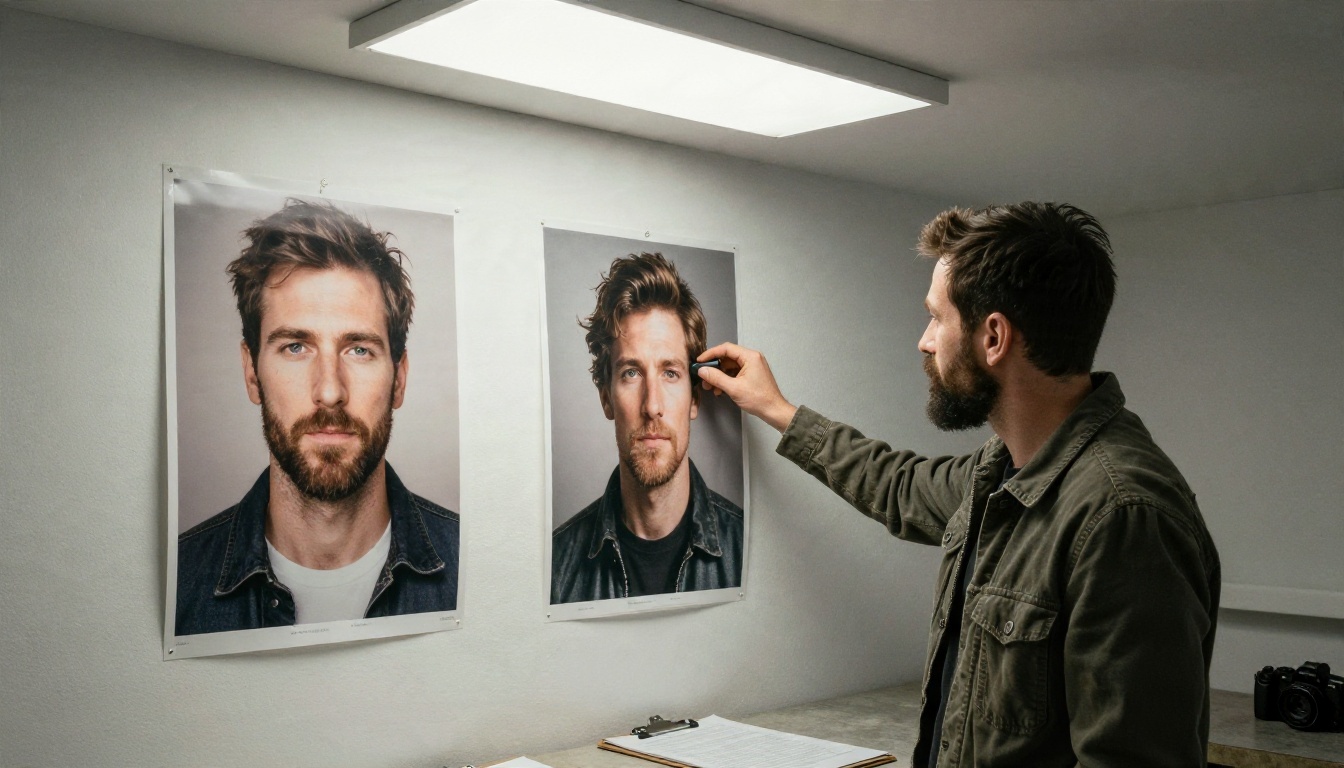
Even with no caps, quality needs your eye. Compare candidates side by side, discard the ones with warped fingers or melted jewelry, and keep the one where light direction makes sense. Plan on generating more than you keep.
Mistakes That Waste Your Time
Most disappointing results come from the same handful of habits.
Writing Prompts Like Search Queries
"Pretty woman beach" gives you a stock-photo average. Name the light, the lens, the pose and the texture. Specificity does more than any filter setting.
Rerolling Instead of Editing
If the composition is right but the jacket is wrong, do not start over. Use an editing model such as Image Editor Pro or Nano Banana Pro and change only that detail.
Trusting "Unlimited" Without Testing
Run the five-image test from earlier. It takes two minutes and saves an afternoon.
Skipping the Final Check
Zoom to 100% before you publish. Look at the eyes, the fingers, the edges of fabric and any text. Fix, then export.
Try It Yourself Today
The honest answer to "is there an AI picture generator without restrictions?" is: there are generators with far fewer restrictions, with generation counts high enough that you stop counting, and with results that pass for real photographs. There is not one without rules, and you would not want to rely on it if there were.
Here is a simple plan for your first session:
- Open Seedream 4.5 and paste one of the five prompts above.
- Change one variable at a time: light direction, lens, location.
- Move the best result into PicassoIA Image Editor Pro for unlimited edits.
- Draft new ideas on Z Image Turbo when you want speed.
Pick a subject you have always wanted to see as a real photograph and write it as a 60-word prompt. Then run it ten times. By the fourth or fifth image you will see what the models do with specific light and texture, and you will have a prompt you can reuse. When you want to try more engines, browse the full catalog at picassoia.com/en/all-models and see which one fits your style best.


