Silent clips are over. The biggest change in adult-themed AI video this year is not sharper skin or smoother motion: it is sound. Breathing, fabric rustle, a low voice, room tone, a distant street. When audio arrives with the picture, a ten second clip stops feeling like a moving photo and starts feeling like a scene. If you searched for an AI porn video with sound, you probably want three answers: which generators are free, how to write prompts that actually work, and which online options are worth your time.
This article answers all three. One note before we start: everything shown here stays in the sensual, suggestive, glamour territory (boudoir, lingerie, bikinis, silk, candlelight). That is where the tools are most reliable, and it is also where you get the cleanest results.
What "AI Porn Video With Sound" Really Means
The phrase covers a lot of ground, so it helps to split it into what the technology does today.
Silent clips versus sound-native video
Older image-to-video models produced mute footage. You added music or voice later in an editor, and the sync was always a bit off. Newer sound-native models generate picture and audio together in one pass. A bedroom scene arrives with ambient room tone, soft fabric movement and sometimes speech. The two layers match because one model created both.
What you can realistically make
Be honest with yourself about the limits. Today's best models give you:
- 5 to 10 second clips at 720p or 1080p, sometimes longer on newer models
- Natural motion such as turning, stretching, walking, hair moving, fabric shifting
- Ambient sound and short lines of dialogue or whispered voice
- Strong consistency when you start from a single high quality still image
What you should not expect: a feature-length film, perfect lip movement in every shot, or flawless hands on the first try.
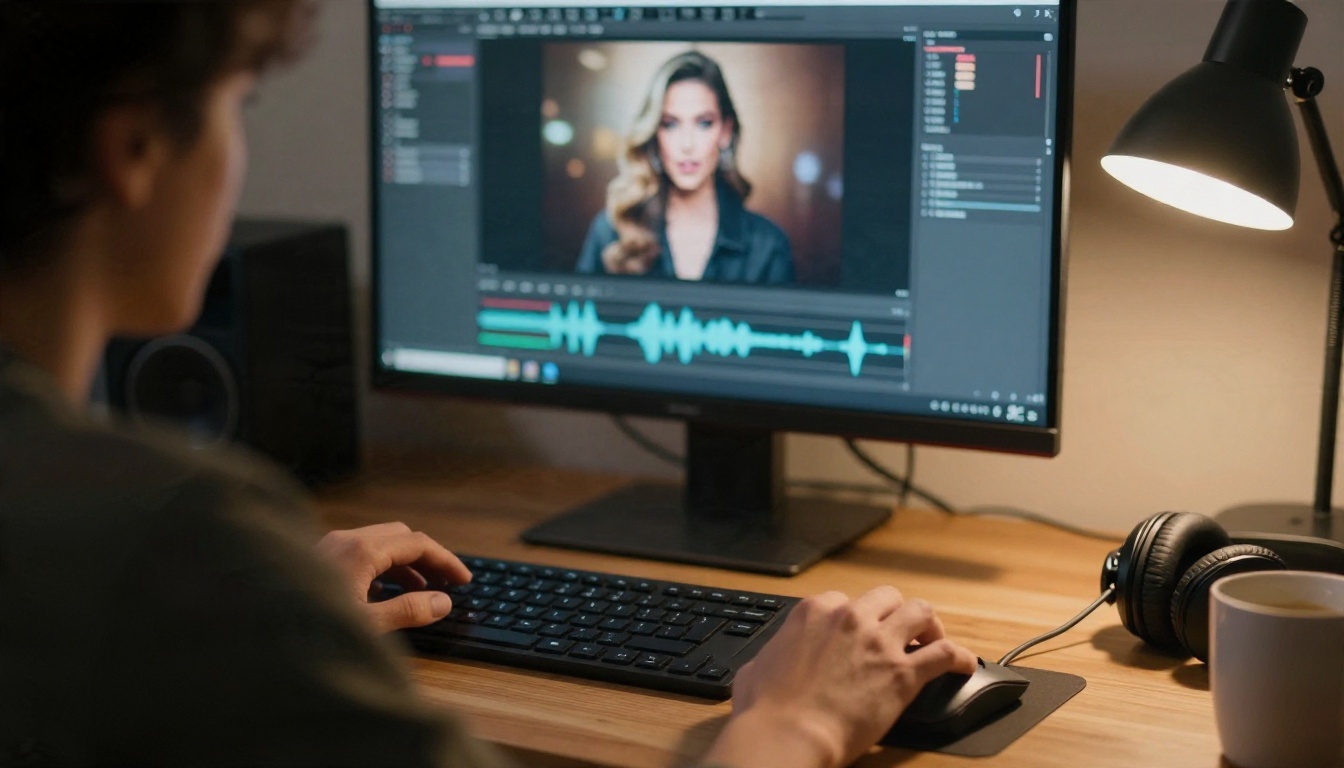
💡 Quick rule: the still image decides about 70% of the final quality. A weak first frame gives you a weak video, whatever model you pick afterwards.
Free Generators Worth Trying
Free is a loaded word. Some tools give you a few credits, some give you a watermark, and a few give you something close to unlimited use. Here is how the options stack up on PicassoIA, in the order that makes sense for building a clip.
Start with a strong still: Seedream 4.5
Seedream 4.5 is the best place to begin. It produces sharp, photorealistic people with believable skin texture, soft lighting and fabric detail, and it handles adult-themed glamour prompts such as lingerie, boudoir, bikinis and evening wear. Generate your first frame here, then send it to a video model.
Why start with an image instead of going straight from text to video? Because you can reject bad frames cheaply. Rolling ten stills costs seconds. Rolling ten videos costs minutes and credits.
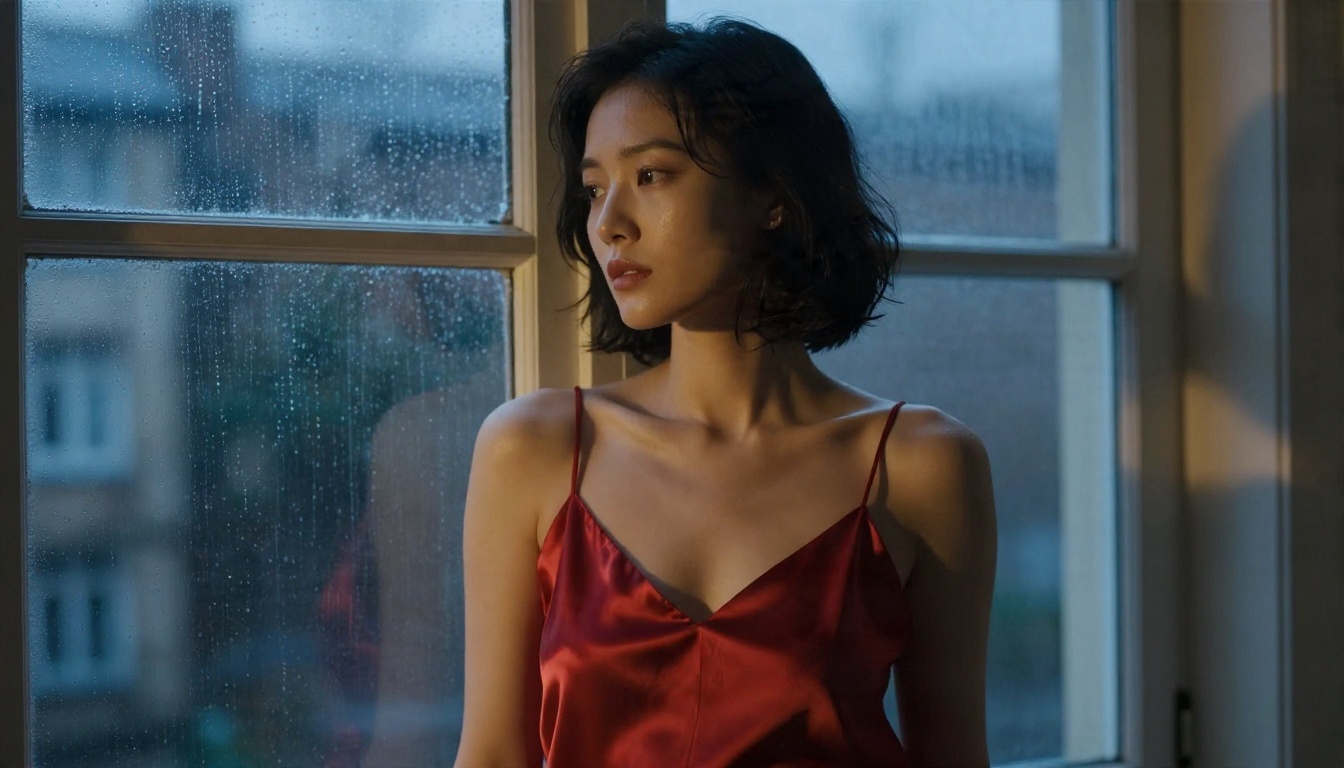
Fix details without limits: Image Editor Pro
The second tool in the chain is PicassoIA Image Editor Pro. It offers unlimited generations, which matters when you are polishing a first frame: change the outfit color, soften the lighting, fix a hand, swap the background, adjust the pose. Because there is no per-image meter running, you can iterate as many times as you need until the frame looks right.
It is fast, and it is not shy about sensual, adult-oriented edits that stay tasteful. That combination is rare among mainstream tools, which often refuse a request the moment a prompt mentions lingerie.
Free and unlimited video: Seedance 2.5 Lite
For motion, Seedance 2.5 Lite is the budget-friendly pick. It is listed as a free and unlimited video generator with clips up to 10 seconds, which makes it ideal for testing a motion idea before you spend credits on a premium model.
If you want a bigger step up, Seedance 2.5 pushes clip length much further.
Models That Generate Sound Natively
Not every video model creates audio. These do, and all of them are on PicassoIA.
Veo and Seedance for realism
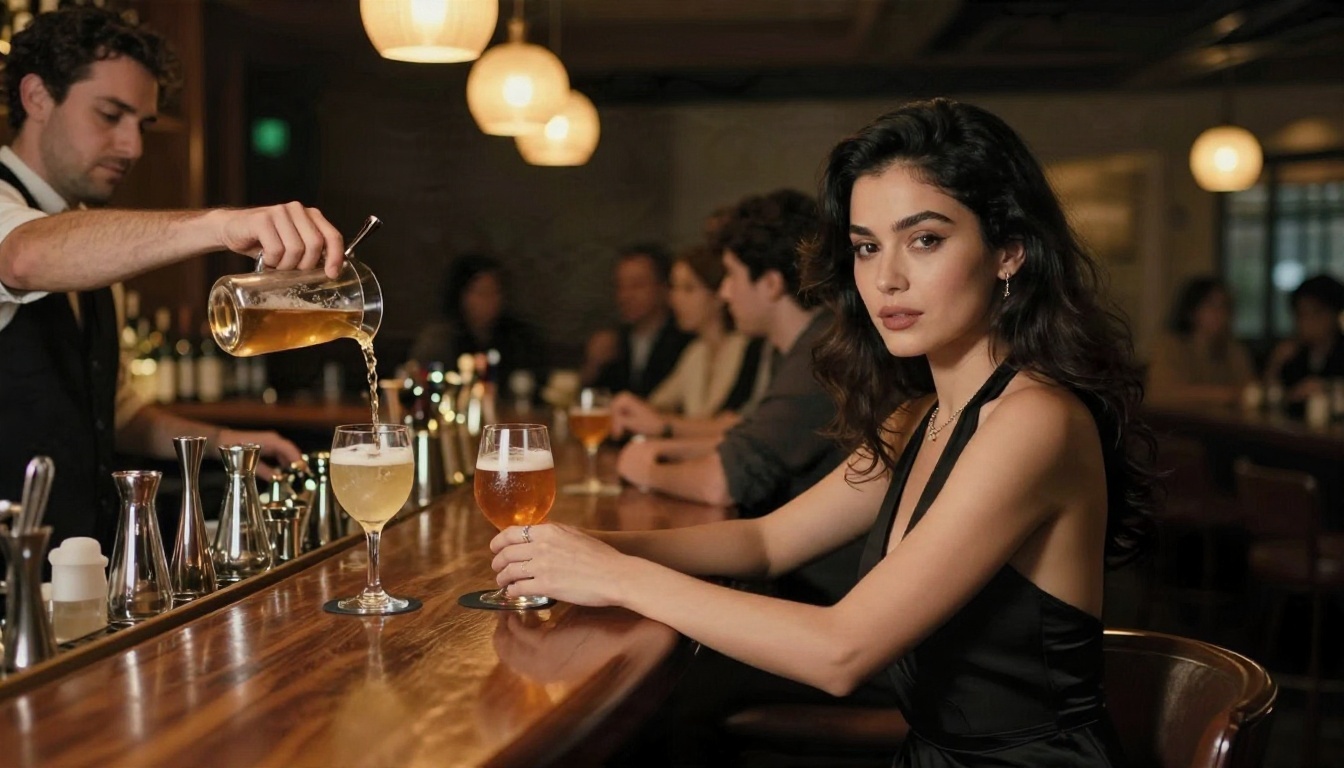
The Veo family is strong when you want atmosphere: a rainy window, a crowded lounge, a quiet hotel room. Seedance tends to shine on body motion, so a stretch, a walk or a head turn looks less rubbery.
Ovi and Grok for photo animation
If you already have a still you love, Ovi I2V and Grok Imagine Video 1.5 are built around animating a photo and adding sound to it. They are the fastest way to turn one frame into a moving clip.
💡 Heads up: every video model has its own content limits. Some are relaxed about sensual wardrobe, others reject the same prompt. If one refuses, try a sibling model rather than rewording ten times.
Adding sound afterwards
Sometimes the built-in audio is not what you want. You can pair a silent clip with a separate voice or music track using Audio To Video, which animates an image to match any sound you give it. For lip movement on a talking shot, Wan 2.2 S2V creates audio-synced video from a speech track.
Prompts That Actually Work
Most failed clips come from one mistake: a single vague sentence asked to do three jobs. Split the job into image, motion and sound.
The image prompt
Describe the frame like a photographer. Use five parts: subject and pose, setting, lighting, lens, texture.
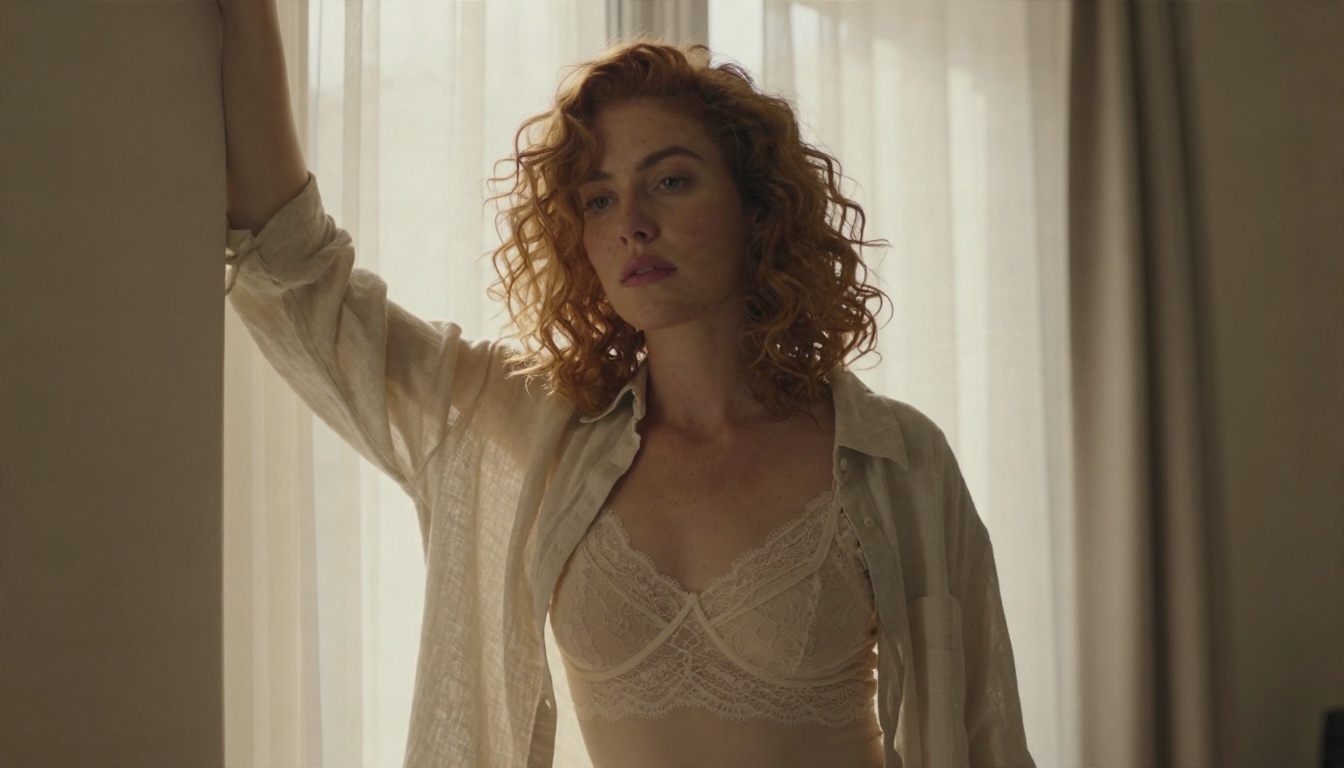
An adult woman in her late twenties with long wavy hair, sitting on the edge of a white linen bed, black satin robe over a lace bralette, relaxed half smile toward camera. Sunlit hotel suite, sheer curtains, golden morning light from the left. 85mm f/1.8, shallow depth of field, visible skin texture, film grain.
Notice there is no trendy style tag. Photographic language (lens, light, grain) pushes the model toward real-looking skin instead of a plastic sheen.

The motion prompt
Write what happens over the clip in order. Keep it to one or two actions.
- Start: "She sits still, then slowly lifts her chin."
- Middle: "She tucks hair behind her ear and shifts her weight."
- Camera: "Slow dolly-in, locked horizon."
- Light: "Soft morning sun, dust motes drifting."
More than two actions in five seconds usually produces rubbery limbs.
The sound prompt
For sound-native models, add an audio line. Name the ambient layer first, then any voice.
Soft room tone, faint street traffic through a window, linen rustling. A low, warm voice whispers: "Good morning."
Short lines work best. Long speeches drift out of sync, and quoted dialogue tends to be more accurate when it is under about ten words.
Three prompts to copy
| Goal | Prompt idea |
|---|
| Rainy window mood | Red silk dress, standing by a rain-streaked window at dusk, slow push-in, rain and distant thunder, soft music from a neighboring room |
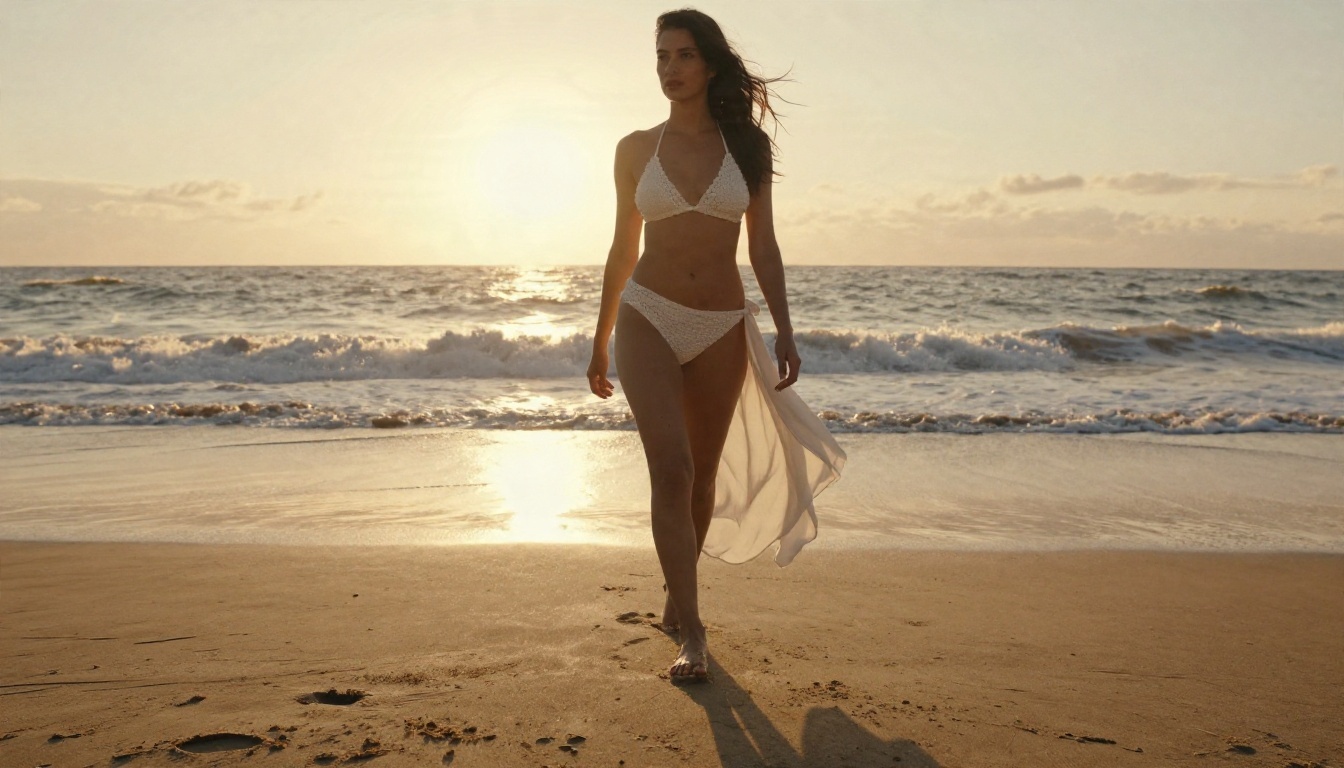
| Poolside summer | Green bikini, straw hat, loungers, slow overhead drift, water ripples, distant laughter, light breeze |
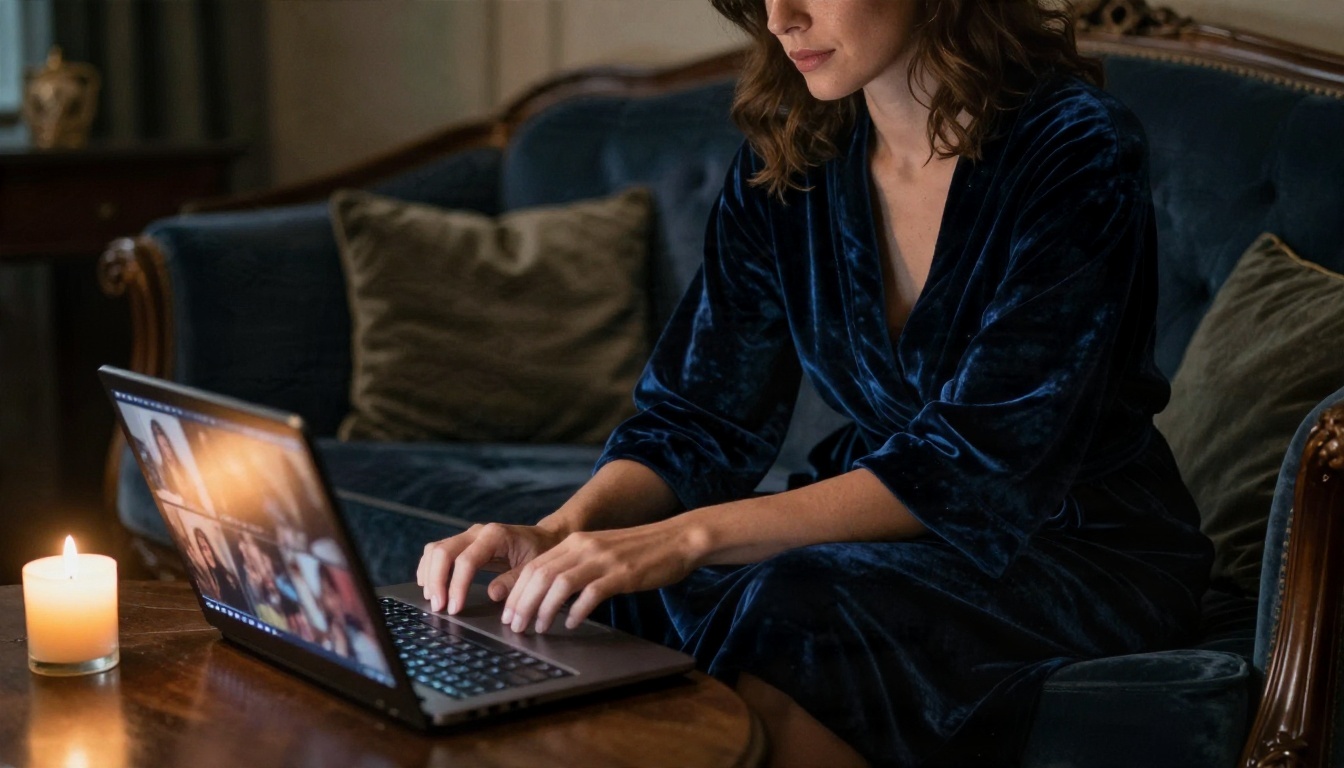
| Candlelit lounge | Velvet robe on a sofa, candle glow, slow head turn, crackling wick, quiet jazz from a speaker |
How to Use Seedream 4.5 on PicassoIA
Here is the full workflow, from blank page to finished clip.
Step 1: Generate the first frame
Open Seedream 4.5 and paste your image prompt. Choose a 16:9 ratio if you plan to post to a wide player, or 9:16 for vertical platforms. Generate four to six variants.
Step 2: Pick and polish
Choose the frame with the best face, hands and lighting. If one detail is off, send it to Image Editor Pro and describe the fix in plain language: "soften the shadows on the left", "change the robe to ivory".
Step 3: Animate it
Upload the final still to a sound-native video model, for example Seedance 2.0 or Veo 3.1 Lite. Paste your motion prompt and your sound prompt together.
Step 4: Check and repeat
Watch with headphones on. Is the ambient sound believable? Does the motion start and end cleanly? If not, change one thing (usually the motion line) and run it again.
Parameter tips
- Seed: reuse the same seed when you only want to change the sound line.
- Length: start at 5 seconds. Longer clips drift more.
- Resolution: test at 720p, then export your winner at the highest setting.
- Aspect ratio: match the source still so nothing gets cropped.
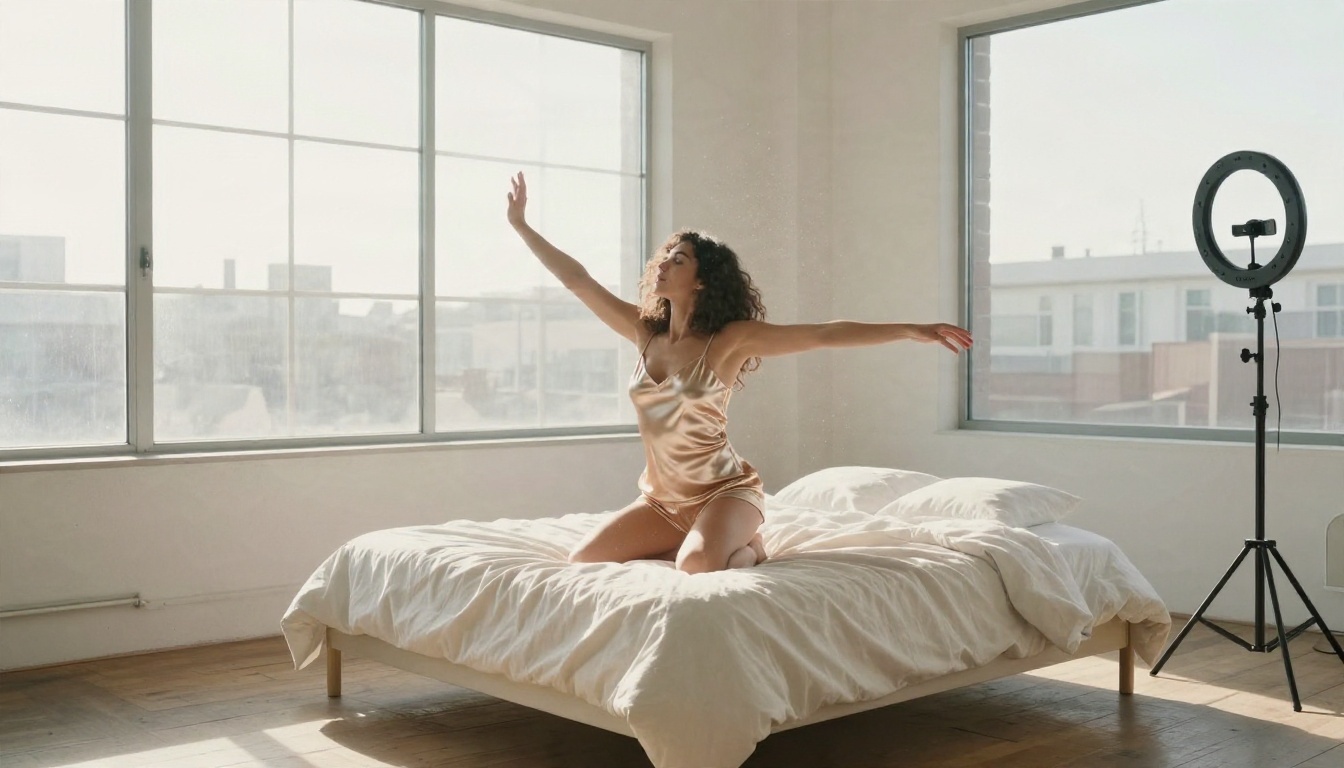
Online Options Compared
You do not need to install anything. Browser-based tools now do the heavy lifting, but they differ a lot in price and restrictions.
| Option | Cost | Sound | Content limits | Speed |
|---|
| PicassoIA image chain (Seedream 4.5 plus Image Editor Pro) | Image Editor Pro is unlimited | Via video models | Relaxed on sensual glamour | Seconds per image |
| Free video tier (Seedance 2.5 Lite) | Free and unlimited | Check per clip | Moderate | Fast |
| Premium audio models (Veo 3, Seedance 2.0) | Credits per clip | Native | Varies by model | Minutes |
| Local installs on your own PC | Free software, expensive GPU | Usually silent | None, but you do the setup | Slow |
| Mainstream chatbot video tools | Subscription | Sometimes | Strict, often blocked | Fast |
Why browser tools win for most people
A local install means hunting for checkpoints, matching drivers and fixing crashes. It makes sense if you already own a powerful graphics card and enjoy tinkering. For everyone else, a browser workflow gives you better models, faster results and zero maintenance.
Where the money goes
Spend your credits on video, not on stills. That is why the unlimited image editor is such a useful anchor: you can polish the first frame for free, then spend credits only on the one or two clips that deserve it.
Three Common Mistakes
Overloading the prompt
Fifteen adjectives and four actions confuse the model. One subject, one setting, one light source, one motion.
Ignoring the sound line
If you leave audio unspecified, many models invent generic background hum or music. Write the sound you want, and the clip feels deliberate.
Judging at thumbnail size
Faces and hands look fine small and fall apart at full size. Always watch the clip at full screen before you call it done.
Safety and Consent Rules
Adult-themed content comes with real responsibilities, and following them is also what keeps your account and your audience safe.
- Adults only. Every character you generate must be clearly an adult. No exceptions, no ambiguity.
- No real people without consent. Do not use a photo of an actual person, celebrity or acquaintance, and do not imitate their voice. Invent your own characters.
- Label your work. Say it is AI generated when you post it.
- Respect platform rules. Each site has its own policy on adult material. Check before you upload.
- Keep your files private until you are sure they are ready to share.
💡 If a model blocks a request, do not look for tricks to get around it. Switch to a model with looser limits for tasteful glamour content, such as the image tools above.
Try It Yourself
You do not need a studio, a camera crew or a recording booth to build a sensual, atmospheric clip with sound. You need one good first frame, one clear motion line and one honest sound description.
Open Seedream 4.5 on Picasso IA, generate a still you love, then polish it with Image Editor Pro where generations are unlimited. Send the winner to Seedance 2.5 Lite for a free test, or to Veo 3.1 Lite when you want native audio.
Run five variations. Change one thing at a time. Keep the best take. When you want more options, browse every model in one place at picassoia.com/en/all-models and build your own clips today.


