Type "AI porno" into a search bar and you get a wall of sites that promise everything, then stop you at the first prompt with a grey "content blocked" box. Others hand you a blurry, plastic-skinned result after a ten-minute queue and a surprise paywall. Most people searching this phrase want something much simpler: a free online generator, a few prompts that work, and an app that doesn't treat a bikini photo like a crime scene.
This article sorts the noise. You'll see how these generators actually work, which kinds of tools exist, what "uncensored" realistically means in 2027, and how to write prompts that produce glamour, boudoir and swimwear images with believable skin and lighting. Everything here stays on the tasteful side of the line: suggestive, attractive, adult, and never explicit.
What People Really Search For
The phrase "AI porno" bundles together at least four different intents. Knowing which one is yours saves a lot of wasted clicks.
| Search intent | What the person wants | Best-fit tool type |
|---|
| Free generator | Make images in a browser with no card on file | Web text-to-image platform |
| Prompt help | Wording that gets realistic, attractive results | Prompt libraries and model docs |
| Mobile app | Quick generations from a phone | Browser-based platform that works on mobile |
| Fewer blocks | A tool that doesn't reject glamour or swimwear | Models with relaxed filters |
Notice that only the last row is about "uncensored" in a strict sense, and even there most users aren't after anything extreme. They're after swimwear shoots, lingerie-style fashion, boudoir portraits, artistic nudity implied by pose and lighting, and spicy-but-classy character art. That's exactly the zone where over-sensitive filters cause the most frustration.
💡 Quick reality check: Every serious platform keeps some limits. The useful question is not "does it have filters?" but "does it block normal glamour content, or only the genuinely harmful stuff?"
How AI Image Generators Work
A text-to-image model starts from random noise and removes it step by step, guided by your prompt. The result depends on three things: the model (its training and style), your prompt (how specific you are) and the settings (aspect ratio, seed, guidance).
Two details explain most of the quality gap you'll notice between tools:
- Model training. Photorealistic models trained on fashion, portrait and lifestyle photography produce better skin, hands and fabric. Models trained mostly on illustration give you that shiny, airbrushed look.
- Moderation layers. Many platforms put a separate safety classifier in front of or behind the model. Even a good model can seem "censored" because of this layer, not because of the model itself.
That second point matters. When a prompt gets rejected, rewriting it with photography language (lens, light, wardrobe, setting) often gets it through, because you are describing a photo shoot rather than a vague request.
Types of Generators You'll Find
Browser-Based Platforms
These are the easiest entry point. You open a page, type a prompt, wait a few seconds and download the result. No installation, no GPU, works on a laptop or phone. The tradeoff is that each platform decides its own rules and limits, and "free" often means a daily credit cap.
Standalone Mobile Apps
App-store apps look convenient, but they are the most restrictive category. Store policies push them toward heavy filtering, many lock quality behind subscriptions, and some quietly resell the same few open models with a skin on top. For glamour work, a mobile-friendly web platform usually beats a dedicated app.
Local Setups
Running an open model on your own PC gives you total control over filters and no per-image cost. It also demands a strong graphics card, a fair amount of setup time and some patience with settings. Worth it if you generate hundreds of images a week, overkill for most people.
Specialized Companion and Character Sites
Some services focus on chat-style characters with images attached. They can be fun, but they often store your prompts, push subscriptions hard and produce inconsistent faces from one image to the next.
Free vs Paid: The Real Cost
"Free" can mean very different things. Here's how the common models compare in practice.
| Model of access | Typical cost | Speed | Main catch |
|---|
| Daily free credits | $0 | Medium | Cap resets every 24 hours |
| Free trial, then paywall | $0 then $10 to $30/month | Fast | Card required, easy to forget |
| Unlimited plan | Flat monthly fee | Fast | Check what "unlimited" includes |
| Local open model | Hardware cost | Depends on GPU | Setup time |
| Ad-supported free tier | $0 | Slow | Queues and watermarks |
The sweet spot for most people is a platform that gives fast generations, a photorealistic default and generous or unlimited image creation on a single account, so you can iterate on a prompt ten or twenty times without watching a credit counter.
Models Worth Trying on PicassoIA
PicassoIA puts many image models in one place, so you can test the same prompt across several of them. For glamour, swimwear and boudoir-style work, this is the order I'd try them in.
Seedream 4.5 First
Seedream 4.5 is the model to start with. It produces sharp, high-resolution portraits with convincing skin, believable fabric and clean lighting, and it handles fashion-style requests like swimwear, silk and evening wear without the plastic finish you get elsewhere. If you only try one model from this list, make it this one.
PicassoIA Image Editor Pro for Unlimited Edits
PicassoIA Image Editor Pro is where you go when you want to keep iterating. It offers unlimited generations, so you can change outfits, backgrounds, lighting or mood on the same picture as many times as you like. That makes it ideal for refining a result from Seedream 4.5 instead of starting from scratch each time.
Other Models for Different Looks
💡 Workflow tip: Draft with a fast model, pick the composition you like, then rebuild the best version with a higher-quality model and polish it in the editor.
You can browse the entire catalog at picassoia.com/en/all-models.
What "Uncensored" Actually Means
Marketing pages throw this word around, and it deserves a plain-language definition. In the glamour context, "uncensored" usually means one of these:
- Fewer false positives. Swimwear, lingerie-style fashion, bare shoulders and sensual poses don't trigger a block.
- Artistic flexibility. Boudoir lighting, implied nudity through pose, fabric and shadow, and mature themes are allowed when they're photographic rather than graphic.
- No nagging. The tool doesn't refuse or lecture you for ordinary adult aesthetics.
What it should not mean is a free-for-all. Reputable tools still refuse content involving minors, non-consensual material or real people's likenesses used without permission. If a site advertises that it has no rules at all, treat that as a warning sign about how it handles your data and its other users.
Prompts That Actually Work
Weak prompts produce weak images. The structure that works best reads like a photographer's shot list: subject, wardrobe, setting, light, lens, texture.
The Formula
[Adult subject and pose], [wardrobe], [setting], [light direction and quality], [camera and lens], [skin and fabric texture], [film look].
Prompt 1: Boudoir Portrait
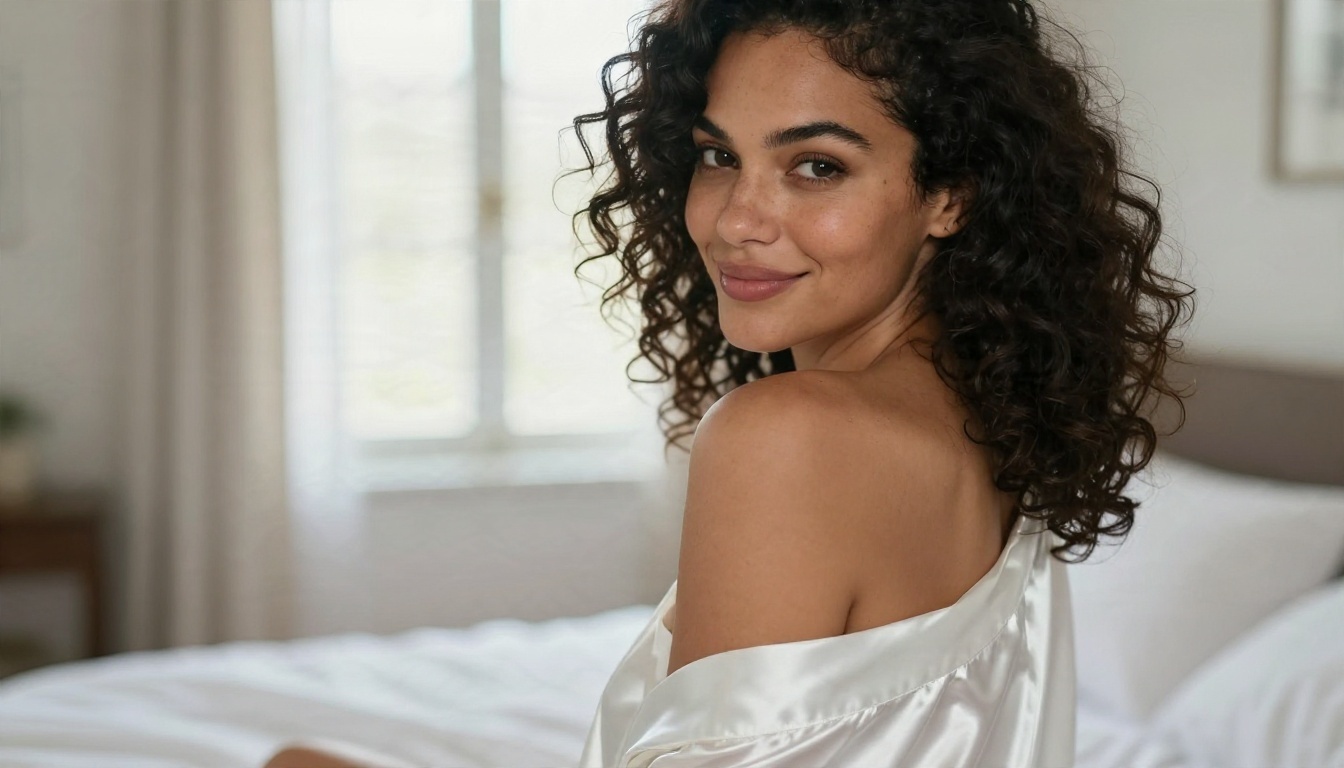
Adult woman with dark curly hair, white satin robe slipping off one shoulder, looking back at the camera, bright bedroom with linen sheets, soft window light from the left, 85mm f/1.8, visible skin pores, Kodak Portra 400 film grain.
Prompt 2: Swimwear at the Beach
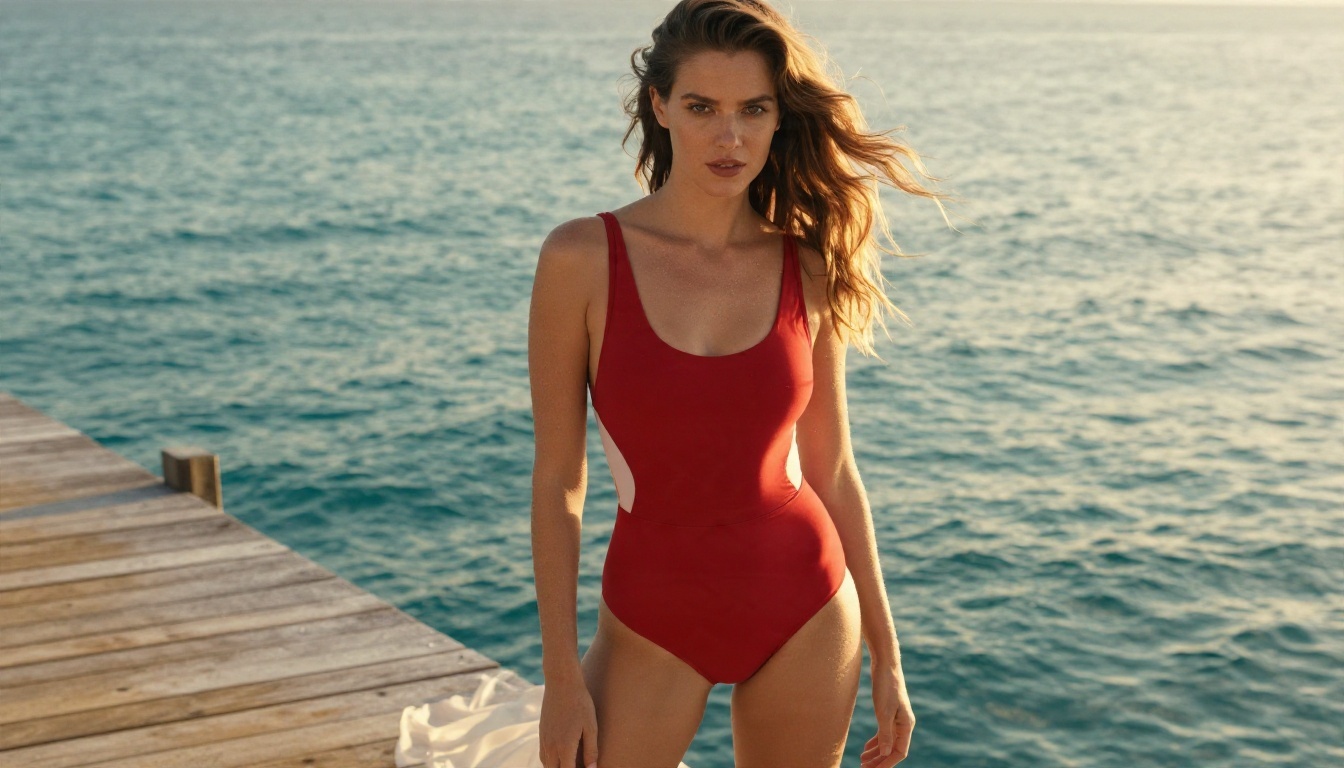
Adult woman in a red two-piece swimsuit and sheer cover-up on a wooden pier at golden hour, low angle, warm backlight on her hair, 35mm f/2, water droplets on sun-kissed skin, film grain.
Prompt 3: Evening Glamour
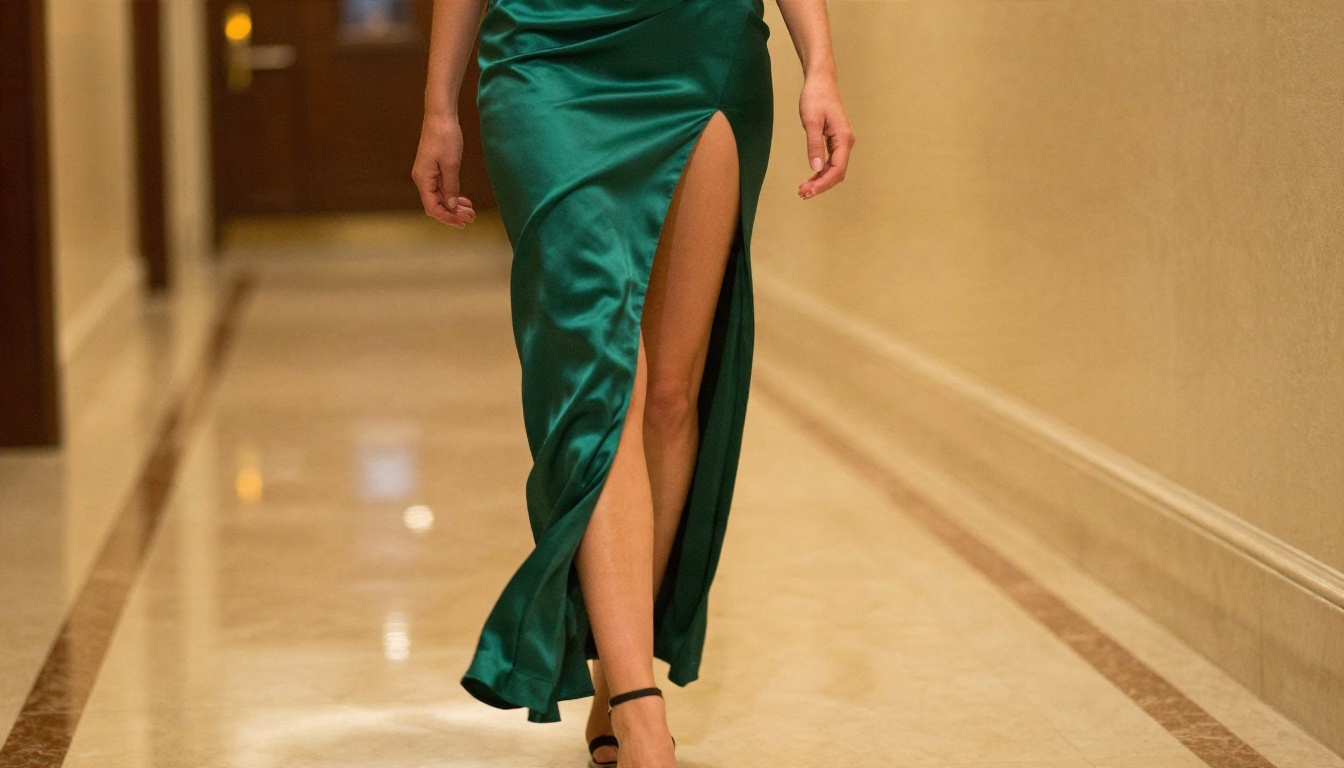
Adult woman in an emerald silk gown with a high leg slit, walking through a candlelit marble hotel corridor, warm sconce light, polished floor reflections, 50mm f/2, realistic silk sheen.
Prompt 4: Poolside Summer
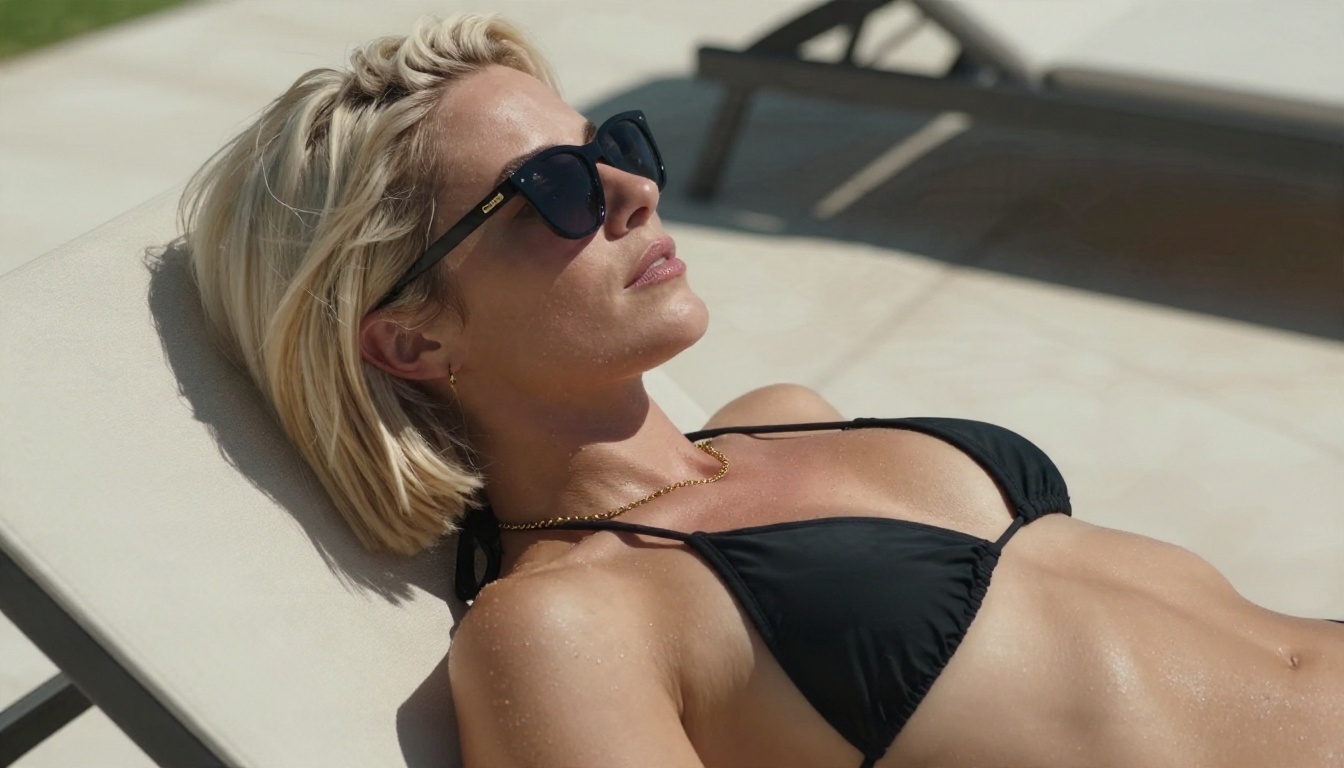
Adult woman with a platinum bob, black bikini top and gold chain, reclining on a lounger, sunglasses in her hair, strong midday sun with soft white-tile fill, 100mm f/2.8, beads of water on tanned skin.
Words That Help
- Light words: golden hour, window light from the left, soft rim light, warm tungsten, diffused.
- Lens words: 35mm, 50mm, 85mm f/1.8, shallow depth of field, tack-sharp eyes.
- Texture words: visible pores, fine peach fuzz, silk sheen, linen creases, film grain.
- Wardrobe words: satin, lace trim, silk slip, swimsuit, cover-up, cashmere, evening gown.
Words That Hurt
- Vague adjectives like "hot", "perfect" or "sexy" with no visual detail.
- Stacked quality tags such as "ultra 8k masterpiece best quality", which add little.
- Contradictions, like "studio flash" and "candlelight" in the same sentence.
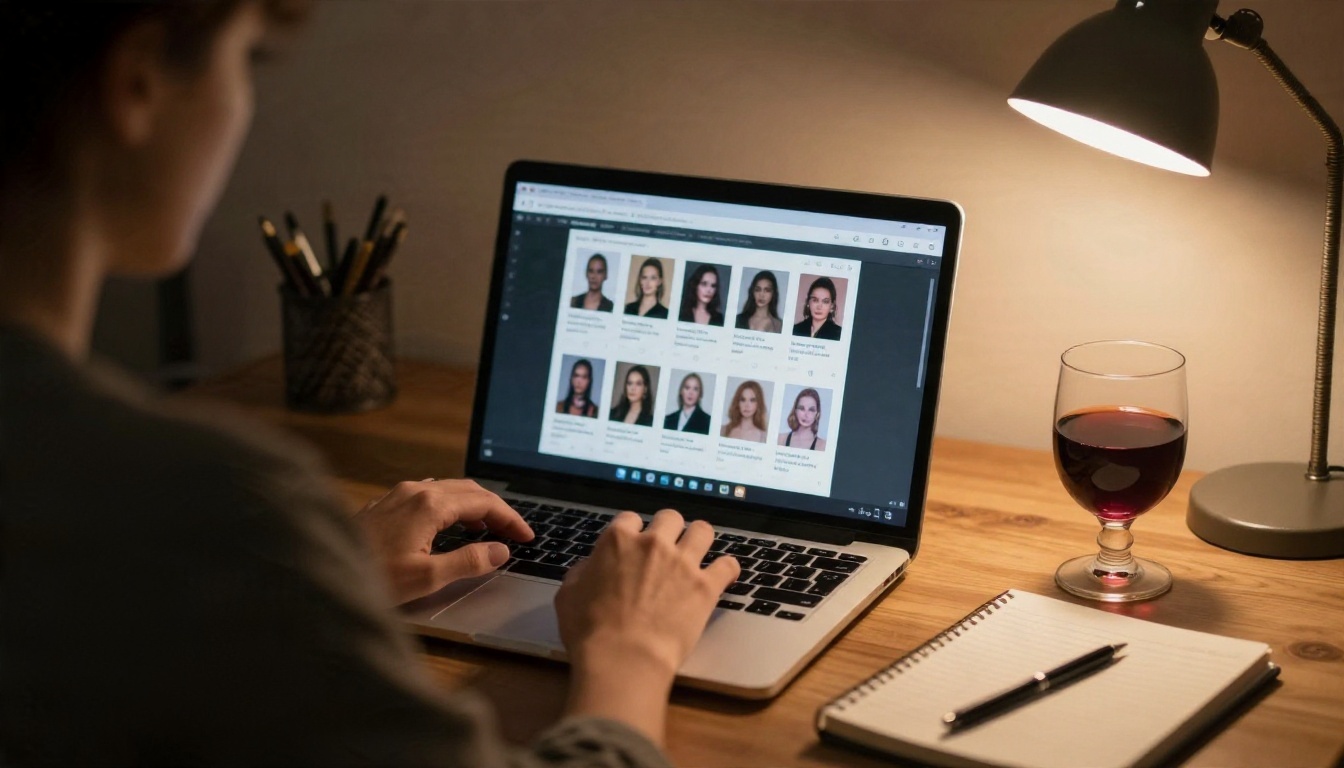
Seedream 4.5 Step by Step
Here's the simplest way to produce a clean glamour image on PicassoIA.
- Open the Seedream 4.5 page.
- Paste one of the prompts above, or write your own using the formula.
- Set the aspect ratio. 16:9 suits scenic and editorial shots, a portrait ratio suits phone wallpapers and social posts.
- Generate, then look at the eyes, hands and fabric edges first. Those are where artifacts hide.
- Change one thing at a time: the light, the wardrobe or the lens. Changing three at once makes it impossible to tell what helped.
- Send your favorite to PicassoIA Image Editor Pro to fix small details, swap a background or adjust the mood.
💡 If a prompt gets blocked, don't keep resubmitting it. Rewrite it as a photo shoot: name the wardrobe as fashion, describe the lighting and the lens, and drop any vague or loaded wording. That alone solves most rejections.
Making Results Look Real
The tell-tale signs of a fake image are always the same: waxy skin, symmetrical faces, melted jewelry and impossible fabric folds. You can reduce every one of them.
Skin
Ask for natural texture: fine pores, tiny freckles, soft peach fuzz, a little sheen on the cheekbones. Avoid the words "flawless" and "perfect skin", which push models toward a plastic finish.
Light
Pick one dominant light source and say where it comes from. "Soft window light from the left with gentle fill from the cream walls" beats "good lighting" every time.
Camera
Use real lens language. An 85mm f/1.8 gives portrait compression and creamy background blur. A 35mm gives environmental context for pier and pool scenes. A 28mm is better for wide room shots.
Film Look
A line like "Kodak Portra 400 film grain, subtle halation around highlights" adds the soft, imperfect character of real analog photography, which instantly feels less synthetic.
Final Polish
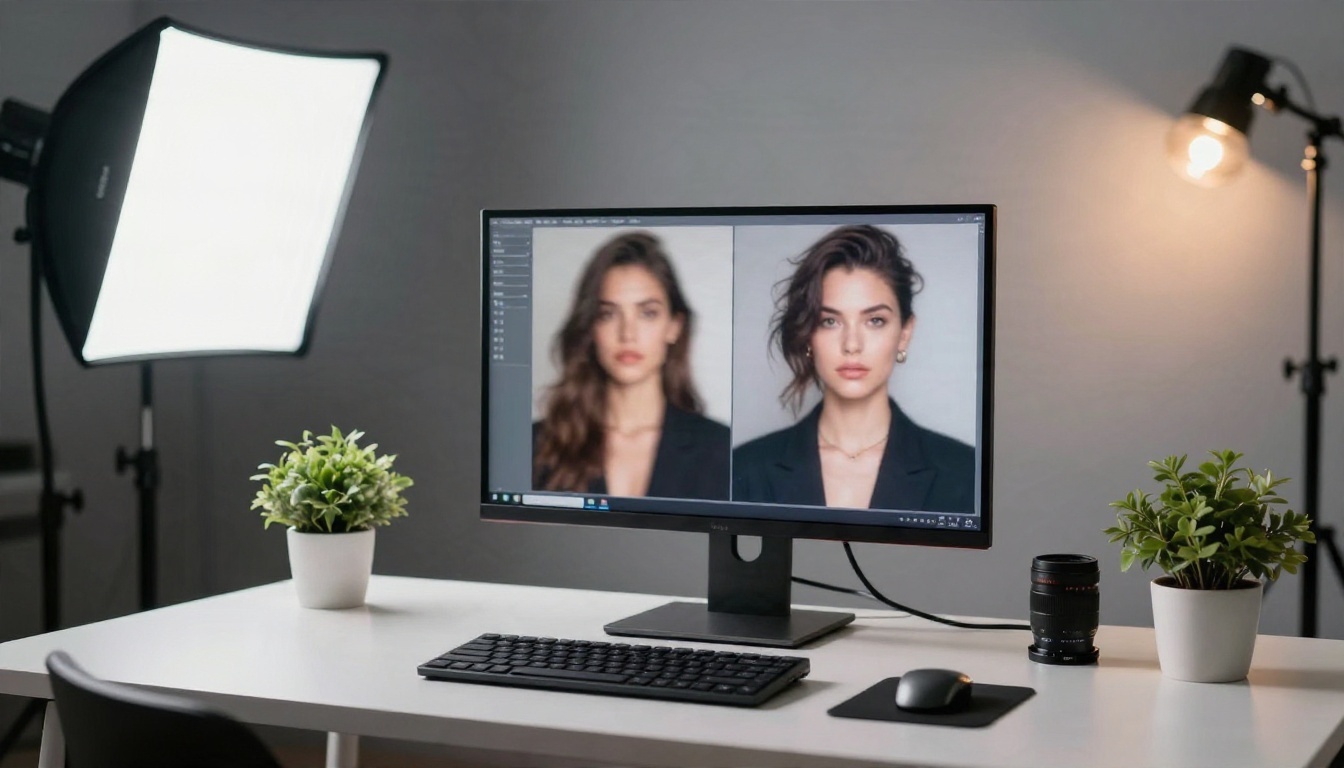
Upscaling and cleanup tools can recover sharpness on a result you like. PicassoIA also has super resolution models for pushing a favorite image to a larger size before you share or print it.
Rules Worth Following
Even for tasteful adult content, a few habits protect you and other people.
- Adults only. Every subject should be clearly an adult. Write "adult woman" or "adult man" in the prompt and never aim for a youthful or ambiguous look.
- No real people. Don't generate images of a real person, celebrity or someone you know without their consent. Invented characters only.
- Mind your privacy. Avoid uploading personal photos to tools with unclear data policies.
- Check where you share. Social platforms have their own rules. Swimwear and glamour usually pass, while anything suggestive beyond that can get an account restricted.
- Label generated images. If you post them, say they're AI-made. It builds trust and prevents confusion.
💡 Safe sharing rule of thumb: If you wouldn't feel comfortable showing the image next to your name, keep it private.
Common Mistakes to Avoid
- Overlong prompts. Past about 75 to 100 words, models start ignoring details. Prioritize.
- Chasing one perfect shot. Generate in batches of four to eight and pick the best.
- Ignoring aspect ratio. A wide prompt forced into a square crops faces and ruins composition.
- Skipping the edit pass. Almost every good result benefits from one round of cleanup.
- Trusting any "unlimited, no rules" site. If the page won't tell you who runs it or how it stores data, move on.
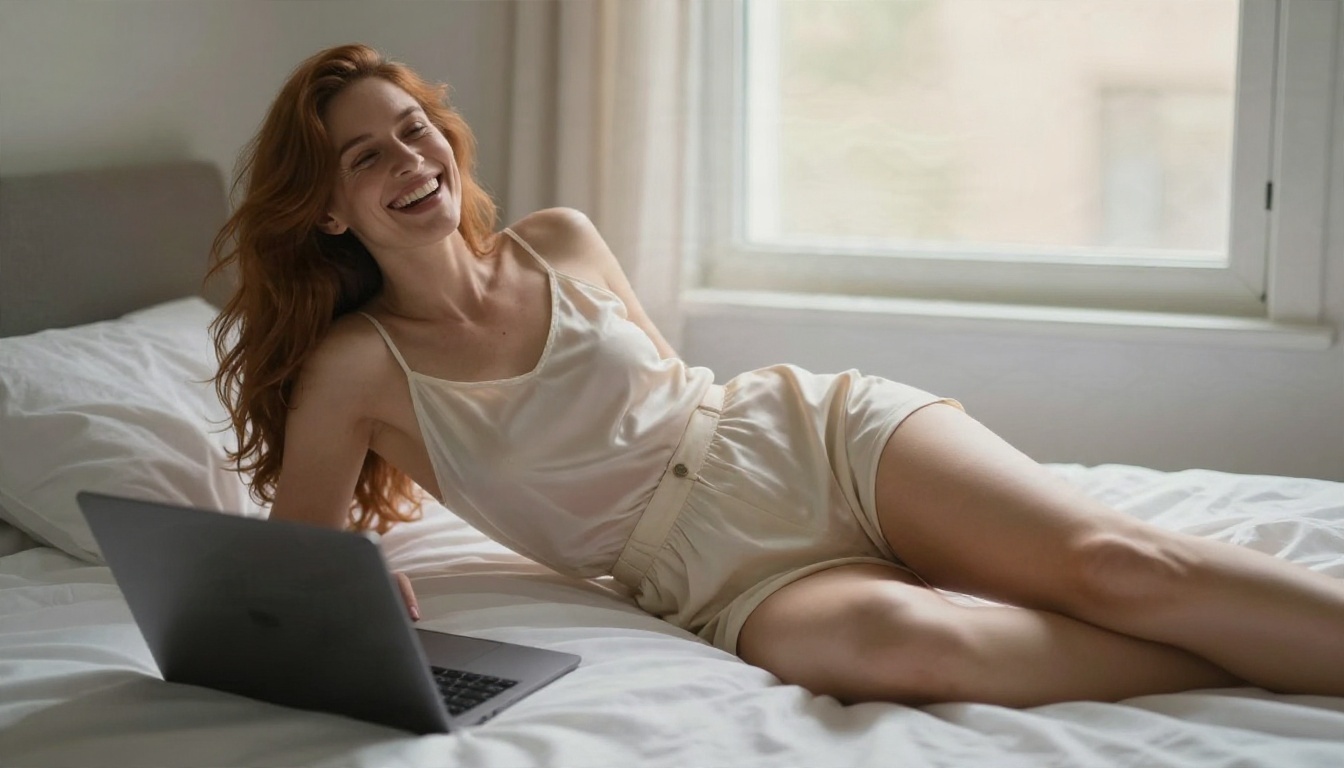
Build Your Own Glamour Images
You don't need a subscription maze, a monster GPU or a dozen browser tabs to make good adult-themed images. Start with a clear prompt, a photographic mindset and a model that respects normal glamour requests.
Open Seedream 4.5, paste one of the prompts from this article and see what comes back in seconds. Then take your favorite into PicassoIA Image Editor Pro and keep refining with unlimited generations until the light, the wardrobe and the mood are exactly right. When you want to compare styles, try the same prompt in Z Image Turbo or Realistic Vision v5.1.
The full list of models is waiting at picassoia.com/en/all-models. Pick one, write a prompt, and make your first image today.


