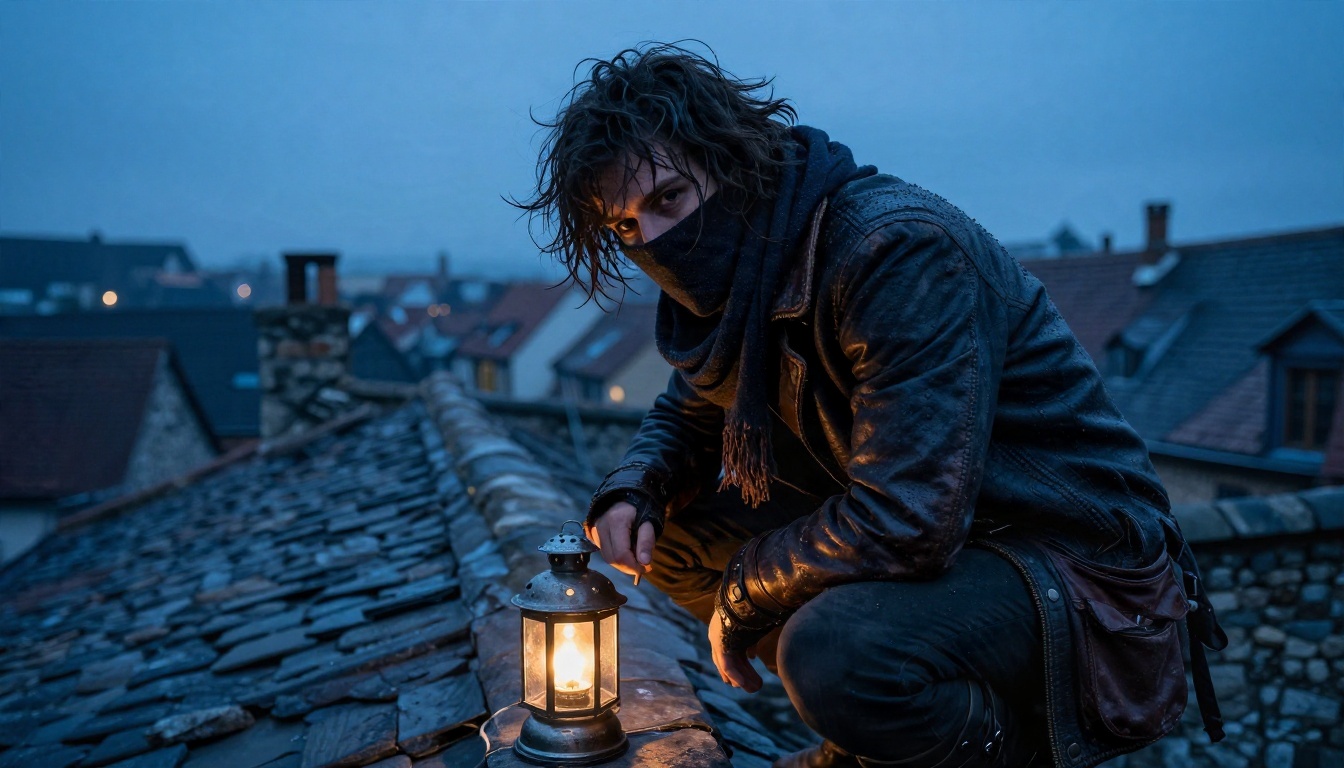
You have a character in your head. An elf ranger with a scar across her eyebrow, a dwarf blacksmith whose beard is braided with iron rings, a queen who looks tired of her own crown. Getting that face out of your imagination and onto a screen used to take a commissioned artist and a few weeks. Now it takes one well-written sentence and about ten seconds.
An AI portrait generator for fantasy turns a written description into a picture of a person who does not exist. The surprise most people hit on day one is that the results can look like real photographs: skin pores, stitched leather, scratched steel, wet moss. This article shows you how to write prompts that produce that look, which free online tools are worth your time, and 24 character ideas you can steal today.
💡 Quick answer: Describe the person first, then the costume, then the light and the lens. Photographic words such as "85mm f/1.8", "soft window light" and "film grain" push any model toward a realistic result instead of a painted one.
What a Fantasy Portrait Generator Does
A portrait generator is a text-to-image model pointed at one job: faces and upper bodies. You type a description, the model draws a new image from scratch, and you can regenerate as many times as you like until the character feels right.
Photoreal Versus Painted Looks
Most people picture fantasy art as oil paintings with glowing swords. That style is fine, but it is also the easiest to produce and the hardest to make feel personal. A photographic fantasy portrait looks like a cast member from a film shoot, a cosplayer at a good convention, or a reenactor in a real castle. The costume has weight. The skin has texture. The viewer's brain accepts it as a person.
That is the look this article focuses on, and it is also the look that works best for:
- Tabletop RPG characters that your players will remember
- Book and series reference art for authors
- Game pitch decks and concept boards
- Profile pictures and community avatars
- Worldbuilding wikis where every faction needs a face
Why Prompts Decide Everything
The same model can give you a plastic doll or a believable ranger. The difference is almost never the tool. It is the prompt. A short line like "elf woman, fantasy" leaves the model free to guess every detail, and it guesses toward the average of everything it has seen. A specific line removes the guessing.
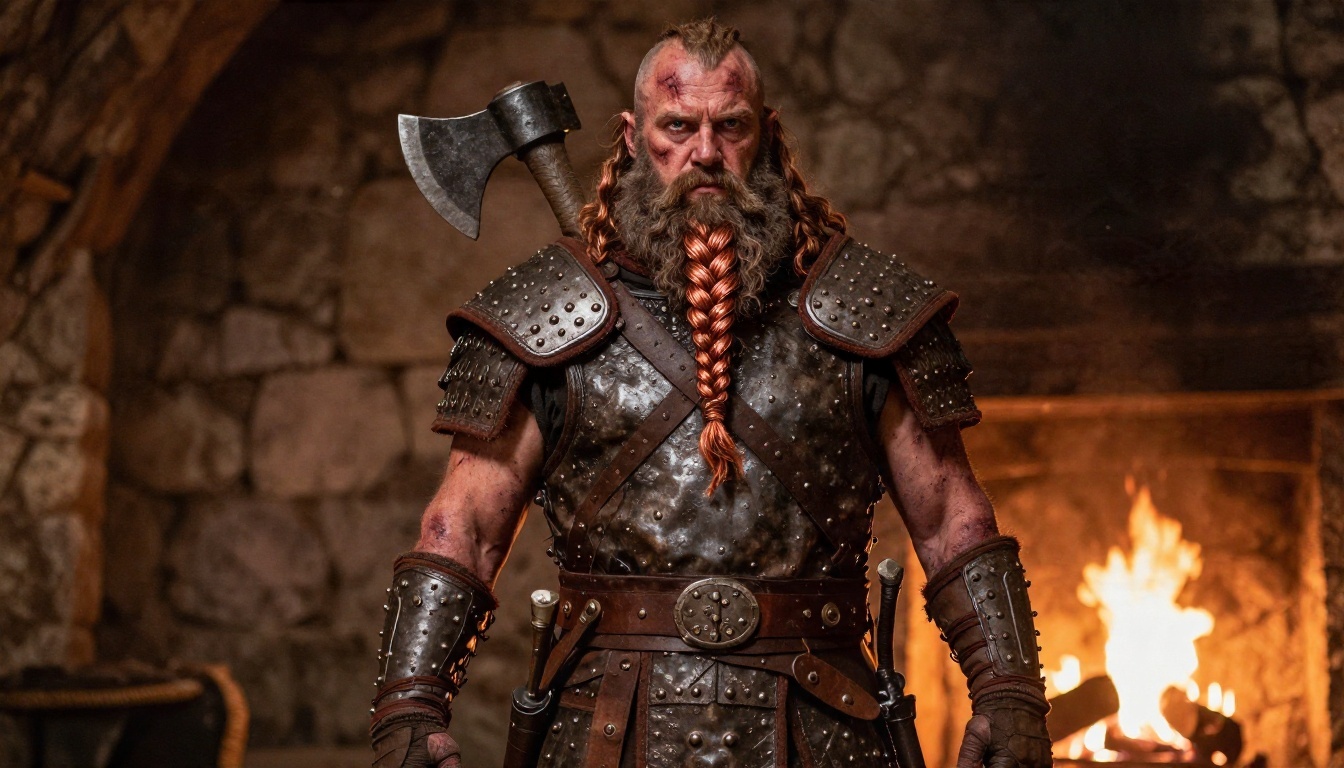
The dwarf above came from a prompt that named the beard color, the braid, the armor material, the light direction and the lens. Nothing in it was complicated. It was just specific.
The Anatomy of a Strong Prompt
Every good fantasy portrait prompt has the same five layers. Write them in this order and you will rarely get a bad result.
| Layer | What to write | Example |
|---|
| Subject | Race, age, build, face details | "Middle-aged dwarf warrior, broad nose, scarred cheek" |
| Costume | Materials, not just names | "Iron-studded leather, wool cloak, bronze clasp" |
| Setting | Where they stand, what is behind them | "Torch-lit stone hall, soot on the walls" |
| Light | Direction and quality | "Warm firelight from the right, dust in the air" |
| Camera | Lens, angle, depth of field | "35mm f/2, low angle, shallow depth of field" |
Subject and Race
Be physical. "Beautiful elf" gives you nothing. "Elven woman, pale freckled skin, pale green eyes, subtly pointed ears, silver-blonde braid with small white flowers" gives you a person. Mention age, because models default to youthful faces, and a few wrinkles are what separate a believable wizard from a costume-shop mannequin.
Also name what makes the race different without leaning on the label alone. Pointed ears for elves, heavy brows and thick builds for dwarves, tusks for orcs, horns for tieflings. The label helps, the visible detail locks it in.
Costume and Materials
Models respond strongly to materials. Swap "armor" for "scratched steel plate armor with leather straps and wool padding at the collar" and the whole image gains weight. Useful material words:
- Metal: brushed steel, tarnished bronze, hammered iron, dented pewter
- Cloth: coarse wool, heavy velvet, linen with frayed hems, silk with hand embroidery
- Leather: oiled, cracked, stitched, scuffed at the elbows
- Natural: antler, bone, river stone, braided straw, real feathers
Light and Lens
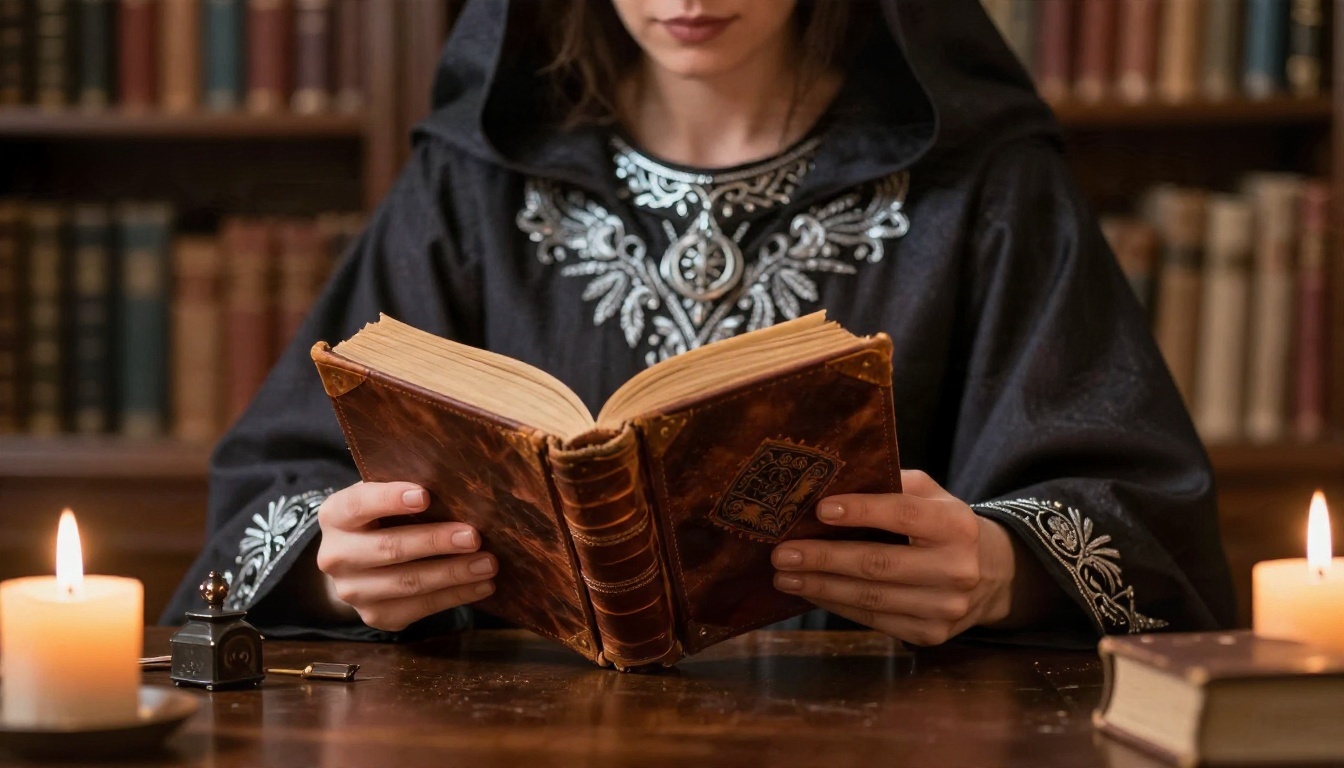
This is the layer beginners skip and professionals never do. Light direction tells the model where shadows fall. A lens number tells it how much of the background to blur. Together they decide whether the image reads as a photograph.
💡 Tip: Use "85mm f/1.8" for flattering close portraits, "35mm f/2" for environmental shots with more setting, and "24mm" for wide scenes where the character is small in the frame. Add "Kodak Portra 400 film grain" for warm, natural skin tones.
Prompt Templates You Can Copy
These templates follow the five-layer structure. Replace the bracketed parts with your own details, or paste them as they are.
The Elf Ranger
Close-up portrait of an elven woman with a silver-blonde braided crown woven with small white flowers, subtly pointed ears, pale freckled skin with visible pores, pale green eyes, wearing a hand-stitched dark green velvet hooded cloak with a bronze leaf clasp, standing in a misty beech forest at dawn, volumetric morning light from the left, shot on 85mm f/1.8, shallow depth of field, Kodak Portra 400 film grain.
The Weathered Dwarf
Low-angle photograph of a dwarf warrior with a thick braided copper beard, scarred cheek, iron-studded leather armor, steel axe on his shoulder, torch-lit stone hall, warm firelight from the right, dust particles floating in the air, 35mm f/2, rough skin texture, film grain.
The Archmage
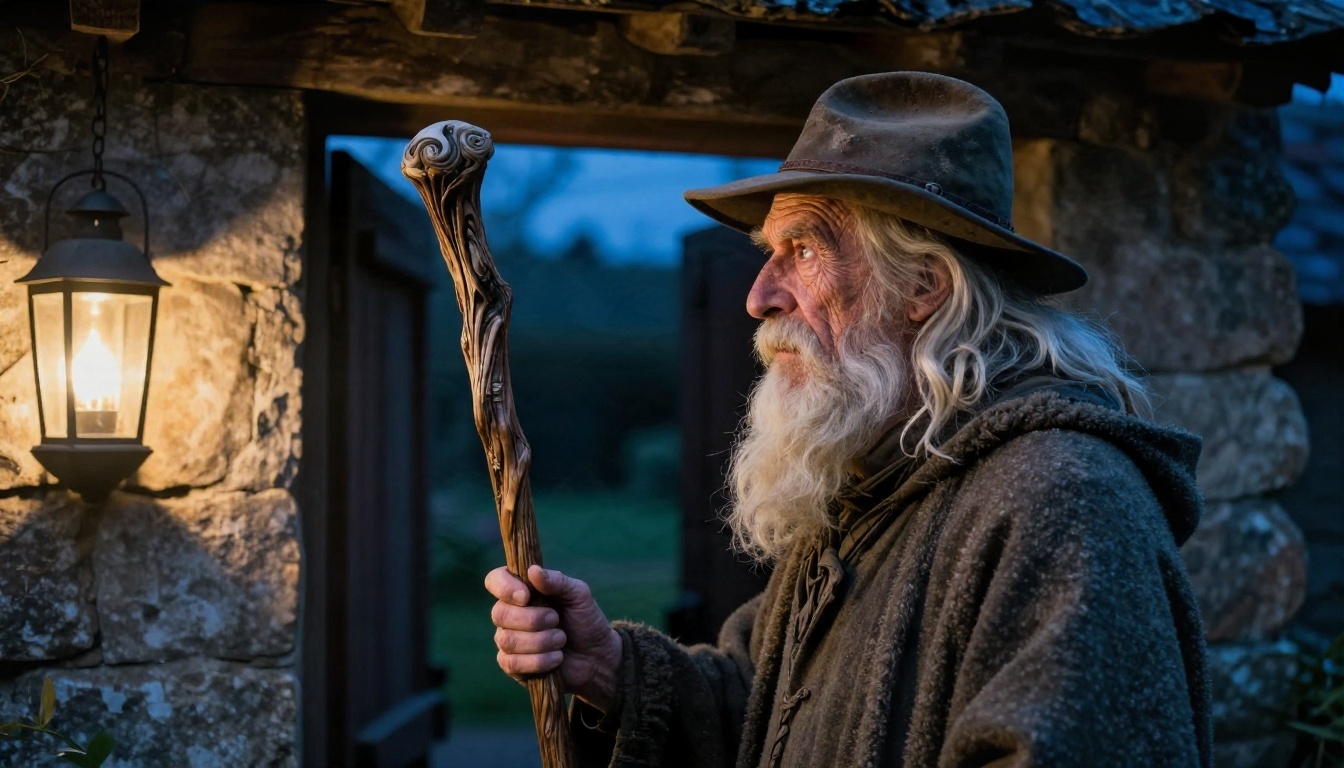
Side profile of an old wizard with a long white beard and a weathered brown felt hat, gnarled wooden staff, rustic stone cottage doorway at dusk, cool blue ambient light with a warm lantern glow from the left, 70mm f/2.8, wrinkled skin, coarse wool robe, film grain.
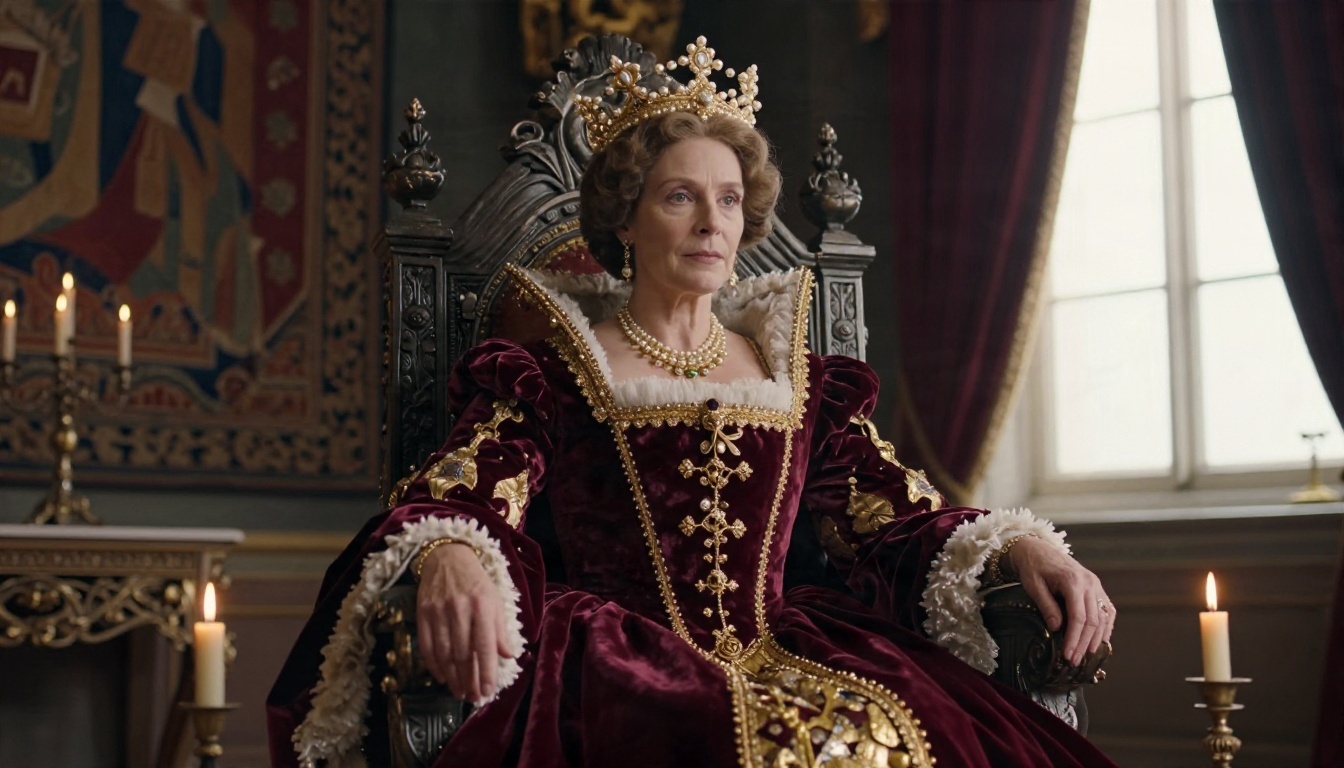
The Exhausted Queen
Three-quarter portrait of a regal queen in a heavy burgundy velvet gown with a gold and pearl circlet, seated on a carved stone throne in a candlelit castle chamber, soft window light from the right, tapestries behind her, 85mm f/1.8, visible fabric weave, tired and composed expression.
The Rooftop Rogue
Candid shot of a rogue with a dark half-face scarf and tousled hair crouching on a medieval rooftop at twilight, cobblestone town below, cool blue ambient light with warm lantern glow rising from below, 50mm f/1.8, worn leather, wet slate, film grain.
Negative Details Worth Adding
Some tools have a separate "negative prompt" field. Others read exclusions from the main prompt. Either way, a short list saves rerolls:
- No plastic or waxy skin
- No extra fingers
- No glowing outlines
- No text or watermarks
- No symmetrical, doll-like face
"Free" means different things on different sites. Some give you a handful of daily credits. Some give unlimited slow generations. Some let you generate but watermark the result. Here is how the main types compare.
| Tool type | Typical limit | Best for | Weak spot |
|---|
| Browser-based generators | Daily credits | Quick tests, avatars | Queues at peak hours |
| Chat assistants with image output | A few images per day | Iterating by conversation | Less control over lens and light |
| Open model demos | Slow, shared GPUs | Trying a new model | Unstable uptime |
| Multi-model platforms | Free tier plus paid credits | Comparing several models side by side | Pick the right model for the job |
What Free Usually Costs You
Free tiers tend to trade something. Resolution is capped, commercial use is restricted, or the model is an older, smaller version. If you only want a character reference for your own campaign, that is fine. If you want print-quality art or an image for a published book, check the license terms and generate at the highest resolution available.
Models Worth Trying for Portraits
Not every model handles faces equally. These are the ones I would put at the top of a fantasy portrait shortlist on PicassoIA:
- Flux 2 Pro for sharp skin detail and strong prompt following. It is the best starting point for the photographic look.
- Seedream 4.5 for rich color, 4K output and flattering lighting on faces.
- Nano Banana Pro for consistent characters and conversational edits like "make the cloak red".
- Imagen 4 for clean, natural photographic renders with believable hands.
- Z Image Turbo when you want fast drafts to test dozens of ideas quickly.
- Qwen Image 3 for detailed scenes where the setting matters as much as the face.
- Ideogram v4 Quality when a banner or a rune needs readable lettering.
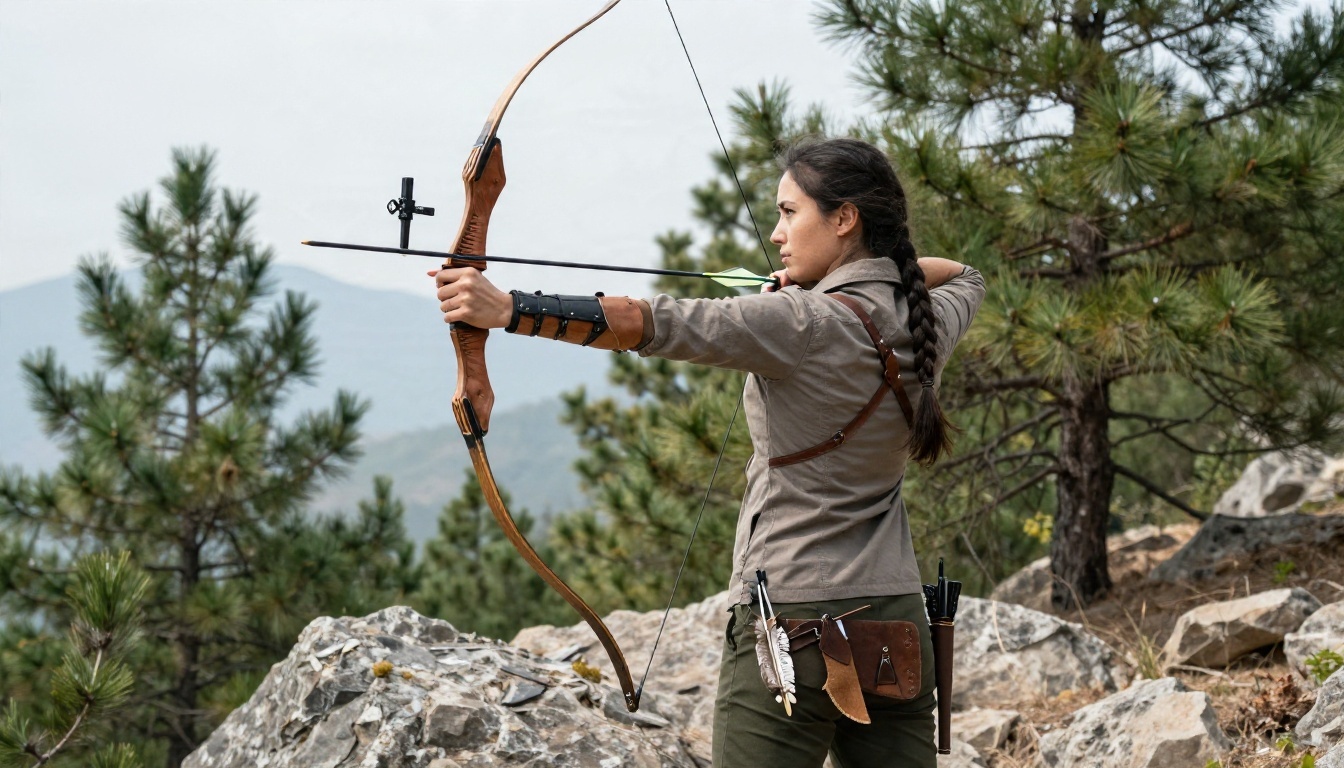
💡 Workflow tip: Draft with a fast model such as Z Image Turbo, pick the three best compositions, then rerun those exact prompts on Flux 2 Pro or Seedream 4.5 for the final image. You save credits and still end up with top quality.
How to Use Flux 2 Pro on PicassoIA
Flux 2 Pro is a reliable choice for realistic fantasy portraits because it respects long, detailed prompts. Here is the process from a blank page to a finished character.
- Open the model page. Go to the Flux 2 Pro page on PicassoIA and sign in. The prompt box sits at the top.
- Paste your five-layer prompt. Start with one of the templates above. Keep the subject first, because models weight the beginning of a prompt most heavily.
- Set the aspect ratio. Use 16:9 for wide scene portraits, 3:4 or 2:3 for tall character sheets and phone wallpapers, 1:1 for avatars.
- Generate a first batch. Run the prompt two or three times. Do not judge the model on a single image, since seeds vary a lot.
- Change one thing at a time. If the face is right but the cloak is wrong, edit only the costume line. If you rewrite everything, you lose what worked.
- Upscale the winner. Send your favorite through Real ESRGAN for a sharp 4x version suitable for printing or large screens.
Parameter Tips
- Prompt length: 60 to 120 words is the sweet spot. Shorter loses detail, longer starts to contradict itself.
- Seed: Once you like a face, note the seed. Reusing it with small prompt edits keeps the identity more stable.
- Variations: Change the setting line and keep the subject line identical to place the same character in a tavern, a battlefield and a throne room.
For stylized fantasy work, Flux Dev LoRA lets you apply a trained look on top of the base model, which is handy if you want an entire cast of characters to share one visual identity.
24 Character Ideas by Archetype
Blank page problem? Start from this list. Each idea includes a face detail and a costume detail, which are the two things that make a prompt feel specific.
| Archetype | Idea 1 | Idea 2 | Idea 3 |
|---|
| Elves | Moon elf archivist with ink-stained fingers | Wood elf scout in moss-green leathers | Exiled high elf noble with a broken circlet |
| Dwarves | Forge-mother with soot-dark forearms | Mountain guard in dented iron helm | Tavern keeper with a braided gray beard |
| Wizards | Storm-weathered sea mage in salt-stiff robes | Hedge witch with herb pouches and a crooked hat | Young academy student with a borrowed staff |
| Knights | Veteran captain with a notched shield | Squire in oversized hand-me-down mail | Order paladin with a faded tabard |
| Rogues | Pickpocket in a patched hood | Smuggler captain with a silver tooth | Spy in a courtier's embroidered coat |
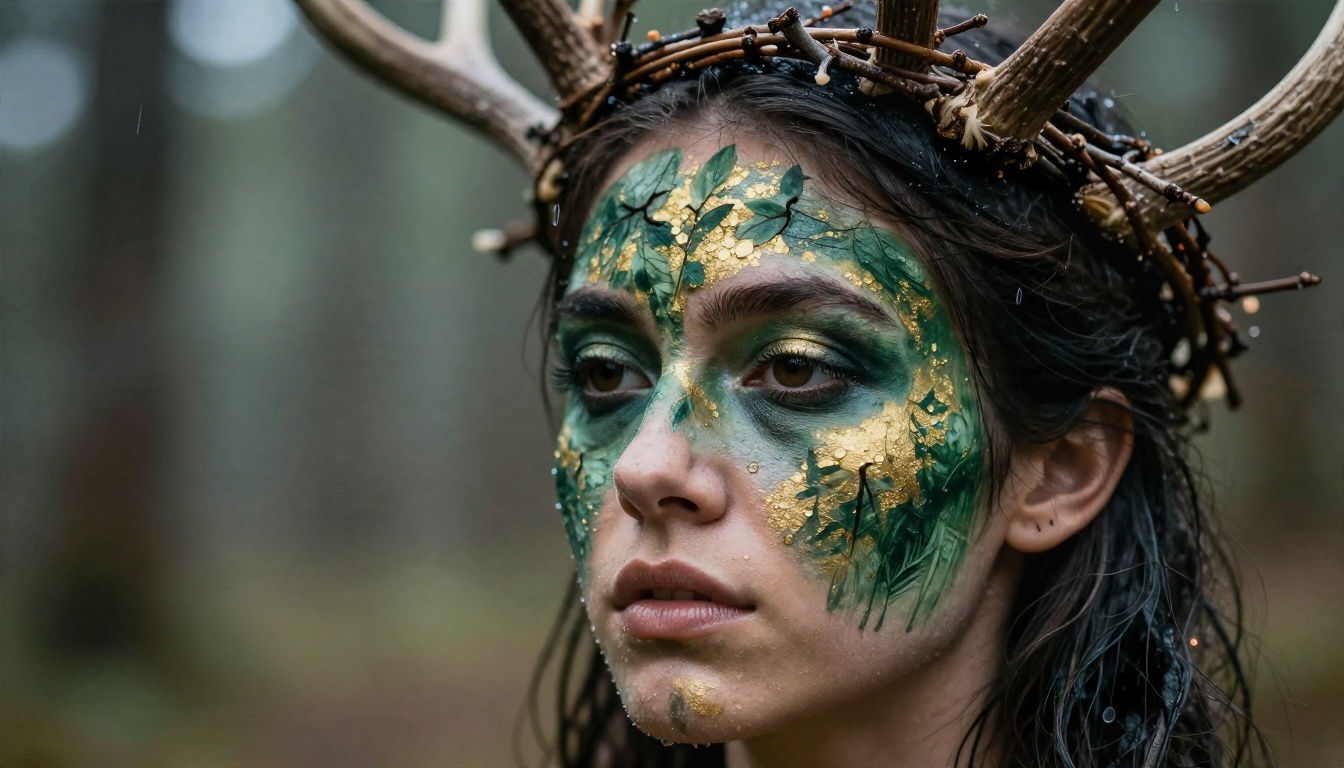
| Nature | Antler-crowned forest spirit with bark-pattern face paint | Druid with river stones braided in her hair | Beast-tamer with a hawk on her gauntlet |
| Royalty | Tired queen in burgundy velvet | Teenage heir in a too-heavy crown | Disgraced prince in a plain traveling cloak |
| Dark | Plague doctor healer with a bone-white mask | Necromancer scholar with gray-streaked hair | Cursed knight with cracked, blackened armor |
Give Each Character a Flaw
The best portraits carry a story. Add one small imperfection to your prompt: a chipped tooth, a burn scar on the neck, a mended sleeve, mismatched gloves. It takes five words and the character instantly feels lived in.
Build a Cast, Not a Single Image
If you run a campaign or write a series, generate your characters in the same session with the same camera and lighting language. Use "35mm f/2, warm firelight, Kodak Portra 400" across every prompt and the whole party will look like one photo shoot. Nano Banana Pro is especially good for keeping a single face consistent across several scenes.
Fix the Most Common Problems
Even strong prompts misfire. These are the failures you will see most and the quickest repairs.
Plastic or Waxy Skin
The model is smoothing everything. Add "visible pores, fine peach fuzz, natural skin texture, slight imperfections" and mention film grain. Lower stylistic words such as "beautiful", "perfect" or "flawless", which push toward airbrushed results.
Costume Looks Like a Toy
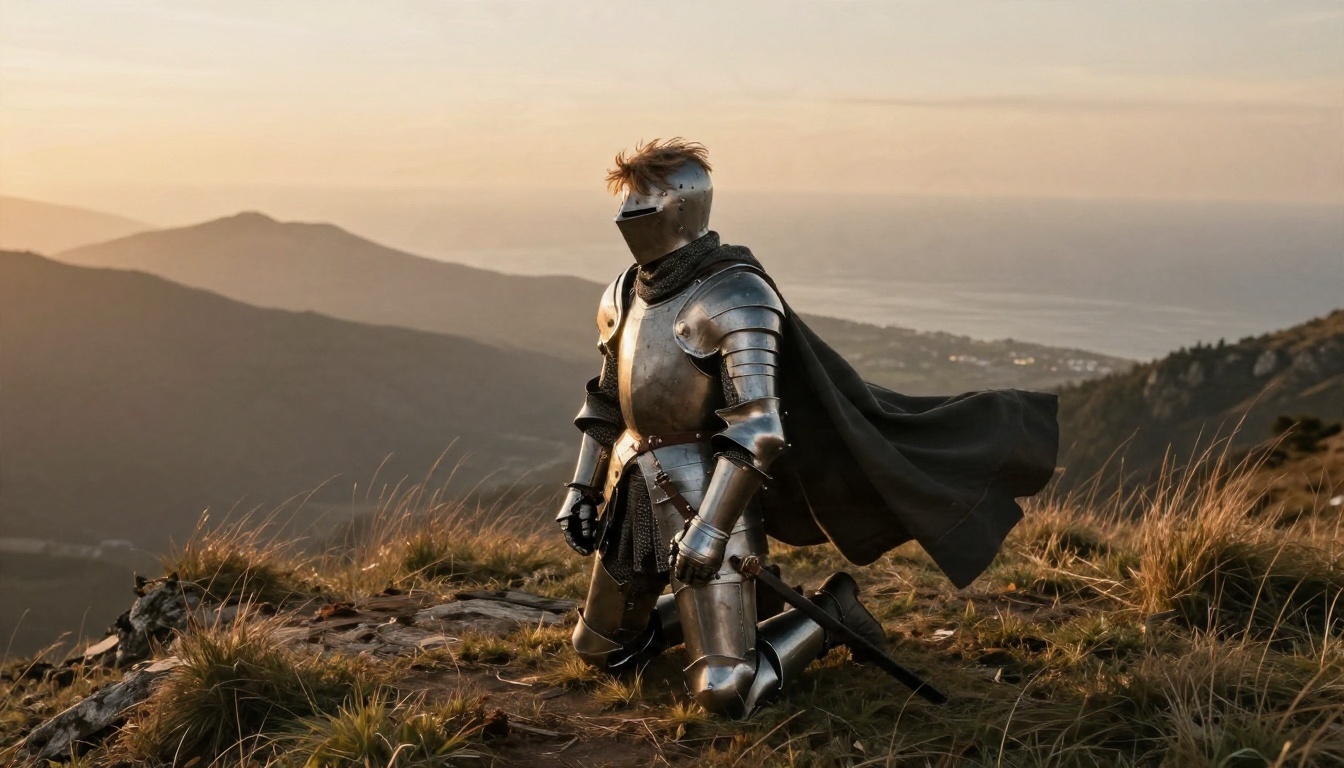
Replace generic nouns with materials and wear. "Plate armor" becomes "scratched steel plate with leather straps and a frayed wool collar". Add scale cues like stitches, rivets and buckles.
Wrong Hands or Extra Fingers
Hands are still the weakest area for many models. Give the hands something simple to do, like resting on a staff or holding a book, or hide them with gauntlets and sleeves. When a hand still fails, fix it with an inpainting tool rather than rerolling the full image.
Background Steals the Scene
If the setting overpowers the face, tighten the framing: "close-up", "medium close-up", "shallow depth of field", "background softly blurred".
Every Character Has the Same Face
Models love a default face. Break it by naming specific features: "narrow jaw, high cheekbones, heavy-lidded eyes, uneven eyebrows". Mention age and ancestry-inspired traits in a natural way, and vary the lens so the framing is not identical every time.
Beyond the Single Portrait
Once you have a character you love, the PicassoIA toolset lets you keep building on it:
- Inpainting and object replacement: swap a sword for a staff, repair a bad hand, change eye color.
- Outpainting: extend the canvas from a bust to a full-length figure or a wide banner.
- Super resolution: upscale 2x to 4x with Real ESRGAN for posters and printed character cards.
- Face swap: place your own face or a friend's on a character for personalized campaign art.
- Background removal: cut the character out for tokens, virtual tabletop pieces and game UI.
- Image to video: bring a still portrait to life with a short motion clip for a trailer or social post.
A Note on Using Real Faces
If you use photos of real people as a reference, get their permission first, especially for anything that will be published. Fantasy characters built from invented descriptions avoid the issue entirely and often end up more memorable.
Make Your Own Fantasy Portraits
You now have the structure, the templates, the tool list and 24 character ideas. The fastest way to improve is to open a model and run a prompt, then change one detail and run it again. Try the dwarf blacksmith with a different light direction. Try the queen with a 35mm lens instead of 85mm. Try an elf with a mended sleeve and a chipped tooth.
Open Picasso IA, pick Flux 2 Pro or Seedream 4.5, paste one of the templates above and see who walks out of your imagination. You can also browse every available model at picassoia.com/en/all-models and compare how each one draws the same character. Your next campaign villain, book heroine or game NPC is one prompt away.