A pre wedding photoshoot used to mean booking a photographer months ahead, flying to a pretty location, and hoping the weather, the light and your nerves all cooperated on the same afternoon. Now you can sit on your sofa, type a few sentences, and get a gallery of romantic couple portraits in minutes. An AI pre wedding photoshoot won't replace the real wedding day, but it is a fast, low cost way to get save-the-date images, invitation art, a wedding website hero shot, or simply a daydream of where you'd like to shoot for real.
This article shows you how the process works, which free online makers are worth your time, how to write prompts that produce believable photos instead of plastic-looking dolls, and what the results can look like. Every image below was generated with AI and kept to a natural, photographic look, so you can judge the quality yourself.
What an AI Pre Wedding Shoot Is
A pre wedding photoshoot is a styled portrait session a couple does before the ceremony. The photos usually appear on invitations, welcome signs, wedding websites, slideshow screens and social posts. In many cultures it is a full production with outfit changes, props and several locations.
An AI version replaces the camera crew with an image model. You describe the couple, the outfits, the place, the light and the lens, and the model renders a photograph that never happened. You can also upload your own photos so the output keeps your faces.
Why Couples Are Switching
The appeal is simple, and most of it comes down to money, time and freedom.
- Cost: A destination shoot can run into the thousands once travel, permits and outfits are added. An AI set costs a fraction of that.
- Speed: You can test twenty locations in an evening instead of choosing one.
- No weather risk: Golden hour is always available, and it never rains on your blossoms.
- Privacy: Nobody watches you pose. Plenty of couples hate being photographed, and this removes the awkwardness.
- Long distance couples: If you live in different cities, you can still build a shared photo set.
💡 Tip: Many couples use AI images for the save-the-date and a real photographer for the wedding day. The two work well together because the AI set sets the visual mood for everything else.
What It Can and Cannot Do
Be honest with yourself about the limits before you print anything. AI is excellent at scenery, light, wardrobe and mood. It is less reliable with exact likeness, hands, small text and complex interactions like a perfectly tied bow tie.
| Task | AI result | Better approach |
|---|
| Scenic backdrops | Excellent | Use as is |
| Soft, romantic lighting | Excellent | Specify light direction |
| Outfit variety | Very good | Describe fabric and cut |
| Your exact faces | Good with reference photos | Use an editing model |
| Hands and rings | Hit or miss | Generate several and pick one |
| Text on signs | Unreliable | Add text later in an editor |
Free Online Makers That Work
You don't need special software. A browser and a clear idea are enough. The models below are all on PicassoIA, and several are listed as free to try.
Text to Image Models
If you want to invent the couple and the setting from scratch, a text to image model is the place to begin.
- Seedream 4.5 produces sharp 4K images with strong skin texture and fabric detail. It is a good first pick for portraits that look like film.
- Nano Banana Pro handles complex scenes and clean lighting, and it is listed as a free 4K option.
- Imagen 4 leans toward clean photographic realism, and Imagen 4 Ultra adds more fine detail when you want to zoom in.
- Seedream 5 Pro gives sharp 2K images and is worth testing against Seedream 4.5 on the same prompt.
- Flux 2 Klein 9B Base LoRA is useful when you want a particular visual style applied consistently across a set.
Photo Editing Models
If you want your own faces in the scene, an editing model that accepts a reference photo is often the faster route.
- Nano Banana edits and generates, so you can upload a photo and ask for a new outfit or location.
- P Image Edit gives sub-second edits, which makes quick iteration painless.
- Flux Kontext Fast is good at changing one thing, such as the background, while leaving the people alone.
- GPT Image 2.5 Sunburst generates and edits images, and it follows long, detailed instructions well.
- Depth of Field softens a busy background so the couple stands out, which mimics a fast portrait lens.
💡 Tip: Run the same prompt through two or three models. Each one has a different taste in skin tone, color and composition, and your favorite will be obvious within a few minutes.
How to Make Your Couple Photos
Here is a simple process that works with almost any model above.
Step 1: Pick One Mood
Choose a single feeling before you write anything. Romantic and soft? Cinematic and moody? Playful and sunny? A set that mixes five moods looks messy. Pick one and keep the color palette tight, such as honey, cream and sage, or navy, gold and amber.
Step 2: Describe the Couple Clearly
Name the clothing, the pose and the emotion. "A couple" gives the model too much freedom. "A groom in a navy linen suit holding the waist of his bride in an ivory chiffon gown, foreheads almost touching, eyes closed, soft smiles" gives it a scene.
Step 3: Set the Light and Lens
This is where realism comes from. Mention the light direction (warm sunset from camera left), the time of day, and a lens (85mm f/1.8 for portraits, 24mm for wide landscapes). Add "Kodak Portra 400 film grain" for a soft, natural color response.
Step 4: Add Texture Cues
Skin pores, fabric sheen, flyaway hair, dust in the air and wet sand all push the image away from the glossy, airbrushed look. A little imperfection reads as real.
Step 5: Generate, Pick, Refine
Make four to eight versions, choose the best, then ask an editing model to fix one thing at a time: a hand, a background, a dress color. Small, specific edits beat rewriting the whole prompt.
Prompts You Can Copy
Use the prompts below as starting points, and swap in your own outfits, names for places and colors. Keep the structure: subject, place, light, camera, texture.
The Prompt Formula
[Couple pose and emotion] + [outfits with fabric] + [location details] + [light direction and time] + [lens and aperture] + [texture and film look]
Here is how it looks in practice, using the Tuscan scene from the top of this article:
Candid wedding photograph of a young couple at golden hour in the Tuscan countryside, a groom in a navy linen suit holding his bride's waist, she wears an ivory chiffon gown with lace sleeves, foreheads almost touching, cypress trees and amber wheat fields behind, warm sunset light from camera left, 85mm f/1.8, shallow depth of field, Kodak Portra 400 grain, natural skin texture.
Three Fast Variations
Swap the setting and keep the rest of the sentence:
- Coastal: "...walking along a white sand beach at sunrise, champagne satin gown trailing in wet sand, soft peach light, 24mm wide lens."
- City night: "...slow dancing on a wet cobblestone street at blue hour, warm street lamps, tulle skirt in motion, 35mm f/1.4."
- Indoor morning: "...sharing coffee by a loft window, satin robe and open white shirt, soft side light, steam from the mugs, 35mm f/2."
Words to Avoid in Prompts
Words like "perfect", "flawless", "ultra smooth" and "masterpiece" push models toward waxy skin. Choose specific, physical words instead: "freckles", "stubble", "linen creases", "wind-tousled hair".
Couple Photo Examples by Location
Each example below was made from a short prompt in the structure above. Use them as inspiration for your own set.
Beach at Sunrise
A wide aerial angle makes the couple small against the water, which feels cinematic and gives you lots of empty space for invitation text.
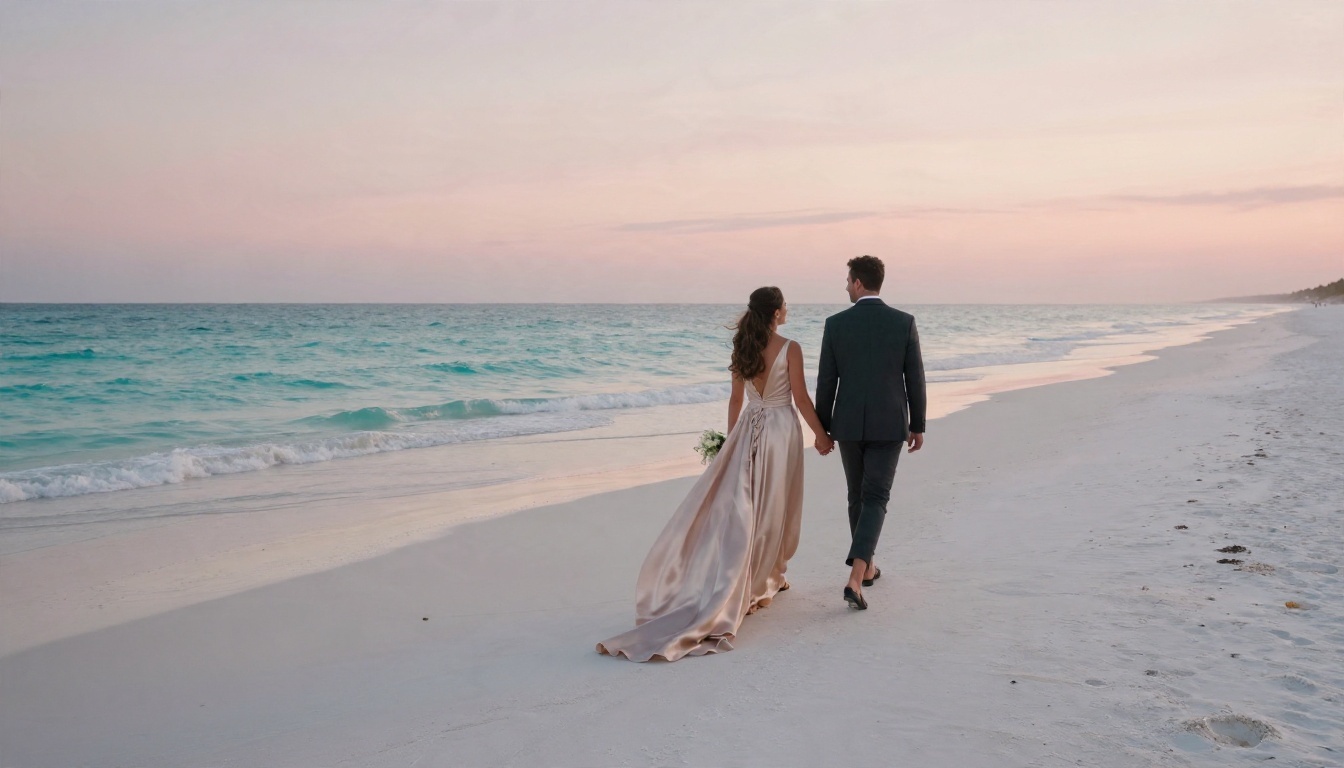
Aerial and wide shots are forgiving. Faces are small, so small likeness errors disappear, and the scenery does the emotional work. If you're nervous about realism, start here.
Lavender Field Close-Up
Close portraits are the hardest test for any model, because you can see every pore and every strand of hair.
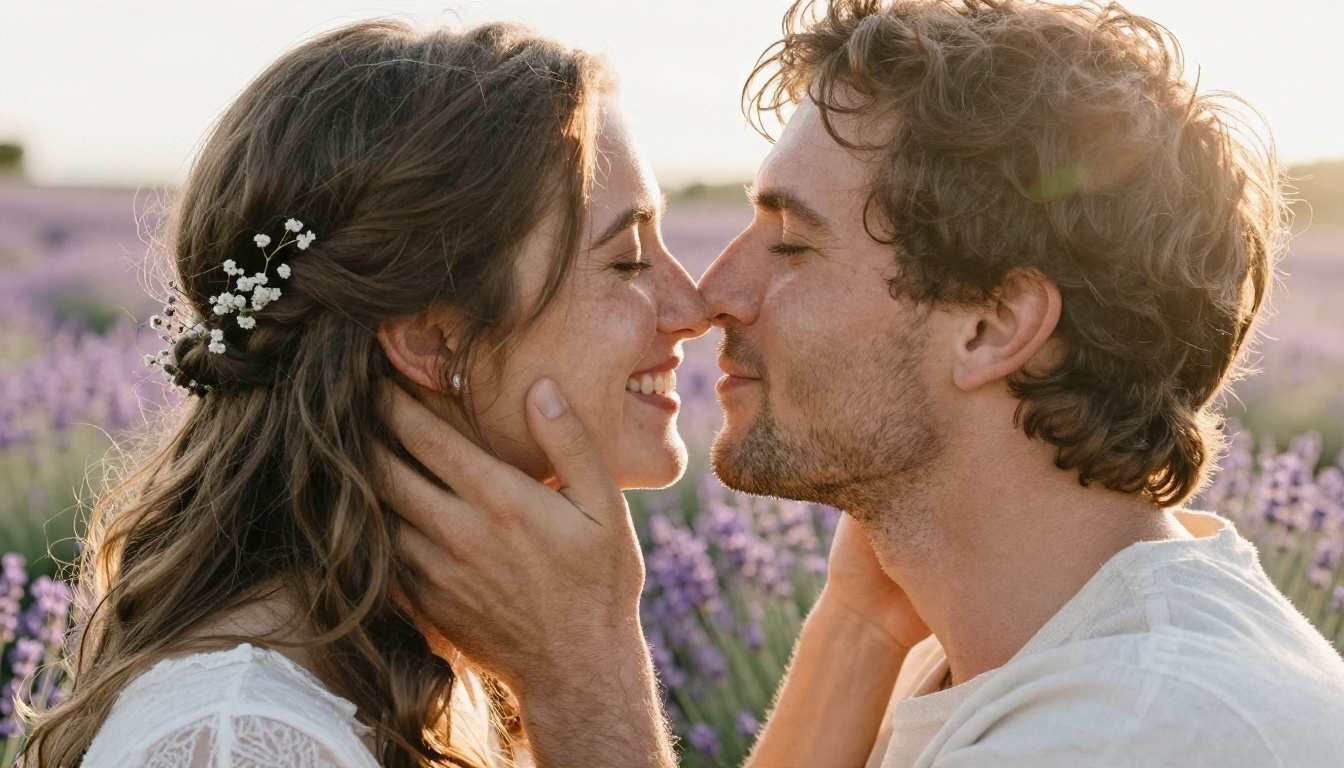
The trick is a long lens (105mm f/1.4) and warm backlight. The background melts into purple blur, and the rim light gives the hair that soft glow you see in real portrait sessions.
Old Town Dance at Blue Hour
A low angle and a moving skirt add energy. Movement is one of the easiest ways to make a still image feel like a captured moment.
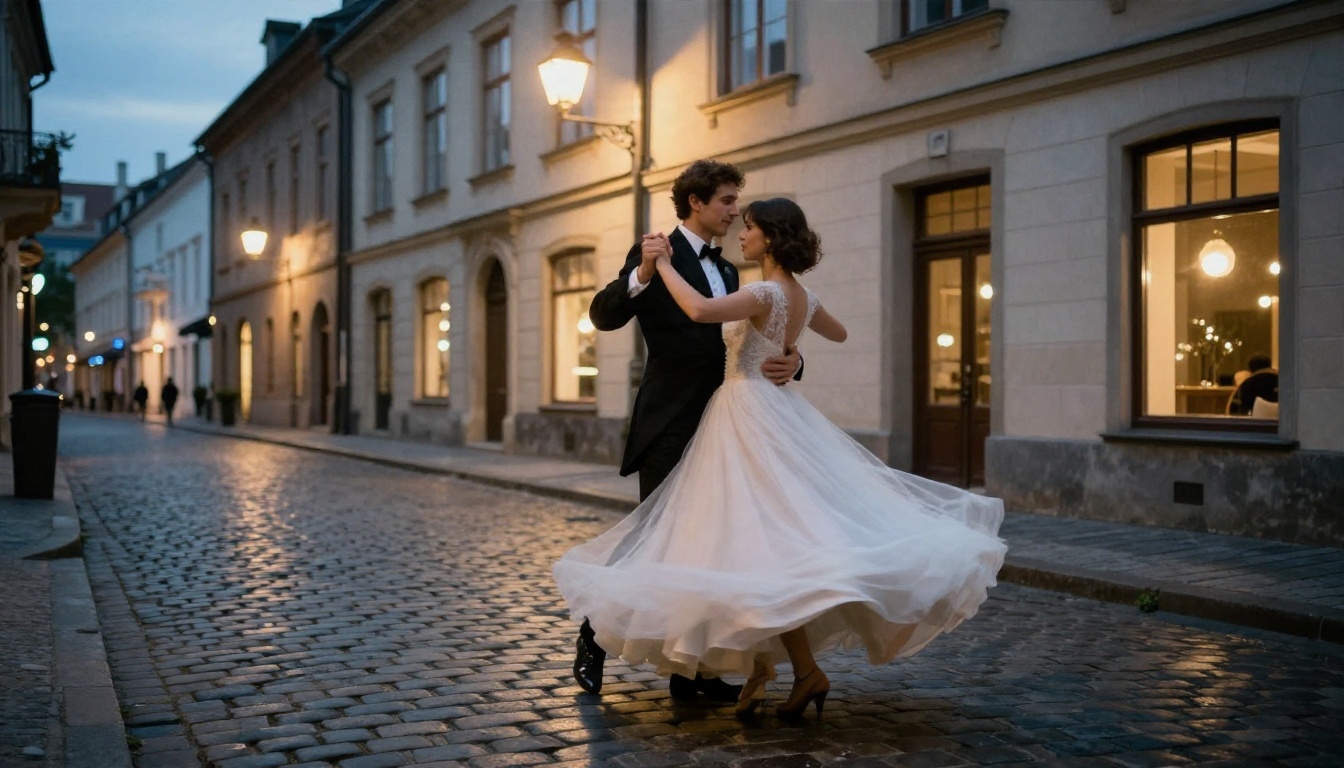
Mixing warm lamp light with the cool evening sky gives the image depth. Mention wet cobblestones if you want reflections on the ground.
Greenhouse Calm
Not every pre wedding set needs a mountain or a beach. A quiet indoor space with plants gives a softer, editorial mood.
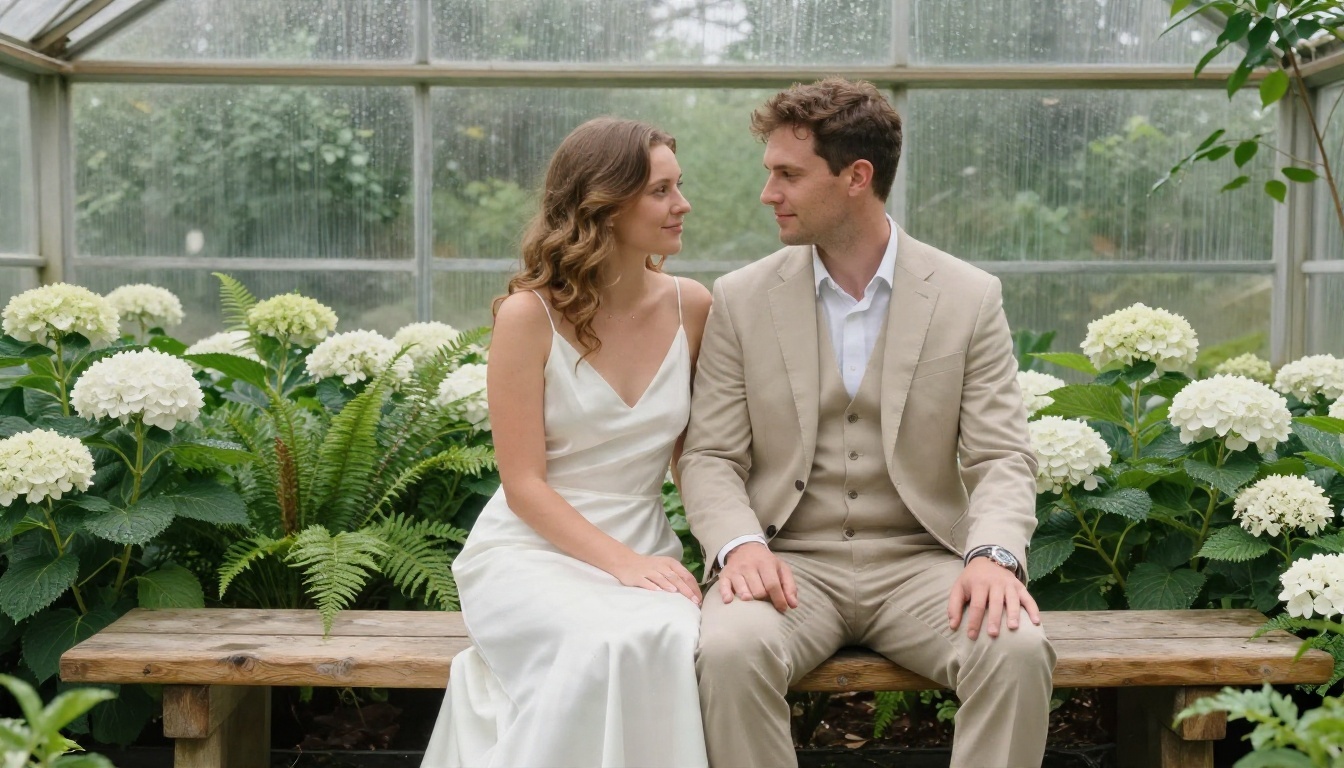
Diffused daylight from above avoids harsh shadows on the face. Silk and linen show off the lighting well, so the fabric sheen looks believable.
Mountain Overlook at Sunset
Backlit scenes carry a lot of drama. The sun sits low behind the couple, the veil catches the wind, and the layered ridges add depth.
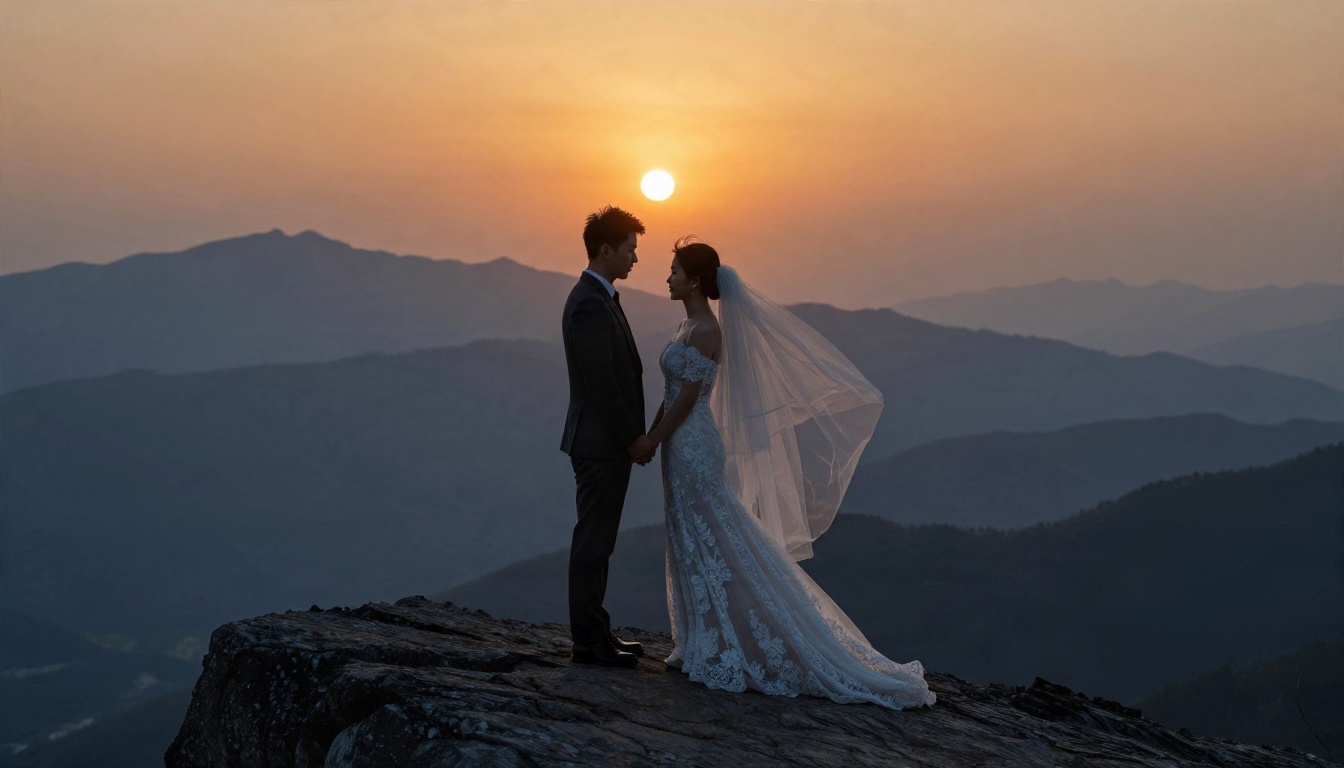
Mention "atmospheric haze" so the distant mountains fade to blue. Without it, every ridge tends to render with the same sharpness, which looks fake.
Vintage Car in the Desert
For couples who want something a bit less traditional, a road trip theme works well, and it makes a fun series of images.
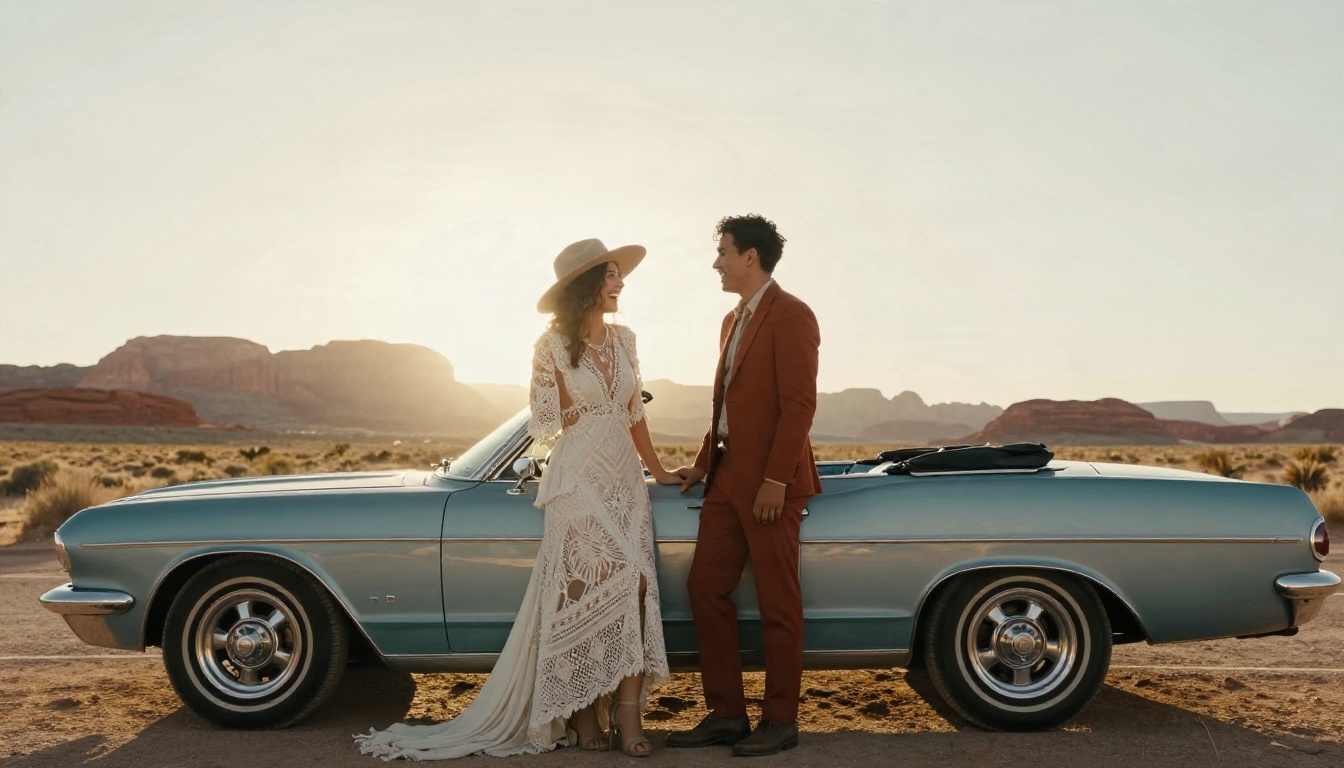
Boho outfits, a wide brim hat and a rust colored suit keep the palette warm. Chrome reflections are a nice detail to request, since they add realism.
Loft Morning Coffee
A getting-ready scene is quiet and intimate. It suits a wedding website, where you want visitors to feel who you are as a couple.
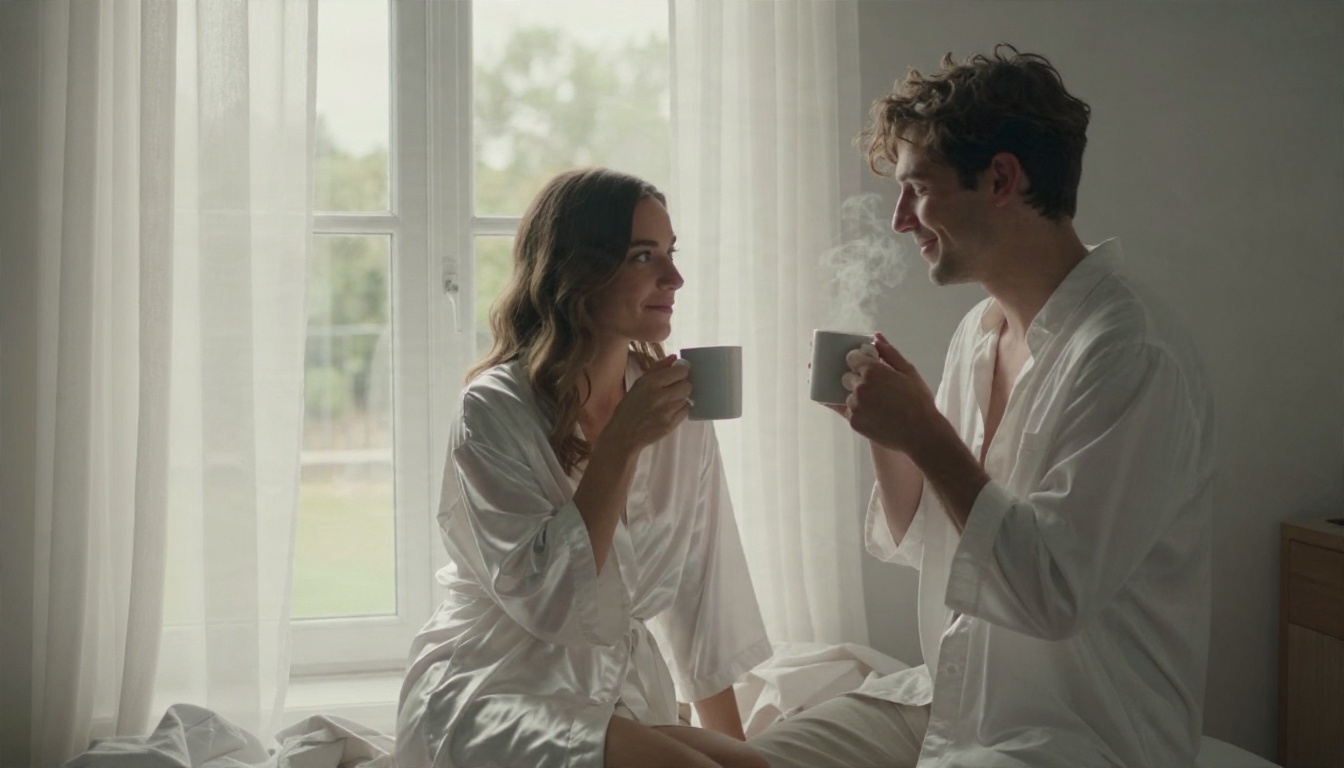
Side window light from one direction gives gentle shadows and natural skin tones. Steam from the mugs is a small touch that makes the scene feel alive.
Cherry Blossom Garden
Spring gardens are the classic pre wedding setting in many countries, and they are easy to fake convincingly with AI because petals and soft light are well represented in training data.
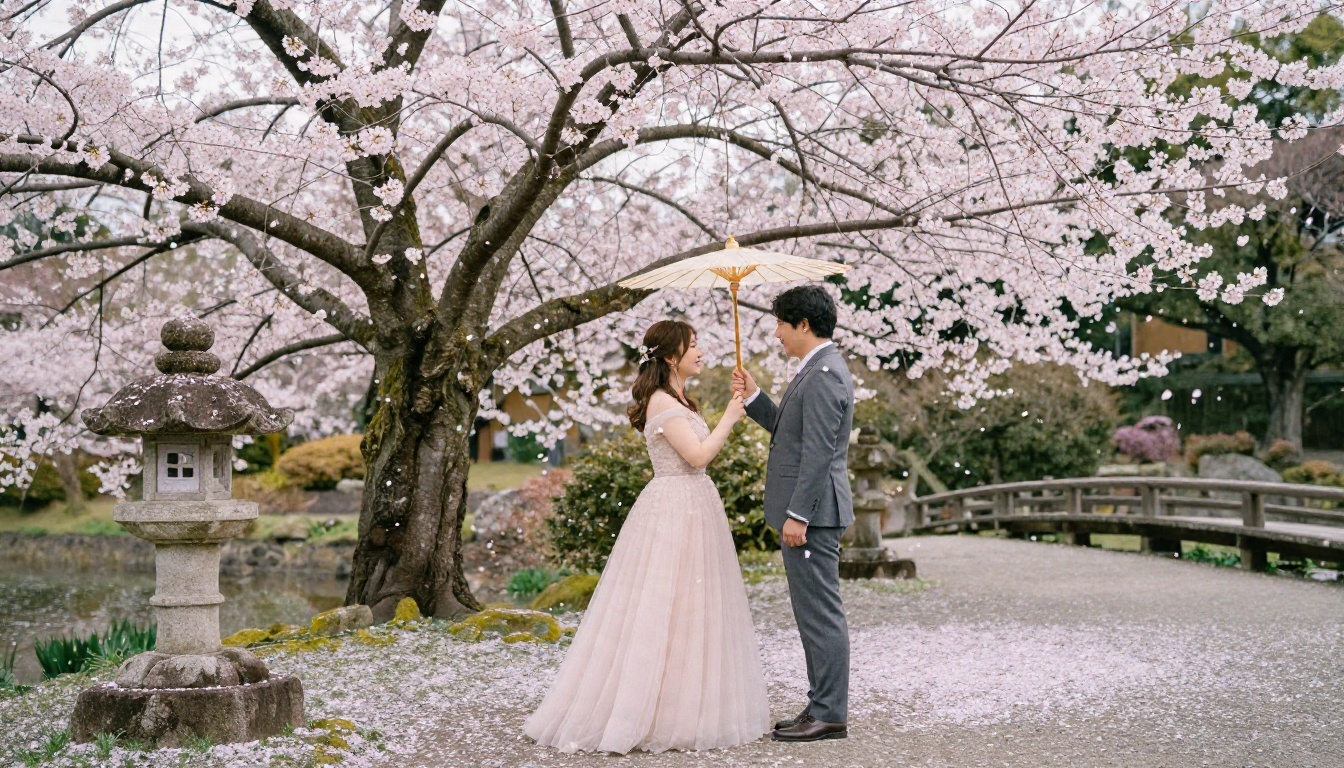
Ask for overcast light. Direct sun creates blown highlights on pale pink petals and white dresses, while soft cloud light keeps all that detail.
Detail Shots With Rings and Peonies
A good set always includes a few quiet frames that aren't about faces. They are perfect for invitation backgrounds and table cards.
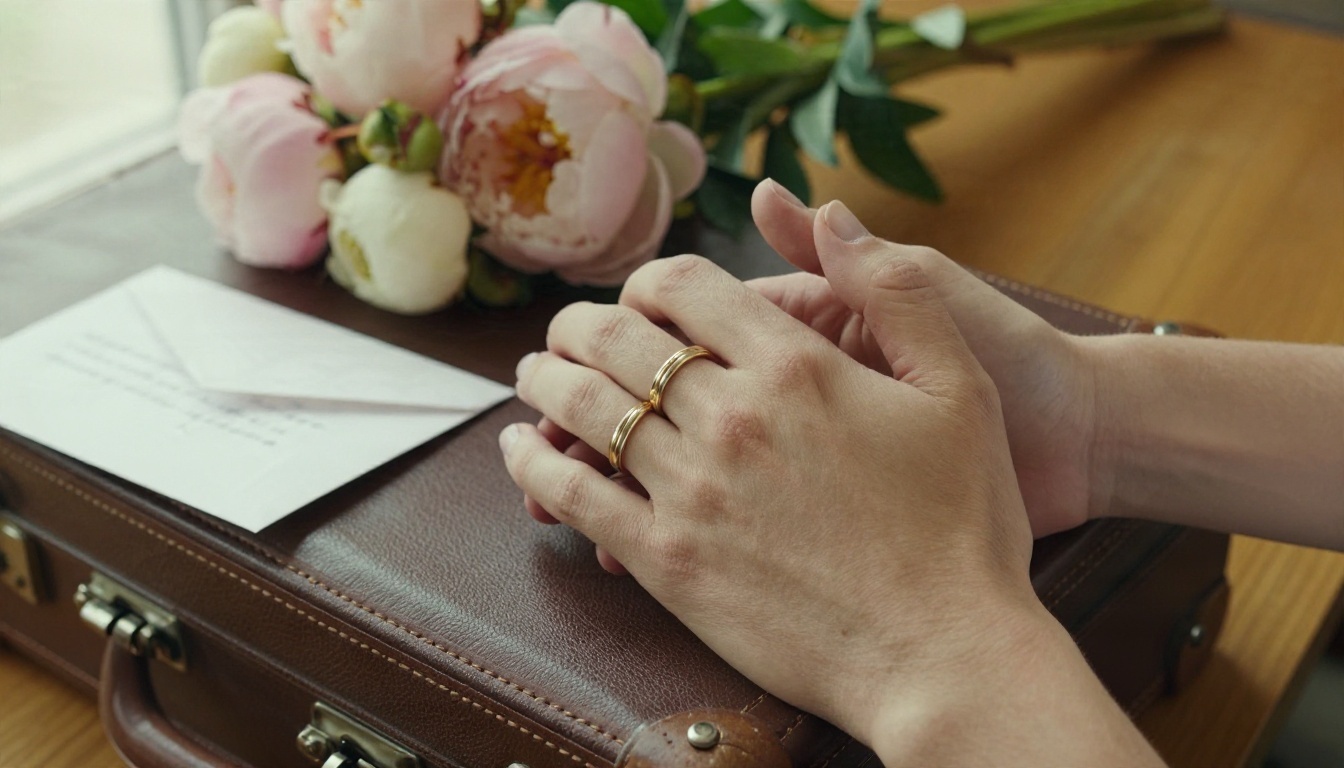
Hands are a common weak spot in AI images, so generate several versions and choose the one with natural fingers. If one finger looks odd, an editing model like Nano Banana can often fix it with a short instruction.
Fixing Common Problems
Even good prompts sometimes miss. These are the usual issues and their fixes.
Faces Look Too Smooth
Remove words like "perfect" and "beautiful", and add "natural skin texture, visible pores, subtle freckles". Lower the beauty language and raise the physical detail.
Couple Doesn't Look Like You
Switch to an editing model and upload a clear, front-facing photo of each person, in even light. Ask it to keep the faces and change only the outfit and setting. Flux Kontext Fast and P Image Edit are good for this, and you can generate with several references until the likeness lands.
Hands and Fingers Are Wrong
Choose compositions where hands are partly hidden, such as holding a bouquet, resting on a shoulder or tucked into a pocket. Or generate eight versions and keep the best.
The Background Steals Attention
Ask for shallow depth of field, or run the finished image through Depth of Field to soften it afterward.
The Image Looks Too Digital
Add film language: "Kodak Portra 400 grain, natural contrast, soft haze". Avoid "8K ultra sharp" if the result looks over-processed, and try asking for "unretouched documentary wedding style".
Costs and Honest Limits
Here is a rough comparison so you can decide where AI makes sense for your budget and your plans.
| Traditional shoot | AI pre wedding set |
|---|
| Photographer fee | Hundreds to thousands | None |
| Travel and permits | Often required | None |
| Outfits and styling | You buy or rent | Described in a prompt |
| Time | Half a day or more | An evening |
| Weather risk | High | None |
| Real memories | Yes | No |
| Exact likeness | Guaranteed | Depends on references |
💡 Tip: If you use AI images publicly, such as on a wedding website, it's kind to mention they're AI-generated. Guests usually love the idea, and it avoids confusion about where you actually went.
A few honest reminders:
- AI images are not documentary proof of a trip, so don't present them as one.
- Check each image at full size before printing, since small flaws are easy to miss on a phone.
- Keep your reference photos private, and only upload pictures of people who have agreed.
- For the wedding day itself, a human photographer still captures things AI can't: your grandmother's face, the friend crying in the back row, the actual moment.
Make Your Own Pre Wedding Set
Pick one mood, write one clear prompt, and try it on two or three models. Start with Seedream 4.5 for polished portraits, add Nano Banana Pro for a second opinion, and use P Image Edit to fix small details with your own photos. In an hour you can have a full set: a wide beach frame, a close portrait, a detail shot and a cozy indoor scene.
Open PicassoIA, paste the prompt formula from this article, change the location to the place you've always dreamed about, and see what comes back. Then keep going: try a different season, a different outfit, a different lens. The more specific your description, the more your couple photos will feel like yours. You can browse every available model at picassoia.com/en/all-models and start building your pre wedding gallery today.


