Two shoppers land on the same store at the same minute. One sees trail runners, a waterproof jacket and a discount on socks. The other sees linen shirts, a leather tote and a gift set. Same catalog, same URL, completely different store. That is AI product personalization for ecommerce, and it has moved from an enterprise luxury to something a one-person shop can run on a free plan and a few good prompts.
This article walks through what personalization actually is, six examples you can copy, the free tools worth your time, prompts you can paste today, and a realistic look at pricing. No hype, just what works and what it costs.
What Product Personalization Really Means
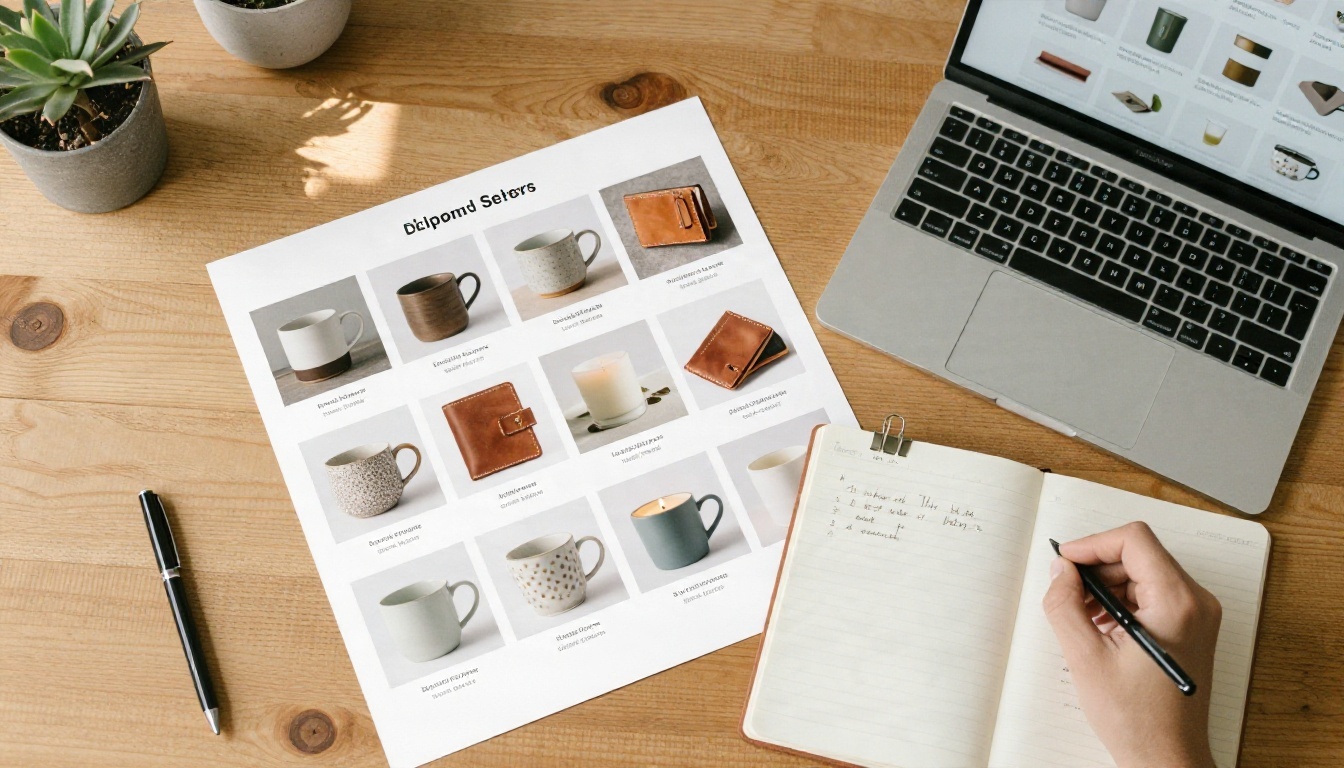
Personalization is the practice of changing what a shopper sees based on who they are, what they have done and what they seem to want. The change can be small (a re-ordered grid) or large (a product photo generated for one specific buyer).
Rules Versus Real AI
Here is the uncomfortable truth: a large share of tools sold as "AI personalization" are rules engines with a fresh coat of paint. A rules engine says, "If the visitor is from Spain, show the Spanish banner." Useful, but it is not intelligent. Real AI predicts. It looks at browsing patterns, past orders and similar shoppers, then guesses what this person will want next.
💡 Quick test: if you have to write every condition yourself, it is a rules engine. If the system suggests the condition for you, or finds patterns you never defined, it is closer to real AI.
Where It Shows Up
Personalization can touch almost every surface of a store:
- Home page and collection grids: product order changes per visitor.
- Search results: the same query ranks differently for different people.
- Product pages: descriptions, images and badges adapt to the segment.
- Email and SMS: product picks based on browsing and purchase history.
- Packaging and gifts: names, monograms and custom designs.
- Ads and landing pages: the creative matches the audience.
Six Examples That Work
These are patterns, not brand case studies. Each one can be built with tools you can access today.
Recommendation Feeds
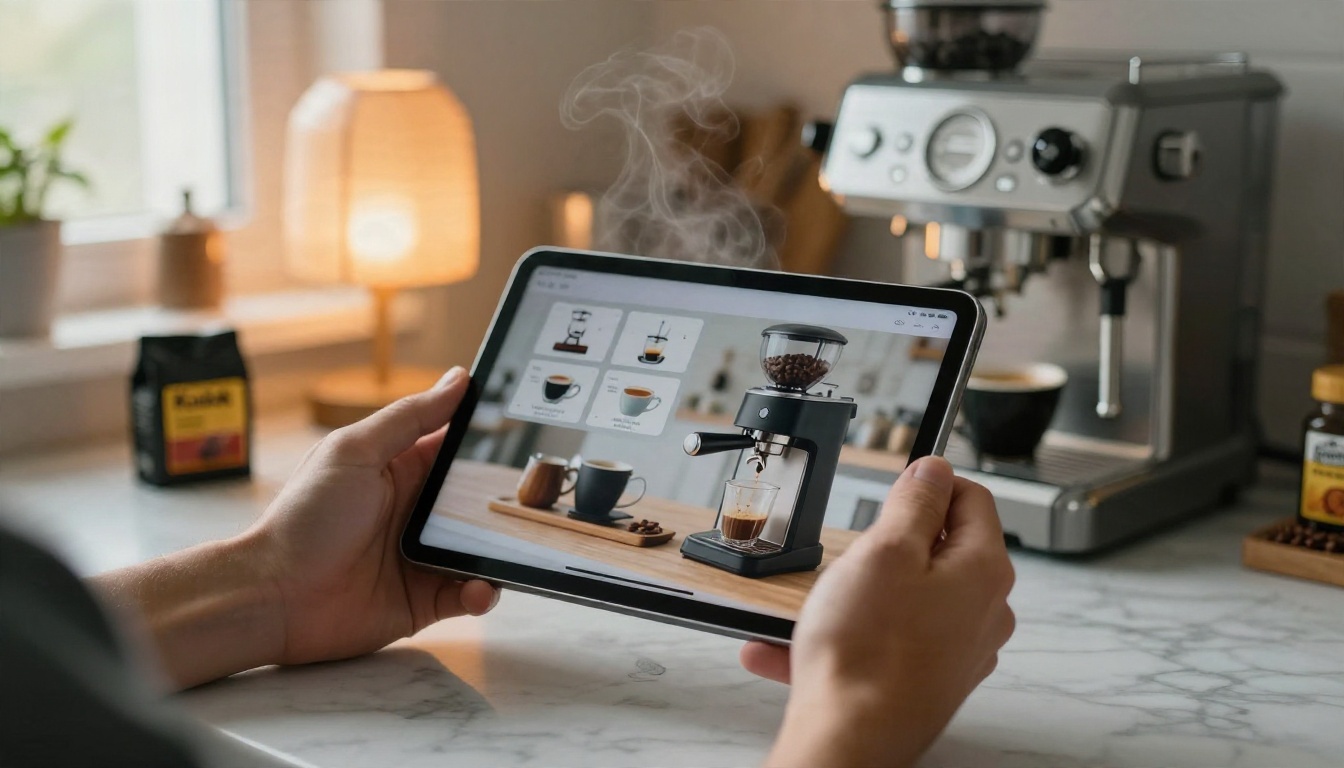
The classic. A shopper looks at a coffee grinder, so the store promotes beans, a scale and a milk pitcher. Good recommendation engines weigh what similar buyers purchased together, not just what looks alike. The result is a higher average order value without a single extra ad dollar.
Personalized Product Images
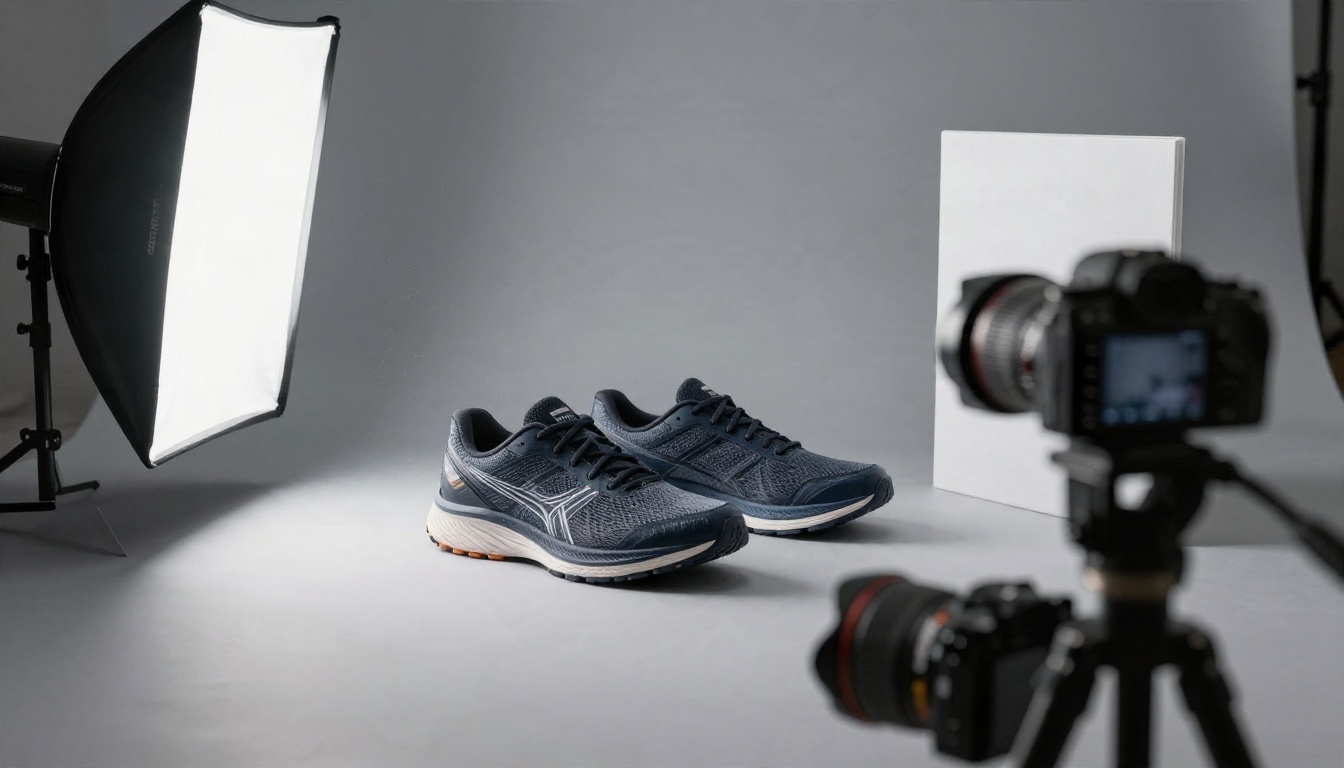
This is where generative tools shine. Instead of one hero photo per product, you produce several: the same sneaker on a city street for urban shoppers, on a trail for hikers, in a minimalist studio for the design crowd. A clean base shot plus an image model gives you scene variations at a fraction of the cost of a reshoot.
Dynamic Descriptions
A language model rewrites the same product description for different readers. A backpack for a commuter highlights the laptop sleeve and rain cover. For a traveler, it highlights carry-on dimensions and hidden pockets. The facts stay identical. The emphasis changes.
Virtual Try-On
Beauty and fashion stores use try-on to reduce guesswork. A shopper sees a lipstick shade, a frame style or a jacket on a face or body close to their own. Fewer wrong-size and wrong-shade purchases mean fewer returns, and returns are where margins quietly disappear.
Personalized Gifts
Monogrammed notebooks, name-printed mugs, custom pet portraits. Here the product itself is personalized, and AI handles the design preview so buyers can see their custom item before they pay. Preview-before-purchase is one of the strongest conversion levers in made-to-order retail.

You do not need an enterprise contract to start. Here is what is genuinely free, or close to it.
Built-In Store Tools
Shopify Magic, the AI assistant built into Shopify, is free for merchants and already installed. It drafts product descriptions, suggests email copy and helps with store content. It will not run a full recommendation engine, but for text personalization it is a zero-cost starting point.
Free Tiers
Several search and recommendation vendors give you room to test before you pay. Algolia, for example, offers a free tier of 10,000 searches, then charges roughly $0.50 per 1,000 searches on its Grow plan. For a small store, that can mean months of AI-ranked search at no cost. Always check the vendor's current pricing page before you commit, since AI pricing shifts quickly.
Free Models on Picasso IA
For the creative side, you can generate personalized visuals and copy directly on Picasso IA. A few models fit this job well:
| Task | Model | Why it fits |
|---|
| Product scene variations | Nano Banana Pro | Sharp, high-resolution output and strong image editing |
| Lifestyle and campaign images | Seedream 4.5 | Clean detail and realistic lighting at 4K |
| Fast batches of concepts | Flux 2 Klein 4B Base | Quick iterations for testing many segments |
| Clean product cutouts | Product Cutout | Precise edges for placing products into new scenes |
| Plain background removal | Remove Background | One-click white or transparent backgrounds |
| Final sharpening | Clarity Pro Upscaler | Brings generated images up to listing quality |
| Descriptions and email copy | GPT 5.6 Terra | Production-ready text in different tones |
| Segment-based rewrites | Claude Sonnet 5 | Follows detailed tone and audience instructions closely |
| Fast, cheap bulk text | Gemini 3.5 Flash | Quick replies for hundreds of product variants |
💡 Tip: pair one text model with one image model. Write the segment copy first, then generate an image that matches the same message.
Prompts You Can Copy
Good personalization prompts share one trait: they name the audience, the product facts and the constraints. Swap the brackets and paste.

Product Description Prompts
Segment rewrite:
"Rewrite this product description for [segment, e.g. daily commuters]. Keep every fact accurate. Lead with the two features this group cares about most. Use a warm, direct tone, under 90 words, no exaggeration. Product: [paste description]."
Objection handler:
"List the five most likely reasons a [segment] shopper hesitates to buy [product]. For each, write one honest sentence for the product page that addresses it."
Email subject lines:
"Write 10 subject lines for a returning customer who bought [item] 30 days ago and viewed [item 2] twice. Tone: friendly, no all caps, under 45 characters."
Segment Prompts
Before you personalize anything, you need segments. Language models are good at this when you feed them real data (never personal details like names or emails).
"Here are anonymized order patterns: [paste summary]. Suggest four customer segments based on purchase behavior. For each, give a one-line description, a typical basket, and one offer that would suit them."
Image Prompts
For scene variations, describe the product, the setting and the light. Use your cutout or product photo as the reference when the model supports it.
"Place this [product] on a [setting, e.g. weathered wooden trail bench at sunrise]. Soft natural light from the left, shallow depth of field, realistic textures, 50mm lens look. Keep the product shape, color and logo placement unchanged."
"Photograph of [product] in a minimalist apartment, morning window light, neutral linen and oak surfaces, calm mood, top-down angle."
💡 Rule of thumb: change the scene, never the product. Customers return items that look different from the listing photo.
What It Really Costs
Pricing falls into three bands, and the gap between them is huge.
| Band | Typical cost | What you get | Best for |
|---|
| Built-in and free | $0 | Text drafts, basic suggestions, free search tiers | New stores, solo founders |
| Usage-based | Pay per search, product or message | AI search, recommendations, email flows | Growing stores with steady traffic |
| Custom contracts | Quote only | Full experimentation, cross-channel personalization | Large catalogs, big traffic |
Mid-market vendors such as Clerk.io and Bloomreach use modular pricing tied to catalog size and usage. Enterprise platforms like Dynamic Yield, Insider, Nosto and Adobe Experience Cloud sell by quote, so there is no public number. Budget for a sales call if you head that way.
Hidden Costs
The subscription is rarely the whole bill. Watch for:
- Setup time: feeding clean product data takes longer than expected.
- Content volume: ten segments means ten times the copy and images to approve.
- Testing traffic: small stores may not get enough visitors to prove a variant wins.
- Review hours: someone has to read what the AI writes before it goes live.
💡 If your store gets under a few thousand visits a month, skip the enterprise suite. Free tools plus generated content will teach you more per dollar.
A Simple Workflow for One Store
Here is a practical path you can finish in a single week, assuming a small catalog.
- Pick one product line. Choose your best seller, not your whole catalog.
- Define three segments. Use the segment prompt above, then trim to three groups you can actually serve.
- Rewrite descriptions. Run the segment rewrite prompt with a language model and edit each result by hand.
- Prepare a clean base photo. Use Remove Background or Product Cutout to isolate the product.
- Generate scene variations. Create one image per segment with Nano Banana Pro or Seedream 4.5.
- Sharpen the winners. Run final picks through Clarity Pro Upscaler.
- Serve the right version. Use your platform's audience rules, email flows or landing pages to show each segment its own copy and photo.
- Measure for two weeks. Compare conversion rate and return rate against the original page.
Mistakes That Waste Budget
Personalizing Too Many Things at Once
Change the image or the headline, not both plus the price plus the layout. You will never know what worked.
Ignoring Product Accuracy
AI images that tweak colors, stitching or proportions produce angry reviews and refunds. Keep the product itself locked.
Using Private Data Carelessly
Segments should be built on behavior, such as categories viewed or order frequency. Never paste customer names, emails or addresses into a prompt. Check the privacy rules in the regions you sell to.
Skipping the Human Review
A language model can be fluent and wrong. One invented material or false claim on a product page becomes your problem. Read everything before publishing.

Build Your First Personalized Set Today
The best way to see whether personalization pays off for your store is to ship one small test. Pick a single product, write three segment descriptions, and generate three matching images. You can do all of it on Picasso IA in an afternoon: draft the copy with GPT 5.6 Terra or Claude Sonnet 5, then create the visuals with Seedream 4.5 or Nano Banana Pro.
Want to compare more options? Browse every model at picassoia.com/en/all-models, try the prompts above, and see which combination gives your shoppers a store that feels made for them.


