AI Rap Generator Free No Sign Up: With Beat, Voice, Lyrics and Limits
Want a rap track without opening an account or paying first? This article breaks down how an AI rap generator builds the beat, the vocal and the lyrics, which free options really work, and where the limits hit: song length, flow, rights and voice quality.
You have sixteen bars in your head, no studio, no producer and no patience for a five-step registration form. That is exactly why people search for an AI rap generator free, no sign up: they want to type an idea and hear a rap with a real beat and a real voice, within a couple of minutes. It is possible. It is also full of small traps, from thirty-second clips to robotic flow to tracks you cannot legally post. This article shows how the technology works, what a good workflow looks like, and where the honest limits sit.
What an AI Rap Generator Actually Does
A rap generator is not one tool. It is three jobs stacked on top of each other, and most disappointing results come from one of them being weak.
Loops that feel flat, no variation between verse and hook
Voice
Rapped or spoken vocal with rhythm
Drifting off the beat, mushy words, no attitude
Some models do all three in one pass: you paste lyrics and a style description, and you get back a finished song with a sung or rapped vocal. Others only make the instrumental, and you add a voice separately with a text to speech model. Both routes work. They just give you different amounts of control.
💡 Quick rule: if you want speed, use a full song model. If you want your own words delivered exactly as written, build the beat and the vocal separately.
Free and No Sign Up: The Honest Truth
Let's be direct, because search results for this keyword love to oversell. Generating audio costs real computing power. So any service that gives you music with no account at all is paying for it somehow, and you usually see it in one of these ways:
Short clips only. Ten to thirty seconds, enough to hear a hook, not enough to post a song.
Watermarks or audio tags. A spoken label dropped into the track.
Low-quality export. Compressed audio with a muddy low end.
Strict queues. You wait behind paying users.
Unclear usage rights. The page says "free" but says nothing about whether you can upload the result to a streaming platform.
None of this makes free tools useless. For testing a concept, a hook or a lyric idea, they are great. But if you expect a full three-minute track with studio vocals and a clean export, with zero account and zero cost, you will be disappointed almost everywhere. Free allowances and sign-up rules also change often, so check the page of the model you want to use before you plan around it.
Why accounts exist
An account lets a service track your generations, apply limits fairly and store your files. Skipping it is convenient for a quick test, but it also means nothing is saved. If you close the tab, the track may be gone. Download immediately.
What to check before you trust a "free" label
Maximum song length per generation.
Whether the output includes vocals or only instrumentals.
Export format and quality.
The written rules on commercial use.
Whether you can upload your own lyrics or only type a short prompt.
Build the Lyrics First
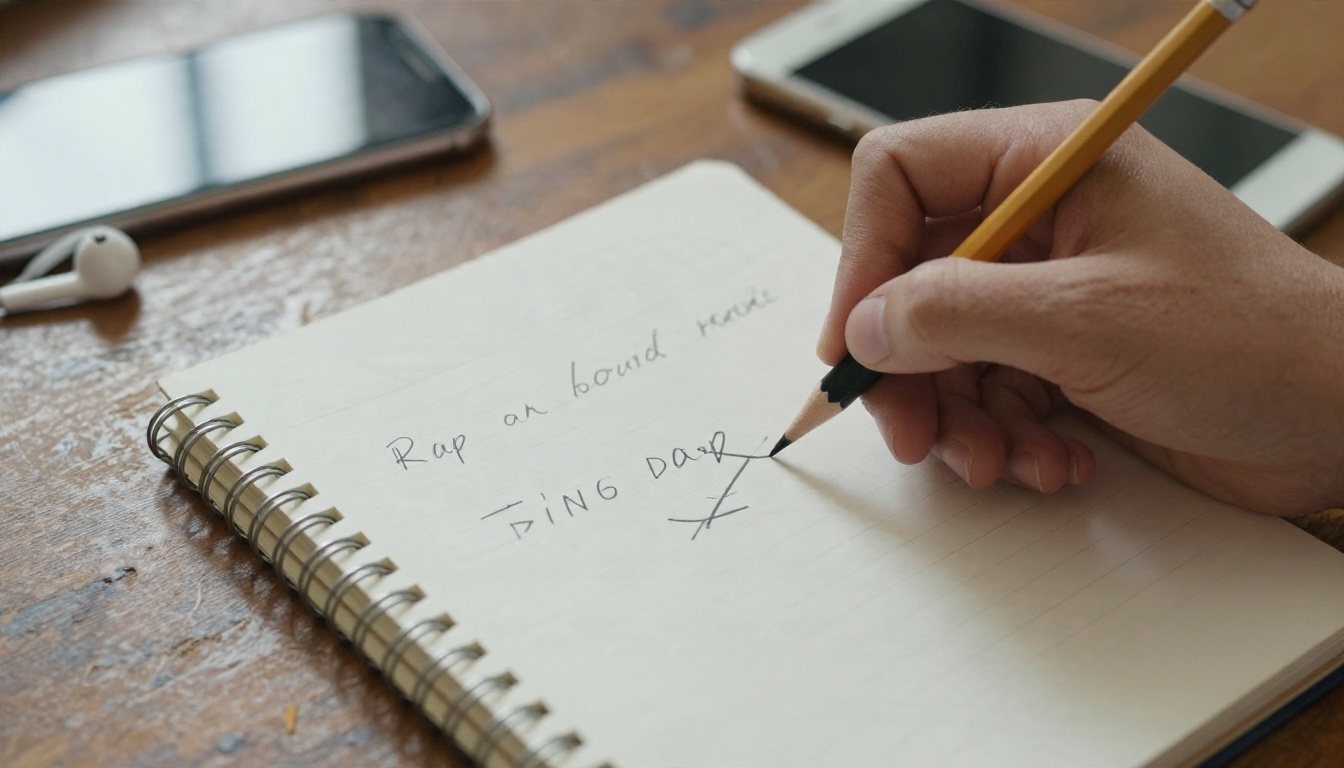
The lyrics decide whether a track feels human or like a template. Models are good at rhythm and rhyme, but they cannot guess your story. Give them one.
A simple structure that works
Hook: 4 lines, repeated. Short words, strong beat placement.
Verse 1: 12 to 16 lines. A situation or a place.
Verse 2: 12 to 16 lines. A twist, a consequence or a flex.
Bridge or outro: 2 to 4 lines, optional.
Mark sections with simple tags like [Verse] and [Hook]. Many song models read those tags and use them to change energy between sections.
Write for the ear, not the page
Rap lives on stress and breath. Keep lines between 8 and 12 syllables. Put the rhyme on the last stressed word of the line. Avoid long compound words at the end of a line, because vocal models tend to swallow them.
Here is an original example of the kind of input that works well. Notice how plain the language is:
[Verse]
Bus at six, the window's fogged, my coffee's gone cold
Notebook full of maybes and a hook I haven't sold
City wakes up slowly, I'm already awake
Every line I'm holding is a bet I'm gonna make

[Hook]
Run it back, run it back, one more time
Words on the beat and the beat in my mind
💡 Tip: If you do not want to write from zero, ask any large language model for three versions of a verse about your topic, then keep the best lines from each and rewrite the rest by hand. Pure AI lyrics tend to sound alike. Your edits are what make the track yours.
Pick the Beat Style
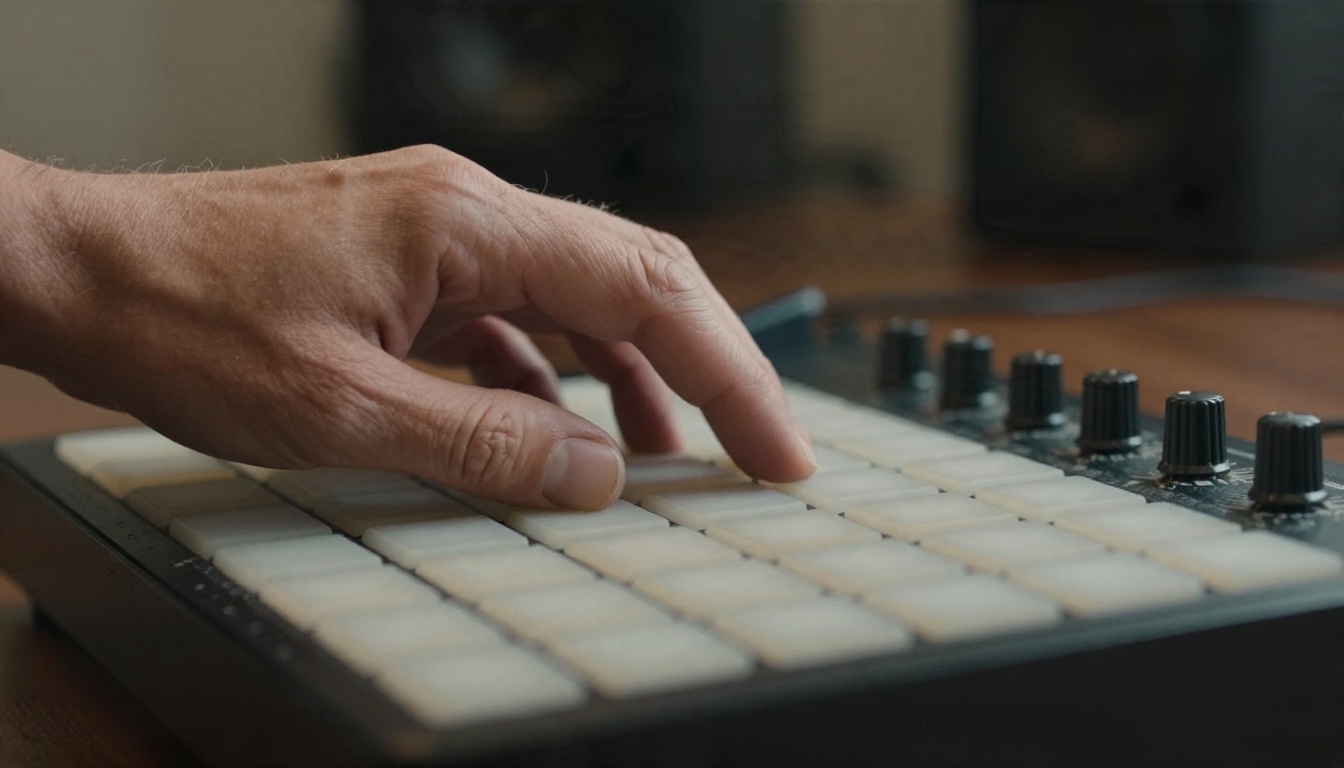
Describing a beat in text is closer to ordering coffee than programming a drum machine. Specific words get you better results than vague ones.
Words that steer the instrumental
Style
Prompt words
Typical tempo
Boom bap
dusty drums, vinyl crackle, upright bass, sampled jazz chords
85 to 95 BPM
Trap
rolling hi-hats, deep 808 bass, sparse piano
130 to 150 BPM (half-time feel)
Drill
sliding bass, tight snare, dark strings
140 BPM
Lo-fi rap
mellow keys, soft kick, tape warmth
70 to 85 BPM
Old school
funk bass, breakbeat, scratches
95 to 105 BPM
Add the mood, one or two instruments and the tempo. That is enough. A prompt like "boom bap beat, 90 BPM, dusty drums, warm upright bass, soft Rhodes chords, no vocals" will give you more usable output than a paragraph of adjectives.
For instrumentals, Stable Audio 2.5 is a good first stop because it is built around text prompts for music and sound design, and it responds well to tempo and instrument words. Lyria 3 is another solid option when you want a polished, balanced mix. For longer arrangements, Lyria 3 Pro is built for full-length songs.
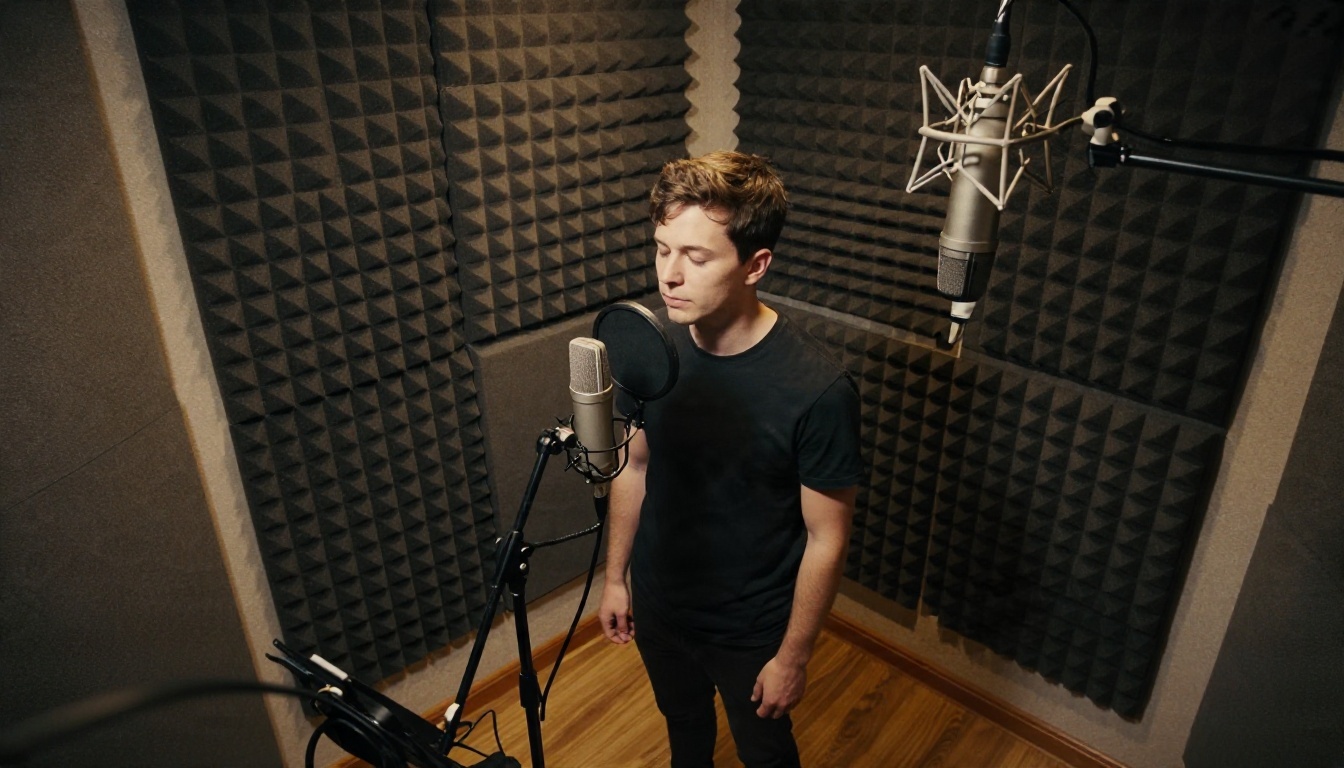
Get a Voice That Raps
This is the part everyone cares about, and it has two honest paths.
Path 1: a full song model that sings or raps
Models such as Music 2.6, Music 2.5 and Music 01 take your lyrics and a style description and return a song with vocals already on the beat. The advantage is obvious: one step, and the voice and the instrumental were generated to fit each other. ElevenLabs Music is a further option for text-driven songs.
The tradeoff is control. You pick the genre and mood, but you cannot always dictate flow bar by bar. Expect some lines to land differently than you pictured. Generate several takes and keep the one with the best energy.
Path 2: your lyrics through text to speech
If you need every word exactly as you wrote it, generate the beat first, then produce a spoken vocal with a text to speech model and lay it on top. This gives a talk-rap or spoken-word feel, less melodic but very precise.
Chatterbox when you want emotion control and a more expressive read.
Qwen3 TTS when you want to design or clone a voice with a specific character.
ElevenLabs v3 for natural pacing and expressive reads.
💡 Rhythm trick: text to speech does not know your tempo. Break lyrics into short lines, add commas where you want a breath, and export each verse separately. Then nudge the audio in a free editor until the words sit on the snare.
A word on voice cloning
Cloning a voice is possible with tools like Voice Cloning. Use it only for your own voice, or a voice you have clear written permission to use. Cloning a real artist and releasing the result is a fast way to get a takedown, and it is simply not fair to the person.
How to Make a Rap Track Step by Step
Here is a workflow that takes about fifteen minutes for a 60 to 90 second result.
Step 1: Write a 16-line verse and a 4-line hook
Use the structure above. Keep the language plain. Read it aloud once, with a metronome app at 90 BPM if you can, and cut any line you trip over.
Step 2: Write a one-sentence style prompt
Example: "Boom bap rap, 90 BPM, dusty drums, warm bass, confident male vocal, gritty but clear."
Step 3: Generate a full song
Open Music 2.6, paste your lyrics with section tags in the lyrics field, and put your style sentence in the prompt field. Run it two or three times. Do not judge the first take.
Step 4: Fix weak spots
If the vocal is great but the beat is boring, generate an instrumental in Stable Audio 2.5 and layer it under the vocal in a free audio editor. If a single line is mumbled, rewrite it with simpler words and regenerate.
Step 5: Download right away
If you worked without an account, nothing is stored for you. Save the file before you close the tab, and name it with the date and the prompt you used so you can recreate it.
The Real Limits You Will Hit
This is the section most "best AI rap generator" lists skip. Plan for these and you will waste less time.
Length
Most single generations land somewhere between half a minute and a few minutes. Longer tracks are usually built from sections. For a full song, generate verse and hook separately, then join them.
Flow and pronunciation
Models handle common English very well. Slang, invented names, heavy accents, rapid double-time bars and rare words are where they stumble. If a word comes out wrong, respell it phonetically in the lyrics field.
Consistency
The same prompt gives different results every time. That is useful for variety and annoying for repeating a vocal across two verses. If voice consistency matters, use a cloned or designed voice through a text to speech model instead of a new song generation per verse.
Mixing
AI vocals often come out a little dry or a little loud against the beat. A small amount of compression, a touch of reverb and a gentle cut around the muddy low mids will make a noticeable difference.
Rights
Read the terms of whatever tool you use. Who owns the output, whether commercial release is allowed and whether you must credit the tool all vary. Avoid prompts that name living artists or ask for a copy of a famous track.
💡 Safe habit: keep a text file with your lyrics, prompts, model name and date. If anyone ever questions the origin of a track, you can show how you made it.
Not everyone is chasing a hit single. Here is where AI rap earns its place:
Short social clips. A 20 second hook over a quick beat for a video.
Birthday and event raps. Personal, funny and easy to customize with names and inside jokes.
Study aids. Rhyming a list of facts makes it easier to remember. Teachers do this constantly.
Demo sketches. Real rappers use AI to test a hook idea before booking studio time.
Game and podcast intros. Short, loopable, no licensing headaches if the tool terms allow it.
Five Mistakes That Ruin a Track
Prompting with a paragraph. One clear style sentence beats ten adjectives.
Lines that are too long. Past 14 syllables the vocal rushes or drops words.
Skipping repeats. A hook only works when it comes back. Repeat it.
Judging the first take. Treat generations like dice rolls. Run three, keep one.
Ignoring the mix. A tiny bit of EQ often matters more than a new generation.
Try Your Own Rap Today
You do not need a studio, a producer or a record deal to hear your words on a beat. Write one tight verse, describe the sound in a single sentence and run it through Music 2.6 or build the instrumental in Stable Audio 2.5 and add a voice with Speech 2.8 HD. Check the current free allowance on each model page, since limits change, and download your track as soon as it finishes.
Want to see everything available for music, voice and more? Browse the full catalog at picassoia.com/en/all-models, pick a beat model and a voice model, and make your first track tonight. The first version will not be perfect, and that is fine. The tenth one will sound like you.