You have a product, a trip, a recipe or a point of view, and you need 20 seconds of vertical video by tonight. Filming, cutting, adding sound and exporting used to eat an afternoon. An AI reels maker shrinks that to a few minutes: you describe the scene, the model renders a clip, and you add voice, music and captions on top. This article shows what these tools actually do, which free online options are worth opening, the prompts that get usable results, the phone app options, and the alternatives that fit specific jobs.
💡 Quick answer: For a free online start, open a text-to-video model like Seedance 2.5 Lite, write a one-sentence scene in 9:16, and render three variations. Pick the best one, then add voice and music.
What an AI Reels Maker Does
An AI reels maker is any tool that produces short vertical video (9:16) from text, an image or a reference clip. Some are pure generators, some are editors with AI features bolted on, and the best workflows use both.
From prompt to vertical clip
The basic loop looks like this:
- Write a prompt describing the subject, the motion, the camera and the light.
- Pick 9:16 as the aspect ratio so the clip fills a phone screen.
- Render a few variations and keep the strongest one.
- Add sound: voiceover, music or native audio if the model generates it.
- Export and post.
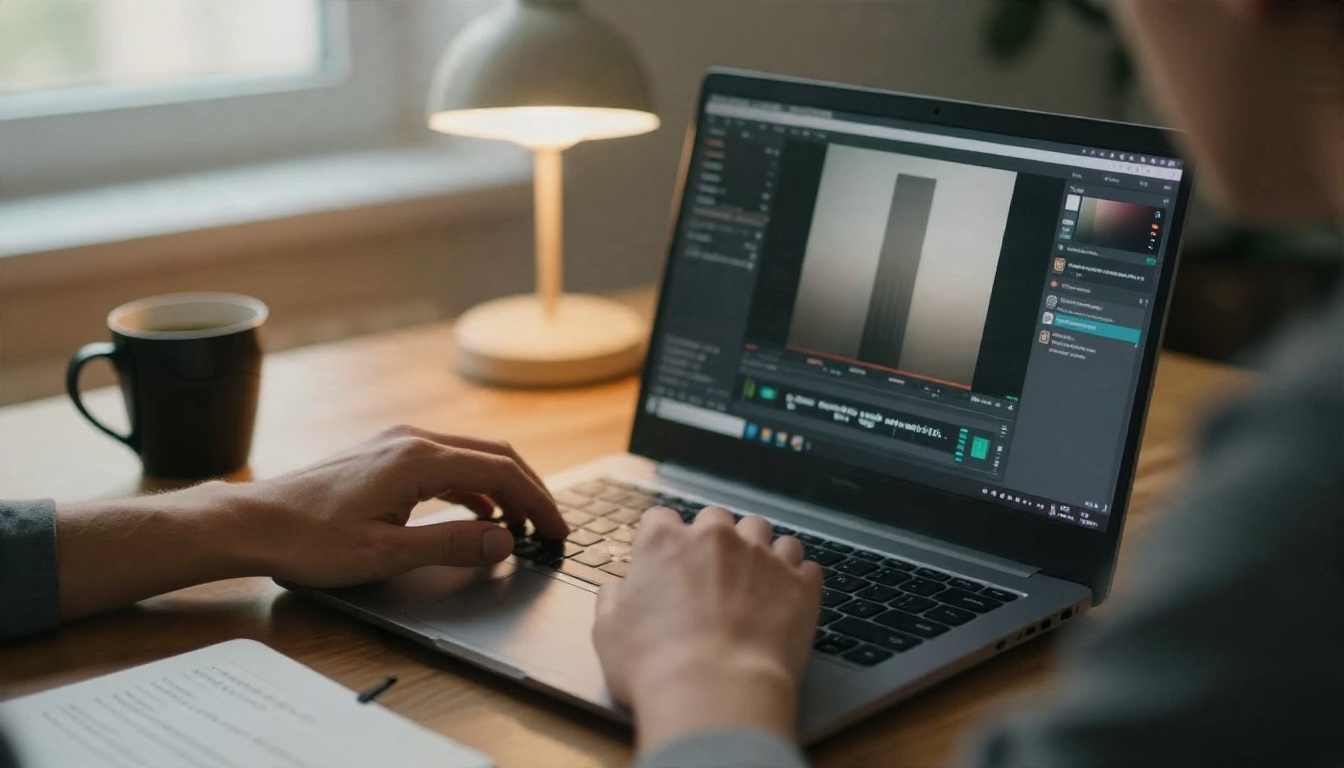
Reels now run far longer than the old 15-second clips, but the ones that perform are still tight. Most creators build a reel from several 5 to 10 second shots, which suits how current video models work: each generation is short, so you stack them like scenes.
What it replaces and what it doesn't
AI is excellent at b-roll, product atmospherics, establishing shots, stylised intros and anything that would otherwise need travel or a crew. It is weaker at precise brand packaging, readable on-screen text and long continuous takes with the same person. Plan around that and you will waste fewer credits.
| Task | AI reels maker | Real footage |
|---|
| Atmospheric b-roll | Excellent | Slow and costly |
| Your actual product in use | Use image-to-video from a real photo | Best |
| Talking to camera | Lip sync from a photo works | Best for trust |
| Text on screen | Add it in an editor | Add it in an editor |
| Impossible or expensive scenes | Excellent | Not realistic |
Searching for a free AI reels maker returns hundreds of sites, and most of them fall into the same few patterns. Knowing the pattern saves you a lot of clicking.
What "free" really means
| Type | What you get | Watch out for |
|---|
| Free trial credits | A handful of renders, then a paywall | Credits vanish after two or three tries |
| Watermarked free tier | Unlimited drafts with a logo | Logo ruins posting; fine for testing |
| Daily free quota | A few clips per day | Slow queues at peak hours |
| Unlimited lite model | No cap on a smaller model | Slightly lower detail than flagship models |
The last row is the one to chase. A lighter model with no cap lets you iterate on prompts freely, which matters more than squeezing the last 5 percent of sharpness out of every render.
Free options on PicassoIA
Seedance 2.5 Lite is listed as a free and unlimited generator for clips up to 10 seconds, which is exactly the length of one reel scene. For still frames you can feed into image-to-video, Nano Banana Pro is listed for free 4K output, and Seedream 4.5 gives strong prompt following for stylised or photographic first frames.
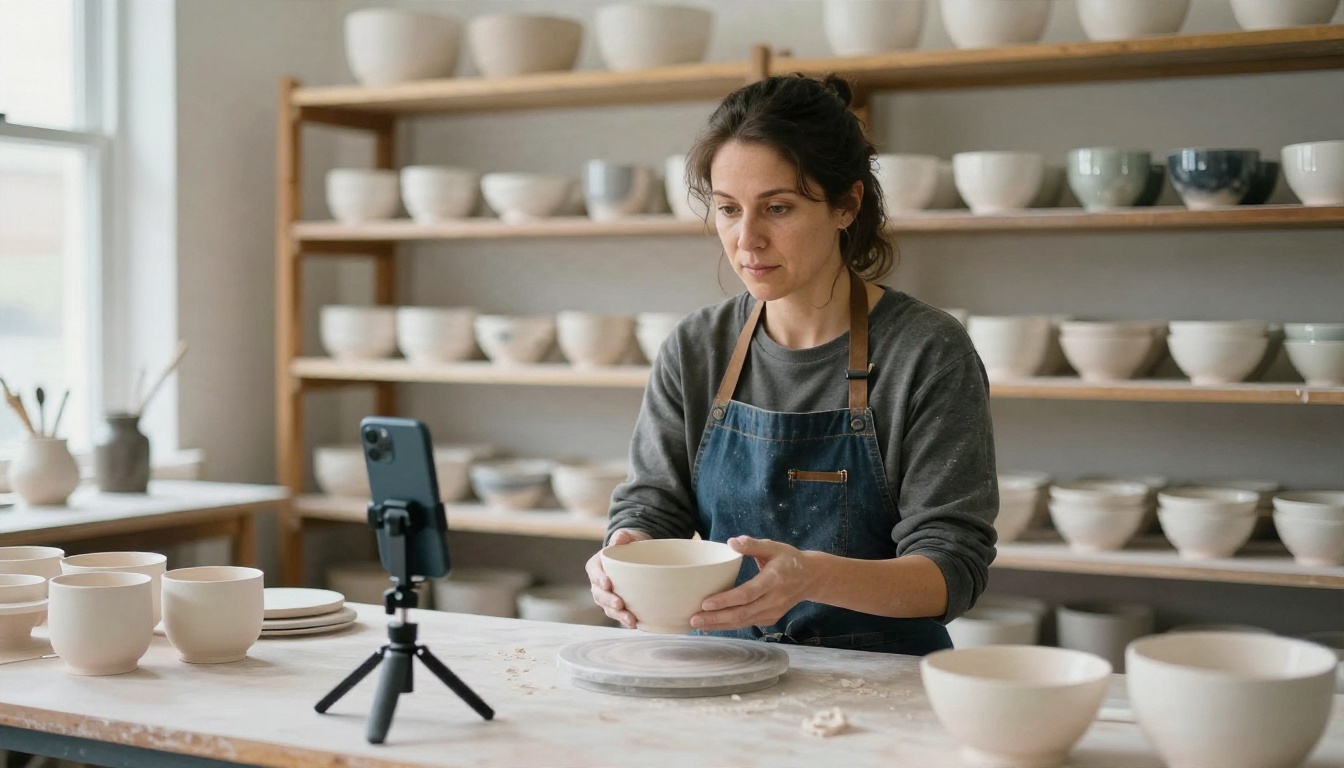
💡 Tip: Start from a real photo of your product or studio, then animate it with an image-to-video model like Wan 2.5 I2V Fast. Your product stays accurate and the motion comes from the model.
Prompts You Can Copy
Good reel prompts read like a shot list, not a wish. Name the subject, the motion, the camera move and the light. Keep each prompt to a single shot.
The prompt formula
Subject + action + setting + camera move + light + mood.
Example skeleton: "A ceramic mug on a wooden table, steam rising, slow push-in, soft morning window light, calm and cosy, vertical 9:16."

Sketch six frames on paper first. A reel with a clear sequence (hook, three beats, payoff, call to action) beats six random pretty clips.
Product reel prompts
- "Close-up of a hand placing a glazed ceramic bowl on a linen cloth, slow dolly-in, soft daylight from the left, shallow depth of field, tactile textures, 9:16."
- "Skincare bottle on a marble shelf, water droplets sliding down the glass, slow vertical tilt up, bright bathroom light, clean and minimal, 9:16."
- "Sneakers on wet pavement at dusk, slow tracking shot along the sole, reflected streetlights, subtle camera shake, 9:16."
Travel and lifestyle prompts
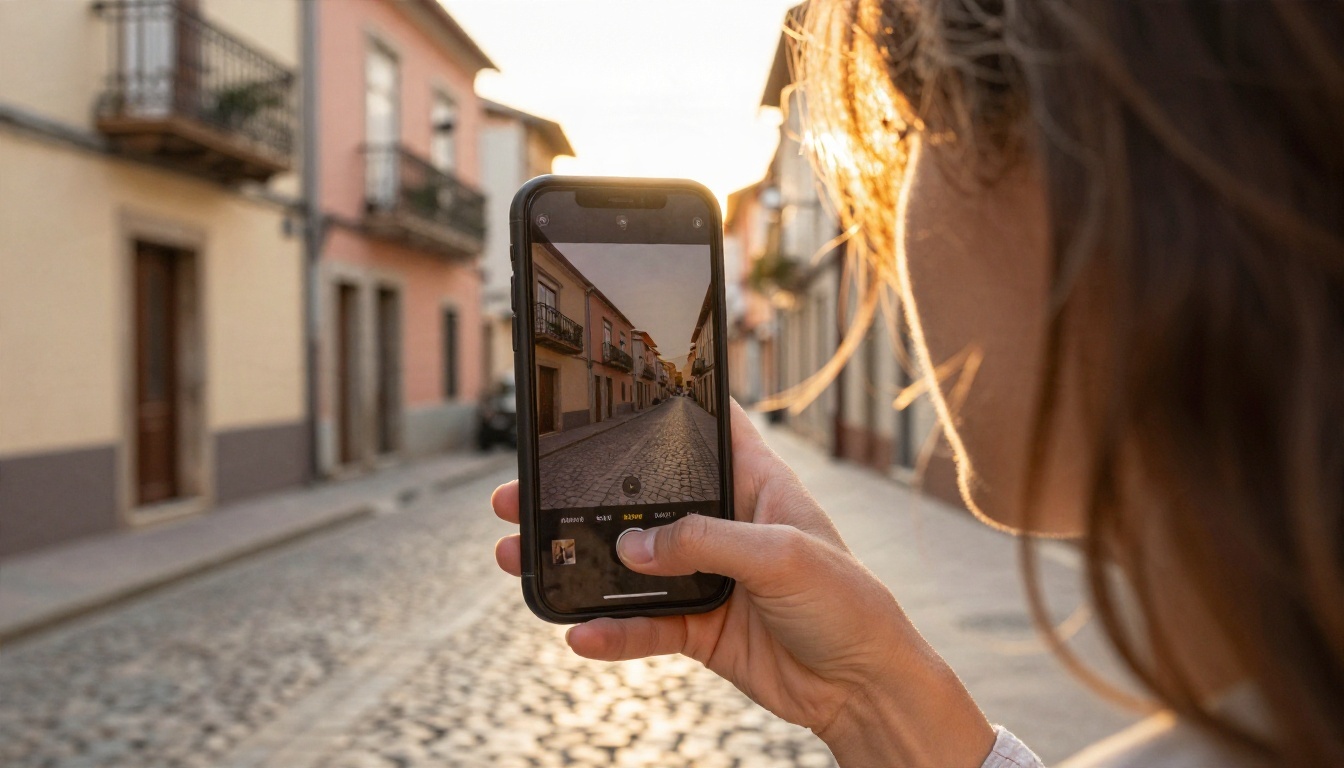
- "A woman walking down a sunlit cobblestone street with a phone held up, camera follows from behind at waist height, pastel buildings, golden hour, light breeze, 9:16."
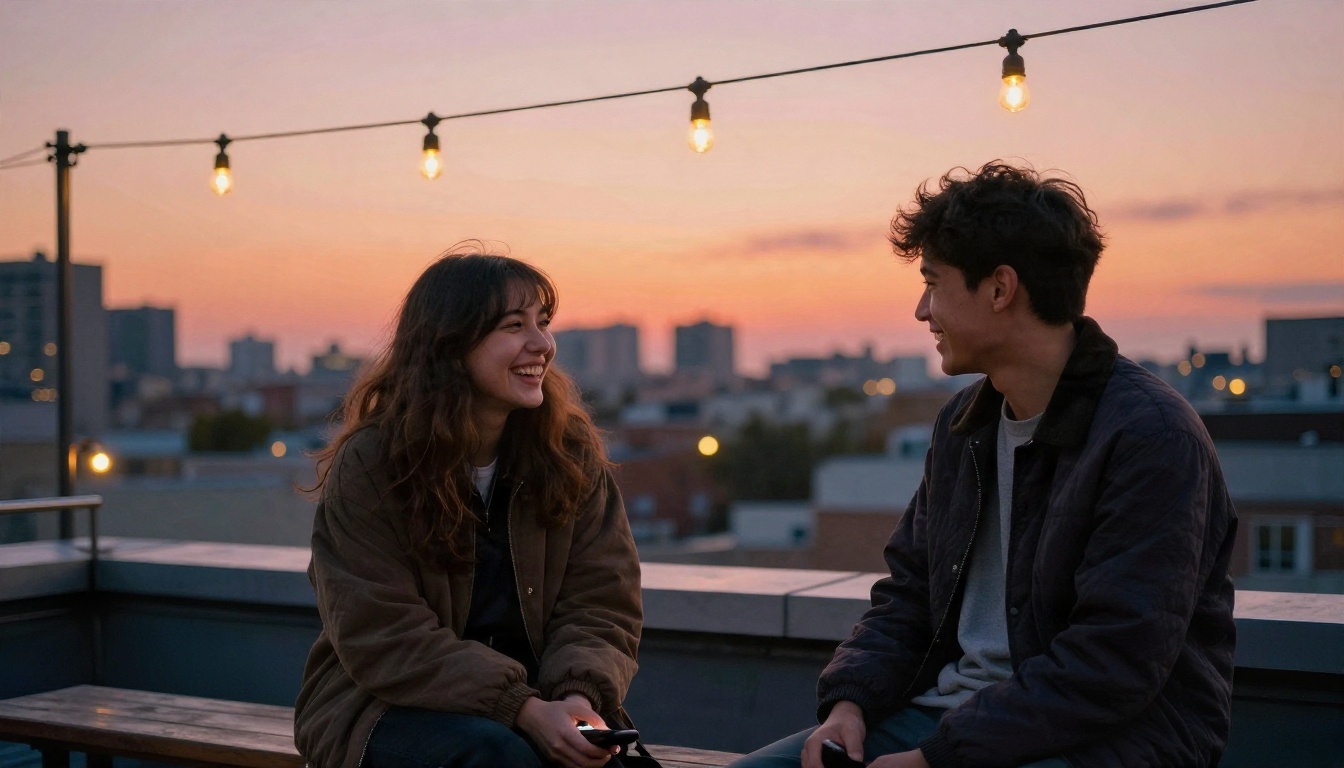
- "Rooftop terrace at sunset, two friends laughing and clinking glasses, handheld feel, warm orange sky, city skyline softly blurred, 9:16."
- "Morning coffee on a balcony in a mountain town, mist drifting through the valley, slow pan right, cool blue light turning warm, 9:16."
Talking-head and fitness prompts
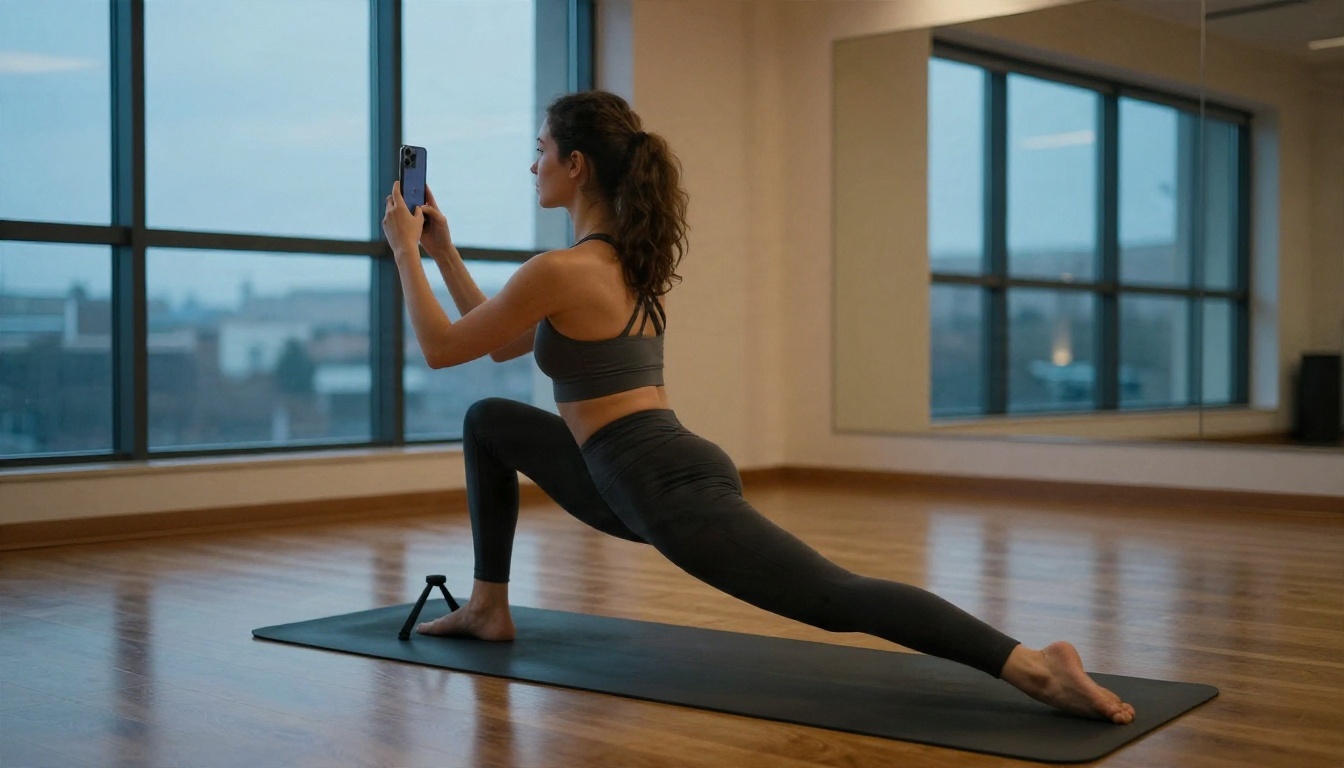
For a presenter, generate or upload a clear portrait and use a lip sync model so the voice matches the mouth. For fitness and how-to reels, describe the movement slowly: "A woman moves from downward dog into a low lunge on a wooden floor, camera stays fixed at hip height, soft evening window light, 9:16." Clear, slow motion renders far cleaner than fast, chaotic movement.
💡 Prompt rule of thumb: one subject, one movement, one camera move. Every extra instruction raises the odds of a weird result.
App Options on Your Phone
If you prefer to work from a phone, there are two families of apps, and mixing them up leads to frustration.
Editing apps with AI features
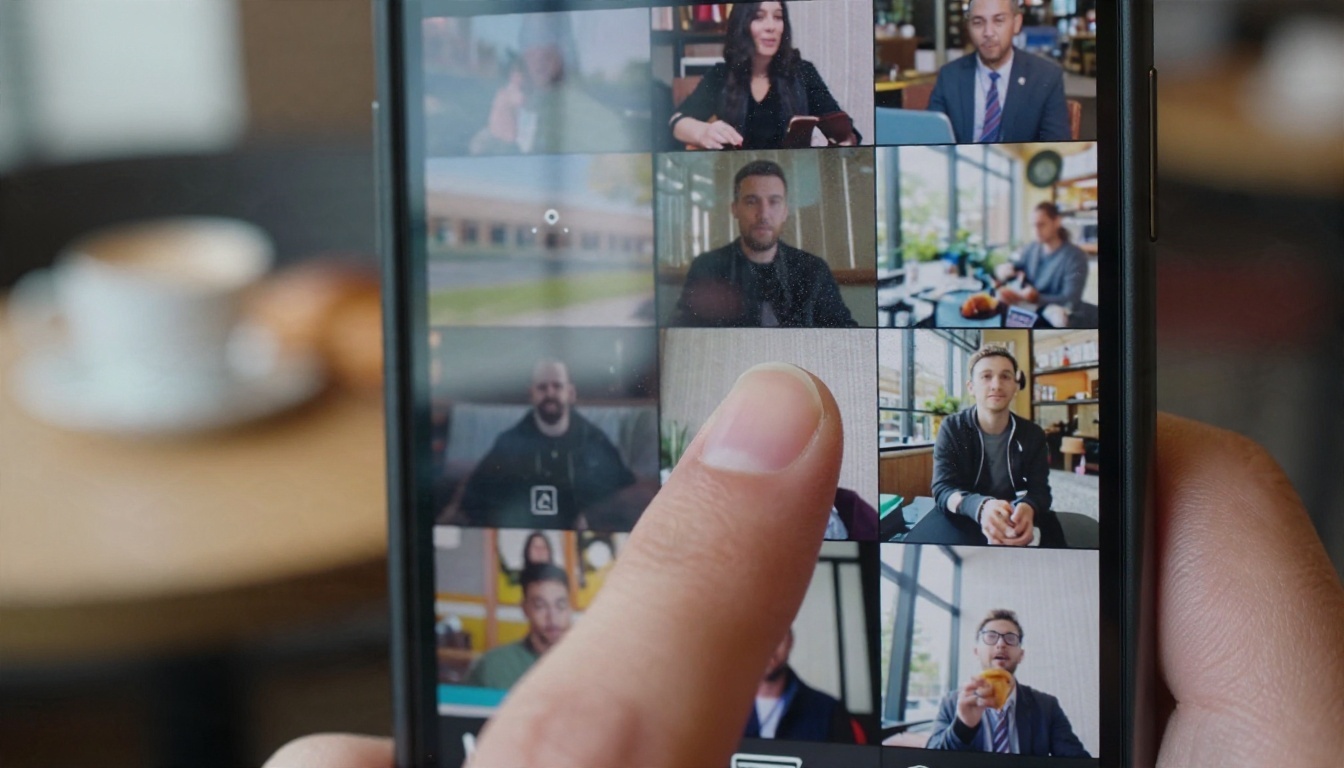
Apps like CapCut, InShot, Canva and Instagram's own Edits app are built around the timeline: trim, caption, add music, apply templates. Many now include AI features such as auto-captions, background removal and basic text-to-video. They are great for assembly and finishing, and they are where most creators finish their reels.
Generator apps and web tools
Dedicated generators give you better source clips because they run larger models. On a phone you can open a browser-based generator and download clips straight into your editing app. This split workflow, generate in a model, assemble in an editor, is what most professional-looking AI reels use.
| Approach | Best for | Weak spot |
|---|
| Editing app with AI tools | Captions, cuts, templates, music sync | Generated clips look generic |
| Web generator with strong models | Original b-roll and cinematic shots | Needs an editor to assemble |
| Both together | Polished, original reels | Two steps instead of one |
Alternatives for Different Jobs
No single model wins every shot. Match the model to the job.
Cinematic clips with audio
Kling v3 Video is a strong pick for smooth, believable motion. If you want the sound generated alongside the picture, Veo 3.1 Fast and Sora 2 produce clips with synchronised audio, which saves a step on ambient scenes like cafes, streets and kitchens.
Fast drafts and longer scenes
Use LTX 2.5 Fast when you want quick turnaround on concept tests, and Hailuo 2.3 Fast to animate photos into short motion. For longer scenes, Seedance 2.5 is listed for clips up to 30 seconds, which can carry an entire short reel in a single render.
Voice, music and lip sync
A reel without sound feels unfinished. Three add-ons make the biggest difference:
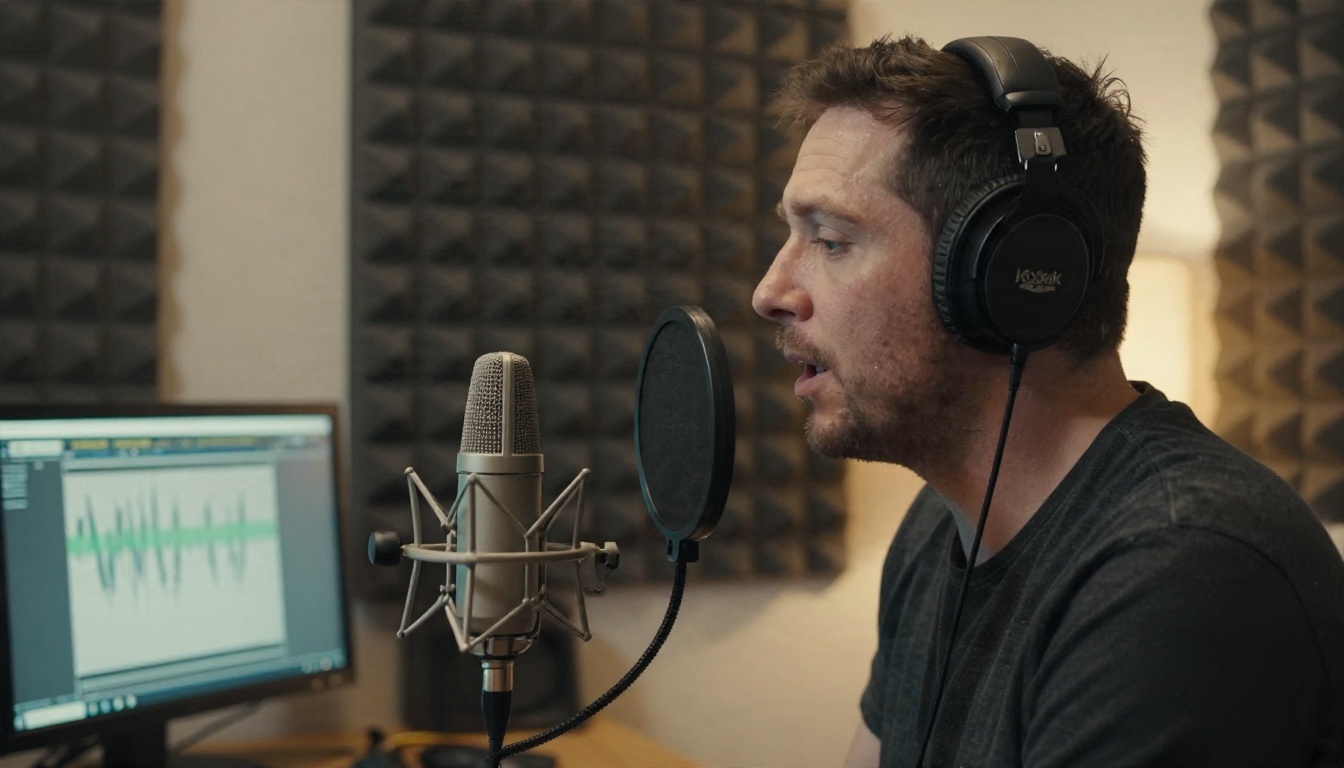
- Voiceover: Realtime TTS 2 turns a script into a natural-sounding narration in seconds.
- Talking presenter: P Video Avatar and Omni Human 1.5 animate a photo so it speaks your audio, and Kling Lip Sync matches mouth movement to audio in an existing video.
- Soundtrack: Music 2.6 and Lyria 3 generate original tracks, so you avoid licensing headaches for background music.
If a clip looks soft after export, run it through Video Upscale before posting. Instagram recompresses everything, so starting sharper helps the final result.
A Simple Workflow, Start to Post
Here is a repeatable process you can finish in under an hour, even as a beginner.
- Write the hook first. The first two seconds decide whether anyone stays. Pick one striking visual or one bold sentence.
- Outline 4 to 6 shots. Hook, three beats, payoff, call to action.
- Generate a still for each shot with a text-to-image model if you want control over the look. Nano Banana Pro works well here.
- Animate each still with image-to-video, or write text-to-video prompts straight away.
- Render two or three variations per shot and keep the best.
- Record or generate the voiceover and drop in a generated music bed.
- Assemble in your editor of choice, add captions, and match cuts to the beat.
- Export in 9:16 and post when your audience is active.
💡 Batch tip: Generate all your clips for the week in one sitting. Keep a note of the prompts that worked and reuse the structure with new subjects.
Common Mistakes to Avoid
Teams and solo creators trip over the same things.
Prompts that ask for too much
"A busy market with dancing people, drone shot, then close-up of food, then sunset" is four shots in one sentence. Split it into separate generations and cut them together.
Skipping the sound
Silent AI clips feel flat. Even a quiet music bed and a few seconds of ambient audio lift the reel.
Baking text into the video
Models still stumble on long or precise text. Generate the clip clean and add captions and titles in your editor, where spelling stays under your control.
Posting the first render
The first output is a draft. Run two or three variations, pick the one with the cleanest motion and the strongest first frame. Reject clips with warped hands, drifting faces or objects that change shape mid-shot.
Ignoring authenticity
Audiences respond to a clear point of view. Mix generated b-roll with a real face, a real voice or a real product photo, and say honestly when something is AI generated. Follow the labelling rules of the platform you post on.
Make Your First Reel Today
Pick one idea, write a single-shot prompt using the formula above, and render it in 9:16. Start with the free, unlimited route so you can iterate without worrying about credits, then bring in a stronger model for the shots that matter. Add a voiceover, a music bed and captions, and you have a reel that would have taken a crew a day.
Open PicassoIA, choose a text-to-video model, and paste in one of the prompts from this article. Change the subject to yours, render three versions, and post the best. Your next reel is one prompt away.


