AI models now change faster than most people can read about them. A new version ships on a Tuesday, a cheaper variant appears on Thursday, and by the weekend your favorite workflow behaves differently. Official release notes exist to tell you what changed, but they are often written for engineers, scattered across a dozen pages, and quick to go stale. This page is a single, readable changelog for image, video and language models, built around what you can actually try today.
One honest note before we start. Tracking sites disagree with each other about exact dates and even about which model shipped last, and some listings mix confirmed launches with forecasts. So this changelog sticks to what is on the PicassoIA catalog right now, describes each model by what it does, and avoids dates I could not confirm. Treat it as a map of the current landscape, then test anything that matters to you with your own prompts.
Why Release Notes Matter Now

A model update is not just a bigger number. It can change how prompts are interpreted, how much a generation costs, how long you wait, and what the output looks like. If you ship content on a schedule, a quiet change in a default setting can ruin a batch you thought was safe.
Changelogs Are Marketing Too
Every release note is written by the team that wants you to try the new thing. That is not a criticism, just a fact. Phrases like "improved quality" or "better prompt following" are real, but they are averages across thousands of test cases, not promises about your specific prompt of a woman reading in a window seat or a product shot on a marble counter.
Read release notes the way you read a menu: useful for knowing what is available, not a review of the food.
What a Useful Entry Looks Like
Good release notes answer five questions:
- What changed? A new model, a new variant, a new setting, a removed feature.
- Who is it for? Fast drafts, final delivery, long documents, short clips.
- What does it cost? Credits, time, or both.
- What broke? Anything that behaves differently from the previous version.
- How do I try it? A direct link, not a signup maze.
💡 If a changelog cannot tell you what got worse, it is probably incomplete. Every update trades something. Faster models usually give up some detail, and more detailed models usually take longer.
Image Model Updates

Image generation has split into three lanes: high-resolution finals, fast drafts, and trainable or styled models that you can tune toward a look.
Seedream 5 Pro and Seedream 4.5
Seedream 5 Pro is positioned around sharp 2K output, while Seedream 4.5 is the one to reach for when you want 4K images from a text prompt. The newer number is not automatically the better pick. If your final deliverable is a large print or a wide banner, the higher output size of the older model can matter more than a newer architecture.
What to check after the update: skin texture, text rendering inside the image, and how well each model holds a long prompt with several subjects.
Nano Banana Family
The Nano Banana line now has three entries on the platform. Nano Banana handles both generation and editing, Nano Banana Pro targets 4K output, and Nano Banana 2 Lite is built for speed.
The practical pattern is simple: draft with Lite, pick the composition you like, then re-run the winning prompt on Pro for the final. That one habit saves more time than any single feature in any release note.
Flux 2 Klein Variants
The Flux 2 Klein family comes in several flavors. Flux 2 Klein 4B Base and Flux 2 Klein 4B Base LoRA are the smaller options, and Flux 2 Klein 9B Base LoRA is the larger one aimed at styled results.
The LoRA variants matter if you care about a consistent visual identity across many images. A base model gives you range. A LoRA variant gives you repeatability.
Video Model Updates

Video is where release notes move fastest and where claims are hardest to compare. Native audio, longer clips and higher resolution have all become standard talking points, so the useful question is no longer "does it have audio" but "does the audio match what I see."
Kling v3 Family
Kling now has three distinct tools on the platform. Kling v3 Video is the general cinematic generator. Kling v3 Omni Video goes from text to 1080p video. Kling v3 Motion Control animates a character by following a motion reference.
These are not interchangeable. If you pick Motion Control for a landscape shot, you will wonder what the fuss is about. Match the variant to the job.
Wan 3, Veo 3.1 Lite and LTX 2.5 Fast
Wan 3 is the cinematic option, and Wan 3 Prime steps up to 1080p text-to-video. Veo 3.1 Lite produces video with native audio at a lighter footprint, and Veo 3.1 Fast targets 1080p with quicker turnaround. LTX 2.5 Fast lives up to its name for people who need many iterations in a short time.
Lite and Fast tiers have become the real story of video updates. Few people need the biggest model for every clip. Most of us need a dependable fast one for roughly nine out of ten generations.
Sora 2 and Gemini Omni 1.1
Sora 2 generates text-to-video with synced audio, and Sora 2 Pro pushes toward HD output. Gemini Omni 1.1 generates video with audio and sits in a newer generation of models that treat sound and picture as one task rather than two.
If you already hold reference photos, video or audio, PicassoIA Reference To Video builds a clip from those materials instead of from text alone. That is a different workflow, and for brand work it is often a better one.
Language Model Updates

Language models are now released as families with tiers, not single products. The names tell you more about the intended job than the version number does.
GPT 5.6 Trio
OpenAI's 5.6 generation shows up as three models. GPT 5.6 Luna is the fast one for quick replies. GPT 5.6 Terra aims at production-ready text. GPT 5.6 Sol is built for complex coding tasks.
A sensible split: Luna for chat, brainstorming and prompt drafting; Terra for articles, emails and product copy; Sol when a bug has survived two attempts from the others.
Claude and Gemini
Anthropic's lineup includes Claude Sonnet 5 for automated coding work, Claude Fable 5 for heavier coding tasks, and the earlier Claude Sonnet 4.6 for writing, coding and planning. Keeping the older model around is useful: when a new release changes tone, you can compare against the version you already trust.
Google's side offers Gemini 3.5 Flash for fast chat, code and images, and Gemini 3.1 Pro for deeper answers. Flash is the one to use when you are writing image prompts all afternoon. Pro is the one to ask when the question is hard.
Changelog at a Glance
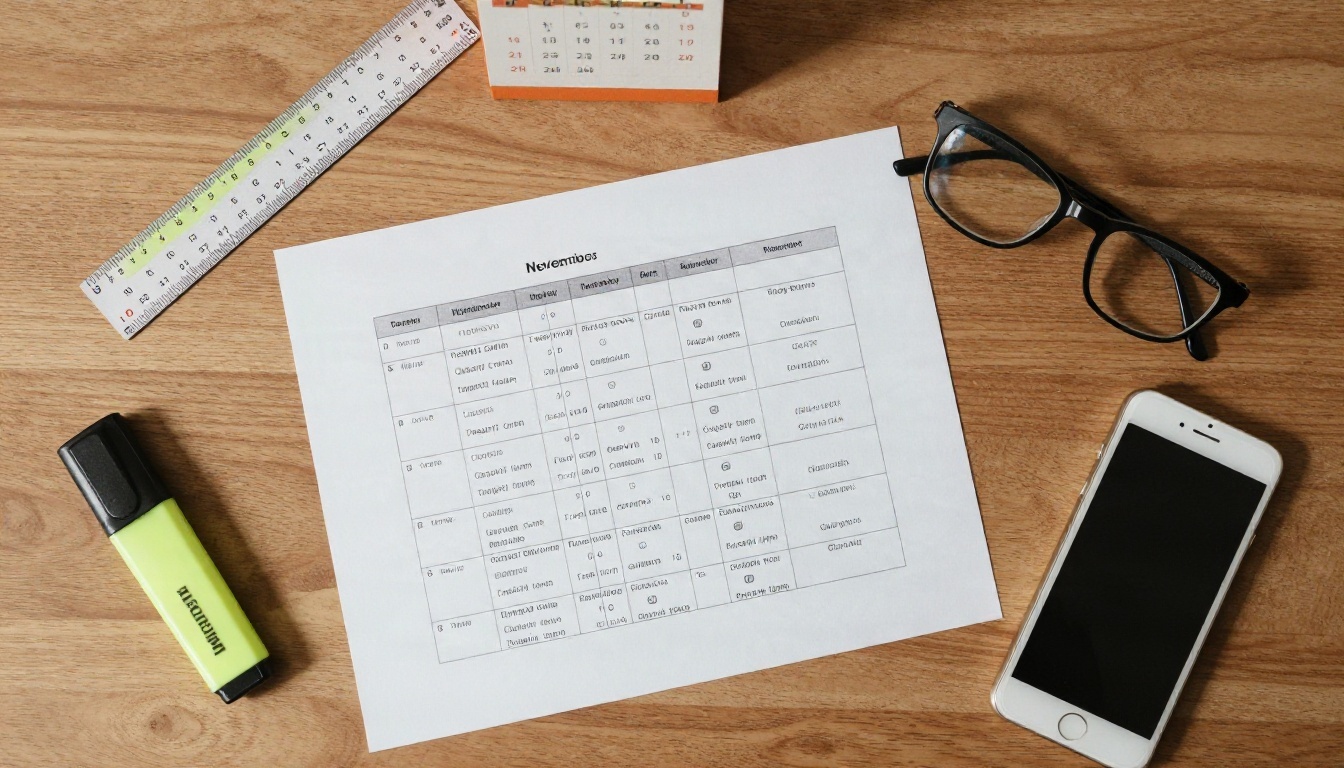
Here is the whole landscape in one table. Use it to pick a starting point, then test.
💡 The "speed tier" column is a rough guide based on how each model is positioned, not a benchmark. Run your own timing test before you plan a deadline around it.
How to Test Any New Release
Reading about a model takes two minutes. Testing it takes ten, and the ten minutes are worth far more. This routine works for images, video and text.
Build a Fixed Prompt Set
Write five prompts that represent your real work. For images, that might be a portrait, a product shot, a landscape, an interior and something with text on a sign. For video, a slow camera move, a person walking, and a close-up with moving hands. For language models, a short email, a summary, a piece of code and a tricky instruction with two constraints.
Save them in a note. Reuse them for every new release. The point is that the prompts never change, so differences come from the model.
Change One Variable
Run the same prompt on the old model and the new model with the same settings. If you change the model and the aspect ratio and the prompt at once, you will not know what caused the difference.
A quick checklist:
- Same prompt, same aspect ratio, same length.
- Generate at least three results per model, not one.
- Judge the worst result, not the best. Consistency is what makes a model useful.
Log Your Results

Keep a tiny personal changelog: date, model, what you tested, what you noticed. A single line is enough. After a month you will have your own release notes, and they will be more useful than anyone else's because they describe your work.
Mistakes People Make With Updates

Switching everything on day one. A new model might be better at one thing and worse at another. Move one workflow at a time.
Trusting a single sample. One great image proves nothing. Three out of three decent images tells you something.
Ignoring the older model. Older versions are often cheaper, faster and more predictable. Keep them in your rotation.
Comparing across different tiers. A Lite model against a Pro model is not a fair test. Compare Lite to Lite, Pro to Pro.
Believing every date you read. Tracking sites often contradict each other, and some list forecasts as launches. When a date matters, check the official source for that vendor before you plan around it.
| Mistake | Better habit |
|---|
| Judging by the best result | Judge by the worst of three |
| Updating every workflow at once | Move one workflow per week |
| Skipping the old model | Keep one trusted baseline |
| Reading only headlines | Test with your own prompt set |
Try the Latest Models Yourself
The fastest way to understand a changelog is to run it. Pick one model from each lane: an image model such as Nano Banana Pro, a video model such as Kling v3 Video, and a language model such as Gemini 3.5 Flash to help you write the prompts.
Here is a ten-minute plan:
- Ask the language model to turn one idea into three different prompts.
- Run each prompt on a fast image model, then on a final-quality one.
- Pick the best frame and animate it with a video model.
- Write one line about what you noticed.
Everything above lives in one place, so you can switch models without switching tools. Browse the full catalog at picassoia.com/en/all-models, run your own five-prompt test on Picasso IA, and build a changelog that reflects your own results. The next release note you read will mean a lot more once you have your own numbers to compare it with.


