You open a roleplay chat, set the scene in a rain-soaked port city, and three messages later the character breaks the mood with a polite refusal. Or the opposite happens: the app promises "no filter", then locks the good stuff behind a message counter that runs out before the plot even starts. If that sounds familiar, you are not alone. AI roleplay with no filter is one of the most searched corners of chatbot use, and also one of the most misunderstood.
This article sorts out what "no filter" actually means, which kinds of free chat apps exist, where their limits hide, and what you can use instead when you want long, consistent, creative storytelling without fighting the tool.
💡 Quick take: "No filter" is a marketing label, not a technical standard. Every hosted chatbot has some rules, and almost every "free" plan has some cap. The real question is which trade-offs you can live with.
What "No Filter" Actually Means
Filters come in layers
When people say a chatbot has a filter, they usually mean one of three different things, and mixing them up causes most of the frustration.
- Model training. The language model itself was trained to refuse or soften certain requests. No setting removes this from a hosted model.
- A moderation layer. A separate classifier scans your message or the reply and blocks it. Models such as Llama Guard 4 12B exist for exactly this job, sitting beside a chatbot to flag unsafe text.
- Platform rules. The company running the app bans topics in its terms and can suspend accounts, whatever the model is capable of.
An app that advertises "no filter" usually means it dropped layer two and picked a model with lighter layer one training. It rarely means that anything goes, and the app owner still sets layer three.
Why people want fewer limits
Most roleplayers are not chasing shock value. They want villains who sound menacing, grief scenes that do not get a hotline paragraph stapled on, horror that actually builds dread, and romance that feels like fiction written by adults. Heavy-handed refusals break immersion, and immersion is the entire product.

The good news: a lot of that creative range is available without hunting for a sketchy app. Dark themes, morally gray characters, war stories and tense drama are fine for most mainstream models when the prompt frames them as fiction. What those models will not do is write sexually explicit material, and that is where the "no filter" market lives.
Free Chat Apps People Use
Hosted character platforms
The biggest category is the hosted character platform: you pick or build a persona, open a chat window, and talk. Names that come up constantly in reviews include Character.AI, Chai, CrushOn AI, SpicyChat and Janitor AI. They differ a lot in how loose their rules are.

From the reviews I checked while researching this piece, a few patterns stand out. Treat the numbers as reported, not verified, because most of these sources are affiliate-style blogs and plans change often:
- One review says CrushOn AI moved its free tier to roughly 50 free messages a day in spring 2026, while another still calls its free plan genuine.
- SpicyChat advertises no daily limits, no message caps and no timeouts in its own store listing. That is the company talking about itself, so test it before you trust it.
- Character.AI reports conflict: one source calls the free tier unlimited and ad-supported, another says it added conversation limits and removed features users liked.
- Janitor AI is often described as free if you bring your own model connection, which means the "free" part depends on who pays for the compute.
Bring your own model setups
The second category is frontends that do not host a model at all. You paste in an API connection or point them at a model running on your own machine. SillyTavern is the best known example. The interface is free, you control the system prompt, memory and character cards, and the filter depends entirely on whichever model you plug in.
This route gives the most control and the steepest setup. It is also where most serious long-form roleplayers end up.
| Type | Typical cost | Filter strictness | Setup effort | Best for |
|---|
| Hosted character app | Free tier, paid upgrade | Varies by platform | Low | Quick chats, casual roleplay |
| Bring your own model frontend | Free app, pay for model access | Depends on the model | Medium | Custom characters, long stories |
| Local open model | Hardware cost only | You decide | High | Privacy, unlimited use |
| Mainstream LLM with a good prompt | Free or low cost | Moderate, no explicit content | Low | Writing quality, dark and dramatic fiction |
The Limits Behind "Free"
Free plans are not charity. Running a large model costs real money per message, so every free app finds a way to ration something. Knowing what gets rationed saves you from picking the wrong tool.
Daily message caps
The obvious one. A counter ticks down, and when it hits zero you wait or pay. A cap of 50 messages sounds generous until you realize a single slow-burn scene can eat 30 of them in one evening. Check whether regenerations and edits count against your quota, because many apps count every retry.

Memory and context walls
This is the limit nobody advertises. Every model can only "see" a fixed window of recent text. Once your chat grows past it, the character forgets the name of your ship, the scar on its cheek or the promise it made in chapter one. Free tiers usually run smaller context windows, so continuity breaks sooner. Paid plans extend the window, which is often the real reason people upgrade.
A practical fix on any platform: keep a short story bible in the first message, with names, relationships, setting rules and the current plot state, and refresh it every few dozen messages.
Quality drops and slow queues
Free users often get a smaller, cheaper model or wait in a queue at peak hours. Replies get shorter, repetitive and more generic. If your character suddenly sounds like a different person, the app may have silently routed you to a lighter model.
💡 Tip: If replies feel flat, ask for a specific length and voice in your prompt: "Write 150 to 200 words in third person, past tense, with sensory detail and no summary." Smaller models respond well to concrete structure.
Privacy and Safety Risks
Where your chats go
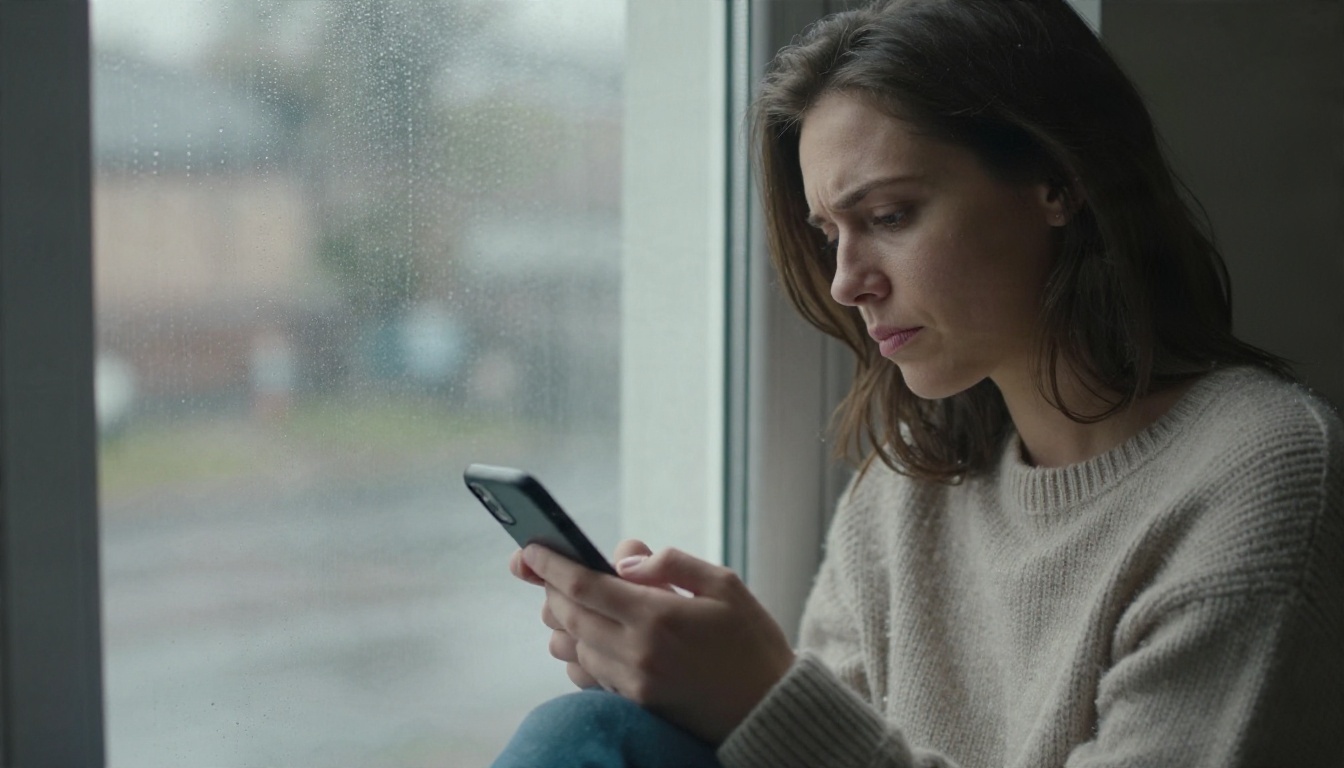
Roleplay chats are personal. People write fears, fantasies and invented lives into them. Many free apps store those conversations on their servers, some use them to improve their models, and policies differ from one app to the next. Before you pour hours into a character, read the privacy section and look for three things: whether chats are used for training, whether you can delete them permanently, and what happens if the company is sold.
Practical habits that cost nothing:
- Never type your real name, address, workplace or financial details into a character chat.
- Use a separate email address for roleplay accounts.
- Assume anything you write could be read by a moderator or leaked in a breach.
- Skip apps that do not clearly explain data deletion.
Age and consent lines
Legitimate platforms require adult users for mature content, and responsible ones block anything involving minors without exception. Be wary of any app that does not verify age at all or advertises that "nothing is blocked". That is a warning sign about the business, not a perk, and it usually means weak data handling as well.
Better Alternatives for Storytelling
If a free app keeps cutting you off, you have two realistic upgrades.
Run a local model
Open-weight models running on your own computer have no message cap, no queue and no third party reading your chat. The tradeoff is hardware: a decent graphics card and some patience with settings. Quality depends on the model size you can fit, and smaller local models can lose the thread on long plots. Pair one with a frontend like SillyTavern and you get character cards, lorebooks and full control of the system prompt.

Use a mainstream LLM with a good setup
For writers who care more about prose quality than about explicit content, a strong general model with a well-built prompt beats most hosted character apps. Large models hold a persona over long scenes, keep timelines straight and write dialogue with real texture. A few options available on PicassoIA:
💡 Honest note: These are mainstream models with their providers' safety policies. They handle villains, tragedy, horror, politics and romance written tastefully. They are not built for sexually explicit roleplay, and I am not going to pretend otherwise. If that is exactly what you need, expect to look at dedicated platforms or local models, with the privacy caveats above.
Using PicassoIA for Roleplay Projects
PicassoIA is not a character chat app with a message counter and a hidden persona library. It gives you direct access to several language models plus image tools, which makes it a handy workshop for building a roleplay: draft the world, write the character sheet, test dialogue, then give your cast a face.
Step by step: set up a story session
- Pick a model. Open one of the models above, for example DeepSeek V3.1 for loose, quick drafts or Claude Sonnet 5 for polished scenes.
- Write a role brief. Start the chat with who the AI plays, who you play, the setting, the tone and the rules ("stay in character, never speak for my character, write in second person").
- Add a story bible. Paste a short list of names, traits, relationships and the current plot beat.
- Set length and pace. Ask for a word range per reply so scenes breathe instead of racing.
- Refresh memory. Every 20 to 30 messages, ask the model to summarize the story so far in 150 words, then paste that summary at the top of a new session.
- Branch freely. Ask "give me three ways this scene could go" before choosing, a trick that keeps plots from going stale.

| Setting | What to try | Why it helps |
|---|
| Role brief | One paragraph, present tense | Keeps the persona consistent |
| Length | 150 to 250 words per reply | Avoids one-line answers |
| Story bible | 10 bullet facts | Fights memory loss |
| Recap | Summary every 25 messages | Carries the plot into new sessions |
Give your characters a face
A character feels more real when you can see them. For images, Seedream 4.5 is the first model to try: it produces sharp, photorealistic portraits from a text description of your character, including glamour and stylish, mature-themed looks within non-explicit limits. Next, PicassoIA Image Editor Pro offers unlimited generations, so you can iterate on a face, an outfit or a setting as many times as you like without watching a counter. Other solid picks are Grok Imagine Image 2 and Qwen Image 3 Pro for different looks.

A reliable portrait prompt has five parts: age and build, clothing and materials, expression, location, and lighting with a lens hint. For example: "woman in her thirties, auburn hair, dark velvet cloak, calm confident expression, old stone library, warm lamp light from the left, 85mm portrait, film grain." Generate once, then adjust one detail at a time in the editor so the character stays recognizable across scenes.
Picking the Right Setup
Different people want different things. Match your priority to the route instead of chasing whichever app shouts "no filter" loudest.

| If you want | Best route | Watch out for |
|---|
| Quick casual chats | Hosted character app, free tier | Message caps, shifting rules |
| Maximum privacy and no caps | Local open model with a frontend | Hardware and setup time |
| Best prose and plot memory | Mainstream LLM with a story bible | No explicit content |
| Character art to match the story | Image model such as Seedream 4.5 | Prompts need detail |
| Total control over the persona | Bring your own model frontend | You carry the filter decisions |
Five questions to ask before committing to any app:
- Do edits and regenerations count toward my free messages?
- How large is the memory window on the free plan?
- Are my chats used to train models, and can I delete them?
- Does the app verify age and block content involving minors?
- What happens to my characters if the app changes its rules?
If an app cannot answer these in its help pages, treat that as an answer.
Try Your Own Character Visuals
Free chat apps will keep changing their limits, so the safest move is to own your story: write it with a model you pick, keep your own story bible, and generate art that belongs to your characters. Start with a short scene in Claude Sonnet 5 or DeepSeek V3.1, then turn your lead character into a portrait with Seedream 4.5 and refine it as often as you like in PicassoIA Image Editor Pro.

Want to see every text and image model you can use for your stories? Browse the full catalog at picassoia.com/en/all-models and build the roleplay setup that fits you.


