You open a flirty chatbot at midnight, type one teasing line, and a wall pops up: "Create an account to continue." Then it asks for an email, a password, a card "just for verification," and a birthday you have to type three times. That is exactly why searches for AI sexting with no sign up keep climbing. People want a playful, private, adult chat that starts the second the page loads, with no login, no strings and no meter running in the corner.
Here is the honest version of what that looks like in 2027: some tools really do let you chat without an account, many of them cap you quickly, and the ones that promise "unlimited pics" usually hide the catch somewhere in the fine print. This article sorts the marketing from the reality, shows where the limits hide, lists the privacy rules that actually protect you, and then gives you a better route: build your own flirty chat persona and generate your own tasteful glamour pictures with models you control.
💡 Adults only. Everything here is meant for consenting adults (18+). Never use a real person's photos or likeness without their permission, and never create content involving minors. Ever.
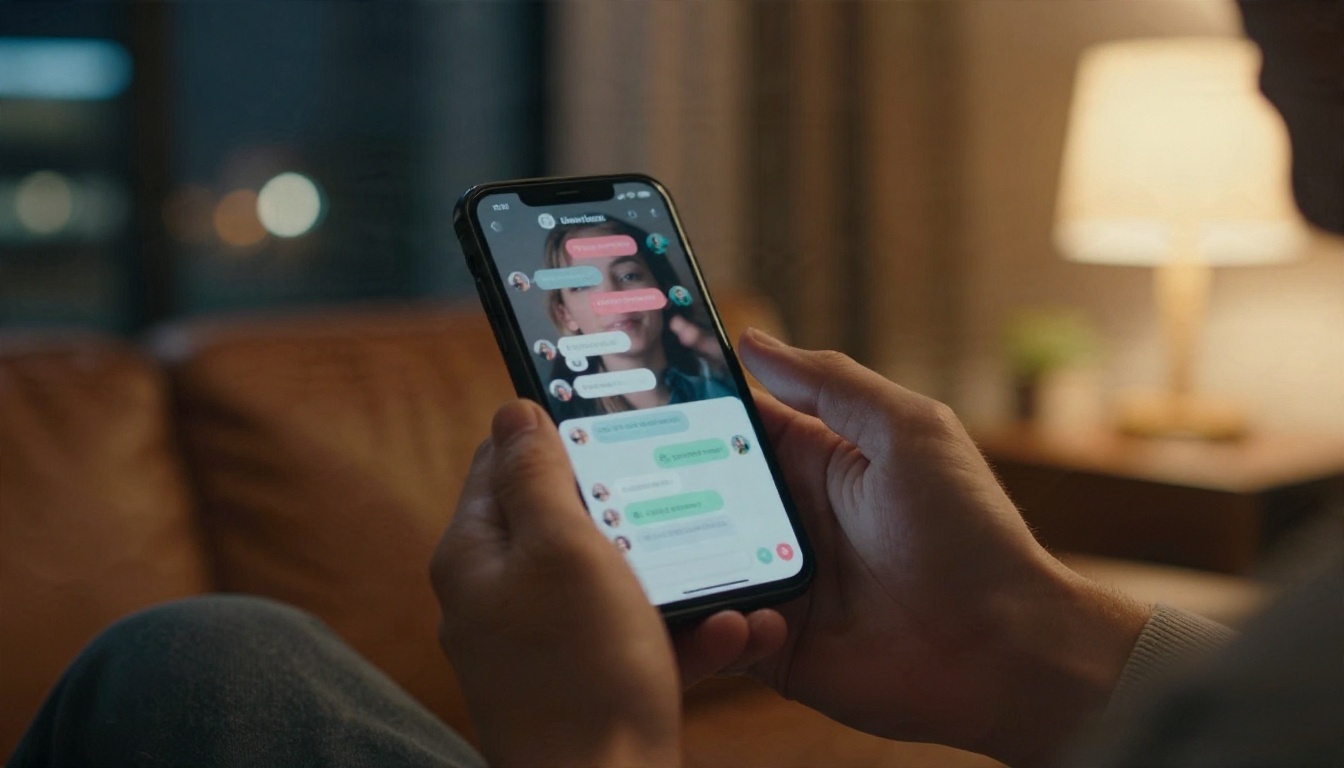
What "No Sign Up" Really Means
The phrase gets thrown around loosely. Two sites can both say "no sign up" and behave in totally different ways, so it helps to split the term into its real parts.
No sign up vs no login
No sign up means you can start chatting without creating an account. No login means you never type credentials at all, not even on a return visit. Those are not the same thing. A site can skip registration and still tie your chat to a browser cookie, a device ID or an IP address. That is fine for casual use, but it means your history lives wherever that identifier points.
Here is how the common setups compare:
| Setup | Account needed? | Chat history kept? | Typical catch |
|---|
| Guest mode | No | Often tied to a cookie | Resets when you clear your browser |
| Anonymous web chat | No | Usually short session only | Low message cap |
| Email only | Yes, light | Saved to your email | Marketing emails, paywall later |
| Full account with card | Yes | Saved long term | Billing, auto-renewals |
| Local or self-built chat | No | You decide | Needs a little setup |
Why people look for it
The reasons are pretty ordinary. Some people just want to try before committing. Others do not want one more account tied to their main email. Plenty of people want the privacy of a conversation that is not attached to their name. And a lot of folks are simply tired of the bait: sign up, verify, subscribe, and only then find out the "free" tier lasts about eleven messages.
If any of that sounds familiar, you are not being picky. You are reading the situation correctly.
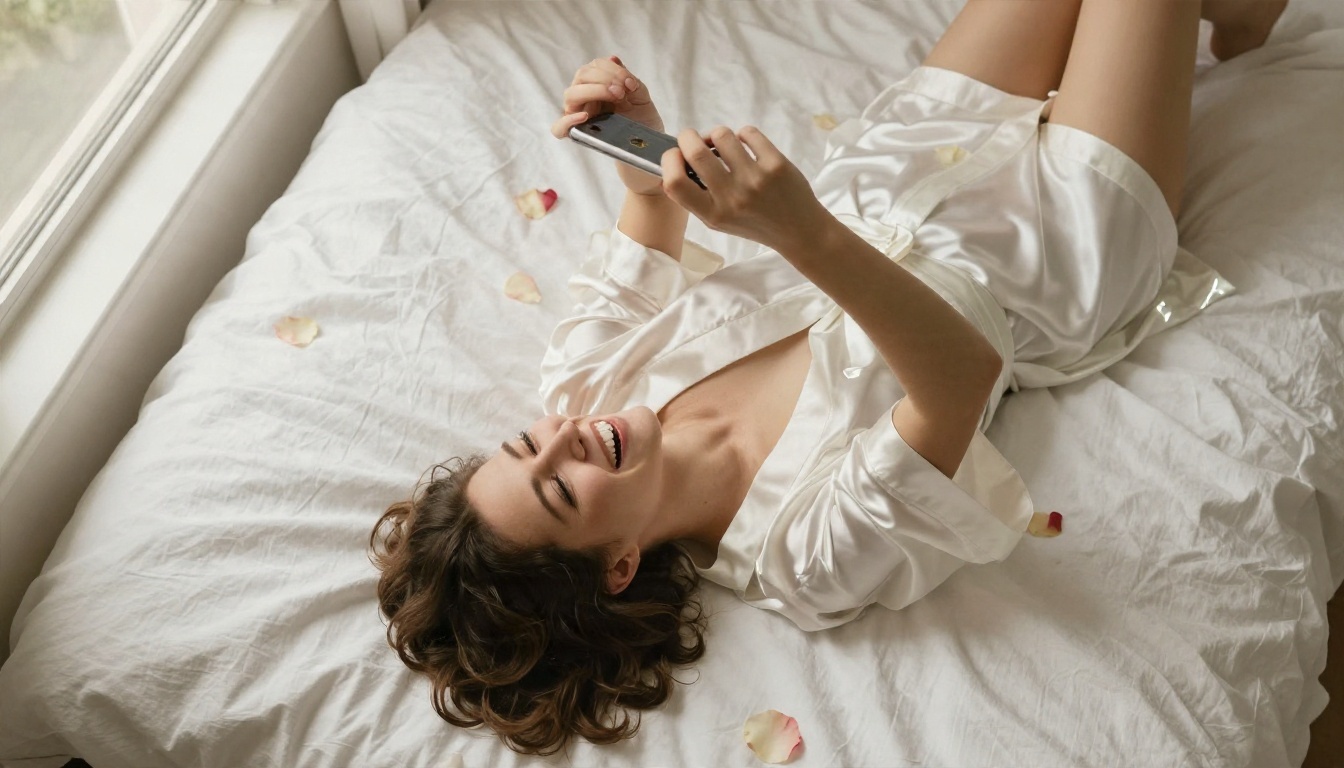
Free Bots That Send Pics
The "bots with pics" angle is where most of the confusion lives. When a chatbot "sends a picture," one of three things is happening behind the scenes.
How the pics actually work
- Pre-made gallery images. The bot has a fixed set of photos attached to a character. It pulls one when the conversation hits a trigger. Cheap to run, but repetitive.
- Live image generation. The bot writes a prompt from the conversation and calls an image model. Fresh pictures every time, but each one costs the operator real compute, so free tiers stay tiny.
- Blurred teasers. You get a hazy preview and a prompt to pay for the clear version. This is the most common pattern on "free" apps.
Knowing which one you are dealing with saves you time. If the same three photos keep cycling, it is a gallery. If a picture shows up blurred with a button on top, it is a teaser. If each picture is different and takes ten seconds to appear, it is live generation.
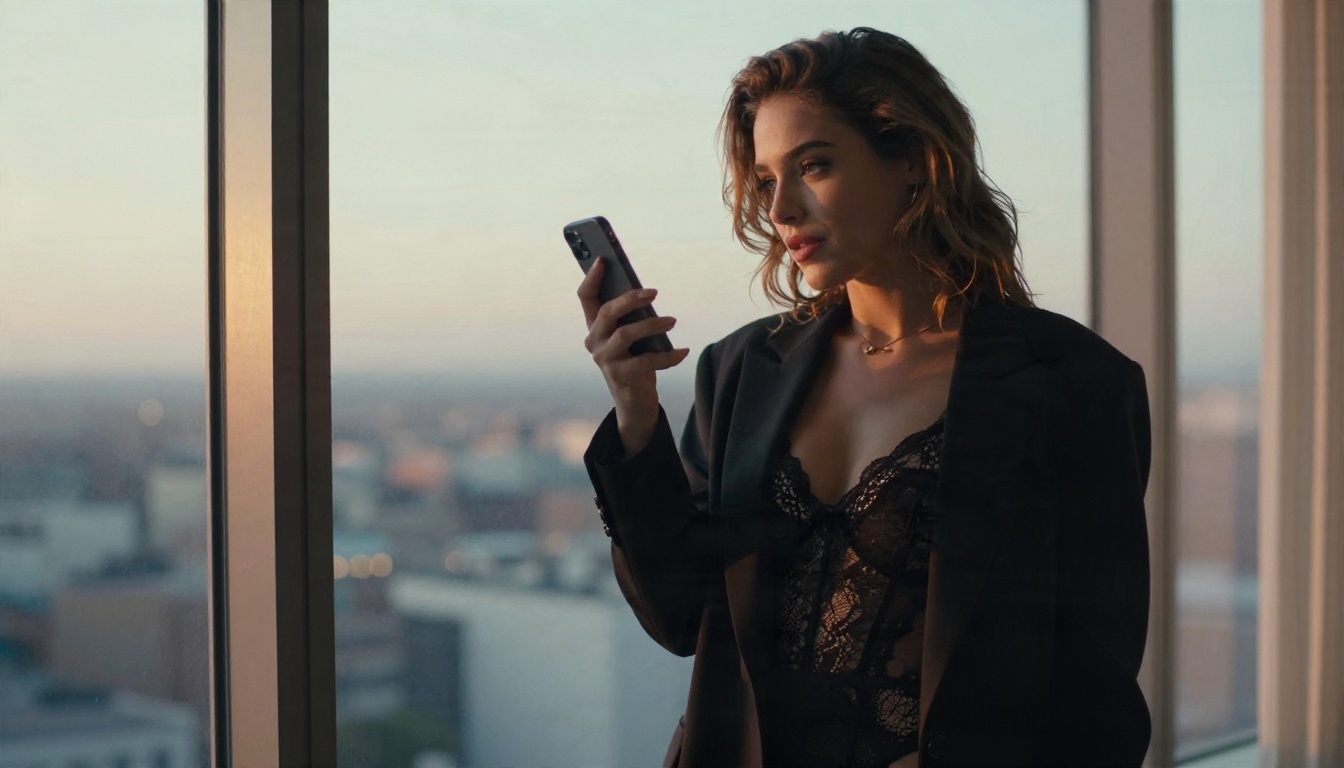
Text-only vs photo bots
| Feature | Text-only bot | Bot with pics |
|---|
| Speed | Instant replies | Slower when images generate |
| Free tier size | Usually larger | Usually much smaller |
| Consistency of the character | Strong, a voice is easy to keep | Weak, faces drift between images |
| Cost to the operator | Low | High |
| Chance of a paywall | Medium | High |
The takeaway: text is cheap, images are expensive. That one fact explains almost every limit you will hit, and it explains why the most reliable way to get good pictures is to generate them yourself, which we will get to below.
Where the Limits Hide
A site can honestly say "no sign up" and still box you in. These are the three walls you will run into.
Message caps
Most anonymous chats count messages per session or per day. The cap is rarely printed on the homepage. You find it when the reply box greys out. If you are testing a tool, send a handful of messages early and watch for a counter, a cooldown timer or a sudden "come back tomorrow."
Memory resets
Without an account, the bot has nowhere to store your chat except your browser. Clear cookies, switch devices or open a private window and the character forgets who you are, what you talked about and the entire running joke you spent an hour building. This is not a bug. It is the direct cost of not logging in.
💡 Workaround: Keep a short "character card" in a notes app: name, personality, tone, two or three running details. Paste it at the top of every new session and the persona snaps back almost instantly.
Photo paywalls
This is the big one. A bot that "sends pics" for free will usually blur, shrink, watermark or ration them. When you see a message like "unlock the full photo," the free tier has ended.
Here is a quick reality check you can run on any tool in about two minutes:
- Send ten messages. Does anything throttle?
- Ask for a photo. Is it clear, blurred or locked?
- Refresh the page. Does the conversation survive?
- Find the privacy page. Does it say how long chats are stored?
- Look for the delete option. Can you erase your data without emailing support?
If three or more of those fail, you have your answer.
Privacy Rules That Matter
A chat without a login feels anonymous. That feeling is not always accurate, so build a few habits that work no matter which tool you pick.
What to never share
Treat the chat window like a postcard, not a sealed letter. Do not type:
- Your full name, address, workplace or school
- Photos of your face or any identifying marks such as tattoos, if you want to stay anonymous
- Passwords, banking details or anything that looks like a verification code
- Personal details about other real people
Even when a tool says it does not store chats, assume logs might exist somewhere. That is the safest default, and it costs you nothing.
Quick checklist
💡 Privacy checklist before you chat
- Use a private or incognito window for guest sessions.
- Skip any tool that asks for a card "for verification" on a free tier.
- Read the data retention line in the privacy policy, even just that one sentence.
- Never upload a real person's photo to any generator.
- Avoid tools that ask for microphone, camera or contacts access for a text chat.
- If a site pushes a download or browser extension for "full access," close the tab.
A final point that rarely gets said out loud: the safest private chat is the one you control yourself. When you write the persona, set the tone and generate your own images, there is no third-party log of a conversation you never meant to share. That is the idea behind the next sections.
Pick a Model for the Chat
You do not need a dedicated "sexting app" to get playful, flirty, character-driven writing. A good language model, given a clear persona, will handle banter, teasing and romantic roleplay in a natural voice. On PicassoIA you can try several large language models side by side and keep whichever one fits your style. Each model follows its own content rules, so keep your writing flirty and suggestive rather than explicit, and switch models if one feels too stiff.
Models worth trying
A starter persona prompt
Paste something like this at the top of a new chat:
"You are Mara, a witty, confident 28-year-old who flirts with dry humor. Keep replies short, playful and teasing. Remember small details I mention. Stay suggestive, never crude. If I say 'pause,' drop the roleplay and chat normally."
The last line is worth keeping. A safe word inside the prompt gives you an easy way to reset the tone without starting over.
How to Use Seedream 4.5 on PicassoIA
Text is only half the experience. If you want the "pics" side without hitting a paywall, generate your own. Seedream 4.5 is the model to start with: it produces sharp 2K or 4K images, handles skin, fabric and lighting convincingly, and lets you build a consistent look for a character.
Step by step
- Open the model page for Seedream 4.5 on PicassoIA.
- Write the prompt. Describe the subject, outfit, setting, light and camera. The prompt can run up to 4,000 characters, so be specific.
- Set the size. Choose 2K for fast drafts and 4K for final images.
- Pick the aspect ratio. Use 16:9 for wide scenes, 9:16 for phone wallpapers and 3:4 for portraits. Nine ratios are available.
- Add reference images if you want consistency. The image input accepts 1 to 14 references, which helps keep the same character across pictures.
- Try batches. Set sequential generation to auto and raise max images (up to 15) to get several related variations in a single run.
- Generate, pick, repeat. Keep the best frame and tweak one detail at a time.
Prompt formula that works
Use this order: subject and pose → outfit → location → light direction → lens → texture notes.
"Adult woman in a champagne silk slip dress lounging on linen bedding, golden morning light from a window on the left, 85mm lens, shallow depth of field, visible skin texture, soft film grain, tasteful glamour."
💡 Keep it tasteful. Suggestive glamour, boudoir and swimwear styles produce the most polished results. Lighting, fabric and mood do far more work than anything explicit ever would.
More Models for Glamour Pics
One model is rarely enough. Different tools shine at different jobs, and PicassoIA lets you move between them without a new account for each one.
Edit without limits
PicassoIA Image Editor Pro is the place to go when you already have an image and want to change it: swap an outfit, adjust the background, fix lighting or refine a pose. It offers unlimited generations, so you can keep iterating without watching a counter tick down, which is the opposite of the free-tier experience described earlier. Speed is a strong point too, so you can try five versions in the time a paywalled bot takes to load one.
Other options worth a try
A sensible workflow: draft quickly with Z Image Turbo, build the final look in Seedream 4.5, then polish details in Image Editor Pro.
Build a consistent character
The biggest weakness of "bots with pics" is that the face changes from image to image. You can avoid that on your own:
- Write a character sheet with hair, eye color, skin tone, style and signature accessories, and paste it into every prompt.
- Reuse a reference image in Seedream 4.5 so the look carries over.
- Change one thing at a time. Outfit, then location, then light, never all three.
- Keep a folder of your best frames to use as references later.
Pair that with your chat persona from earlier, and you have a character with a voice and a face that nobody else controls and that never disappears behind a login wall.
Here is the whole picture at a glance:
| Question | Typical "no sign up" bot | Your own setup on PicassoIA |
|---|
| Login required | Sometimes | Chat and image tools in one place |
| Message limits | Often tight | You choose your model and pace |
| Pics | Blurred, rationed or repeating | Generated to your prompt |
| Character memory | Resets with cookies | Saved in your own persona prompt |
| Consistency | Face drifts | Reference images keep the look |
| Control over tone | Low | Full, you write the persona |
Neither route is perfect. Anonymous bots win on speed for a casual two-minute test. A self-built setup wins on control, consistency and not being rationed.
Make Your Own Pics Today
If you are tired of blurred previews and "create an account" pop-ups, skip the middleman. Write a persona, give it a name and a voice, then generate the pictures yourself. Start with Seedream 4.5 for polished glamour shots, move to PicassoIA Image Editor Pro when you want unlimited tweaks, and pair it all with a chat model from the table above.
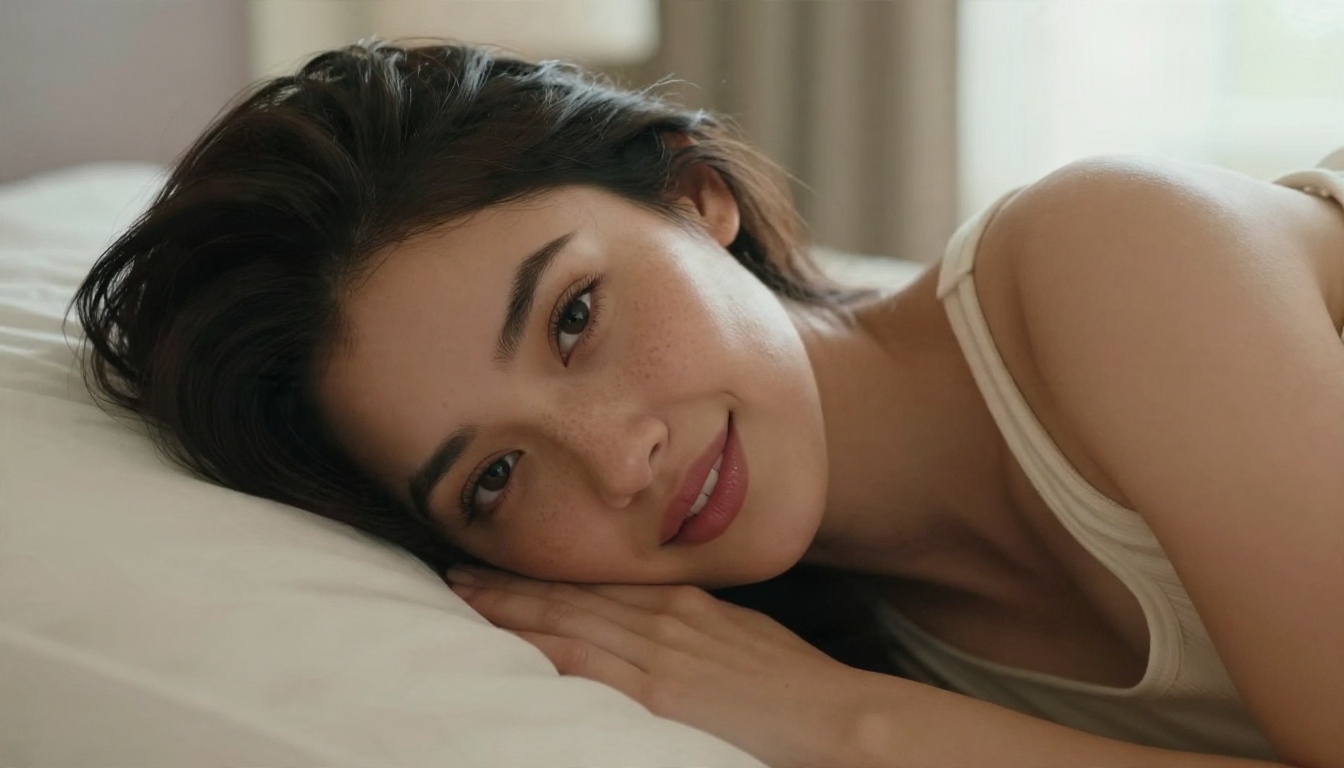
A few ideas for your first session:
- A morning boudoir portrait with golden window light
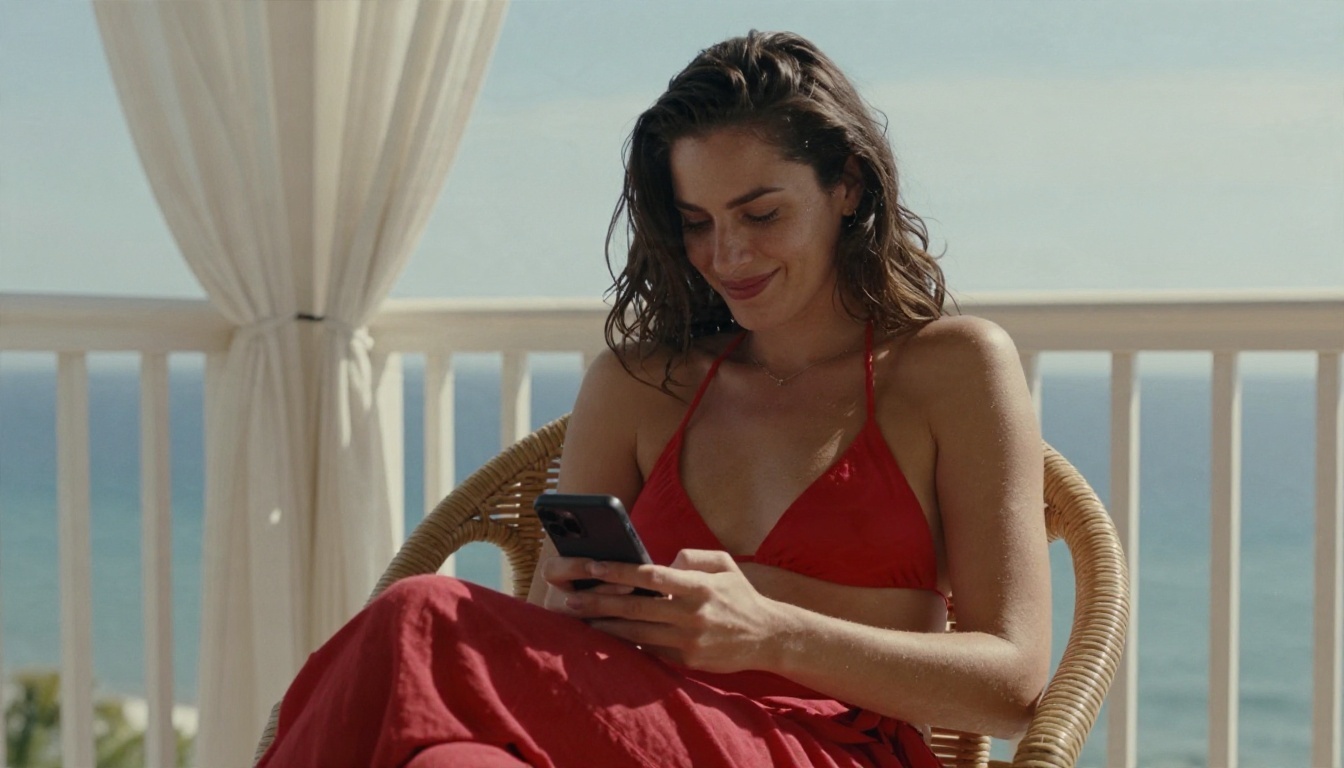
- A beach balcony shot in swimwear with a sea view behind
- A dusk city window portrait with backlit hair
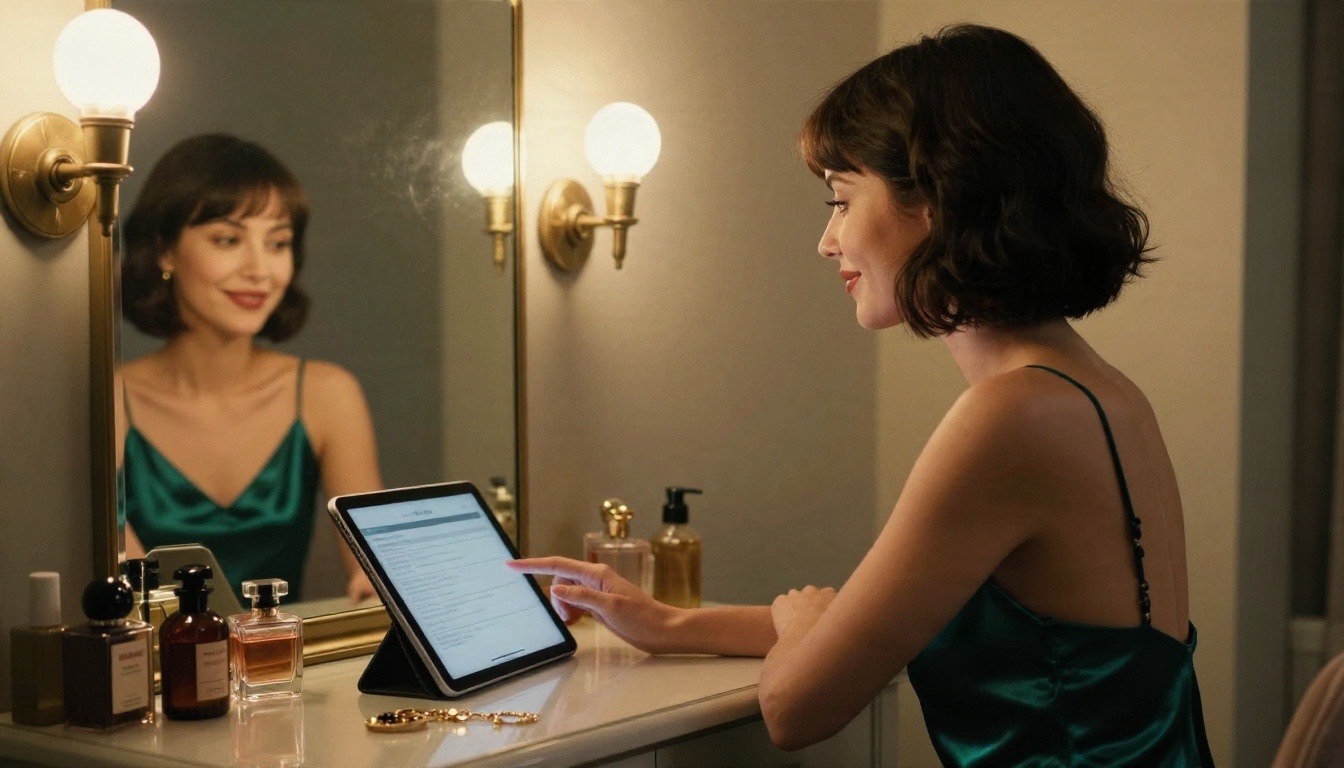
- A vanity mirror scene in satin with warm bulbs
Pick one, run it, and adjust. Within ten minutes you will have a small gallery that is fully yours, with no counter, no blur and no account tied to it. When you want to try more tools, browse the full library at picassoia.com/en/all-models and mix and match until the results feel right.


