Most online sellers do not choose an AI photo tool by quality. They choose it by the invoice. A tool that looks cheap at $10 a month can turn expensive the moment you shoot 400 SKUs, hit a credit wall, or discover that the free plan exports 512 pixel previews with a watermark. This article breaks down AI software for ecommerce product photography: pricing, free options, API and limits so you can estimate your real cost per image before you commit to anything.
Prices below come from mid to late 2026 snapshots and they disagree between sources, so treat every number as a range and check the vendor page before you pay.
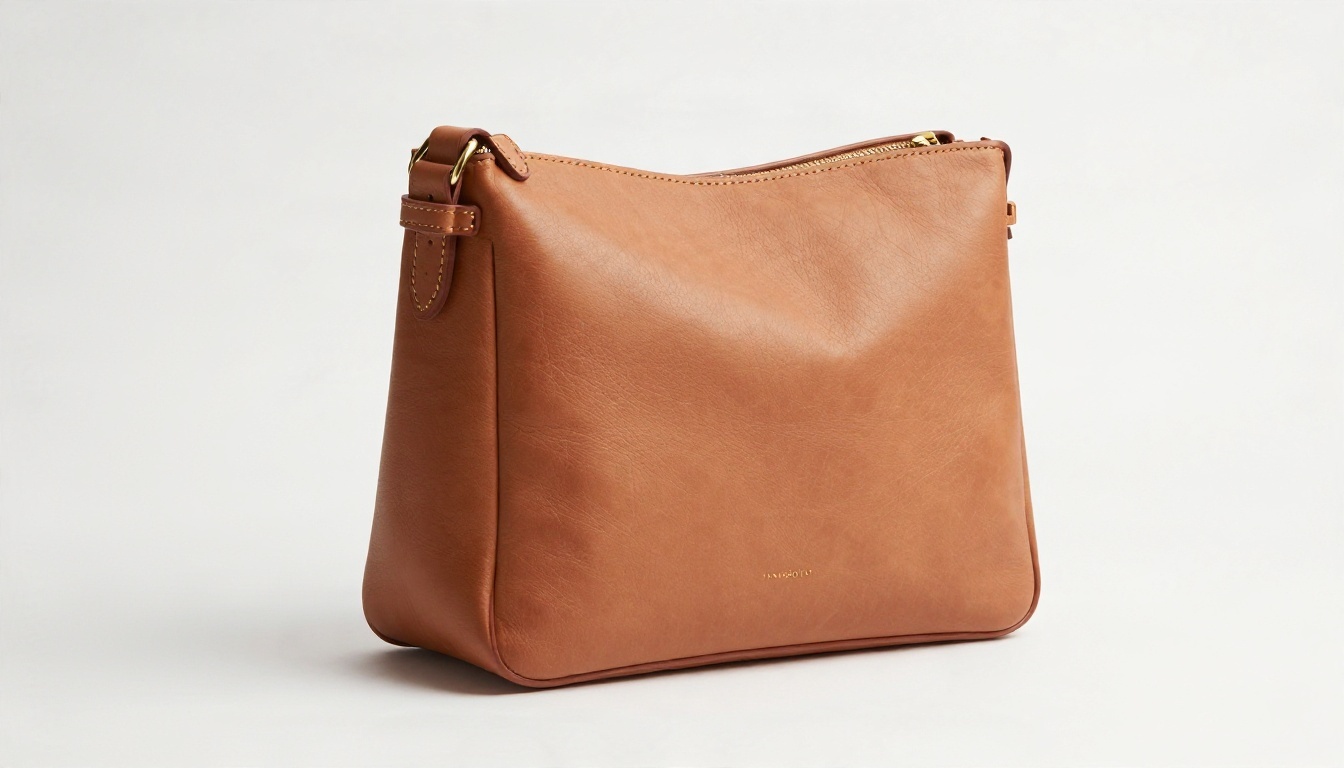
What You Actually Pay For
AI product photography software sells four different things under one label, and the price depends on which one you need.
Background removal and cleanup
This is the cheapest layer. The tool cuts your product out, drops it on white or a solid color, and adds a soft shadow. It is what marketplaces demand, and it is priced at cents per image.
AI scene generation
Here the software invents a setting around your product: a marble counter, a sunlit windowsill, a forest floor. It costs more because it uses heavy generative models. Expect roughly five times the per-image price of a plain cutout.
Virtual models and mannequins
Apparel sellers pay a premium for AI models wearing their garments, ghost mannequin effects and try-on previews. These features are usually locked behind the higher plans.
Batch and automation
Bulk editing, templates, brand presets and API access are what separate a hobby plan from a catalog plan. They are also where the hidden limits live.
💡 Before you compare prices: write down how many products you list per month and how many images each listing needs. Cost per listing is the only number that matters.
Typical Pricing Models
Most vendors use one of three structures, and each punishes a different kind of seller.
| Model | How it works | Best for | Watch out for |
|---|
| Monthly subscription | Flat fee, often with a soft image cap | Steady weekly uploads | Unused images expire |
| Credit packs | Buy a bundle, each action burns credits | Seasonal sellers | Scene generation burns credits fast |
| Pay per call (API) | Billed per successful request | Developers and platforms | Costs scale linearly with catalog size |
Subscription plans
Entry plans for consumer apps sit between about $8 and $13 a month depending on which source you trust and whether you pay yearly. Top tiers for teams climb past $80 a month. Photoroom is the best known example, and reports on its entry price range from roughly $7.50 to $12.99 monthly, which tells you how much the numbers move with billing cycle and promotions.
Credit systems
Flair.ai, Claid and similar tools lean on credits. A basic cutout might cost one credit, while a styled scene or a custom trained product model can cost ten or more. Custom models in particular drain credits quickly, so a plan that sounds generous may cover far fewer finished images than you expect.
Pay as you go
A few API services skip accounts entirely and bill per image. That suits a developer building a plugin, but it is a poor fit for a shop owner who just wants a dashboard.

Free Options and Their Catch
Free plans exist, but each one trades something for the zero price.
What free tiers usually include
- A small monthly allowance, often 5 to 50 images or credits.
- Standard background removal.
- Exports at reduced resolution.
- A watermark or a branding badge on some outputs.
Flair.ai has been reported to offer a free tier of around five images plus one short video. Claid lists a free tier with about 50 credits and a handful of product uploads. Photoroom's status is murky: some trackers show a permanent free plan without staging, virtual models or batch export, while others say it no longer exists. That contradiction is a good reminder to open the pricing page yourself.
What free tiers usually exclude
| Feature | Free | Paid |
|---|
| Batch processing | Rare | Common |
| High resolution export | Limited | Included |
| Virtual model and try-on | No | Higher plans |
| Commercial license clarity | Sometimes unclear | Stated |
| API access | Sandbox only | Yes |
Is free enough for a small store?
For ten products, probably. A free tier gives you a clean cutout and a test of the scene tools. For 200 products, no. You will burn the allowance in the first afternoon and spend more time rationing credits than shooting.
💡 Tip: use free allowances as a trial. Run the same three product photos through every tool and compare edges, shadows and color accuracy. Then pay for only the winner.
API Pricing and Developer Limits
If you run a marketplace, a print on demand store or a Shopify app, you will end up on an API. That is where pricing becomes a line item in your margin.
Per-image rates
Photoroom's API is a useful benchmark. Reports put its basic background removal tier at about $0.02 per image, with monthly plans starting near $20. Its editing tier, which adds AI backgrounds and shadows, sits around $0.10 per image with plans starting near $100 a month. A sandbox with roughly 1,000 free images is offered for testing. A partner rate near $0.01 per image has been mentioned, but only for consumer apps with very high volumes and a logo requirement.
Here is what those rates mean in practice.
| Monthly volume | Cutout at $0.02 | Edited scene at $0.10 |
|---|
| 500 images | $10 | $50 |
| 5,000 images | $100 | $500 |
| 50,000 images | $1,000 | $5,000 |
Billing behavior worth checking
Some providers charge only on successful calls, and failed requests do not consume images. Others charge by credit regardless of outcome. Read the billing section of the docs before you build retries into your code, because a loop that resubmits failures can double your bill.
Rate limits and enterprise floors
Beyond the price, look for requests per second, file size caps, maximum resolution and concurrency. Enterprise deals often require an annual commitment and a large minimum volume, reportedly in the hundreds of thousands of images, which makes them irrelevant for most shops.
The Limits Nobody Mentions
The pricing page is only half the story. These constraints decide whether a tool survives contact with a real catalog.
Resolution caps
Many tools output 1000 to 2000 pixels on the long edge, which is fine for a thumbnail but soft when a buyer zooms. Zoom is a conversion feature on most marketplaces, so check the export size before you subscribe. If a tool tops out too low, an upscaler like Real ESRGAN can push the final image to 4x its size.
Product fidelity
Generative scenes sometimes redraw logos, change label text or warp small details like clasps and stitching. For branded goods this is a real risk. A cutout approach, where the original pixels are preserved and only the background changes, is safer than full regeneration.
Consistency across a catalog
Shoppers notice when forty items on a category page have forty different shadow styles. Look for templates, saved presets and locked lighting direction. Without them you will spend your savings on manual cleanup.
Commercial rights and policy
Check the license for commercial use, and confirm that generated images are allowed on your marketplace. Amazon, Etsy and others have their own image rules, and the standard requirement is a clean, accurate product on a plain background as the main image. Do not rely on a tool's promise that its output is marketplace ready. Test one listing first.
How Much Per Finished Image
The headline plan price is not your cost. Divide the monthly fee by the number of images you actually publish, not the number the plan allows.
A worked example
Say you pay $13 a month and the plan allows 100 edits. You use 60 because the rest are rerolls of bad results. Your real cost is about $0.22 per published image. If a pay per call tool charges $0.10 and gets you a usable result in one try, it beats the subscription.
Where hidden cost hides
- Rerolls: each retry costs a credit.
- Upscaling: a separate fee or a separate tool.
- Seat fees: teams pay per user.
- Annual billing: a discount, but a lock-in.
Quality tax
A cheap tool that needs ten minutes of Photoshop cleanup per image is not cheap. Count your hourly time as part of the price.
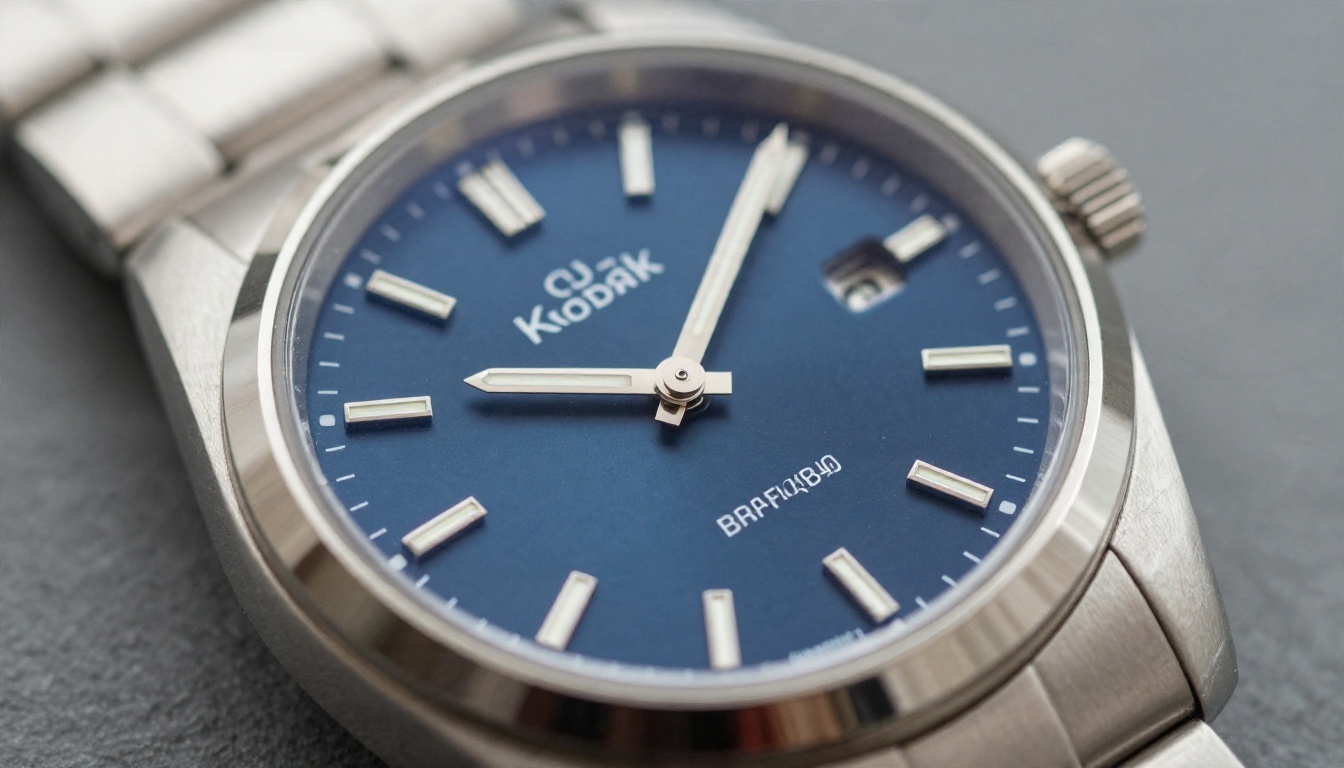
Build a Lean Workflow on PicassoIA
You do not need a dedicated product photography subscription for every job. A general image platform lets you mix tools per task and pay only for what you use, which is often cheaper for stores with uneven volume.
Step 1: Clean cutouts
Start with a background removal model. Remove Background gives clean edges for most products, Product Cutout is tuned for ecommerce objects, and Recraft Remove Background is a good second opinion on tricky edges like hair, mesh or glass.
Step 2: Generate lifestyle scenes
For scenes, text to image models do the heavy lifting.
Step 3: Add text only when needed
Banners, sale tags and packaging mockups need accurate lettering. P Image Ideogram is built for precise text inside images.
Step 4: Upscale for zoom
Finish with Real ESRGAN to lift resolution so shoppers can zoom without softness.
Prompt tips that cut rerolls
| Element | Example wording |
|---|
| Surface | pale oak tabletop with visible grain |
| Light | soft window light from the left |
| Lens | 85mm, shallow depth of field |
| Shadow | gentle contact shadow under the product |
| Constraint | keep product shape and label unchanged |
💡 Rule of thumb: change one variable per generation. If you swap surface, light and angle at once, you cannot tell which one broke the result.
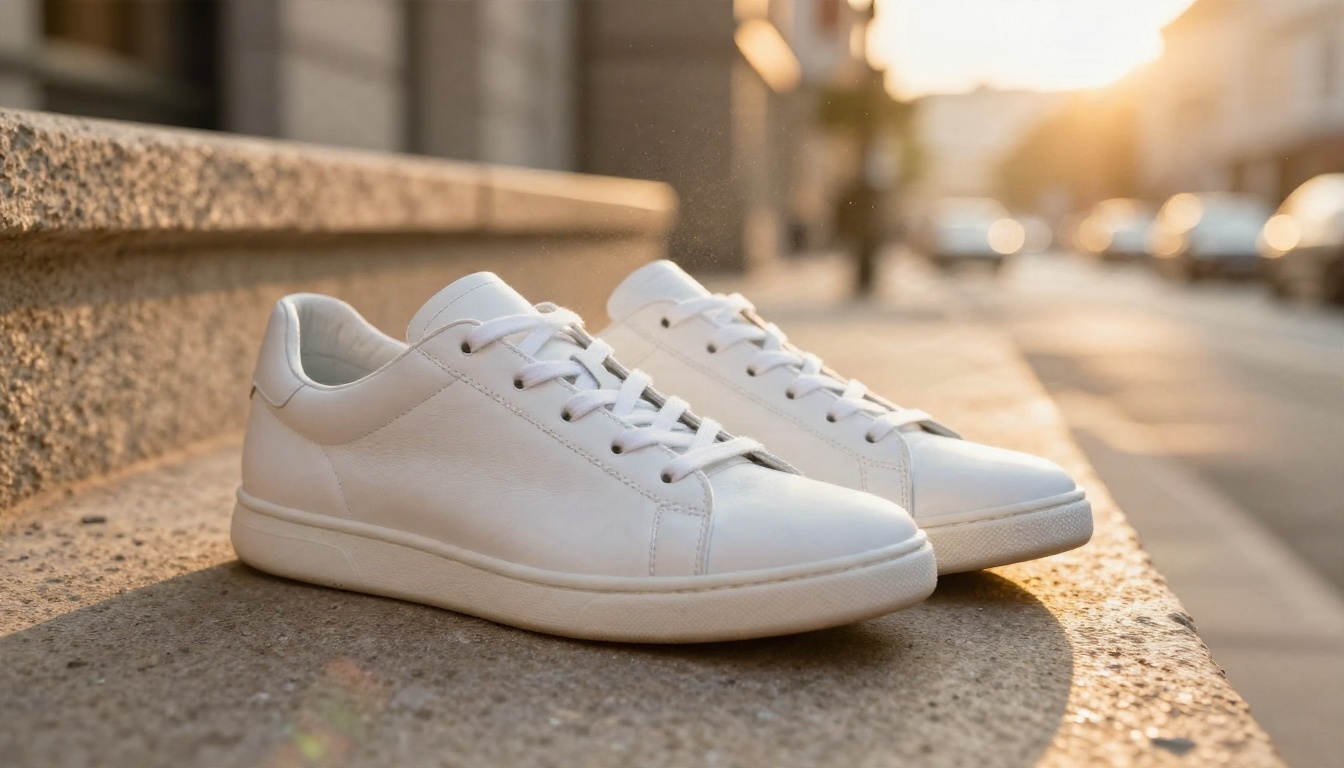
Different sellers need different mixes.
Apparel and accessories
You need models, drape and fit. Dedicated virtual model features are worth paying for here, but only on the specific SKUs where a lifestyle image lifts sales. For the rest, a clean cutout is enough. P Image Try On is a way to preview garments on a person without a shoot.
Small handmade shops
Volume is low and visual character matters. A free tier plus a general text to image model gives you scene variety without a subscription you will underuse.
High volume catalogs
Skip consumer apps. Use an API with transparent per-image billing, a cutout model for the main image and a consistent template for everything else. Batch size and rate limits matter more than scene creativity.
Brands with strict identity
If label accuracy is non-negotiable, keep original product pixels and change only the environment. Avoid full regeneration of branded packaging.

Quick Checklist Before You Pay
- Count your monthly images, including rerolls.
- Check the maximum export resolution.
- Confirm whether a watermark appears on the free plan.
- Read the commercial license.
- Test three real products, not the vendor's demo.
- Find out whether failed requests are billed.
- Check batch limits and API rate limits.
- Compare cost per published image, not per plan.
💡 Budget tip: if a tool wants an annual commitment, run it monthly for two months first. The discount rarely beats the cost of switching away from a bad fit.
Try It on Your Own Products
The cheapest way to learn what AI photography will cost you is to produce your own samples. Take one product, remove its background, place it in two or three scenes and upscale the best result. You will know within an hour whether the quality meets your standard and how many rerolls it takes.
PicassoIA puts cutout, text to image, editing and upscaling models in one place, so you can test the full chain without opening five accounts. Browse the full catalog at picassoia.com/en/all-models, pick a model from the list above and generate your first product scene today.