You typed a prompt, pressed generate, and thirty seconds later a full song with vocals came out of your speakers. It sounds great. Now the uncomfortable question: can you put it under a monetized YouTube video, an Instagram ad or a client's product launch without getting a legal letter or a copyright claim six months from now?
The honest answer is "it depends on the tool, the plan and the exact wording of the terms." Free AI music has become genuinely good, but free and commercially safe are two different things. This article walks through what commercial use means, where free plans usually stop, how YouTube treats AI tracks, and a workflow you can repeat for every video you publish.
AI Song Generator for Commercial Use Free: What It Really Means
When creators search for an AI song generator for commercial use free, they usually want three things at once: no payment, no copyright strikes and the right to earn money from the result. Few services promise all three without conditions, so it helps to separate the ideas.

Ownership vs License
Ownership and license are not the same thing. A platform can say "you own your outputs" and still limit what you do with them on a free tier. Others keep ownership but grant you a broad commercial license on paid plans. Read for these distinctions:
- Ownership of the output: who holds the rights to the audio file.
- Commercial license: whether you may use it in monetized content, ads, products or client work.
- Sublicensing: whether you can pass the track on to a client or a distributor.
- Revocation: whether the license survives if you cancel your plan or the company changes its terms.
💡 Tip: Screenshot the terms page on the day you generate a track and save it next to the audio file. Terms change, and a dated record is the cheapest insurance you can buy.
Free Plan vs Paid Plan
Across the AI music market, a common pattern is that free tiers allow personal, non-commercial use, while paid tiers add commercial rights. Some services flip this and allow monetized use on free output if you credit the tool. Others limit downloads or watermark audio. Because policies shift often, never rely on a blog post (including this one) as your final source. The terms shown for the specific model and plan you use are the only version that counts.
Licensing Rules to Check First
Before you generate a single bar of music for a paid project, run through the same short audit every time.
The Terms Page Checklist
| Question | Safe answer | Red flag |
|---|
| Is commercial use allowed on my current plan? | Yes, stated in writing | "Personal use only" |
| Do I need to credit the tool? | No, or optional | Mandatory credit with no alternative |
| Can I monetize on YouTube, TikTok, Spotify? | Yes, named platforms | Silence on the topic |
| Can I give the file to a client? | Yes, transfer or sublicense | "Non-transferable" |
| Does the license continue after I cancel? | Yes, for tracks made while subscribed | Rights end with the plan |
If you can answer the first three with a clear yes, you are in good shape. If any answer is vague, treat the track as non-commercial until you confirm.
Copyright Status of AI Songs
Here is a point many creators miss. In the United States, the Copyright Office has taken the position that material produced purely by AI, without meaningful human authorship, is not eligible for copyright protection. Human contributions can be protected, such as lyrics you write yourself, the arrangement you assemble from several generations, or a mix you edit by hand.
What this means in practice:
- You can usually use a licensed AI track commercially, but you may struggle to stop others from copying it.
- Adding your own lyrics, editing sections and layering your own recordings strengthens your claim to the finished work.
- Other countries treat this differently, so a client in Europe or Asia may ask for different assurances.
Training Data and Style Imitation
Some platforms document how their models were trained and some do not. For a client project, prefer tools that publish clear information about licensed or permitted training sources. Also avoid prompts that name a living artist and ask for "the exact voice of" that person. Beyond the legal risk, YouTube has rules on content that imitates real people, and a track that sounds like a famous singer is the fastest route to a takedown.
Free Plan Limits You Will Hit
Even when a free plan allows commercial use, practical limits show up quickly. Plan around them rather than discovering them in the middle of an edit.
Credits and Daily Caps
Free tiers typically give you a handful of generations per day or a monthly credit pool. A song that needs five attempts to land can eat your whole allowance. Keep a short list of reliable prompts and generate in batches when credits refresh.
Track Length and Format
Some free tiers cap length at one or two minutes, or deliver only compressed MP3 files. That matters if you need a three minute background bed or a lossless WAV for broadcast. Check output format and bitrate before committing to a project, because re-generating a favorite track at higher quality will not always return the same song.
Attribution Requirements
If credit is required, write it into the video description in a fixed template and keep it consistent across uploads. A line such as "Music generated with [tool name], used under its license" is usually enough, but follow the exact wording the terms ask for.
| Limit | Typical free tier | Workaround |
|---|
| Generations per day | Small fixed number | Draft prompts offline, generate in batches |
| Track length | Short clips | Generate sections, then edit them together |
| File format | MP3 only | Pick a tool with WAV output for broadcast work |
| Commercial rights | Often excluded | Confirm in writing or upgrade for paid jobs |
| Attribution | Sometimes required | Add a standard credit line to descriptions |
YouTube Monetization and Content ID
This is the section most people searched for. YouTube is where AI music gets used the most and where the most confusion lives.
Will YouTube Demonetize AI Music?
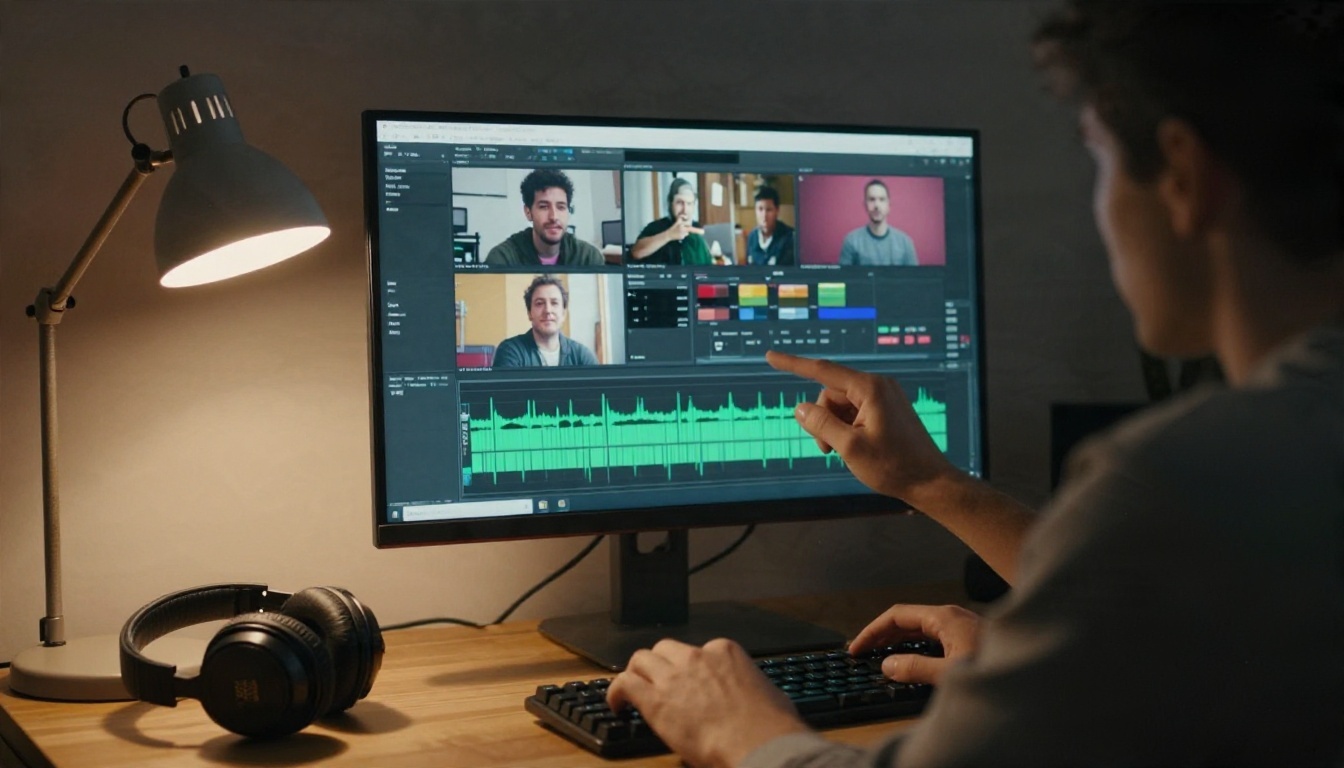
YouTube does not ban AI generated music by default. What it does evaluate is whether a channel is original and adds value. Channels that upload large volumes of near identical, repetitive or mass produced videos can be judged ineligible for the Partner Program, no matter which music they use. A background track from a generator is fine inside a video with real commentary, footage or storytelling. A hundred slideshows with the same synthetic loop is a different story.
Avoiding False Claims
Content ID matches uploaded audio against a database of reference files. A claim can appear when:
- Another creator uploaded the same AI track and registered it as their own.
- A distributor registered a track you generated and later published through them.
- A different song happens to match closely enough for the system to flag it.
Ways to lower the risk:
- Do not register your AI tracks with a distributor or Content ID service unless you are certain you hold the rights.
- Keep your project files and the original download with the generation date, so you can dispute a claim with evidence.
- Add your own layer. A custom intro, a voiceover or edited sections make your version distinct.
- Dispute calmly. Use the dispute form with your license screenshot attached. Most false claims on original AI output resolve in days.
💡 Tip: If a track is only for a one time promo, upload it as unlisted first. Claims often show up within minutes, so you can fix issues before the video goes public.
Disclosure Rules
YouTube asks creators to disclose realistic content that was altered or synthetically generated, especially when it could mislead viewers, such as a convincing imitation of a real person's voice. A background instrumental that nobody would mistake for a real recording is a lower concern, but if your vocals copy a recognizable singer, disclose it or, better, change the prompt. Policies get revised often, so check the current rules in YouTube Studio before launching a series.
How to Use Music 2.6 on PicassoIA
If you want a tool that produces full songs with vocals, Music 2.6 is a strong place to begin. It turns a text prompt into a finished track with vocals, melody and arrangement, and it offers an instrumental mode for background beds. Here is a clean process for a video-ready result.

- Open the model page. Go to the Music 2.6 page and review the terms that apply to your account before generating anything for a paid project.
- Write a style prompt. Describe genre, mood and scenario in plain language. Example: "Warm acoustic pop, hopeful, light percussion, suited to a travel video intro." The prompt field accepts up to 2000 characters.
- Choose vocals or instrumental. Switch on Is Instrumental for a clean background bed. When it is on, the prompt is required and lyrics are not needed.
- Add your own lyrics (optional). Paste lyrics with structure tags such as [Intro], [Verse], [Chorus], [Bridge] and [Outro]. Writing the words yourself helps your authorship claim.
- Or let it write them. Leave lyrics empty and enable Lyrics Optimizer to generate words from your prompt.
- Pick the output format. Use mp3 for quick drafts and wav when you want a lossless file for editing. Keep sample rate at 44100 and bitrate at 256000 for the highest quality.
- Generate, listen, repeat. Run two or three variations, keep the best and save the original file with a note of the prompt and date.
💡 Tip: Generate an instrumental and a vocal version of the same song. The instrumental becomes the bed under dialogue, and the vocal version becomes the intro or outro.
Free AI Song Models Compared
Different models suit different jobs. Use this table as a starting point, then confirm commercial terms for each before using output in paid work.
| Model | Best for | Output style |
|---|
| Music 2.6 | Full songs with vocals and structure tags | Vocal tracks, instrumentals |
| Music 2.5 | Songs with vocals, steady results | Pop, rock, ballads |
| Lyria 3 Pro | Longer, polished compositions | Full length songs |
| Lyria 3 | Original music from short prompts | Cinematic and ambient |
| Lyria 2 | Instrumental background music | Clean instrumentals |
| ElevenLabs Music | Text prompt to song | Versatile genres |
| Stable Audio 2.5 | Compositions from text, sound beds | Ambient, electronic textures |
| Music 1.5 | Full length AI songs | General purpose |
| Music 01 | Lyrics in, full song out | Lyric driven tracks |
Prompts That Produce Usable Tracks
A usable commercial track is rarely the first attempt. Treat prompts like a brief you would hand to a composer.
Name the Use Case
Say where the music will live. "Upbeat corporate bed for a product demo, no vocals, steady build" gives a far better result than "happy music." Mention the scenario, the mood and the energy curve.
Control the Structure
For vocal songs, tags such as [Verse], [Chorus] and [Bridge] shape the arrangement. For ads, ask for short sections you can loop. For long videos, ask for a slow, minimal texture that will not fight with a voiceover.
Keep Real Artists Out
Describe sounds, not people. "Breathy female vocal, dusty drums, warm bass" works and avoids the impersonation problem. It also lowers the odds of a Content ID mismatch.
Examples by Project Type
| Project | Prompt idea | Mode |
|---|
| Travel vlog intro | "Sunny acoustic pop, hopeful, handclaps, 100 BPM" | Vocals optional |
| Product ad | "Modern minimal groove, confident, subtle synth pulse" | Instrumental |
| Podcast bed | "Soft lo-fi keys, slow tempo, unobtrusive" | Instrumental |
| Brand jingle | "Short catchy hook, bright, friendly female vocal" | Vocals |
| Documentary | "Slow strings, restrained piano, emotional build" | Instrumental |
A Safe Workflow for Client Work
When money and clients are involved, a repeatable routine protects you.

Before You Generate
- Confirm the plan covers commercial use in writing.
- Save a dated screenshot of the terms.
- Write down the project, client and intended platforms.
While You Work
- Generate several versions and pick one with a clear identity.
- Edit the track: trim, layer, add your voice or sound design.
- Export the final mix as WAV and keep the original generation file.
After You Publish
- Upload as unlisted first and watch for claims.
- Add the credit line if required.
- Store prompt, date, license screenshot and project file together in one folder.
What to Tell Clients
Be direct. Say the track was created with an AI music tool, share the license terms, and explain that copyright protection for purely AI generated audio may be limited. Many clients accept this when it is stated up front, and few forgive surprises later.

Common Mistakes to Avoid
- Assuming free means commercial. Many free tiers exclude monetized use.
- Registering AI tracks with Content ID without confirming exclusive rights.
- Using the same track across a hundred videos and triggering repetition flags.
- Prompting with a famous singer's name and inviting takedowns.
- Skipping records. No screenshot and no original file means a weak dispute.
- Ignoring format. A compressed MP3 can sound thin in a final mix. Choose WAV when quality matters.
Try Your Own Track on PicassoIA
The fastest way to see what works for your channel is to make something. Open Music 2.6, write a one sentence brief for your next video, and generate an instrumental and a vocal version. Try Lyria 3 Pro for longer pieces or Stable Audio 2.5 for ambient beds, then compare the results with your headphones on.
Build a small library of three or four tracks you trust, keep the license screenshot beside each one, and you will publish with far more confidence. Browse every music, image and video model at picassoia.com/en/all-models and start your first commercial-ready song today.


