You open the app, flip the toggle, type a daring prompt, and the answer is a polite refusal or a paywall. That is the reality of AI spicy mode in late 2026. The feature that made headlines in 2025 still exists, but the free ride is mostly over, the filters are tighter, and the rules change faster than most tutorials can keep up with.
This article lays out what spicy mode really is, what it costs now, the limits that catch people off guard, and the prompts that still produce good results. You will also see where to get glamour and suggestive (never explicit) images without a subscription, using models you can try today.
💡 Quick answer: Spicy mode is a looser content setting inside xAI's Grok Imagine. Reports through 2026 say free access was removed and the mode is reserved for paying, age-verified users on the mobile apps. Always check the official help pages before you pay, because the details keep shifting.
What Spicy Mode Actually Is

Spicy mode is not a separate AI model. It is a setting that tells a generator to relax part of its content filter, so flirtatious, glamour-style and mildly suggestive results are allowed instead of being blocked outright. Think of it as a dial between "family friendly" and "adult but still within the rules."
Where the name came from
When xAI launched Grok Imagine in 2025, it offered a handful of style presets for turning text or a still image into a short clip. Alongside options such as normal and fun sat a preset labeled Spicy. The press picked it up immediately, and the name stuck as shorthand for any AI tool with a more permissive setting.
What the toggle changes
The toggle does three things:
- It loosens the prompt filter, so words about lingerie, swimwear or sensual mood are less likely to trigger a refusal.
- It changes the motion style in video, producing slower, more dramatic movement.
- It raises the odds of a borderline result, which is exactly why platforms keep adding checks around it.
It does not remove the hard limits. Explicit sexual content, real people without consent, and anything involving minors stay blocked on every serious platform, and they should.
Why people search for it
The demand is simple. Creators of fashion, boudoir, swimwear and glamour content want images that look like a magazine shoot, and default filters often refuse even a bikini photo. Spicy mode promised a middle ground, and that promise is why "free spicy mode" is such a common search.
Is Spicy Mode Free Now?

Short answer: mostly no, at least inside the original app. Coverage from several outlets points the same direction, though none of them is an official price sheet, so treat the numbers as a snapshot.
What changed in 2026
Reports describe a two-step tightening. In early January 2026, image generation in Grok was pushed behind a paid subscription after a wave of misuse and deepfake complaints. By mid-March 2026, the remaining free access was reportedly removed entirely, so free accounts stopped getting image generations at all. One older guide still claims free daily limits, but it looks outdated next to the newer reporting.
Paid access and age checks
Spicy mode is described as available only to paid, age-verified users on the mobile apps. That generally means a SuperGrok plan (around thirty dollars a month in most reports) or an X Premium Plus subscription. Even then, the filter is still enforced, so a subscription does not equal "anything goes."
Quick comparison
| Access route | Cost | Spicy mode | What to expect |
|---|
| Free Grok account | Free | Reportedly no | Little or no image generation |
| SuperGrok or X Premium Plus | Paid monthly | Yes, with age check | Higher limits, filters still active |
| Third-party wrappers | Varies | Often claimed | Unreliable, frequent scams |
| Open image models on PicassoIA | Free to try | Not applicable | Glamour and suggestive images, no toggle needed |
⚠️ Be careful with sites promising "unlimited free spicy mode." Many are wrappers that ask for card details, harvest uploads, or simply do not work. If a promise sounds too generous, test with a throwaway prompt first.
The Limits You Will Hit
Even with a paid plan, spicy mode comes with ceilings. Knowing them saves credits and frustration.
Clip length and resolution
The latest materials I found describe clips of roughly six seconds at 720p, with a visible watermark on output. That is fine for social teasers and previews, but it is short for anything narrative. If you need longer or sharper video, you will be stitching clips together or upscaling afterward.
Moderation filters
Filters work in layers. One checks your prompt, another checks the generated frame, and a third can review the result after it is created. This is why you sometimes see a render start and then vanish. A prompt can pass the first check and still fail the second.
Watermarks and usage rules
Watermarks are common on consumer plans, and commercial use is usually limited by the terms of service. Before you post anywhere that earns money, read the license for the exact tool you used.
Regional restrictions
Age verification and local law mean the mode may be unavailable in some countries, or may require extra steps such as ID checks. If the toggle is missing from your app, region is the first thing to check.
Prompts That Still Work
Prompts that read like a photographer's brief outperform vague ones, and they are less likely to trip filters. You are describing a photo shoot, not asking for a reaction.
A simple prompt formula
Use this order:
- Subject and pose: who, what they wear, what they are doing.
- Setting: hotel suite, rooftop, beach, loft.
- Light: morning window light, golden hour, soft lamp glow.
- Camera: lens, angle, depth of field.
- Texture and grade: satin sheen, skin detail, film grain.
Example: "A woman in a champagne satin slip dress sitting on a hotel bed, soft morning window light from the left, 85mm lens, shallow depth of field, fine skin texture, Kodak Portra 400 grain."
Prompt ideas to copy
| Mood | Prompt starter |
|---|
| Boudoir | "Silk robe, unmade white linen bed, warm window light, 85mm, film grain" |
| Beach | "Red bikini top, linen shorts, pale sand, overhead sun, 24mm, natural skin sheen" |
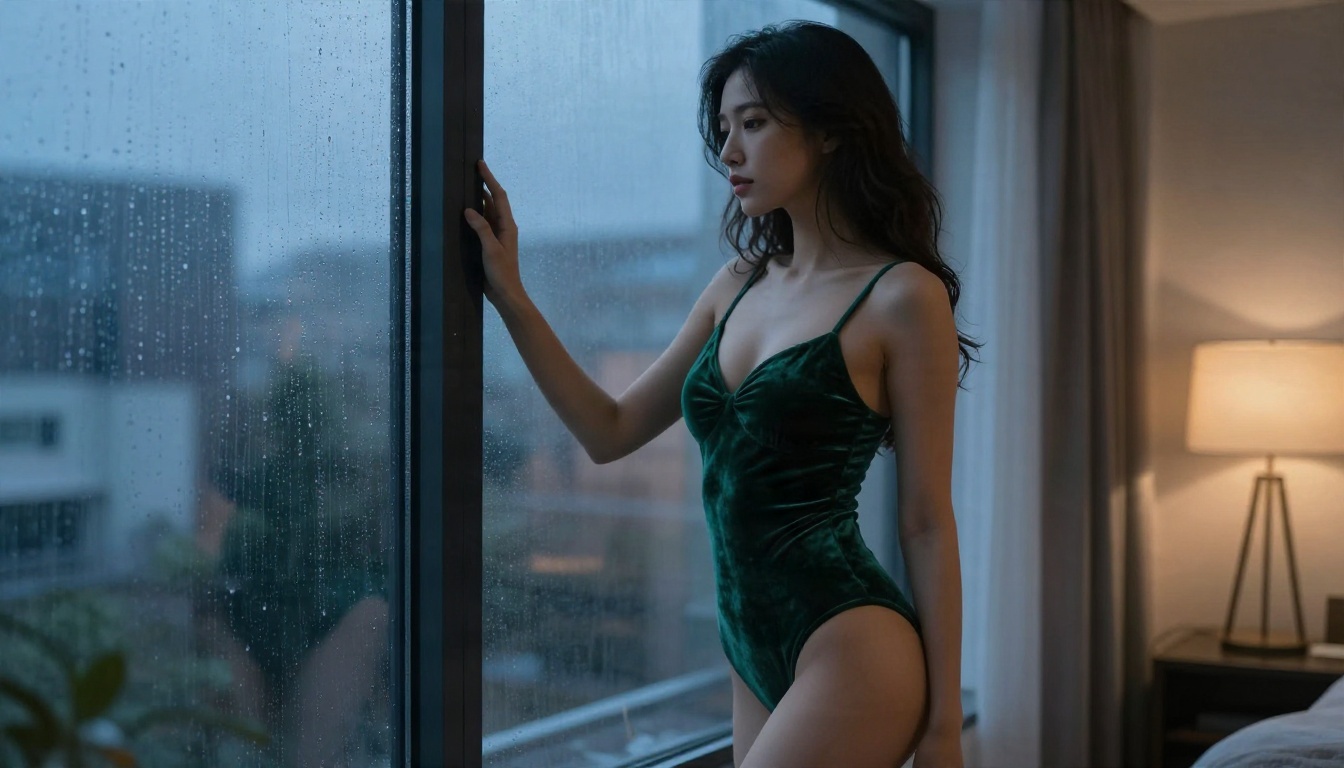
| Evening | "Emerald velvet bodysuit, rain on the window, blue hour light, 50mm f/1.4" |
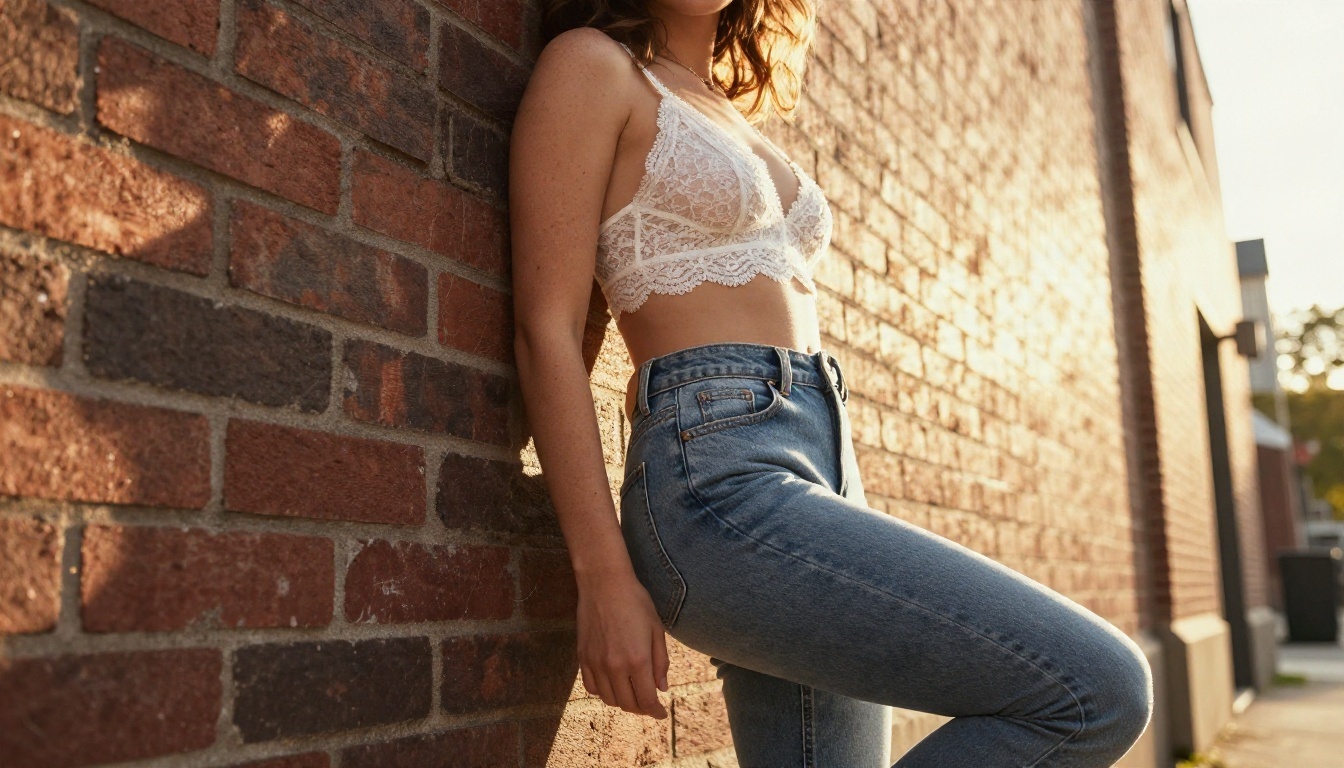
| Street | "Lace bralette, high-waisted jeans, brick wall, golden hour backlight" |
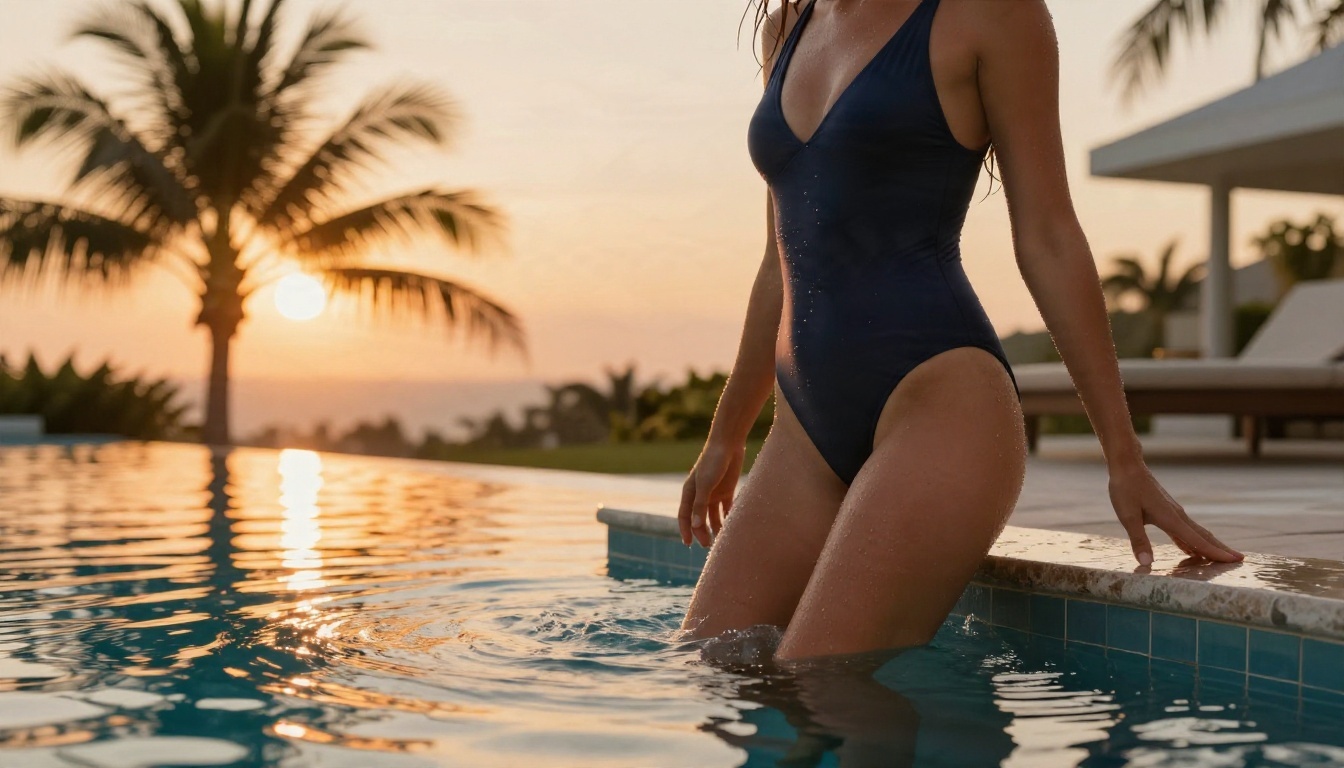
| Pool | "Navy swimsuit, water droplets, villa terrace at sunset, 28mm" |
Words that trigger blocks
Some words are a fast route to a refusal, even in a permissive mode. Explicit anatomy terms, names of real people, and anything suggesting a minor are the big ones. Soft, visual vocabulary such as satin, lace, silk, golden hour and glamour tends to pass because it describes what a camera sees, not what the viewer should do.

Prompting for video clips
For a clip, add motion in order: what the subject does in the first second, how the camera moves, and what the light does. A line like "slow push-in as she turns toward the window, curtains moving, warm light shifting" gives an image-to-video model clear instructions and avoids chaotic movement.
Free Alternatives Worth Trying
If your goal is attractive, suggestive, photoreal imagery rather than the Grok app specifically, you do not need a spicy toggle. Several models handle glamour, swimwear and boudoir portraits well, and you can test them without a monthly plan.
Start with Seedream 4.5
Seedream 4.5 is my first pick for this kind of work. It renders skin, fabric and light convincingly, follows long prompts closely, and produces high-resolution output that holds up when cropped. For glamour and lifestyle portraits, it is the model I would test first.
Then PicassoIA Image Editor Pro
PicassoIA Image Editor Pro is built for unlimited generations, which matters when you iterate. Spicy mode on a paid app burns credits with every blocked or failed render. With an unlimited editor you can refine a pose, swap an outfit, or adjust lighting as many times as you like, and results come back quickly.
Other models to test
For motion, Grok Imagine Video 1.5 turns a still into a short clip with audio, and Wan 3 is a good option for cinematic movement.
💡 Note on Seedream 5 Lite: it blocks adult-leaning content, so it is the wrong tool for this style. Stay with Seedream 4.5 and the editor above.
Side by side
| Model | Best for | Strength | Speed |
|---|
| Seedream 4.5 | Glamour portraits | Skin and fabric realism | Fast |
| Image Editor Pro | Iterating and edits | Unlimited generations | Very fast |
| Qwen Image 3 Pro | Clean faces | Texture detail | Fast |
| Flux 2 Klein 9B LoRA | Styled looks | LoRA control | Fast |
| Grok Imagine Video 1.5 | Short clips | Image to video with audio | Moderate |
How to Get Similar Results on PicassoIA

You can reach the same glamour and boudoir look with Seedream 4.5 in a few minutes. No toggle, no subscription wall, no age-gated mobile app.
Step by step
- Open the Seedream 4.5 page on PicassoIA.
- Paste a prompt built with the five-part formula above.
- Pick a 16:9 ratio for wide editorial frames or 3:4 for portraits.
- Generate, then compare two or three variations.
- Send your favorite to PicassoIA Image Editor Pro to adjust outfit, background or light.
- Optionally use Grok Imagine Video 1.5 to animate the final still.
Parameter tips
- Describe the light first. "Soft window light from the left" does more than "beautiful lighting."
- Name a lens. 85mm f/1.8 gives portrait compression, 35mm gives a lifestyle feel.
- Ask for texture. Phrases like "fine skin pores," "satin folds" and "film grain" push realism.
- Keep prompts under control. Three to five clear details beat a paragraph of adjectives.
- Vary one thing at a time when you iterate, so you know what caused the change.
Use the editor for refinement
Editing an existing image is often smarter than regenerating from scratch. If the pose is right but the fabric is wrong, change only the fabric. This keeps the face and composition stable, saves time, and avoids drifting away from a result you already like.
Mistakes People Keep Making
Most frustration with spicy mode comes from a handful of repeated errors.
Chasing "unlimited free" claims
Sites offering unlimited spicy generations at no cost usually have a catch: low-quality output, harvested data, or a hidden subscription. A free tier on a transparent platform beats a mystery wrapper every time.
Writing prompts like a request, not a brief
"Make it sexier" gives the model nothing to work with and invites a refusal. Describe the wardrobe, the pose, the light and the lens, and the mood arrives naturally.
Ignoring consent and age rules
Use only fictional or consenting subjects. Never generate a real person's likeness without permission, and never anything that suggests someone under eighteen. These are not just platform rules. In many places they are the law.
Skipping the iteration loop
The first render is rarely the best. Generate three, pick the closest, then edit. People who accept the first output usually conclude the tool is weak when the process was the problem.
💡 Tip: Keep a text file of prompts that worked, with the model name next to each. In a month you will have a personal library that beats any generic prompt list.
Make Your Own Today

Spicy mode taught a lot of people that audiences want stylish, confident, suggestive imagery. The paywalls and filters around it are a good reason to build your workflow somewhere you control. Take one prompt from the table above, run it through Seedream 4.5, then polish the result in PicassoIA Image Editor Pro, where generations are unlimited and fast.
Try a boudoir scene tonight, a beach frame tomorrow, and a rooftop portrait at the weekend. Change one detail each time and watch how the result moves. When you want to try other options, browse everything available at picassoia.com/en/all-models and build the look that fits you.


