You need a few hundred icons, a logo family, or a set of illustrations that stay sharp on a billboard and a favicon alike. A raster generator gives you pixels. An AI SVG generator API gives you paths, fills and shapes you can recolor, scale and hand to a developer. The catch is that pricing pages are confusing, open source projects have very different quality levels, and running everything on your own machine is not free either.
This article puts real numbers next to each option so you can decide quickly: what a hosted vector endpoint costs per image, which open source models actually run at home, what hardware they want, and where a hybrid setup makes the most sense.
What an AI SVG Generator API Does
A normal image model outputs a grid of pixels. A vector model outputs instructions: draw this curve, fill that shape, stack these layers. The result is an .svg file that is often only a few kilobytes and scales without any loss.
There are three technical routes behind the label, and they behave differently on price and quality:
- Native vector diffusion or token models. The model is trained to produce vector structure directly. Recraft's vector line is the best known hosted example.
- Language models writing SVG code. A large language model writes the XML itself. It works for simple icons, charts and geometric marks, and it costs only text tokens.
- Raster then trace. You generate a bitmap, then convert it with a vectorizer. Quick, but the paths are often messy, with far too many anchor points.
💡 Quick test for quality: open the SVG in a vector editor and select one shape. If you see a clean path with a handful of anchor points, the output is production material. If you see thousands of tiny fragments, it is a trace in disguise.
Who Needs an API at All
If you make five logos a month, a web interface is plenty. An API matters when generation is part of a product or a pipeline: a print on demand store creating designs from customer text, a design tool that adds an "AI icon" button, an e-commerce team producing consistent badge sets, or an agency batch-producing hundreds of icons overnight.
How Hosted Vector APIs Charge
Most providers sell prepaid credits. Recraft, for example, describes its API in units, where one dollar buys roughly a thousand units and each operation deducts a set amount. That means you pay per generated image, not per month, and an idle week costs nothing.
Reported Per Image Prices
Pricing in this niche moves fast, and third party trackers do not always agree. Treat the figures below as reported ranges from recent research, and check the provider's own price page before you commit a budget.
| Tier | Reported vector price per image | Notes |
|---|
| Older standard vector tier | About $0.08 | Roughly double the raster price at the same level |
| Older Pro vector tier | Up to about $0.30 | One tracker; others list lower |
| V4 style models, standard vector | About $0.05 | Versus about $0.035 for raster |
| V4 style models, Pro vector | About $0.12 | Higher resolution variant |
| V4.1 family | About $0.035, Pro about $0.21 | Split into its own, cheaper pricing group |
| Rumored Flash tier | About $0.007 | Only one source, unconfirmed |
The disagreement on the Pro tier is the reason to verify. A difference between $0.12 and $0.30 is a factor of 2.5 once you scale to thousands of files.
What Else Shows Up on the Bill
Per image price is only the first line. Watch for these:
- Retries. If one result in three is unusable, your real cost per keeper is 50 percent higher than the list price.
- Style or reference uploads. Some endpoints charge extra for custom styles or image inputs.
- Vectorizing an existing image. Converting a bitmap is usually a separate, cheaper operation.
- Rate limits. A low default concurrency can force you into a bigger plan just to batch overnight.
- Commercial terms. Check whether generated files are cleared for resale, especially for print on demand.
A Simple Cost Model
Take 2,000 icons per month. At $0.05 per image with a 25 percent rejection rate, you generate about 2,667 files and pay roughly $133. At $0.08 the same job runs close to $213. At $0.035 it is under $95. That is why the tier you pick matters more than the brand name on the invoice.
Open Source Options That Actually Run
Open source SVG generation is younger than open source image generation, but two projects stand out for people who want weights on their own disk.
OmniSVG
OmniSVG is a unified model for scalable vector graphics, built to produce everything from small icons to detailed illustrations and character art. Its repository supports a text to SVG task from the command line, and the weights are published on Hugging Face. The original release came in a 3B size, and a newer 1.1 generation is available in 4B and 8B sizes. The documentation also mentions sampling several candidates per prompt, which is handy because vector output varies a lot from seed to seed.
The standard setup is a Python 3.10 environment, a download of the weights with the Hugging Face command line tool, and then a single inference script call with the text task selected. A Gradio interface is included if you prefer a browser window over a terminal.
StarVector
StarVector came out of CVPR 2025 research and handles both image to SVG and text driven generation. It is released under the Apache 2.0 license, ships pretrained models and offers a Gradio demo for local use. It is strongest when you start from an existing image, such as a logo screenshot, and want clean code back. For pure text prompts, OmniSVG is generally the more direct fit.

Honest Limits of Open Source
- Fewer polished styles. Hosted vector models are tuned for brand style work. Open models can drift, especially with long prompts.
- Complex scenes break. Icons and simple marks come out well. Dense illustrations often produce overlapping shapes.
- Setup time is real. Expect an afternoon for the first run, including driver and dependency fixes.
- Community installers vary. A one click Windows installer for OmniSVG has been mentioned online, but treat any third party package carefully and read what it does before running it.
💡 Tip: Always generate three to five candidates per prompt locally. It costs only electricity, and picking the best of five beats prompt tinkering.
Local Alternatives Beyond Dedicated Models
You do not need a special vector model for every job. Two other local routes deserve a look.
Language Models That Write SVG Code
A capable language model can write SVG by hand: circles, paths, gradients, grouped layers, even simple animation. The results are best for geometric logos, diagrams, charts, badges and UI icons. They are weaker at organic shapes such as animals or faces.
The price is attractive. An icon is a few hundred to a couple of thousand tokens of output, which is a fraction of a cent on most text models. You also get something a diffusion model cannot offer: readable, editable code with meaningful ids and comments, and you can ask for revisions in plain language ("make the stroke 2px thinner and align everything to a 24 pixel grid").
On PicassoIA you can try this route with models such as Claude Sonnet 5, GPT 5.6 Sol, Deepseek v3.1 or Qwen3.7-Plus. Ask for a single self contained SVG with a viewBox, no external fonts, and a limited palette, and you will get a file that pastes straight into a project.
Raster Generation Plus Vectorization
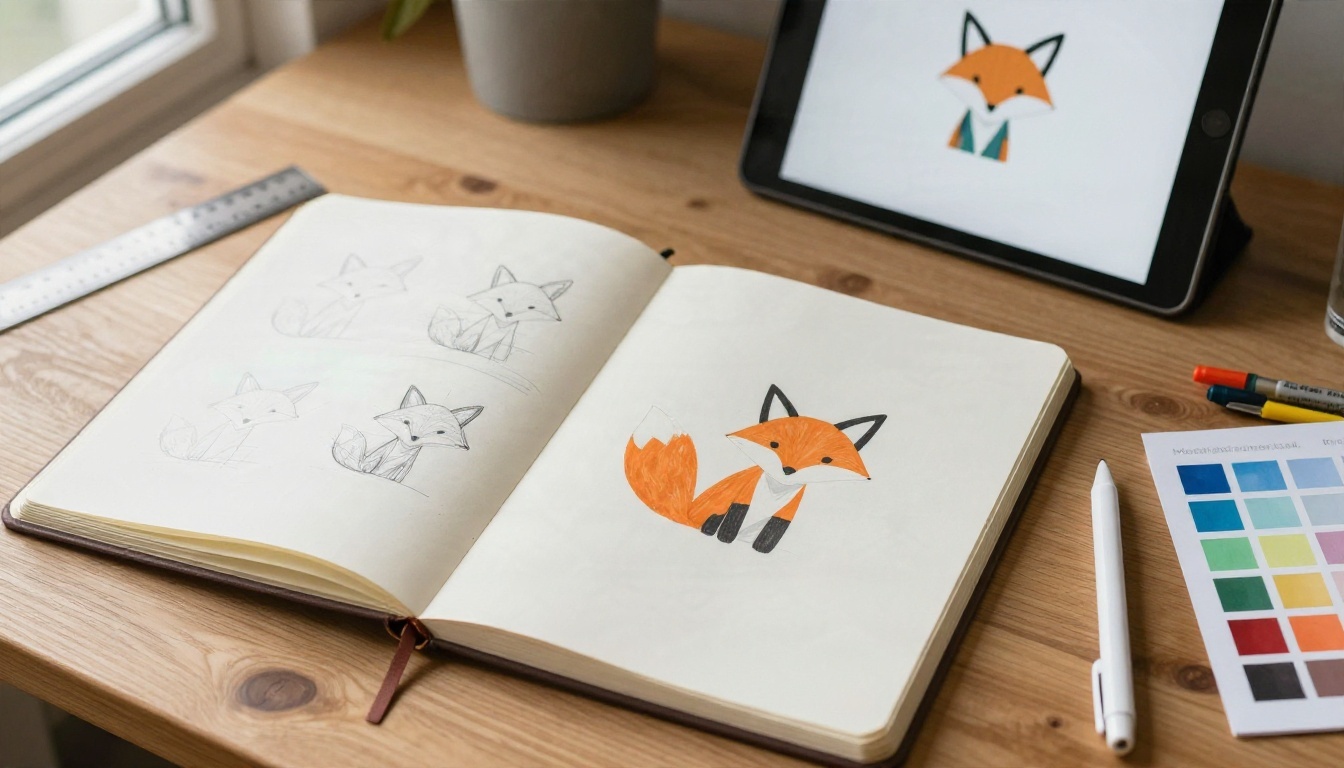
For artwork with texture and color depth, generate a bitmap first, then convert it. This is a legitimate pipeline when the subject is a flat style illustration, a sticker or a poster with limited colors. On PicassoIA, Recraft Vectorize, Arrow 1.1 Vectorize and Arrow 1.1 Max Vectorize turn an existing image into an SVG. Start the bitmap with a model such as Seedream 4.5 or Qwen Image 3, asking for flat shapes, solid colors and a plain background so the converter has clean edges to follow.
Hardware for Running Locally
Local does not mean cheap by default. Here is a realistic picture of what each route asks of your machine.
| Route | Typical need | Speed expectation | Best for |
|---|
| OmniSVG 3B | A recent GPU with comfortable VRAM, Python 3.10 | Tens of seconds per file | Icons, simple marks |
| OmniSVG 1.1 4B or 8B | A higher VRAM card, more disk space | Slower, better detail | Richer illustrations |
| StarVector | Mid to high end GPU | Moderate | Image to SVG conversion |
| Small local language model | 8 to 16 GB of memory, CPU possible | Seconds | Geometric icons |
| Hosted endpoint | A browser or a script | Seconds, no setup | Anything with deadlines |
When a GPU Pays for Itself
Suppose a decent graphics card costs about $700 and your hosted vector price is $0.05 per image. The break even is 14,000 images, before electricity and your own time. If you produce 500 files per month, that is more than two years. If you produce 10,000, it is under two months.
Privacy changes the math. If prompts or source artwork are confidential, such as unreleased product designs, keeping everything on your own machine can be worth more than any per image saving.
💡 Rule of thumb: below roughly 3,000 vectors a month, hosted wins on cost and on time. Above 10,000, or with strict privacy needs, local starts to make sense.
Hosted vs Open Source vs Local LLM
Here is the decision side by side.
| Factor | Hosted vector API | Open source model | Language model writing SVG |
|---|
| Cost per file | About $0.035 to $0.12 reported | Electricity only | Fractions of a cent |
| Setup time | Minutes | Hours | Minutes |
| Style consistency | High | Variable | High for geometric work |
| Complex illustration | Good | Limited | Poor |
| Editable structure | Clean paths | Mixed | Readable code |
| Privacy | Data leaves your machine | Fully private | Depends on model hosting |
| Scaling to thousands | Easy, watch rate limits | Limited by your GPU | Easy |

A Hybrid That Works
Many teams settle on a mix. They use a hosted vector model for hero marks and brand assets where quality decides the outcome, a language model for geometric UI icons and diagrams, and a local open source model for bulk drafts and anything confidential. Each tool handles the work where it is strongest, and the monthly bill stays low.
How to Use Recraft v4.1 SVG on PicassoIA
If you want to see what native vector output looks like before wiring up any endpoint, Recraft v4.1 SVG on PicassoIA produces a real SVG from a plain text prompt, no coding and no design software required.
- Open the model page and find the prompt box.
- Write a specific prompt. The model accepts up to 10,000 characters, so name the subject, the style, the color count and the background. Example: "Minimal mountain and sun logo, flat shapes, two colors, black and orange, centered, plain white background."
- Pick an aspect ratio. Options include 1:1, 4:3, 16:9, 9:16, 2:1 and several others. If you set a ratio, the separate size setting is ignored.
- Run the generation and download the SVG.
- Open the file in a vector editor and check the paths. Recolor a fill, scale the file to a huge size and confirm the edges stay sharp.
- Iterate on wording. Change one detail at a time, such as "thicker outlines" or "three colors only", so you can see what each change does.
Other options on the same platform include Recraft v4.1 Pro SVG for higher detail, Recraft v4 SVG and Recraft v3 SVG for logos and icons.
💡 Prompt pattern that works: subject, style, number of colors, background, then composition. "Fox head icon, geometric flat style, three colors, white background, centered" beats a long poetic description almost every time.
Where SVG Output Pays Off
Vector files earn their cost in places where raster fails:
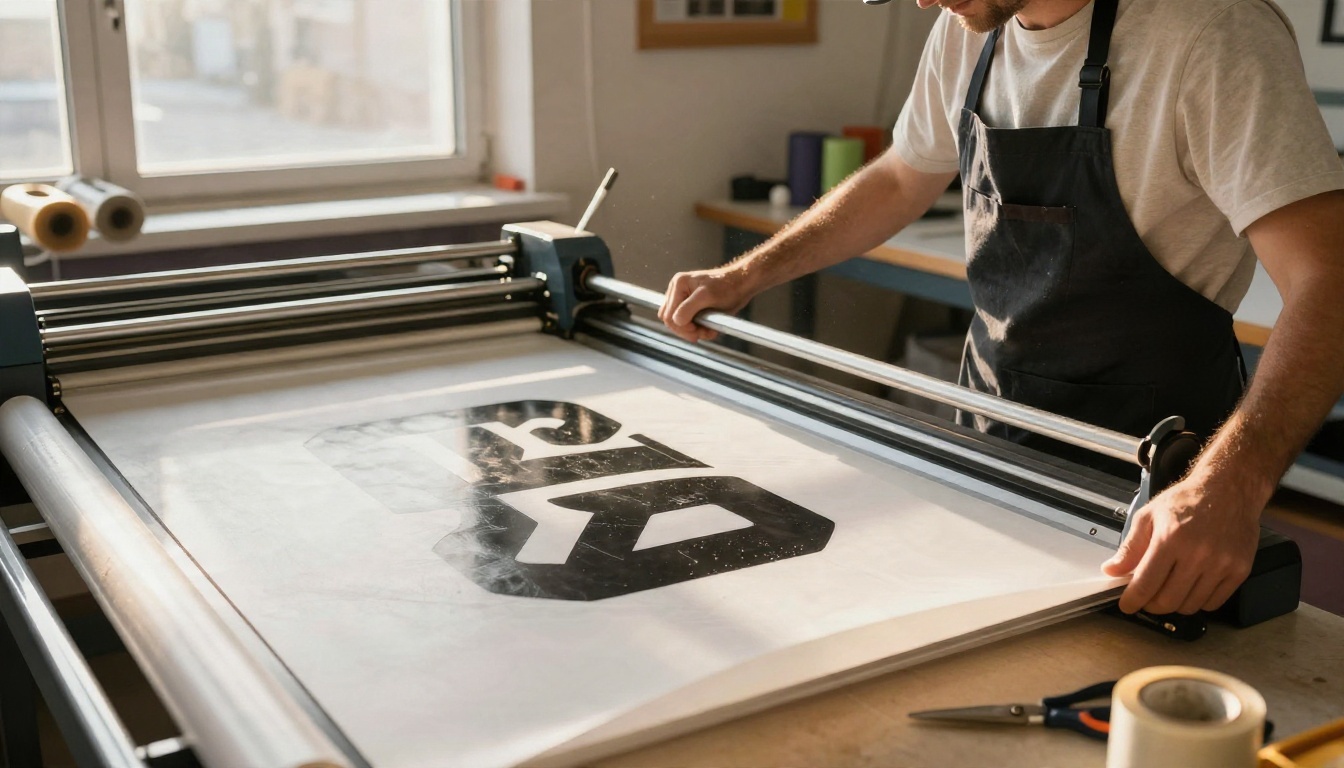
- Print and signage. Vinyl cutters, plotters and embroidery software need paths, not pixels.
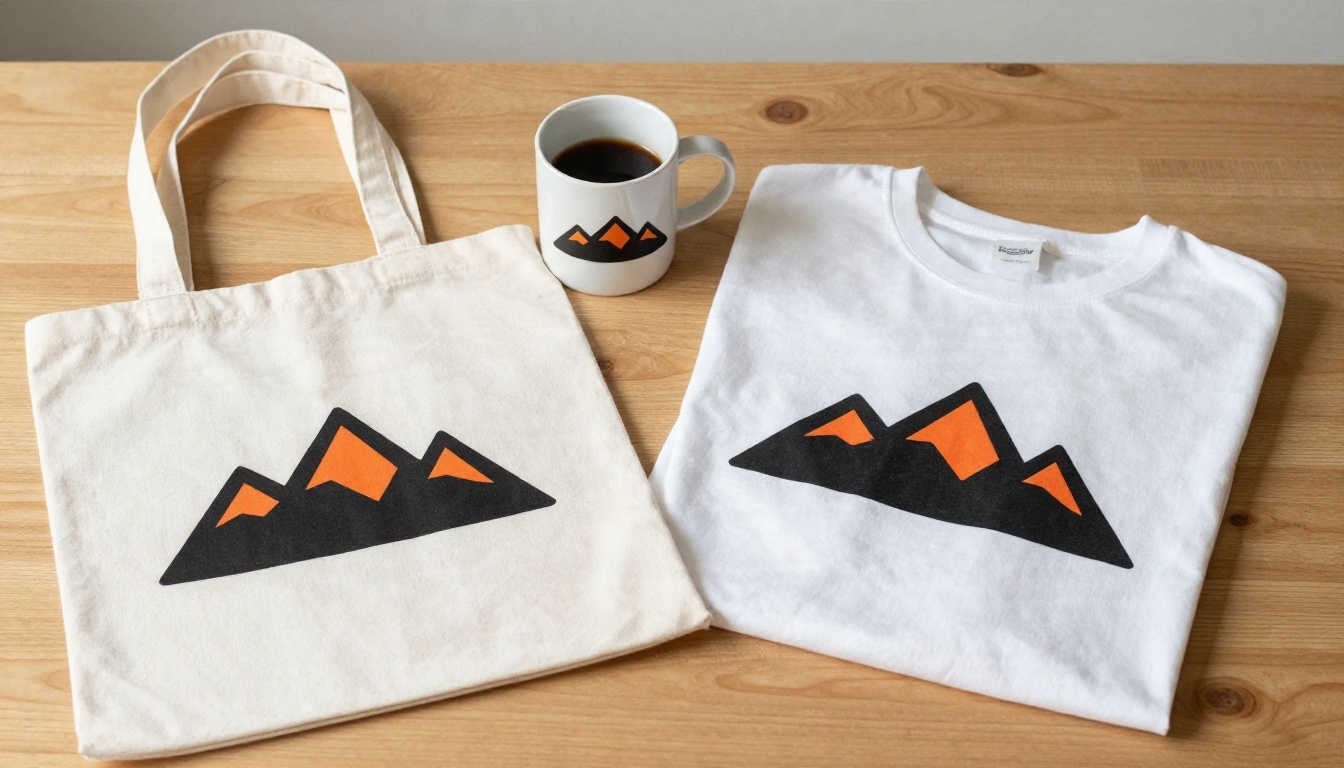
- Merchandise. One file goes onto mugs, tote bags and shirts at any size.
- Websites and apps. Inline SVG icons load fast, recolor with CSS and stay sharp on every screen density.
- Motion design. Shapes can be animated individually.
- Brand kits. A single master file produces every size and color variant.
Three Common Mistakes
- Judging by the preview. An SVG can look perfect at thumbnail size and hide broken geometry. Zoom in and inspect the nodes.
- Overloading the prompt. Vector models prefer simple, bounded subjects. Ask for one object at a time.
- Ignoring file weight. A traced file with 40,000 nodes can be larger than a PNG. Check the size before you ship it to a website.
Quality Checklist Before You Ship
- The
viewBox is set, so the file scales correctly.
- Colors are limited and match your palette.
- No embedded raster image is hiding inside the SVG.
- Text is converted to outlines or uses a font you control.
- The file opens in at least two different editors without errors.

Picking Your Setup This Week
Here is a short plan that avoids overthinking:
- Test the output first. Run ten prompts through a hosted vector model and measure how many you would actually use. That rejection rate drives your true price per image.
- Try a language model for geometric work. If your icons are simple shapes, you may never need a dedicated vector endpoint.
- Install OmniSVG only if volume or privacy demands it. Budget an afternoon and keep expectations realistic for detailed art.
- Verify prices on the provider's own page. Reported figures differ between sources, and new tiers appear often.
- Log everything. Track cost, rejection rate and editing time per asset for one month, then decide.
Make Your Own Vectors on PicassoIA
The quickest way to find out which route suits your project is to generate a few files and open them in an editor. On PicassoIA you can try Recraft v4.1 SVG for native vector art, run an existing bitmap through Recraft Vectorize, or ask Claude Sonnet 5 to write an icon as code. Pick one idea, such as a logo for an imaginary coffee shop, and push it through all three. Within an hour you will know which approach gives you clean paths at a price you accept. Browse every available option at picassoia.com/en/all-models and start experimenting with your own designs today.


