You tell a chatbot on Monday that you hate cilantro, that your sister's wedding is in June, and that you write better at night. On Friday you open a new chat and it asks if you want a recipe with cilantro. That small moment of being forgotten is exactly why people search for AI that can personalize conversations dynamically: a model that adapts its tone, remembers your details, and does not reset every time you close the tab.
This article breaks down how that works in practice. You will see the difference between a long context window and real memory, which free options are worth testing, what "uncensored chat" actually means (and what it does not), and how to build a personalization layer yourself with any model on PicassoIA.
What Dynamic Personalization Actually Means
Personalization sounds fancy, but it boils down to one thing: the reply you get depends on who you are and what you said before, not only on your last message. A generic model answers "suggest a dinner" the same way for everyone. A personalized one answers differently for a vegetarian who cooks in twenty minutes and owns one pan.

Context Window vs Memory
These two get mixed up constantly, so let's separate them.
- Context window: everything the model can "see" right now, including your messages, its replies, and any hidden instructions. Once the chat grows past the limit, older text falls out.
- Memory: information stored outside the live conversation and fed back in when it matters. It survives closing the chat.
A big context window feels like memory during a long session, but it is closer to short term attention. Close the window and it is gone. Real memory is a separate system that writes things down.
💡 Quick test: Tell a chatbot your favorite color, open a brand new chat, and ask it. If it answers correctly, there is a memory layer. If it guesses, you only had a context window.
Three Layers of Personalization
Most good setups combine three layers, and it helps to know which one you are using:
| Layer | What it does | Lasts how long | Example |
|---|
| Instructions | Fixed rules about tone and role | Until you edit them | "Be concise, friendly, a bit sarcastic" |
| Session adaptation | The model mirrors your style within the chat | One conversation | It starts using your slang |
| Stored memory | Facts saved and recalled later | Weeks or months | "User is vegetarian, lives in Lisbon" |
Dynamic personalization means all three working together. Instructions set the baseline, session adaptation fine tunes it live, and stored memory carries the useful bits into the next chat.
How AI Memory Really Works
Language models do not remember anything on their own. Every request starts from zero. What looks like memory is software wrapped around the model that decides what to send along with your message.

Saved Facts and Summaries
The simplest approach is a notes file. After a conversation, the system extracts durable facts ("has a dog named Bruno", "prefers metric units") and stores them as short text. At the start of the next chat, those notes are pasted quietly above your first message.
A second approach is the rolling summary. Instead of keeping every message, the system condenses old turns into a paragraph and keeps only the recent ones verbatim. This saves space but can blur details, which is why summaries sometimes get small facts wrong.
Retrieval From Past Chats
More ambitious systems store whole conversations in a searchable index. When you type a message, the system looks for older passages that match its meaning and slips the best few into the prompt. This is often called retrieval, and it lets a model "recall" something you said three months ago without carrying three months of text.
Retrieval is powerful, but it is also noisy. If the search pulls the wrong snippet, the model confidently builds on it. That is when you see answers that feel oddly specific and slightly off.
💡 Rule of thumb: The fewer, cleaner facts a memory holds, the better it behaves. A hundred messy notes confuse a model faster than ten sharp ones.
Where Memory Breaks Down
Be realistic about the weak spots:
- Stale facts. You changed jobs, but the old job is still stored.
- Over-fitting. One mention of a hobby and every answer gets bent around it.
- Context crowding. Too many saved notes leave less room for the actual question.
- Silent errors. Summaries can rewrite what you said without any warning.
Good personalization lets you see and edit what is stored. If a tool hides its memory from you, treat it with caution.
Free Options That Remember You
"Free" is the most overloaded word in this space. Here is how it usually plays out.

What Free Usually Includes
Across consumer chat apps and companion platforms, free tiers tend to share a pattern: limited daily messages, shorter replies, smaller memory, and slower queues at busy hours. Several companion apps such as Kindroid and SpicyChat advertise memory on their free plans, but their strongest memory and personalization features generally sit behind paid subscriptions. Treat any marketing claim about "unlimited memory" with a raised eyebrow until you test it yourself.
A fair way to judge a free option is with a five minute experiment:
- Share three personal details in the first chat.
- Chat about something else for ten messages.
- Ask the model to recall all three.
- Open a new chat and ask again.
Step three tests the context window. Step four tests real memory.
Free Models Worth Trying
If you want hands on control rather than a locked app, open-weight models are the practical route. On PicassoIA, several listings are flagged as free to use for chat, including Granite 4.1 8B, Llama 4 Maverick Instruct, and the lighter Llama 2 7B Chat. They will not carry memory between sessions by themselves, but they follow instructions well, which is what you need to build your own memory layer (more on that below).
💡 Budget tip: Start on a free model to draft your persona and notes. Move to a stronger model only when you notice the free one losing the thread.
Uncensored Chat: What It Really Means
This is the part of the keyword that gets the most clicks and the most confusion. "Uncensored" has no fixed meaning. One platform uses it to mean "will discuss mature fiction." Another uses it to mean "has almost no rules." The difference matters.

Filters, Refusals, and Fiction
Most people who want "uncensored" chat are not after anything sinister. They are annoyed by over-refusal: a model that will not write a villain's monologue, a morally gray character, a dark thriller scene, or a frank health conversation because a filter panicked at a keyword.
What helps in practice:
- Give context up front. "I'm writing a crime novel, the antagonist is a smuggler" gets a better result than a bare request.
- Set the role in the instructions. A clear persona and genre reduce false refusals.
- Pick the right model. Some models are looser on fiction and roleplay than others. Grok 4 and DeepSeek R1 are often mentioned by writers for being less jumpy about dark themes, though behavior shifts between versions, so test with your own prompts.
Keep it grown-up and non-explicit: the goal is storytelling freedom and honest conversation, not removing every guardrail. Models still decline requests that cause real harm, and that is a good thing.
Privacy Beats Filters
Here is something most "uncensored chatbot" listicles skip: the filter matters less than where your chat goes. A platform with no content rules but sloppy data handling is a worse deal than a stricter one that deletes your history on request.

Before you share anything personal with an app that remembers you, check these:
- Can you view what it has stored about you?
- Can you delete it, all at once, without emailing support?
- Is your chat used to train future models, and can you opt out?
- Does the app say clearly who runs it and where data is kept?
If an app is vague on all four, keep the conversation light. Memory is a feature, but it is also a record.
💡 Safety net: If you build your own chat tools, Llama Guard 4 12B is a free moderation model that can screen messages for clearly harmful content while leaving creative writing alone.
Models Worth Testing on PicassoIA
You do not need one magic model. Different jobs reward different strengths. Here is a practical shortlist for personalized, ongoing conversation.

Best for Long, Warm Conversations
For chats that run for hours and need to keep a consistent voice, look at Claude Sonnet 5 and GPT 5.6 Luna. Both follow detailed persona instructions closely and tend to stay in character over many turns. Gemini 3.5 Flash is a speedy pick when you want snappy replies and also want to share images in the chat.
Best for Reasoning and Planning
When personalization means "remember my constraints and think carefully," a reasoning model shines. Kimi K2.6 and Qwen3.7-Plus handle multi-step requests such as a trip plan that respects your budget, your diet, and your partner's allergies, as long as you supply those details in the notes.
Build Your Own Memory Layer
You can get 80 percent of the benefit of commercial memory systems with a text file and ten minutes. This works with every model above.

Write a Persona Card
A persona card is a short block of text you paste at the start of each chat. Keep it under 200 words. Include:
- About me: name, location, job, a few interests
- Preferences: tone, length of answers, things you dislike
- Standing rules: "Ask before assuming," "Use metric units"
- Current projects: what you are working on this month
Update it when life changes. It takes thirty seconds and prevents most stale-fact errors.
Keep a Running Summary
At the end of a useful conversation, ask the model:
"Summarize what you learned about my preferences in this chat as five bullet points I can paste into future chats."
Read the bullets, delete anything wrong, and append the rest to your persona card. You now have memory you control, stored in a place only you can edit.
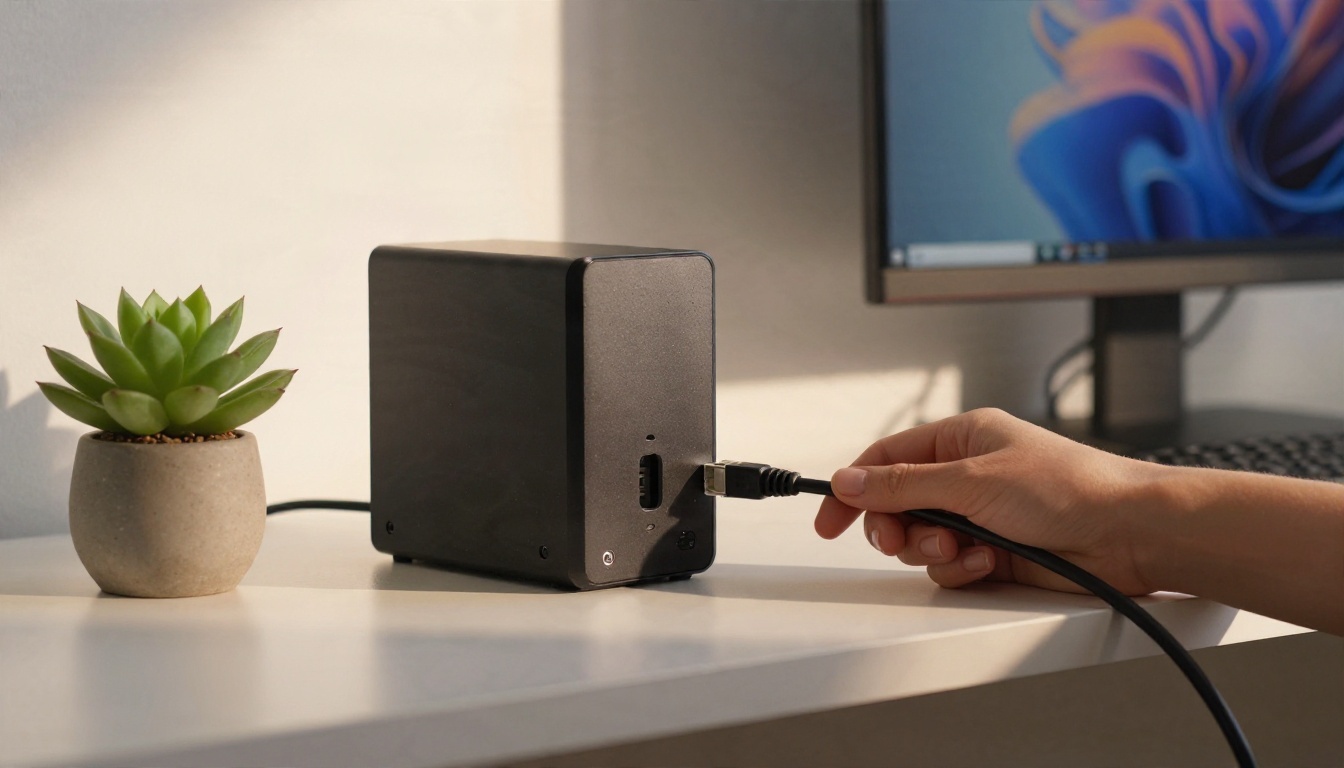
Some people go a step further and run models locally on a mini PC so notes never leave the house. That is a fine route for very sensitive material, though hosted models are easier and usually stronger.
💡 Prompt template: "Here is my profile: [paste card]. Use it silently. Do not repeat it back unless I ask. Today I want help with [task]."
Common Mistakes to Avoid
Oversharing Early
It is tempting to hand a new app your whole life story on day one. Resist that. Share what the task needs, see how the app treats it, then widen the circle. Never put passwords, ID numbers, or financial details into any chat, remembered or not.
Other frequent mistakes:
- Trusting memory blindly. Ask "what do you remember about me?" now and then and correct errors.
- Stuffing the persona card. Longer is not better. Models follow short, clear instructions more reliably.
- Expecting one model to do everything. Switch models for coding, writing, and reasoning, and carry your card between them.
- Mistaking agreement for understanding. A model that mirrors you is flattering, not necessarily right. Ask it to disagree sometimes.
Try It Yourself on Picasso IA
Personalized AI is not magic. It is a model, a clear set of instructions, and a small amount of well-kept memory, all of which you can set up today. Pick one model from the table above, write a persona card, run the five minute memory test, and adjust from there.

Start with a free option like Llama 4 Maverick Instruct to shape your persona, then compare how Claude Sonnet 5 or GPT 5.6 Luna handle the same card. You will notice quickly which one sounds like a conversation partner and which sounds like a form letter.
Picasso IA also puts image, video, voice, and music generation in the same place, so the character you build in chat can get a face, a voice, and a soundtrack when you are ready. Browse everything at picassoia.com/en/all-models, open a chat, and see how it feels when the AI finally remembers the cilantro.


