You have an hour of recorded audio, a deadline, and zero interest in typing it all out by hand. Good news: AI that transcribes audio is now good enough to do about 90 to 97 percent of that work for you, often in a few minutes and sometimes for nothing. Bad news: the last few percent is where names get mangled, speakers get mixed up, and the odd sentence appears that nobody actually said. This article sorts out what is free, what is worth paying for, how accurate the tools really are, and where they still fall short.
What AI Transcription Actually Does
From Sound to Text
Modern speech recognition models listen to an audio file, break it into tiny slices, and predict the most likely words for each stretch. They also use the surrounding sentence to resolve confusing sounds, which is why "their" and "there" usually come out right now. The output is plain text, often with timestamps, and sometimes with punctuation, paragraph breaks, and speaker labels.
The model never "hears" meaning the way you do. It matches patterns learned from huge piles of recorded speech. That is why it handles everyday English brilliantly and stumbles on a rare surname or a half whispered aside.
Why Accuracy Is Not One Number
Vendors love quoting a single word error rate (WER). It counts how many words are wrong, missing, or added, compared with a human reference. A 5 percent WER means roughly 5 mistakes in every 100 words.
The catch: that number depends heavily on the test audio. A studio podcast with one speaker and a quiet room scores far better than a crowded meeting recorded on a laptop. Treat any headline figure as a best case, then test on your own files.
💡 Quick sanity check: transcribe two minutes of your own audio, read it while listening, and count the errors in one paragraph. That tells you more than any leaderboard.
Free Options That Actually Work
Open Source Whisper
OpenAI's Whisper is the most common free choice. It is open source, so you can run it on your own computer with no per minute fee. Reported English accuracy varies by source: some reviews put its large model under 3 percent error on clear speech, while others measure around 5 to 7 percent in typical conditions. Both can be true, because the audio differs.
The tradeoff is effort. You need to install it, ideally on a machine with a decent graphics card, and long files can take a while on a laptop. If you are comfortable with a command line, it is hard to beat for price and privacy, since the audio never leaves your machine.
Newer open weight models are also pushing ahead. On one recent update of a popular open speech recognition leaderboard, Qwen3-ASR scored an average English error rate of about 5.4 percent, slightly ahead of OpenAI's hosted GPT Transcribe at roughly 6 percent. Leaderboards shift often, so treat the ranking as a snapshot rather than a verdict.
Free Tiers in Apps
Many transcription apps offer a monthly allowance of free minutes. A Mac app built on Whisper, MacWhisper, has been reported to give around 300 free minutes a month. Meeting note tools such as Otter typically offer a small free allowance as well, though the exact number changes, so check the current plan before you rely on it.
Free tiers are best for occasional use: a single interview, a lecture, a voice memo. They get tight if you record weekly meetings.
Built In Phone Tools
Both iPhone and Android now include on device dictation and voice memo transcription. They cost nothing and work offline in many cases. The quality is fine for short notes, but they usually lack speaker labels and export options, and long recordings can be hit or miss.
💡 Rule of thumb: use phone tools for quick notes, Whisper for private or large batches, and a hosted model when you want strong accuracy without any setup.
Apps and Models Compared
Different tools suit different jobs. Here is how the main categories line up.
| Option | Cost | Best for | Weak spot |
|---|
| Whisper (self hosted) | Free, hardware needed | Privacy, bulk files | Setup and speed |
| Phone dictation | Free | Short voice notes | No speaker labels |
| Meeting apps (Otter and similar) | Free tier, then monthly fee | Live calls and summaries | Minute limits |
| Mac and desktop Whisper apps | Free tier, paid upgrade | Local, offline work | Platform specific |
| Hosted AI models | Pay per use | High accuracy, easy upload | Audio is sent to a server |
On PicassoIA you can also run hosted speech to text models in the browser. Three are worth knowing:
Picking by Use Case
- Journalists and researchers: accuracy and privacy matter most. Consider local Whisper, or a hosted model for non sensitive material.
- Students: free tiers and phone tools are usually enough for lectures.
- Podcasters: a hosted model with clean timestamps saves the most editing time.
- Teams: a meeting app that joins calls automatically is convenient, though minute caps add up.
Real World Accuracy
Clean Audio
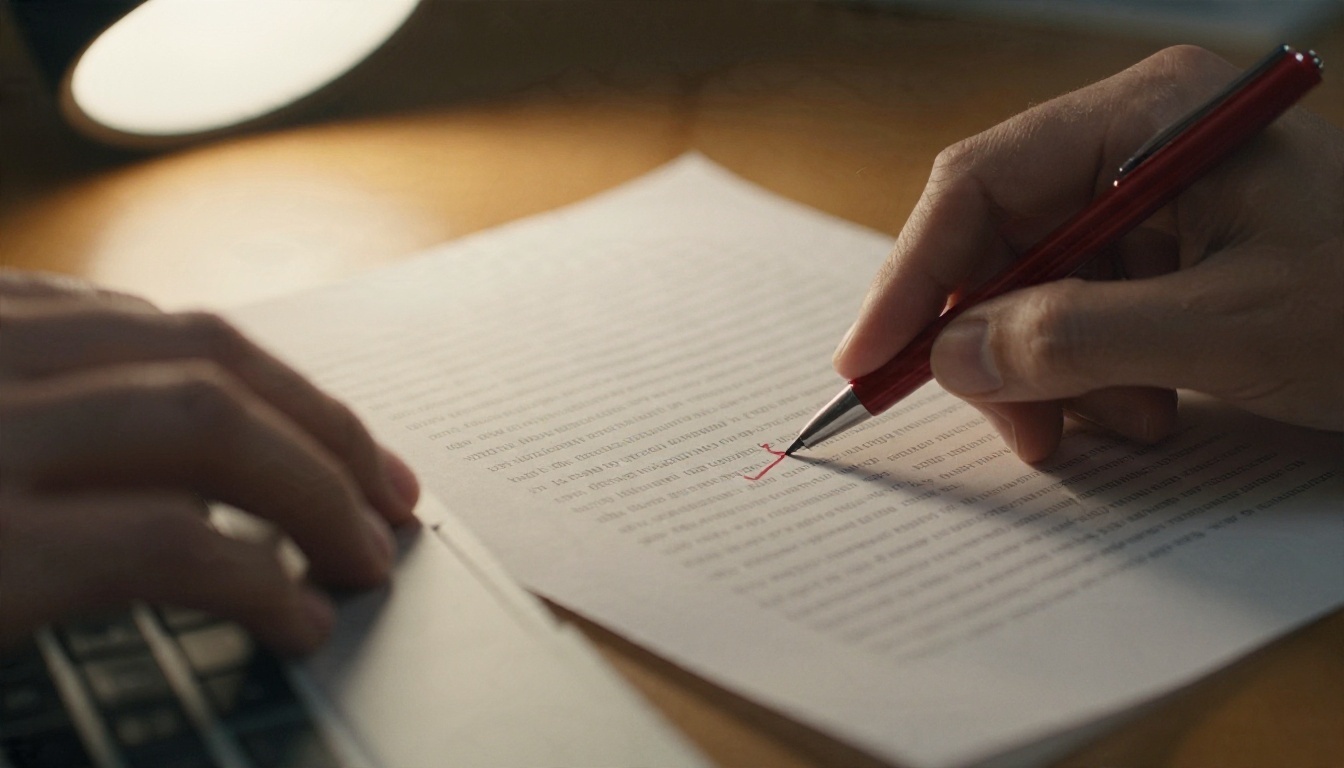
With one speaker, a decent microphone, and a quiet room, the best tools land around 2 to 5 percent word error. That is roughly one wrong word every twenty to fifty. Most of those errors are small: a missing "the," a homophone, a number written as words instead of digits. A quick read through fixes them.
Noisy Cafes and Crowded Rooms
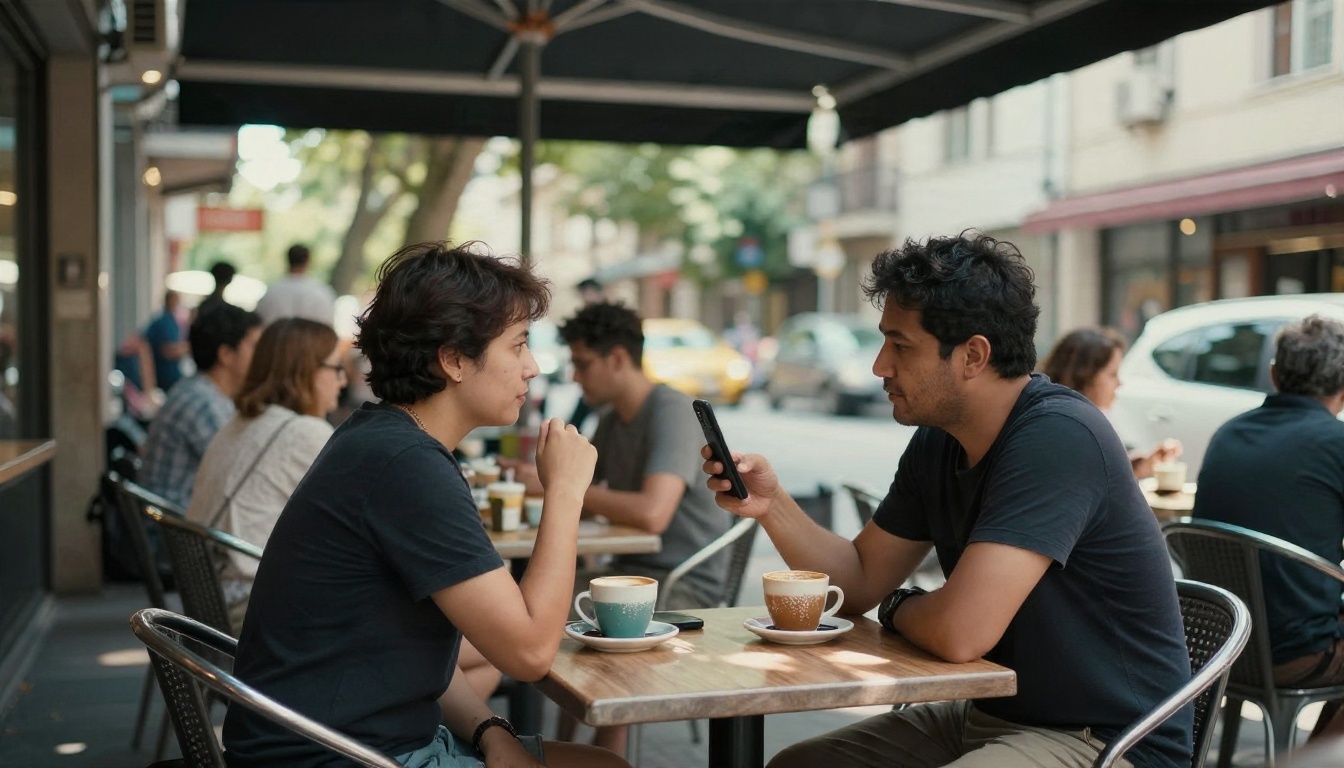
Background noise is the great equalizer. Reports on real multi speaker podcast style audio put out of the box error rates in the 8 to 15 percent range across the major tools. That means a noticeable mistake every ten words or so in the worst stretches.
Three fixes help more than switching tools:
- Put the recorder close to the speaker, within 30 cm if possible.
- Record in a quieter spot, even a parked car beats an open cafe.
- Avoid people talking over each other. Overlapping speech confuses every model.
Accents and Jargon
Models trained mostly on North American and British English do best there. Strong regional accents, code switching between languages, and heavy technical vocabulary all push errors up. Medical terms, brand names, and unusual surnames are the usual casualties.
💡 Tip: many hosted models accept a short prompt or word list. Feed it names and terms that will appear in the recording, and it will spell them correctly far more often.
Limits You Should Know
Speaker Labels Are Shaky
Telling who said what is a separate task from turning speech into words, and it is harder. Some tools label speakers well on two person interviews and fall apart with five people in a room. If speaker attribution matters, such as in minutes or legal records, plan to check every label by ear.
Privacy and Sensitive Audio
Hosted tools send your audio to a server. For a casual podcast that is no problem. For legal consultations, medical sessions, or confidential business talks, read the data policy first, or run an open source model locally so the file never leaves your machine.
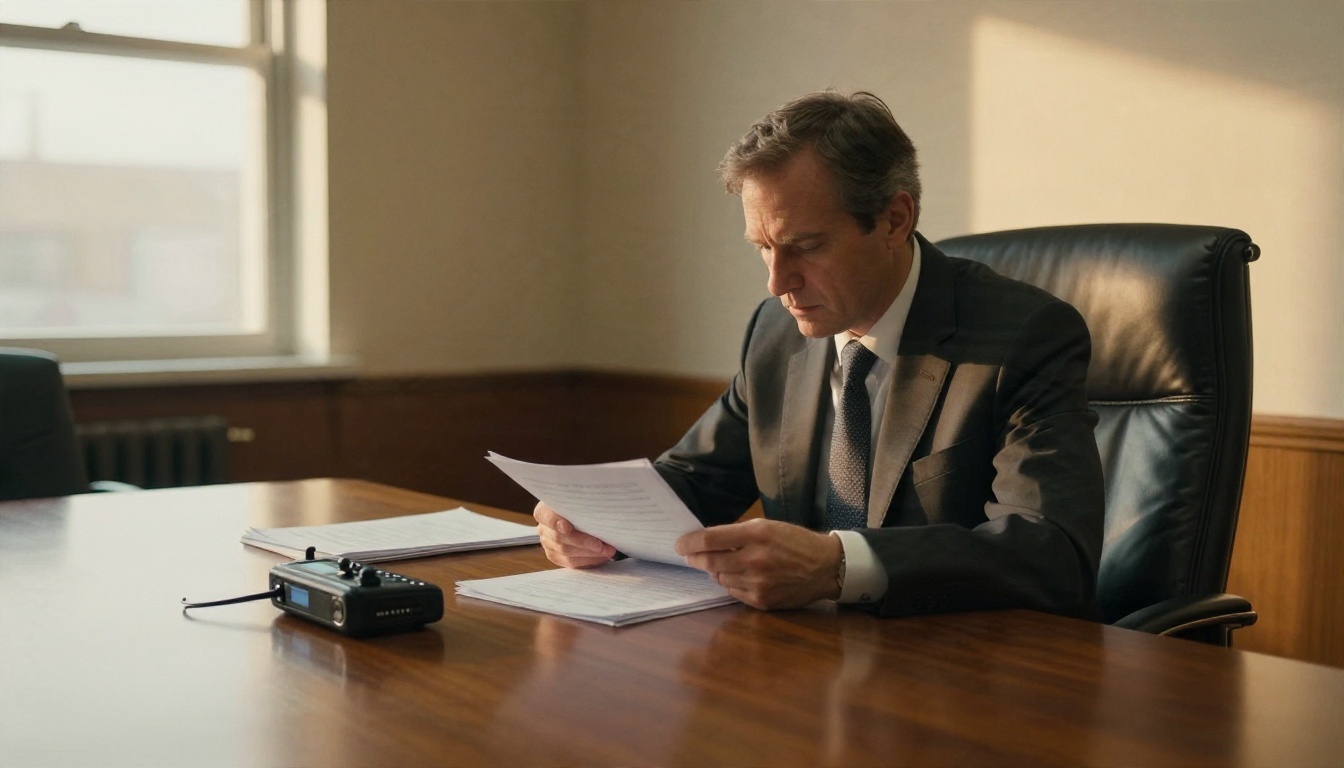
Also check consent. In many places, recording a conversation requires everyone's agreement, and a transcript does not change that.
Invented Words and Silence
This is the strangest limit. During long silences or music, some models produce text that nobody said, a phrase like "thanks for watching" appearing from nowhere. Whisper style models are known for it. Trim long silent gaps before upload, and skim the transcript at any spot where the audio was quiet.
File Size and Length Caps
Most hosted services cap file size or duration. A two hour recording may need splitting into chunks. Splitting at natural pauses, not mid sentence, keeps the text clean.
How to Use GPT 4o Transcribe
GPT 4o Transcribe on PicassoIA runs in the browser, so there is nothing to install. It is a solid starting point when you want high accuracy without touching a command line.
Step by Step
- Open the model page and find the audio upload field.
- Upload your file. Common formats like MP3, WAV, and M4A are the safest picks.
- If the page offers a language setting, choose the spoken language instead of leaving it on automatic, which reduces wrong guesses on short clips.
- If there is a prompt or context field, add names, product terms, and acronyms that appear in the audio.
- Run the model and wait for the text to appear.
- Copy the transcript out and read it once while the audio plays at 1.25x speed.
Settings That Matter
| Setting | Tip |
|---|
| Audio format | Use a clean MP3 or WAV, avoid heavily compressed clips |
| Language | Set it manually for non English audio |
| Context prompt | List rare names and terms |
| File length | Split recordings over an hour into chunks |
For lighter work like short voice memos, GPT 4o Mini Transcribe is a sensible choice. For long recordings where you also want the content condensed, Gemini 3 Pro is worth a test.
Clean Up the Transcript
A raw transcript is a first draft. A few minutes of cleanup makes it usable.
- Fix names first. Search for the three or four proper nouns that matter and correct them everywhere.
- Add paragraph breaks at topic changes so the text is readable.
- Mark unclear spots with a timestamp so you can recheck them later.
- Run a summary pass. A language model such as Claude Sonnet 5 can turn a long transcript into bullet points, action items, or a clean article draft. Always check the summary against the original text, since summaries can drop details.
Need the opposite direction? You can turn a finished script back into audio with a text to speech model such as Realtime TTS 2, or translate a video into other languages with Dubbing.
Try It on Your Own Audio
The honest summary: AI transcription is excellent on clear recordings, decent on messy ones, and still needs a human read before anything important gets published or filed. Free options like Whisper and app tiers cover plenty of casual use. Hosted models earn their place when you want accuracy fast and do not want to manage software.
The best way to judge is to try it. Grab a two minute clip from your own life, a voice memo, a lecture, a meeting, and run it through GPT 4o Transcribe, GPT 4o Mini Transcribe, and Gemini 3 Pro. Compare the results line by line. Picasso IA puts all three in one place, so you can see which one handles your accent, your microphone, and your vocabulary best. Browse the full model list at picassoia.com/en/all-models and start experimenting with your own recordings today.


