Most people searching for AI uncensored videos hit the same three walls: a free plan that dies after two clips, a "no filter" site that turns out to be a watermark factory, and a generator that cuts every clip at four seconds. This article sorts that mess out. You will see which free generators are worth opening, how long a single clip can really run on each model, and eight prompt examples you can paste and adapt today.
One thing up front. The results here are non-explicit: swimwear, glamour, boudoir lighting, evening wear, artistic and cinematic. That is where the best AI video models perform reliably, and it is also where most of the real demand sits.
What "Uncensored" Really Means
The word gets thrown around loosely, so it helps to pin it down before you spend a single credit.
Filters Versus Policy
Every big video model ships with some kind of moderation layer. A few tools tighten it until a woman in a swimsuit gets rejected as "unsafe". Others leave it loose enough that bikinis, lingerie-style fashion, sheer fabrics and sensual lighting pass without friction. When people say "uncensored", they usually mean the second group: a generator that does not refuse ordinary adult-oriented aesthetics.
It does not mean a tool with no rules at all. Anything that promises zero limits is either lying or running on borrowed infrastructure that will vanish within a month. Treat the label as marketing and judge each tool by what it actually accepts.
What Stays Off the Table
Even on the most permissive platforms, a few things remain out of bounds: explicit pornographic content, anyone under 18, and real people shown without their consent. Do not build videos around the face of a real person who has not agreed to it. That line protects them, and it protects you from account bans and legal trouble.
💡 Quick test: run the same swimwear prompt on three generators. The one that returns a clean clip on the first try, with no "content flagged" message, is the one to keep in your rotation.
Free Generators Worth Your Time
Free is a spectrum. Some tools give you a handful of credits and a watermark. Others give you real, repeatable output. Here is how the options on PicassoIA look.
Seedance 2.5 Lite
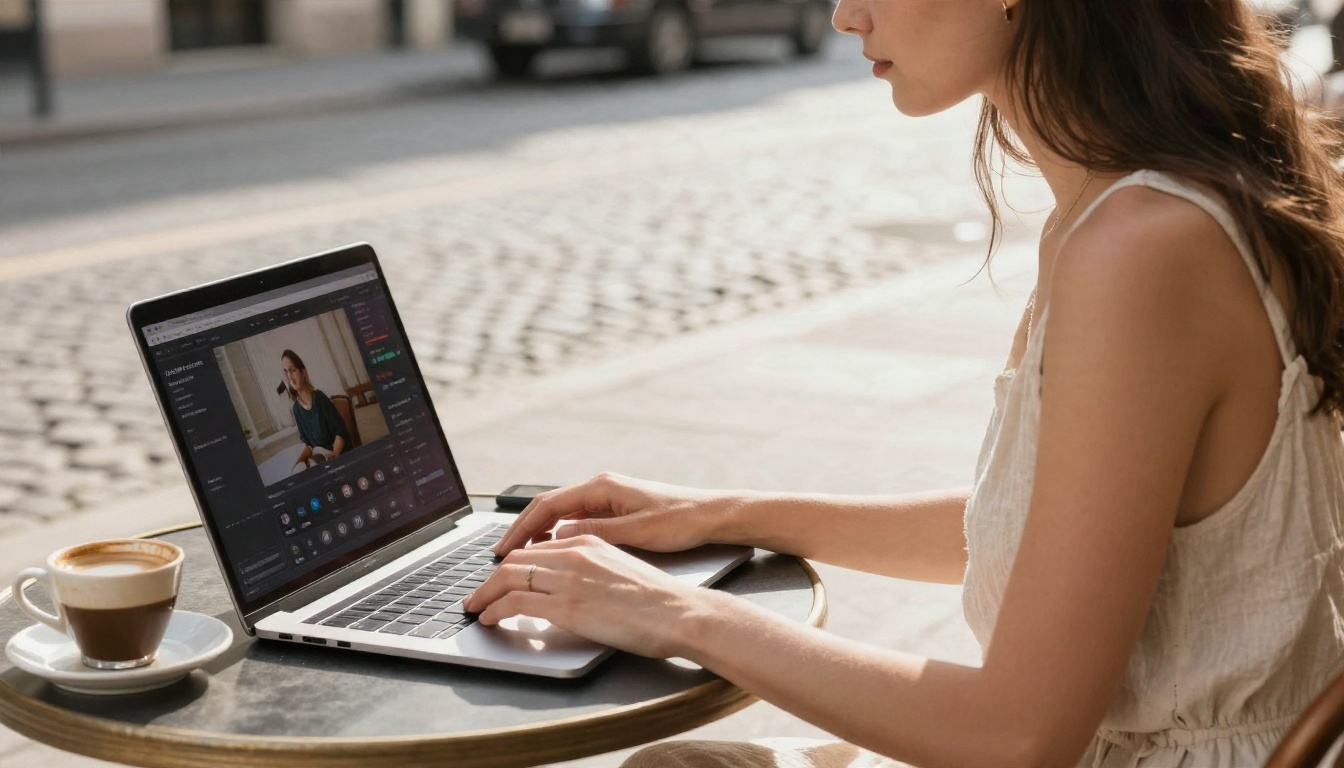
Seedance 2.5 Lite is the most interesting free option right now: a free and unlimited generator that produces clips up to 10 seconds. For swimwear, glamour and fashion motion, it handles skin, fabric and hair movement well, and it follows camera direction closely. If you only try one tool from this article, start here.
PicassoIA Video
PicassoIA Video is a free, unlimited generator that takes either text or a still image. The image route matters most. You control the first frame exactly, so the model only has to add motion instead of inventing the whole scene. That gives you fewer surprises and far fewer wasted generations.
The Catches on Other Free Tiers
Across the wider market, free plans almost always limit one of four things: daily credits, clip length, resolution, or a watermark. Typical free clips run 4 to 10 seconds, and some tools allow only 3 to 6. A "free" site that lets you keep only the preview is not free in any useful sense.
| Free tier limit | What it looks like | How to work around it |
|---|
| Daily credits | 3 to 5 clips per day | Use an unlimited generator for drafts |
| Short clips | 3 to 6 seconds | Chain clips from the last frame |
| Watermark | Logo across the frame | Pick a tool without one |
| Low resolution | 480p exports | Upscale with a super resolution model |
Length Limits by Model
Clip length decides what kind of video you can make. Five seconds is a loop or a moment. Fifteen is a mini scene. Thirty is a short story.
Typical Caps Today
Figures change fast, and providers update them without much notice, so treat this table as a snapshot of single-generation limits as of late 2026.
| Model | Approximate single-clip length | Best for |
|---|
| Seedance 2.5 Lite | Up to 10 seconds | Free drafts and social clips |
| Seedance 2.5 | Up to 30 seconds | Longer scenes with continuity |
| Wan 3 | Up to 30 seconds | Cinematic motion and camera work |
| PixVerse v6 | Up to 15 seconds | Stylish short scenes with audio |
| Kling v2.5 Turbo Pro | Around 5 to 10 seconds | Smooth, realistic body motion |
| Veo 3.1 Fast | Short clips with native audio | Dialogue and ambient sound |
Longer is not automatically better. A 30-second clip gives the model more time to drift: faces change slightly, outfits shift, backgrounds melt. A tight 5 to 10 second clip with a strong first frame often looks better than a long one that wanders.
How to Stretch a Short Clip
If your favorite tool stops at 5 or 10 seconds, you can still build something longer.
- Generate clip one from your starting image.
- Grab the last frame of that clip and use it as the first frame of clip two.
- Repeat until the scene reaches the length you want.
- Cut the clips together in any editor, and add a one-frame crossfade if the join is visible.
Keep the same wording for lighting and outfit in every prompt. Changing even one adjective, such as "red swimsuit" to "crimson swimsuit", can shift the look between segments.
Build Better First Frames
The single biggest quality jump comes before you touch a video model. A great still makes a great clip. A weak still makes every clip weak, no matter how expensive the generator.
Start With Seedream 4.5
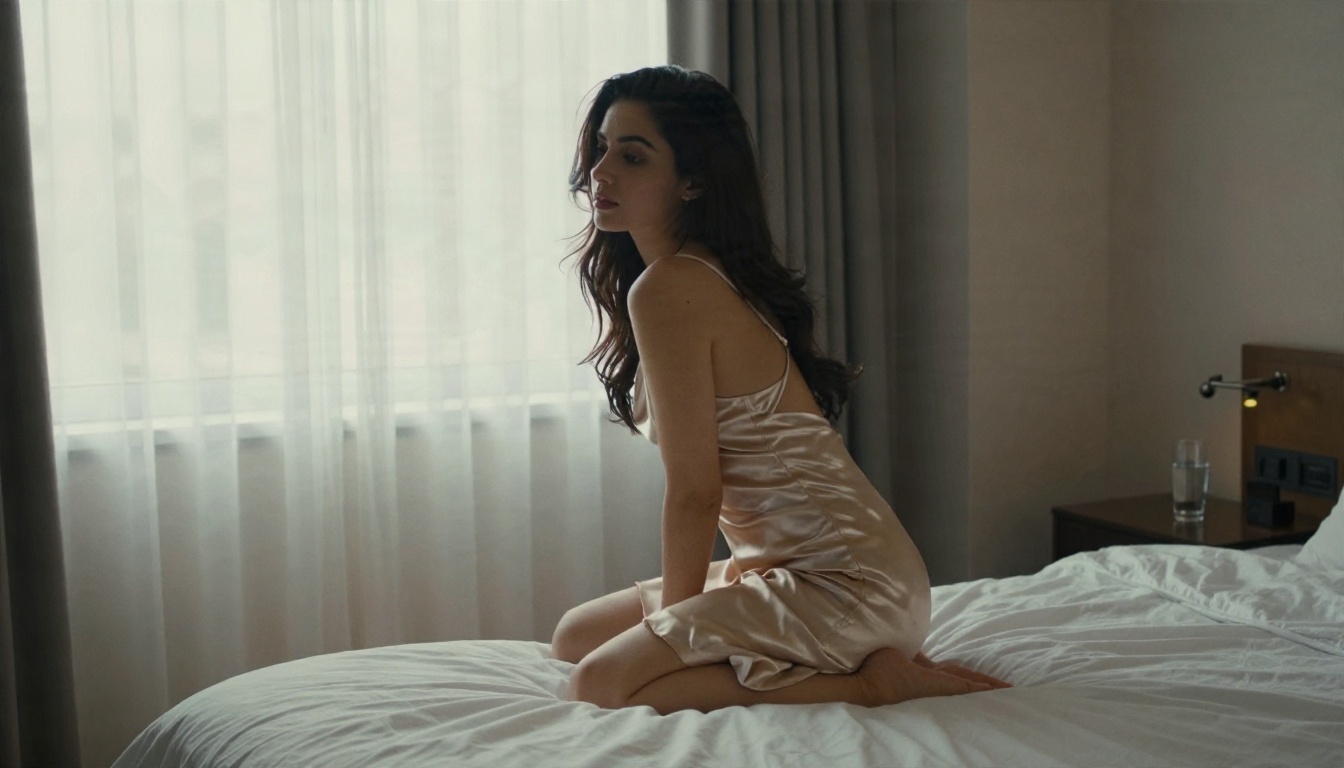
Seedream 4.5 is the first model to reach for when the subject is glamour, swimwear or boudoir styling. It produces detailed skin texture, believable fabric and clean lighting, and it accepts adult-oriented aesthetics that stricter models refuse. Generate several stills, pick the strongest, and carry that image into video.
💡 Tip: write the still prompt like a photographer. Name the lens, the light direction and the time of day. "85mm f/1.8, golden hour from behind, rim light on hair" gives the video model far more to work with than "pretty woman on beach".
Refine in Image Editor Pro
PicassoIA Image Editor Pro gives you unlimited generations, which makes it ideal for iteration. Fix a hand, change the outfit color, soften a shadow or swap the background, then export the final frame. Because it is unlimited and fast, you can polish ten versions of a first frame without watching a credit counter.

A simple workflow that works:
- Generate 4 to 8 stills in Seedream 4.5.
- Pick one and refine it in Image Editor Pro.
- Send the polished image into an image-to-video model.
- Upscale the finished clip if you need sharper output.
For image-to-video, Wan 2.7 I2V, Wan 2.5 I2V Fast and Hailuo 2.3 Fast are all solid at turning a single photo into motion. For a quick starting point you can also try P Video Animate.
How to Write Prompts for Motion
Video prompts fail for one reason more than any other: they describe a picture instead of an action.
The Four-Part Formula
Use this structure and you will waste far fewer generations:
- Subject and starting pose. Who is in frame and what are they doing at second zero.
- Motion over time. What changes across the clip: a turn, a step, a smile, hair moving in the wind.
- Camera movement. Slow dolly in, gentle pan left, handheld follow, static locked shot.
- Light and atmosphere. Golden hour, soft window light, humid midday sun, blue hour.
Words That Help and Words That Hurt
| Helps | Hurts |
|---|
| "slow", "gentle", "subtle" | "fast", "crazy", "extreme" |
| One clear action | Five actions at once |
| "natural skin texture" | "perfect flawless skin" |
| "handheld, shallow depth of field" | "cinematic masterpiece 8K ultra" |
| Specific fabric: "satin", "linen" | Vague: "nice dress" |
Stacked hype words rarely help. Calm, specific, physical language does.
8 Prompt Examples You Can Copy
Each example below is built to be non-explicit, glamorous and cinematic. Swap the colors, locations and outfits to make them your own.
Swimwear and Water
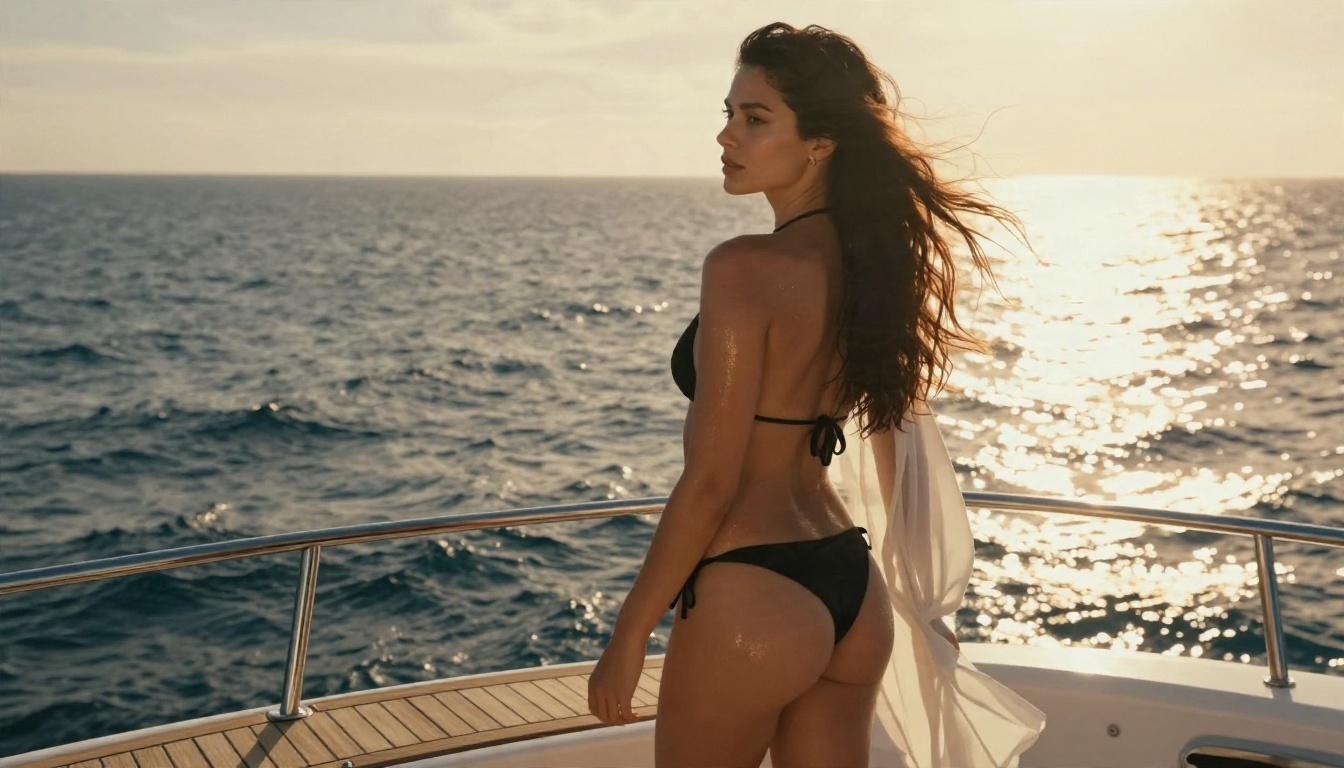
1. Yacht at golden hour
A woman in a black bikini and a sheer white wrap stands on a teak yacht deck. She turns her head slowly over her shoulder toward the horizon as the sea breeze lifts her hair. Slow dolly in from a low angle, warm sun behind her creating rim light, soft film grain.
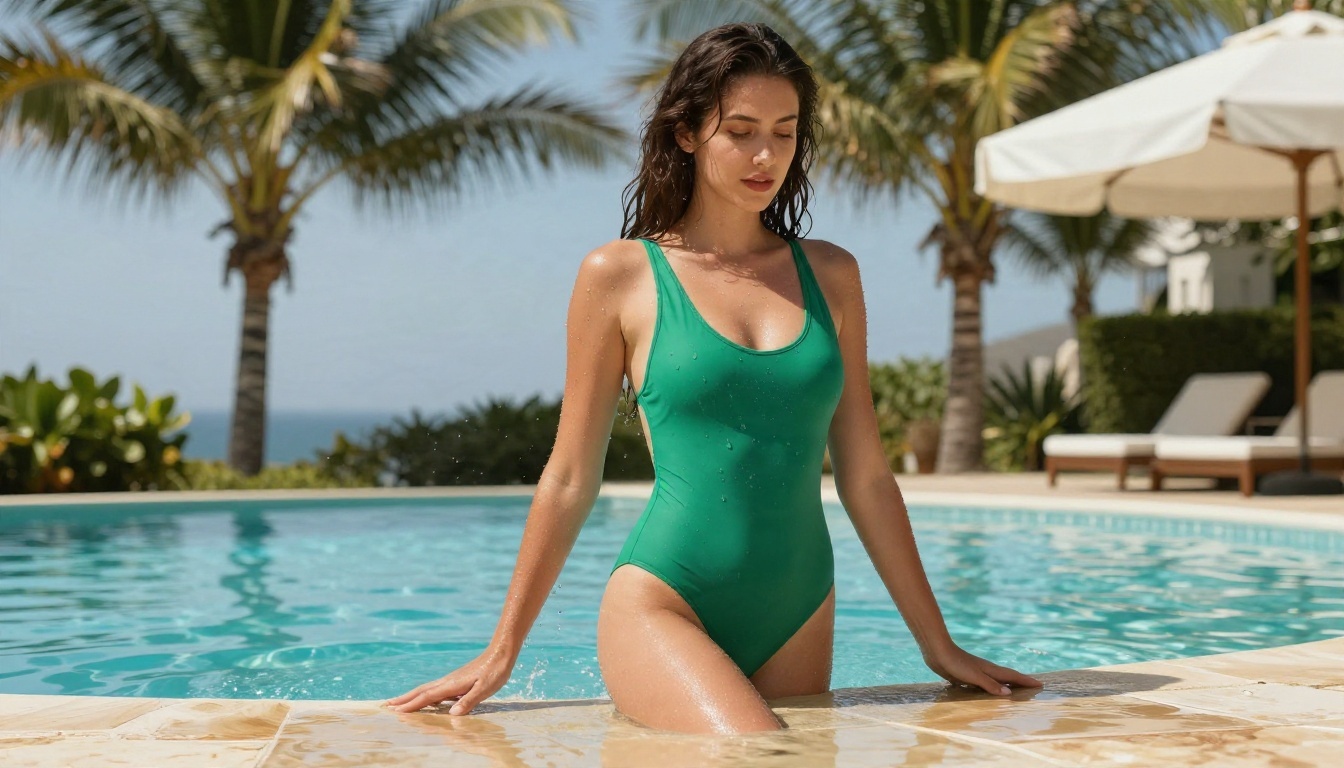
2. Infinity pool exit
A woman in an emerald one-piece swimsuit climbs out of an infinity pool, water running down her shoulders. She walks two slow steps along warm stone tiles. Static camera at eye level, midday sun softened by a white umbrella, realistic water droplets.
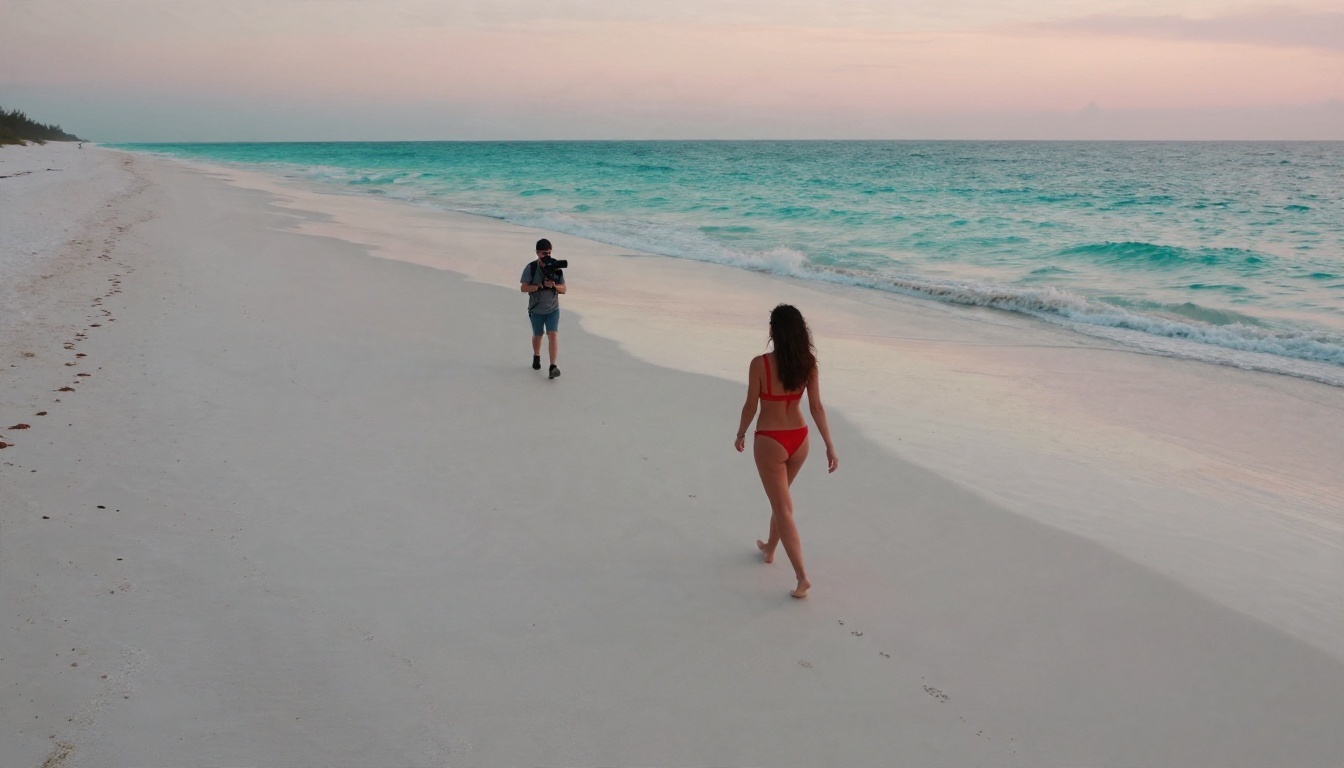
3. Sunrise beach walk
A woman in a red bikini walks along a deserted white sand beach as small waves reach her ankles. Handheld gimbal follow shot from behind, then a gentle drift to her side profile. Soft pink and orange sunrise light, long shadows on wet sand.
Glamour and Boudoir
4. Hotel window morning
A woman in a champagne silk slip dress sits on the edge of a bed beside a tall window. Sheer curtains drift in a light breeze as she brushes hair back from her face. Slow push in from a slight high angle, soft diffused morning light, rumpled white linen.
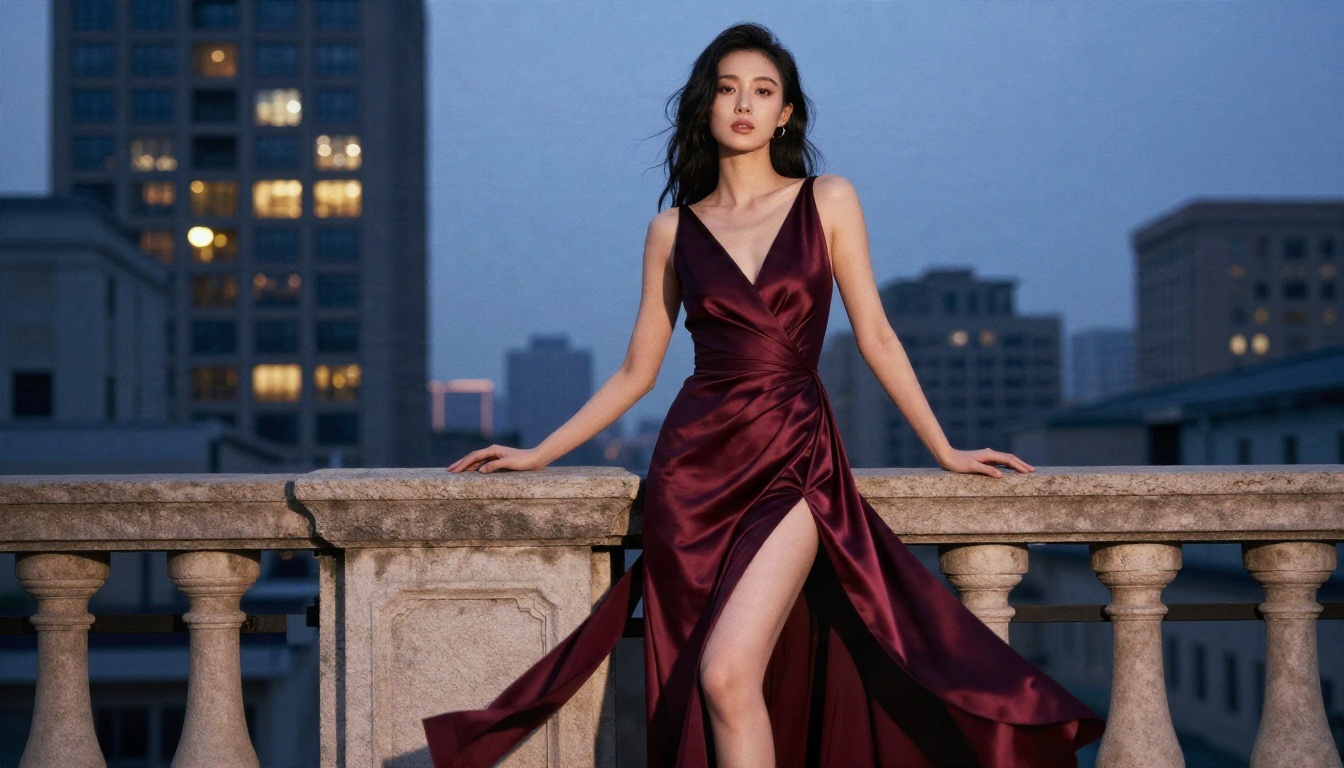
5. Balcony at dusk
A woman in a burgundy satin gown with a high slit rests one hand on a stone balcony railing. She shifts her weight and the fabric flows around her legs. Low angle, slow upward tilt, blue hour sky, warm city windows glowing behind her.
6. Vanity mirror
A woman in a lace-trimmed robe sits at a vintage vanity and applies lipstick, glancing at her reflection and then at the camera. Locked shot, shallow depth of field, warm bulbs around the mirror, gentle skin highlights.
Fashion and Lifestyle
7. Rooftop editorial
A model in a tailored white blazer worn without a shirt walks toward the camera along a rooftop at sunset, wind catching the lapels. Slow backward tracking shot, 85mm look, golden light from the left.
8. Desert road trip
A woman in denim shorts and a knotted shirt leans against a vintage convertible on an empty desert road, pushing sunglasses up into her hair. Slow orbit around the car, dry heat haze, long afternoon light.
💡 Reuse trick: keep one favorite prompt and change only the location. The motion and camera language stay consistent, so you get a reliable result and a faster edit.
Common Mistakes to Avoid
Asking for Too Much in One Clip
A five-second clip holds one idea. If your prompt includes walking, turning, laughing, dancing and changing clothes, the model blends them into a smear. One action per clip, then stitch.
Skipping the First Frame
Text-to-video works, but image-to-video gives you control. If the face, outfit or pose matters, start from a still you already approved.
Ignoring Resolution
Many free clips export at 480p or 720p. If you plan to post anywhere sharp, plan an upscale step with a super resolution or video enhancement model at the end.
Trusting Every "No Filter" Site
If a site demands your card before showing a sample, hides its pricing, or watermarks the free export, move on. A free tool that lets you test quality before paying is the one worth your time.
Mixing Sources Without Consent
Do not feed in photos of real people who have not agreed. Stick to fictional subjects and models you generate yourself, and your account stays safe.
Try It Yourself on PicassoIA
You now have the pieces: a free unlimited generator in Seedance 2.5 Lite, a reliable still model in Seedream 4.5, unlimited editing in PicassoIA Image Editor Pro, and a bank of prompts to copy.
Here is a ten-minute test run:
- Open Seedream 4.5 and generate a swimwear or fashion still from example 1 or 4.
- Polish the image in Image Editor Pro until the pose and light feel right.
- Open PicassoIA Video or Seedance 2.5 Lite and upload that still.
- Paste the motion part of the prompt and generate.
- If you want more than ten seconds, move to Seedance 2.5 or chain clips from the last frame.
Pick one prompt from the list, run it tonight, and compare the result with what you get on any other site. Then browse the rest of the catalog at picassoia.com/en/all-models and try a different model on the same still. Seeing the same image move four different ways is the fastest route to your own style.


