Type "AI video 18+" into a search bar and you will land in a mess of sketchy sites, fake "free" trials and tools that watermark everything or vanish after one clip. Meanwhile, what most adult creators actually want is simple: a good-looking, suggestive, professional clip made from a prompt or a single photo, without paying per second and without fighting a filter that blocks a bikini shot. This article sorts the noise out. You will see which kinds of free generators are worth your time, how to build prompts that produce glamour motion, ten examples you can copy today, and the rules that keep your work on the right side of the line.
One note before we start: everything here is about non-explicit, adult-oriented glamour. Think swimwear, lingerie-style fashion, boudoir lighting, silk, sunsets and slow camera moves. Nothing pornographic, nothing involving minors, nothing that copies a real person without consent.
What AI Video 18+ Really Means
The label sounds bigger than it is. In practice, "18+" covers a range of content, and where you sit on that range decides which tools you can use.
Suggestive Is Not Explicit
There is a wide gap between a glamour clip of a woman in a satin robe and explicit material. Most mainstream platforms block anything that leans adult, even a beach scene in a bikini. Adult creators want the middle ground: beautiful, sensual, tasteful, and publishable on social platforms, fan sites and portfolios.
That middle ground is exactly where AI video works best. Models are good at fabric movement, hair in wind, soft light on skin and slow, confident camera moves. They struggle most with fast, complicated physical interaction, which is also the content you should be avoiding anyway.
Why Searches Keep Growing
Three reasons stand out:
- Cost: a traditional glamour shoot needs a model, a photographer, a location and a permit. A prompt costs nothing.
- Control: you choose the wardrobe, the location, the light and the mood.
- Speed: a ten-second clip takes minutes, not days of editing.
💡 Tip: The best adult AI video starts as a great still image. Spend 80 percent of your effort on the first frame and the motion prompt becomes easy.
Free Generators That Actually Work
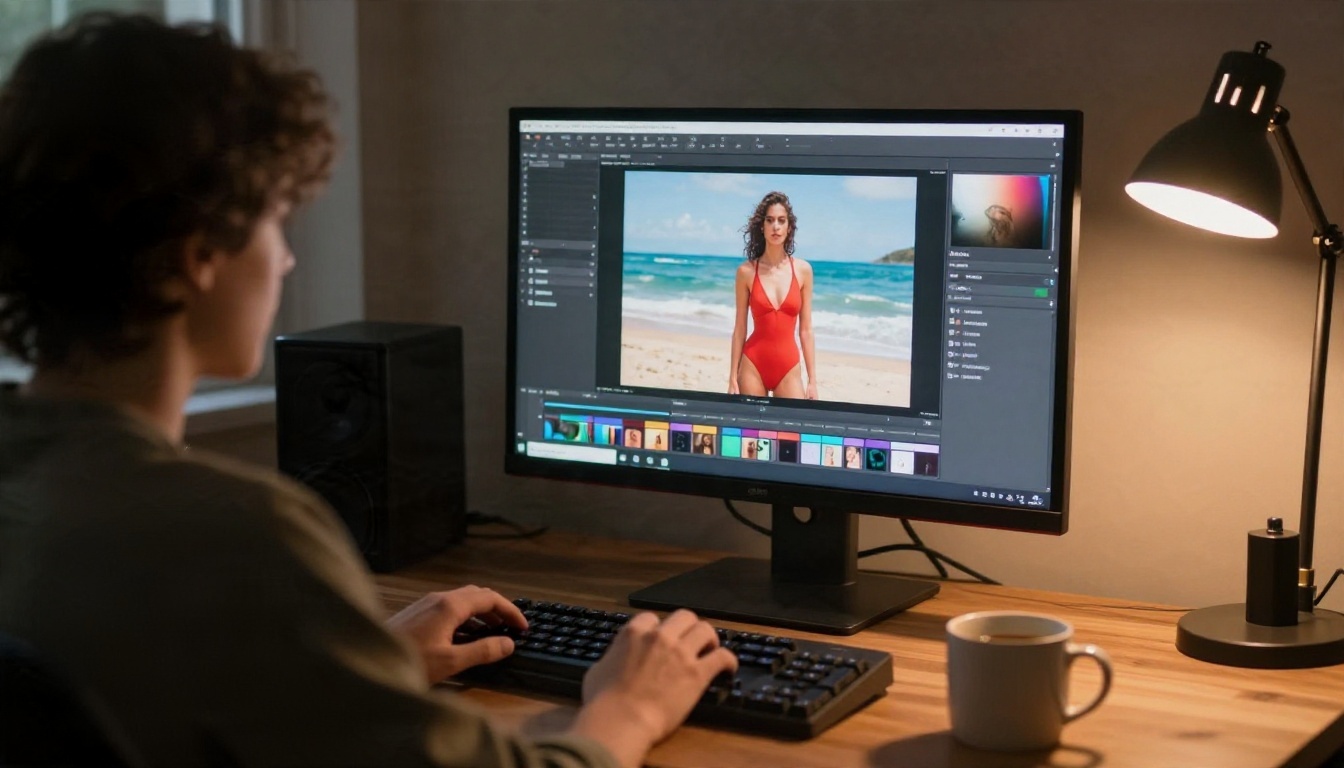
Most "free" tools fall into three traps: heavy watermarks, tiny daily limits, or filters so strict that a swimsuit prompt is refused. The setup below avoids all three by splitting the job into image, edit, animate.
Start With a Strong Still
The still image decides everything: face, outfit, location, lighting. Seedream 4.5 is the first model to try. It produces sharp, photorealistic 4K images from text, handles skin texture and fabric well, and is permissive enough for adult-oriented glamour such as swimwear, boudoir and fashion portraits. Because the image is the first frame of your video, quality here carries straight into the motion.
Prompt tips for the still:
- Name the camera and lens (85mm f/1.8 for portraits, 35mm for lifestyle).
- Describe the light direction (golden window light from the left, low sun backlight).
- Mention textures: satin sheen, lace weave, water droplets, sand.
- State the age clearly as adult and keep the framing tasteful.
Edit Without Limits
Almost nobody gets a perfect frame on the first try. The PicassoIA Image Editor Pro fixes that. It offers unlimited generations, so you can change an outfit, swap a background, adjust the lighting or correct a hand without watching a credit counter. It is also fast, which matters when you are iterating ten or twenty times on one scene.
A typical edit chain looks like this:
- Generate the base portrait in Seedream 4.5.
- Open it in Image Editor Pro and change the wardrobe color.
- Adjust the background from a hotel room to a terrace.
- Export the final frame for animation.
Animate With a Video Model
Once you have a finished frame, send it to an image-to-video model. Here is how the options on PicassoIA compare for glamour work:
| Model | Best for | Strength | Watch out for |
|---|
| Seedance 2.5 Lite | Free, unlimited tests | Clips up to 10 seconds, no per-clip cost | Fewer fine details than the full model |
| Seedance 2.5 | Longer scenes | Up to 30 seconds, strong motion | Takes longer to render |
| Wan 3 | Cinematic look | Smooth, film-like camera moves | Needs clear motion prompts |
| Wan 3 Prime | Final 1080p delivery | Sharp, polished output | Use after testing on a lighter model |
| Hailuo 2.3 Fast | Quick photo animation | Fast turnaround from a still | Short, simple movement works best |
| Kling v1.5 Pro | Natural body motion | Believable walking and turning | Keep prompts specific |
| Veo 3.1 Fast | Clips with audio | Native sound and 1080p | Stricter content handling on some prompts |
| LTX 2.5 Fast | Rapid drafts | Very fast generation | Lower detail on skin and fabric |
💡 Tip: Test your idea on Seedance 2.5 Lite first because it is free and unlimited. When the motion looks right, re-run the same prompt on Wan 3 Prime for the final version.
Prompts That Produce Glamour Motion
Prompt quality separates a flat, jittery clip from something that looks like a fashion film. Motion prompts follow different rules from image prompts.
The Four Part Formula
Use this structure every time:
- Subject and starting pose: who is in frame and what she is doing at second zero.
- Motion over time: what changes across the five or ten seconds.
- Camera movement: slow dolly in, gentle pan, low tracking shot.
- Light and atmosphere: golden hour, soft window light, warm lamp glow.
Keep the movement small and believable. A turn of the head, a breeze in the hair, fabric settling, a slow step forward. Big, fast actions are where AI video breaks, with warped hands, stretched limbs and flickering faces.
Ten Prompts You Can Copy
Each of these assumes you upload a matching still as the first frame.
- "She sits on a linen daybed, slowly tilts her head toward the window and smiles, curtains drift in a warm breeze, slow dolly in, soft golden morning light."
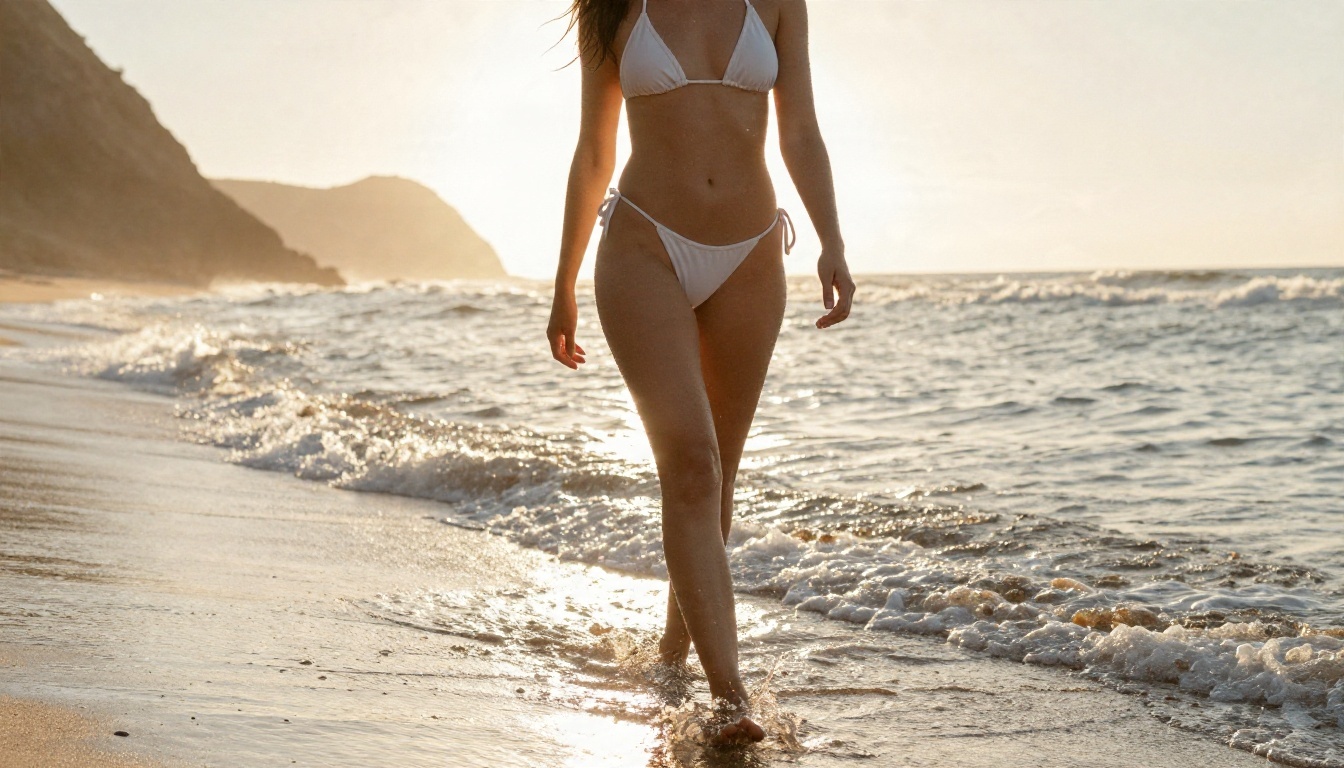
- "She walks along the shoreline at sunset, waves wash around her ankles, hair blowing, low tracking shot from the front, warm rim light."
- "She lifts her chin and glances over her shoulder, velvet drapes behind her, slow push in, moody window light from the left."
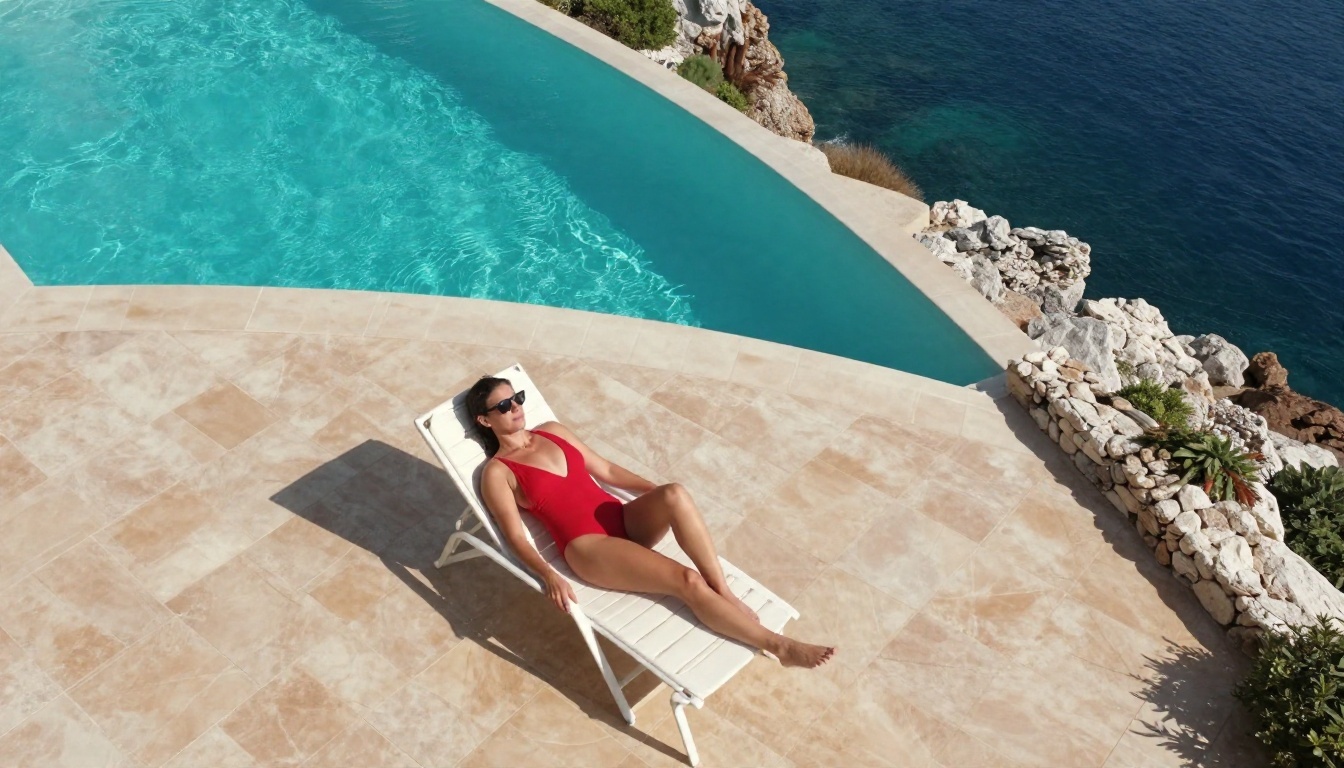
- "She lowers her sunglasses and looks at the camera, water ripples on the pool beside her, aerial drift downward, bright Mediterranean morning."
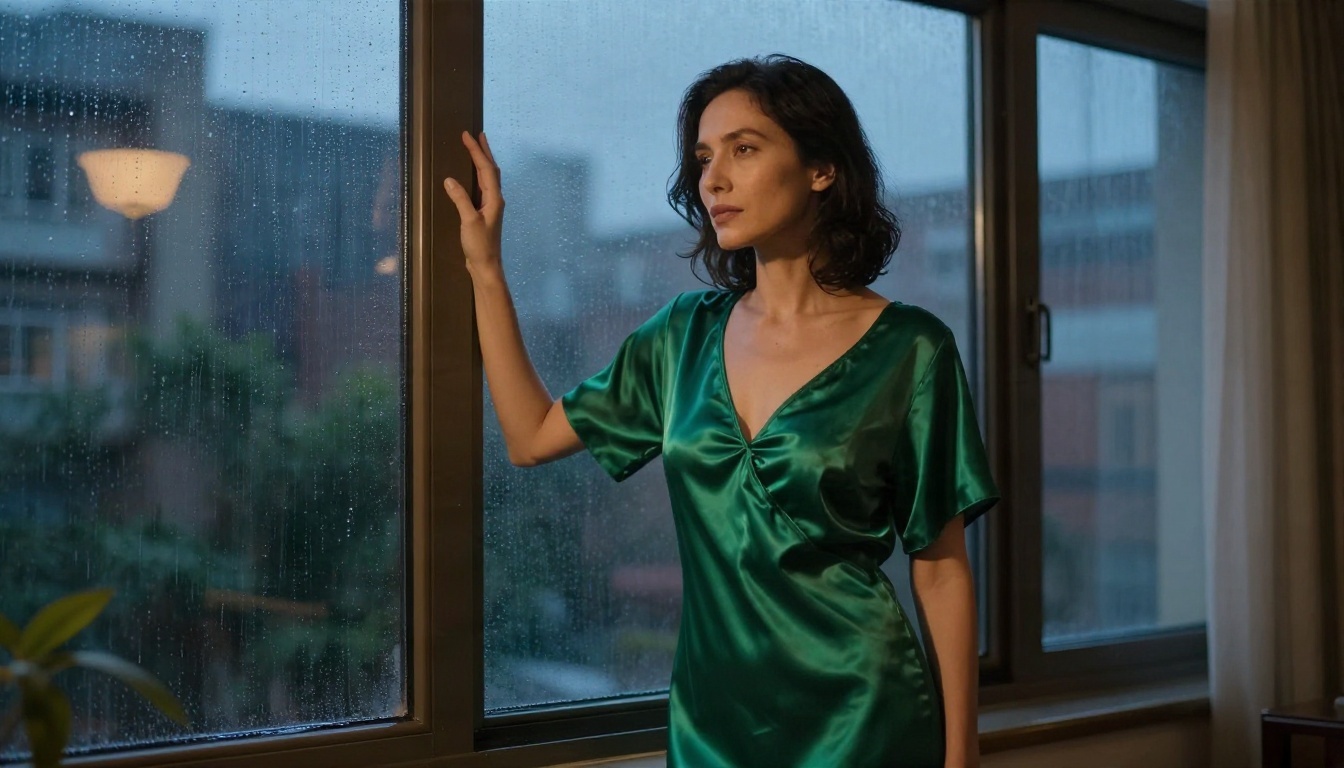
- "She rests a hand on the rain-streaked window, raindrops slide down the glass, camera drifts sideways, warm lamp light mixes with blue dusk."
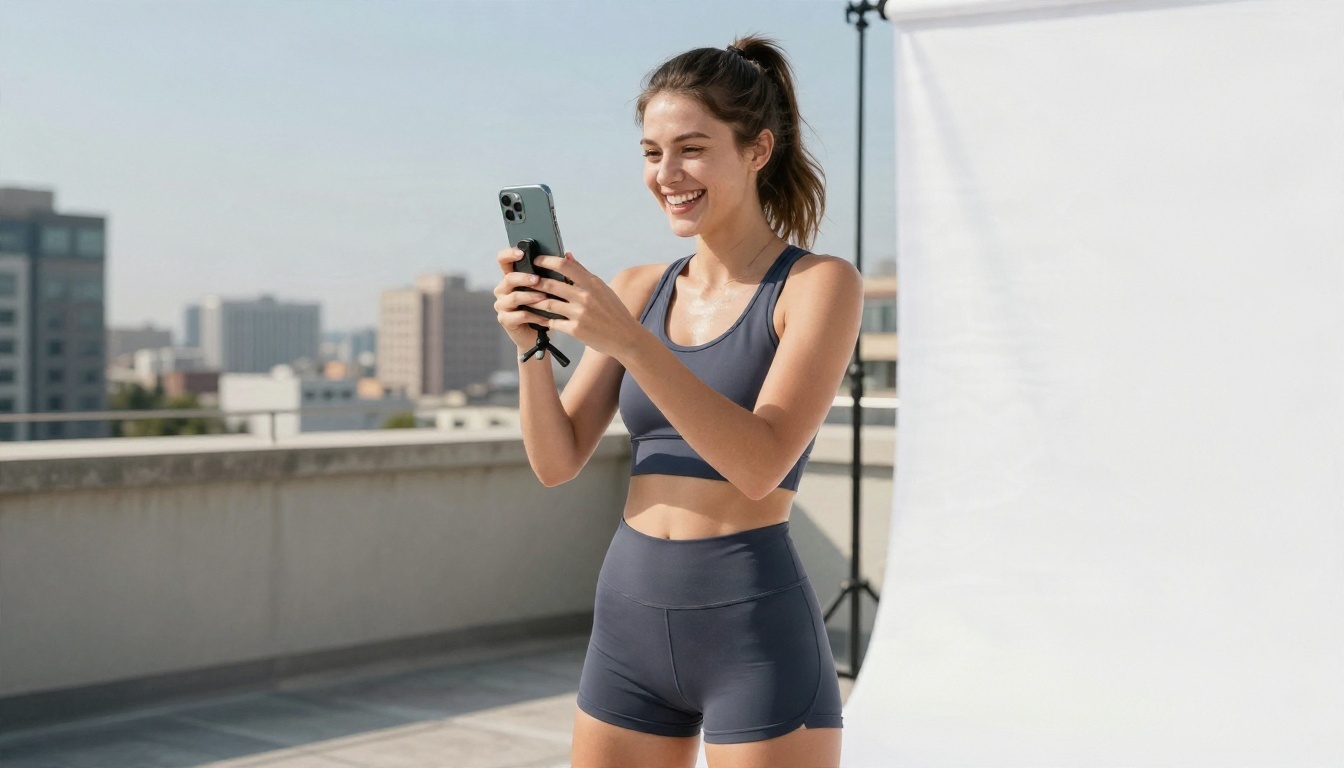
- "She laughs and adjusts her hair, city skyline softly out of focus, handheld feel, bright diffused daylight."
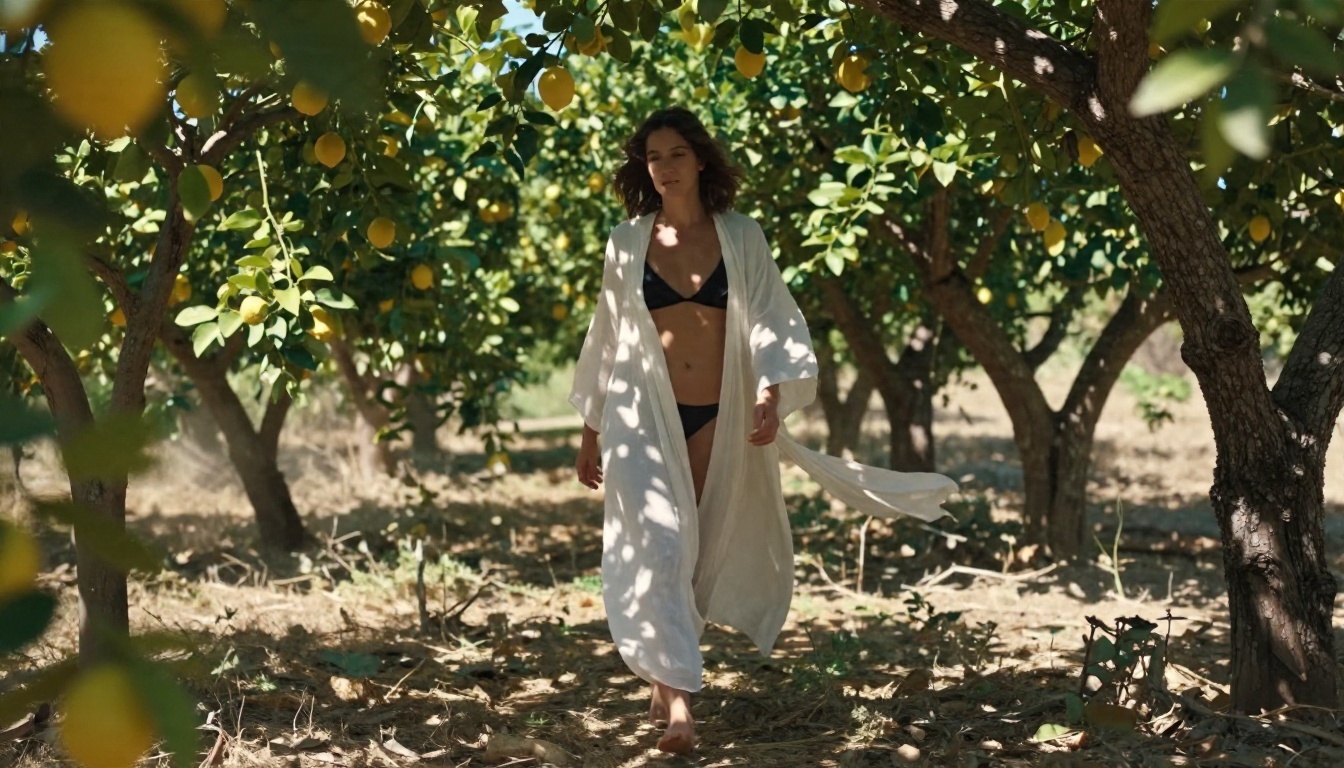
- "She walks through a lemon grove, linen cover-up lifting in the wind, sunbeams flicker through the leaves, slow low tracking shot."
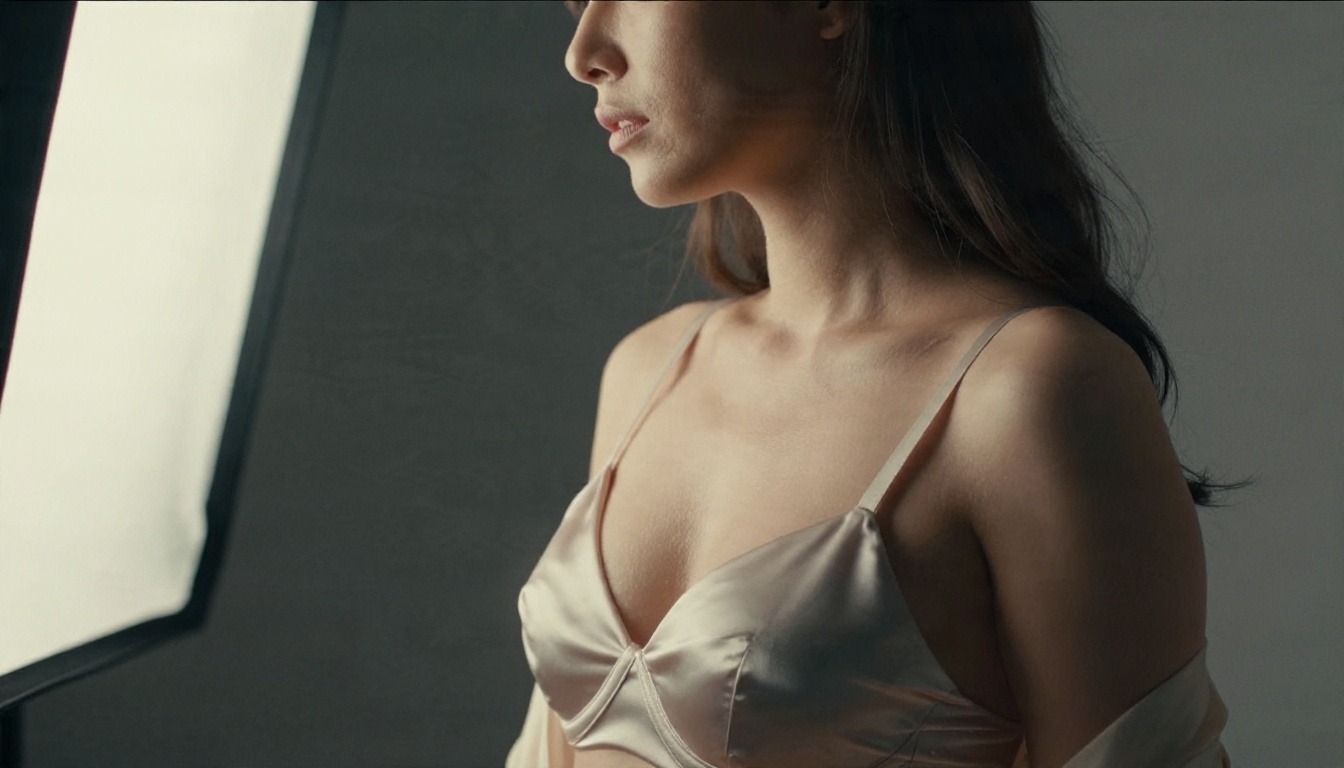
- "She turns slowly toward the softbox, eyes catch the light, very slow zoom in, studio lighting, deep grey backdrop."
- "She stands up from the armchair and walks toward the window, silk robe flowing, camera follows from behind, soft evening light."
- "She stretches her arms overhead and relaxes into the pillows, sheets settle around her, slow overhead drift, early morning glow."
Camera Moves That Look Expensive
| Move | Effect | Best with |
|---|
| Slow dolly in | Intimate, focused | Portraits, boudoir |
| Low tracking shot | Confident, cinematic | Beach and outdoor walks |
| Gentle pan | Reveals the setting | Villa terraces, interiors |
| Slow overhead drift | Editorial feel | Pool and bed scenes |
| Static shot with moving subject | Calm, elegant | Close-ups with hair and fabric motion |
Examples by Scene Type
Here are the scene types that perform best, with the reason each one works.
Beach and Poolside
Swimwear scenes are the most reliable. Water, sun and skin are easy for models to render, and light does half the work. A low sun creates rim light, which hides small flaws and adds depth. Aerial pool shots look especially polished because the wide frame keeps faces small and stable.
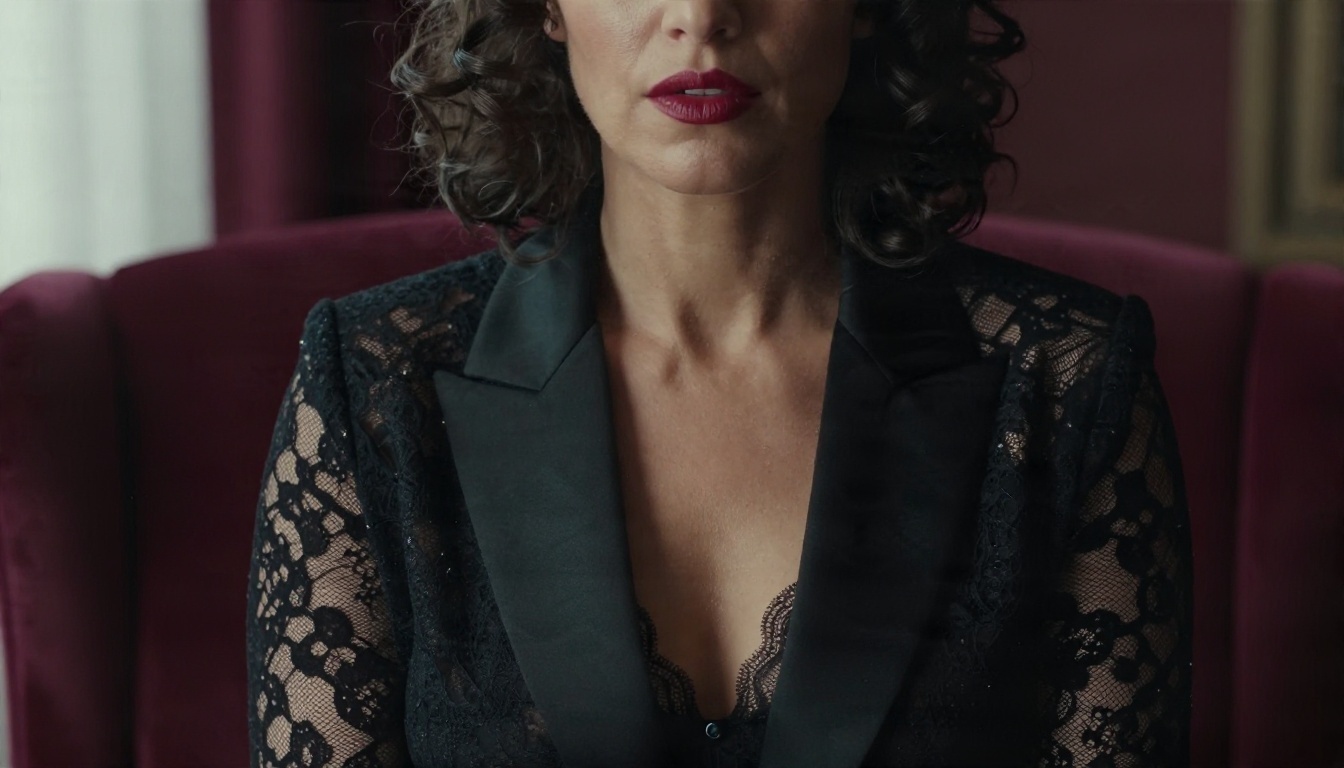
Boudoir and Lingerie Style
Moody interiors, lace, velvet and satin give you a suggestive look without crossing into explicit territory. The trick is controlled light: one window or lamp, deep shadows on one side, a warm color palette. Close-ups work well because the camera barely needs to move. A blink, a breath and a drifting curtain are enough.
Rainy Windows and City Nights
Rain on glass adds natural movement for free. Mix warm indoor light with cool dusk outside, and keep the pose still. The model only needs to animate raindrops and a slight turn of the head.
Casual Creator Content
Not every adult clip needs a fantasy setting. A laughing, candid rooftop moment in a crop top and shorts feels real and works well for social profiles. Handheld energy and natural daylight make it believable.
Step by Step Workflow
Follow this order and you will waste far fewer generations.
Plan the Scene in One Sentence
Write one line: who, where, what light, what mood. For example: "Adult woman, lemon grove, late afternoon sun, relaxed and sunlit." If you cannot say it in one sentence, the prompt will be muddy.
Build the First Frame
Open Seedream 4.5 and generate four or five variations. Pick the one with the best face and the cleanest hands. Then refine it in the PicassoIA Image Editor Pro until the outfit and background are exactly right.
Draft the Motion on a Free Model
Upload the still to Seedance 2.5 Lite, paste your motion prompt and render. Watch for three things: face stability, hand shape and fabric behavior. If any of them fails, shorten the motion instruction rather than adding more detail.
Render the Final Version
When the draft works, choose the final model based on the result you need:
Add the Finishing Touches
Polish the result with a few extra steps. Upscale low-resolution clips, trim the first and last half second where AI tends to wobble, and add music or ambient sound. PicassoIA also lists video enhancement, super resolution and music generation tools, so you can finish the whole project in one place.
Three Common Mistakes
Overloading the Prompt
Long, crowded prompts confuse video models. One subject, one action, one camera move. That is the entire rule. When a clip comes out strange, remove words before you add any.
Skipping the Still Image
Text-to-video can work, but starting from a polished frame gives you far more control over the face, outfit and color. Treat the image as your casting and wardrobe step, and the video as your shoot.
Chasing Fast Action
Dancing, running, spinning and anything with complicated hand movement tends to produce glitches. Slow, graceful motion looks more expensive and more sensual. Restraint is the whole style.
Rules That Keep You Safe
Adult content tools come with real responsibilities. Treat these as non-negotiable:
- Adults only. Every subject must be clearly and unmistakably an adult. No exceptions, no ambiguity.
- No real people without consent. Never recreate a celebrity, an ex or a private person. Create original characters instead.
- Stay non-explicit. Glamour, swimwear and boudoir are the goal. Explicit material is outside what PicassoIA is built for.
- Respect platform rules. Social networks, payment providers and fan sites each have their own limits. Read them before publishing.
- Label AI work. Many platforms now ask for disclosure when content is generated. Add it. Audiences respect honesty.
💡 Tip: Use fictional characters with a consistent look. Reusing the same generated face across scenes builds a recognizable character without borrowing from a real person.
Try It Yourself
The fastest way to see what this workflow can do is to run one scene from start to finish. Pick one of the ten prompts above, create the matching still in Seedream 4.5, adjust it in the PicassoIA Image Editor Pro with unlimited generations, and animate it with Seedance 2.5 Lite. In under half an hour you will have a polished, glamour-style clip made entirely from your own idea.
When you want to compare more options, from video models to upscalers and music tools, browse the full catalog at picassoia.com/en/all-models. Pick a scene, write your first prompt and see how far one good frame can take you.


