A video ad used to mean a camera crew, a location, an editor and a four figure invoice before a single person saw your product. Now a founder with a laptop and a decent prompt can produce a 10 second clip over lunch. That sounds great until you hit the first paywall, the first watermark, or the moment you realize your "free trial" gave you exactly two exports.
This article is about the unglamorous questions that decide whether an AI video ad generator works for your business: what the free trial really includes, what you will pay once it ends, which limits show up first, and what kind of ads you can realistically make today. I will also show where the models on PicassoIA fit, because the pricing logic of a single generation platform is very different from the per ad subscription tools you see advertised everywhere.
💡 Quick answer: Most dedicated ad tools give you a short trial or a handful of credits, lock video behind mid or high tiers, and cap clip length at 5 to 15 seconds. Model platforms usually let you pay per generation instead, which is often cheaper if you make fewer than 30 ads a month.
What an AI Video Ad Generator Does
At its simplest, an AI video ad generator turns a written prompt, a product photo or a reference clip into a short, ready to post video. Some tools bundle a script writer, a voiceover and templates. Others, like the video models on PicassoIA, focus on the raw footage and leave the packaging to you. Both approaches are valid. They just fail in different ways.
The Basic Workflow
Almost every tool follows the same loop:
- Brief: you describe the product, the audience and the mood.
- First frame or prompt: you upload a product photo or write a scene description.
- Generation: the model produces a clip, often with synchronized sound.
- Edit and export: you trim, add a logo, a caption and a call to action.
- Test: you run two or three versions as paid social ads and keep the winner.
The generation step is where the money goes. Everything else is cheap or free, which is why pricing pages are really about how many generations you get.
Who It Suits
The tools make the most sense for small online stores, local service businesses, solo marketers and agencies that need many variations, not one perfect film. If you need a single hero commercial with a famous face and exact brand choreography, a traditional shoot still wins. If you need fifteen hooks to test on a Tuesday, AI wins easily.
Free Trial: What You Really Get
The phrase "free trial" covers a wide range of generosity. Based on recent reviews and pricing pages from 2026, the pattern looks like this: dedicated ad platforms tend to offer a short trial of about a week or a small bundle of credits, and several of them hold back video output unless you are on a higher paid plan. Reports about exact figures disagree between sources, so always check the vendor page on the day you sign up.
Typical Trial Terms
| Trial style | What you usually get | Common catch |
|---|
| Time limited trial | About 5 to 7 days of access | Card required, auto renews |
| Small credit pack | Roughly 10 credits, sometimes 2 video exports | Credits expire, video may cost more credits |
| Permanent free tier | A monthly handful of credits | Watermark, low resolution, queue waits |
| Daily refill credits | Free credits that reset each day | Slow queues, limited length |
| Pay per generation | No trial, you simply pay small amounts | Costs rise if you iterate a lot |
One example stands out on PicassoIA: Seedance 2.5 Lite is listed as a free and unlimited video generator for clips up to 10 seconds. For a business testing ad concepts, that removes the anxiety of burning through a trial. You can try twenty hooks and only pay attention to the ones that work.
Hidden Catches to Watch
Before you trust any trial, check these five things:
- Watermarks. A watermarked clip is fine for internal review but useless as an ad.
- Commercial rights. Some free tiers restrict business use. Read the terms.
- Resolution caps. A 480p preview will look soft on a phone feed.
- Credit cost per second. A clip with audio often costs more than a silent one.
- Auto renewal. Set a calendar reminder for the day before the trial ends.
💡 Tip: Treat your trial as a test bench. Prepare three prompts for three different products before you sign up, so you use every credit on real decisions instead of experiments.
Pricing Without the Guesswork

Pricing for AI ad tools falls into two camps. The first is per seat subscription, where you pay a monthly fee and get a bucket of credits. The second is pay per generation, where each clip has its own price depending on the model, length and resolution.
Subscription Tiers
Reports from 2026 put entry level ad video tools at roughly the price of a streaming bundle, around the high teens to the low tens of dollars per month, while platforms focused on performance ads with video can sit far higher. One widely discussed ad platform was reported to gate its video features behind a plan costing a few hundred dollars per month. Figures like these change often, so use them as ballparks, not promises.
What matters is what the fee buys:
- Entry plan: a few dozen short clips, sometimes with a watermark.
- Mid plan: longer clips, higher resolution, brand kits.
- Top plan: team seats, API access, priority queues.
If you only produce a few ads each month, the entry plan can feel expensive per clip. If you make dozens, it gets cheaper.
Credit Math Per Ad
Do this simple calculation before you commit to anything:
| Step | Example number |
|---|
| Ads you want per month | 20 |
| Takes per ad (retries until it looks right) | 4 |
| Total generations | 80 |
| Clip length | 5 to 10 seconds |
| Monthly credits you need | 80 times the cost of one clip |
Most beginners forget the retry factor. AI video is not deterministic, so plan for three to five attempts per usable clip. A tool that looks cheap at one clip per credit looks different when you need four takes.
Cost Compared to a Shoot
A basic product video shoot for a small brand commonly costs several hundred to a few thousand dollars once you add a photographer, a space, props and editing. Even if an AI tool costs you a hundred dollars a month including retries, the gap is large enough to justify testing. The real saving is not only money. It is speed. You can brief a concept in the morning and have a rough ad by the afternoon.
Limits That Hit First

Every tool has ceilings. Knowing them in advance keeps you from promising a client something the model cannot deliver.
Clip Length and Resolution
Most models produce 5 to 15 second clips. That is fine for social ads and short product loops. Longer videos are either stitched together or limited to higher priced models. On PicassoIA, Seedance 2.5 supports videos up to 30 seconds, which helps if you want a single flowing story. For 1080p quality, look at Kling v3 Omni Video or Hailuo 02.
Watermarks and Commercial Rights
Free outputs often carry a watermark or a restricted license. The rule is simple: if the clip will run as a paid ad, confirm the terms of the plan that created it. Keep a record of the date, the plan and the prompt for each ad you publish.
Consistency and Text
Three weak spots appear again and again:
- Brand text and logos. Models can warp letters. Add your logo and captions in an editor afterwards.
- Hands and products in motion. Close handling of small objects may look odd. Keep shots simple.
- Character consistency. The same person across several clips is hard. Use a reference tool like PicassoIA Reference To Video, which accepts your own reference images, video and audio.
💡 Tip: Never ask a video model to render your slogan. Generate clean footage, then place the text yourself. It is faster and it looks sharper.
Ad Examples by Business Type
Concepts are easier to judge when you can picture the shot. Here are four ad styles that AI handles well today, along with the prompt structure that tends to work.
Skincare and Beauty Products
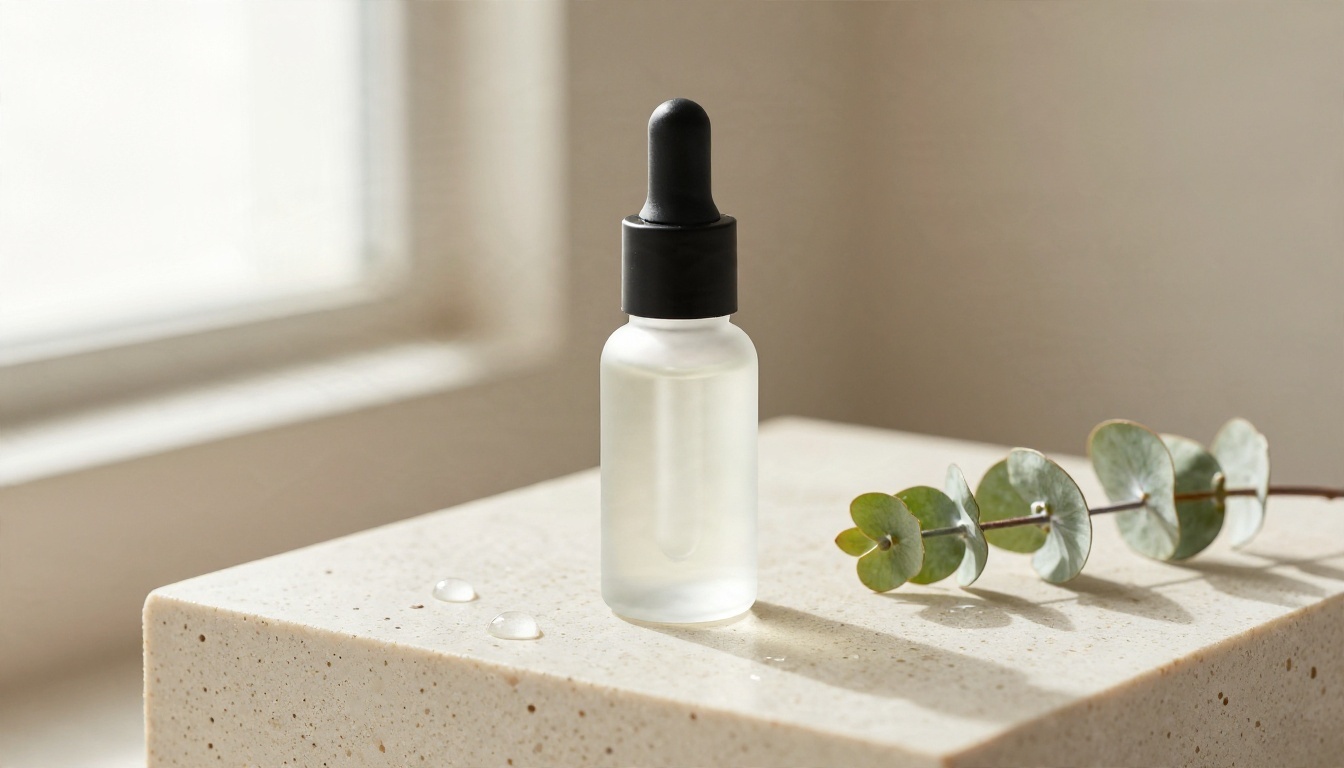
Clean product shots with soft light are the safest category. Start with a product photo as the first frame, then ask for a slow push in, a water droplet sliding down the glass, and a gentle shift of window light. The motion is subtle, so errors are rare. Models with image to video features like Wan 2.5 I2V Fast handle this kind of product loop quickly and cheaply.
Sample prompt: "Slow dolly in on a frosted glass serum bottle on pale stone, a single water droplet slides down the surface, soft window light shifts from left to right, shallow depth of field, calm and premium."
Restaurants and Food
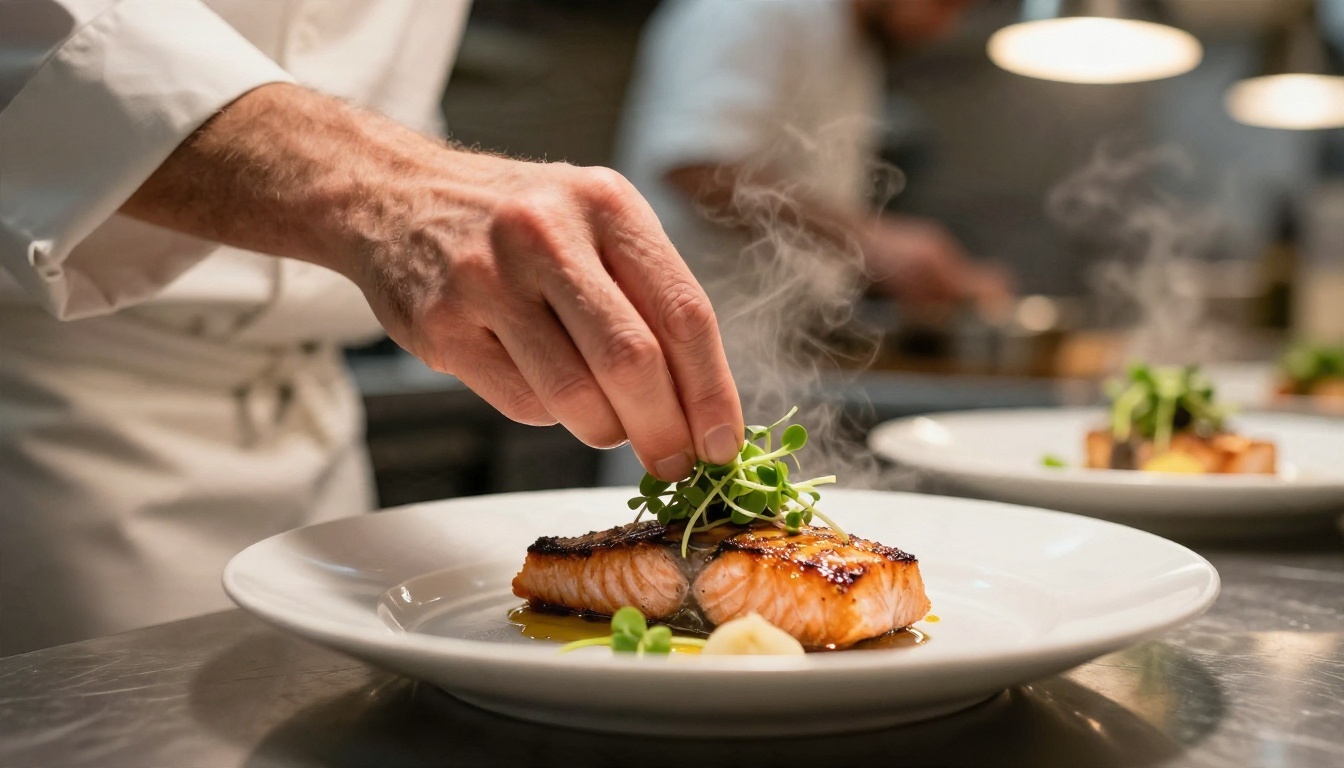
Food ads depend on texture: steam, sauce, a fork breaking through crust. A model with native audio, such as Veo 3.1 Lite, can add kitchen sounds that make a short clip feel alive. Keep the scene to one dish and one action. Complicated multi person kitchens are where artifacts creep in.
Sample prompt: "Close side angle of a chef placing a microgreen garnish on seared salmon, light steam rising, sauce glistening, warm kitchen light, subtle sizzle in the background."
Real Estate Listings

Agents can animate a listing photo into a slow camera glide through the room. This works because the layout is fixed by your photo, so the model only adds movement and light. Be honest in marketing: do not use AI to invent rooms or features that do not exist, since misleading listing media can cause trouble with buyers and regulators.
Sample prompt: "Slow lateral glide across a bright living room, sunlight moves across the wooden floor, curtains stir slightly, steady camera, no people."
Fitness and Apparel

Lifestyle ads need more energy: a runner on a wet street, breath visible in cold air, a camera tracking at knee height. Motion heavy shots are harder, so pick a stronger model such as Kling v3 Video or Sora 2, which both support synced audio or detailed motion. Expect a few retries until the stride looks natural.
Sample prompt: "Low tracking shot of a runner in a charcoal jacket along a wet city street at dawn, breath visible, golden backlight, footsteps echoing, camera follows at a steady pace."
Models Worth Testing on PicassoIA
Dedicated ad tools hide the model behind a template. PicassoIA lets you choose the model, which means you can match the cost and quality to the job. Here is a practical shortlist.
Fast Drafts
Start every campaign with a cheap model. Generate ten short drafts of the same idea, pick the two best, then rerun those on a premium model. This simple habit usually cuts spending by more than half, because you stop paying premium rates for ideas that were never going to work.
Premium Finals
When a concept proves itself, upgrade the winner. Use Veo 3.1 or Sora 2 Pro for the final export, and keep the exact prompt, so you can recreate a variant in the same style next month.
💡 Tip: Generate your first frame with an image model like Nano Banana Pro or Seedream 4.5. A clean, well lit starting image gives the video model less room to improvise badly.
A Simple Workflow for Teams

If more than one person touches your ads, a repeatable process keeps costs and quality predictable. Here is the version I recommend to small marketing teams.
Prompt, Test, Pick
- Write one brief per product. Audience, offer, mood, three shots.
- Generate a batch of drafts on a fast or free model.
- Review together. Everyone marks their top two and the reason in one sentence.
- Rerun the finalists on a premium model with the exact same prompt.
- Log the settings. Model name, date, length and prompt belong in a shared sheet.
This turns a creative gamble into an experiment you can repeat. It also gives you a clean answer when a client asks why a clip cost what it did.
Add Voice and Music
Silent clips underperform in most feeds, so budget for sound. Some models generate audio natively, and for custom voiceovers you can use a text to speech model like Realtime TTS 2. If you sell in several markets, the Dubbing model translates videos into 90 plus languages, so one winning ad can run in many countries.
Mistakes That Waste Budget
Before you spend anything, avoid these common errors:
- Starting on the premium model. You will pay for every failed idea at the highest rate.
- Skipping the retry budget. Plan for three to five takes per usable clip.
- Writing vague prompts. "Cool ad for shoes" produces random results. Name the camera move, the light and the action.
- Ignoring platform specs. Make vertical clips for Reels and Shorts, square or wide for feeds.
- Forgetting disclosure. Some platforms and regions now ask advertisers to label AI generated media. Check the rules where you run ads.
Make Your First Ad Today
The honest answer to "is an AI video ad generator worth paying for" is yes, if you treat it like a testing tool and not a magic button. Use free credits to learn which hooks your audience responds to, pay for premium output only for winners, and keep your brand text and logo in a separate editing step.
If you want to try it without a subscription gamble, open PicassoIA, pick a model from the shortlist above, and start with one product photo and a one sentence motion prompt. Begin with the free Seedance 2.5 Lite, compare two or three versions, then upgrade only the best. You can browse every video, image and voice model at picassoia.com/en/all-models and build a full ad workflow in one place. Your first test clip can be live before your coffee goes cold.


