Somewhere in your product there is a screen that would work better with motion. A product page that shows a static sneaker. A lesson that explains a concept with a diagram. A campaign that needs forty vertical clips by Friday. An AI video generation API use case starts exactly there: you send a prompt or a still image to an endpoint, wait a short while, and get back an MP4 you can publish. No camera, no crew, no timeline editor.
The catch is that the marketing pages tell you almost nothing about what happens at volume. Prices are quoted per second, free tiers disappear after a handful of clips, and concurrency caps can quietly turn a "fast" API into a queue. This article lays out the examples that actually make sense, what clips cost in plain numbers, which free options exist, and the limits you should check before you write a single line of integration code.
💡 Pricing and limits in this space change monthly, and third-party comparison sites often disagree with each other. Treat every figure below as a range for planning, and confirm the current rate with the provider before you commit a budget.
What a Video API Actually Does
The Request, Poll, Download Loop
Nearly every video generation API follows the same pattern, because rendering a clip takes far longer than a normal web request allows. You do not get the video back in the same response.
- Submit a job with a prompt, optional source image, duration, resolution and aspect ratio.
- Receive a job ID immediately.
- Poll the status endpoint, or register a webhook that fires when the job finishes.
- Download the MP4 from a temporary URL and store it in your own bucket.
Step four matters more than people expect. Output links usually expire, so a pipeline that only saves the URL will break within days. Copy the file to your own storage the moment the job succeeds.
Text to Video vs Image to Video
Text to video starts from words alone. It is flexible, but you give up control over exactly what appears in frame. Image to video starts from a still you already have, so the first frame is locked and the model only decides how things move. For commercial work this second mode is usually safer, because a product photo, a brand mascot or a location shot stays recognizable.
| Mode | You provide | Best for | Main risk |
|---|
| Text to video | A written prompt | Concept clips, B-roll, ideas | Unpredictable subjects and details |
| Image to video | A still plus motion prompt | Products, portraits, brand assets | Motion can warp fine details |
| Reference to video | Several images, clips or audio | Consistent characters and scenes | Higher cost, more setup |
Real Use Cases With Examples
The strongest use cases share three traits: the clips are short, there are a lot of them, and nobody will freeze-frame them for a quality audit. Here are the ones that hold up.
Product Videos for Online Stores

A catalog of 3,000 items will never get a studio video for each one. With an image to video API you feed in the existing product photo and a short motion prompt such as "slow orbit around the sneaker on a pale pedestal, soft daylight." The result is a five second loop that lifts the product page above a flat image.
A realistic pipeline looks like this: a script reads new SKUs from your catalog, calls the API with the main photo, saves the clip, and attaches it to the listing. Cost for 3,000 clips at five seconds each is easy to estimate with the table further down, and it lands in the hundreds of dollars rather than the tens of thousands a physical shoot would cost.
Social Clips at Scale

Short vertical video is hungry. A single campaign can need a different hook for every audience segment, and a human editor cannot keep up. A video API lets you generate variations of the same idea: three openings, two moods, four aspect ratios. You then pick the winners and spend your editing time there.
💡 Generate in the aspect ratio you will publish in. Cropping a 16:9 clip down to 9:16 wastes most of the frame and often cuts off the subject.
Storyboards and Previsualization
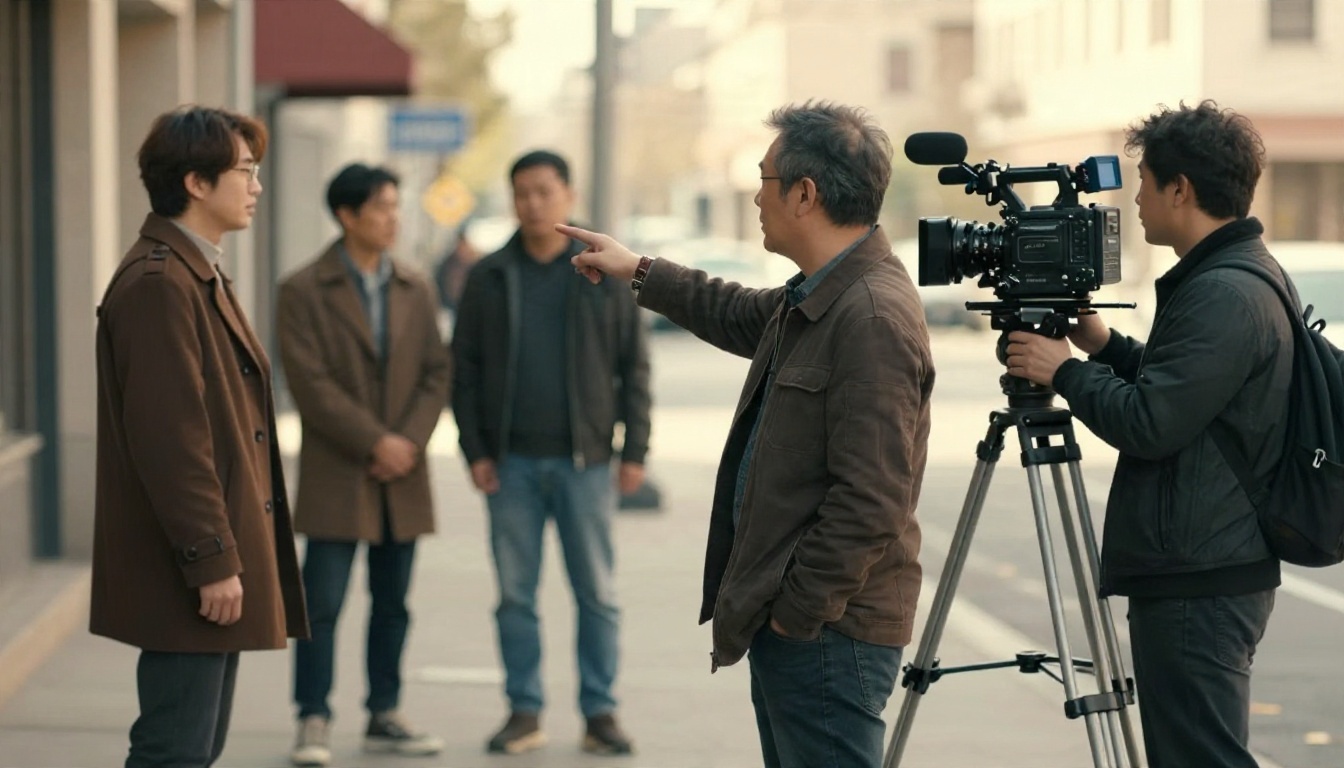
Agencies and indie filmmakers use video APIs before the real shoot. A director can test camera moves, lighting moods and pacing for a scene in an afternoon, and show a client something that moves instead of a PDF of sketches. The clips never ship. They only exist to settle arguments early, which makes quality tolerance high and the budget easy to justify.
Explainers and Training Content
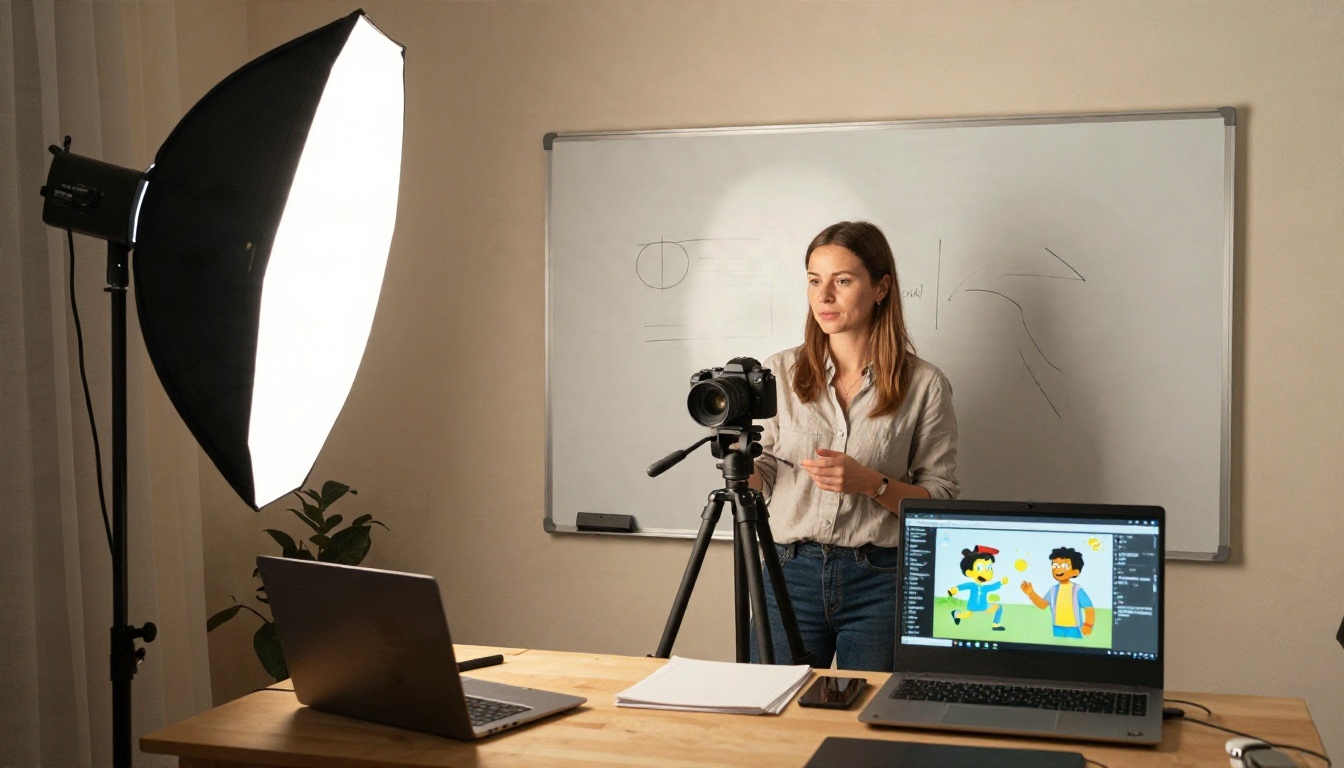
Course platforms and internal training teams need illustrative scenes: a warehouse process, a customer service moment, a science demonstration. Generating a six second scene to sit beside narration is far cheaper than filming it. Pair a video API with a text to speech API and a transcription step, and one script can produce a narrated lesson in several languages.
Other Use Cases Worth Testing
| Use case | Typical clip length | Volume | Quality bar |
|---|
| Real estate listing teasers | 5 to 8 seconds | Medium | Medium |
| Ad creative testing | 5 to 10 seconds | Very high | Medium |
| Game and app trailers | 5 to 10 seconds | Low | High |
| Music visualizers and lyric backdrops | 5 to 10 seconds | Medium | Medium |
| Personalized sales outreach | 5 to 15 seconds | High | Medium |
| News and blog header loops | 3 to 6 seconds | High | Low to medium |
What It Really Costs
Per-Second Rates Compared
Almost every provider bills by the second of output, sometimes with a different price for audio on or off, and sometimes with a token-based formula that only converts to seconds after the fact. The spread is wide. Reported rates for current models run from a few cents per second to roughly seventy cents per second.

The table below uses ranges reported by comparison sites in recent months. They are approximate and they conflict in places, so use them for ordering, not for invoices.
| Model family | Reported rate per second | Cost of one 5 second clip | Notes |
|---|
| Veo 3.1 Lite | About $0.03 to $0.05 | $0.15 to $0.25 | Cheapest tier of the Veo family, native audio |
| Kling v3 Video | About $0.08 to $0.11 at official rates | $0.40 to $0.55 | Without native audio; aggregators list lower |
| Seedance 2.0 | About $0.09 for fast tiers, about $0.25 for pro tiers | $0.45 to $1.25 | Often billed by tokens, so it varies by settings |
| Sora 2 | About $0.10 at 720p | $0.50 | Pro tier is far higher |
| Sora 2 Pro | Up to about $0.70 at 1080p | Up to $3.50 | Premium quality, premium price |
One more thing worth flagging: several reports pointed to the OpenAI video API being scheduled for shutdown in September 2026. If you plan to build on any single vendor, check its current status first and keep your code provider-agnostic so a model can be swapped in an afternoon.
Cost Per Usable Clip
The listed price is not what you pay. You pay for every attempt, including the ones you throw away. If one in three generations is usable, your real cost is three times the sticker price.
A quick formula helps:
Real cost per usable clip = (rate per second × seconds) ÷ acceptance rate
Take a $0.10 per second model and a 5 second clip. At a 100% acceptance rate you pay $0.50. At 40% you pay $1.25. A model that is twice as expensive but accepted 90% of the time can easily be cheaper in practice. Test with 30 to 50 real prompts from your own workload before you pick a winner, and track the acceptance rate in a spreadsheet.
💡 Prototype on the cheapest tier, then move only the hero clips to a premium model. Fast and lite variants exist for this reason.
Free Options and Their Catch
Free Tiers From API Vendors
Real free API access is rare and thin. The pattern across vendors is consistent:
- Signup credits that cover roughly ten to fifteen clips and never refresh.
- Monthly micro allowances, such as a few free generations per month on specialist tools like lipsync.
- Queue-based free access where your jobs wait behind paying customers, with a concurrency of one.
- No free video at all on some platforms, where free accounts can only generate images.
Free credits are enough to confirm that an endpoint works and that the output style fits. They are not enough to run a pilot, because a pilot needs hundreds of attempts to measure acceptance rate honestly.
Free Generators You Can Use Today
If you only need to judge model quality before writing integration code, a web interface is the cheaper path. PicassoIA lists PicassoIA Video, described as a free and unlimited text or image to video generator, and Seedance 2.5 Lite, listed as a free and unlimited generator for clips up to ten seconds. That is a practical way to write and refine prompts, compare motion styles, and decide which kind of output you want, all before you spend a cent on API calls.
A sensible workflow for a student, indie developer or small team:
- Draft and refine prompts in a free web generator.
- Pick the three prompt styles that work best.
- Run those same prompts against a paid API with a small budget cap.
- Compare cost, speed and acceptance rate side by side.
Limits That Break Production
Rate Limits vs Concurrency
These two limits are often confused, and they bite in different ways.
- Rate limit: how many requests you can submit per minute. Reported figures for production tiers of large providers sit around fifty requests per minute, with preview models far lower, often ten.
- Concurrency limit: how many jobs can be rendering at the same time. Consumer and starter tiers often allow one. Mid tiers allow three to six. Enterprise tiers can reach fifteen or more.

Concurrency is the one that hurts. If a clip takes ninety seconds to render and you can run two jobs at once, you produce about eighty clips per hour at best. A launch that needs 2,000 clips takes a full working day, even though the rate limit never complained.
💡 Divide your total clip count by your concurrency, then multiply by the average render time. That number is your real minimum delivery time.
Duration, Resolution, and Audio Caps
Beyond throughput, models have hard ceilings on what a single call can produce:
| Limit | Typical range | What it means for you |
|---|
| Clip duration | 4 to 10 seconds, some up to 30 | Longer stories need stitching in an editor |
| Resolution | 480p to 1080p, a few offer 4K | Budget tiers often stop at 720p |
| Native audio | On or off, priced differently | Turning audio off can cut the rate noticeably |
| Prompt length | A few hundred words | Long scripts must be split per shot |
| Reference inputs | One image up to several images and clips | Needed for consistent characters |
| Output retention | Hours to days | Download and store immediately |
Duration is the cap that changes your design most. If you need a 60 second video, you are really building a sequence of ten six second shots and joining them. That means planning continuity, using the last frame of one clip as the first frame of the next, and accepting that cuts are part of the style.
Building the Integration
A Simple Architecture
You do not need a complicated system. A reliable setup has five parts.
- A job table in your database holding prompt, source image, model, status and cost.
- A queue worker that submits jobs while respecting your concurrency cap.
- A webhook receiver or a polling loop that updates job status.
- A storage step that copies the finished MP4 into your own bucket.
- A review step where a human, or a simple automated check, accepts or rejects the clip.

Keep the model name and its parameters in configuration, not scattered through code. When a cheaper or better model arrives, which happens every few weeks, you change one line.
Quality Control and Retries

Plan for failure from the start. Jobs fail on safety filters, time out in busy periods, or return clips with warped hands and melting text. Build these habits in early:
- Cap retries at two or three per job so a bad prompt cannot drain your budget.
- Log the cost of every attempt, including failures that were billed.
- Review a sample, not just the rejects. Quality drifts when providers update models.
- Avoid readable text in frames. Video models still garble letters, so add captions and logos in post.
- Keep prompts short and visual. Describe subject, motion, camera move and light, in that order.
Which Model for Which Job
Different tasks reward different trade-offs. This table matches common jobs to models listed on PicassoIA, so you can test each one in the browser before wiring up an API.
| Job | Suggested model | Why it fits |
|---|
| Cheap high volume drafts | Veo 3.1 Lite | Low rate with native audio |
| Fast previews with audio | Veo 3.1 Fast | Short turnaround, 1080p output |
| Cinematic motion from stills | Kling v3 Video | Strong camera movement and subject consistency |
| Control over a character's movement | Kling v3 Motion Control | Animates a character from a motion reference |
| Longer single clips | Seedance 2.5 | Listed for clips up to 30 seconds |
| Budget friendly with audio | Seedance 2.0 Mini | Smaller, cheaper variant of the family |
| Open and flexible 1080p | Wan 2.7 T2V | Text to 1080p from the Wan line |
| Animate a photo | Wan 2.7 I2V | Image to video with solid prompt following |
| Very fast, low cost tests | LTX 2 Fast | Quick turnaround for prompt iteration |
| Premium finish | Sora 2 Pro | High fidelity when cost is secondary |
If your use case involves a consistent character or product across many shots, look at PicassoIA Reference To Video, which builds clips from your own reference images, video and audio instead of relying on a prompt alone.
Try It Yourself on PicassoIA
The cheapest mistake in this field is the one you make in a browser tab. Before you commit to an API contract, spend an hour generating real clips for your own use case. Write five prompts for the product, the scene or the campaign you actually need. Run each through two or three models. Count how many clips you would genuinely publish, and divide the cost by that number.
Start with PicassoIA Video or Seedance 2.5 Lite to refine your prompts for free, then compare the same prompts on Kling v3 Video and Veo 3.1 Fast to see what a premium tier adds. When you have a winner, you will know the acceptance rate, the real cost per usable clip and the motion style that suits your brand, which is everything an API budget needs.
Browse every available model at picassoia.com/en/all-models, pick two that fit your use case, and generate your first clips today.


