You typed "NSFW AI video generator" into a search bar and got a wall of sketchy sites: fake "free" buttons, watermarks the size of a billboard, and tools that vanish after a week. Fair enough, that is the reality of this niche. The good news is that you don't need any of those sites. A handful of solid models can turn a glamorous, suggestive still into a smooth 5 to 10 second clip, and several of them are free or unlimited.
This article sorts the real options from the noise. You will see which free tools are worth your time, what "no sign up" actually costs you, which prompts give clean motion, and the exact workflow I use to go from a blank prompt box to a finished clip. Everything here stays on the suggestive, non-explicit side: swimwear, evening wear, boudoir-style mood, sunlit glamour. That is where the best-looking results come from anyway.
What NSFW AI Video Really Means
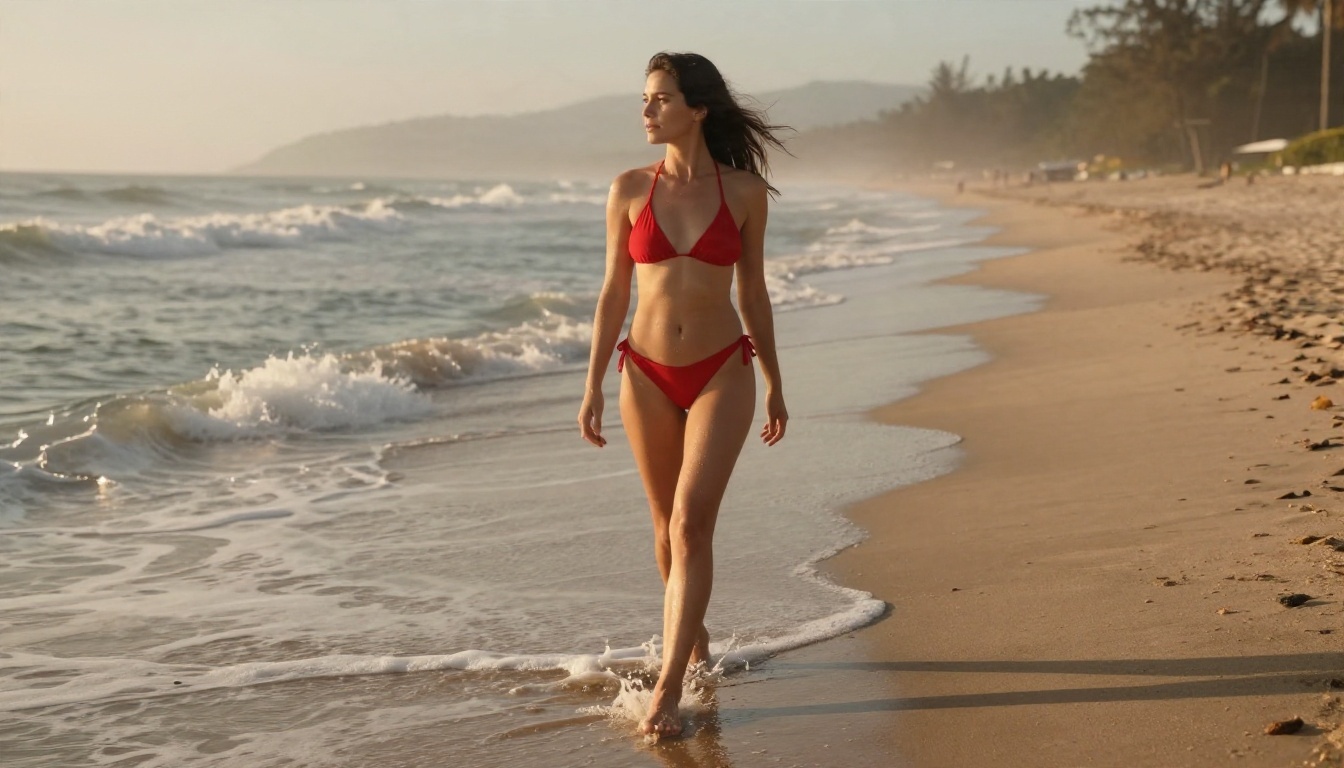
The phrase covers a wide range, and most people searching it want something much milder than the name suggests. They want a beach clip with moving hair, a satin robe fluttering near a window, a slow camera push on an evening dress. That is the territory of a good AI video generator NSFW workflow: attractive, sensual, tasteful.
Suggestive Versus Explicit
Think of a magazine swimwear shoot. Bikinis, lingerie-style looks, bare shoulders, wet skin, a confident gaze. That is suggestive. Explicit material is a different category with different legal and platform risks, and this article does not go there. Staying on the suggestive side also gives you a practical benefit: more models accept your prompts, fewer generations get blocked, and you waste fewer credits.
Who Uses These Tools
The audience is broader than you might think:
- Content creators building fictional AI characters for social feeds
- Photographers animating portfolio stills into short reels
- Fashion and swimwear brands testing campaign ideas before a shoot
- Writers and game designers who need atmospheric character footage
- Hobbyists who simply enjoy seeing a still image come alive
💡 Tip: If your goal is a consistent fictional character, build the character first as a still image, then animate it. Consistency comes from the image, not from the video model.
Free Options That Actually Work
"Free" means three different things online: truly unlimited, limited daily credits, or a one-time trial that expires. Know which one you are signing up for before you spend an hour on a tool.
Unlimited Beats Trial Credits
For anything adult-leaning, volume matters. You will rarely nail the clip on the first try. Hair behaves oddly, a hand drifts, the camera moves too fast. A tool that lets you generate again and again at no cost changes how you work, because you can experiment instead of rationing.
On PicassoIA, the free and unlimited video options are the ones to start with:
- Seedance 2.5 Lite is listed as a free, unlimited video generator with clips up to 10 seconds.
- PicassoIA Video is a free, unlimited generator that works from text or from an image.
For stills, PicassoIA Image Editor Pro offers unlimited generations, which makes it ideal for building and polishing the source frame before you animate it.
What "Free" Often Hides
Before you commit to any free generator, check for these catches:
| Catch | What it looks like | Why it hurts |
|---|
| Heavy watermark | Logo across the center of the frame | Clip is unusable for posting |
| Resolution cap | 360p or 480p only | Looks soft on modern screens |
| Daily limit | 1 to 3 clips per day | Too few attempts to refine a prompt |
| Long queue | 20 minutes or more per clip | Kills your creative rhythm |
| Silent output | No audio at all | Feels flat next to modern models |
The search term "no sign up" is popular for a reason. Nobody wants another account, another password, another inbox full of promos. Fair. But it helps to know what you give up.
Watermarks, Queues and Caps
Sites that let anyone in without an account have to protect their servers somehow. That usually means shared queues, tight daily caps, and watermarks. When thousands of anonymous visitors hit the same free GPU pool, your clip waits at the back of a long line.
A free account on a platform with proper unlimited tools often gives you a faster and cleaner experience than an anonymous page. One quick sign-up can replace twenty rounds of hunting for the next no-registration site.
Privacy and Safety Risks
This is the part many people skip. A site with no account, no company name, and no clear policy is a site you know nothing about. Be cautious about:
- Uploading your own photos to unknown pages, since you can't tell where they end up
- Payment pop-ups that appear after you "generate" something
- Download buttons that lead to software installers instead of video files
- Sites that ask for personal details with no explanation
💡 Rule of thumb: If a page asks you to install something to download a clip, close it. A real video generator hands you an MP4.
Best Models for Adult-Style Video
Different models have different strengths. Some give gorgeous skin and fabric detail, others give faster results, and others give longer clips. Here is how I would build a lineup, starting with the still image since that is where quality begins.
Start With a Strong Still
Lead with Seedream 4.5. It produces sharp, photorealistic people with convincing skin texture, fabric sheen and lighting, which are exactly the things that fall apart if your first frame is weak. Next, move the image into PicassoIA Image Editor Pro for unlimited retouching: fix a hand, swap an outfit color, adjust the background, all without counting credits.
If you want alternatives for the still stage, Seedream 5 Pro, Qwen Image 3 Pro and Wan 2.7 Image Pro are all worth a test run.
Animate With Image to Video
Once the still looks right, pick a video model. Here is a quick comparison:
💡 Note: Every model applies its own content filters, and they change over time. Keep your prompts suggestive and tasteful, and if one model blocks a request, try rewording it or move to the next model on the list.
Prompts That Produce Good Clips
Video prompts are different from image prompts. An image prompt describes a frozen moment. A video prompt describes what changes over the next few seconds. Most failed clips come from prompts that describe the scene but never say what moves.
A Simple Prompt Formula
Use this order every time:
- Subject and starting pose: who is in frame and what they are doing
- Motion: what moves, and how fast
- Camera: push in, pan, orbit, handheld sway
- Light and mood: time of day, color temperature, atmosphere
Keep each prompt to one idea. A clip is only a few seconds long, so one clear action beats three competing ones.

Ten Prompts to Copy
Paste these into an image-to-video model after you have a matching source still. Each one is suggestive and non-explicit.
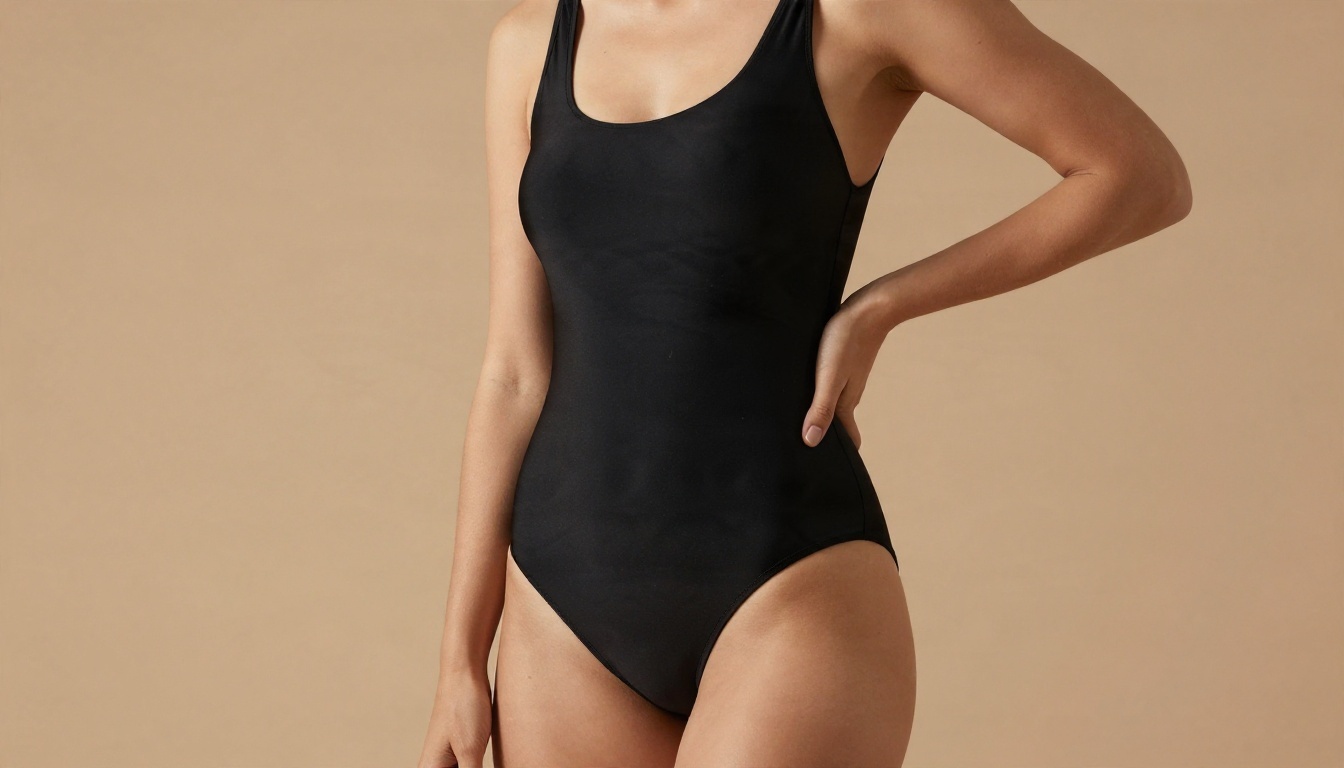
- A woman in a black swimsuit stands at the edge of an infinity pool at golden hour, a warm breeze lifts her open linen shirt and hair, slow dolly-in, soft rim light from the left.
- A woman in a red bikini walks through shallow surf at sunrise, waves wash around her ankles, low-angle tracking shot, golden backlight and sea mist.
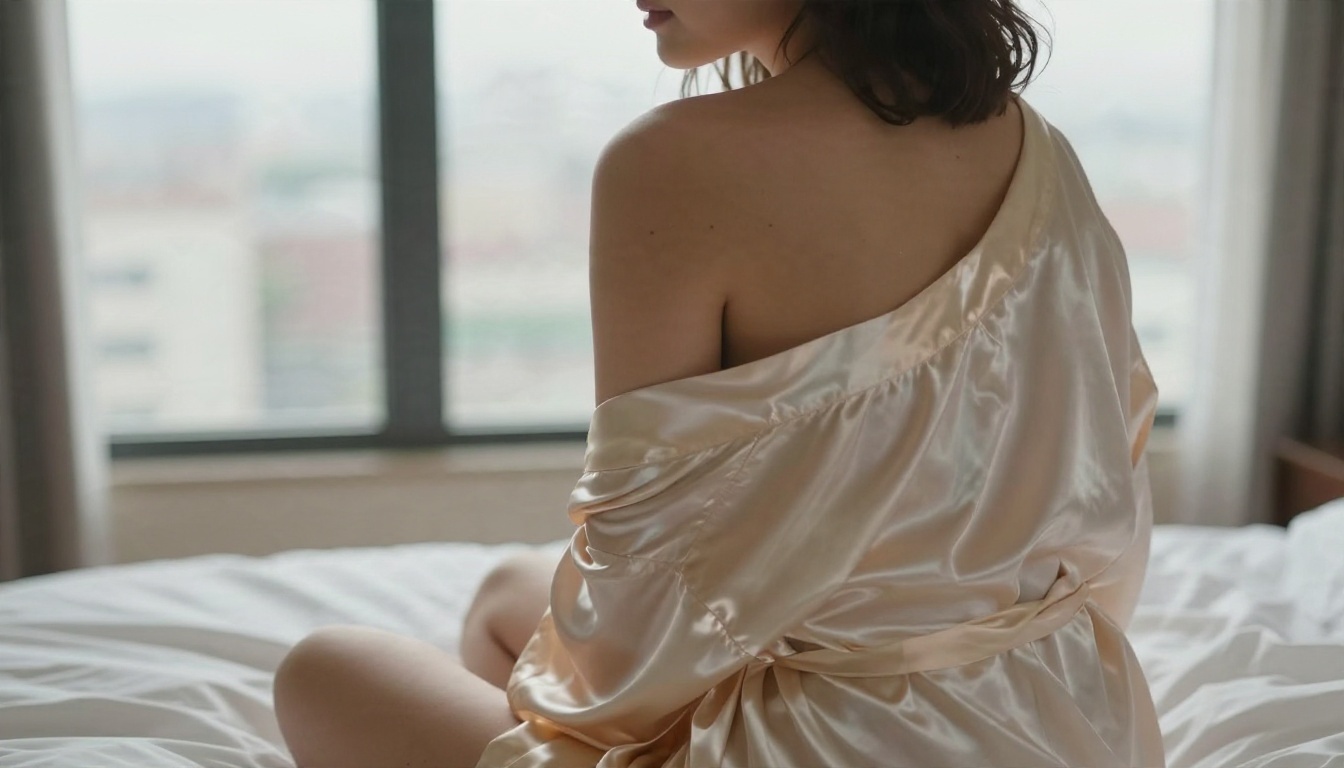
- A woman in a satin robe turns her head toward a tall window, curtains drift gently, shallow focus, soft overcast morning light.
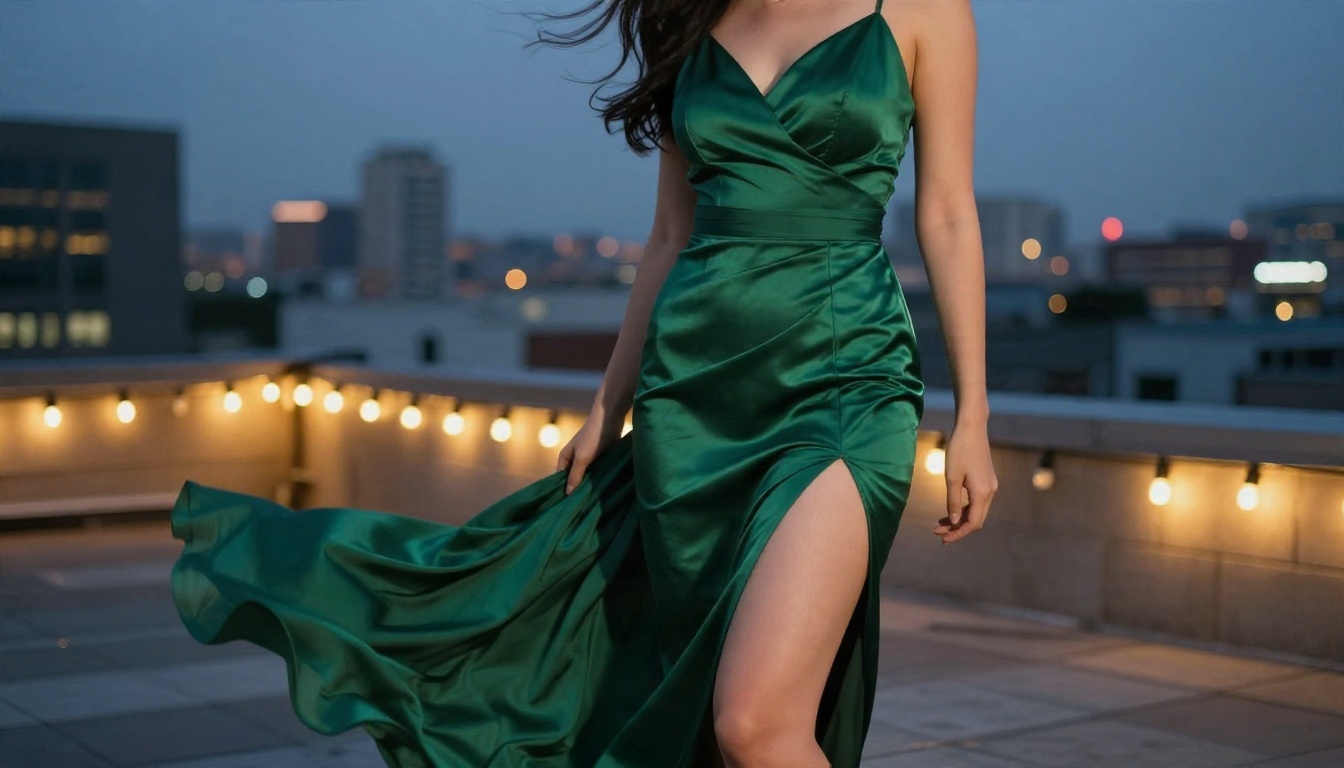
- A woman in an emerald evening dress on a rooftop at dusk, wind moves the fabric, slow orbit around her, warm string lights glowing behind.
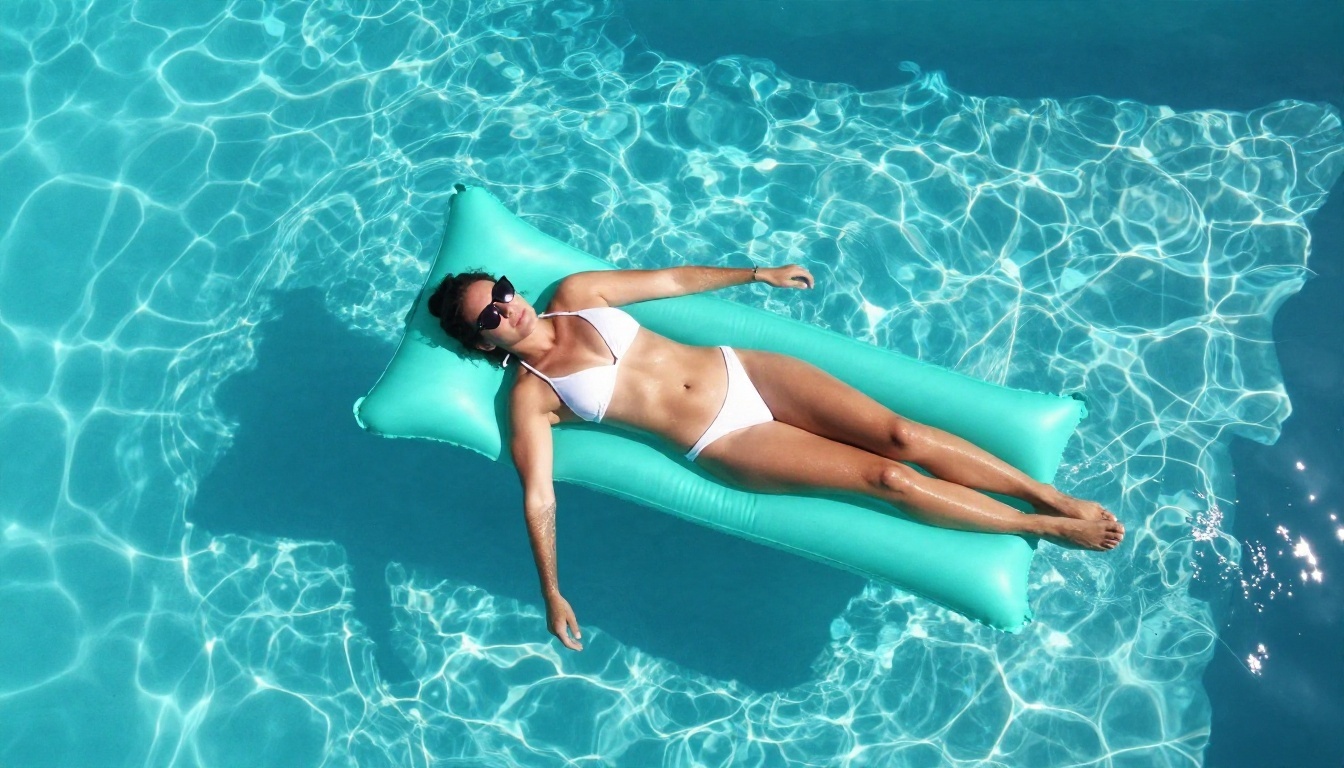
- A woman on a pool float, aerial top-down view, her hand trails through the water and creates ripples, midday sun with water caustics.
- A woman in a black one-piece shifts her weight and tilts her chin toward the camera, studio softbox light, subtle push-in.
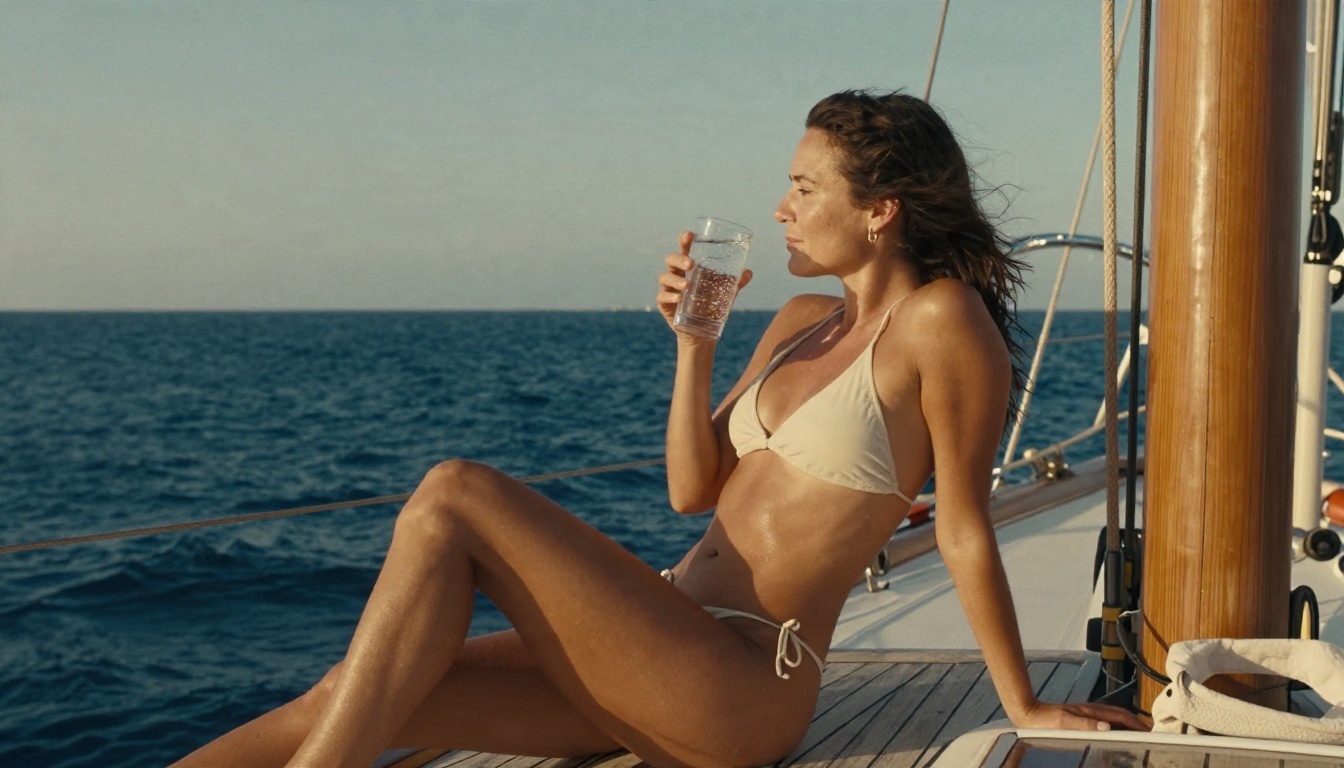
- A woman on a yacht deck lifts a glass and looks out to sea, hair blowing, gentle handheld camera sway, warm late-afternoon light.
- A woman in a summer wrap walks across a sunlit terrace, fabric swaying with each step, smooth tracking shot from the side.
- A woman brushes wet hair back from her shoulder after stepping out of a pool, droplets catch the light, slow-motion feel, close-up framing.
- A woman in a silk slip dress sits by a balcony door, a curtain lifts in the wind, quiet pan from the window to her face.
Camera Words That Work
| Phrase | Effect |
|---|
| Slow dolly-in | Intimate, builds focus |
| Gentle orbit | Shows form and fabric from several angles |
| Low-angle tracking | Confident, editorial feel |
| Handheld sway | Natural, documentary mood |
| Locked-off frame | Lets the subject's motion carry the clip |
Mistakes That Waste Credits
- Too many actions. "She walks, turns, laughs, and spins" usually produces a mess. Pick one.
- No motion verbs. If nothing in the prompt moves, the model improvises, often badly.
- Fast camera moves. Whip pans smear faces. Use "slow" and "gentle."
- Weak source image. If the still has bad hands or odd proportions, the clip will have them too. Fix the still first.
- Ignoring aspect ratio. Start from the ratio you plan to post in.
The Workflow Step by Step
Here is the routine that gives the cleanest results with the least wasted effort.
- Write the still prompt. Describe subject, outfit, setting, lighting and lens. Add words like natural skin texture, film grain and soft golden light to keep the result photographic.
- Generate with Seedream 4.5. Run several versions and pick the one with the best face, hands and light. Use Seedream 4.5 as the default.
- Retouch in Image Editor Pro. Open PicassoIA Image Editor Pro and fix anything that is off. Because generations are unlimited, you can iterate freely.
- Pick a video model. Try Seedance 2.5 Lite or PicassoIA Video first. Both are listed as free and unlimited.
- Upload the still and write a motion prompt. Use the formula above: subject, motion, camera, light.
- Generate, review, repeat. Change one thing at a time, such as the camera move or the speed words, so you can tell what made the difference.
- Upgrade if you need to. For longer or more polished clips, move the same still and prompt to Seedance 2.5, Kling v2.5 Turbo Pro or Wan 2.7 I2V.
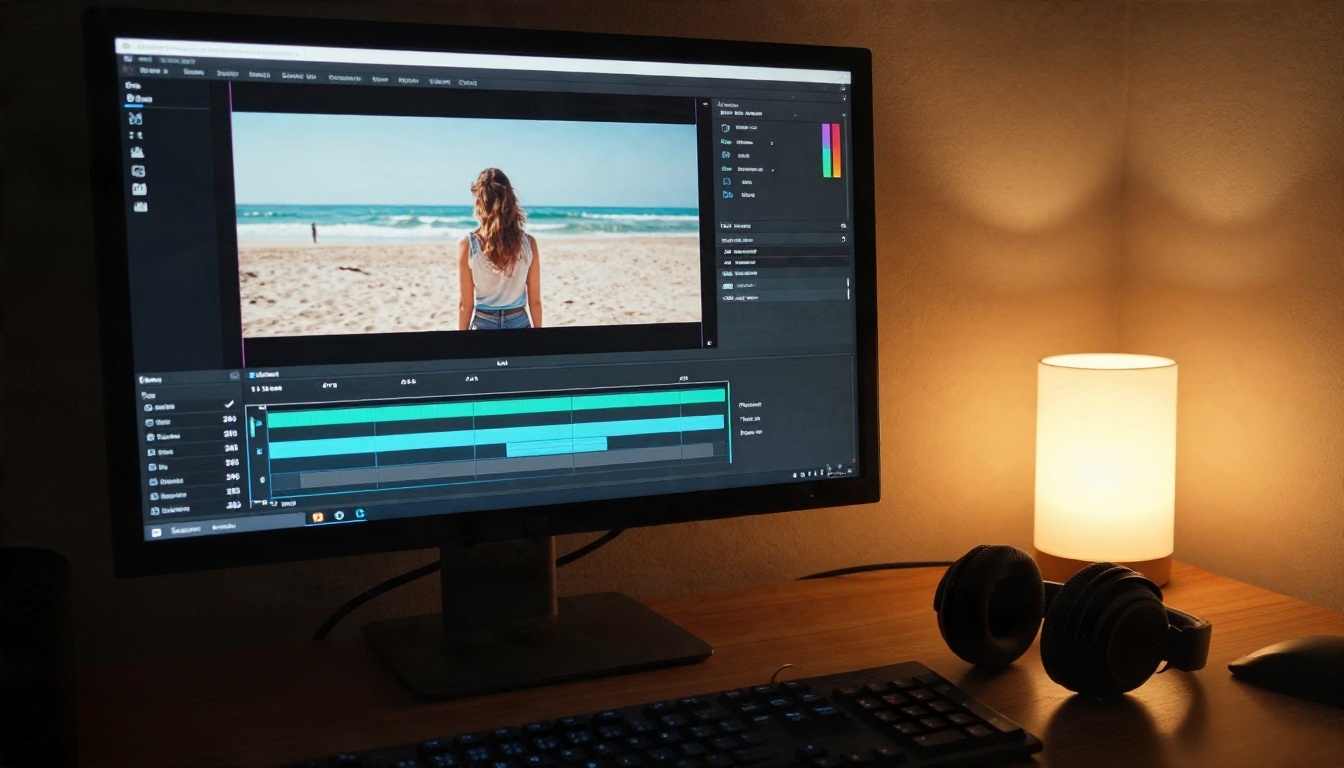
- Edit and polish. Trim the clip, add music, and upscale if needed.
💡 Speed tip: Test your motion prompt on a fast model like Wan 2.5 I2V Fast or Hailuo 2.3 Fast. Once the motion looks right, re-run it on a slower, higher quality model.
Rules You Should Follow
This is not a lecture, just the lines that keep you out of trouble.
- Adults only. Every character must be clearly an adult. No exceptions, ever.
- Fictional or consenting subjects only. Never generate suggestive content of a real person without their explicit permission. That includes celebrities, coworkers and exes. Face-swapping a real person into adult-style content is both harmful and illegal in many places.
- Respect platform rules. Social networks have their own policies on suggestive content. Check them before posting, and label AI-generated work where required.
- Keep it non-explicit. Suggestive and elegant is not only safer, it also looks better and is accepted by far more tools.
- Protect your own files. Don't upload private photos to sites you can't verify.
Make Your First Clip Today
You don't need a dozen tabs, a stack of accounts, or a sketchy installer. You need one strong still, one clear motion prompt, and a video model that lets you try again as many times as it takes.
Here is the shortest route: open Seedream 4.5, generate a sunlit swimwear or evening-wear portrait, polish it in PicassoIA Image Editor Pro, then animate it with Seedance 2.5 Lite or PicassoIA Video. Copy one of the ten prompts above, change the outfit or location, and run it. Within a few minutes you will have a moving clip that looks like it came from a real shoot.
Ready to see what else is available? Browse every image and video model at picassoia.com/en/all-models, pick a favorite, and start creating your own clips on PicassoIA today.


