You found a tool that promises a cloned voice in seconds, no account, no credit card. Then you hit the wall: the clip is "too short," the free quota ran out after three tries, or the result sounds like a robot wearing your accent. AI voice cloning online free with no sign up is real, but every tool hides its own rules about sample length, daily caps and what you can do with the output. This article puts those rules in one place so you can pick a tool, record a decent sample, and avoid wasting your free tries.
💡 Quick answer: Most free cloners accept a sample between 3 and 30 seconds. Quality improves noticeably at 30 to 60 seconds of clean, single-speaker audio. Expect free caps such as a few clones per day or a monthly allowance of audio seconds.
What "No Sign Up" Really Means
The phrase sounds simple, but it hides three very different setups. Knowing which one you are using tells you what happens to your recording and how long your cloned voice sticks around.
Guest Mode vs Browser Processing
Guest mode means you use a hosted tool without an account. You upload a clip, type a line, and get audio back. The service processes your file on its servers, so a daily cap is usually tied to your device or network. One popular free cloner, for instance, advertises roughly three free clones per day without an account.
Browser processing is the other model. A few tools claim the work happens inside your browser tab, with no upload at all. That is appealing for privacy, but treat "no limits" claims with caution. Heavy voice models are rarely light enough to run well on a laptop tab, and these claims often conflict with the caps advertised by other tools.
What You Give Up
Skipping the account has a price. Here is what you usually lose:
- Saved voices. Without a login, your voice profile often disappears when you close the tab. Several tools say plainly that saving a voice requires an account.
- Higher quality tiers. The best models tend to sit behind a free signup or a paid plan.
- Commercial rights. Free guest output is often limited to personal or test use.
- Support and history. If a generation fails, there is nobody to ask and nothing to retry from.
If you only want to hear how a voice sounds, no sign up is perfect. If you plan to reuse a voice across projects, a free account is worth the thirty seconds it takes.
Sample Length: How Many Seconds?
Sample length is the setting that matters most. Too little audio and the clone misses your tone, pacing and breathing. Too much messy audio and the model learns your background noise along with your voice.
The 3 to 10 Second Range
Some free cloners accept clips as short as 3 seconds. Others set a floor around 5 seconds. At this length the tool captures a rough impression: pitch, general timbre, maybe a hint of accent. It works well for quick tests and fun experiments.
The weak spots show up fast. Emotion sounds flat, long sentences lose their rhythm, and unusual words can drift toward a generic voice. Think of it as a sketch, not a portrait.
Why 30 to 60 Seconds Wins
One tool's own quality table rates 5 to 10 seconds as basic and 30 to 60 seconds as good. That matches what most voice teams recommend. With half a minute or more, the model hears you rise and fall across a sentence, pause for commas, and shape vowels naturally.
Another tool recommends 12 to 60 seconds, though it charges credits to create a clone. Dedicated cloning models on PicassoIA sit in the same neighborhood: the Voice Cloning model accepts audio from 10 seconds up to 5 minutes.
| Sample length | What you get | Best for |
|---|
| 3 to 5 seconds | Rough timbre match, flat delivery | Quick tests, jokes |
| 10 to 20 seconds | Recognizable voice, limited emotion | Short voiceovers, prototypes |
| 30 to 60 seconds | Natural pacing, stable tone | Narration, social videos |
| 1 to 5 minutes | Best consistency across long text | Audiobooks, tutorials, brand voice |
💡 Rule of thumb: Record 45 seconds of relaxed speech. If a tool asks for less, trim your clip. If it asks for more, you already have a buffer.
Free Limits You Will Hit
Free does not mean unlimited. Every provider balances server cost against how many curious visitors they can serve. Here are the four limits that appear again and again.
Daily Clone Caps
A cap on how many clones you can generate per day is the most common limit. Advertised numbers I found while researching ranged from 3 free clones per day to lower trial allowances. Since these figures come from the vendors' own pages, they change. Check the current number before you plan a batch.
Character and Monthly Seconds
The second limit is how much text you can turn into speech. One free tool advertises 20 characters per synthesis and roughly 1,200 seconds of output per month. Another lists a 5,000 character text limit on its free tier. A 20 character limit is barely a greeting, so read that number before you start.
| Limit type | Typical free range | What it means for you |
|---|
| Minimum sample | 3 to 12 seconds | Very short clips are accepted, but sound basic |
| Clones per day | About 3 | Plan your best take before you start |
| Characters per run | 20 to 5,000 | Short lines only on the low end |
| Monthly output | Around 1,200 seconds | About 20 minutes of audio total |
| Saved voices | Account usually required | No sign up means no library |
Hidden Costs to Watch
Watermarks, lower audio bitrate, and a "personal use only" license are the quiet limits that do not show up in a headline. If you plan to publish the audio on a channel, read the usage terms first. A clone you cannot legally post is just a toy.
Tools change names and pricing often, so treat this section as a map of categories rather than a permanent ranking. I checked recent vendor pages and kept to what they say about themselves.
Browser Tools With No Account
- Magic Hour: Advertises a free cloner that needs about 3 seconds of speech, with roughly 3 free clones per day for guests.
- Firsto: Advertises no sign up and suggests a 5 to 30 second sample, with the tight character limit mentioned above.
- tts.ai: Lists a 5 second minimum and recommends longer audio. Saving voices requires signing up.
- SoundTools: Claims browser based processing with no sign up and no limits. Test it yourself before trusting that claim.
- SpeechGen: Recommends 12 to 60 seconds, but creating a clone costs credits, so it does not fit a no sign up goal.
- Renderforest: Needs a free account, so it also falls outside a strict no sign up requirement.
Mobile Apps
Phone apps are convenient because you can record and clone in one place. The tradeoff is that many apps push a subscription after one or two trials, and some require an account the moment you try to export audio. If you go this route, check for these before you record your best take:
- Can you export the audio file, or only play it inside the app?
- Is there a watermark on the free output?
- Does the app keep your recording after you delete the voice?
If the answer to the third question is unclear, record something neutral rather than a private conversation.
Record a Sample That Sounds Good
The cloning model is only as good as the audio it hears. Spend ten minutes on your setup and the same free tool will sound like a different, better product.
Fix the Room First
A bare room adds echo, and echo gets cloned along with your voice. A walk-in closet full of clothes works surprisingly well. So does a corner with a thick blanket hung behind you.
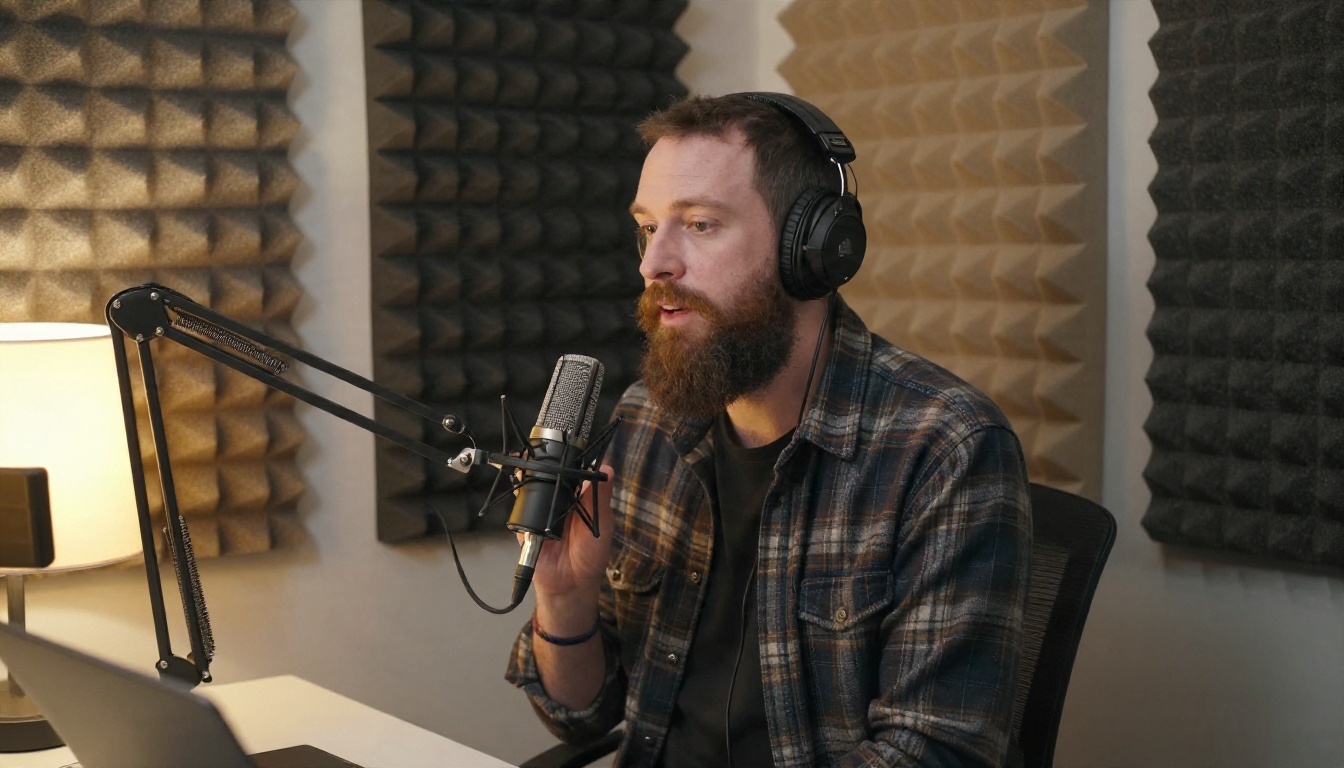
Switch off fans, air conditioners and notification sounds. Close the window if there is traffic. Background noise is the single biggest reason a cloned voice sounds metallic.
Mic, Distance and Script
You do not need a studio. A decent phone held about 15 to 20 centimeters from your mouth beats an expensive mic placed across the room. If you do have a microphone, a pop filter helps tame harsh "p" and "b" sounds.
For the script, read something that has variety. Mix short and long sentences, a question, a calm line and a slightly excited line. A flat recital of numbers gives the model a flat voice to copy.
💡 Checklist before you hit record:
- Quiet room, soft surfaces nearby
- One speaker only, no music underneath
- Steady distance from the mic
- 30 to 60 seconds of natural speech
- Save as WAV, or a high quality MP3 or M4A
How to Use Voice Cloning on PicassoIA
If you want a cleaner pipeline than a one-off guest tool, Voice Cloning on PicassoIA turns a short recording into a reusable voice profile. It is free to try online and needs no coding. Here is the workflow.

- Open the model page. Go to the Voice Cloning page.
- Upload your voice file. The
voice_file input accepts MP3, M4A or WAV, from 10 seconds to 5 minutes, under 20 MB.
- Turn on noise reduction if needed. Set
need_noise_reduction to true when your recording has hiss or room noise.
- Normalize the volume. Enable
need_volume_normalization if your sample jumps between loud and quiet.
- Pick the speech tier. The
model field offers speech-2.6-turbo, speech-2.6-hd, speech-02-turbo and speech-02-hd. The default is speech-2.6-hd, a good starting point for quality.
- Leave accuracy at the default. The
accuracy threshold defaults to 0.7. Only raise it if you want stricter text validation.
- Run it and reuse the voice. You get a voice profile back that you can use with compatible speech models, such as Speech 2.8 HD.
💡 Parameter tip: Use the HD tier for final narration and the turbo tier while you test scripts. Turbo is faster, so you can fix wording before spending time on the polished version.
Qwen3 TTS Clone Mode
For a single step approach, Qwen3 TTS lets you clone and speak in one run. Set mode to voice_clone, upload a short clip as reference_audio, and paste the exact words you said into reference_text. That transcript helps the model line up your voice with the text. Then type what you want it to say in text.
It also supports a style_instruction field, so you can add a note such as "speak slowly and calmly." The model handles ten languages, including English, Spanish, Japanese and Chinese. If you have no sample at all, the voice_design mode builds a voice from a written description.
Other Models to Pair With Your Voice
Different projects call for different engines. These are worth a test:
Consent and Safe Use
Voice cloning is useful, and it is also easy to misuse. A few firm habits keep you out of trouble.
Clone Only Your Own Voice
Most free tools say that you may only clone voices you own or have written permission to use. Treat that as a hard rule. Cloning a colleague, a celebrity or a family member without their agreement can break platform terms and, depending on where you live, the law.
Label Synthetic Audio
If you publish cloned audio, say so. A short note such as "voiceover generated with AI from my own voice" builds trust and avoids confusion. Never use a clone to impersonate someone, to pass a voice check, or to mislead listeners.
Protect Your Own Recording
Your voice sample is personal data. Avoid uploading recordings that include other people, addresses, passwords or private conversations. Delete files you no longer need, and read what a tool says about retention before you upload.
Fixing Common Problems
Even a clean sample can produce odd results. Here is a quick table for the most common complaints.
| Problem | Likely cause | Fix |
|---|
| Robotic or metallic tone | Background noise in the sample | Re-record in a softer room, enable noise reduction |
| Flat, bored delivery | Monotone reading | Record with varied sentences and real emotion |
| Wrong accent on some words | Sample too short | Use 30 to 60 seconds with a range of sounds |
| Volume jumps | Inconsistent mic distance | Keep a steady distance, enable volume normalization |
| Clone rejected | Format or length outside limits | Convert to WAV or MP3, trim to the allowed range |
| Daily cap reached | Guest limit | Wait for reset, or use a tool with a free account |
Try Your Own Voice Clone
Free, no sign up cloning is a good way to test an idea. Record 30 to 60 seconds of clear speech, check the limits before you commit, and keep every clone consent based. When you need saved voices, longer scripts and higher quality, move up to a proper pipeline.
Open Voice Cloning on PicassoIA, upload a short sample, and run it through a speech model. Then try Qwen3 TTS for one step cloning, and compare the results with Chatterbox. You can browse every voice, music, image and video model at picassoia.com/en/all-models. Record your first sample today and hear how close a short clip can get.


