You typed "AI voice cloning singing free" because you want one thing: a song that sounds like a person actually sang it, not a GPS reading lyrics. That is a realistic goal in 2027, but only if you treat the process like a small recording session instead of a one-click toy. The sample you feed in, the model you choose, and a handful of settings decide whether the result sounds warm and human or flat and metallic.
This article walks through the whole chain. You will see which tools handle voice cloning, which ones generate full songs with vocals, how to record a sample that clones cleanly, and the exact settings that remove the robotic edge. Everything here can be tried on PicassoIA without paying upfront.
What Voice Cloning Singing Really Means
Before touching any tool, it helps to separate two things that people lump together. Voice cloning copies the character of a speaking or singing voice: its timbre, its brightness, the little grit on certain consonants. Singing synthesis builds melody, rhythm, and pitch on top of that character.
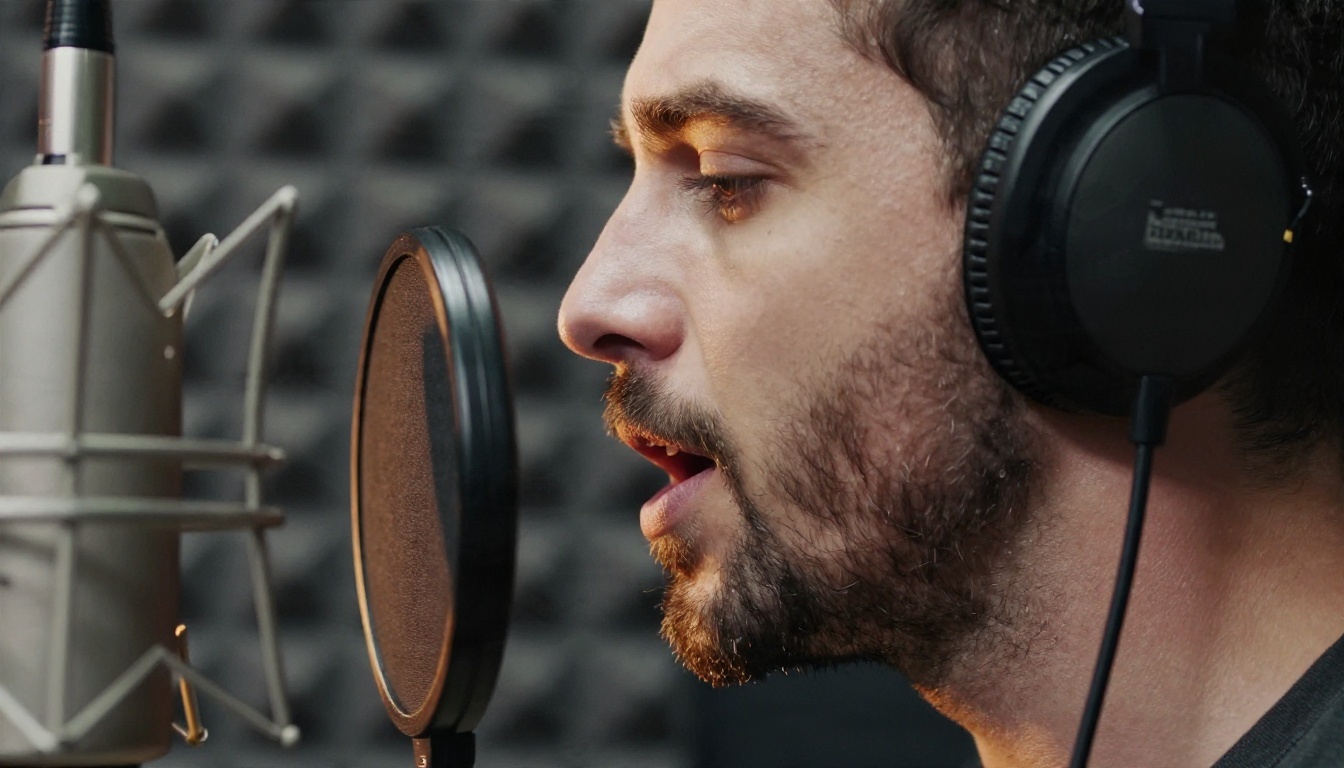
Speech Cloning vs Singing Voices
Most cloning models were built around speech. They capture who you sound like when you talk, then read new text in that voice. Song models work differently: they generate melody, instruments, and a sung vocal together from lyrics and a style prompt.
So the practical workflow for singing usually combines both:
- Clone your voice for spoken intros, ad-libs, narration, or demo vocals.
- Generate a full song with a music model, using lyrics and a style description.
- Restyle an existing track when you already have a melody you like.
- Blend everything in a simple editor so the voice sits naturally inside the mix.
💡 Tip: If a tool promises "your exact voice singing any song in one click," read the settings carefully. Believable results nearly always come from a short chain of steps, not a single button.
What "Free" Actually Includes
Free access means different things on different platforms. Some give you a limited number of generations, some cap clip length, and some watermark the output. Before you build a project around a tool, check three things: how many generations you get, the maximum song length, and whether commercial use is allowed for the free tier.
| Question to ask | Why it matters |
|---|
| How many free generations? | Determines how many takes you can afford to throw away |
| Maximum clip length? | Full songs need 2 to 4 minutes, not 30 seconds |
| Commercial use on free tier? | Matters if you plan to post on streaming platforms |
| Is the voice sample stored? | Privacy of your recordings |
Pick the Right Model for the Job
PicassoIA groups its audio tools into text to speech (including cloning) and AI music generation. Here is how the main options fit a singing project.
Voice Cloning and Speech Models
| Model | Best for | Link |
|---|
| Voice Cloning | Building a custom voice from your own sample | Voice Cloning |
| Qwen3 TTS | Cloning a voice or designing a new one from a description | Qwen3 TTS |
| Chatterbox | Cloning with emotion control for expressive reads | Chatterbox |
| Speech 2.8 HD | Studio-quality spoken parts and narration | Speech 2.8 HD |
For singing projects, Voice Cloning is the natural starting point because it is built around your own sample. Chatterbox is worth a try when you want the delivery to sound emotional, such as a whispered verse or a more urgent line.
Song Generation Models
When you want the full song, a music model does the heavy lifting: melody, arrangement, and a sung vocal.
| Model | Strength | Link |
|---|
| Music 2.6 | Full songs with vocals from lyrics and style tags | Music 2.6 |
| Music 2.5 | Reliable vocals and clean song structure | Music 2.5 |
| Lyria 3 Pro | Longer, polished tracks | Lyria 3 Pro |
| Lyria 3 | Original music from a text prompt | Lyria 3 |
| Music (ElevenLabs) | Quick song sketches from a prompt | Music |
| Stable Audio 2.5 | Instrumental beds and textures | Stable Audio 2.5 |
A simple rule: use Music 2.6 or Lyria 3 Pro when vocals matter, and Stable Audio 2.5 when you only need a backing track to sing or speak over.
Record a Clean Voice Sample
Every cloning model inherits the flaws of your sample. A noisy, echoey recording produces a noisy, echoey clone, and no setting fixes that afterward. Ten minutes of preparation saves hours of retries.

Room and Mic Basics
You do not need a professional studio. You need a quiet, soft room.
- Choose a small room with soft surfaces: carpet, curtains, a bed, a bookshelf. Hard walls create reverb that clones badly.
- Record in a closet if needed. Clothes absorb sound better than most foam panels.
- Keep the mic 15 to 20 cm from your mouth, slightly off-axis to soften plosives.
- Turn off fans, air conditioning, and notifications. Constant hum is the number one cause of a metallic clone.
- Use a pop filter or a sock over a phone mic to tame hard "p" and "b" sounds.
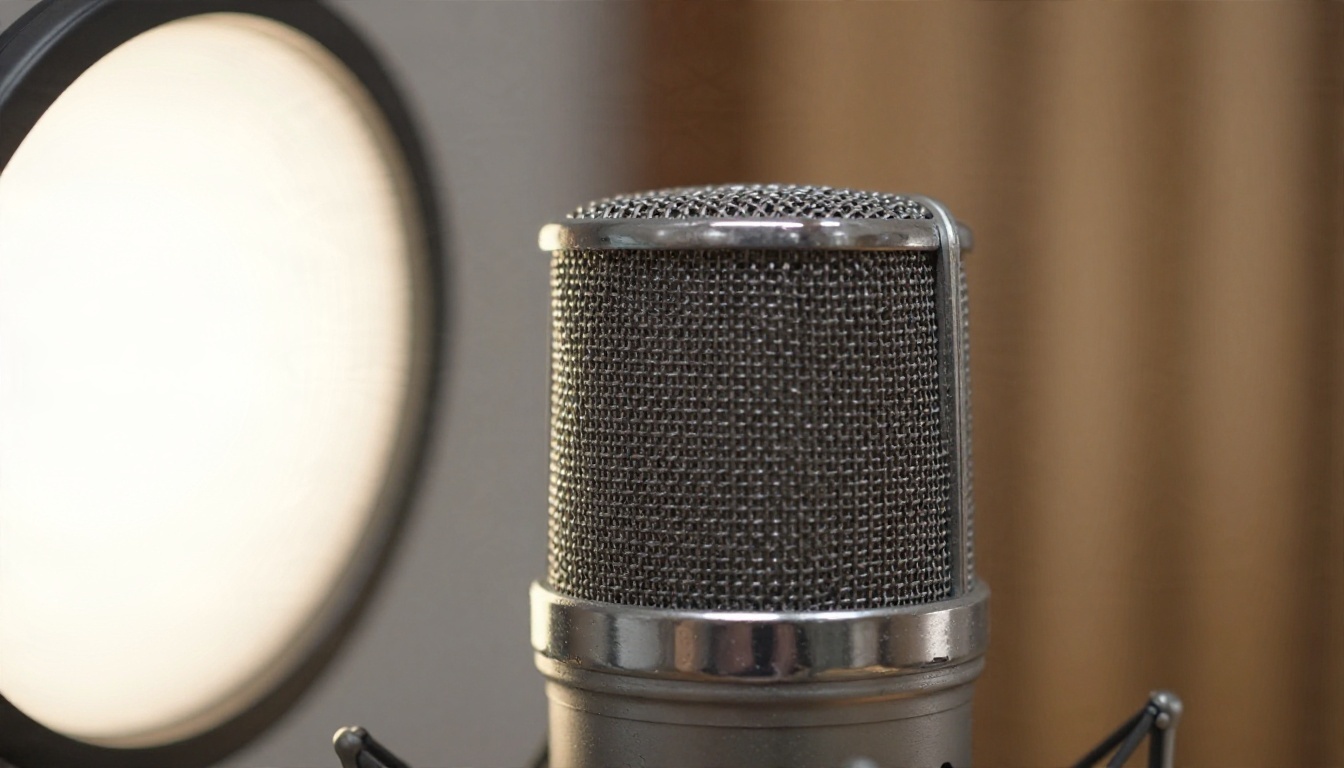
A decent phone recorded in a quiet bedroom often beats an expensive mic in an echoey kitchen. Treat the room first, upgrade the mic later.
What to Sing or Say
Variety gives the model more to work with. Aim for 30 to 90 seconds of clean audio, depending on what the tool asks for.
- Read a short paragraph in your normal speaking voice at a relaxed pace.
- Add a few lines with emotion: one cheerful, one calm, one more intense.
- Include a sustained note or two if you want the clone to carry some tonal warmth.
- Avoid effects, autotune, and background music in the sample. The model needs your raw voice.
- Leave small natural pauses. They help the model learn breath and rhythm.
💡 Tip: Export the sample as a lossless WAV if possible. Heavily compressed audio removes the detail that makes a voice sound alive.
How to Use Voice Cloning on PicassoIA
Here is the workflow for Voice Cloning, the model built for creating custom voices from your own audio.
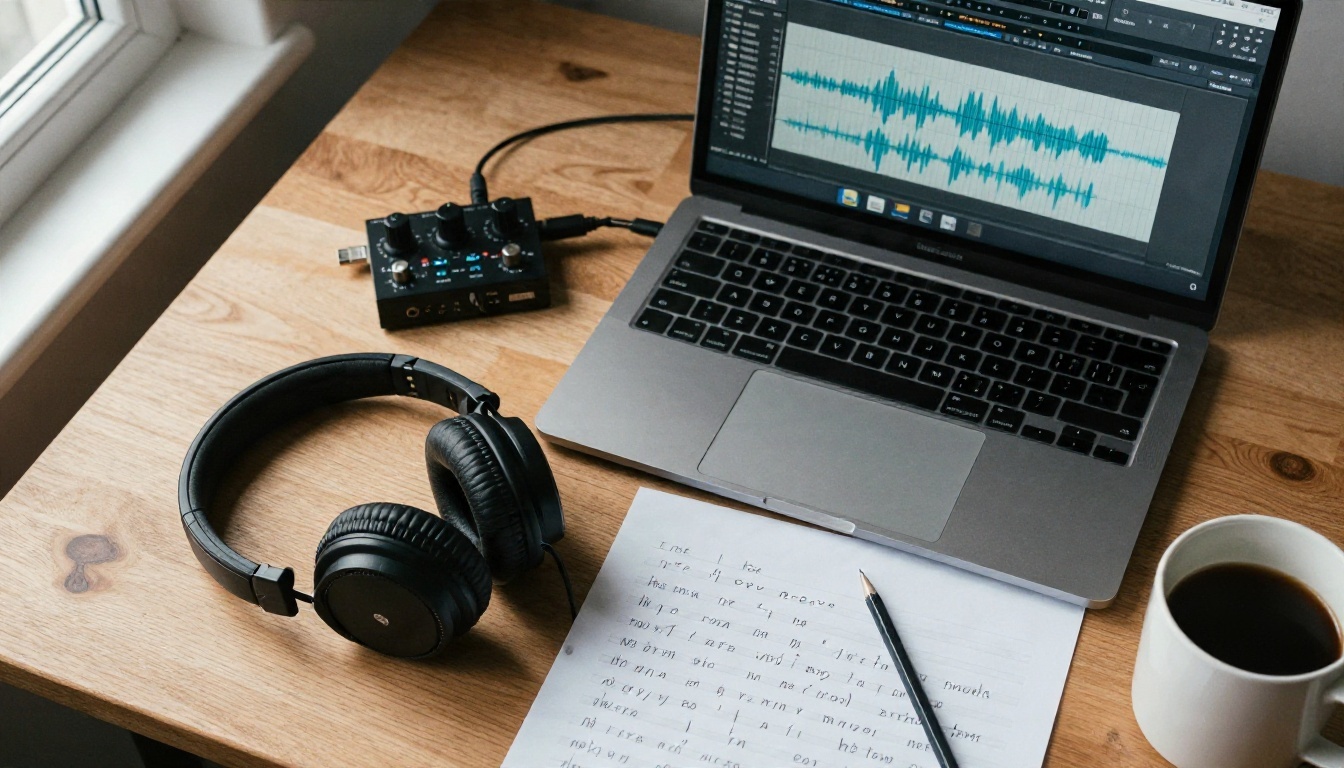
Step by Step
- Open the model page for Voice Cloning on PicassoIA.
- Upload your clean sample. Use a single speaker with no background noise.
- Confirm you own the voice or have permission to use it. Only clone voices that belong to you or to someone who agreed.
- Generate the voice and save the result so you can reuse it.
- Test it with a short line first. Try a sentence you already recorded naturally and compare the two side by side.
- Type or paste your script for spoken parts, intros, or ad-libs, then generate again with the cloned voice.
- Download the audio and place it into your editor alongside your song.
If you want a second opinion, run the same sample through Qwen3 TTS and Chatterbox. Each model interprets timbre a little differently, and one of them will usually fit your voice better.
Settings That Sound Natural
Exact controls vary by model, but the same ideas apply almost everywhere.
| Setting | Natural starting point | What goes wrong at the extremes |
|---|
| Speed | Near 1.0x, maybe 0.95x for ballads | Fast sounds rushed; slow sounds sleepy |
| Pitch | Leave at default | Large shifts create a chipmunk or robot tone |
| Emotion | Match the lyric mood | Wrong emotion feels fake |
| Stability or variation | Medium | Too stable is flat; too loose drifts |
| Output quality | Highest available | Low bitrates add digital grain |
The biggest mistake is over-adjusting. Change one setting at a time, listen on headphones, and keep a note of what each change did.
Make a Song With Vocals
Once your voice is ready for the spoken parts, the song itself comes from a music model. This is where most people get stuck, because the prompt matters as much as the model.
Write Lyrics That Fit the Melody
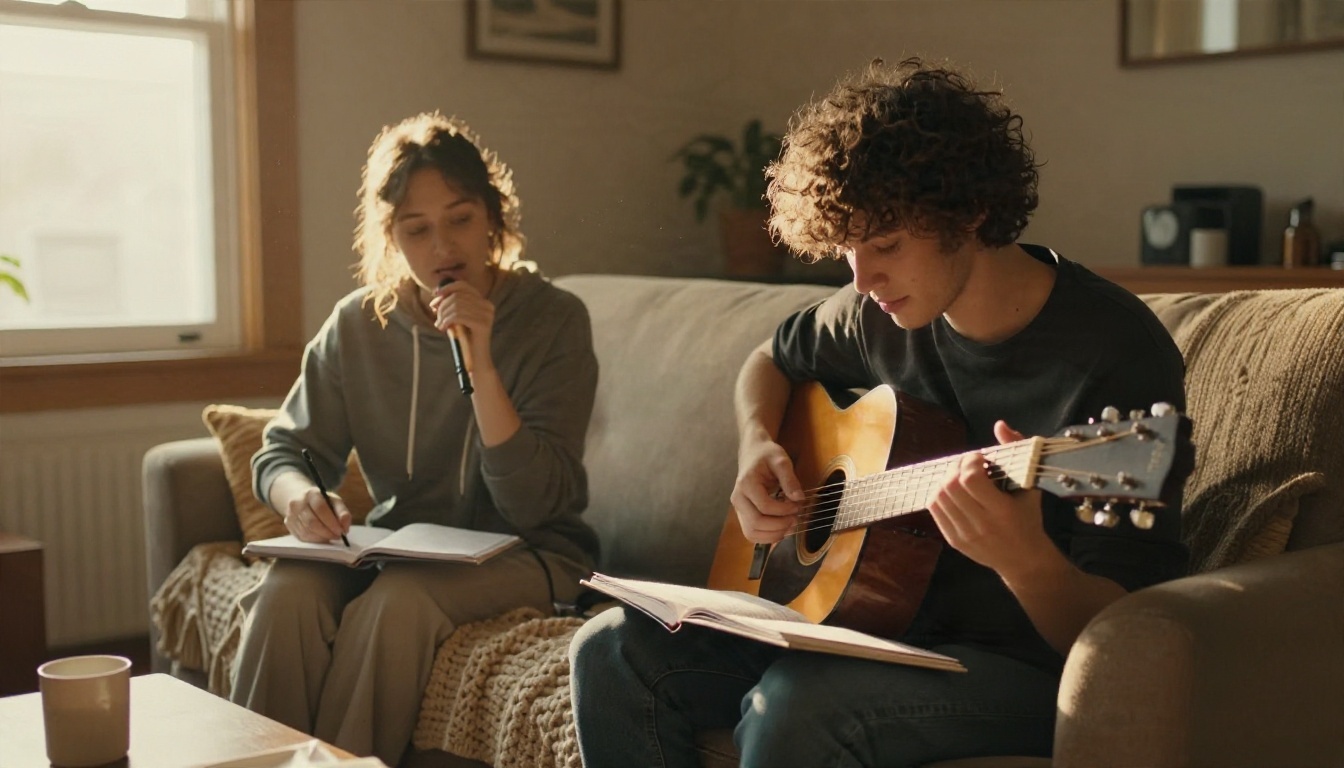
AI vocals sound most natural when the lyrics already sing well. A few habits help.
- Keep lines a similar length. Wildly uneven lines force awkward phrasing.
- Use simple, concrete words. Images beat abstractions: "rain on the window" works better than "melancholic atmosphere."
- Mark sections with labels like verse, chorus, and bridge so the model builds a proper structure.
- Repeat the chorus hook. Repetition is what makes a song feel finished.
- Read it aloud. If you trip over a line, the model probably will too.
Prompt Structure for Music Models
A clear style description gives the model something specific to aim for. Try this order:
- Genre and era: "warm indie folk, early 2010s"
- Vocal type: "soft female vocal, close and breathy"
- Instruments: "fingerpicked acoustic guitar, light brushed drums"
- Tempo and mood: "slow, 72 BPM, reflective"
- Production notes: "dry intimate vocal, minimal reverb"
Put that into Music 2.6 with your lyrics and generate two or three versions. Small wording changes produce surprisingly different takes, so treat each generation as a draft. If the first result feels close but not quite right, change only the vocal description and run it again.
For longer, more polished arrangements, Lyria 3 Pro is worth testing against the same prompt. Music 2.5 is a solid alternative if you prefer its vocal character.
💡 Tip: Generate the instrumental first with Stable Audio 2.5 if you want full control. Then layer your own recorded or cloned vocal on top.
Restyle a Song You Already Like
Sometimes you do not need a new song, you need a familiar melody in a different genre. A song restyle model on PicassoIA takes an existing track and re-renders it in another style, such as turning an acoustic ballad into a laid-back lo-fi version.
A few rules keep this clean:
- Use tracks you own or have rights to. Restyling someone else's recording and publishing it can cause copyright trouble.
- Pick a style far enough from the original to hear a clear difference, but not so far that the melody disappears.
- Keep the source audio clean. A noisy original produces a noisy result.
- Compare against the original on the same headphones before deciding which version works.
This approach works well for your own demos. Record a rough guitar and vocal idea on your phone, then restyle it to hear how it might sound with a fuller arrangement.
Fix Robotic Vocals
Even good output sometimes carries a synthetic edge. The cause is usually one of a few predictable things.
3 Common Mistakes
- A noisy or reverberant sample. The model copies the room along with the voice. Re-record in a softer space.
- Over-processed settings. Stacking pitch shift, speed changes, and effects creates artifacts. Reset to defaults and change one thing.
- Mismatched emotion. A cheerful voice on a sad lyric sounds off, even if the audio is clean. Align the emotion setting with the words.
Mix It Like a Real Take
A raw AI vocal often sounds too clean and too forward. A few simple moves in any audio editor make it sit naturally.
| Step | What to do | Result |
|---|
| High-pass filter | Cut below about 80 Hz | Removes rumble and boominess |
| Light compression | Gentle ratio, 2 to 4 dB reduction | Evens out the performance |
| Subtle reverb | Short room, low mix | Places the voice in a space |
| De-essing | Reduce harsh "s" sounds | Softens digital sibilance |
| Level balance | Vocal slightly above the instruments | Clear but not pasted on top |
Listen on both headphones and phone speakers. If the vocal is clear on a phone, it will be clear almost anywhere.
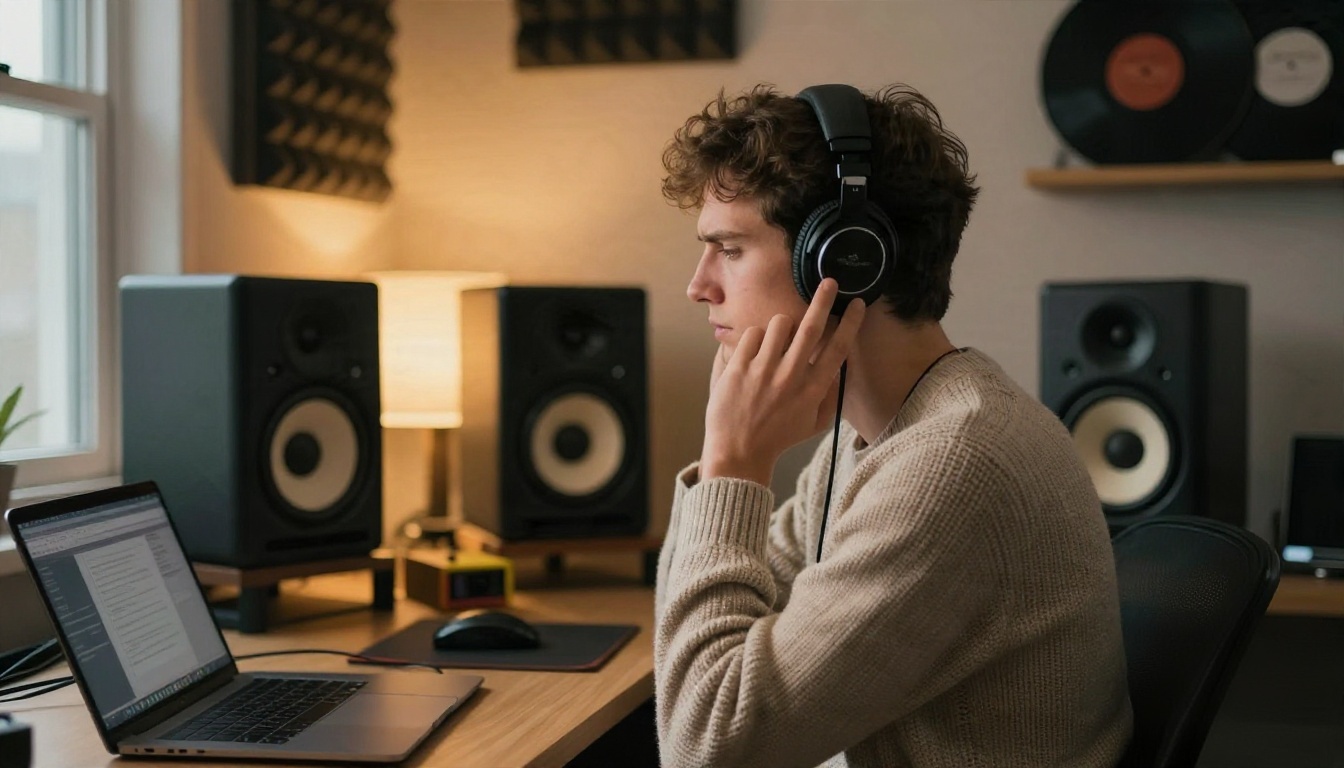
💡 Tip: Take a five minute break before the final listen. Ears get used to flaws quickly, and a short rest brings back your ability to spot them.
Use Your Voice Without Trouble
Voice cloning is powerful, which is exactly why a few ground rules matter.
- Clone your own voice, or one you have clear written permission to use.
- Do not imitate real artists or public figures in ways that could mislead listeners.
- Label AI-assisted tracks when you publish them, especially on streaming platforms that ask.
- Keep your raw samples private. They are the source material for your voice.
- Check the license terms of each tool before releasing a song commercially.
Following these habits protects you and keeps your music on solid ground, and it costs nothing.
Try It Yourself Today
You now have a complete chain: a clean sample, a cloned voice for spoken parts, a full song from a music model, and a few mixing moves that make everything sound like one performance. The fastest way to improve is to run the loop several times. Record a new sample, test a different model, change one setting, and compare.
Open Voice Cloning on PicassoIA, upload a short sample of your own voice, and generate your first line. Then write four lines of lyrics and send them to Music 2.6 with a clear style prompt. In under an hour you can have a finished demo, and every extra round makes it sound more like you. Browse every audio tool at picassoia.com/en/all-models and start experimenting with your own voice today.


