Ten seconds of audio. That is roughly all a modern voice cloning model needs to copy the way you speak, and it is the reason this category exploded. Podcasters clone themselves to fix a flubbed line without re-recording. Course creators narrate hours of lessons from one afternoon in front of a microphone. Studios dub a video into a dozen languages while keeping the original speaker's tone. The catch is that AI voice cloning software now spans free open source projects, pay-per-character cloud services and everything in between, and the differences in cost, quality and rules are not obvious from the landing pages.
This article puts them side by side: what open source really costs once you count setup, what online tools charge and restrict, which limits catch people off guard, and how to run a clone yourself in a few minutes.
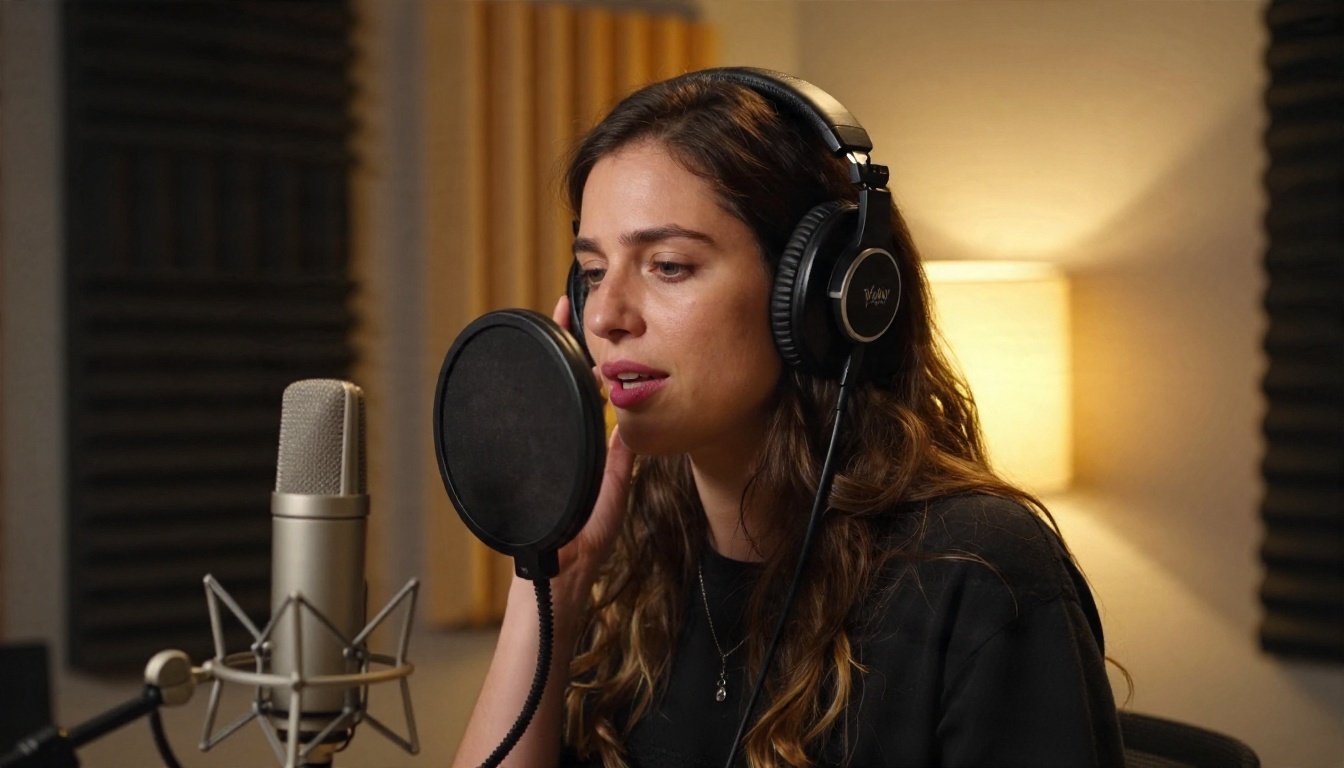
What Voice Cloning Software Does
Voice cloning takes a short recording of a person and builds a reusable digital voice from it. You then type text, and the model speaks it in that voice. Two broad approaches exist:
- Zero-shot cloning: the model listens to a reference clip at generation time and imitates it. No training step. Fast, flexible, slightly less faithful on unusual voices.
- Trained (fine-tuned) cloning: the system builds a dedicated voice profile from a longer sample. More consistent across long scripts, but slower to prepare and often locked behind higher plan tiers.
Most tools sold today use some blend of both, and the marketing rarely tells you which. A good rule: if the tool asks for only 5 to 30 seconds of audio, it is zero-shot or a light version of it. If it asks for minutes or hours, it is training a profile.
Who Actually Uses It
The search intent behind this keyword splits into three groups, and each one should shop differently:
| User type | Main need | Best fit |
|---|
| Solo creator or podcaster | Fix lines, narrate fast | Online tool with simple upload |
| Developer or researcher | Control, privacy, no per-use fees | Open source, self-hosted |
| Studio or business | Consistency, consent records, support | Paid platform with clear licensing |
💡 Quick filter: if you do not already own a GPU or enjoy debugging Python environments, start with an online tool. Come back to open source when volume or privacy justifies the effort.
Open Source Voice Cloning Options
Open source is the right call when you need full control of your data, no usage meter and the freedom to modify the model. It is the wrong call if you want a result in the next ten minutes.
The Names Worth Knowing
Several projects dominate the open source conversation right now. Chatterbox, built by Resemble AI, is the one most people mention first because it clones a voice from a short reference clip and exposes an emotion control. Coqui XTTS, OpenVoice and F5-TTS are other widely used options, each with its own license and language support. Fish Audio's models have also drawn attention for their quality. License terms differ from project to project, so read the one attached to the exact version you download before using the output commercially.
What Free Really Costs
The model weights cost nothing. Everything around them does:
- Hardware: a recent GPU with enough memory makes generation fast. On a CPU alone, expect long waits for every clip.
- Setup time: Python versions, drivers, dependencies and model downloads. Plan an afternoon the first time.
- Maintenance: updates break things. A script that worked in spring may need fixes by autumn.
- No safety net: no support desk, no consent workflow, no hosted storage for voice profiles.
For a team generating thousands of minutes per month, those costs flatten out and open source wins on price. For someone making ten clips a week, paying a small subscription or per-use fee is almost always cheaper than the hours spent on setup.
💡 Middle path: Chatterbox is open source at its core, and you can run it in a browser on PicassoIA with no installation. That lets you judge the quality before deciding whether to self-host.
Online platforms trade control for convenience. You upload a sample, pick a voice, type your script and download audio. The better ones add a library of preset voices, multiple languages and editing controls.
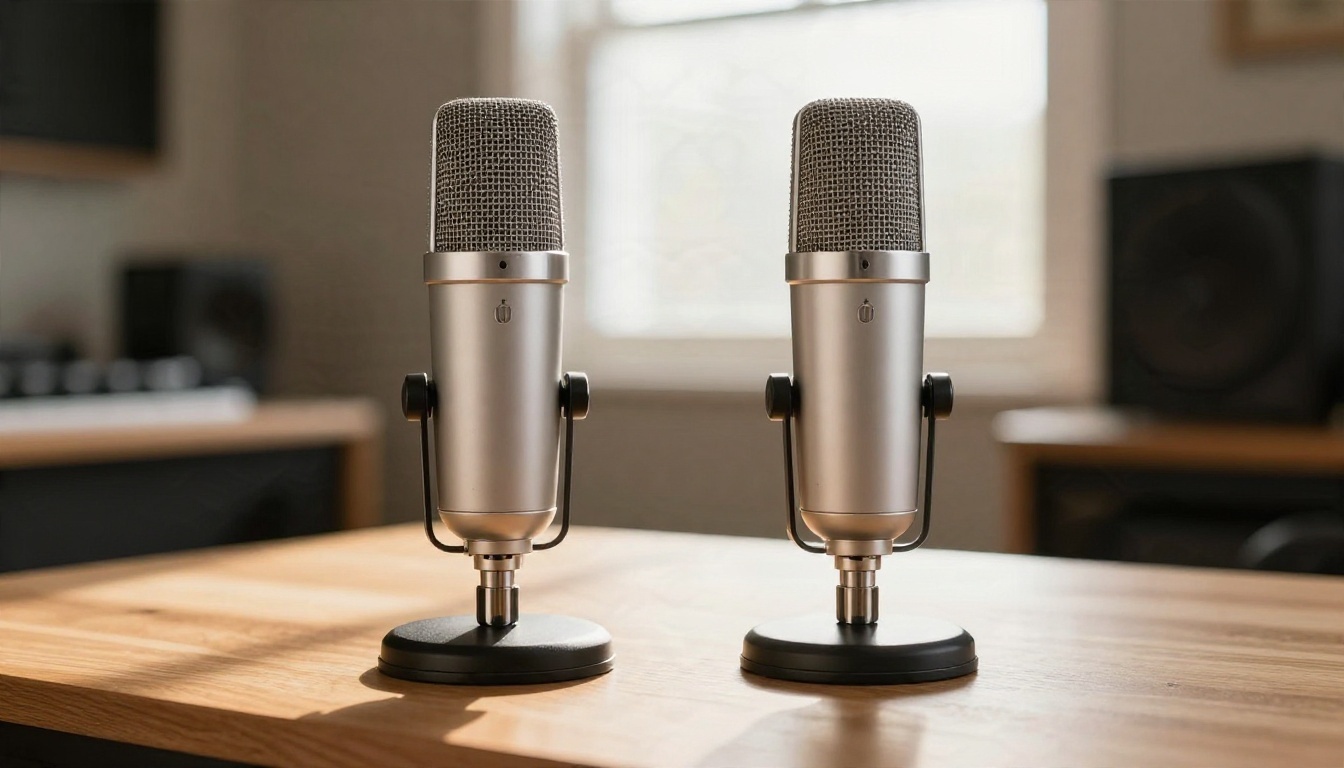
What to Check Before You Pay
| Feature | Why it matters |
|---|
| Minimum sample length | Shorter is easier, longer often sounds better |
| Languages supported | A cloned voice may sound off outside the language of the sample |
| Output formats | MP3 is fine for social, WAV matters for editing |
| Commercial license | Some plans forbid selling content made with the voice |
| Consent verification | Responsible platforms ask for proof the voice is yours |
| Data retention | Where your voice sample is stored, and for how long |
Voice Models Worth Testing
Rather than juggling five subscriptions, it helps to test several engines in one place. On PicassoIA, these models handle cloning or high-quality synthesis:
- Voice Cloning: upload a clip and turn it into a reusable voice that works with several speech tiers.
- Chatterbox: expressive cloning with an emotion slider.
- Chatterbox Pro: a polished version for finished voiceovers.
- Qwen3 TTS: clone a voice or design a new one from a description.
- ElevenLabs V3: natural, emotionally varied narration.
Pricing: What You Will Really Pay
Pricing is where comparison shopping gets confusing, because vendors measure usage in different units. Prices shift often, so treat the figures below as a rough orientation and confirm on each provider's own pricing page before you commit.

Four Common Pricing Models
| Model | How it works | Best for | Watch out for |
|---|
| Monthly subscription | Fixed fee with a cap on characters or minutes | Regular, predictable use | Unused allowance rarely rolls over |
| Pay per use | Charged per character or per second generated | Occasional or spiky projects | Costs climb fast on long scripts |
| Slot based | You pay for a set number of saved cloned voices | Teams with a few recurring voices | Extra voices cost extra |
| Self-hosted | No fee, but you pay for hardware and time | High volume, privacy needs | Hidden labor cost |
Entry-level cloning on commercial platforms has been quoted in guides at roughly five to ten dollars a month, while editing-focused suites such as Descript sit noticeably higher, around the thirty-five dollar mark. Those numbers move, which is exactly why checking the live page matters.
The Cost Per Minute Trap
A plan that lists "100,000 characters" sounds generous until you realize that is roughly two hours of speech, and every retake eats into it. If you iterate on a script ten times, you pay for ten generations. Before choosing, estimate your real monthly volume including retakes. Multiply your final minutes by three as a safe buffer.
💡 Budget tip: draft with a fast, cheap model, then render the final take with a high-definition one. Speech 2.6 Turbo is built for quick drafts, and Speech 2.6 HD is the studio-quality option for the final render.
Limits That Catch People Off Guard
Every tool has constraints, and the marketing rarely lists them. These are the ones that cause the most frustration.
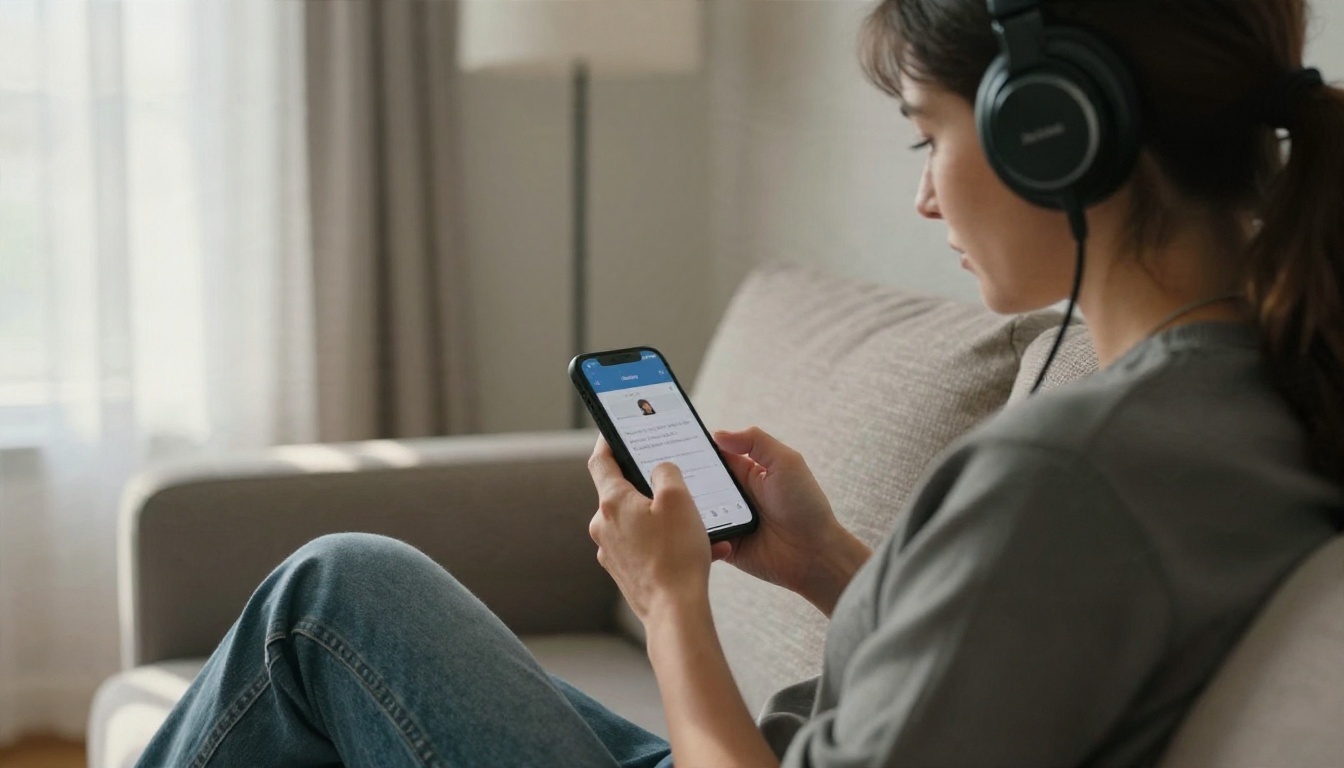
Sample Quality Beats Sample Length
A clean 20-second clip beats a noisy five-minute one. Background hum, room echo and compression artifacts get baked into the clone. Record in a quiet room, keep the microphone 10 to 15 centimeters from your mouth, and speak in the tone you want the clone to use. A flat, monotone reference produces a flat, monotone voice.
Language and Accent Drift
Cloning your English voice and asking it to speak Spanish usually works, but the accent can shift or the timbre can sound slightly different. Test every language you plan to use with a short script before committing a full project.
Character and Time Caps
Most platforms cap a single generation, often to a few thousand characters. Longer scripts have to be split into chunks, and the joins can sound uneven if the pacing differs. Keep a consistent pace setting across chunks and listen to the transitions.
Emotional Range
Cloned voices copy tone more than acting. A voice recorded in a calm reading style may struggle to shout or sob convincingly. If you need range, record your reference with some energy, or choose a model with an explicit emotion control.
Consent, Rights and Safety
Cloning a voice you do not own is where legal and moral problems start. Responsible use comes down to three habits.

Get Written Permission
Clone only your own voice, or a voice whose owner has agreed in writing, ideally specifying where and how the clone will be used. Many jurisdictions now treat voice as a personal right, and a handful of platforms require a verification step before they create a clone.
Check the Commercial License
Free plans often restrict commercial use. If you plan to monetize audiobooks, ads or videos, confirm that your plan grants commercial rights to the output. Keep a copy of the license terms as they stood when you generated the audio.
Look for Watermarking
Some models embed an inaudible trace in every output so the audio can be identified as generated later. Chatterbox includes this, which is a point in its favor for anyone who wants their work to stay traceable and above board.
💡 Rule of thumb: if you would feel uneasy playing the cloned audio to the person whose voice it is, do not generate it.
How to Use Voice Cloning on PicassoIA
Voice Cloning turns a short upload into a reusable voice with no code. Here is the process from sample to finished audio.
Step by Step
- Record your sample. Aim for 30 seconds to a minute of clear speech. The model accepts MP3, M4A or WAV files from 10 seconds to 5 minutes and under 20 MB.
- Open the model page. Go to Voice Cloning and upload your file in the voice file field.
- Choose the speech model. The default is Speech 2.6 HD. Pick a turbo option such as Speech 02 Turbo if you want faster, cheaper drafts.
- Set the cleanup options. Turn on noise reduction if your recording has background hiss, and volume normalization if the levels vary.
- Run the clone. The tool creates a voice you can reuse with compatible speech models.
- Generate your script. Type your text, render, and listen. Re-run with edited wording until the delivery sounds right.
Parameter Tips
| Setting | Recommended value | Why |
|---|
| Model | Speech 2.6 HD for finals | Best clarity |
| Noise reduction | On for phone recordings | Removes ambient hiss |
| Volume normalization | On if levels fluctuate | Keeps playback even |
| Accuracy | 0.7 default | Raise it if the clone drops words |
Try Chatterbox for Expressive Reads
If you want more control over delivery, open Chatterbox and add a reference clip in the audio prompt field. Use exaggeration around 0.5 for neutral reading and raise it gently for livelier speech, since extreme values can sound unstable. Lower cfg weight slows the pace, and a temperature near 0.8 keeps the output natural while still varied.
For long projects where speed matters, Chatterbox Turbo is the quicker sibling.
Open Source or Online: How to Choose
Here is the short version, based on what you actually need.
| Your situation | Pick |
|---|
| Fewer than 20 clips a month | Online tool, pay per use |
| Daily content, one voice | Subscription or browser-based model |
| Thousands of minutes, privacy needed | Self-hosted open source |
| Multilingual video dubbing | Online platform with translation |
| Need to test quality first | Browser access to several models |
A Practical Test Before You Commit
Run the same 40-word script through three tools using the same reference clip. Listen on headphones and on a phone speaker. Check four things: does the voice sound like the speaker, do names and numbers come out right, does the pacing feel natural, and does the audio stay consistent across a second and third generation. The tool that wins on those four points is the right one, regardless of its price tag.
Pair Cloning With Other Tools
A cloned voice becomes more useful when it feeds the rest of your workflow:
- Video dubbing: Dubbing translates videos into more than 90 languages while keeping the speaker's character.
- Lip movement: Lipsync 2 matches mouth movement to any audio track, which helps when a cloned voice replaces a line on camera.
- Fast, multilingual reads: Gemini 3.1 Flash TTS offers 30 voices across more than 70 languages when you do not need a custom clone.
Common Mistakes to Avoid
- Using a noisy reference. The clone inherits every flaw in the sample.
- Judging by one generation. Output varies, so listen to at least three takes.
- Ignoring the license. Free tiers and commercial use rarely mix.
- Skipping consent. Permission is not optional, even for a friend or colleague.
- Paying for the biggest plan first. Start small and upgrade once your real usage is clear.
Make Your Own Voice Work Harder
The fastest way to settle the open source versus online debate is to hear the difference with your own voice. Record 30 seconds on your phone, open Voice Cloning on PicassoIA, and generate a short script. Then run the same clip through Chatterbox and Qwen3 TTS and compare. In under ten minutes you will know which engine fits your accent, your tone and your budget, with no installation and no commitment. Browse the full catalog of voice, music and video models at picassoia.com/en/all-models and build something with your own voice today.


