A flat, robotic read can kill a great character in two seconds. The grumpy dwarf sounds like a GPS, the villain sounds like a bank announcement, and your listener is gone. The good news: the best AI voice generator characters tools in 2027 can whisper, laugh, snap, hesitate and cry, if you know how to ask. This article walks through free options, the real mechanics of emotion, the online tools worth your time, and copy-ready examples for games, podcasts, audiobooks and videos.
💡 Quick answer: Start with a free or low-cost model to test the voice, write the emotion into the script itself, then move the final lines to a studio-grade model. That order saves hours.
What Character Voices Actually Are
A Voice Is Not a Character
A voice is timbre, pitch, accent and pace. A character is the voice plus intent: who is speaking, to whom, and what they want right now. Most disappointing AI audio comes from people choosing a voice and typing the line, without ever giving the model a reason to sound a certain way.
Think of it the way a voice actor does. Before a single take, they know the character's age, mood, secret and speaking habits. Your prompt and script should carry the same information.
Where Character Voices Show Up

Character voices are no longer a luxury for studios. Here is where creators use them most:
- Indie games: NPC barks, quest givers, narrators and companions.
- Podcasts and fiction audio: recurring cast members without hiring five actors.
- Audiobooks: distinct narrators for dialogue versus description.
- Explainer and social videos: mascots, hosts and animated characters.
- Prototype work: temp audio so a team can judge pacing before casting real talent.
Small teams especially benefit. A prototype with believable voices gets better feedback than one with silent text boxes.
Free Options That Actually Work
What Free Usually Means
"Free" in voice generation rarely means unlimited. It usually means one of the following:
| Free Type | What You Get | Typical Catch |
|---|
| Trial credits | Full-quality output for a limited number of generations | Credits run out, then you pay or wait |
| Daily or monthly allowance | A small recurring quota | Short clips, lower priority queue |
| Open weight models | Run on your own hardware at no usage cost | You need a capable GPU and some setup |
| Free tier with watermark or license limits | Unlimited tests | Commercial use may be blocked |
Always check the license before you publish. A voice that is free to test is not always free to sell in a game or a monetized channel.
Open Weight Models Worth Knowing
Open weight text to speech has improved fast. Two families matter for characters. Chatterbox is built around voice cloning with emotion control, which makes it a natural fit for expressive dialogue. Qwen3 TTS lets you clone a voice or design a new one from a description, which is ideal when you have a character in your head but no reference recording.
If you do not want to install anything, both are available to run online through PicassoIA, so you can judge the sound before deciding whether a local setup is worth the effort.
Test Before You Commit

Build a three-line test script and run it through every candidate voice:
- A neutral line: "The door is open. Come inside."
- An emotional line: "You promised me. You promised."
- A hard line with names, numbers and a pause: "Agent Okonkwo, seventeen minutes... maybe eighteen."
The third line exposes weaknesses fast. Cheap voices stumble on unusual names and ignore ellipses. Good ones breathe in the right place.
💡 Tip: Save your test script and reuse it. Comparing models on identical text is the only fair comparison.
Adding Emotion to Synthetic Speech
Write the Emotion Into the Script
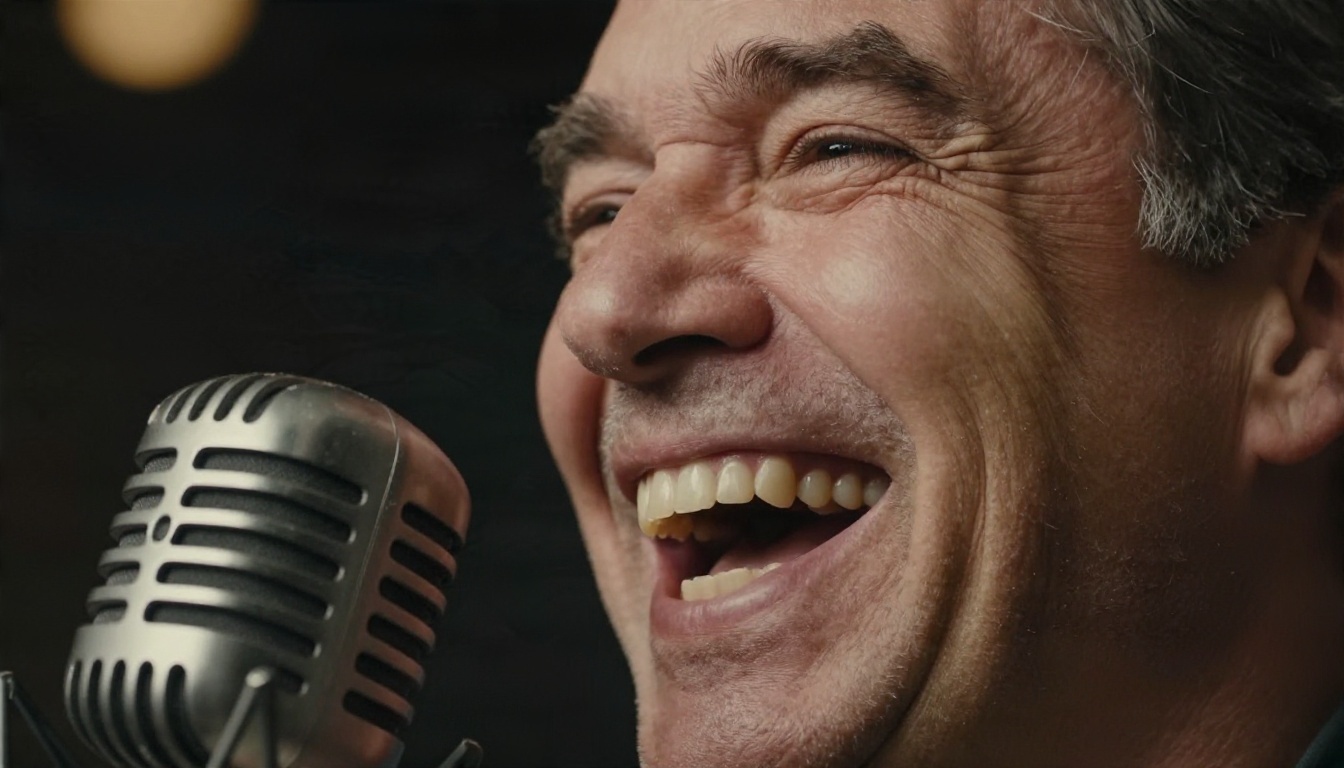
Models respond to text, so punctuation and phrasing are your first emotion controls. Compare these two versions of the same idea:
- Flat: "I cannot believe you did that."
- Alive: "I... cannot believe you did that. Seriously? You did that?"
The second adds hesitation, stress and a rising question, all through punctuation. Some practical rules:
- Short sentences read as tense or angry. Long, flowing ones read as calm or dreamy.
- Ellipses create hesitation. Commas create breath.
- Italics or capitals for a single word usually push stress onto it, though behavior varies by model.
- Exclamation marks raise energy, but too many make every line sound like an ad.
Tags, Style Prompts and Parameters
Newer models go beyond punctuation. ElevenLabs V3 is built for expressive, natural delivery, and Gemini 3.1 Flash TTS takes natural-language direction on style and pacing across 70+ languages. Realtime TTS 2 accepts plain-language instructions as well, so you can describe the delivery the way you would brief an actor.
A useful direction has three parts: emotion, intensity, physical state. For example:
"Speak softly and slowly, close to the microphone, as if afraid of being overheard. Fear at about 6 out of 10, slightly out of breath."
Chatterbox goes one step further with an exaggeration style control. Low values give a restrained read; high values push the drama. Start in the middle and move in small steps.
Common Emotion Mistakes
| Mistake | What Happens | Fix |
|---|
| Asking for "angry" with no context | Shouting with no motivation | Add the reason: "angry because she was lied to" |
| Maximum intensity on every line | Parody, listener fatigue | Vary intensity across the scene |
| One long paragraph per generation | Emotion drifts or flattens | Generate line by line |
| Ignoring the previous line | Abrupt tonal jumps | Feed context in the direction text |
| Skipping a human listen | Odd stress goes unnoticed | Listen with headphones before export |
Quick Comparison
Here is how a selection of text to speech models on PicassoIA stacks up for character work. Strengths are based on each model's published positioning, so run your own test line before settling.
Fast Models for Live Use
If your character talks to a player in real time, such as an in-game companion or a chatbot mascot, latency matters more than polish. Realtime TTS 1.5 Max targets sub-200ms responses, and Realtime TTS 1.5 Mini pushes even lower. For fast batch work, Chatterbox Turbo and ElevenLabs Flash v2.5 generate quickly enough to iterate on a whole script in one sitting.
Studio Quality for Final Audio

For the version your audience actually hears, switch to a high-fidelity model. Speech 2.8 HD and TTS 1.5 Max are strong candidates, and ElevenLabs v2 Multilingual is a safe pick when your cast speaks several languages. A practical habit: draft with a fast model, polish with an HD model, and keep the same script across both.
Designing a Character Voice From Scratch
Build a Voice Profile

Before generating anything, write a short voice profile for each character. Six lines are enough:
- Age and body: "Late 60s, smoker's rasp, small frame."
- Accent and region: "Soft Scottish, rolling Rs."
- Pace: "Slow, deliberate, long pauses."
- Temperament: "Dry humor, never raises his voice."
- Speech habits: "Says 'aye' and 'right then' often."
- Secret: "Hiding that he is frightened."
With Qwen3 TTS you can feed a description like this directly to design a voice. With other models, use it to pick the closest preset and to write your direction text.
Clone With Permission

Cloning is powerful: a few seconds of clean audio can recreate a speaker. Voice Cloning and Chatterbox both support it. Use it on your own voice, a hired actor who agreed in writing, or a voice you have explicit rights to. Never clone a real person who has not consented, and never present a cloned voice as someone saying words they did not say.
A warm grandparent narrating a bedtime story, for example, works beautifully when it is a family member's own recorded voice used with their blessing.
Multi-Character Dialogue

Conversation is where robotic audio gets exposed. Two tips make it sound alive:
- Give each character a distinct voice anchor. Different pitch, pace and accent. Two similar voices blur together.
- Generate line by line, then stitch. Let each line carry its own emotion, and cut tiny gaps between speakers so replies feel natural. Overlapping a quick interruption by a fraction of a second adds a lot of realism.
Play Dialog is made for two-speaker exchanges, which saves stitching time for podcast-style scenes.
Real Examples You Can Copy
Five Character Prompts
Paste these into a model that accepts style direction, then tweak.
| Character | Direction | Sample Line |
|---|
| Tired detective | Low, gravelly, slow, weary but sharp | "Three days, no sleep, and the coffee finally gave up on me too." |
| Cheerful mascot | Bright, quick, smiling audibly | "Hey there, friend! Ready for something amazing? Let's go!" |
| Cold villain | Calm, quiet, precise, no hurry | "Do not mistake my patience for mercy." |
| Anxious sidekick | Fast, higher pitch, breathy, stumbling | "Okay, okay, so I might have, uh, locked us in. Slightly." |
| Gentle narrator | Warm, even, soft pauses | "Once upon a time, in a village by the sea, lived a girl who listened to the wind." |
Same Line, Three Emotions

Take one line: "I found the letter." Generate it three times with different direction:
- Relief: "Exhale first, then say it with a shaky smile."
- Dread: "Barely above a whisper, stopping mid-breath."
- Accusation: "Flat and cold, emphasis on 'found'."
The words are identical. The meaning is not. This exercise is the fastest way to see how much control a model actually gives you, and it makes a good test when comparing tools.
A Simple Workflow You Can Repeat
From Script to Final Audio

- Write the script with each speaker labeled and short lines.
- Add direction to every line that needs it: emotion, intensity, physical state.
- Draft quickly with a fast model such as Chatterbox Turbo.
- Listen on headphones and flag lines with wrong stress, odd names or flat feeling.
- Fix text first, not settings. Re-punctuate, split or reword before you touch parameters.
- Render the final with a high-fidelity model like Speech 2.8 HD.
- Localize if needed with Dubbing, which translates video audio into 90+ languages.
- Mix: normalize levels, add light room tone, and keep a half second of silence between scenes.
💡 Pronunciation trick: For tricky names, spell them phonetically in the script ("Oh-KON-kwoh") and keep a small glossary of spellings that worked.
Questions People Ask
Is There a Truly Free Character Voice Generator?
Truly free usually means open weight models run on your own machine, or generous trial credits online. Both are enough to prototype a whole scene. For commercial releases, confirm the license on the exact voice you use.
Can AI Voices Sound Sad or Angry?
Yes, with limits. Models handle broad emotions such as joy, sadness, fear and anger well, especially when you give a reason and an intensity. Subtle mixed feelings, like polite disappointment, still take a few attempts and a listening ear.
Can I Use These Voices in a Game or Video?
Often, yes, but rights depend on the model, the voice and your plan. Read the terms for commercial use, keep records of any cloned voice consent, and credit where required.
How Long Should Each Clip Be?
Short. One to three sentences per generation gives the most consistent emotion. Long paragraphs tend to drift in tone, pace and energy.
Make Your Characters Talk
You now have the full loop: a voice profile, a script with emotion written in, a fast draft, and a polished final render. The only thing left is your cast. Pick one character, write three lines, and run them through two or three models side by side in the text to speech collection on PicassoIA. Try the same line with relief, dread and anger. Then clone your own voice for a narrator, or design a brand new one from a description.
Open Picasso IA, test a few voices today, and hear your characters speak for the first time.


