You typed "AI waifu generator free" into a search bar because you want a character that looks like she stepped out of your favorite series, and you want her in about thirty seconds, without a credit card. That is a fair thing to ask for. It is also where most people hit the first wall: a tool that says "free" and then hands you three images, a watermark and a countdown timer.
This article lays out how free AI waifu generators actually behave in late 2026. You will see what the main online tools offer, how the daily limits work, which prompts produce a clean and consistent character, and where a more flexible image model beats a one-trick waifu site. I also include a prompt formula you can copy and a table of the free-tier traps to watch for.
What a Waifu Generator Does
A waifu generator is an image model, or a thin web app wrapped around one, tuned to produce stylized female anime characters. The word "waifu" comes from fan culture and means a fictional character someone feels a strong fondness for. In practice, people use these tools for avatars, wallpapers, visual novel concepts, fan art, tabletop character portraits and plain curiosity.
There are two broad kinds of tool:
- Preset builders. You pick hair, eyes, outfit and expression from menus or sliders, and the site assembles a character. They are fast and cheap to run, but you cannot step outside the options.
- Prompt-based generators. You write a description and the model draws it. You get far more control, but the quality depends heavily on how you write.

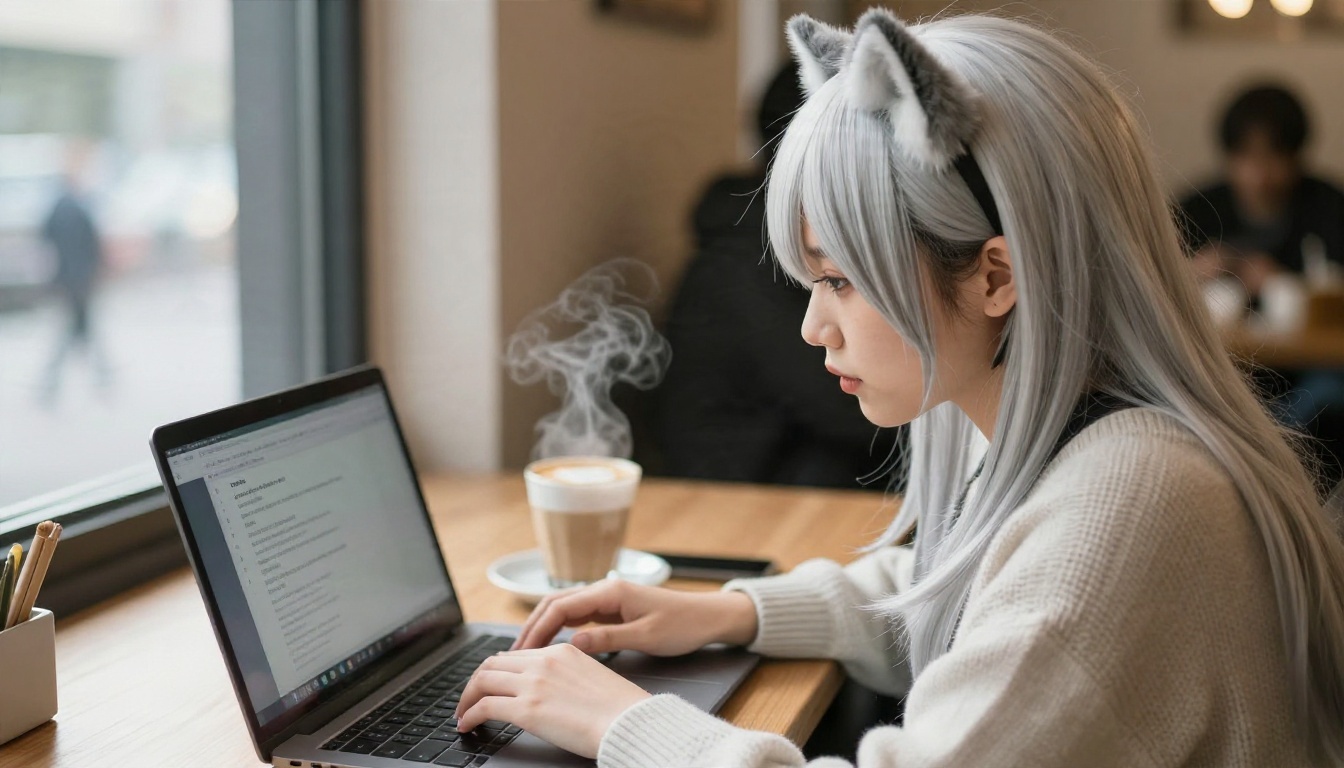
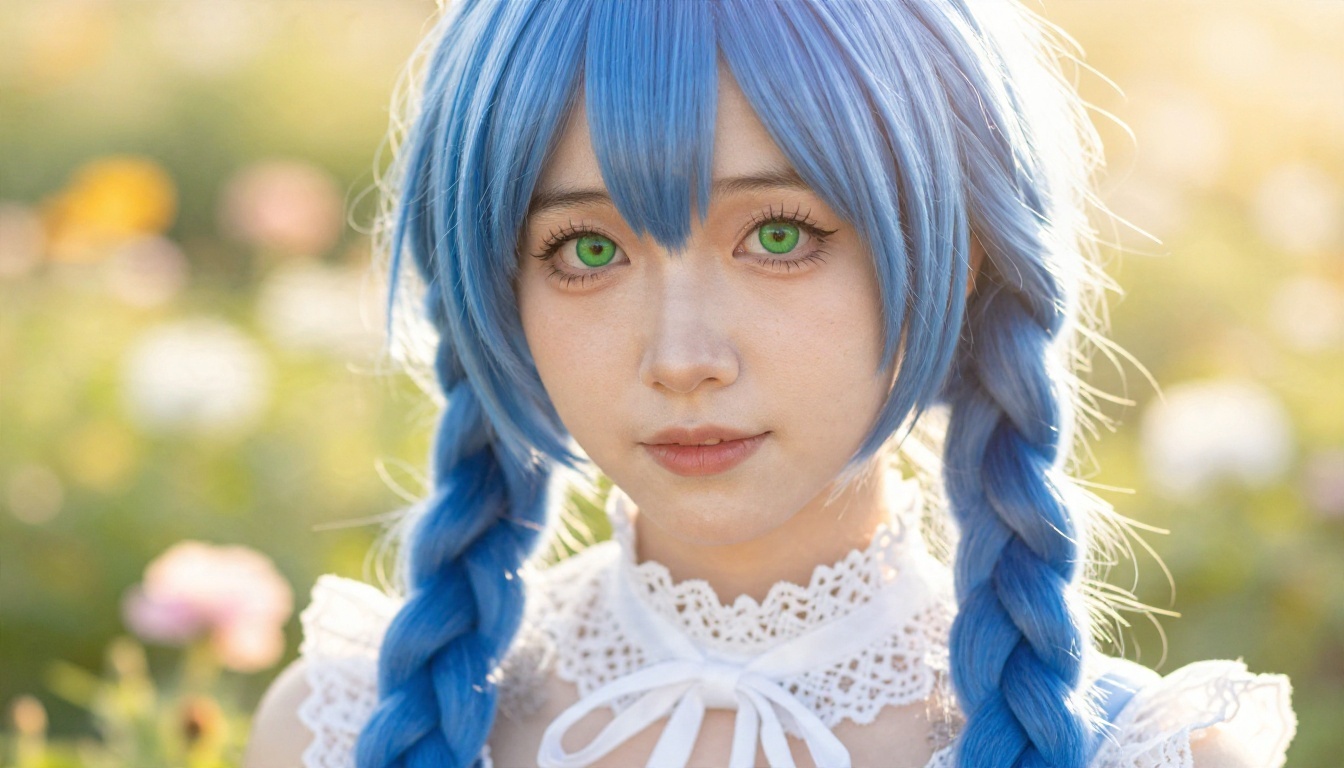
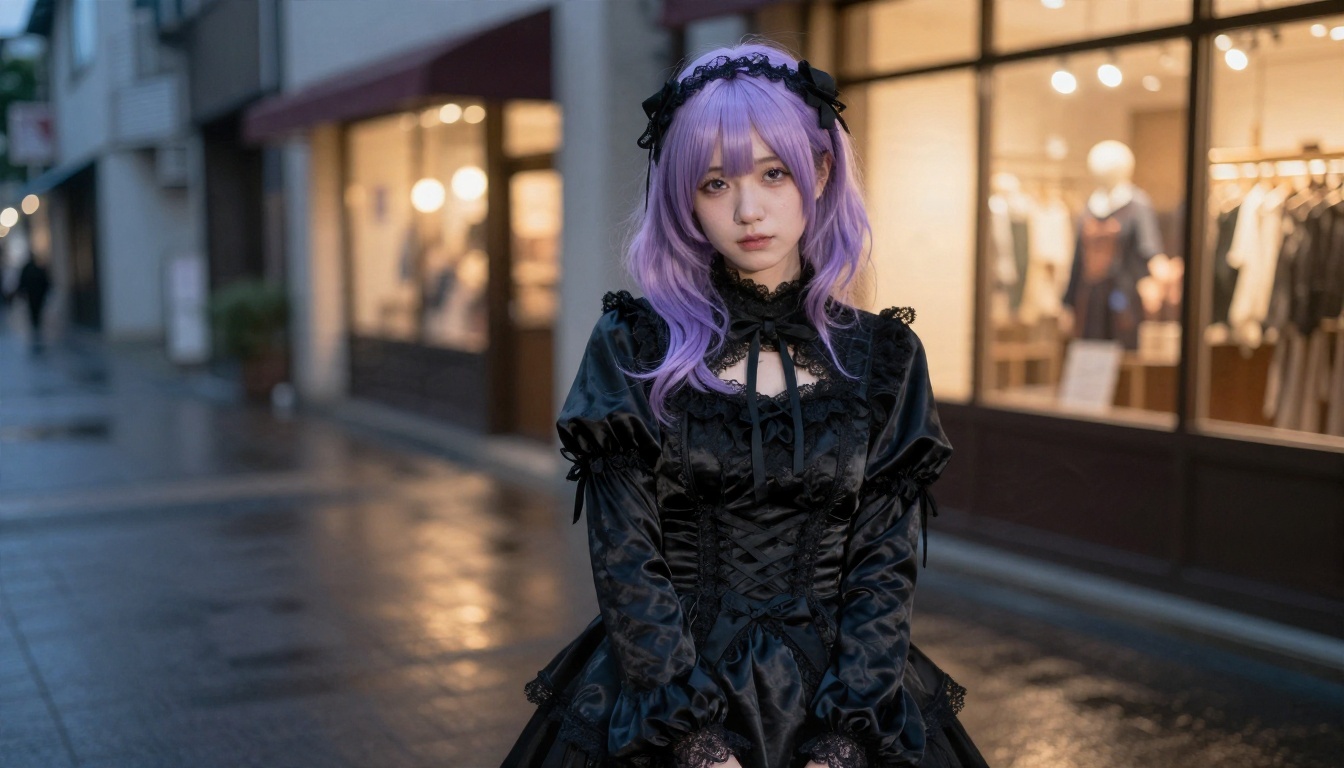
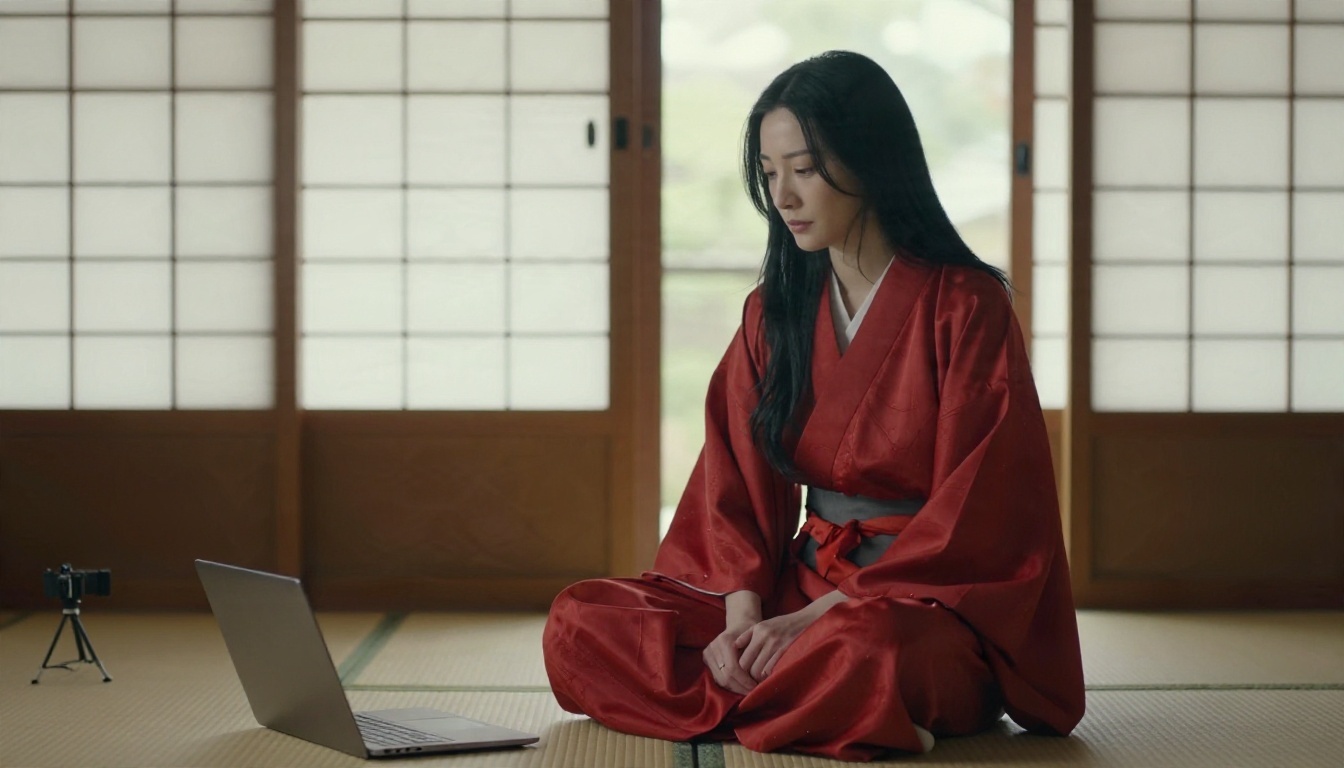
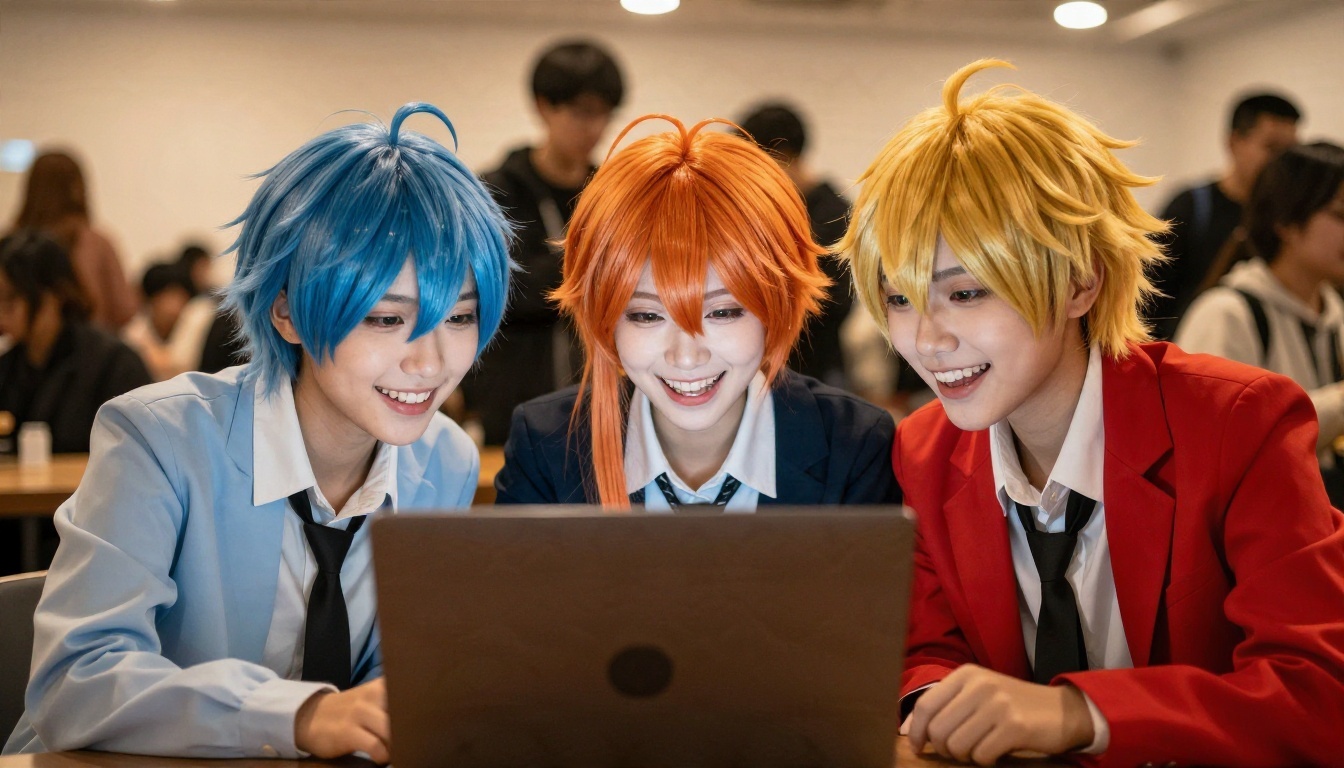
The photos in this article show real-looking cosplay portraits, not anime art. That is deliberate: it is a useful reminder of what a good waifu prompt is actually describing. Hair color, outfit, light and mood are the same ingredients whether the output is a drawing or a photograph.
Why People Search for "Free"
Most of the people typing this query are not looking for a production pipeline. They want to try an idea, make an avatar, or see whether AI can hit a certain look. A free tier suits that perfectly, as long as you know what you are trading for the price.
Who Should Skip Free Tiers
If you need the same character across forty images, high resolution for print, or commercial rights you can document, a free tier will frustrate you quickly. We will come back to that in the limits section.
Based on current reviews and listings, a handful of names come up again and again. I am describing them in general terms, because free plans change often and vendors rarely keep their limits stable for more than a few months.
| Tool | Style of use | What to expect on the free plan |
|---|
| Perchance | Prompt-based, no login | Reported as open with no daily cap, but output is small, around 512 by 768 pixels |
| PixAI | Prompt-based, anime-focused | Strong anime detail, usually credit-based with daily refills |
| Waifu Labs | Preset builder | Free with limits, a paid upgrade, and little room for custom designs |
| Bing Image Creator | General prompt tool | Often described as having soft limits rather than hard daily caps |
| PicassoIA models | Prompt-based, many models | Several models listed for free use, plus an unlimited editor for adult-oriented work |
💡 Tip: Check the pricing page of any tool on the day you use it. Numbers in reviews go stale within weeks, and I could not confirm a single reliable daily cap for any dedicated waifu site.
Preset Builders
A preset builder is the gentlest start. You click through hair and eye color, and a character appears. The drawback is sameness. After ten generations, most of them share a face shape and a pose, because the underlying parts are limited.
Open Prompt Tools
Prompt tools give you the freedom to ask for exactly what you imagine: a silver-haired swordswoman at a train station in the rain, say. That freedom is also why the next section matters. A vague prompt gives a vague result.
Prompts That Actually Work
Good waifu prompts are rarely long. They are specific. Think of the prompt as a casting sheet: who is she, what is she wearing, where is she and how is the picture lit.
The Five-Part Formula
Write your prompt in this order:
- Subject. Age range, hair color and length, eye color, expression.
- Outfit. One main garment, with a material or a detail such as "pleated skirt" or "lace collar".
- Setting. One location, with two or three objects that belong there.
- Light. Time of day and direction, such as "soft window light from the left".
- Style. The look you want: "anime key visual", "soft cel shading", "watercolor background".
A working example: a young woman with long lavender hair and green eyes, calm smile, white sailor blouse with a red ribbon, standing on a quiet rooftop at sunset, warm rim light from behind, anime illustration with soft cel shading and detailed background.
Words That Help
Certain terms push a model toward a cleaner result:
- Hair detail: "twin tails", "blunt bangs", "braided crown", "side ponytail"
- Eyes: "large expressive eyes", "sharp upturned eyes", "heterochromia"
- Mood: "gentle smile", "shy glance", "confident stare"
- Finish: "clean line art", "soft shading", "high detail"
Words That Hurt
Piling on quality tags like "masterpiece, best quality, ultra detailed, 8k" can crowd out the part of the prompt that matters. Modern models read plain sentences well. Spend your words on the character, not on flattery for the model.
Fixing Common Faults
| Problem | Likely cause | Fix |
|---|
| Extra or blurred fingers | Hands in a busy pose | Ask for "hands in pockets" or "hands behind back" |
| Face looks generic | Too few traits in the prompt | Add a freckle, a scar, a hair clip or a tilted head |
| Outfit changes every try | Outfit described loosely | Name one garment, one color and one material |
| Background is empty | No setting words | Add three objects and a time of day |
| Character drifts between images | No fixed identity | Reuse the exact same trait string each time |
The Real Cost of Free
"Free" on an AI image site almost always means one of four things. Knowing which one you are dealing with saves you an hour.
Daily Credits
The most common model. You receive a small number of credits per day, often in the range of a handful to a couple of dozen images, and they refill on a timer. Reviews put typical free tiers somewhere between 5 and 20 images per day, but that figure is a rough average and not a promise from any specific site.
Watermarks and Queues
Some tools give you unlimited generation but stamp a mark on the result or park you in a slow queue during peak hours. For a social avatar that is fine. For a wallpaper or a print it is not.
Resolution Caps
A free image of 512 by 768 pixels looks fine on a phone and soft on a monitor. Upscaling later is possible, and a super resolution model can rescue a small image, but starting larger is cleaner.
Usage Rights
Check whether the free tier allows commercial use. Many do not. If you plan to sell stickers, post a webcomic or put the character in a game, read the terms before you generate anything you care about.
💡 Tip: Keep a text file with your best prompt and the settings you used. The single most useful habit with a free tier is not losing a character you like.
Keeping One Character Consistent
The hardest thing about a waifu generator is not making a pretty girl. It is making the same pretty girl twice. Free preset tools cannot do it at all. Prompt tools can get close with a little discipline.
Build a Trait String
Write a fixed sentence and paste it at the start of every prompt: "young woman, waist-length black hair with straight bangs, amber eyes, small mole under the left eye, red kimono-style jacket." Change only the scene that follows.
Use a Reference Image
Several editing models accept an image as input and keep the face and outfit while changing the pose or background. This is the closest thing to a real consistency tool, and it is where a more capable model starts to earn its keep.
Turn a Photo Into Anime Art
If you already have a portrait, a photo-to-anime model can restyle it while keeping the pose and expression. Qwen Image Edit Plus LoRA Photo To Anime is built for exactly that, and it pairs well with a trait string for later scenes.
Best PicassoIA Models for Waifu Art
Dedicated waifu sites are narrow. General image models are broader, and several handle anime styles very well when you describe the look clearly. These are the ones worth trying, in the order I would reach for them.
| Model | Best for | Why use it |
|---|
| Seedream 4.5 | Sharp 4K characters with rich detail | Follows long prompts closely and handles adult-oriented, glamour-style requests without the blocks common elsewhere |
| PicassoIA Image Editor Pro | Unlimited edits and variations | No generation cap, which is the main thing a free waifu hunter wants |
| Qwen Image 3 Pro | Clean faces and readable outfits | Strong at following a trait string across scenes |
| Nano Banana Pro | Edits that keep a character intact | Useful for changing pose, outfit or background from a reference |
| Krea 2 Medium | Anime and painterly styles | Leans naturally toward illustrated looks |
| Proteus v0.3 | Anime character portraits | A simple, fast option made for the genre |
| Z Image Turbo | Quick drafts | Fast enough for testing a dozen prompt variations |
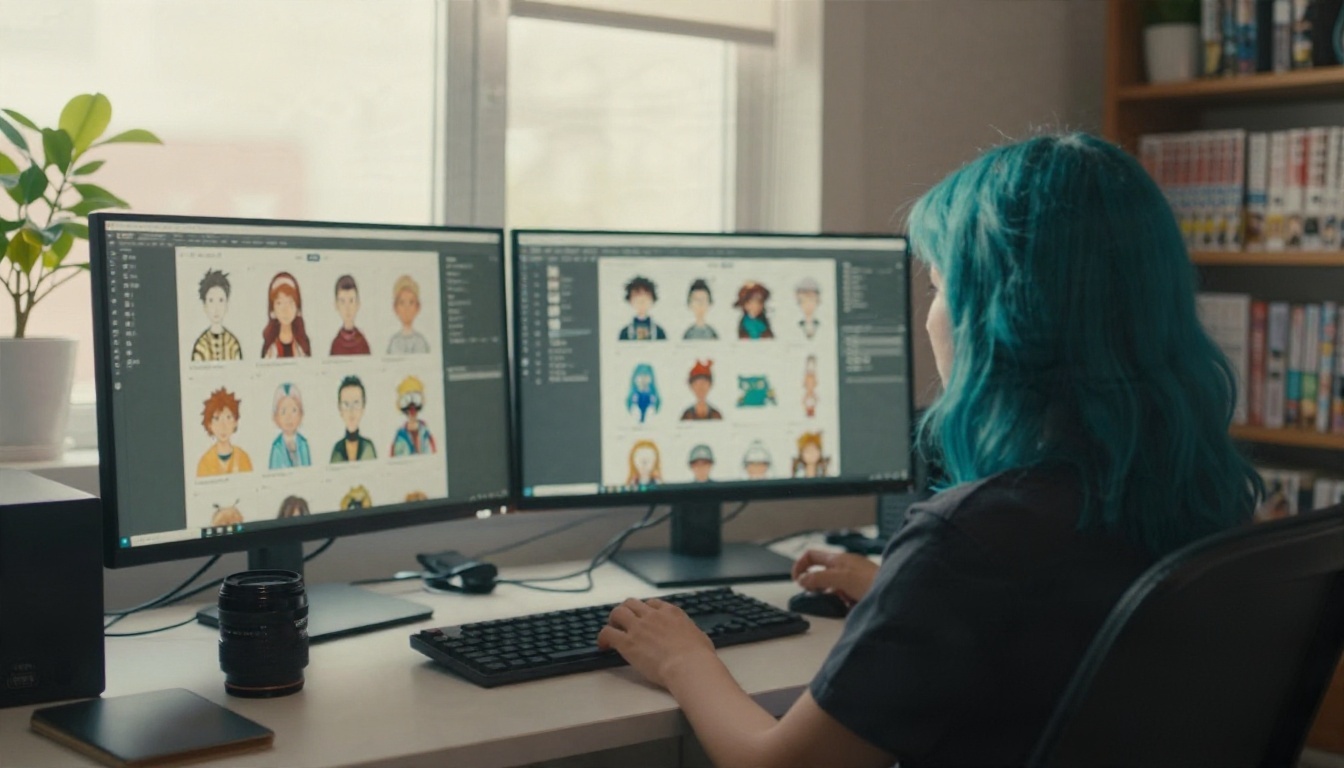
Start With Seedream 4.5
Seedream 4.5 is my first pick for a waifu portrait that needs to look finished. It reads detailed prompts well, renders hair and fabric cleanly and does not choke on glamour or swimwear requests, so you can describe a character the way you actually imagine her. Keep the result tasteful and non-explicit, and it will give you consistent, attractive images.
Then Use the Image Editor Pro
Once you have a character you like, PicassoIA Image Editor Pro is the workhorse for variations. Because generations are unlimited, you can try a new outfit, a different background or a changed expression twenty times without watching a credit counter.
Quick Steps in Practice
- Open Seedream 4.5 and paste your five-part prompt.
- Generate two or three versions and pick the face you like most.
- Move to PicassoIA Image Editor Pro with that image as the base.
- Ask for one change at a time: pose, outfit, then background.
- Save the final prompt and the trait string for next time.
💡 Tip: Change one thing per edit. Asking for a new outfit, new pose and new location in a single request is the fastest way to lose the face you liked.
Mobile, Desktop and Friends
Most people try a waifu generator on a phone first, on a lunch break or a train. A phone is fine for drafts. Typing a long trait string on a small screen is tedious, so keep your best prompts in a notes app and paste them in.
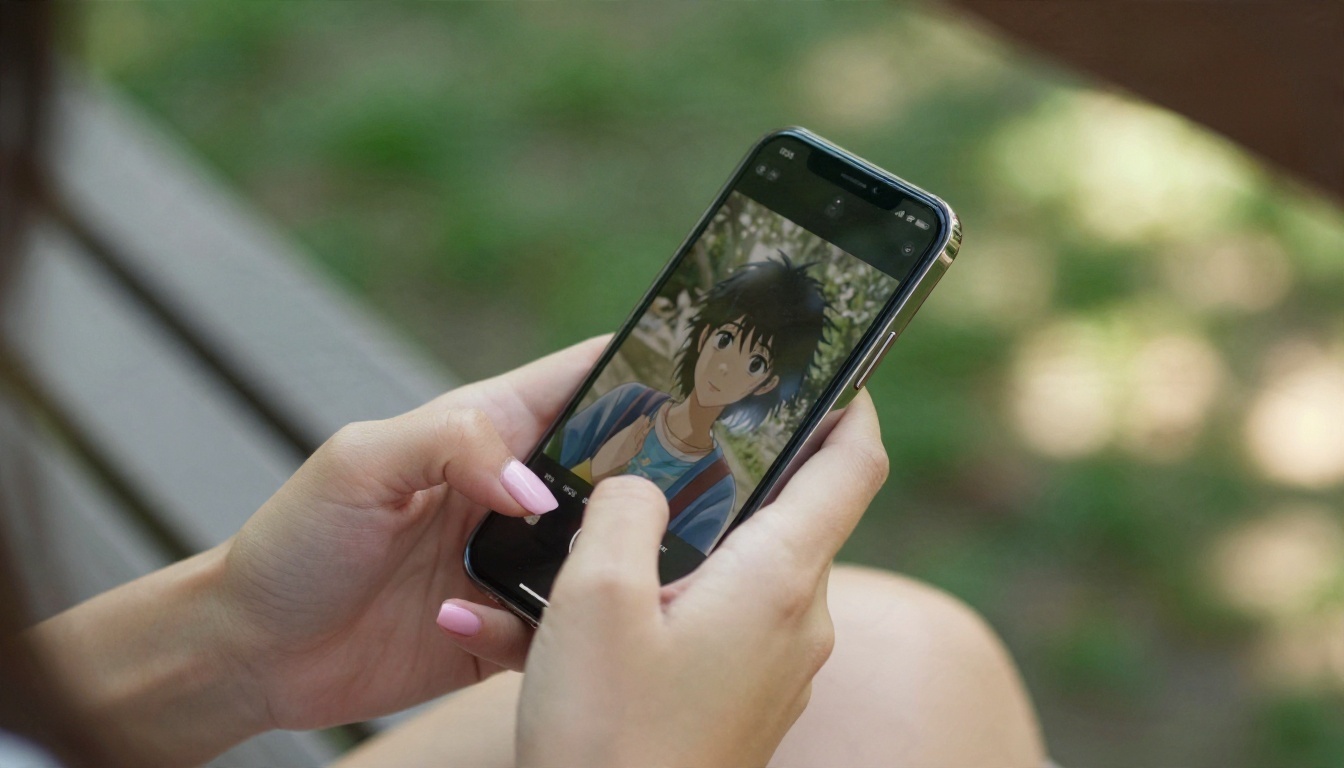
On a desktop you can run several tabs, compare outputs side by side and keep a prompt library open in a second window. If you are building a visual novel or a tabletop character sheet, this setup saves a lot of time.
Mood and Setting Matter
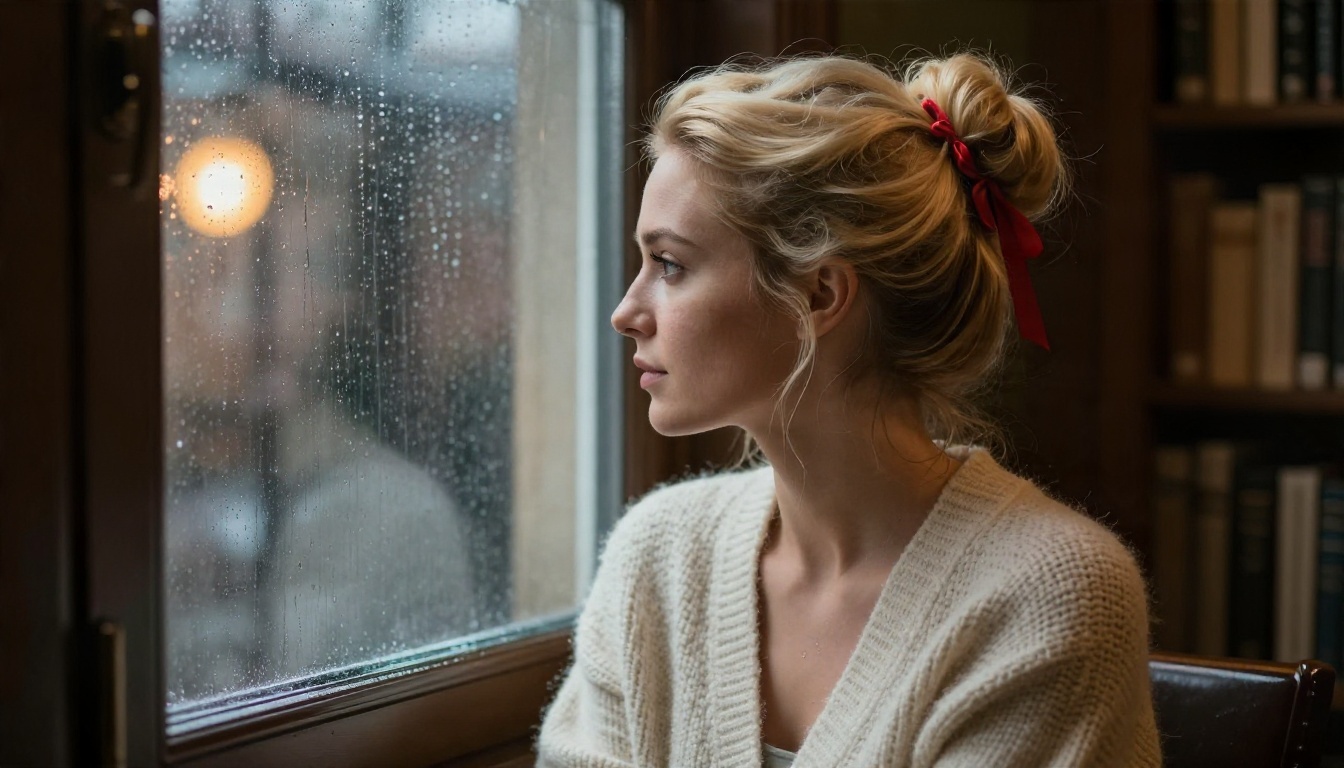
A character reads very differently in a rainy library than on a sunny rooftop. Change the weather and the light and the same face can look wistful, cheerful or dramatic. Try three light settings on one character before you change anything else.
Safety, Rights and Good Habits
A few simple rules keep this hobby enjoyable and out of trouble.
- Keep it about fictional characters. Do not generate images that imitate a real person without their consent. A made-up character is a different thing from a face lifted from someone's social profile.
- Keep adult content non-explicit. Glamour, swimwear and stylish portraits are one thing. Pornographic output is another, and it is outside the scope of what I recommend or support.
- Check the terms for commercial use. If the character will appear on a product, a channel or a game, confirm that your plan allows it.
- Credit and disclose. If you post AI art, say it is AI art. Communities generally respond well to honesty and badly to pretending.
- Protect your account. Use a unique password on every generator site, because small free tools are a common target for credential reuse attacks.
Pick Your Setup and Start Creating
Here is the short version. If you want a quick, throwaway avatar, a preset builder or a no-login prompt site is enough. If you want a character you can keep, edit and reuse, move to a model that follows prompts closely and does not limit how many times you can iterate.
- Write a five-part prompt and keep the trait string.
- Generate two or three drafts and choose a face.
- Edit one change at a time.
- Upscale only the final image.
- Save everything you like.
You can do all of that on PicassoIA today. Open Seedream 4.5 for your first character, switch to PicassoIA Image Editor Pro for unlimited variations, and browse the full model list at picassoia.com/en/all-models when you want a different look. Write a prompt, hit generate and see who shows up.


