Search for "AI Wan nude" and you will find two very different stories. One says Wan is wide open and will render anything you type. The other says it blocks every adult prompt the second you hit generate. Both are half right, and the gap between them is exactly where people waste money and time.
Here is the short version. Wan is Alibaba's family of AI video models. Some older releases shipped with open weights, which means the model itself has no built-in moral gatekeeper. But almost nobody runs it that way. Most people use a hosted version, and hosted versions add their own filters on top. So whether Wan "allows NSFW" depends far more on where you run it than on the model name.
This article breaks down what that means in practice, shows tasteful glamour examples, lays out what Wan typically costs, and points you to better options if your goal is attractive, adult-oriented, non-explicit images and video.
💡 Quick answer: Wan itself is a general-purpose video model. Hosted Wan services usually moderate adult content. For suggestive, glamour-style work, an image-first workflow with an uncensored image model and an image-to-video step gives far more reliable results.
What Wan Actually Is
Wan is a series of text-to-video and image-to-video models from Alibaba. The line includes versions such as Wan 2.2, Wan 2.5, Wan 2.6 and Wan 2.7, plus newer releases. Each generation improved motion, prompt following and resolution, and later ones added native audio and multi-shot scenes.
People like Wan for a few reasons:
- Smooth, believable motion for people, fabric and hair
- Strong image-to-video behavior, where your still photo becomes the first frame
- Flexible aspect ratios and clip lengths
- Fast variants that trade a little detail for speed and lower cost
Open Weights vs Hosted Wan
This is the part that causes most of the confusion. Earlier Wan releases, such as the 2.1 and 2.2 generation, were published with weights anyone could download. Later versions have a mixed story depending on the provider: some are offered mainly through paid APIs, and sources disagree on how open the newest ones are.
When weights are open, the base model contains no moderation layer. Any filtering you see comes from the website, app or API wrapping it. That is why two sites running "the same Wan" can behave very differently.
| Setup | Who controls filters | Typical result for adult prompts |
|---|
| Self-hosted open weights | You | No platform filter, but you carry all responsibility |
| Hosted app or website | The provider | Usually blocks or softens explicit prompts |
| Official or partner API | The provider | Prompt and output checks are common |
| Aggregator platforms | Varies | Mixed, often strict on nudity |
Why Hosted Services Add Filters
Payment processors, app stores and legal risk push companies to moderate. A hosted Wan service wants to keep its payment account, so it screens prompts and sometimes screens the finished clip too. That is not about the model's ability. It is about business risk.
Does Wan Allow NSFW Content?
The honest answer is "it depends, and mostly no on hosted platforms."
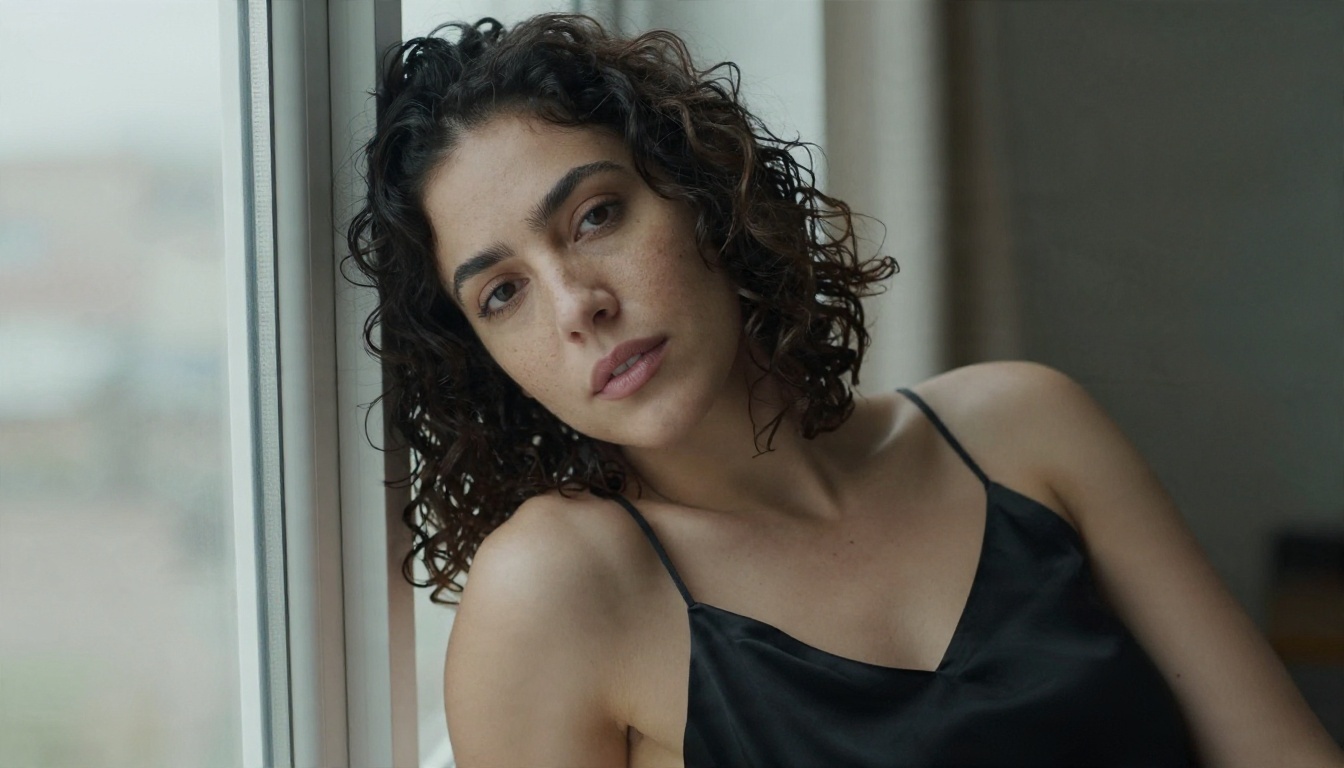
What the Base Model Does
Open Wan weights were trained to follow instructions about motion and scenes. Without a moderation wrapper, the model has no rulebook of its own. Community fine-tunes also exist, which is a big reason the "Wan is uncensored" claim spreads.
What Hosted Platforms Do
On a typical hosted service you can expect:
- Prompt filters that reject words like "nude" or "naked" outright
- Image checks on the first frame you upload for image-to-video
- Output checks that blur or block a finished clip
- Account flags after repeated blocked attempts
A few services market themselves as relaxed, and one listing for a recent Wan version even claims unrestricted creation while admitting some filtering remains on certain features. Treat marketing claims like that carefully. Test with a harmless prompt first before you pay for a bundle.
Where the Line Sits for Glamour
There is a big difference between explicit and suggestive. Bikinis, satin robes, evening gowns, silhouettes behind frosted glass and boudoir lighting usually pass on most platforms. Explicit nudity and sexual acts almost never do on hosted services.
💡 Tip: If your concept is sensual but tasteful, plan around implied rather than explicit. It is easier to generate, easier to publish, and often looks more professional.
Wan Nude Examples That Work
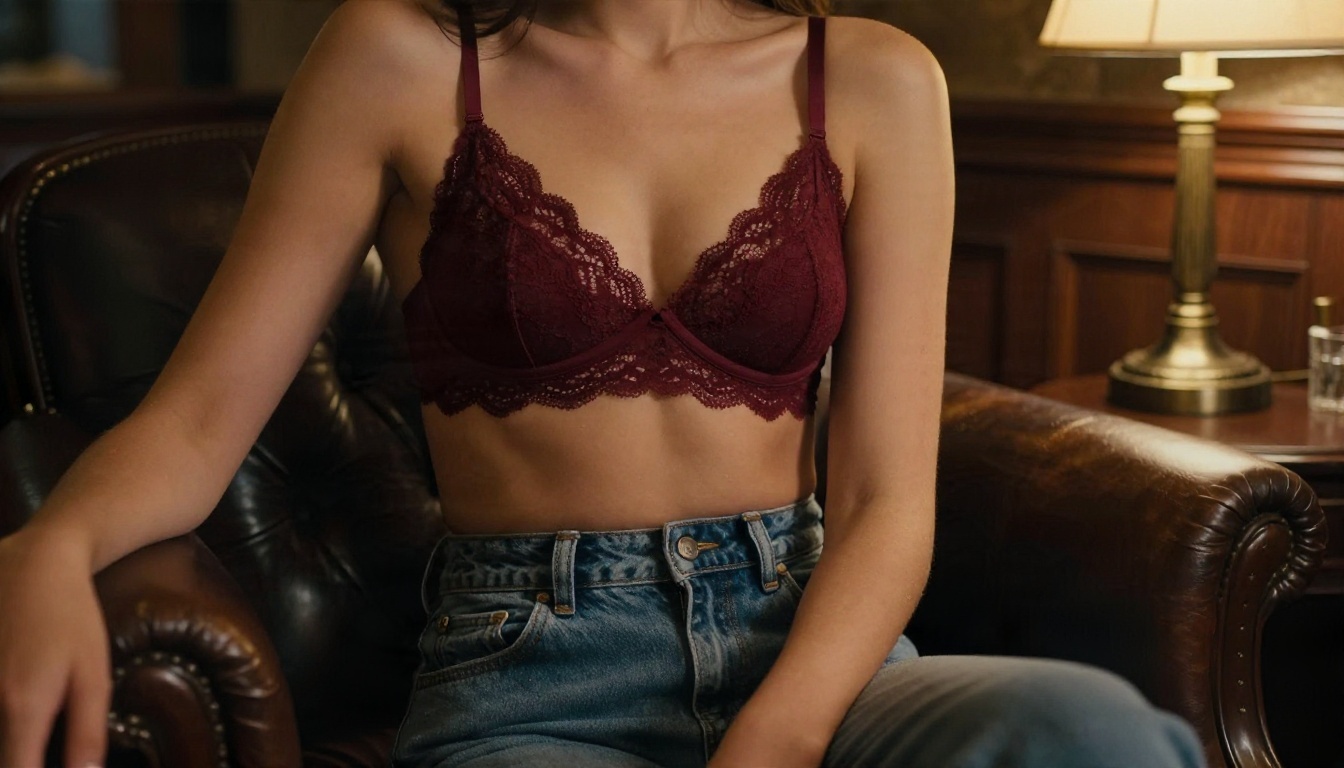
The images below show the kind of non-explicit glamour that image models handle well. Every one of them is a still that you could use as a starting frame for a Wan clip.
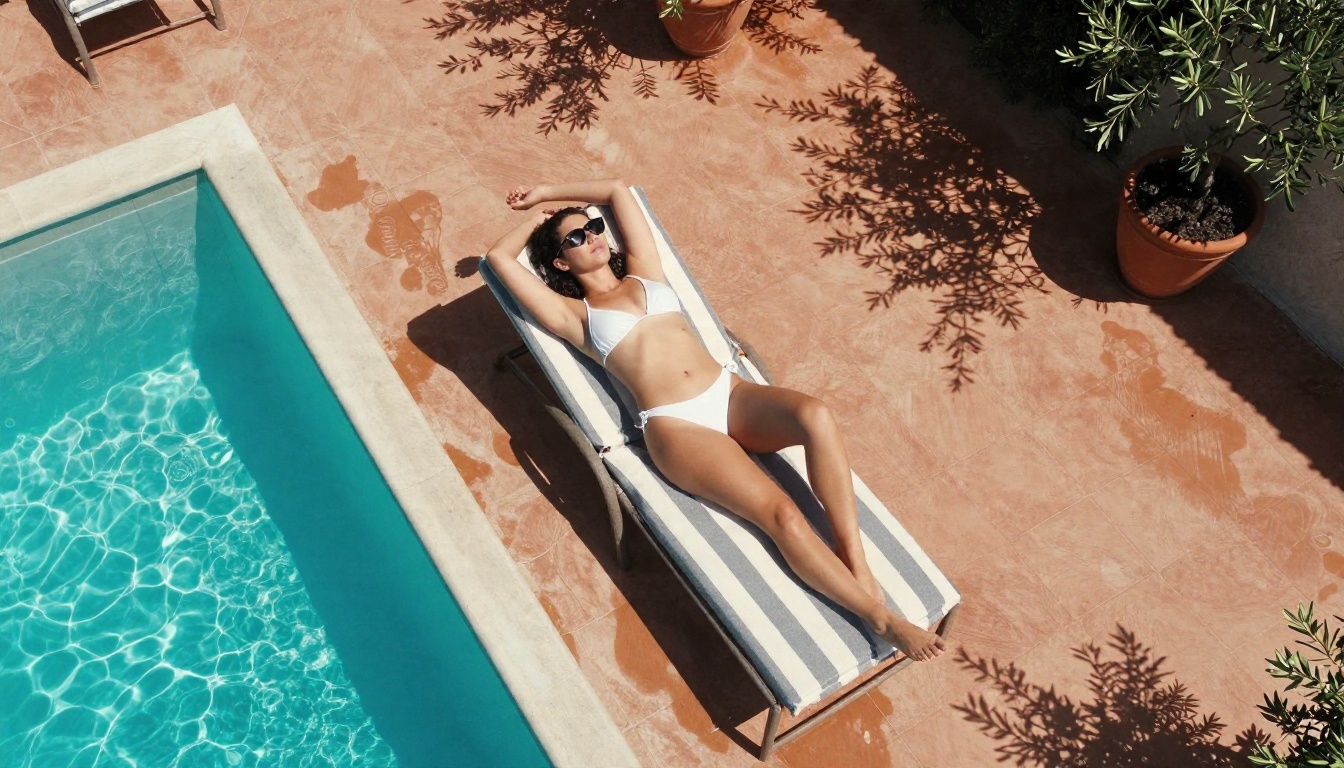
Swimwear and Summer Light
Warm, natural light and a simple wardrobe do most of the work. A bikini shot on a yacht deck or by a pool gives a video model plenty to animate: water ripples, hair movement, shifting reflections.
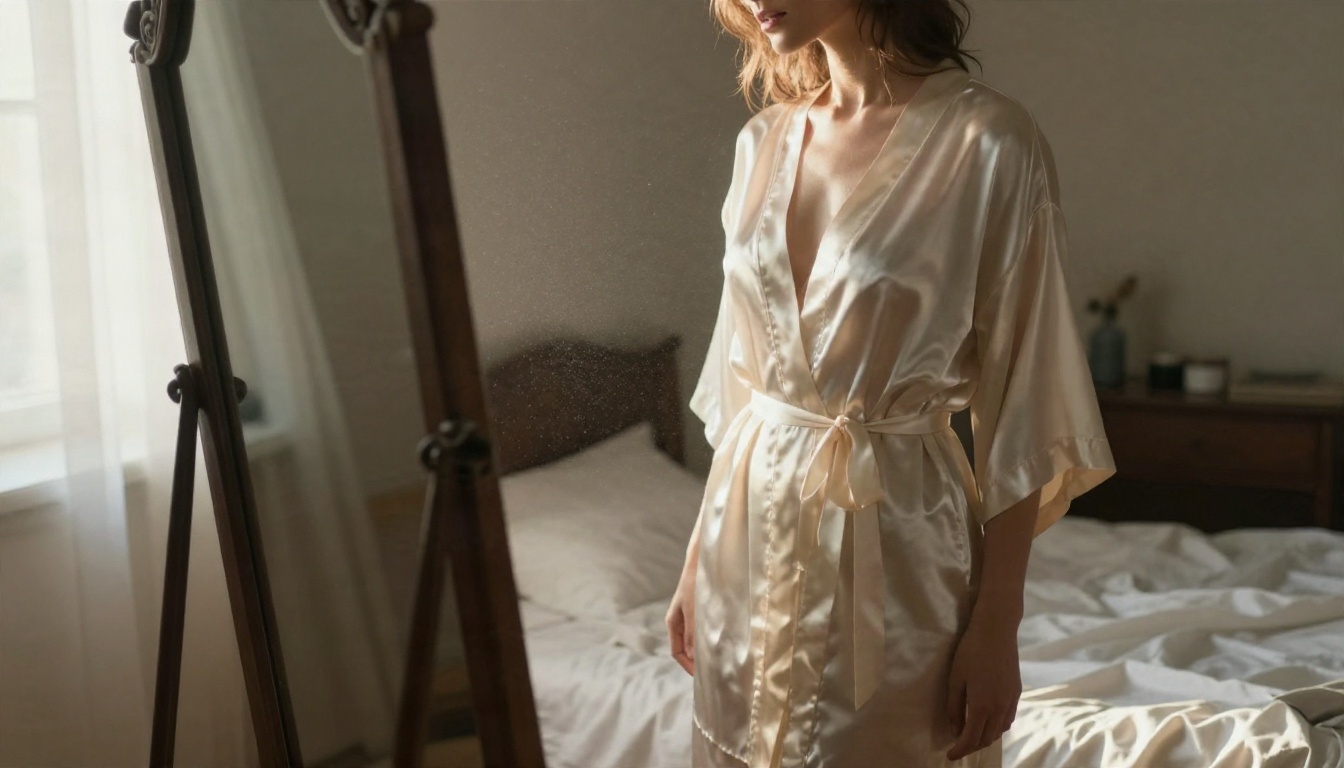
Boudoir and Silk
Sheer fabric, soft window light and a mirror create a sensual mood without anything explicit. Silk is also a gift for video, since it moves and catches light in a way that sells realism.
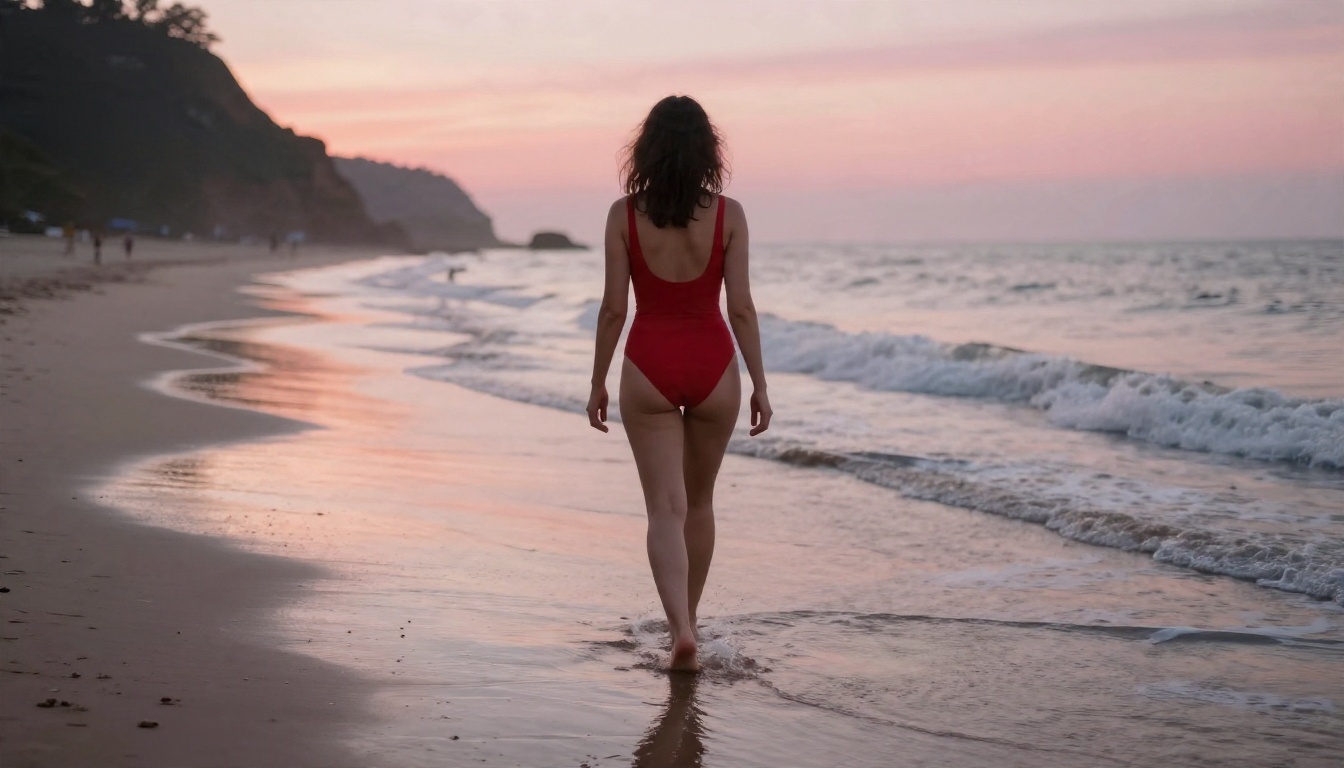
Beach and Golden Hour
Sunset beach scenes are a classic for a reason. Wet sand reflects the sky, foam moves in a loop, and a slow walk looks natural even in a short clip.
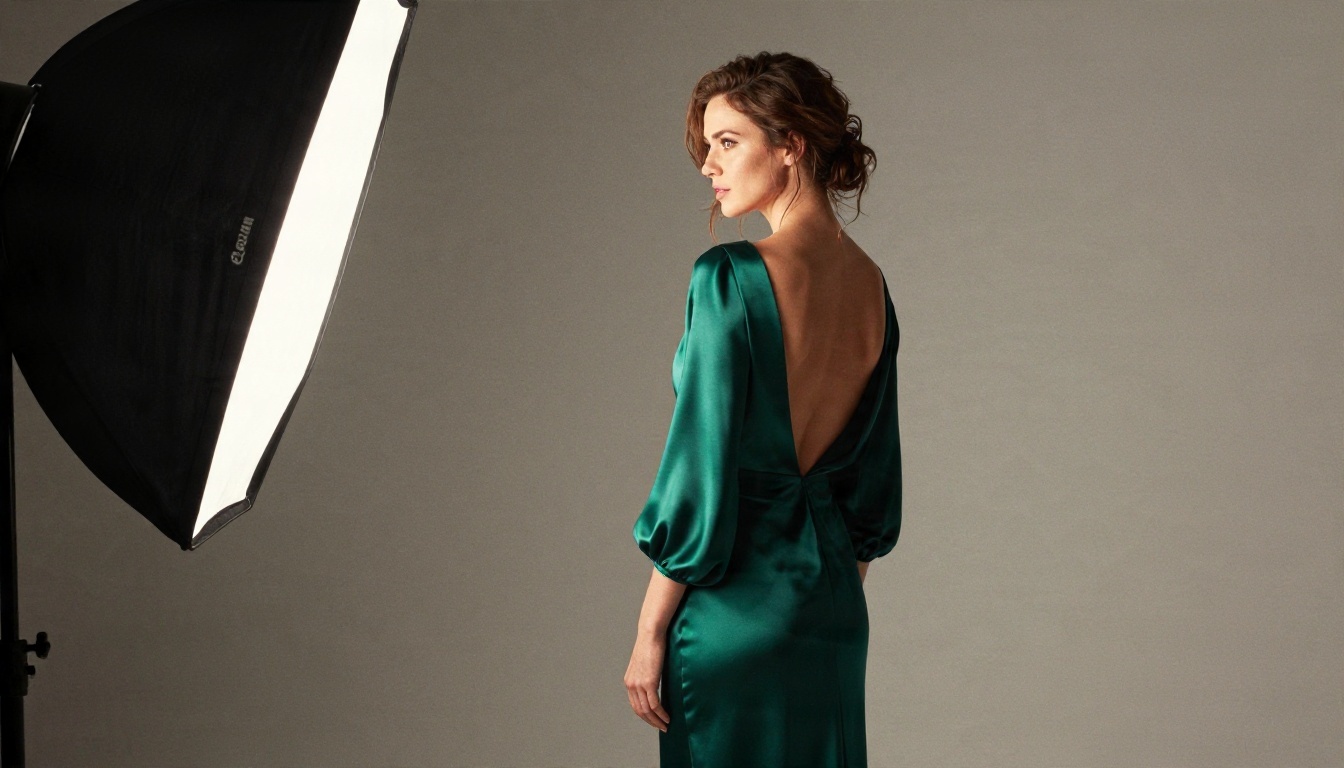
Studio Glamour
A single softbox, a plain backdrop and an elegant gown give you magazine-quality results. This kind of controlled lighting is easy for AI to reproduce and easy to animate with a slow camera push.
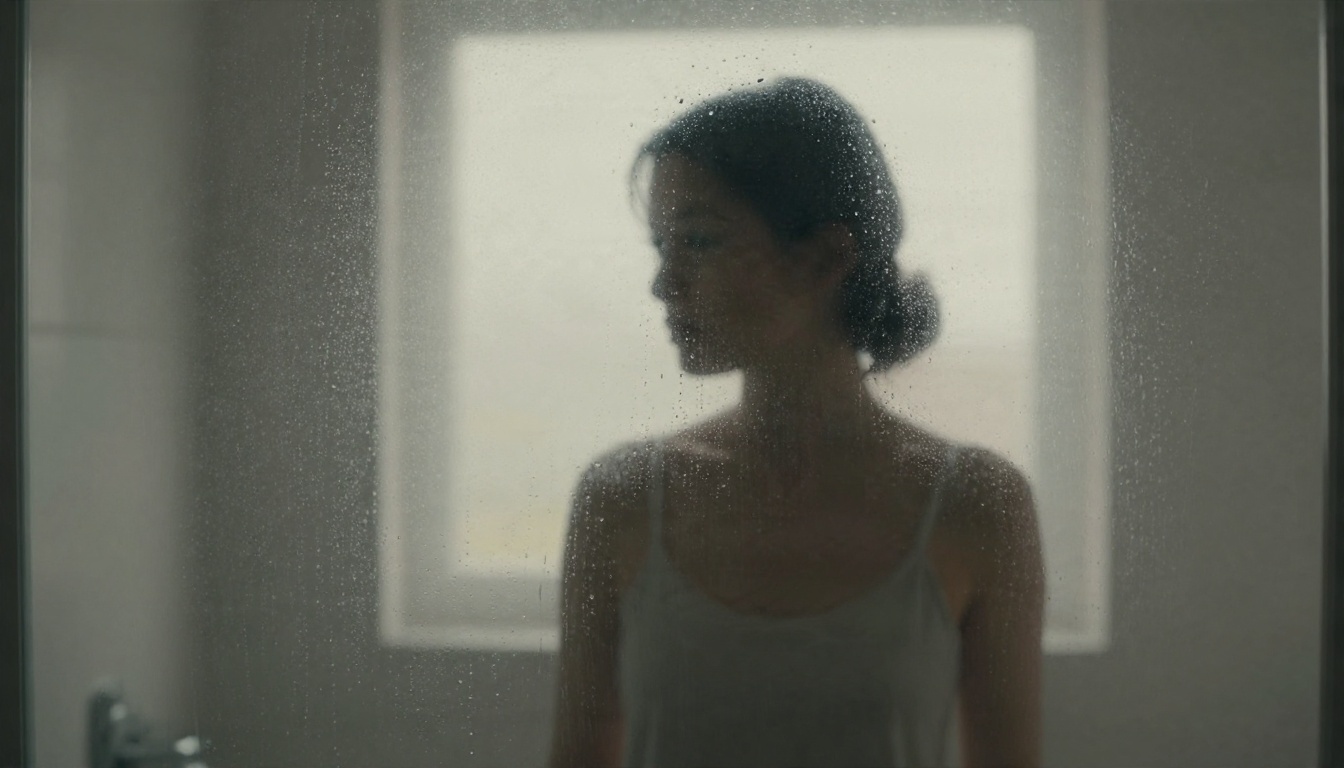
Artistic Silhouettes
When you want "nude" energy without explicit content, implied is the trick. A blurred silhouette behind frosted glass reads as artistic, and platforms rarely object.
How Much Does Wan Cost?
Pricing changes constantly and varies by provider, so treat the numbers below as rough ranges rather than quotes.
| Platform type | Typical pricing pattern | Rough cost per short clip |
|---|
| Pay-per-second API | A few cents per second of video | Around $0.35 for 5 seconds on some providers |
| Credit-based apps | Roughly 300 credits per clip on some apps | Depends on your plan |
| Subscription tools | Monthly plan with a generation cap | Cheap per clip if you use it heavily |
| Self-hosted | Free weights, paid GPU time | Hardware or rental costs |
Hidden Costs
- Failed generations. Blocked or distorted clips still burn credits on many platforms.
- Resolution upgrades. 1080p usually costs more than 720p.
- Audio versions. Clips with native sound can cost extra.
- GPU rental. Self-hosting is free in licensing terms only. A large video model needs a serious graphics card.
💡 Money saver: Test your concept as a single still image first. A still is cheap. A rejected video clip is not.
Is Self-Hosting Worth It?
Running open weights yourself removes platform filters, but it also removes support, speed and convenience. You handle setup, memory limits and updates. You are also fully responsible for what you generate, including the legal side. For most creators making glamour content, that effort is not worth it.
A Better Workflow for Adult Content
If you want attractive, suggestive content that actually generates, split the job into two steps:
- Make the image with a model built for photorealistic people.
- Animate it with an image-to-video model, which Wan does very well.
This approach gives you control. You approve the look of the person, the outfit and the light before spending anything on motion.
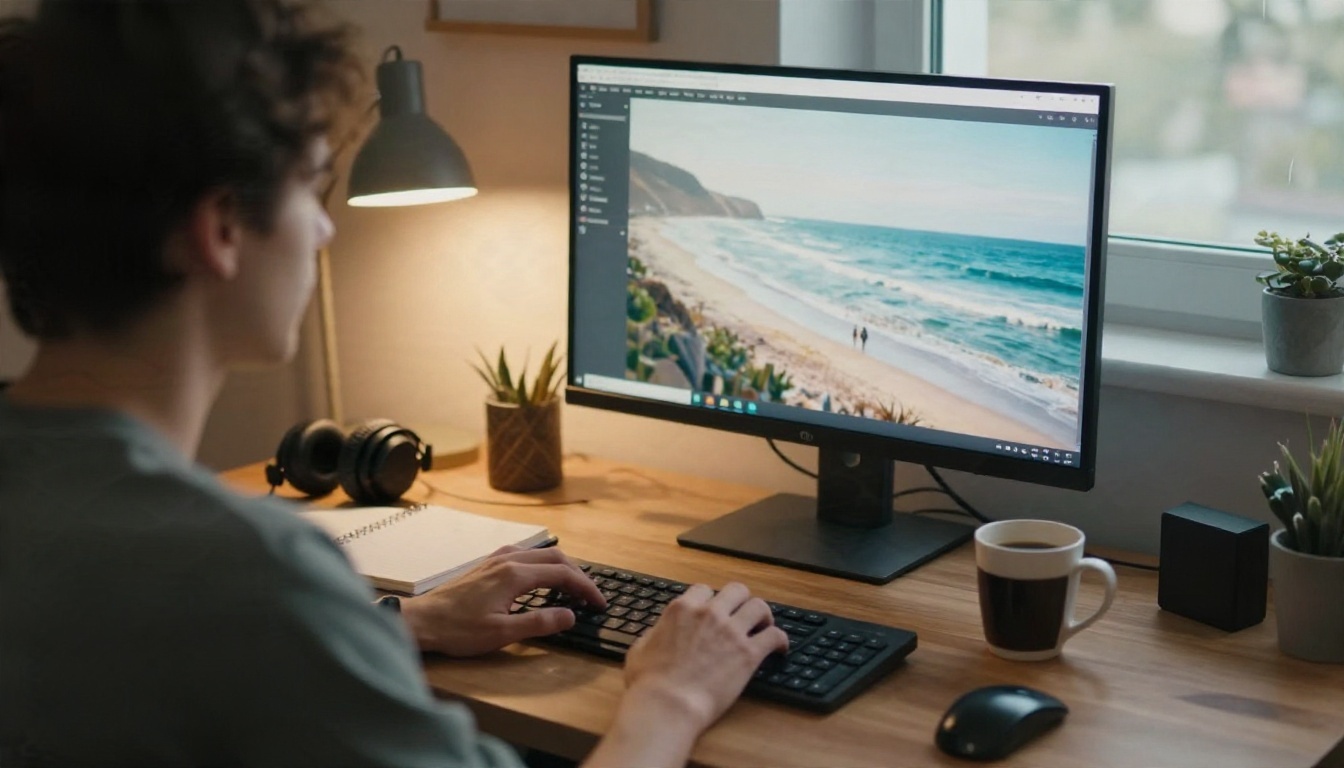
Step One: Pick the Right Image Model
On PicassoIA, start with Seedream 4.5. It produces sharp, photorealistic people with natural skin texture and handles glamour, swimwear and boudoir concepts very well.
Next, use PicassoIA Image Editor Pro. It offers unlimited generations, so you can iterate on outfits, poses and lighting without watching a credit counter.
Step Two: Animate with Wan
Once you have a still you like, bring in a Wan model. The next section shows exactly how.
How to Use Wan on PicassoIA
Wan has several versions on PicassoIA. For turning a finished photo into a short clip, Wan 2.5 I2V Fast is a great place to begin because it is quick and keeps your first frame intact.
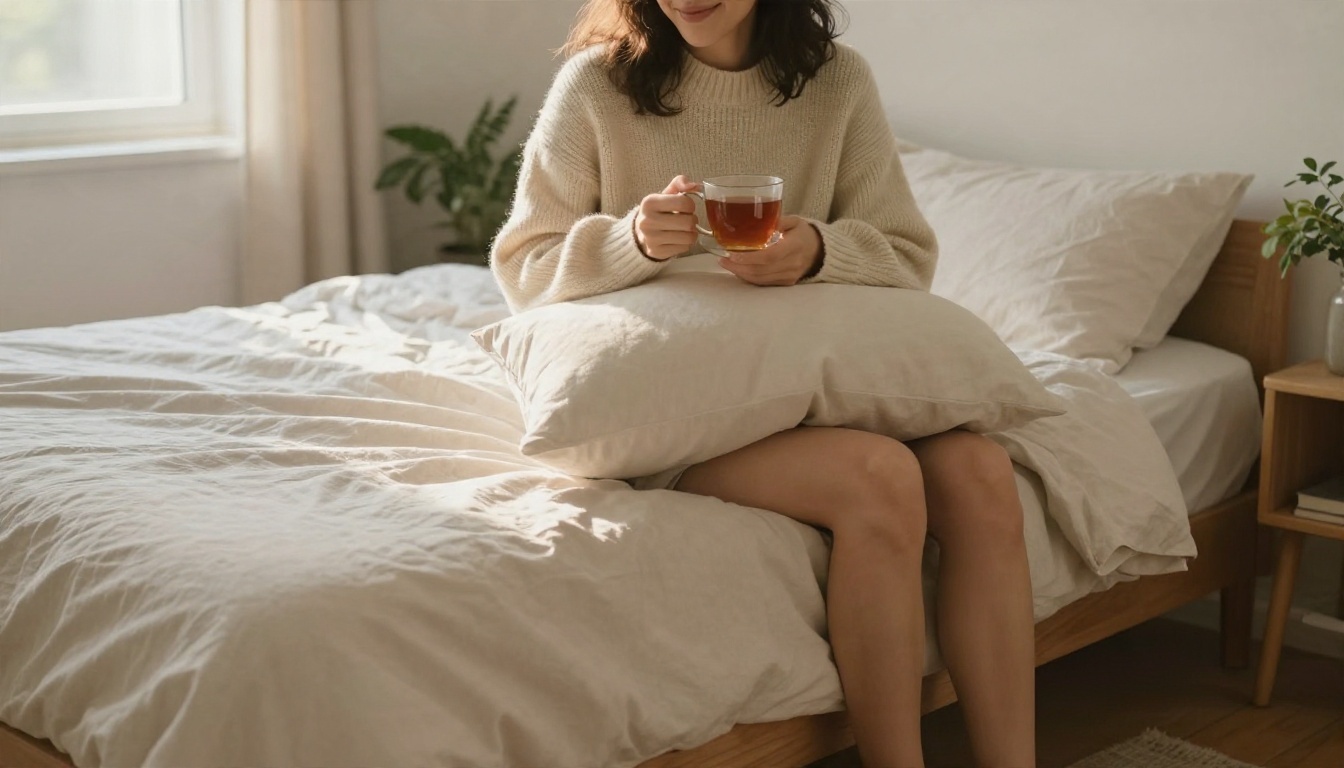
Step-by-Step
- Create your still. Generate a photorealistic image with Seedream 4.5 or Image Editor Pro. Choose a flattering, non-explicit concept such as swimwear, a robe or an evening dress.
- Open the Wan model. Go to the Wan 2.5 I2V Fast page.
- Upload your image. This becomes the first frame of the clip.
- Write a motion prompt. Describe what moves and how the camera behaves. Example: "Slow push-in, her hair lifts in a light breeze, soft sunlight shifts across her shoulder."
- Generate and review. Check the motion, then adjust the prompt and run it again if needed.
Parameter Tips
- Keep prompts about motion, not appearance. The image already defines the look.
- Use slow camera moves. Push-ins and gentle pans look more natural than fast whips.
- One action per clip. A single motion, such as hair in the wind, beats a crowded prompt.
- Match lighting words to the photo. If the still has golden light, say so.
Which Wan Version Should You Pick?
💡 Reminder: Content rules still apply on every platform. Stick to tasteful, non-explicit, adult subjects.
Alternatives for NSFW-Style Images
If your main goal is suggestive or glamour imagery rather than video, these image tools usually serve you better than any Wan setup. They are listed in the order we recommend trying them.
Why Speed and Freedom Matter
Adult-leaning concepts need iteration. The first image is rarely the best one. A tool that gives you unlimited tries and returns results fast lets you refine a pose, swap an outfit or fix a lighting issue without hesitation. That is a real advantage over services that charge per attempt and block borderline prompts.
Prompt Habits That Help
- Name the lighting. "Warm window light from the left" beats "nice lighting."
- Describe skin and fabric. Words like "visible pores" and "silk sheen" push realism.
- Pick a lens. "85mm f/1.8" gives portrait depth.
- Keep it implied. Robes, silhouettes and swimwear read as sensual without crossing a line.
Common Mistakes to Avoid
Most failed attempts come from the same handful of errors.
- Typing "nude" and hoping. Hosted tools reject it, and repeated blocks can flag your account.
- Paying before testing. Run one cheap sample before you buy credits.
- Over-describing the clip. Long motion prompts confuse video models. Keep it short.
- Skipping the still. Going straight from text to video gives you less control over the subject.
- Ignoring consent and legality. Never generate real people without permission. Never create anything involving minors. Use only fictional adult subjects and follow your local laws.
💡 Safety note: Use AI only for fictional adults. Never recreate a real person's likeness without clear consent.
Final Picks by Goal
Here is where each tool fits depending on what you want.
| Your goal | Best choice |
|---|
| Glamour and swimwear stills | Seedream 4.5 |
| Unlimited edits and iteration | PicassoIA Image Editor Pro |
| Short animated clips from a photo | Wan 2.5 I2V Fast |
| Cinematic text-to-video | Wan 3 |
| Fast cheap testing | Wan 2.5 I2V Fast or P Image Edit |
Try It Yourself on PicassoIA
The real answer to "does Wan allow nude content" is that the model matters less than the workflow. Build a great still first, then animate it. You keep control, you spend less, and you avoid most of the filter headaches.
Open Seedream 4.5 or PicassoIA Image Editor Pro, create your first glamour image, then send it to a Wan model for motion. If you want to compare more options, browse every model at picassoia.com/en/all-models and experiment with your own concepts today.


