Type "AI with no restrictions" into a search bar and you will get a hundred promises: unlimited images, no login, no filters, no watermark, no waiting. Open the tools behind those promises and the picture changes fast. One asks for an email after the second prompt. Another puts you in a queue that lasts ten minutes. A third quietly caps your videos at three seconds. So is there any AI that is truly free, truly open and truly fast? Not in the absolute sense, but some options come close, and knowing where the real limits sit saves you hours of clicking through dead ends.
This article sorts the marketing from the facts. You will see what "no restrictions" actually means, which free options work without an account, what image and video limits to expect, and how to pick a tool that gives you the most room to create.
💡 Quick answer: No AI generator is limitless in every direction. The best you can find is a tool that is free to start, light on sign-up friction, generous with generations, and clear about its content rules. Everything below helps you find that balance.
What "No Restrictions" Really Means
The phrase gets used for at least three different things, and mixing them up is the main reason people end up disappointed. Before you compare tools, decide which kind of freedom you actually want.
Three Different Meanings
1. No cost. The tool lets you generate without paying. This is the most common meaning and the easiest to find. Almost every platform has a free tier of some kind, but the size of that tier varies wildly.
2. No account. You open a page, type a prompt and get a result. No email, no password, no phone number. This is rarer, and it usually comes with a trade: slower queues, lower resolution, or a smaller set of models.
3. No content filters. The tool allows a wider range of subjects, including mature, artistic or edgy themes that mainstream assistants refuse. This is the most misunderstood meaning, because "wider" never means "everything."
Most searchers want a mix of all three. That is reasonable, but it helps to rank them. If you only need to test ideas, free and no login matter most. If you work on glamour, fashion, boudoir or mature photography, content flexibility matters more than anything.
The Rules That Never Go Away
Even the most permissive services draw lines, and they should. Sexual content involving minors is illegal everywhere and blocked everywhere. Realistic fake images of real people without their consent, such as deepfakes meant to embarrass, harass or deceive, cause real harm and break the law in a growing number of countries. Explicit pornography is also refused by most mainstream platforms, because payment processors and app stores demand it.
What you can reasonably expect from a good generator is suggestive, attractive and artistic content: swimwear shoots, glamour portraits, fashion editorials, moody film noir scenes, and dramatic or violent fiction that stays on the right side of the law. If a site claims it will produce literally anything, treat that as a warning sign about how it handles your data, not as a feature.
Free Options Without a Login

Skipping the login is a real convenience, and a handful of tools offer it. From recent research, Raphael and Perchance are the names that come up most often as free tools with no sign-up, and both are usually described as unlimited. The catch is speed: a slow queue is the price of anonymous, unmetered access. Pollinations is another frequent mention, though sources disagree on whether it needs an account at all.
At the other end, Bing Image Creator wants a Microsoft account, Google Gemini has a daily image quota that was reportedly cut sharply in early 2026, and Meta AI is reported to carry a daily cap plus a visible AI label on its output. These are fine tools, but they are not "no login, no limit."
💡 Reality check: Free tier numbers change often, and many of the "no limit" claims come from the vendors themselves. Treat any number you read, including the ones in this article, as a snapshot and check the tool's own page before building a workflow around it.
What Anonymous Tools Trade Away
No account means the platform cannot tie your work to you, which sounds great for privacy but has consequences:
- No history. Close the tab and your generations may be gone. Download everything as you go.
- Shared queues. Anonymous users share capacity, so busy hours can mean long waits.
- Weaker models. Older or smaller models are cheaper to run for free, so the quality ceiling is lower.
- Fewer controls. Aspect ratio, seeds, negative prompts and editing tools are often missing.
- Ads and pop-ups. Someone has to pay for the servers.
How to Spot a Real Free Tier
A trustworthy free option answers five questions on its front page without making you hunt: how many generations you get, how often they reset, what resolution you receive, whether a watermark is added, and whether you can use the results commercially. If any of those are hidden, assume the answer is the worst one.
Image Limits You Will Hit

Images are the cheapest thing for a platform to give away, so this is where you will find the most generous free tiers. Still, four types of limit show up again and again.
Daily Caps and Credits
The classic model is a fixed number of images per day, or a pool of credits that refills on a schedule. Some tools count each variation separately, so a "four image" result might burn four credits. Others count only the prompt. Read the fine print, because a daily cap of 20 means very different things in those two systems.
Resolution and Watermarks
Free tiers frequently output at reduced resolution, add a corner watermark, or both. If you plan to print your work or post it professionally, check this first. A beautiful portrait at 1024 pixels wide cannot be rescued by a quick upscale if the original lacks detail, although a super resolution model can help in many cases.
Queue Speed and Model Access
Free users often wait behind paying users. A few platforms also lock their newest models behind a subscription and leave the free tier with older versions. The difference is visible: skin texture, hands, fabric folds and text rendering are the first things to improve in a newer model.
Prompt and Style Filters
Even "open" generators block certain terms. Some are surprisingly aggressive and will refuse a harmless prompt because a single word looks suspicious. If you keep hitting walls, rewrite the prompt around what you can see in the photo (light, lens, fabric, pose) instead of loaded adjectives. That tactic also tends to give better pictures.
Video Limits Are Tighter
Video costs far more compute than images, so no generator gives it away without strings. Expect stricter rules, fewer free runs and shorter clips. If an image tool says "unlimited" and a video tool says "unlimited," the video claim deserves more suspicion.
Clip Length and Resolution
Most video models produce clips of about 5 to 10 seconds. A few of the newer ones stretch to 15 seconds or even longer, but that is usually a paid feature. Free tiers often render at 480p or 720p, with 1080p reserved for subscribers. For social media and storyboards that is usually enough. For client work, check the output before promising anything.
Audio, Motion and Consistency
Native audio is now a headline feature in several models, including Veo 3.1, Sora 2 and Kling v3. When it works, you get footsteps, ambience and sometimes dialogue in the same file. When it does not, the sound can feel generic. Motion quality also depends on the starting frame: an image-to-video workflow, where you provide a strong first picture, tends to deliver more stable faces and cleaner camera moves than a text-only prompt.
Where PicassoIA Fits In
If you want fewer rules about what you can create and a lot of room to keep generating, PicassoIA sits near the practical middle: you get access to many models in one place, several of them free or unlimited, and a content policy that allows suggestive, non-explicit, artistic work. It is not a "generate anything at all" service, and I would not trust one that claimed to be. Here are the options worth trying first.
Seedream 4.5 First
For photorealistic people, glamour portraits and fashion scenes, start with Seedream 4.5. It handles skin texture, hair strands, fabric weave and natural light better than most free alternatives, and it supports sharp output up to 4K. It is the model I would open before any other when a prompt involves people.
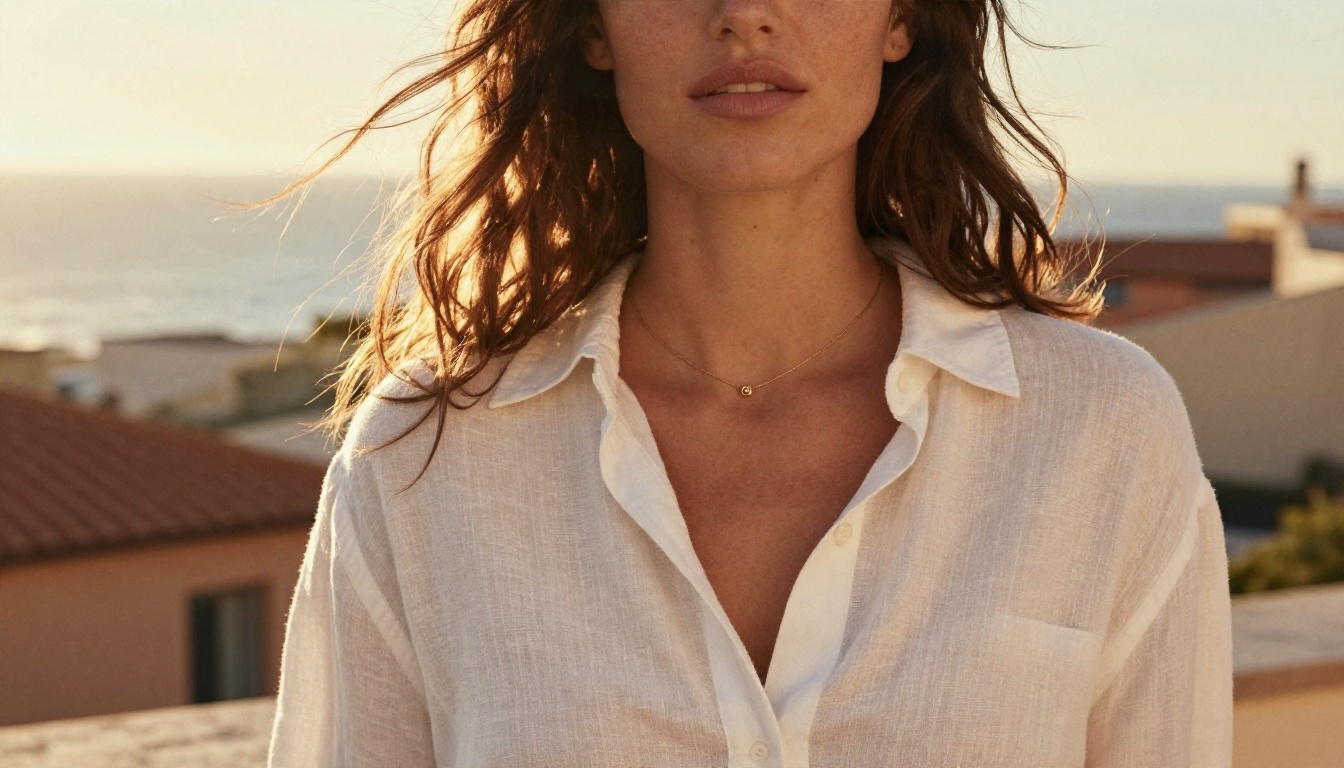
Prompt tips for Seedream 4.5:
- Name the lens and light: "85mm f/1.4, warm backlight from behind right."
- Describe skin honestly: "visible pores, natural freckles, soft flyaway hairs."
- Pick one location and one mood. Cluttered prompts produce muddy results.
- Keep suggestive wording tasteful: swimwear, linen, silk and evening wear all work better than vague adjectives.
Image Editor Pro for Unlimited Edits
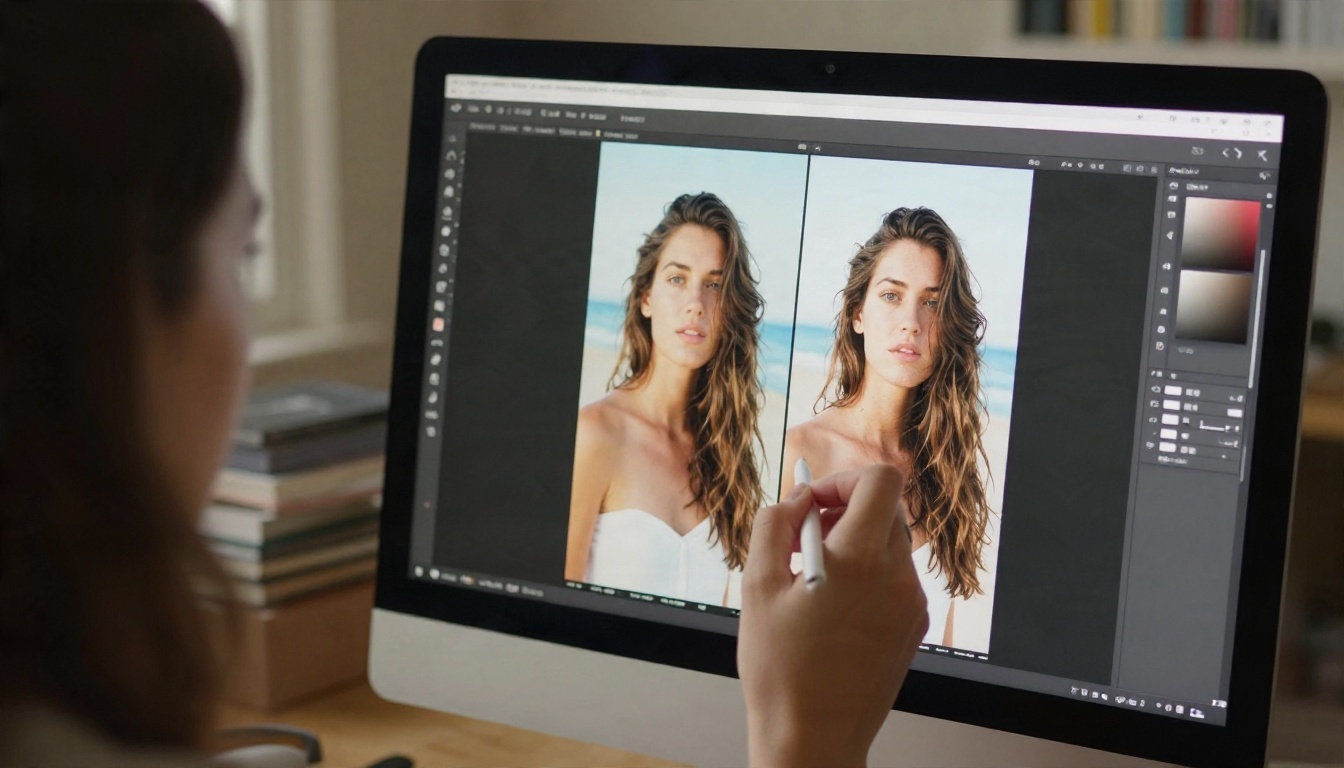
When you want to change a picture instead of starting over, PicassoIA Image Editor Pro is built for it. It is described as an unlimited AI photo editor, which matters when you are iterating: swap a background, adjust an outfit, fix a lighting problem, or try ten variations of a pose without watching a counter drop.
More Image Models Worth Trying
Video Picks
For motion, the most relevant name is Seedance 2.5 Lite, listed as a free and unlimited video generator for clips up to 10 seconds. That fits the "no limit" goal better than most video tools. When you want more length or polish, Seedance 2.5 reaches 30 seconds, and Kling v3 Video is a strong choice for cinematic camera moves. To animate a still you already made, try Wan 2.5 I2V Fast. For clips with synced sound, Veo 3.1 Fast and Sora 2 are worth a test.
💡 Tip: Generate the image first, check the face and light, then animate that exact frame. It costs less than gambling on text-only video runs and gives steadier results.
Side by Side Comparison
Here is how the options stack up on the things people ask about most. Remember that vendors change numbers constantly, so the "typical" column describes the general pattern rather than a guarantee.
| Option type | Login | Image limits | Video limits | Content flexibility |
|---|
| Anonymous web tools (Raphael, Perchance) | Usually none | Often unlimited, slow queue | Rare or very short | Varies, often looser |
| Big tech assistants (Bing, Gemini, Meta AI) | Account required | Daily caps | Limited or paid | Strict filters |
| Open model hubs | Optional or free account | Generous | Short clips | Moderate |
| PicassoIA free models | Account for full use | Unlimited editing with Image Editor Pro | Free and unlimited Seedance 2.5 Lite | Suggestive and artistic, not explicit |
The pattern is clear. The more anonymous the tool, the slower and simpler it tends to be. The bigger the brand, the tighter the filters. A hub with several models lets you pick the right trade for each job instead of living with one tool's compromises.
Quality Against Cost
It is tempting to pick the tool with the biggest "unlimited" badge, but quantity is not the same as quality. A hundred noisy, anatomically odd images are worth less than ten clean ones. A good rule: use the fast, cheap model for drafts, then spend your best model on the two or three compositions that survive. That saves credits and time wherever you work.
A Simple Workflow That Works
You do not need a complicated pipeline. This sequence works for portraits, product shots and short clips alike.
Write the Prompt Like a Photographer
Skip stacked adjectives. Instead, describe what a camera would capture: the subject's pose, the setting, the direction of the light, the lens and the texture of surfaces. "A woman in a white linen shirt on a terrace at golden hour, warm backlight from the right, 85mm f/1.4, visible skin texture" beats "ultra beautiful stunning 8k masterpiece" every time.
Iterate in Small Steps
Change one thing at a time: the light, the outfit, the angle. When a picture is close, send it to an editor like Image Editor Pro rather than rolling the dice from scratch. This is where an unlimited editor pays off, because small corrections would otherwise eat your daily allowance.
Upscale, Then Animate
Once an image is right, upscale it if you need print or large-screen quality. Then feed it to an image-to-video model with a short motion prompt: "slow push in, hair moves in the breeze, soft light shifts across her face." Keep the movement simple. Five seconds is short, and the models handle one clear action better than three.
💡 Safety habit: Never generate images of real, identifiable people without their permission, and never use a tool to deceive anyone. Your work stays more useful, and safer for you, when it sticks to invented characters and original scenes.
Start Creating Without the Friction
The honest summary is this: "AI with no restrictions" is a direction, not a destination. Pick the tools that remove the most friction for the work you actually do. If you want glamour, fashion or portrait photography, open Seedream 4.5 and write one detailed, photographic prompt. If you want to keep editing without counting credits, try Image Editor Pro. If you want motion, animate your best frame with Seedance 2.5 Lite or Kling v3.
You do not have to commit to one tool forever. Run the same prompt through two or three models, compare the skin, the light and the fabric, and keep the one that matches your taste. That small test teaches you more than any list of features, including this one.
Ready to try it? Open PicassoIA, pick a model, and make your first image today. You can browse every available model at picassoia.com/en/all-models and find the one that fits your idea, your budget and your style.


