You type a perfectly reasonable prompt, a woman in a swimsuit on a yacht, a boudoir portrait in soft window light, and the tool answers with a polite refusal. Sound familiar? That is the exact moment most people start searching for AI without censor. They are not after anything shady. They want an image generator or chat assistant that treats them like adults and stops blocking harmless, suggestive, artistic requests.
This article sorts the noise from the useful. You will see what "uncensored" actually means in practice, which free image tools are more relaxed, which chat models are worth testing, and a stack of prompts you can paste right now. You will also get a straight answer on where the hard limits sit, because they exist, and pretending otherwise wastes your time.
💡 Quick answer: For images, start with Seedream 4.5, then move to PicassoIA Image Editor Pro for unlimited generations. For chat, use a model as a prompt writer and pick one with a light touch on refusals.
What "No Censor" Really Means
The phrase gets thrown around like it is a single feature. It is not. Behind every AI tool sit several layers, and each one can block you.
Filters, Refusals, and Hard Limits
Think of three layers stacked on top of each other:
- Input filters scan your prompt for flagged words before the model sees anything.
- Model training teaches the model itself to decline or water down certain requests.
- Output filters check the finished image or text and hide it if it looks risky.
A tool marketed as "uncensored" usually relaxes one or two of these layers, rarely all three. And a hard limit stays no matter what: anything involving minors, non-consensual content, or real people being put into compromising scenes. Those are not up for negotiation on any serious platform, and they should not be.
Why People Look for Alternatives
Most of the frustration comes from over-blocking. A few common cases:
- A swimwear campaign mockup gets flagged because of the word "bikini".
- A fashion portrait with bare shoulders is rejected as "unsafe".
- A novelist asking a chat model for a romantic, mature scene gets a lecture instead of a draft.
- A photographer wants to test a boudoir concept before booking a shoot.
None of these are harmful. They simply land on the wrong side of a cautious filter. If that is your situation, the goal is not to break rules. It is to find a tool whose rules match what you are actually doing.
Image generation is where the "no censor" search matters most, because visual filters tend to be the strictest. Here is a practical order to try things in.
Seedream 4.5 First
Seedream 4.5 is the model I reach for first when a prompt involves glamour, swimwear, boudoir or artistic skin tones. It handles suggestive, non-explicit photography with far less friction than most mainstream generators, and the realism is excellent: believable skin texture, natural fabric, convincing light.
Why it works well for this kind of request:
- Sharp 4K output, so skin and fabric detail hold up when you zoom in.
- Strong prompt following, which matters when you describe pose, wardrobe and light in one paragraph.
- Fast turnaround, so you can iterate through ten variations in a few minutes.
💡 Write the prompt like a photographer's shot list, not like a keyword dump. Lens, light direction and mood do more than adjectives ever will.
PicassoIA Image Editor Pro
When you want volume, PicassoIA Image Editor Pro is the one to open. It offers unlimited generations, which changes how you work: you stop rationing attempts and start experimenting. Rewrite the wardrobe, swap the background, tweak the light, run it again. It also doubles as an editor, so you can fix a hand, change an outfit or adjust a setting on an image you already like.
Fast Options: Z Image Turbo and Flux 2 Klein
If speed matters more than polish, two lightweight models are worth bookmarking:
A good habit: draft with a fast model, then rebuild your best idea in Seedream 4.5 for the final render.
Qwen Image 3 and Nano Banana
Qwen Image 3 and Qwen Image 3 Pro are strong on photorealism and handle detailed scene descriptions well. Nano Banana and Nano Banana Pro shine at editing and clean, polished portraits. Expect these to be more selective with suggestive prompts, so use them for the fully clothed, editorial side of your work.
Chat models get blocked in a different way. Instead of a hidden image, you get a paragraph of caution. The fix is the same: pick the right tool for the job.
Pick the Right Model
Refusal behaviour varies a lot from one model to the next, and it shifts with every update, so test instead of trusting a label. These are the ones worth a quick trial on PicassoIA:
| Model | Best for | Notes |
|---|
| Deepseek V3.1 | Long creative writing, prompt drafting | Fluent, follows detailed instructions |
| Deepseek R1 | Reasoning through a complex brief | Slower, shows its thinking |
| Qwen3.7-Plus | Text plus image interpretation | Can describe a reference photo |
| Kimi K2.6 | Agents and long context | Good for multi-step workflows |
| Mistral 7B v0.1 | Light, quick drafts | A small base model released without a built-in moderation layer |
| Gemini 3.5 Flash | Fast everyday chat | Quick, more cautious on mature topics |
If one model declines a romantic scene or a mature theme, do not argue with it. Switch models and rephrase the request as what it is: a fictional scene, a character description, a photography brief.
Using Chat to Write Image Prompts
This is the workflow that saves the most time. Instead of staring at a blank prompt box, ask a chat model to act as your photo director:
"You are a fashion photographer. Write three detailed image prompts for an editorial swimwear shoot on a sailboat deck. Include lens, light direction, wardrobe, pose, and film stock. Keep each under 80 words."
Paste the best result into Seedream 4.5. Because the chat model writes in photographic language, the image model gets exactly the cues it responds to.
💡 Ask for three variations in one go. Comparing them teaches you which details actually move the result.
Prompts That Actually Work
Here is the part you came for. Every prompt below is written for non-explicit, photorealistic results. They are built on one formula: subject and pose, setting, light, lens, texture.
Glamour and Swimwear
Yacht deck editorial
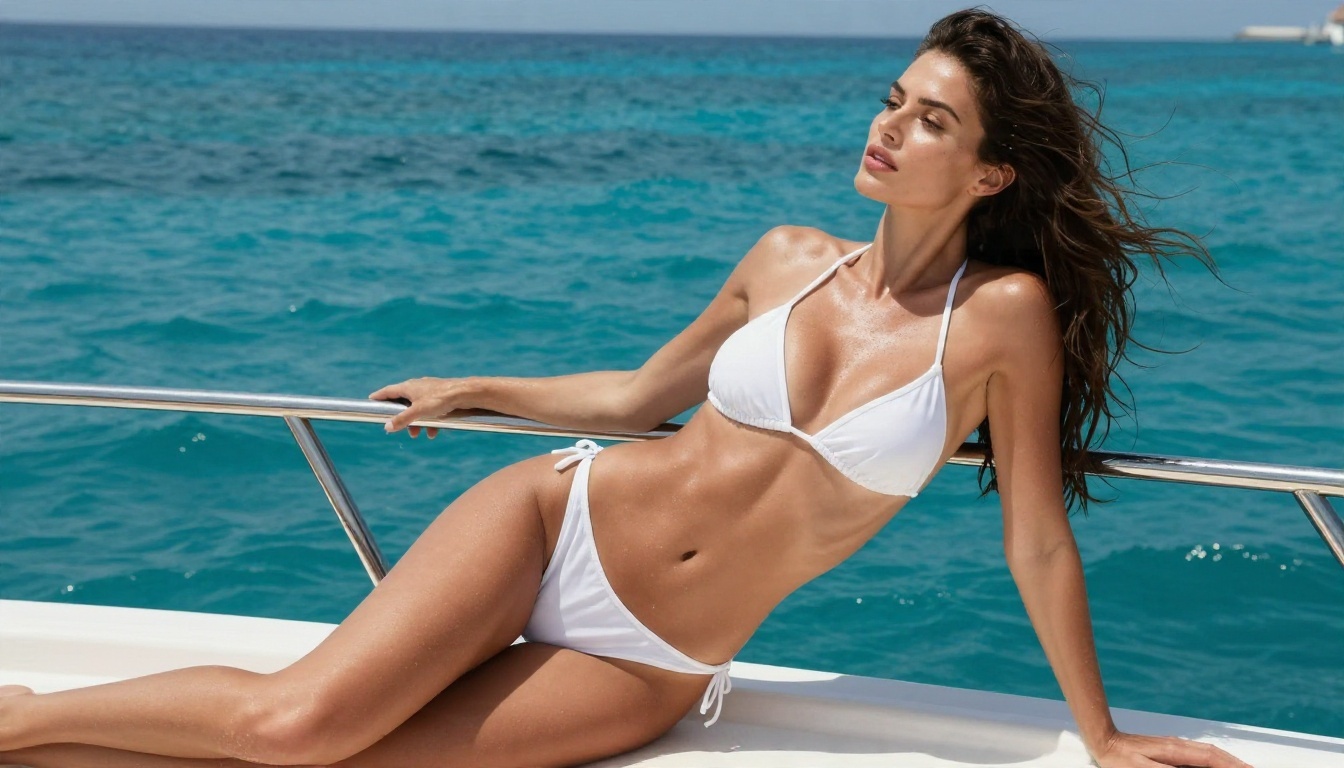
A woman in a white string bikini and sheer sarong leaning on a teak yacht rail, turquoise sea behind her, wind lifting wavy hair, bright midday sun from upper left, natural skin sheen with sea spray droplets, 35mm lens from a low angle, Kodak Portra 400 grain, realistic skin texture.
Beach golden hour
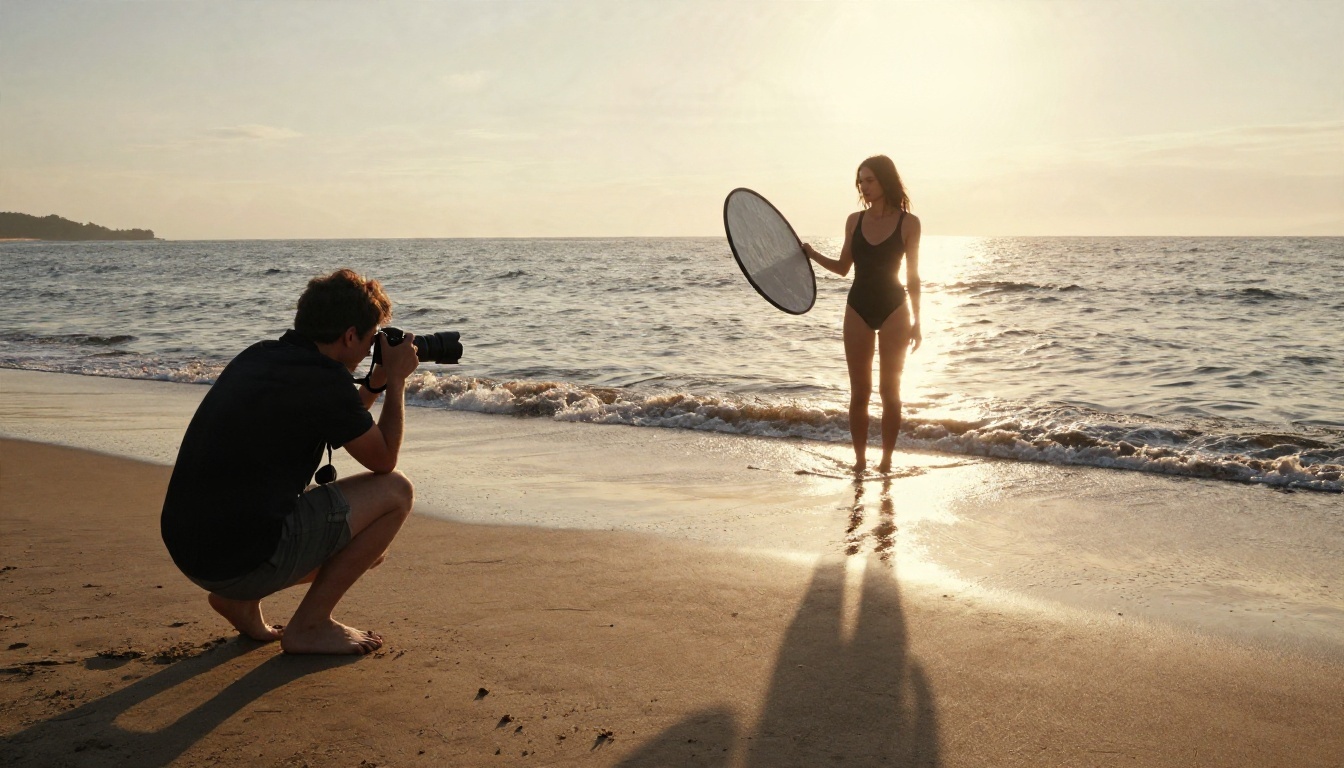
A model in a black one-piece swimsuit standing in shallow surf, low sun behind her creating rim light on her hair, foam around her ankles, wide 24mm frame, wet sand texture, candid behind-the-scenes feel.
Poolside summer
A woman in a coral bikini on a stone pool edge, feet in the water, dappled light through palm leaves, sunglasses pushed up in her hair, 50mm f/2 lens, droplets on skin, warm film colour.
Boudoir and Evening Wear
Silk robe morning
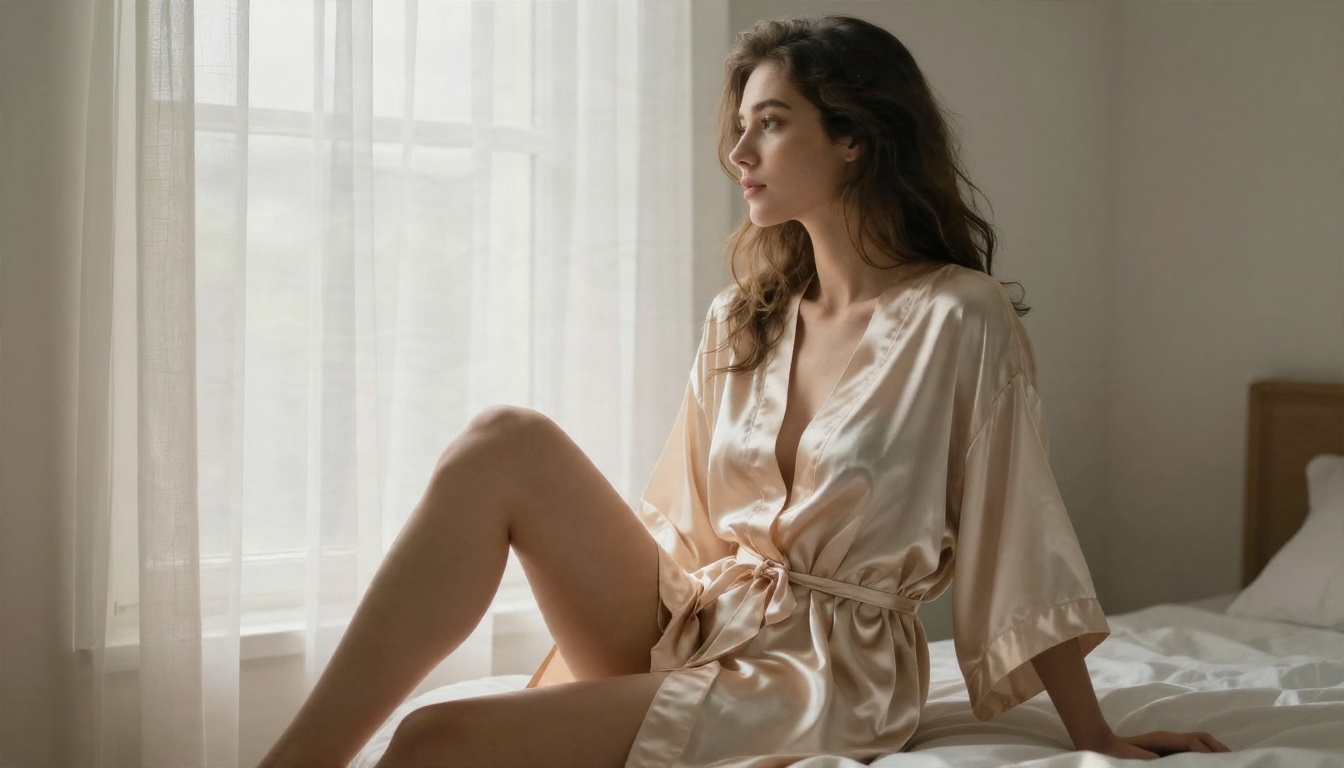
A woman in a champagne silk robe seated on the edge of a white linen bed beside a tall window, sheer curtains diffusing soft light from the right, gaze toward the window, 85mm f/1.8, visible silk sheen and fabric creases.
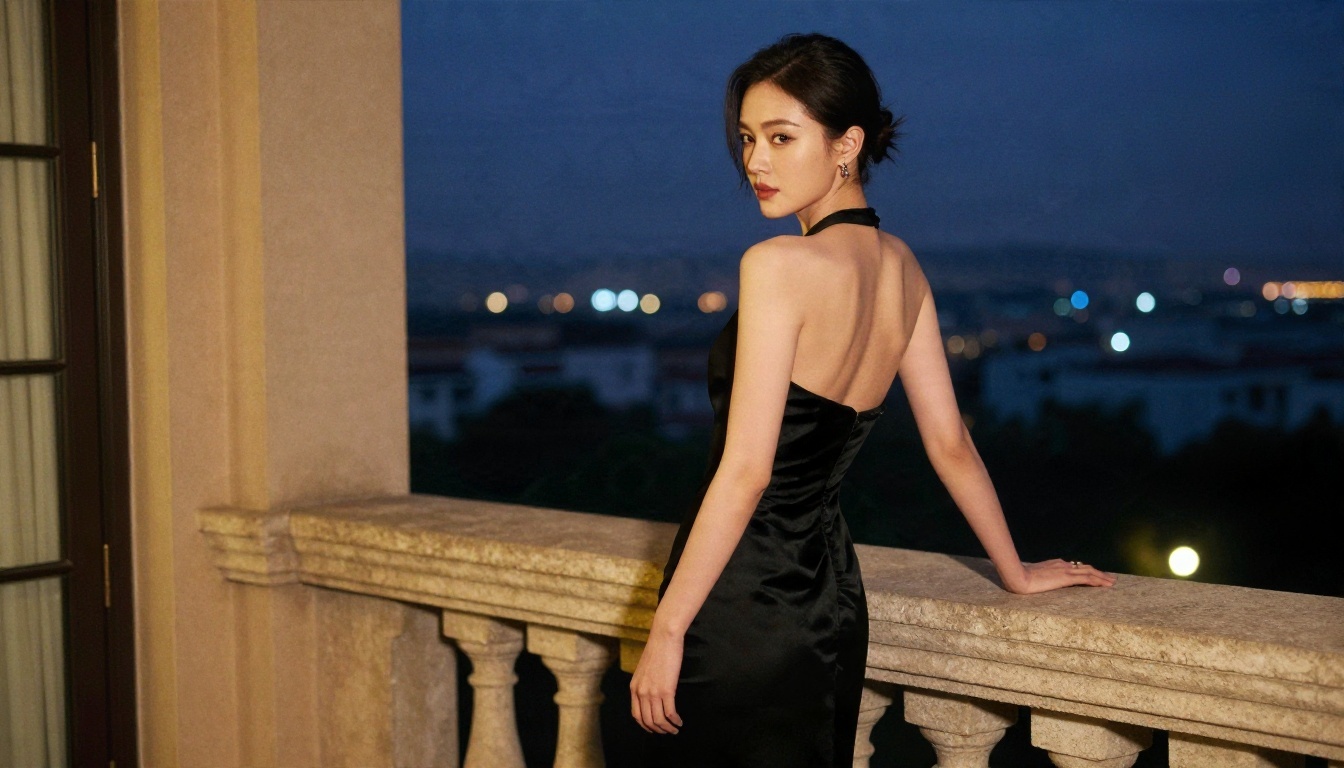
Balcony at blue hour
A woman in a black backless evening dress on a hotel balcony at dusk, city lights as soft bokeh, glancing over her bare shoulder, warm light spilling from open doors, 85mm lens from a slightly low angle.
Prompt Mistakes to Avoid
Even on relaxed tools, a handful of habits trigger blocks or ruin results:
- Stacking trigger words. Five risky terms in one line invite a flag. Describe the scene, not the shock value.
- Vague style words. "Hot", "sexy" and "perfect" give the model nothing. Wardrobe, pose and light do.
- Forgetting the camera. Without lens and light cues, you get that flat, plastic look.
- Asking for too much text. Image models still stumble on signs and captions. Keep text to one or two words.
- Using real names. Never prompt with a real person's name or likeness. More on that below.
How to Use Seedream 4.5 on PicassoIA
Here is the quickest route from idea to finished image.
Step by Step
- Open the Seedream 4.5 page on PicassoIA.
- Paste a prompt from the section above, or one your chat model wrote.
- Set the aspect ratio to match your use. Use 16:9 for banners, 3:4 or 2:3 for portraits.
- Pick the highest resolution the model offers if the image is a final render.
- Generate, then compare the result against your shot list: pose, light, wardrobe.
- Change one detail at a time and run it again. Single changes teach you faster than rewriting everything.
Settings Worth Adjusting
| Setting | What to try | Why |
|---|
| Aspect ratio | 2:3 for portraits, 16:9 for scenes | Matches how photographers frame |
| Prompt length | 50 to 80 words | Long enough for detail, short enough to stay focused |
| Light direction | Name it: "from the left", "rim light" | Changes mood more than any adjective |
| Lens | 35mm, 50mm, 85mm | Controls distance and background blur |
| Film stock | "Kodak Portra 400" | Warm, natural skin tones |
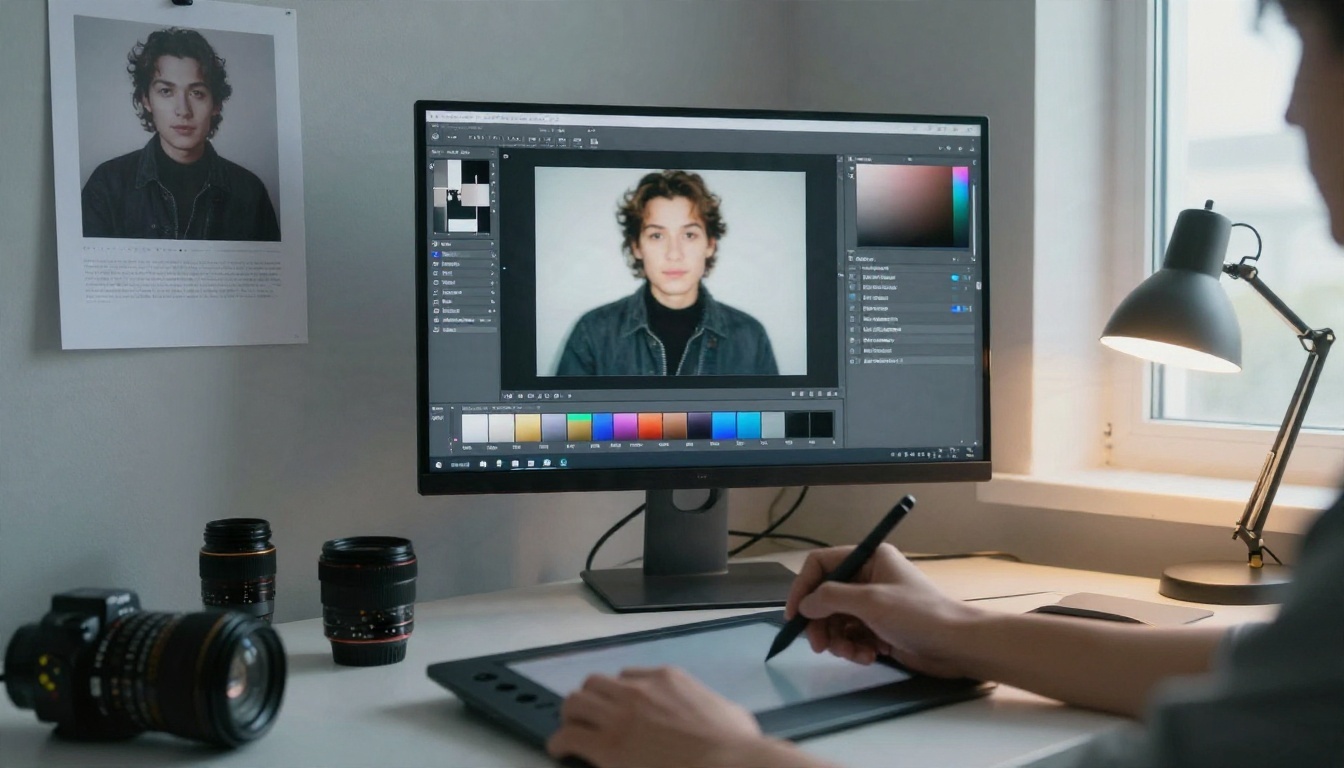
Once you have an image you like, send it to PicassoIA Image Editor Pro for outfit swaps, background changes or small fixes, and run as many variations as you want.
Alternatives Side by Side
No single tool wins every job. This table sums up where each one fits.
Some people also run open-weight image models on their own computer. That gives total control, but it needs a good graphics card, setup time and storage for large files. For most people, a browser tool with unlimited runs is the shorter path.
Limits You Should Respect
Relaxed does not mean lawless. A few lines stay fixed, and good reasons stand behind each one.
Consent and Real People
Never generate images of a real person without their consent, whether a celebrity, a coworker or an ex. Fake intimate images of real people cause real harm, and in a growing number of countries they are illegal. Use invented characters. Describe a fictional woman, not a famous name.
And anything involving minors is off the table, full stop.
Privacy and Safe Use
- Do not upload private photos of other people to any tool.
- Check the terms of whatever platform you use, since each has its own rules on adult-leaning content.
- Keep it suggestive, not explicit. The best results in this space come from taste: lighting, fabric, mood. Explicit pornography is not what these generators are built for, and it is not what this article covers.
- Use moderation when you need it. If you publish AI images for a client or a brand, Llama Guard 4 12B is a free content moderation tool that can screen text before it goes live.
💡 If you are making work for a public page or ad platform, check that platform's content policy first. A great image that gets your account banned is a bad trade.
Make Your Own Images Today
You now have the full picture: what "no censor" really means, where the filters bite, and which tools give you more room. The fastest way to see the difference is to run the same prompt through two models and compare.
Here is a simple plan for the next ten minutes:
- Ask a chat model like Deepseek V3.1 for three photographer-style prompts.
- Run the best one in Seedream 4.5.
- Send your favourite to PicassoIA Image Editor Pro and push it through unlimited variations.
Want more options? Browse every image, chat and editing model at picassoia.com/en/all-models, pick two you have not tried, and give Picasso IA a real test run. Your first good image is usually one or two prompts away.


