Somewhere in your camera roll there is a selfie that could pass for a 1994 school photo, if only the hair were bigger, the blazer louder and the backdrop a swirl of blue. That is the whole idea behind the AI yearbook photo generator: you give an AI model a modern picture, or just a text description, and it hands back a portrait that looks like it was printed in a gym on picture day.
The trend exploded because it is instantly shareable. Everyone has a face, everyone has a high school memory (or a fantasy of one), and the results are funny, flattering or both. This article breaks down where the filter came from, what makes a yearbook portrait look real, and which free prompts you can copy today.
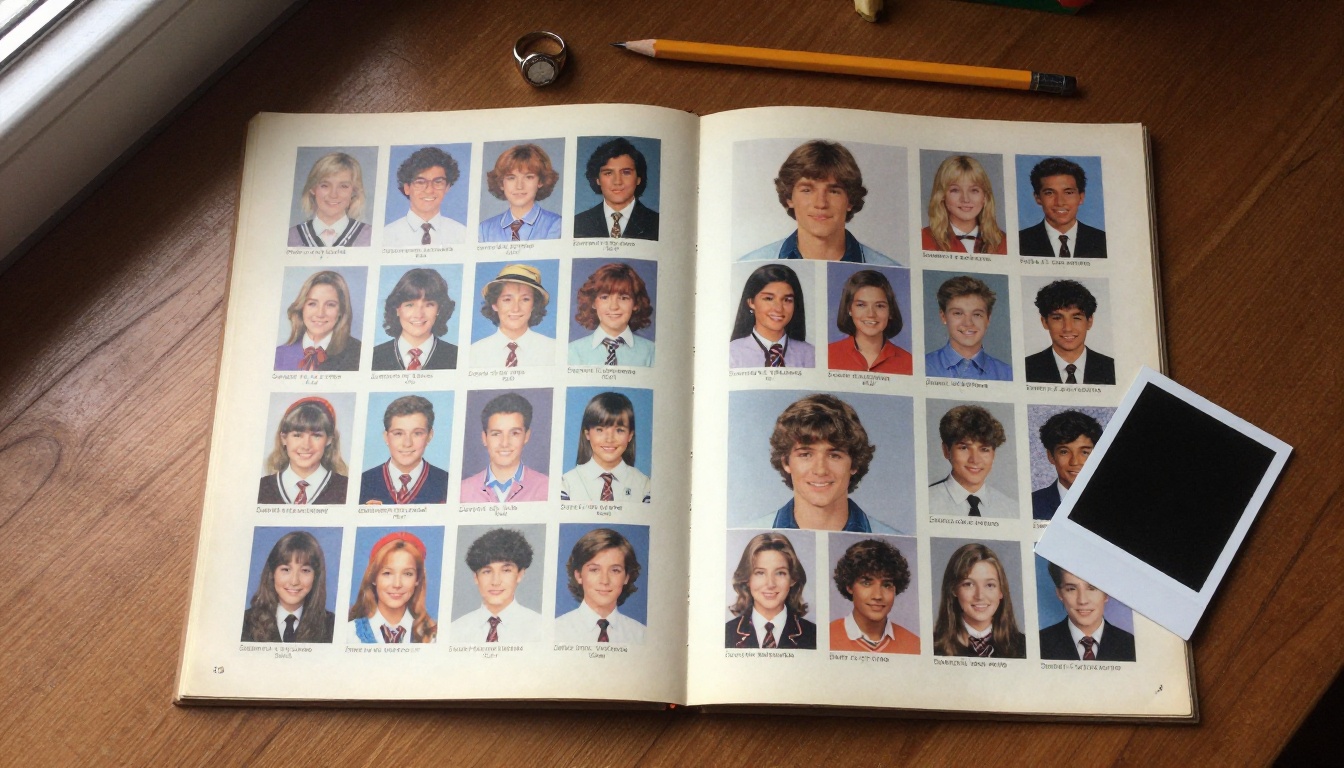
What the AI Yearbook Trend Is
An AI yearbook filter takes your face and places it in the visual language of a school portrait from a specific decade, most often the 1990s. Think laser-style mottled backdrops, feathered bangs, oversized collars, scrunchies and a slightly soft focus from a studio flash that was always one step too bright.
There are two broad ways to do it:
- Upload-based apps. You send a batch of selfies, the app trains or tunes a model on your face, and it returns a gallery of stylized portraits.
- Prompt-based generators. You write a description (or upload a single reference photo) and a general image model produces the portrait on the spot.
The second route is the one this article focuses on, because it is faster, cheaper and far more flexible. You are not locked into whatever styles an app decided to ship.
Where It Came From
The wave most people remember arrived in October 2023, when CNBC reported that the Epik app's 90s yearbook edit had gone viral on Instagram and TikTok and was topping the free app charts. Epik was free to download, but generating the full set of portraits cost money, and the app asked for roughly eight to twelve photos with a mix of angles and expressions. Know Your Meme also tracked how the #AIYearbook hashtag spread across TikTok as people posted collages of themselves as jocks, nerds and cheerleaders.
Since then, general-purpose image models have become sharp enough that you no longer need a dedicated app. A decent prompt and one reference photo can get you most of the way.
Why It Keeps Coming Back
The trend resurfaces every few months for a few simple reasons:
- Nostalgia sells. Even people who never wore a perm recognize the look.
- The format is a game. Pick a character (jock, goth, preppy, band kid) and see who you become.
- Results are easy to compare. A before and after pair fits perfectly in a single post.
- It works on everyone. Pets, parents and whole friend groups all get involved.
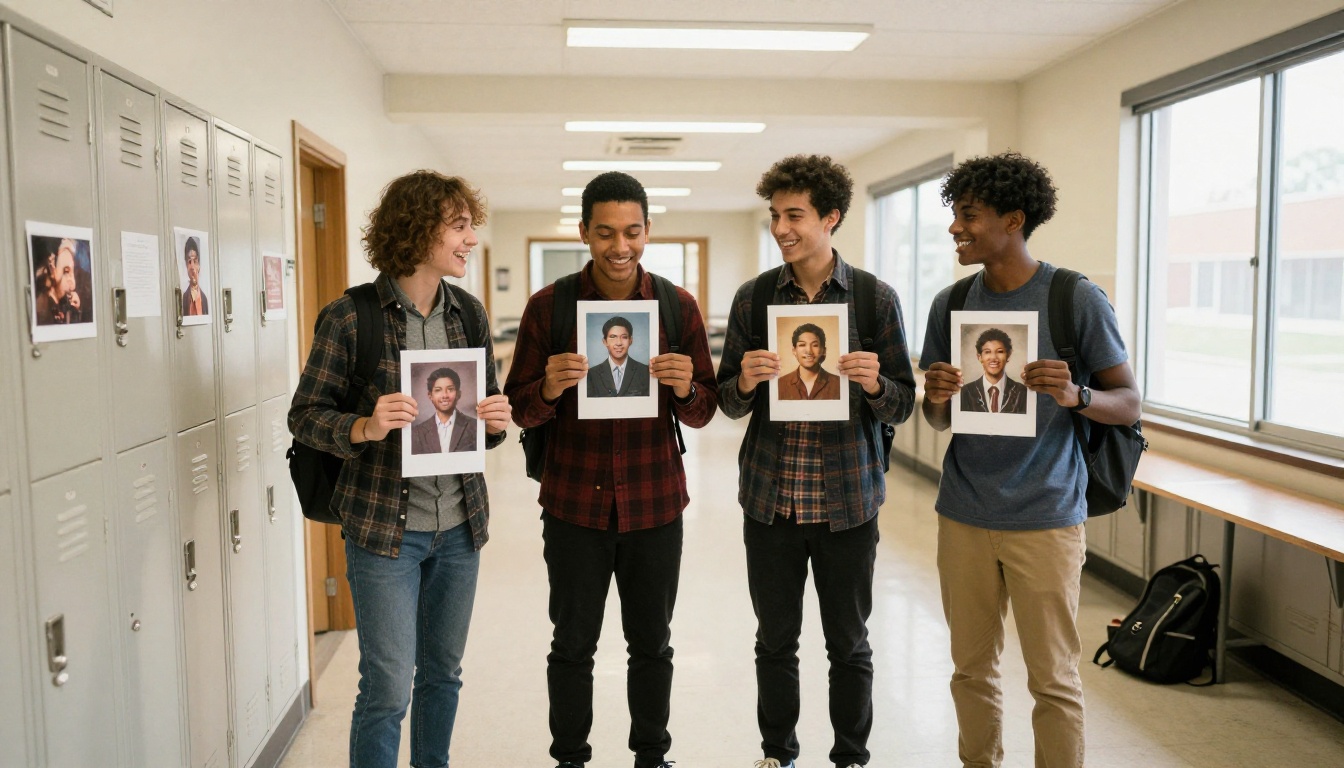
Anatomy of a Believable Yearbook Photo
Before you write a single prompt, it helps to know what the AI is trying to imitate. Real school portraits follow a surprisingly strict formula. If your output feels "off," one of these ingredients is probably missing.
The Backdrop
The classic is a mottled, cloudy backdrop in blue, grey or a muddy teal. Some photographers used a brown textured sheet or a faux marble look. It is never a clean flat color, and it is almost always slightly out of focus.
The Lighting
School photographers used a large softbox on one side and a weaker fill on the other, often with a hair light from behind. The result is soft shadows under the chin and bright catchlights in both eyes. If your AI portrait has dramatic side shadows or a moody glow, it will read as a modern editorial shot, not picture day.
The Pose
Almost everybody was told to tilt their head slightly, drop one shoulder and smile. Straight-on, shoulders squared, is the 2000s passport variant. The head and shoulders fill most of the frame.
The Film Look
Prints from that era carry fine grain, slightly warm highlights, a soft color cast and a glossy paper sheen. Prompts that mention Kodak Portra 400, 35mm film grain and faded warm highlights push the generator in the right direction.
💡 Tip: Describe the camera too. Phrases like "85mm lens, f/5.6, softbox from the left" give the model concrete optical cues instead of vague adjectives.
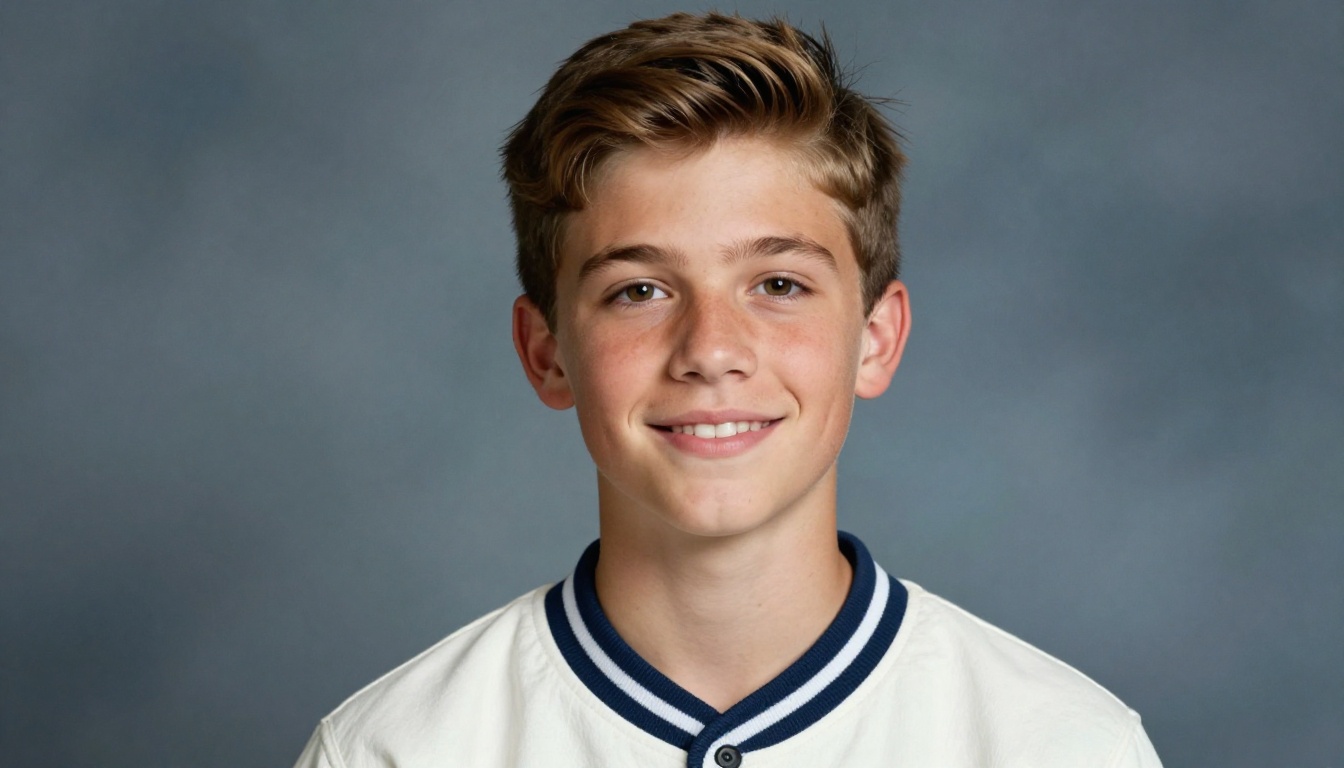
Free Prompts You Can Copy
Here are prompts that work well across most modern image models. Swap in your own details and keep the structure: subject + clothing + hair + backdrop + lighting + film look.
The Classic 90s Portrait
A 1990s high school yearbook portrait of a smiling young woman with voluminous feathered bangs and a loose perm, navy velvet blazer over a white collared blouse, thin gold chain necklace, mottled blue studio backdrop, softbox lighting from the left, head tilted slightly, 85mm lens, Kodak Portra 400 film grain, slightly faded warm highlights, glossy print texture.
The Varsity Athlete
A 90s yearbook photo of a teenage boy with a curtain haircut wearing a varsity letterman jacket, confident half smile, grey-blue cloud backdrop, soft studio flash, natural skin texture, subtle film grain, warm vintage color cast.
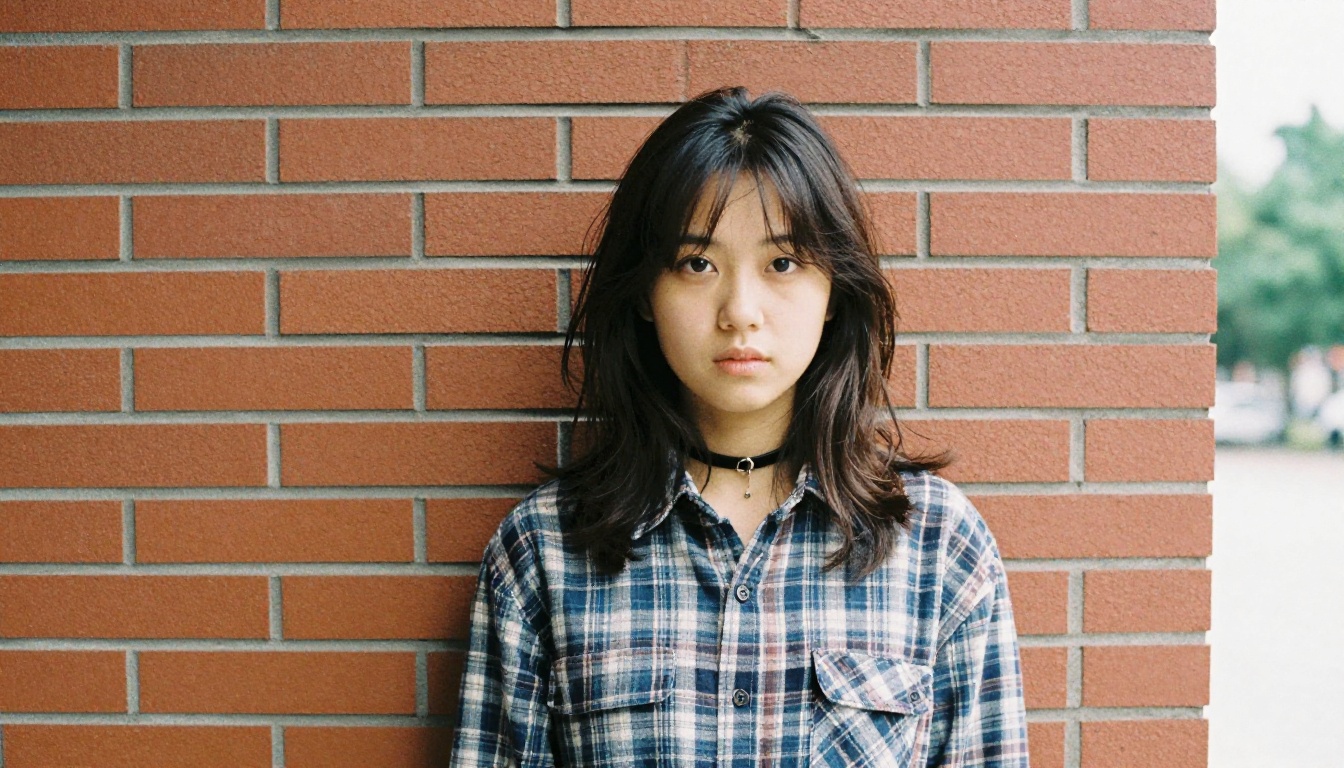
The Grunge Kid
A 1994 school portrait of a teenager in an oversized flannel shirt and black choker, messy shoulder-length hair with a side part, textured brown backdrop, flat soft lighting, faded film colors, visible grain.
The Cheer Captain
A yearbook portrait of a cheerleader in a red and white sweater, high ponytail with a scrunchie, wide bright smile, soft mottled blue backdrop, glossy skin highlights, flyaway hair detail, nostalgic school photo.
The 80s Throwback
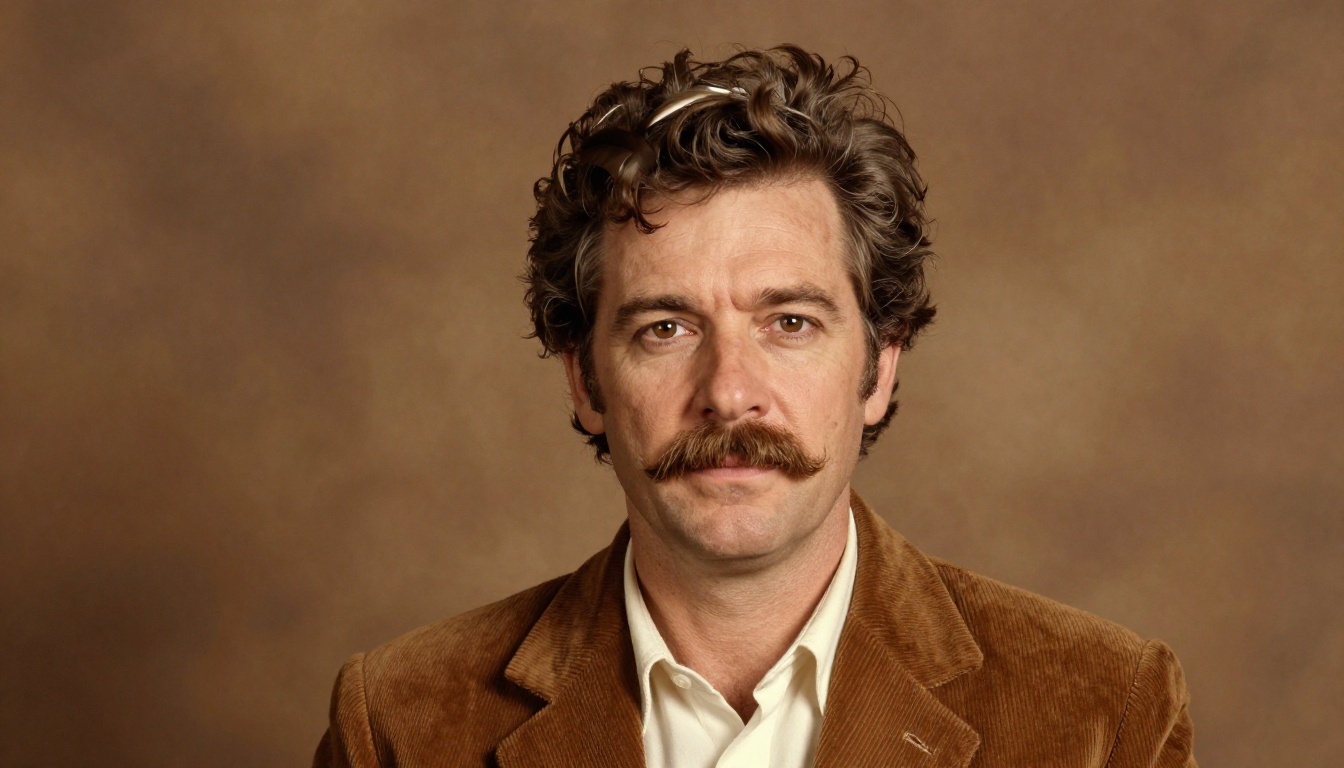
A 1986 school photo of a man with a feathered haircut and a thick mustache wearing a brown corduroy jacket, warm brown backdrop, direct soft flash, subtle wrinkles and pores, slightly yellowed film tones.
| Style | Era | Must-have details | Backdrop |
|---|
| Classic prep | 1990s | Blazer, collared shirt, gold chain | Mottled blue |
| Grunge | 1994 to 1996 | Flannel, choker, messy hair | Textured brown or grey |
| Varsity | 1990s | Letterman jacket, curtain haircut | Grey-blue clouds |
| Cheer | 1990s | Scrunchie, high ponytail | Blue or purple swirl |
| Big hair | 1980s | Feathered hair, corduroy, mustache | Warm brown |
How to Use the Filter Method
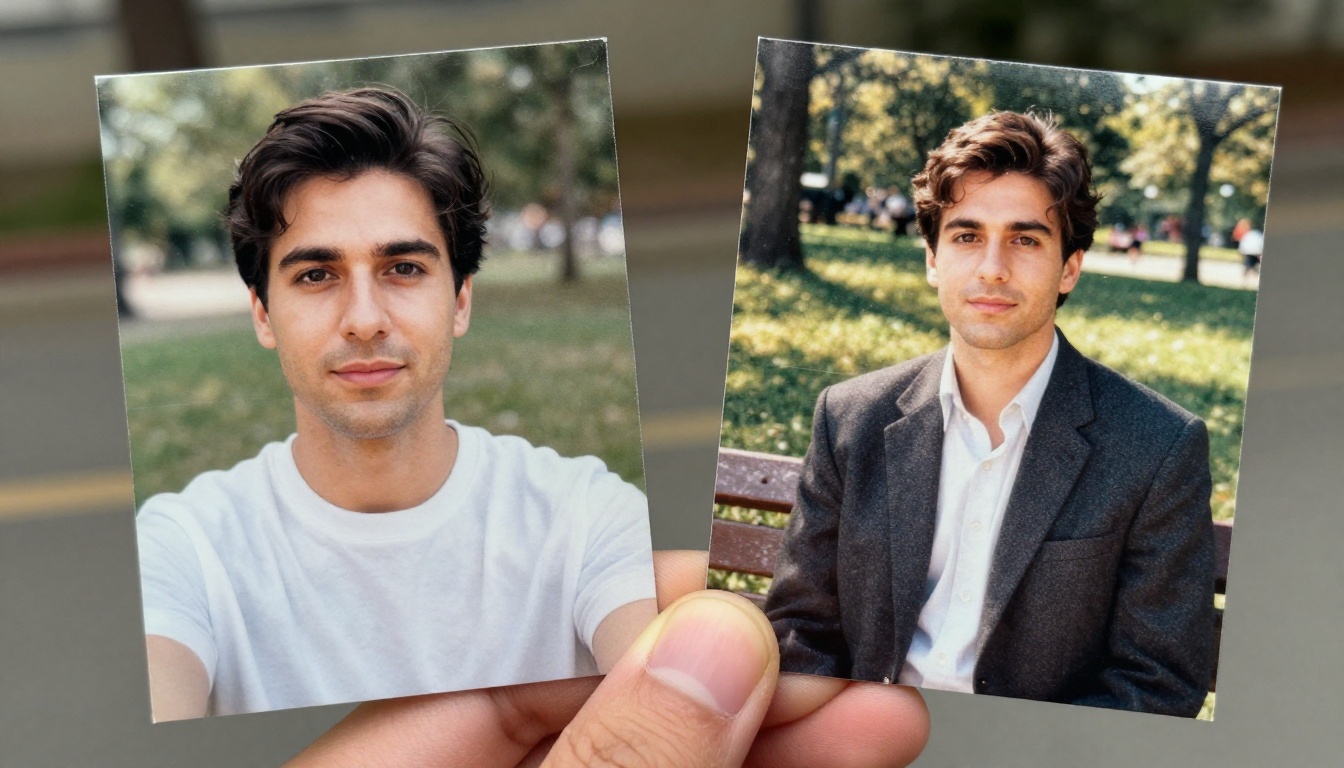
If you want the "filter" experience, where your own face appears in the result, you need a model that can accept a reference image. Text-only prompts invent a stranger. Reference-based editing keeps your identity.
The Single Selfie Workflow
- Pick a front-facing, evenly lit selfie. No sunglasses, no heavy filters, no hand covering the jaw.
- Upload it to an image editing model.
- Write an instruction like: "Turn this into a 1990s yearbook portrait. Keep the face identical. Add a navy blazer, feathered bangs, mottled blue backdrop and soft studio lighting with film grain."
- Generate four variations and pick the one where the eyes and smile look most like you.
- Repeat with a new character prompt (jock, grunge, prep) to build a full class page.
Why Faces Sometimes Drift
Models can "improve" your face while they restyle it, narrowing a jaw or smoothing skin. To limit drift:
- Say "keep the face identical" or "preserve facial features" explicitly.
- Avoid stacking too many style changes in one instruction.
- Use a reference with a neutral expression and no strong shadows.
- Try lower creativity or strength settings if your tool offers them.
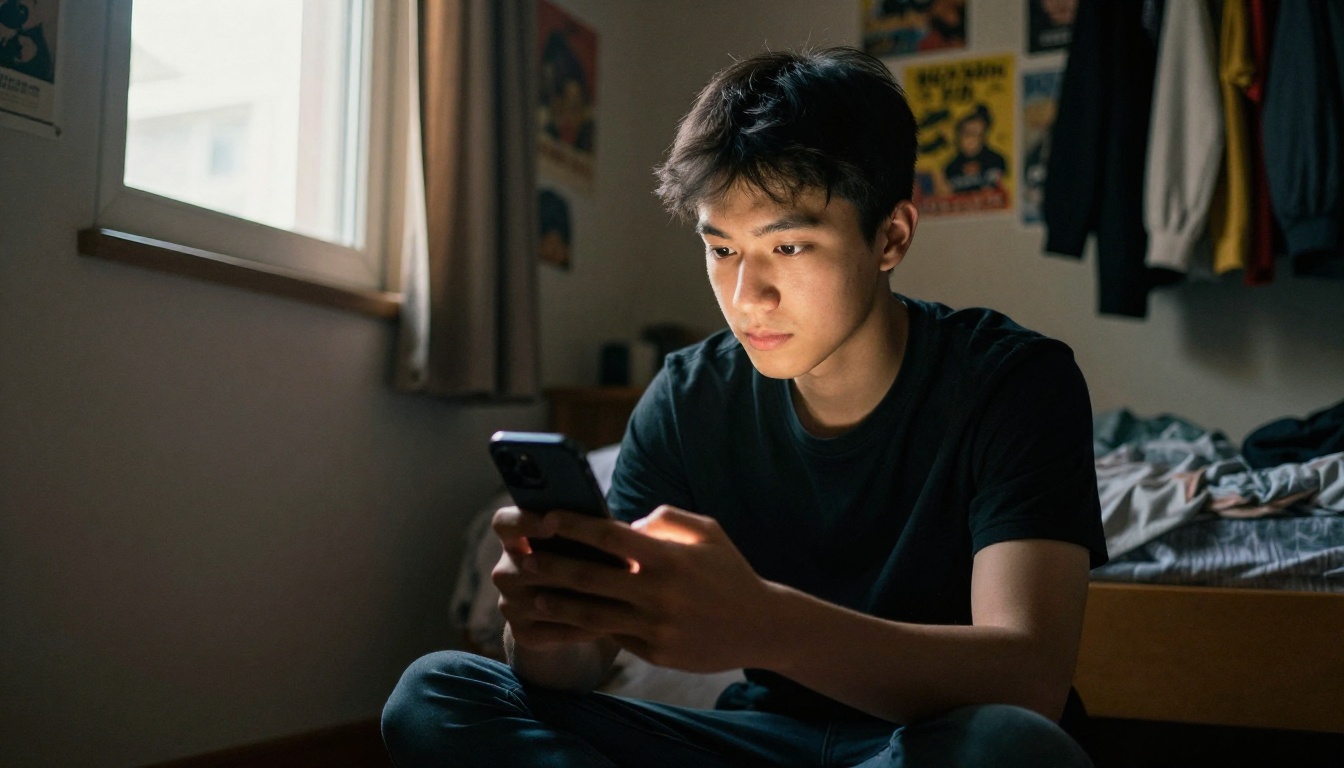
How to Use Nano Banana on PicassoIA
For the selfie-to-yearbook workflow, an editing-capable model is the best fit. Nano Banana accepts a reference image plus a plain-language instruction, which is exactly what the yearbook filter needs. If you want higher resolution output, Nano Banana Pro is the heavier option, and Nano Banana 2 Lite is built for fast tries.
Step by Step
- Open the model page. Go to Nano Banana on PicassoIA and sign in.
- Upload your reference. Add one clean selfie. Straight angle, soft daylight, and a relaxed face work best.
- Paste the prompt. Use the Classic 90s Portrait prompt above, and begin it with "Edit this photo:" so the model treats your upload as the source.
- Add a likeness line. Include "keep the same face, eye color and smile."
- Generate and compare. Run three or four versions. Slight wording changes (blazer color, hair length, backdrop shade) give very different results.
- Save your favorites. Change the character and run again until you have a full yearbook page.
| Setting | Recommended choice | Why |
|---|
| Reference photos | 1 clear selfie | Fewer conflicting cues |
| Prompt length | 40 to 70 words | Enough detail without confusion |
| Variations per round | 3 to 4 | Lets you pick the best likeness |
| Aspect ratio | 4:5 or 3:4 | Matches a real portrait print |
💡 Tip: If you want to build the portrait from scratch instead of editing a selfie, Seedream 4.5 handles detailed portrait prompts and skin texture well, and Seedream 5 Pro is another strong option for sharp 2K output.
Writing Better Prompts Yourself
Copying a prompt is a fine start. Writing your own is where the portraits begin to feel personal.
Build in Layers
Treat the prompt as five short blocks:
- Subject: age, expression, pose.
- Wardrobe: specific garments and colors.
- Hair: length, texture, decade-specific styling.
- Environment: backdrop type and tone.
- Photography: lens, light direction, film stock, grain.
Short blocks are easier to adjust than a long paragraph. If the backdrop looks wrong, change one block and leave the rest.
Words That Help
- "mottled," "cloudy," "laser backdrop" for the background
- "feathered," "permed," "crimped," "frosted tips" for hair
- "softbox," "fill light," "catchlights" for lighting
- "film grain," "glossy print," "slightly faded" for finish
Words That Hurt
- "hyper-detailed," "cinematic," "dramatic lighting," and "ultra sharp" all push toward a modern look
- Heavy beauty language ("flawless skin") produces plastic faces
- Mentioning a famous person invites the wrong features

Common Mistakes and Fixes
| Problem | Likely cause | Fix |
|---|
| Face looks like a stranger | Text-only prompt | Use an editing model with a reference photo |
| Skin looks waxy | Beauty words in the prompt | Ask for "visible pores, natural texture" |
| Backdrop is too clean | No texture described | Add "mottled cloudy backdrop, slightly out of focus" |
| Outfit looks modern | Vague clothing words | Name exact garments and colors |
| Photo feels too sharp | Missing film cues | Add "Kodak Portra 400, fine grain, faded highlights" |
| Hands or text look strange | Frame is too wide | Crop to head and shoulders |
Three Quick Habits
- Generate in batches. One output is a guess. Four outputs are a choice.
- Keep a prompt notebook. Save the wording that gave you the best likeness.
- Stay in one decade. Mixing 80s and 2000s cues confuses the style.
If you want to fine-tune the look with your own reference set, models like Flux 2 Klein 4B Base give you more room to steer results, and P Image Trainer lets you train a custom LoRA from your own photos for consistent faces across a whole series.
Privacy and Realistic Expectations
The popularity of the trend raised a fair question: where do your selfies go? Many apps ask for ten or more photos and process them on remote servers. Coverage of the trend noted the app was free to download but charged for results, and some alternatives now pitch offline processing for people who would rather not upload a pile of faces.
A few sensible rules:
- Upload only what you need. One reference image is often enough with an editing model.
- Read the retention policy. Check how long photos are stored and whether they feed model training.
- Never upload other people's faces without asking. A classmate's photo is theirs to share.
- Watch the framing. Cut out house numbers, badges or documents in the background.
On expectations: AI yearbook portraits are stylized. Even the best result will not match your face perfectly every time, and that is part of the fun. Treat the output as a costume, not a record.
Ideas to Push the Trend Further
Once the single portrait works, there are plenty of ways to make a bigger project out of it.
- A full class page. Generate twelve portraits of yourself in different roles, then arrange them in a grid like a real yearbook spread.
- Family edition. Do the same prompt for parents, siblings and grandparents, adjusting hairstyles by decade.
- Decade swap. Make the 1970s, 1980s and 1990s versions of the same person and compare.
- Group reunion. Generate each friend with matching backdrop and lighting so the set looks like it came from one photographer.
- Caption pass. Add senior superlatives such as "Most Likely to Be Late" in your design software after the portraits are done, rather than asking the model to render text.
💡 Tip: Keep the lighting and backdrop wording identical across the whole set. Only change wardrobe and hair. That is what makes a gallery look like one picture day.
For quick concept tests before you commit to a look, P Image Ideogram is handy when you want a precise composition, and it is useful for mock layouts.
Quick Answers to Common Questions
Is an AI yearbook generator really free?
Prompt-based generation on a platform with free credits costs nothing to try. Some viral apps are free to install but charge for the final gallery, as the 2023 Epik wave showed.
How many photos do I need?
For an editing model, one clear selfie. For apps that train on your face, expect to upload eight to twelve.
Which decade looks best?
The 1990s are the safest, because the mottled backdrop, soft flash and big hair are instantly readable. The 1980s work well with warm brown backdrops and feathered hair.
Can I print the results?
Yes. Generate at the highest resolution available, then run an upscaler if you need a larger print. Keep a grain layer so the print does not look digitally smooth.
How do I make it look less fake?
Add film grain, avoid beauty language, and ask for natural skin texture. Then use slightly imperfect details like flyaway hairs and uneven blush.
Make Your Own Class Photo Today
The AI yearbook photo generator trend lasts because it is a tiny creative game anyone can play in five minutes. Pick one selfie, paste a prompt from this article, and see which version of your teenage self shows up. Then change the blazer, swap the backdrop, and try a grunge or varsity version.
You can try the whole workflow on PicassoIA right now. Start with Nano Banana for selfie-based edits, test Seedream 4.5 for prompts built from scratch, and keep the best results for your own digital yearbook. Share the set with your friends, and see who got the best perm.


