You downloaded an AI companion app, chatted for a few days, and now you are wondering how far it will actually go. That is exactly why "Anima AI nude" is such a common search. People want a straight answer: does Anima allow NSFW content, what does the free plan really give you, and is there something better if you want images instead of text? This article answers all three, with the honest caveat that Anima does not publish a detailed adult content policy, so most of what exists online comes from reviewers and user reports rather than the company itself.
The short version: Anima is a chat companion, not an image generator. Adult roleplay is reported to sit behind the paid tier, the free plan is described as capped by daily usage, and if what you really want is visual, photorealistic, glamour-style imagery, you need a different kind of tool entirely.
💡 Quick take: Anima handles conversation. For suggestive, photorealistic pictures without a message counter hanging over you, an image model is the right tool. Skip ahead to the alternatives section if that is your goal.
What Anima AI Actually Is
A Chat Companion, Not an Image Tool
Anima sells itself as a virtual friend, partner, or companion that lives in your phone. You pick a persona, give it a name, set a few personality traits, and talk. The core product is text conversation, with an avatar and some customization layered on top. That distinction matters for every question that follows, because a text companion and an image generator solve different problems and are limited in different ways.
Anima is a third-party product. It is not a PicassoIA model and it is not available on PicassoIA, so nothing in this article should be read as a claim that you can use it here. What PicassoIA does offer is a way to get the visual side of the fantasy, which we will get to shortly.
Where the Nude Searches Come From
Most people who type "Anima AI nude" are really asking one of three things:
- Can I have explicit or adult roleplay conversations with my companion?
- Can the app send or generate nude pictures?
- Is there a free way to do either?
Those are three separate questions with three separate answers, and review sites tend to blur them together. We will take them one at a time.
Does Anima Allow NSFW?
What Reviewers Report
When I looked into this, I found no official policy page that spells out exactly what Anima permits. What I did find was a pile of third-party reviews, many of them affiliate-driven, and they do not agree with each other on details. The most consistent claim is that NSFW roleplay exists but is tied to paid access, while the free experience is tamer.
Treat that as a reasonable working assumption, not a guarantee. App policies change, store rules shift, and companion apps have a long history of quietly tightening or loosening filters after an update.
The Paid Tier Question
If adult conversation is a paid feature, the real question becomes what you get for the money. Reviewers describe the paid plan as unlocking unlimited messaging and more persona options. They generally do not describe it as an image generation service. So even on the paid plan, you should expect conversation, not a stream of custom photorealistic pictures.
💡 Tip: Before paying, check the current store listing and the in-app plan screen. Prices and features shown there beat any review, including this one.
Privacy Strings Attached
One more thing worth knowing: privacy researchers have flagged companion apps in general for heavy data collection. A well-known privacy review of a related Anima app pointed out that terms of service can forbid "obscene" content even while a paid feature invites adult roleplay. That is a awkward contradiction, and it is a reminder to read the terms before you share anything personal in a chat that is stored on someone else's servers.

Free Plan Limits in Practice
Daily Message Caps
The free tier of Anima is described by reviewers as limited, with daily caps on how much you can chat. I could not find an exact number published anywhere reliable, and the figures quoted on review sites vary. What reviewers agree on is the general shape of the experience:
- You can try the app, set up a companion, and have short conversations.
- You will eventually hit a daily ceiling.
- Deeper features, including adult roleplay, are pushed toward the subscription.
That is the standard freemium pattern for companion apps. The free plan exists to hook you, and the limits exist to convert you.
Price Confusion
Pricing is where the sources contradict each other the most. Some reviews promote an annual plan that works out to a few dollars per month, while others quote a much higher monthly rate for unlimited messaging. Both can be true at once, since annual discounts are common, but it means you should never trust a single number you read online.
| What you want | Free plan (as reported) | Paid plan (as reported) |
|---|
| Basic chat with a companion | Yes, with daily caps | Yes, expanded or unlimited |
| NSFW or adult roleplay | Generally described as locked | Generally described as available |
| Custom photorealistic images | Not a core feature | Not a core feature |
| Predictable monthly cost | Free, but capped | Varies by plan length |
💡 Reality check: If your goal is pictures, paying for a text companion solves a problem you do not have.
Why Chat Apps Hit a Wall
Filters and Policy Drift
Companion apps live under pressure from app stores, payment processors, and regulators. That pressure produces filters, and filters produce frustration. A conversation that worked last month may suddenly trigger a refusal after an update. Users in these communities talk constantly about "lobotomized" updates where a companion's personality changed overnight.
When a product depends on staying inside store rules, its adult features will always be fragile. An image model that you run directly, with fewer layers between your prompt and the output, is a very different experience.
Text Roleplay Is Not Imagery
Even a perfect adult chat gives you words. If you want to see something, whether that is a glamour portrait, a beach photoshoot, or a boudoir scene, you need a model trained on photography. The jump from text to image is not a feature upgrade on a chat app. It is a different product category, and trying to force a chatbot into that role leads to disappointment.
That is also where a language model still earns a place in your workflow. A model such as GPT-4o is excellent for brainstorming character backstories, mood boards, and detailed prompt wording, which you then hand to an image model for the visual. The cheaper GPT-4o Mini handles quick rewrites well.
Uncensored Alternatives That Make Images
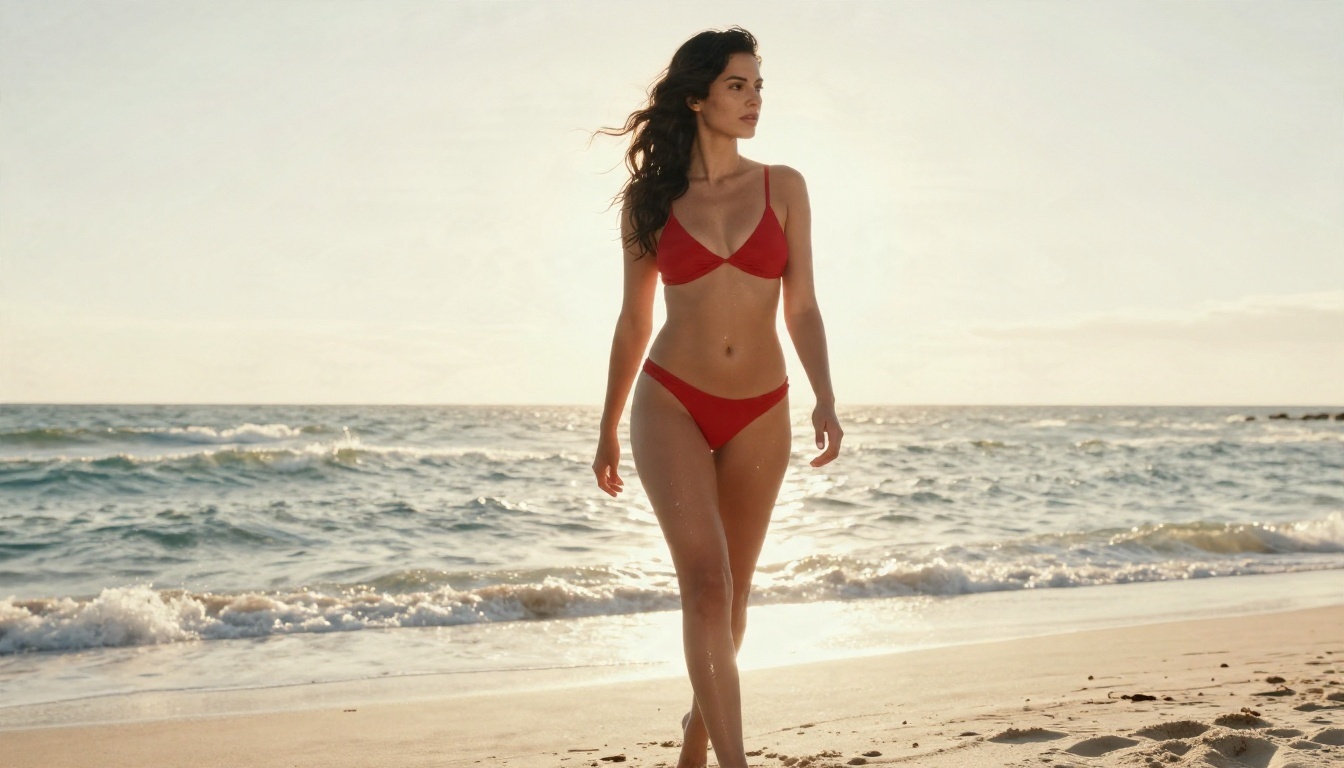
Anima is not on PicassoIA, so here is where to look instead. For suggestive, photorealistic, non-explicit glamour work (swimwear, lingerie, boudoir, artistic portraits), these are the models to try, in the order I would try them.
Seedream 4.5 First
Seedream 4.5 is where I would start. It produces sharp, photographic skin texture, handles fabric and lighting convincingly, and follows long, detailed prompts without wandering off. For glamour portraits it consistently gives the most natural-looking faces and bodies of the options here, and output goes up to 4K, which holds up when you zoom in.
The big difference from a companion app is the feeling of freedom. You write what you want to see, you get an image, and there is no daily message meter counting down while you iterate.
Image Editor Pro for Unlimited Runs
PicassoIA Image Editor Pro is the one to open when you want to keep going. It offers unlimited generations, which flips the free plan problem on its head: instead of rationing messages, you can iterate as many times as you like on poses, outfits, lighting, and framing. It also works as an editor, so you can take a photo you like and adjust it rather than starting from scratch every time.
Other Models Worth Testing
Once you have a feel for the first two, these are good complements:
💡 Note: Content rules differ between models. Keep your work suggestive and tasteful: swimwear, lingerie, boudoir, and artistic glamour all work well, and that is the style this article focuses on.
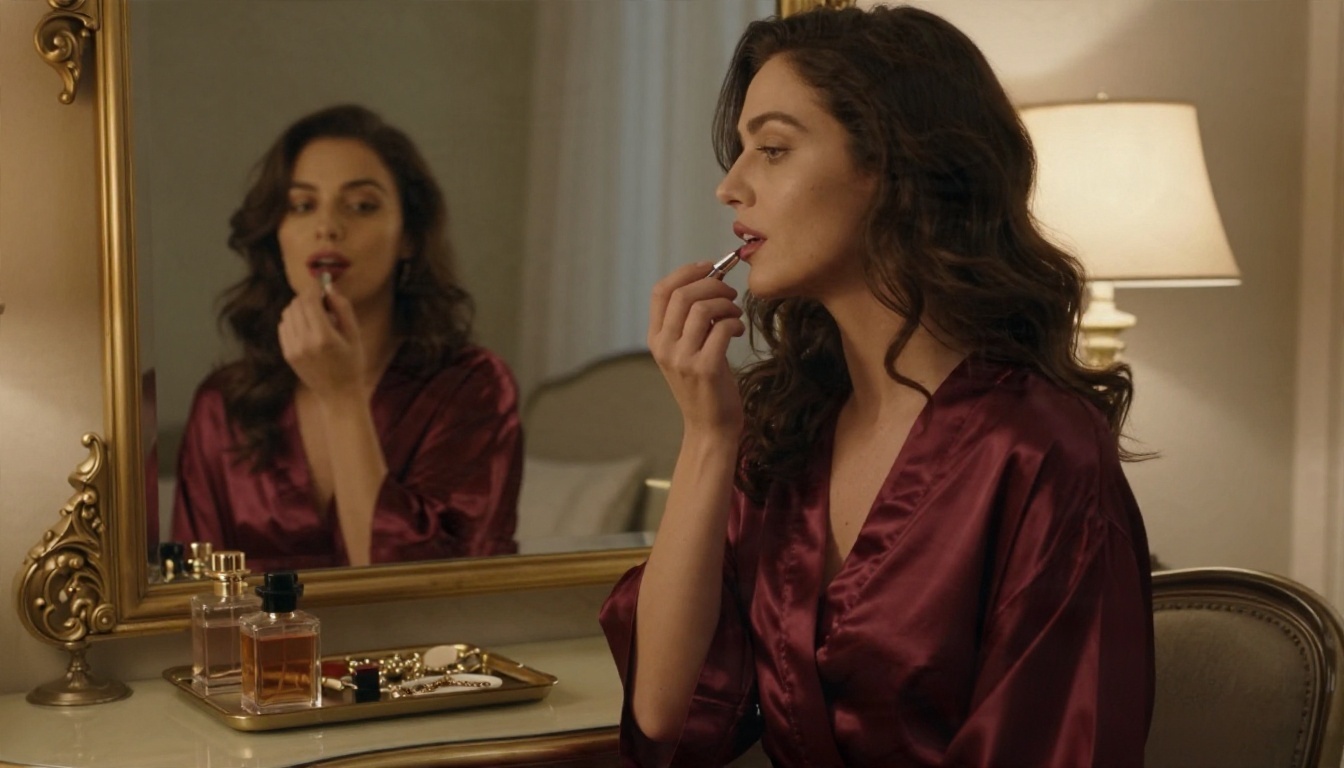
How to Get Similar Results on PicassoIA
If you were hoping Anima would give you visual, glamour-style content, here is how to get that with Seedream 4.5 on PicassoIA.
Step by Step
- Open the Seedream 4.5 page and choose the text-to-image option.
- Write your prompt in this order: subject and pose, setting, lighting, camera and lens, texture details.
- Pick a 16:9 ratio for scenic, wide shots or a portrait ratio for close-ups.
- Generate, then review the result for hands, fabric folds, and skin texture.
- Adjust one thing at a time. Changing five variables at once makes it impossible to tell what worked.
- When you like a result, move it into Image Editor Pro for unlimited refinements.
Parameter Tips That Matter
- Lens language works. Words like "85mm f/1.4, shallow depth of field" push the model toward portrait photography.
- Name the light. "Warm golden hour backlight from the right" beats "nice lighting" every time.
- Describe texture. Satin sheen, linen weave, fine skin pores, and film grain all add realism.
- Keep text out. Image models still stumble on lettering. Leave signs and captions out of the prompt.
A Prompt You Can Copy
Here is a template that reliably gives magazine-style results:
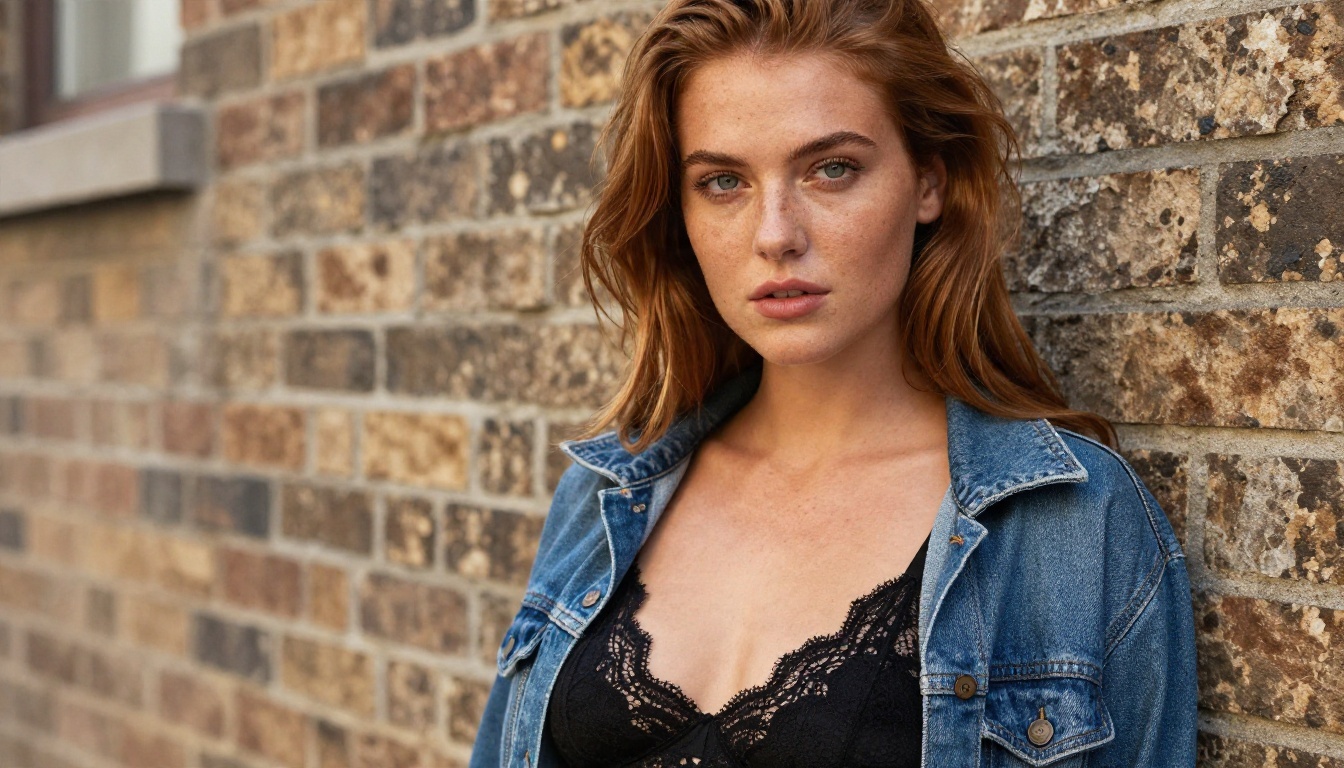
Close-up portrait of a young woman with auburn hair wearing a black lace bralette under an open denim jacket, leaning against a sunlit brick wall, soft side light from the left, direct confident gaze, 105mm f/2 lens, creamy background blur, authentic skin texture, Kodak Portra 400 grain.
Swap the outfit, wall, and light, and you get a whole series from one structure.
Building a Character Without a Chat App
Keep Her Consistent
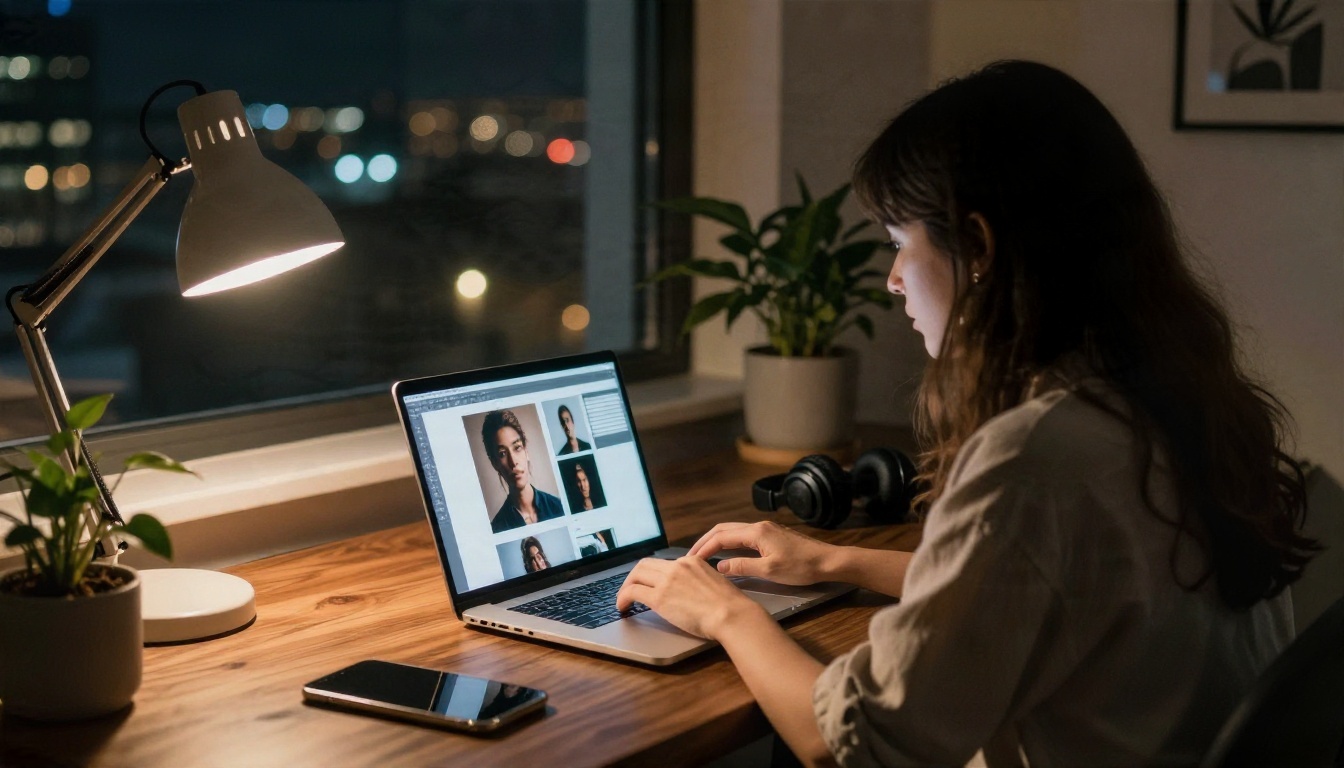
The thing people love about companions is continuity: the same face, the same personality, over time. You can get a version of that with images. Write a fixed description block of hair color, eye color, freckles, and signature jewelry, and paste it at the start of every prompt. Only change the scene after it. Flux 2 Klein 9B Base LoRA is especially useful when you want a stable style across a series.
Add the Romance Back
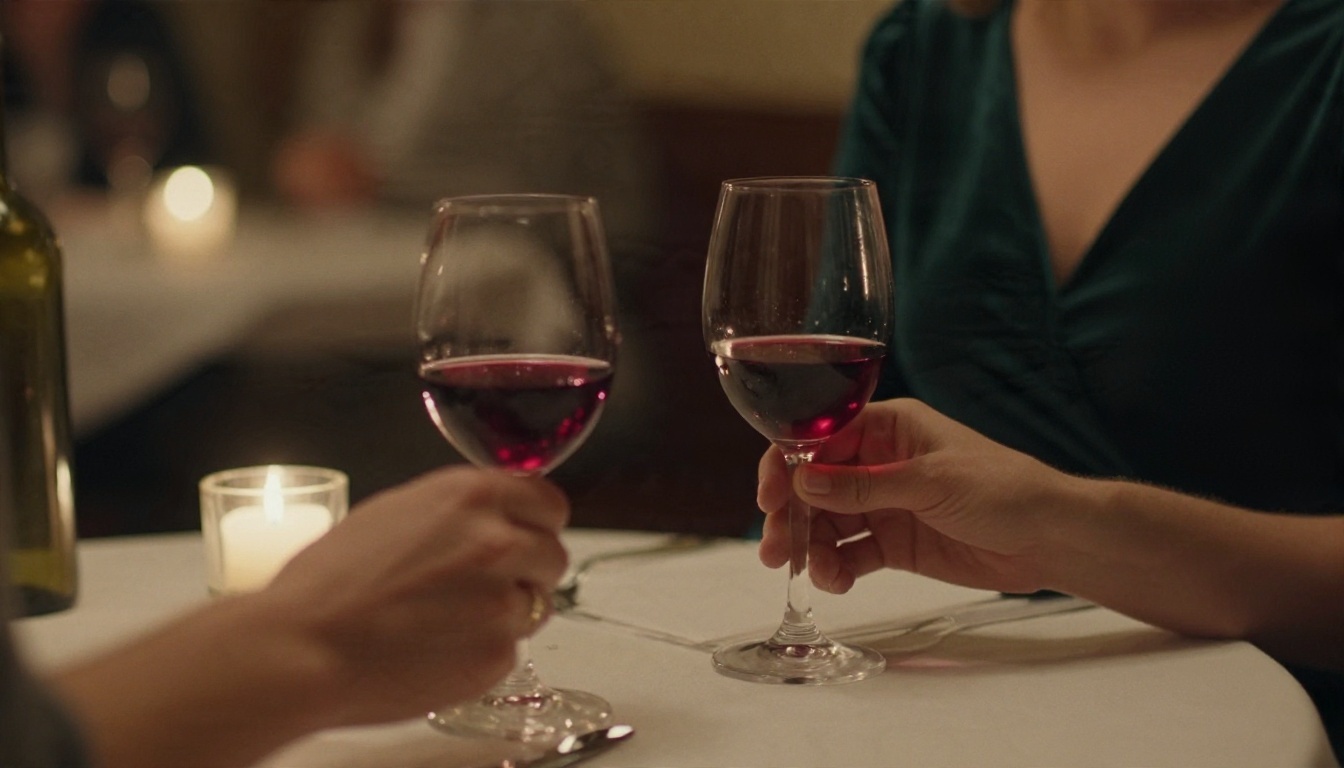
A companion app gives you mood as well as pictures. You can build that mood yourself with scenes: a candlelit dinner, a rooftop at dusk, a balcony at sunrise. Ask a language model like GPT-4o to write ten scene ideas, then turn each one into an image.
Fix and Extend What You Make
Generated images are rarely perfect on the first pass. Use PicassoIA's image tools for the usual repairs: inpainting to fix a hand, outpainting to widen a frame, and super resolution to upscale a favorite shot for printing or wallpapers. Because Image Editor Pro is unlimited, you can afford to be picky.
Anima vs Image Models at a Glance
| Factor | Anima (companion chat) | Image models on PicassoIA |
|---|
| Main output | Text conversation | Photorealistic images |
| Free usage | Daily caps reported | Free options plus unlimited Image Editor Pro |
| Adult content | Reported as paid only | Suggestive glamour, tasteful and non-explicit |
| Visual control | Limited avatar options | Full control over pose, outfit, light, lens |
| Policy stability | Can shift with updates | Model rules stay predictable |
| Best for | Chatting and roleplay | Glamour portraits and scene building |
The honest summary is that these tools do not compete head to head. Anima gives you someone to talk to. An image model gives you something to look at. Plenty of people use both, but if the search that brought you here was "Anima AI nude," the visual route is the one that actually delivers.
Common Mistakes to Avoid
- Paying for the wrong thing. A subscription to a text app will not give you pictures.
- Trusting one review. Affiliate sites disagree on prices and limits. Check the app itself.
- Vague prompts. "Beautiful woman, hot" gives generic output. Specific light, lens, and texture give photographs.
- Changing everything at once. Edit one variable per run.
- Ignoring hands and fabric. Always zoom in before you save a result.
Start Creating Your Own Images
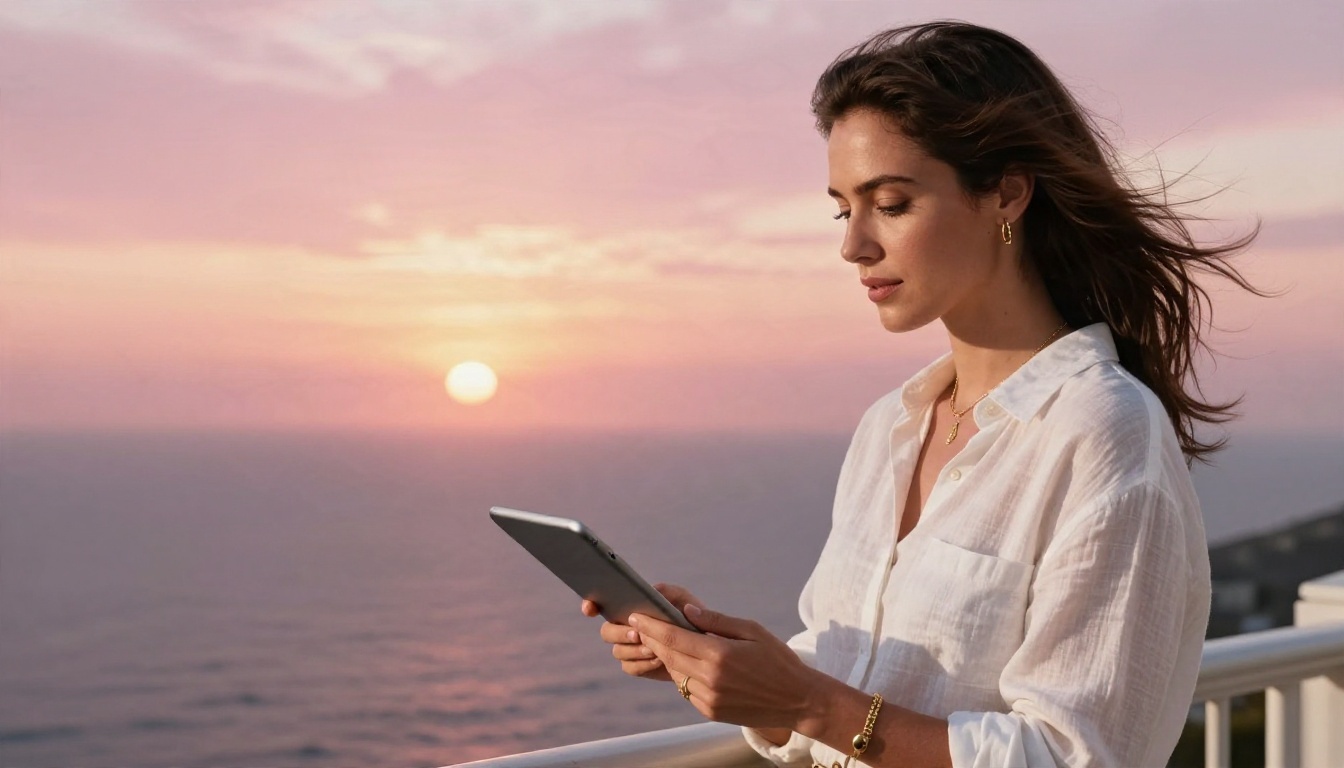
If Anima's caps and paywalls left you wanting something more visual, the fix is simple: stop rationing messages and start making pictures. Open Seedream 4.5 for your first glamour portrait, then move into PicassoIA Image Editor Pro when you want unlimited tries. Experiment with swimwear, lingerie, boudoir lighting, and golden hour scenes, and keep notes on which prompt structures work best for you.
Every model mentioned above, plus dozens more for images, video, and text, is listed at picassoia.com/en/all-models. Pick one, write a detailed prompt, and see what you can build today.


