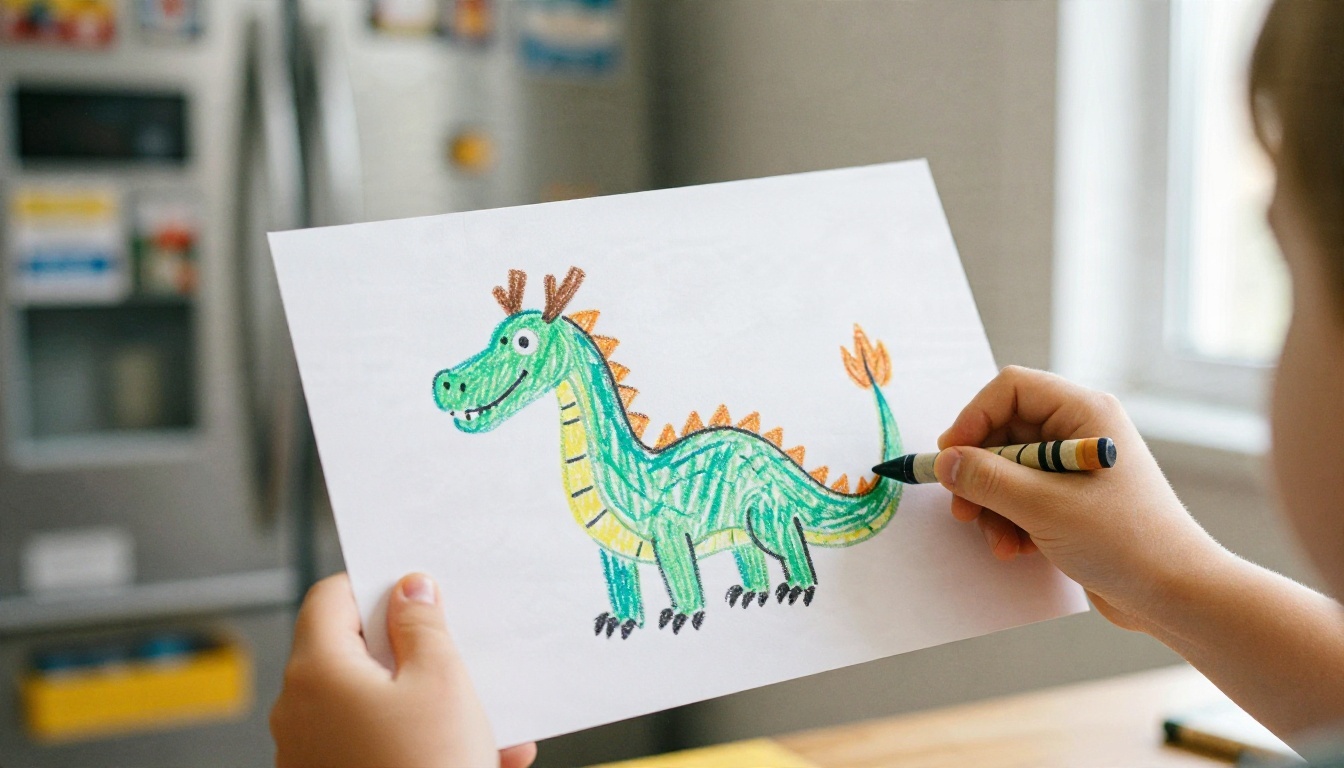
You drew it on a notebook page, a napkin, or a tablet at 2 a.m. Now you want it to blink, wave, run, or walk right off the paper. That is the promise of animated drawing AI, and it works well enough today that a child's crayon dragon can flap its wings in under a minute. The catch is that the phrase covers several very different tools. Pick the wrong one and your sketch turns into a wobbling blob. Pick the right one and your drawing moves like it was meant to.
This article sorts the options by what they actually do. You will see which free tools are worth opening, how to go from a photo of a sketch to a short animated clip, which prompts produce clean motion, and where online options differ on quality, length and control.
What Animated Drawing AI Actually Does
Animated drawing AI takes a still drawing and adds motion. Sometimes the motion comes from a template, sometimes from a text prompt, and sometimes from a reference video of a real person. The input is usually a photo or scan of a sketch, a doodle, a painting, or a digital illustration.
Three Kinds of Tools
Almost every product in this space falls into one of three groups.
| Type | How motion is made | Best for | Weak spot |
|---|
| Rig and template tools | Detects a character, builds a skeleton, applies a preset walk, jump or dance | Stick figures, simple characters, kids' art | Limited to the presets on offer |
| Image to video models | A generative model reads the picture and a prompt, then invents the next frames | Scenes, landscapes, portraits, painterly art | Can drift from the original line work |
| Motion transfer tools | Copies movement from a reference video onto your character | Dance, acting, specific gestures | Needs a good reference clip |
The first group feels like old school puppetry. The second feels like magic and sometimes like a coin toss. The third gives you the most control over performance.
Why Drawings Are Harder Than Photos
A photo has depth, shadows and texture that tell a model how things should move. A pencil sketch has none of that. A flat outline of a fox has no obvious back leg, no clear shoulder, no idea where the tail attaches. Models fill those gaps by guessing, and guesses are where odd limbs and melting lines come from.
💡 Rule of thumb: the cleaner and more closed your outlines are, the better the animation. Gaps in lines and overlapping limbs confuse every tool on the market.
"Free" is a loose word in this category, so it helps to set expectations before you open a dozen tabs.
What "Free" Usually Means
Most free tiers give you one of the following: a daily credit allowance, a watermark on the output, a low resolution cap, or a short clip length. A few offer genuinely unlimited use. Read the fine print on resolution and watermarks before you invest an evening in one tool, because re-exporting elsewhere is rarely possible.
Browser Tools With No Install
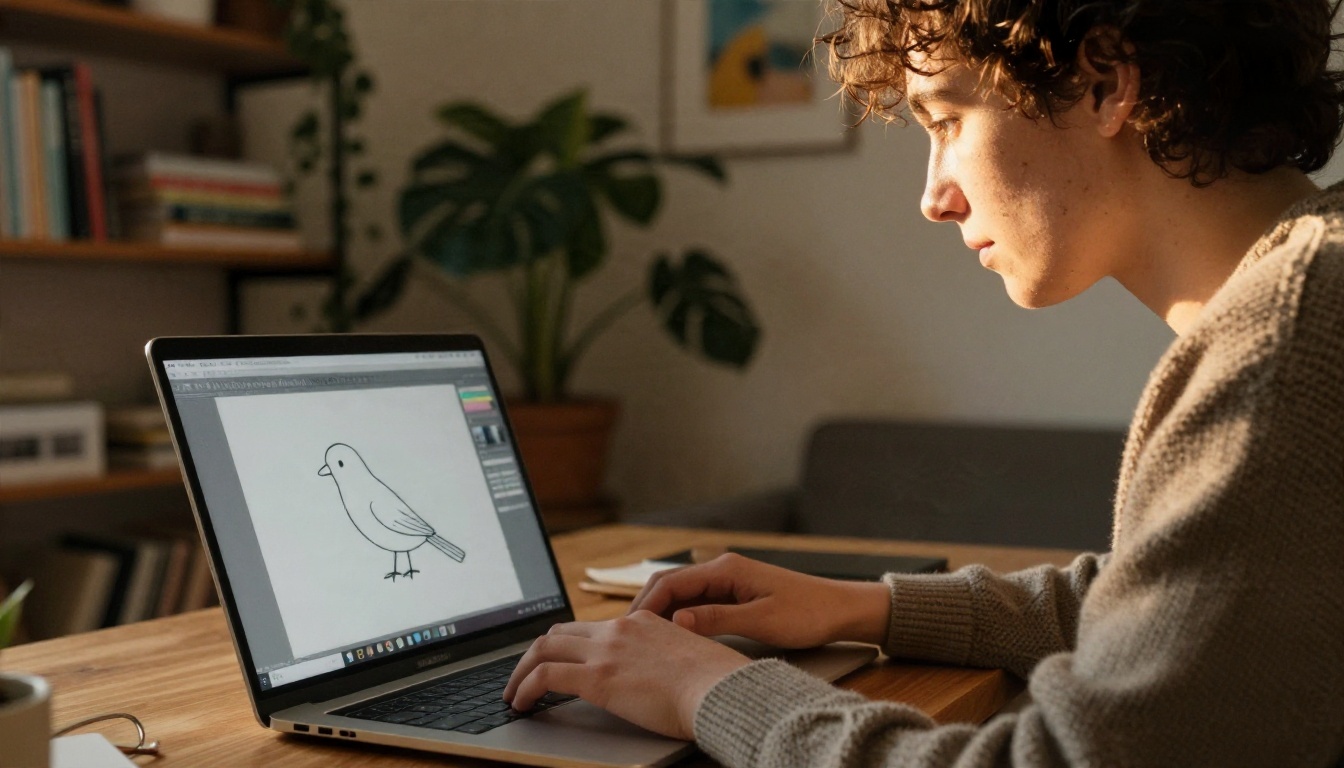
For simple characters, browser-based rig tools are the fastest path. Meta's Animated Drawings project is the best known example: you upload a drawing of a figure, adjust the joints it detects, and pick a motion such as a dance or a jump. It is quick and charming, though it works best with a single standing character facing you. Design platforms like Canva and Adobe Express also include animation features, which suit slides and social posts more than storytelling.
For anything beyond a stick figure, such as a painted landscape, a pet portrait, or a character with a flowing cape, you want a generative image to video model.
Free Video Models on PicassoIA
Several video models on PicassoIA accept a still image as the first frame. A few worth knowing:
- Seedance 2.5 Lite is listed as a free and unlimited video generator with clips up to 10 seconds, which makes it a good place to experiment without watching a credit counter.
- P Video Animate is built around the simple job of turning a photo into video.
- Pia is aimed at turning photos into animated videos.
- Wan 2.5 I2V Fast trades some polish for speed, which helps when you are testing five variations of one prompt.
- Hailuo 2.3 Fast animates photos quickly and holds up well on faces and hands.
Photo to Animation Step by Step
The workflow is nearly identical no matter which tool you choose. Most bad results come from skipping the first step.
Prepare the Drawing
Good input is half the result. Before you upload anything:
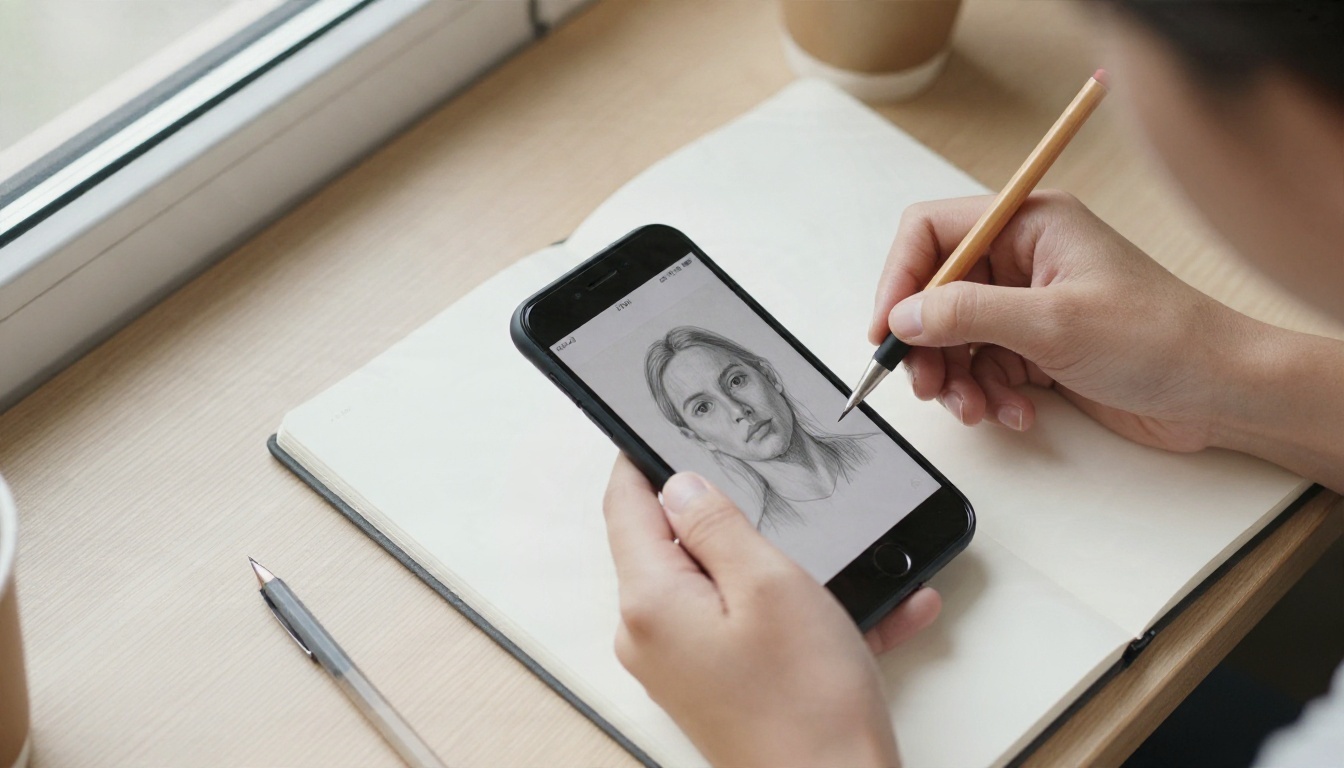
- Shoot square on. Hold the phone parallel to the page. Angled shots warp the proportions and the model will animate the warp.
- Use even light. Window light on an overcast day beats a desk lamp. Shadows across the paper read as part of the drawing.
- Crop tight. Leave a small margin around the subject. Remove the table, the pencil case and your thumb.
- Fix contrast. If the paper looks grey, lift the exposure a little so lines stand out.
- Close the gaps. Retrace broken outlines, especially around hands, feet and the head.
If the original is small or low resolution, run it through an upscaler first. Super resolution models on PicassoIA can add pixels and clean noise before the animation step, which gives the video model more detail to hold on to.
Pick the Motion Type
Decide what should move before you write anything.
- Ambient motion: hair, clouds, water, steam, leaves. Low risk, high reward.
- Character motion: a wave, a blink, a head turn, a walk. Medium risk.
- Camera motion: a slow push in, a gentle pan. Very low risk and often the most believable choice for painted art.
- Performance: dancing, talking, acting. Needs motion transfer or a lip sync model.
For performance, Kling v3 Motion Control lets you drive a character with the movement from a reference video. For a drawn face that should speak, Omni Human animates a photo into a talking video.
Run, Review, Repeat
Generate three short clips instead of one long one. Compare them at full screen, not in a thumbnail. Look at the edges first: if outlines shimmer or limbs split, simplify the prompt. If the motion is too timid, add a verb with more energy. Keep the winning seed or prompt in a notes file so you can reuse it on the rest of a series.
Prompts That Move Drawings Well
A drawing already tells the model what exists. Your prompt should only describe what changes. Over-describing the subject pushes the model to redraw it, and that is when your style disappears.

A Simple Prompt Formula
Use this order: subject + one action + camera + atmosphere + style lock.
The fox in the drawing shakes its tail and turns its head to the left, slow camera push in, soft morning breeze, keep the pencil line style and paper texture.
The "style lock" at the end matters more than people expect. Phrases like keep the hand drawn look, same line weight, and preserve the paper texture tell the model not to polish your sketch into something glossy.
Ten Prompts to Copy
Swap the subject for your own and keep the structure.
- The character blinks slowly and smiles, subtle head tilt, static camera, keep the crayon texture.
- Wind moves the grass and the cloak, the hero stands still, slow pan right, keep the watercolor edges.
- The dragon flaps its wings twice and breathes out a puff of smoke, gentle camera pull back, keep the child's drawing style.
- Rain falls across the ink city, a figure walks through the frame from left to right, locked camera, keep the line work.
- The cat stretches, yawns and curls up, soft window light, slow dolly in, keep the pencil shading.
- Waves roll toward the shore and the boat rocks gently, seagulls pass in the distance, keep the painted brush strokes.
- The portrait's eyes move toward the camera and the lips part in a small smile, minimal motion, keep the sketch grain.
- The robot waves with its right hand, head nods once, camera stays level, keep the marker colors.
- Leaves drift down around the girl on the bench, she turns a page of her book, slow zoom out, keep the gouache look.
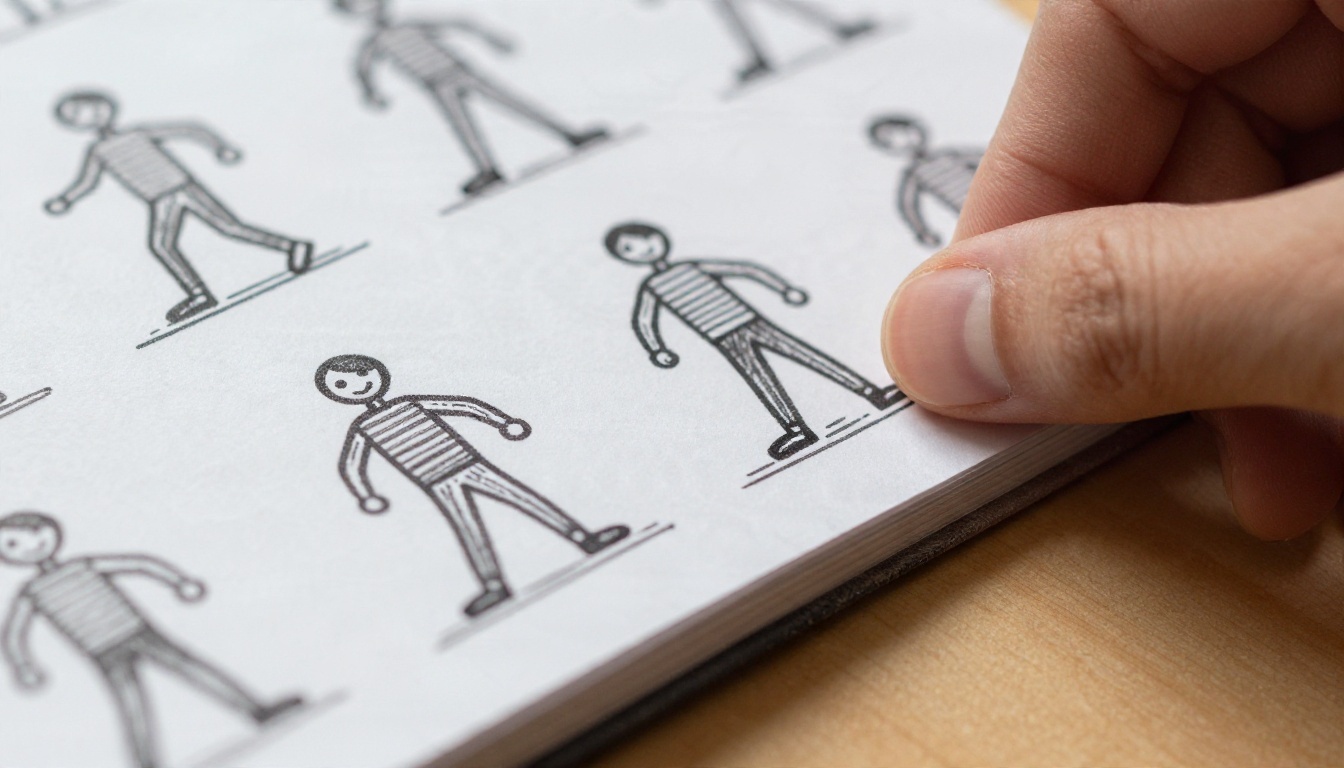
- The runner takes three strides across the page, camera tracks alongside, keep the ink outlines flat and clean.
Words That Break Results
Some phrases push models away from your drawing:
- "Photorealistic" or "cinematic 4K" will try to turn your doodle into a live action scene.
- "Fast" and "dynamic" invite warped limbs. Use slow and gentle first, then raise the intensity.
- Long lists of actions make the model drop half of them. Stick to one or two verbs.
- Negations like no blur are unreliable. Describe what you want instead.
Online Options Compared
Here is how the main ways of animating a drawing line up. Use it as a decision table rather than a ranking.
| Option | Input | Typical length | Control | Cost pattern |
|---|
| Rig tools such as Meta's Animated Drawings | Single character drawing | A few seconds, looped | Preset motions | Free |
| Design apps such as Canva or Adobe Express | Layers, shapes, images | Slide or short clip | Template based | Free tier plus paid |
| Seedance 2.5 Lite | Image plus prompt | Up to 10 seconds | Prompt driven | Free and unlimited as listed |
| Wan 2.6 I2V | Image plus prompt | Short clips | Prompt driven | Credit based |
| Hailuo 2.3 Fast | Photo plus prompt | Short clips | Prompt driven | Credit based |
| Veo 3.1 Lite | Text or image | Short clips with audio | Prompt driven | Credit based |
| Kling v3 Motion Control | Character image plus reference video | Matches the reference | Performance driven | Credit based |
💡 Quick pick: a stick figure that needs to dance goes to a rig tool. A painted scene that needs atmosphere goes to an image to video model. A character that needs to act goes to motion control.
Making the Source Drawing Itself
You do not have to start from paper. If you want a clean line drawing to animate, generate one first with an image model such as Nano Banana or Seedream 4.5, then send that image to a video model. Nano Banana also edits existing images, which helps when you want to fix a stray line or remove a smudge before animating.
Use Cases That Pay Off
Kids' Drawings and Keepsakes
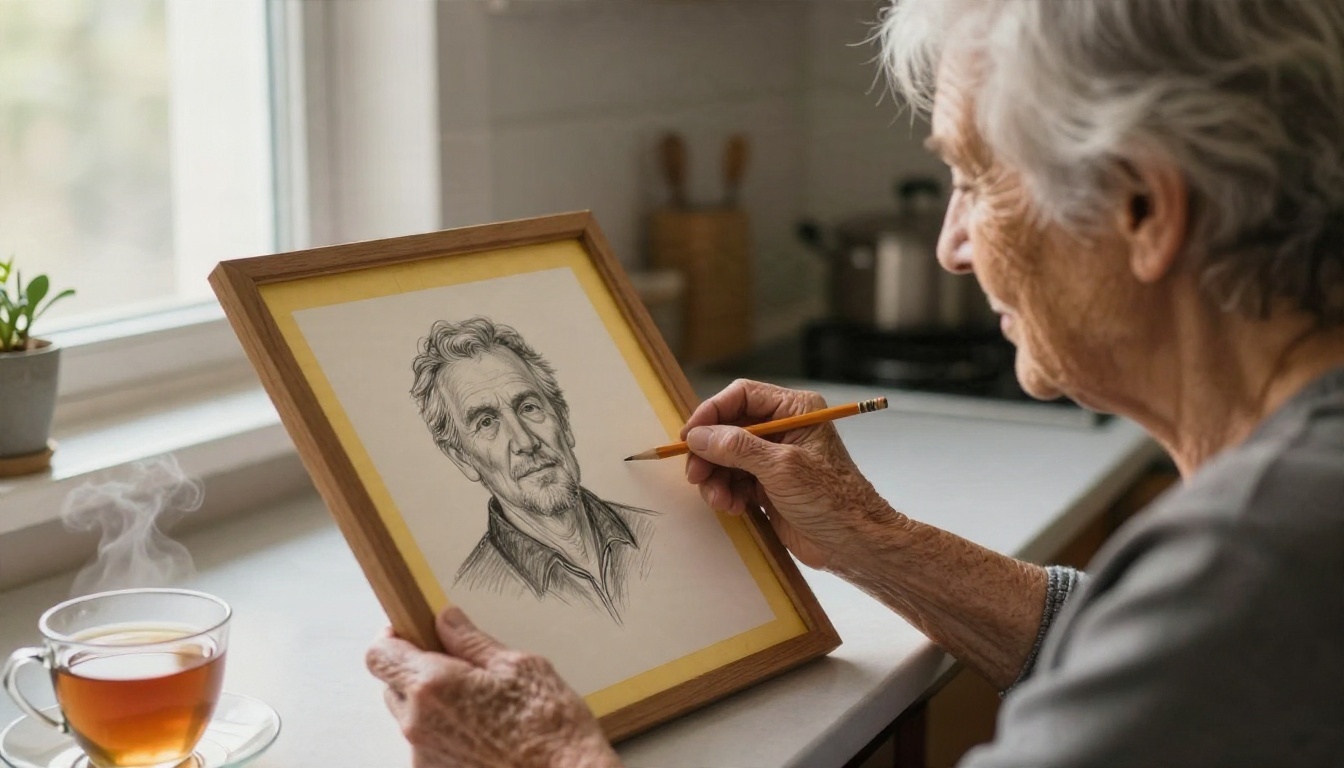
This is the most emotional use. A refrigerator drawing that blinks and waves becomes a gift for grandparents. Keep the clip short, keep the motion gentle, and keep the original crayon texture. An older portrait drawing works the same way: a tiny smile or a slow blink is enough, and anything more can feel uncanny.
Classroom Projects
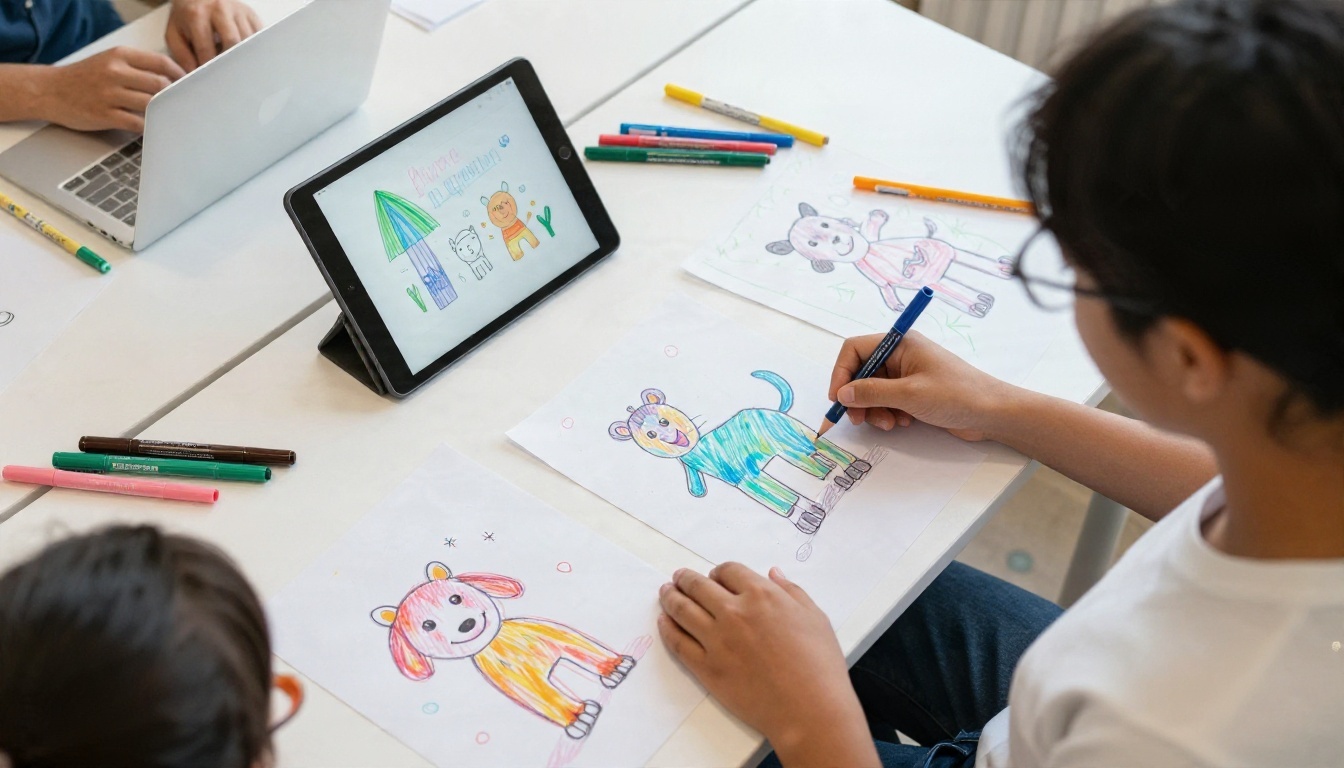
Teachers use animated drawings to bring vocabulary, science diagrams and student stories to life. A class can draw one animal each, photograph the drawings, and animate them into a shared slideshow. It teaches sequencing and storytelling without needing animation software.
Small Business Mascots
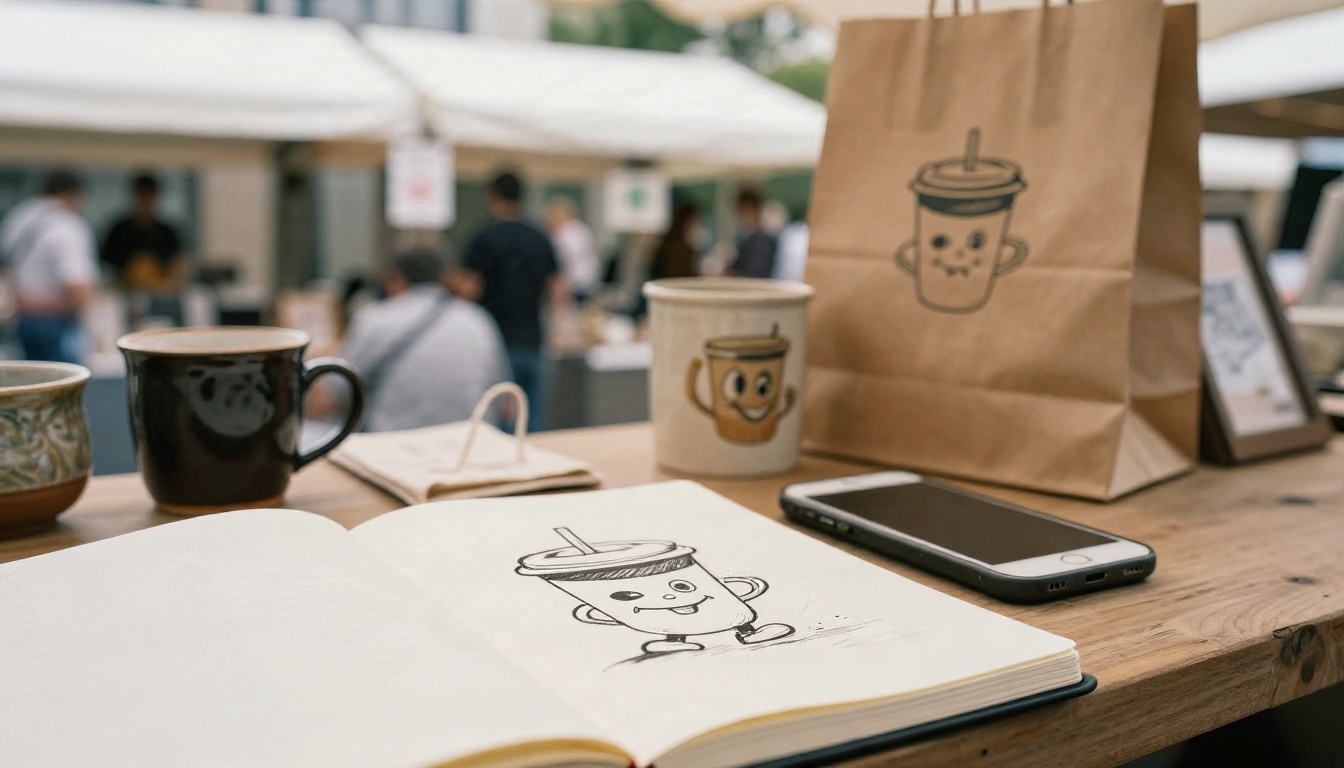
A hand-inked mascot that waves in a social post gets noticed faster than a static logo. Draw it once, animate three short loops (wave, blink, bounce), and reuse them across stories, emails and your website header.
Storyboards and Animatics
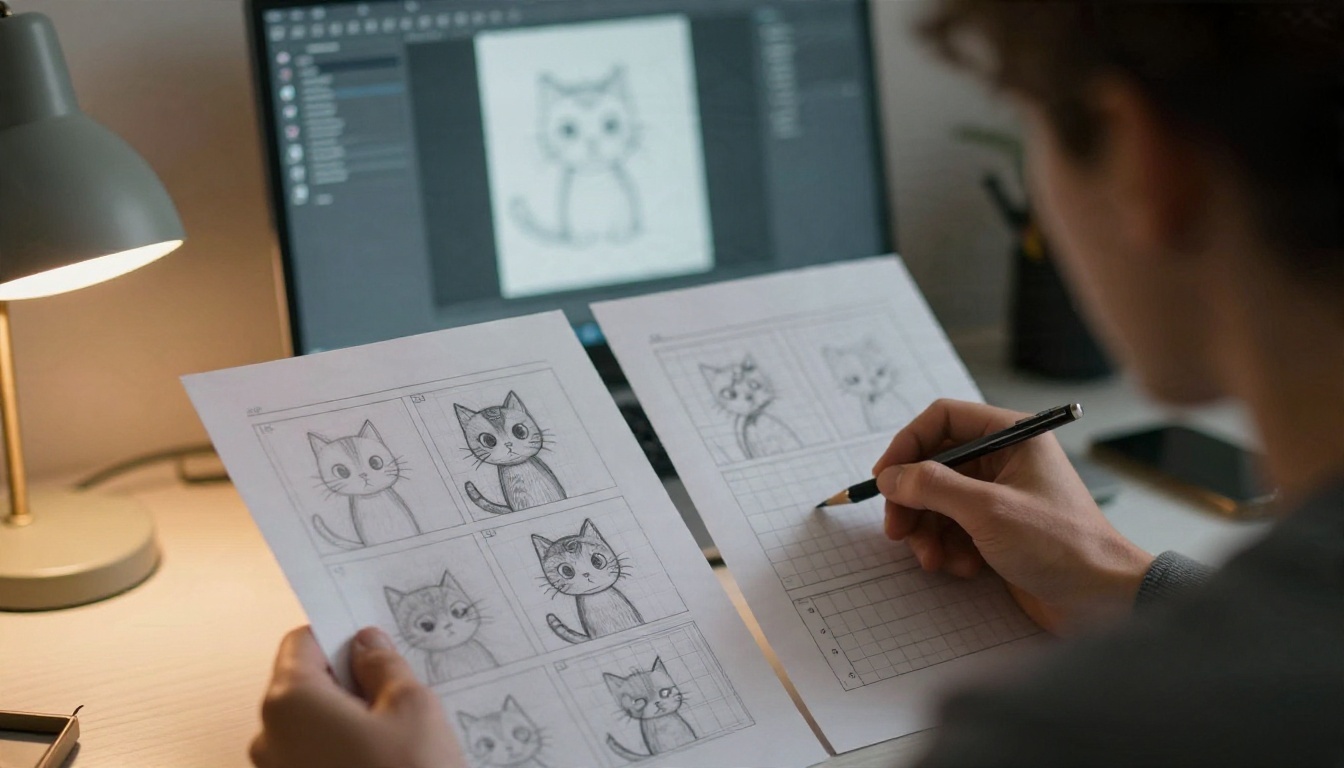
Directors and illustrators can bring storyboard panels to life to test timing before committing to real production. A slow push on panel one, a head turn on panel two, and the rhythm of a scene becomes clear in an afternoon instead of a week.
Common Mistakes and Fixes
| Problem | Why it happens | Fix |
|---|
| Lines melt or shimmer | Too much motion requested | Use slow and gentle, drop to one action |
| Extra limbs appear | Overlapping or unclear anatomy | Redraw the overlap, or crop to a simpler pose |
| Style turns glossy | Prompt describes the subject at length | Shorten the prompt, add a style lock phrase |
| Background wobbles | Model animates everything | Say the background stays still or locked camera |
| Face drifts off model | Large head movement | Ask for a blink or a small smile only |
| Output looks blurry | Low resolution source | Upscale the drawing first, then animate |
A few habits save hours:
- Test at low cost first. Use a fast model to confirm the motion idea, then rerun the winner on a higher quality model.
- Keep clips short. Five seconds with clean motion beats ten seconds with drift.
- Loop smartly. Gentle ambient motion loops better than a walk, which has a clear start and finish.
- Respect the source. Only animate drawings you made or have permission to use, and ask before animating a photo or drawing of someone else.
Your Drawing Is Waiting
You do not need a studio or a render farm to make a sketch move. You need a clean photo of the drawing, one clear action, and a model that matches the job. Start with a rig tool if your character is a simple standing figure. Move to an image to video model when you want atmosphere, camera motion or a more natural performance.
Try it on PicassoIA today. Pick a drawing from your sketchbook, upload it to Seedance 2.5 Lite or Wan 2.6 I2V, paste one of the ten prompts above, and watch the first five seconds. Then change a single word and run it again. Browse every available model at picassoia.com/en/all-models and see how far one pencil sketch can go.


