You typed a perfectly normal anime prompt, waited a minute, and got a gray box that says the request was blocked. Or worse, a washed-out face that looks nothing like what you pictured. That is exactly why people search for anime no filter: they want a generator that follows the prompt, keeps the glamour, and does not flinch at a bikini, a plunging neckline or a dramatic battle outfit. This article shows which free online tools deliver that, the prompt formulas that hold up in practice, and real examples you can copy today.
One note before we start. "No filter" here means fewer unnecessary refusals and more creative freedom. It does not mean explicit content. Everything below stays suggestive and beautiful, never pornographic.
What "No Filter" Actually Means
Raw output, not raw content
When people say anime no filter, they usually mean one of three things. They want a generator that does not reject swimwear, lingerie-style costumes or artistic nudity that is only implied. They want results without the heavy beauty smoothing that many apps apply. Or they want a tool that does not slap a watermark and a daily limit on every render.
None of these requires explicit material. A glamorous character in a satin outfit, backlit by a sunset, is a legitimate creative goal.
Why filters trigger so often
Most refusals come from keyword-based safety layers. A single word like "sexy", "nude" or "lingerie" can block an otherwise harmless prompt. Some generators also scan the output image and reject it if skin tone covers a large share of the frame.
That means two generators can read the same prompt and behave very differently. The model you choose matters more than the wording.
Who searches for this
The audience is wider than you might expect: cosplayers planning a shoot, fan artists building character sheets, game developers sketching a cast, and creators who make posters and profile pictures. Most of them are tired of being told "no" by a tool that never explains why.
💡 Quick rule: if a tool refuses a prompt that you would be comfortable showing on a beach or at a convention, the problem is the tool, not your idea.
Free Anime Generators Worth Trying
Not every free generator is equal. Some give you five renders a day. Others give you low resolution and a logo across the corner. Here is a practical shortlist that works inside PicassoIA, where you can test several models without juggling accounts.
Seedream 4.5 comes first
Seedream 4.5 is the model to open first. It follows long prompts closely, handles skin, fabric and lighting with a very convincing finish, and it is comfortable with glamour themes such as swimwear, lace trims and stylish costumes. For anime-inspired looks, it is excellent at the "real person dressed as an anime character" style, with sharp 4K detail.
It also keeps faces consistent when you reuse the same character description, which is the biggest headache with free tools.
Image Editor Pro for unlimited runs
PicassoIA Image Editor Pro is the pick when you want to iterate without counting generations. You can start from a prompt or upload a reference, change the outfit, shift the pose, fix the hair color, and run it again as many times as you like. For anyone who burns twenty attempts to get one great image, unlimited generations are the real value of "no filter".
Fast drafts with Z Image Turbo
Z Image Turbo is built for speed. Use it to test a prompt idea in seconds, then move the winning prompt to Seedream 4.5 for the final render. This two-step habit saves a lot of time.
Anime-tuned options
If you want flat, stylized anime instead of a photographic look, two models are worth a try. Krea 2 Medium is good at anime and painterly art. Proteus v0.3 specializes in anime character art. For turning a real photo into an anime portrait, there is Qwen Image Edit Plus LoRA Photo To Anime.
For more variety, Flux 2 Klein 9B Base LoRA is a flexible choice for styled results.
Prompts That Actually Work
A good prompt is not longer, it is more specific. Vague prompts like "sexy anime girl" invite the safety filter and also produce generic faces. Concrete prompts do the opposite.
The five-part formula
Use this order every time:
- Subject: who they are, hair color and length, eye color, expression.
- Outfit: fabric, color, cut, accessories.
- Setting: place, time of day, background details.
- Light: direction and color, such as "warm backlight from the right".
- Camera or style: lens, framing, finish.
Put the character first and the camera last. Models weigh the start of the prompt most heavily.
A glamour prompt that works
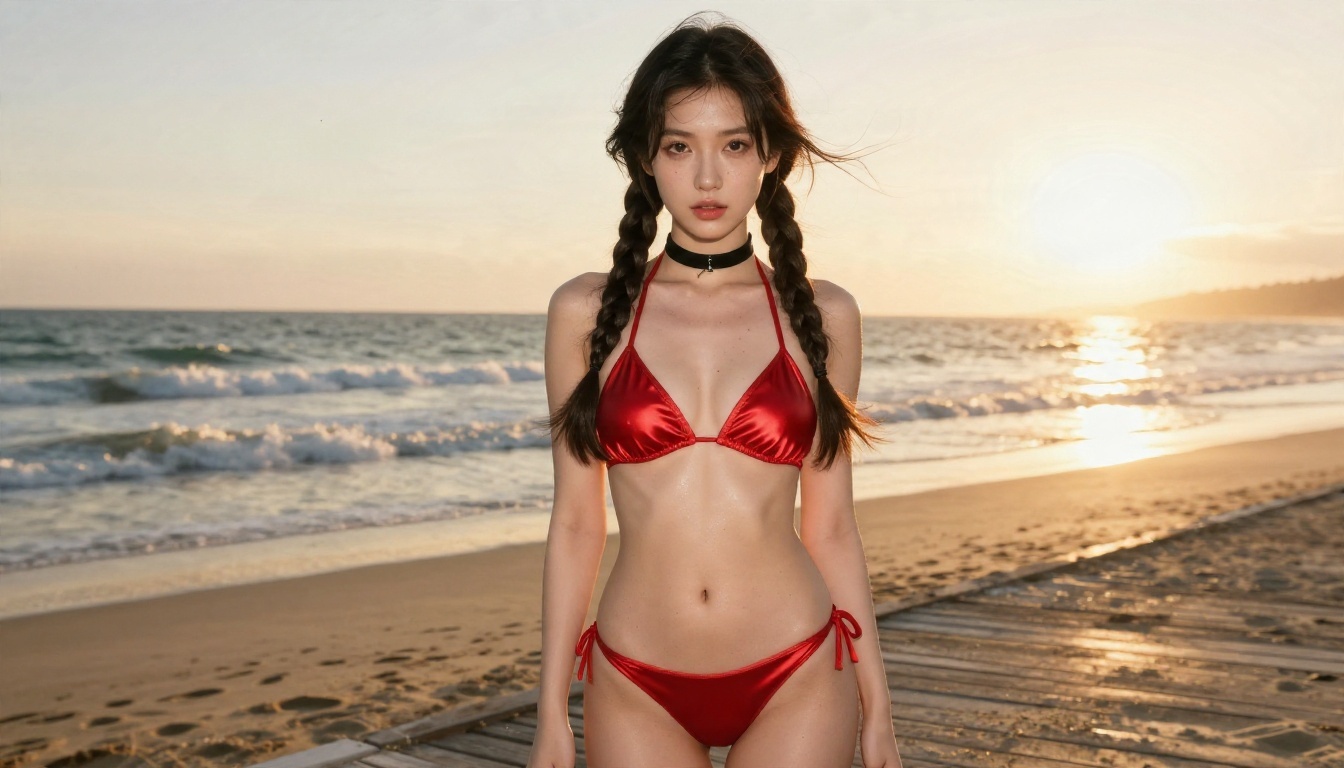
A young woman with long dark twin braids, wearing a red satin swimsuit cover-up and a black choker, standing on a beach boardwalk at sunset, warm backlight from the right, sea breeze moving her hair, 35mm lens, natural skin sheen, Kodak Portra 400 film grain.
It names the fabric, the light and the lens. It never uses a trigger word, yet the result is clearly attractive and confident.
A cosplay prompt that works
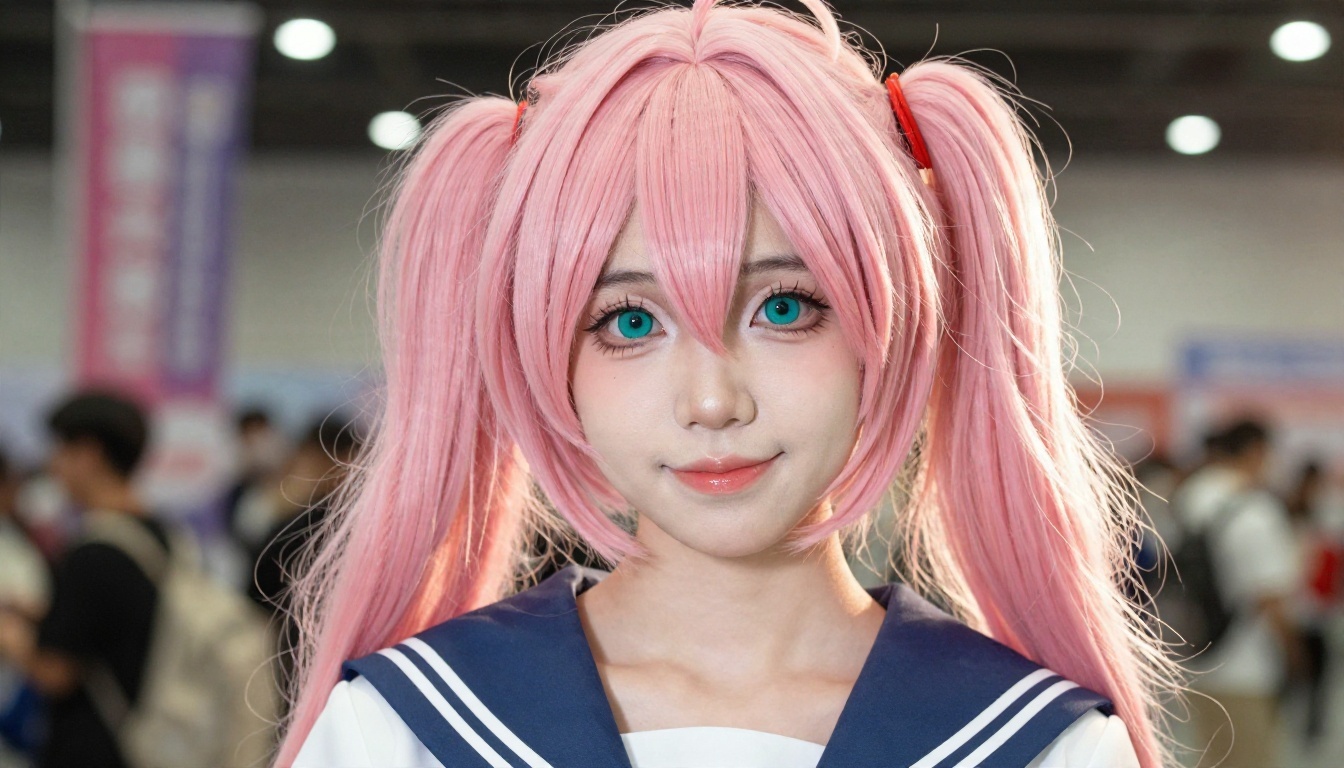
A cosplayer with pastel pink twin-tail wig and teal eye makeup, wearing a sailor-style school uniform, smiling softly in a comic convention hall, blurred crowd behind, 85mm lens, visible skin pores, soft overhead light.
This is the fastest way to get an "anime in real life" look. You get the character design plus believable skin, fabric and light.
Words to swap out
Small word changes avoid blocks and often improve the picture:
| Instead of | Try |
|---|
| "sexy" | "glamorous", "confident", "alluring" |
| "revealing" | "short skirt", "off-shoulder", "plunging neckline" |
| "naked" | "artistic implied nude, draped in silk" |
| "hot" | "golden hour glow", "editorial fashion look" |
| "anime girl" | a full character description |
Real Examples and Why They Work
Words are easier to trust when you can see the output. These examples all use plain, concrete prompts.
Street fighter energy
The cover image shows a silver-haired heroine in a black and crimson battle outfit on a damp city street. The prompt gave her a prop katana, wet asphalt, a low golden sun and an 85mm lens. Each detail gives the model something to anchor to, so it has no reason to invent odd anatomy.
Gothic maid in a library
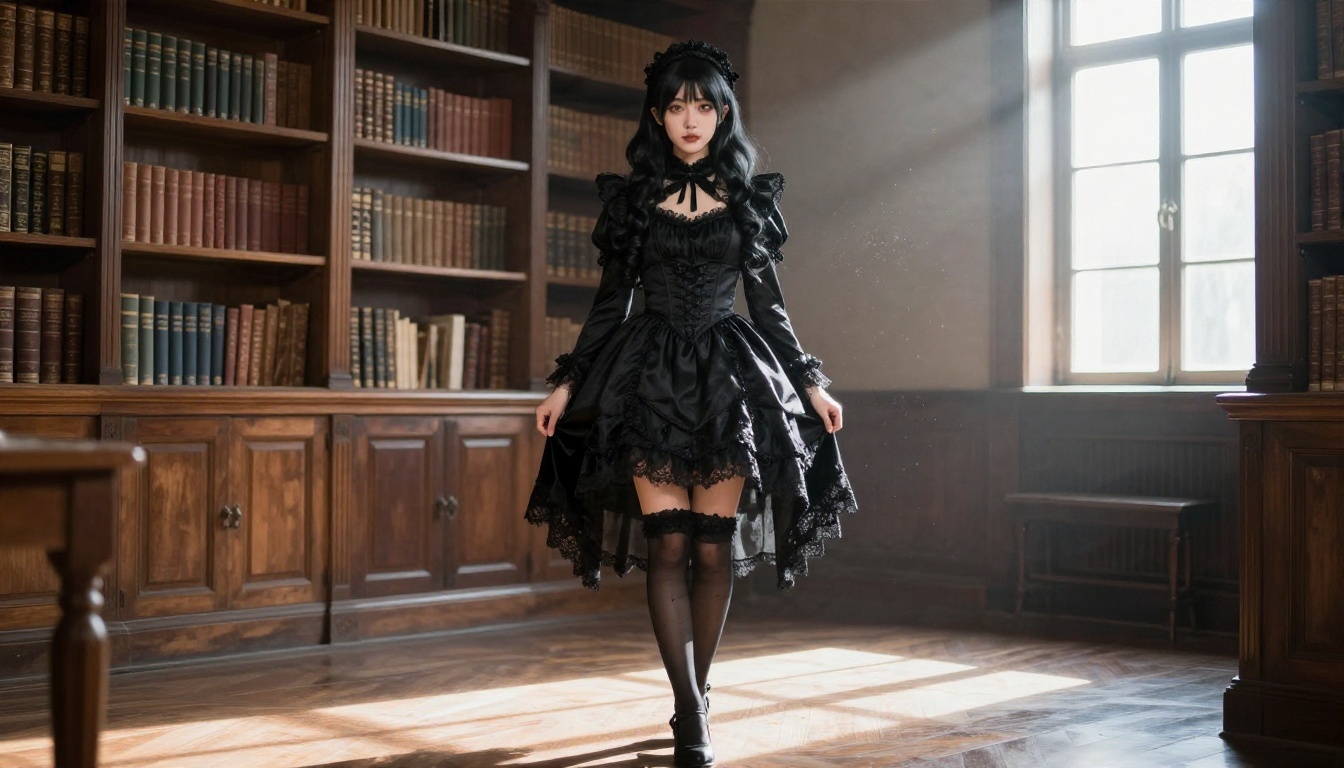
A black lace-trimmed outfit, thigh-high stockings and a headpiece, placed in a sunlit library with dust floating in a beam of window light. The mood comes from the setting, not from exposed skin. That is the trick: atmosphere reads as glamour, and it passes safety layers more easily.
Male characters count too
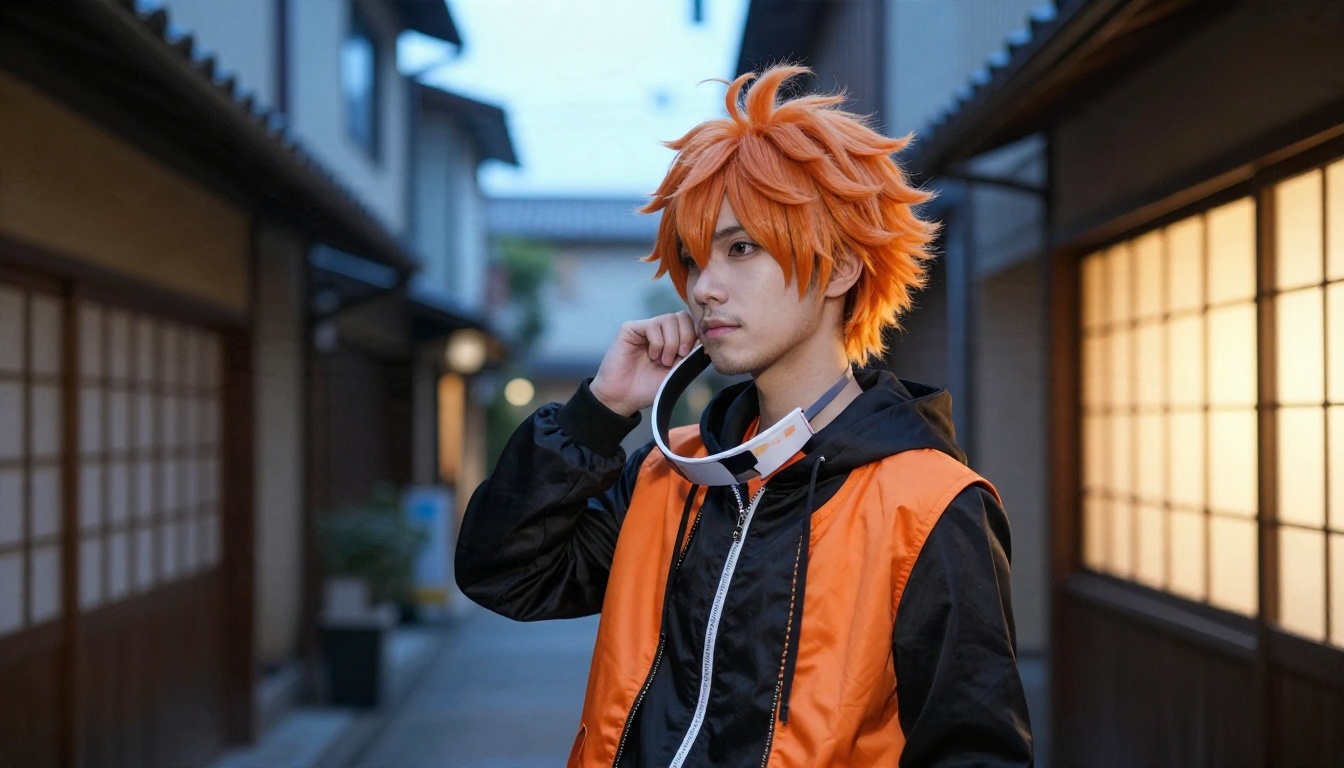
"Anime no filter" is not only about women. A spiky orange wig, a black and orange hooded jacket and a dusk alley produce a shonen-hero feel that fans recognize at once. Add stitching, a zipper and light stubble to avoid the plastic look.
Close-ups sell the style
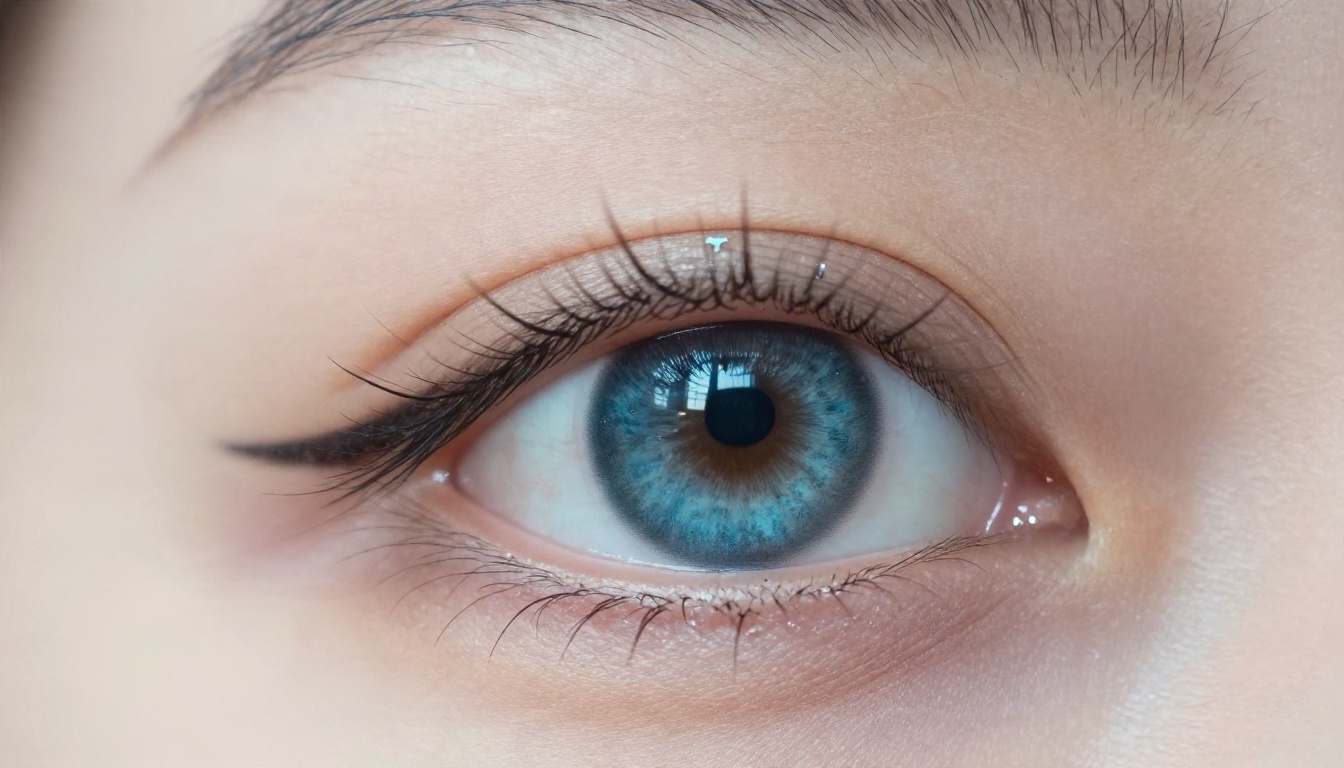
Anime is famous for big, glittering eyes. A macro portrait with winged eyeliner, a star-shaped gem and a bright teal iris brings that signature feature into a photographic image. Ask for "individual lashes" and "fine skin pores" to keep it believable.
How to Run a Session Step by Step
You do not need to be a prompt engineer. Here is the workflow that gives the best hit rate.
Step 1: Draft fast
Open Z Image Turbo and test three versions of your prompt. Change only one element each time, such as the outfit color or the time of day. You will see within a minute which direction works.
Step 2: Render the winner
Paste the best prompt into Seedream 4.5. Choose the 16:9 ratio for scenes and 3:4 for portraits. Higher resolution settings give sharper fabric and hair detail.
Step 3: Fix details with unlimited edits
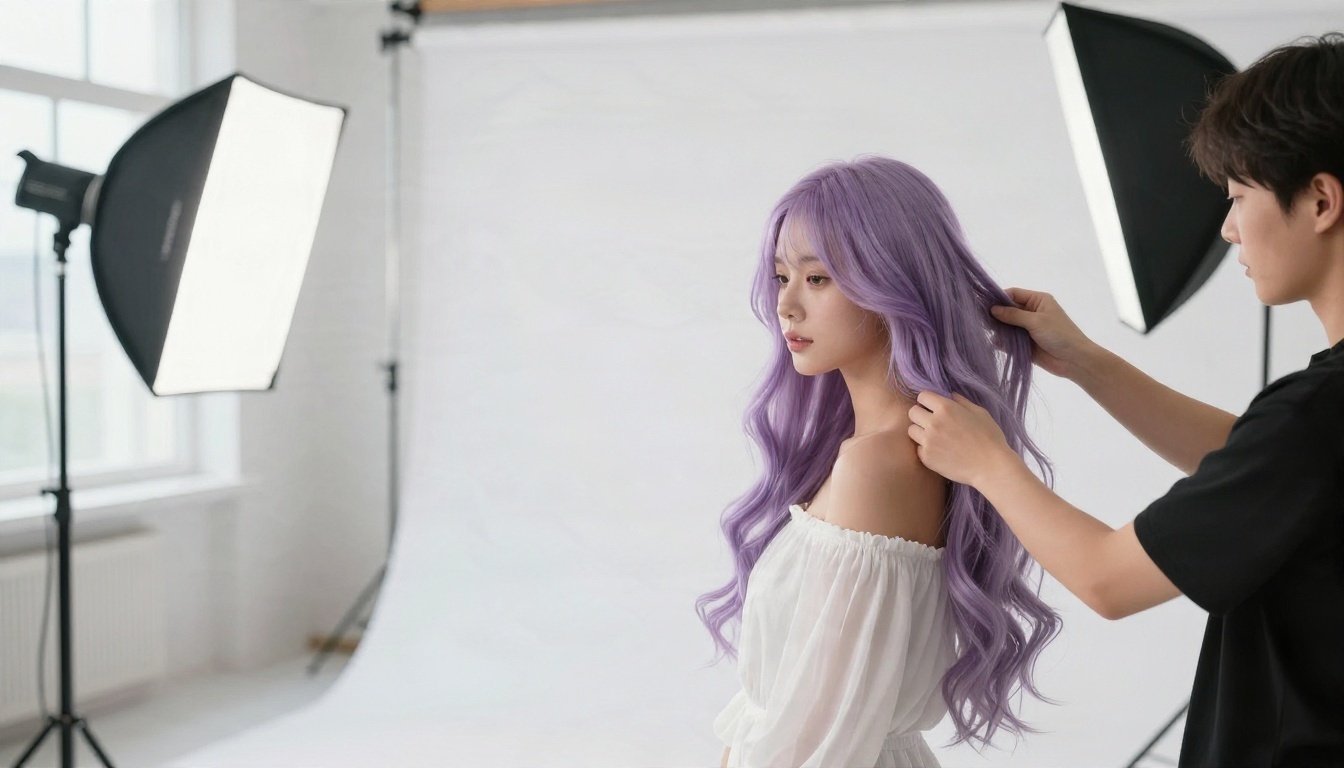
Open PicassoIA Image Editor Pro and upload the render. Ask for a single change per run: "change the hair to lavender", "make the background a sunlit library", "add a prop sword". Since generations are unlimited, you can keep going until the image is right.
Step 4: Keep your character consistent
Save the character description as a reusable block of text: hair, eyes, build, signature accessory. Paste it at the start of every prompt. This keeps the face recognizable across a whole set.
💡 Tip: Write the description once in a notes app and treat it like a character sheet. Change only the outfit and setting line.
Fixing the Usual Problems
Even good prompts misfire. These are the most common issues and their quick fixes.
The image gets blocked
Remove single trigger words first. Replace them with the neutral phrases from the table above. If it still fails, shorten the prompt and move the glamour into the setting: sunset, silk, lace, soft backlight. Switching to a more permissive model such as Seedream 4.5 or PicassoIA Image Editor Pro often solves it without any rewriting.
Faces look flat or identical
Add specifics: eye shape, freckles, a small scar, lip color, hair parting. Generic descriptions produce generic faces. Also add a lens, since "85mm f/1.8" nudges the model toward natural portrait proportions.
Hands and proportions go wrong
Ask for a pose that hides complicated hand positions: hand in a pocket, holding a prop, resting on a hip. Avoid "arms raised" with many fingers in view. If something still breaks, send the image to PicassoIA Image Editor Pro and request a targeted fix instead of regenerating from scratch.
Too smooth, too plastic
Plastic skin comes from missing texture cues. Add "visible pores", "peach fuzz", "natural sheen", and "film grain". Describe fabric weave. These small phrases make a big difference.
Rules Worth Keeping
"No filter" is a creative freedom, and it works best with a few habits.
- Keep it suggestive, not explicit. Beautiful and flattering is the goal. Explicit content is a different thing and not what these tools are for here.
- Use fictional characters or your own likeness. Do not generate images of real people without their consent.
- Keep everyone adult. Describe characters as adults, always. Anime styling can look youthful, so state age clearly, for example "adult woman in her mid twenties".
- Label AI images when you post them. Readers appreciate honesty, and many platforms now ask for it.
Make Your Own Anime Set Today
You now have the full toolkit: a generator for fast drafts, a generator for polished 4K renders, an unlimited editor for fixes, and a five-part prompt formula that avoids the usual blocks. The fastest way to see it work is to take one of the example prompts above, change the hair color and outfit, and run it.
Start with Seedream 4.5, then refine in PicassoIA Image Editor Pro with as many tries as you want. Try three characters, three outfits and three lighting setups, and you will have a nine-image set in an afternoon. When you want more options, open the full list at picassoia.com/en/all-models and test a different model on the same prompt. The differences are often surprising, and your best result may come from the one you did not expect.


