Typing to a silver-haired swordswoman at 1 a.m. sounds silly until the conversation remembers your name, your running joke and the plot you invented three nights ago. That is the pull behind anime NSFW chatbots: characters with a distinct voice, a backstory you can steer, and a tone that ranges from sweet slow-burn romance to openly adult roleplay. The catch is that the market is crowded, free tiers change monthly, and many sites hide their real limits behind a signup wall.
This article sorts the noise. You will see how these chatbots work, which free apps and online platforms people keep coming back to, how a local setup with SillyTavern differs from a website, and what to check before you hand over an email address or a card. Then comes the part most lists skip: how to give your characters a face with image models that actually exist on PicassoIA. Everything here assumes adult users and adult characters only.
💡 Quick note on accuracy: pricing, daily message caps and verification rules on these platforms change often, and review sites frequently disagree with each other. Treat every number below as a snapshot and check the current terms on the platform itself before you commit.
What These Chatbots Really Are
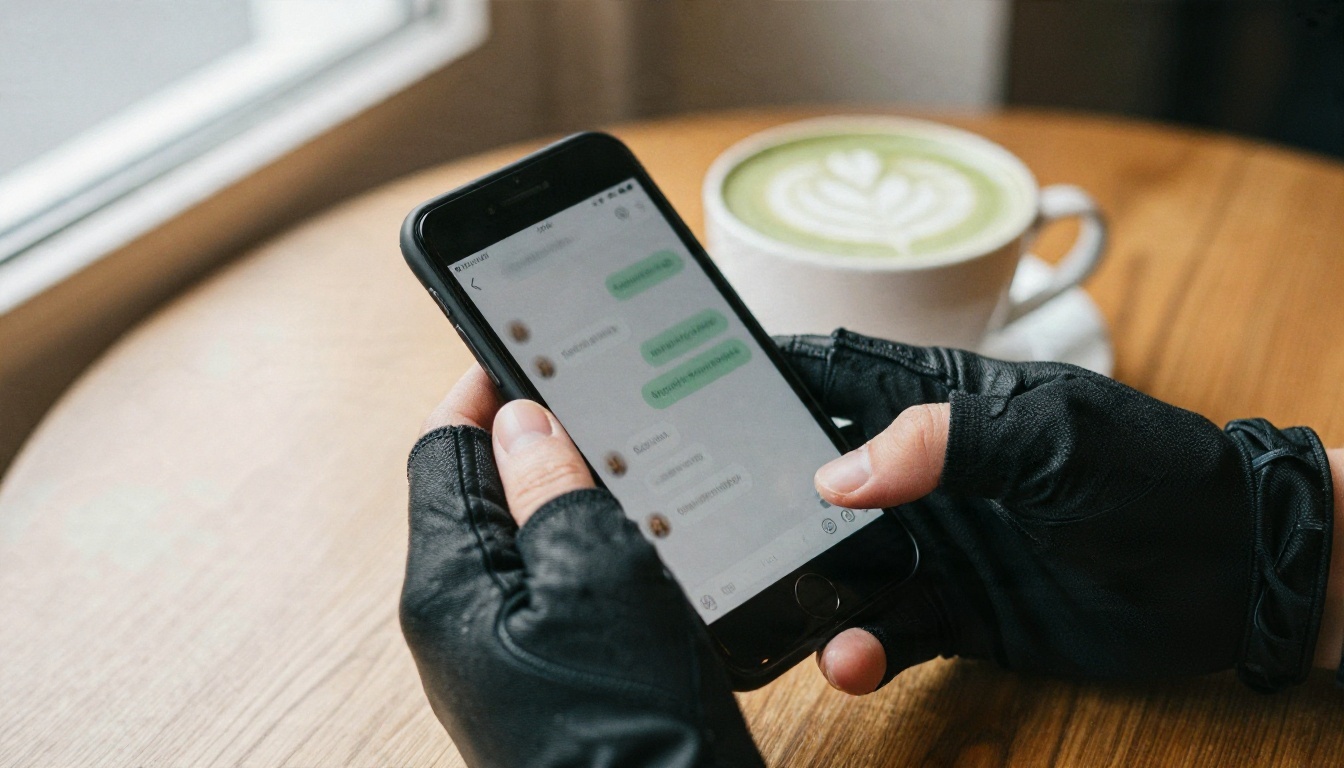
An anime NSFW chatbot is a large language model wrapped in a character card. The card holds a name, a personality, a speaking style, a scenario and a few sample lines. Every message you send is combined with that card and the recent chat history, and the model writes a reply in character. The "NSFW" part simply means the platform lets that model respond to adult themes instead of refusing or steering away.
Text companions versus image companions
Most apps in this space are text first. You get a chat window, a character gallery and, on better platforms, voice replies or generated pictures as a paid extra. A smaller group focuses on images: you describe a character and the tool paints her in different outfits and settings. The two worlds overlap, and the best experience often comes from using one tool for dialogue and another for visuals.
Why anime characters draw roleplay fans
Anime archetypes are easy for a model to play well. The tsundere, the quiet bookish senpai, the cheerful rival and the cold assassin each come with recognizable speech habits, so even a short character card produces consistent replies. Fans also like that the genre is full of ready-made settings, from school festivals to fantasy guilds, that need very little setup.
What a good bot needs
Look for four things before you invest time in a character:
- Memory: the bot should recall facts from earlier in the chat without you repeating them.
- Voice consistency: a gruff character should not turn bubbly after twenty messages.
- Steering controls: regenerate, edit and rewind buttons let you fix a bad reply.
- Clear content settings: an explicit toggle beats a vague promise.
Free Apps Worth Trying

"Free" in this niche almost never means unlimited. It usually means a daily message allowance, slower replies, a smaller model or a limited character slot count. Based on recent roundups, here are the names that come up most, described in plain terms.
SpicyChat AI
SpicyChat AI is the name mentioned most often in free NSFW chatbot lists. Reviews describe a free tier with a daily allowance of messages and an adult content toggle, although the exact number varies between sources. It has a large library of community characters, including a big anime section, which makes it an easy first stop.
Janitor AI
Janitor AI is a character hub where creators publish bots and users chat for free. People tend to praise its freedom and its character variety. The trade-off is that quality depends heavily on which model you connect, and some reviews mention verification steps for adult content. It rewards tinkering more than the average app.
Character.AI and Chai
Character.AI has an enormous anime catalog, but it is generally described as a filtered platform, and review sites disagree about how much adult content slips through. Treat it as a good place to build a safe-for-work character and test voice, not as a dependable adult option. Chai is similar in spirit: creator-flagged characters, a mobile-first design and some adult capability depending on the bot.
Candy AI and similar paid companions
Candy AI sits in the paid companion group, with a limited free taste and monthly pricing that reviews place around the low teens in dollars. These apps bundle voice, pictures and long-term memory into one polished product. They are convenient, and you pay for that convenience every month.
| Platform | Cost model | Typical strength | Typical drawback |
|---|
| SpicyChat AI | Free tier with caps, paid upgrades | Huge anime character library | Daily limits and queue times |
| Janitor AI | Free to use, extra costs for model access | Creator variety and flexibility | Setup effort, uneven quality |
| Character.AI | Free with optional subscription | Smooth interface, safe roleplay | Strong content filters |
| Chai | Free with message limits | Mobile first, quick chats | Variable bot quality |
| Candy AI | Paid with limited free access | Voice, images and memory in one app | Monthly cost |
| SillyTavern | Free app, pay for model access | Total control over everything | Technical setup |
💡 Tip: open two or three platforms in separate tabs and send the same opening message to a similar character on each. Ten minutes of side by side testing tells you more than any ranking.
Online Options Without Installing
If you do not want to download anything, browser chat is the simplest route. You open a site, create an account, pick a character and start typing. This is also how most people try a platform for the first time.
Browser sites versus mobile apps
Browser sites are quick to leave and easy to clear. Mobile apps feel smoother, send notifications and sometimes carry stricter store rules, which can mean tighter content filters than the website version. If an app seems more restricted than its web counterpart, that is usually why.
Free tier limits to watch
Read the fine print on these items before you invest in a character:
- Daily message caps, which reset on a timer.
- Queue priority, where free users wait behind paying ones.
- Context length, which decides how much of the chat the bot remembers.
- Character count, since some sites cap how many bots you can save.
- Content toggles, which can be locked behind verification or payment.
Signing up without oversharing
Use a dedicated email address, avoid linking social accounts, and skip any request for more personal data than the platform needs. A throwaway address costs nothing and keeps your inbox clean when promotional emails start arriving.

Run One Locally With SillyTavern
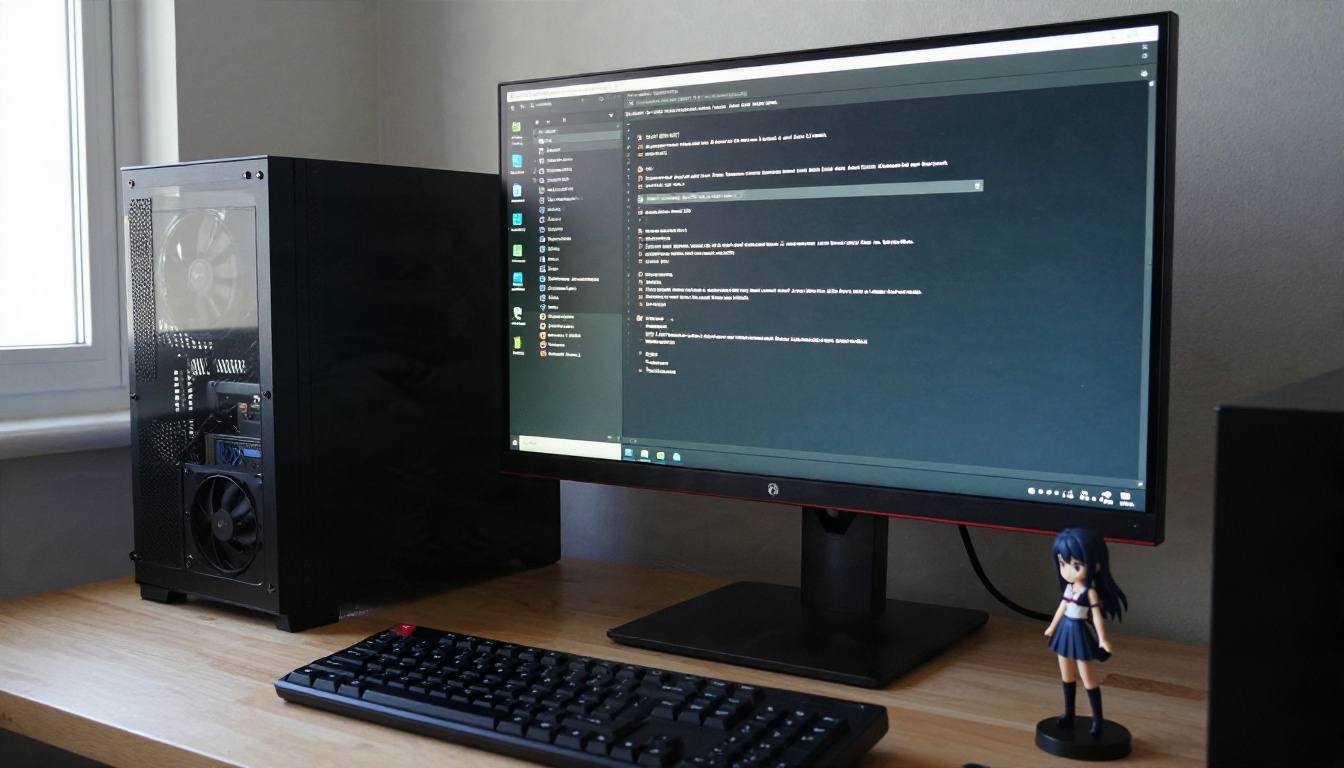
SillyTavern is a free front end that runs on your own computer. It does not include a language model. Instead, it connects to one: either a model running locally on your graphics card or an online API you pay for. That makes it the choice for people who want control over character cards, prompts, memory and formatting.
Hardware you actually need
For local models, the graphics card matters most. A mid-range card with 12 to 16 GB of video memory can run a capable mid-size model at a comfortable speed, while smaller cards handle compact models with lower quality. If your hardware is modest, connecting to a paid API from the same interface is a fair compromise.
Models and privacy trade-offs
Local models keep every chat on your own machine. Nothing is stored on someone else's server, which is the strongest privacy position available. The cost is setup time and a hardware bill. API connections are easier but send your text to a provider, so read that provider's data policy first.
Building a character card
A good card is short and specific. Write two lines of personality, one line of speech style, a paragraph of scenario and three example replies. Long, rambling cards confuse smaller models and eat into the memory budget. Many people draft the safe parts of a card, such as the backstory and the setting, with a general model like Gemini 3.5 Flash or Kimi K2.6, then adjust the tone by hand.
💡 Tip: keep example dialogue in the voice you want. Models copy the examples more closely than they follow adjectives like "playful" or "serious".
Alternatives for Visual Characters

Text chat gives you a voice. Pictures give you a face. If the chatbot you use does not generate images, or charges extra for them, an image model on PicassoIA fills the gap. For adult themes, the platform focuses on non-explicit glamour: suggestive styling, swimwear, satin, lace and cosplay that stays tasteful. Here are the models to try, in the order I would reach for them.
Seedream 4.5 first
Seedream 4.5 is the first model to try. It handles skin texture, fabric and lighting well, and it follows long descriptive prompts closely, which suits character work where you want the same wig colour, outfit and mood across several shots. It is also a good fit for photoreal cosplay portraits of your favorite character type.
Image Editor Pro for unlimited tweaks
PicassoIA Image Editor Pro is built for unlimited generations, so you can keep adjusting the same character without watching a counter. Use it to change an outfit, shift the lighting, swap a hairstyle or fix small details after your first render. Uncensored, unlimited and fast is a rare combination, and it makes experimenting cheap.
More models worth a test

Steps for a consistent character
- Open Seedream 4.5 and write a fixed "identity line", for example: adult woman, long pastel pink twin-tail wig, blunt bangs, gold stud earrings.
- Add one scene per prompt: a bedroom at golden hour, a rooftop pool at sunset, a convention hall.
- Name the lens and light, such as "85mm f/1.8, warm window light from the left". Photographic detail keeps results realistic.
- Reuse the identity line word for word in every prompt.
- Move the best result into Image Editor Pro for outfit swaps and fine adjustments.
- Save your favorite prompt as a template for the next character.
💡 Tip: keep the style words photographic: film grain, natural light, skin texture. Photoreal prompts give more believable results than anime filters, and they pair well with a chatbot persona you already wrote.
Safety, Privacy and Age Limits

Adult chat feels private, but it runs on someone else's servers unless you host it yourself. A few habits protect you.
What happens to your chats
Most hosted platforms store conversations so the bot can remember them. Some use them to train or tune models, and policies change. Read the privacy page for three things: how long chats are kept, whether staff can read them, and how you delete your account. If a platform has no clear delete option, treat that as a warning.
Spending traps
Subscriptions that renew automatically, token packs that run out fast and "unlock" upsells inside the chat are the common ways costs grow. Set a monthly limit before you pay, use a virtual card if your bank offers one, and check your statement after the first renewal.
Adult only, always
These tools are for adults. Every character you create or use should be clearly an adult, with an adult age stated on the card. Platforms that fail to enforce this are ones to avoid, and no setup, local or hosted, makes anything else acceptable. Many sites also require age verification, which is a good sign rather than an annoyance.
Mind your mental balance
A chatbot that is always available, agreeable and attentive can crowd out real contact. Keep an eye on how much time you spend in these chats. If a character begins to replace friends, sleep or work, scale back. They work best as entertainment, not as a substitute for people.
Pick the Right Setup

The best choice depends on what you want from the experience. Use the table as a shortcut.
| If you want... | Start with | Why |
|---|
| Free and instant | A browser platform like SpicyChat AI | No setup, huge character library |
| Maximum character variety | Janitor AI | Large creator community |
| Safe-for-work practice | Character.AI | Polished, strongly filtered |
| Voice and pictures in one app | A paid companion like Candy AI | Everything bundled |
| Total privacy and control | SillyTavern with a local model | Your data stays on your machine |
| A face for your character | Seedream 4.5 and Image Editor Pro | Photoreal, non-explicit glamour |
A sensible path for most people: test a free browser platform for a week, note what annoys you (limits, memory, filters), then decide whether to pay, switch or go local. Keep your character card in a plain text file so you can move it between tools without rewriting it.
Common mistakes
- Writing a three-page character card that a small model cannot follow.
- Paying for a year upfront before testing the free tier.
- Reusing the same password across chat sites.
- Judging a platform by its trending bots instead of by a new character you build.
- Expecting a free tier to behave like the paid one.
Mixing tools for better results
A strong workflow splits the jobs. Use a chat platform for dialogue, a general model such as Claude Sonnet 5 or GPT 5.4 to outline backstories and settings, and an image model for portraits. If you publish a character card for others, Llama Guard 4 12B is a handy moderation model to check text for content that should not be there.
Make Your Own Characters
Chatbots give your character a voice, but a good portrait gives her presence. Open Seedream 4.5 on Picasso IA, paste your identity line, pick a scene and see what comes back in seconds. Then take your favorite result into PicassoIA Image Editor Pro, where unlimited generations let you try outfits, lighting and moods until the character looks exactly as she sounds in your chats.
Try a few prompts tonight: a cosplay portrait at golden hour, a rooftop pool scene, a quiet bedroom with fairy lights. When you want more options, browse every model at picassoia.com/en/all-models and mix tools until you find the look that fits your story.


