Type "anime waifu" into any search bar and you will land in a mess of sketchy apps, paywalled demos and galleries that all look the same. The idea itself is simple: you describe a character, an AI draws her, and you keep refining until she feels like yours. Doing it well is another story. Faces drift, hands break, outfits change from one render to the next, and many "free" tools hide a watermark or a daily cap behind a friendly button.
This article cuts through that. You will see which kinds of generators actually work, how to write prompts that hold a character together, what realistic results look like, and which app options are worth your time. Every character described here is an adult, and every example is tasteful and fully clothed or beach-appropriate.
What an Anime Waifu AI Really Is
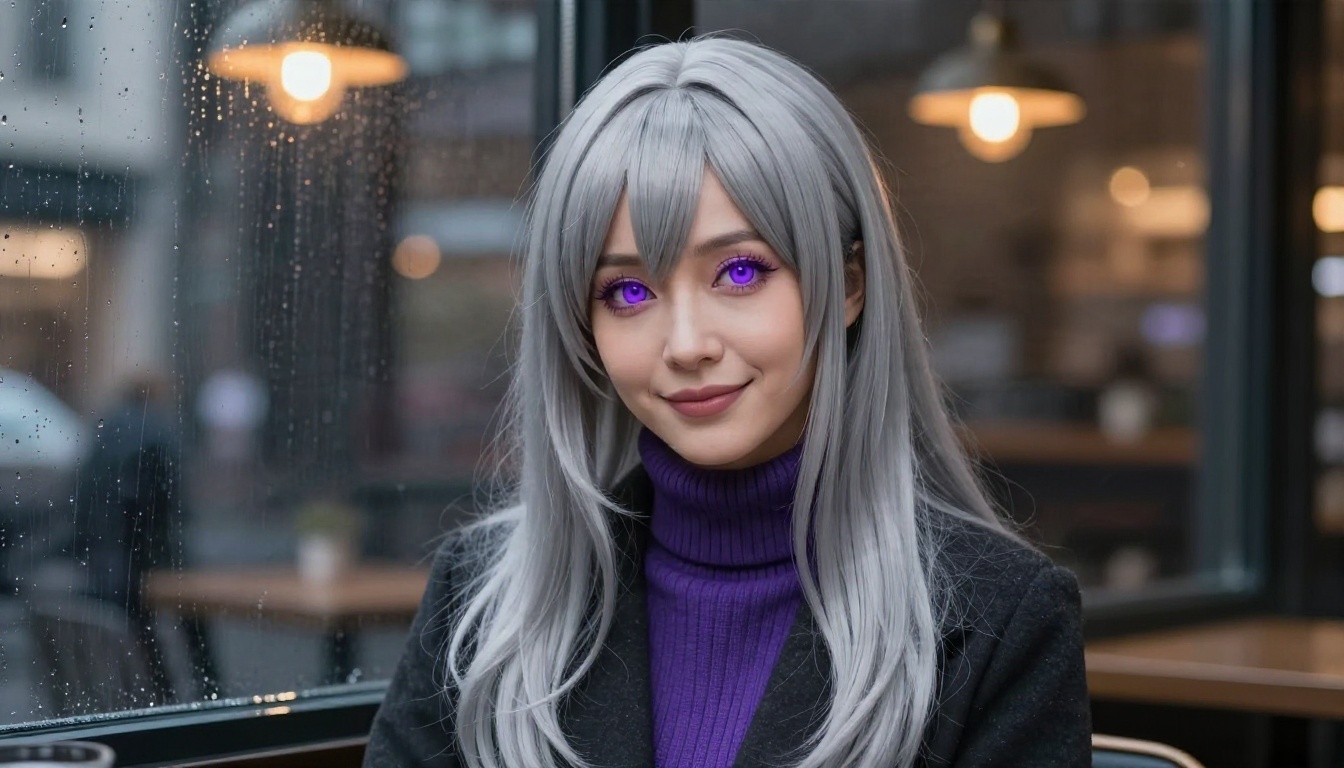
"Waifu" is fan slang for a fictional character you feel a special fondness for. An anime waifu AI is any image generator that helps you invent or recreate that kind of character: the hair color, the eyes, the outfit, the mood, the setting. Some tools output flat 2D art. Others, like the ones used for the photos in this article, render the same character as a real-life, photographic portrait, almost like a cosplay shoot.
Two Styles, Two Goals
People usually want one of two things:
- Illustrated characters: cel shading, big eyes, clean line work, the classic look of a series.
- Photoreal anime characters: a real-looking person with an anime-inspired design, such as pastel hair, a sailor uniform or a magical girl dress.
The second style has exploded because modern image models handle skin, fabric and light so well. A character that would have looked uncanny two years ago now reads like a convincing photo.
Who Uses These Tools
Visual novel writers, tabletop players, cosplay planners, Discord community owners and plain curious fans all use them. The common thread is control. You want the character you imagined, not a random pick from a gallery.
💡 Tip: Decide your style first. A prompt written for an illustrated look will confuse a photoreal model, and the reverse is just as true.
Free Generator Options Compared
"Free" means different things on different platforms. Some give a handful of credits, some give unlimited use with a slower queue, and some lock the good resolution behind a plan. Here is a plain comparison of the model types you will run into on PicassoIA, with links to each.
Where to Begin
For a first character, start with Seedream 4.5. It follows long prompts closely, keeps fine detail in hair and fabric, and does not get squeamish about glamour, swimwear or stylish outfits. Then move to PicassoIA Image Editor Pro when you want unlimited tweaks: a new outfit, a different background, another hairstyle, all without watching a credit counter.
💡 Tip: Both are uncensored for adult, non-explicit content, which matters if you want bikini, swimwear or glamour looks. Some other models refuse those prompts outright.
What to Skip
Avoid any generator that asks for a card number before showing a single result, that hides the resolution until after you pay, or that stamps a large watermark on every free image. A good free tier lets you judge the output before you commit.
Prompts That Actually Work
A weak prompt such as "anime girl, pretty" gives you a generic face. A strong one lists the details in a fixed order so the model never has to guess.
The Five Part Formula
- Subject: age range (always adult), hair length and color, eye color, expression.
- Outfit: the exact garment, fabric and accessories.
- Setting: place, time of day, weather.
- Light and lens: direction of light, focal length, depth of field.
- Style tags: "raw photo," "film grain," or for illustration, "cel shaded, clean line art."
Here is a prompt built with that formula for a photoreal result:
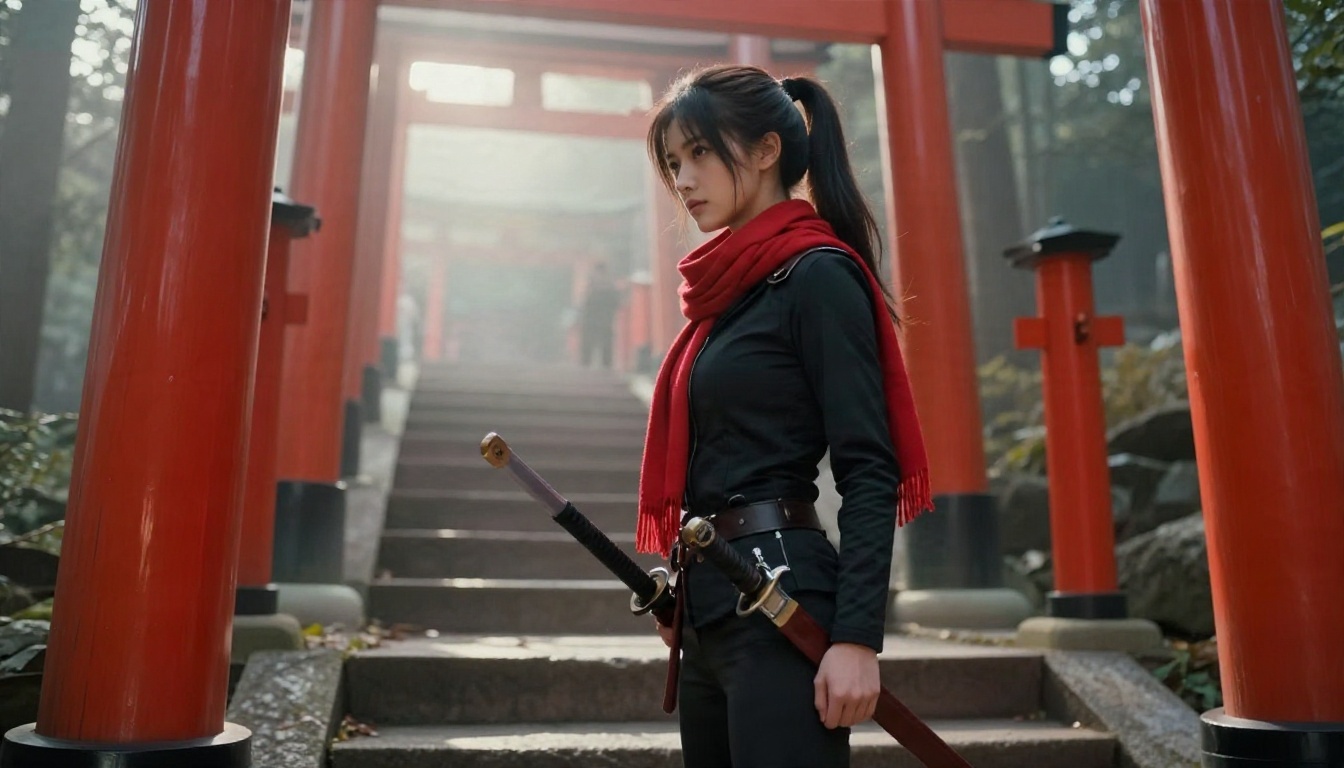
Adult woman in her mid twenties, long pastel pink twin tails with blunt bangs, hazel eyes, faint blush, navy sailor uniform with a red satin ribbon, standing under cherry blossoms on a quiet Tokyo street, golden hour light from the left, 85mm f/1.4, shallow depth of field, Kodak Portra 400 film grain, natural skin texture.
And one aimed at an illustrated look:
Adult anime heroine, long silver hair, violet eyes, white and gold battle dress, standing on a castle balcony at dawn, soft rim light, clean line art, flat cel shading, detailed eyes.
Words That Help
| Goal | Add this to the prompt |
|---|
| Realistic skin | "visible pores, natural skin texture, soft blush" |
| Sharper hair | "individual strands, flyaway hairs lit from behind" |
| Better fabric | "visible weave, satin sheen, pleated folds" |
| Cinematic mood | "golden hour, shallow depth of field, film grain" |
| Cleaner hands | "relaxed hand resting on hip" |
Words That Hurt
Piling on forty adjectives is the most common mistake. Models weigh the start of your prompt heavily, so put the character first and the atmosphere last. Also avoid contradictions: "tiny chibi proportions" and "85mm portrait photo" will fight each other.
Real Examples to Copy
Seeing results beats reading theory. These examples show how far one change of costume, location or light can take the same basic idea.
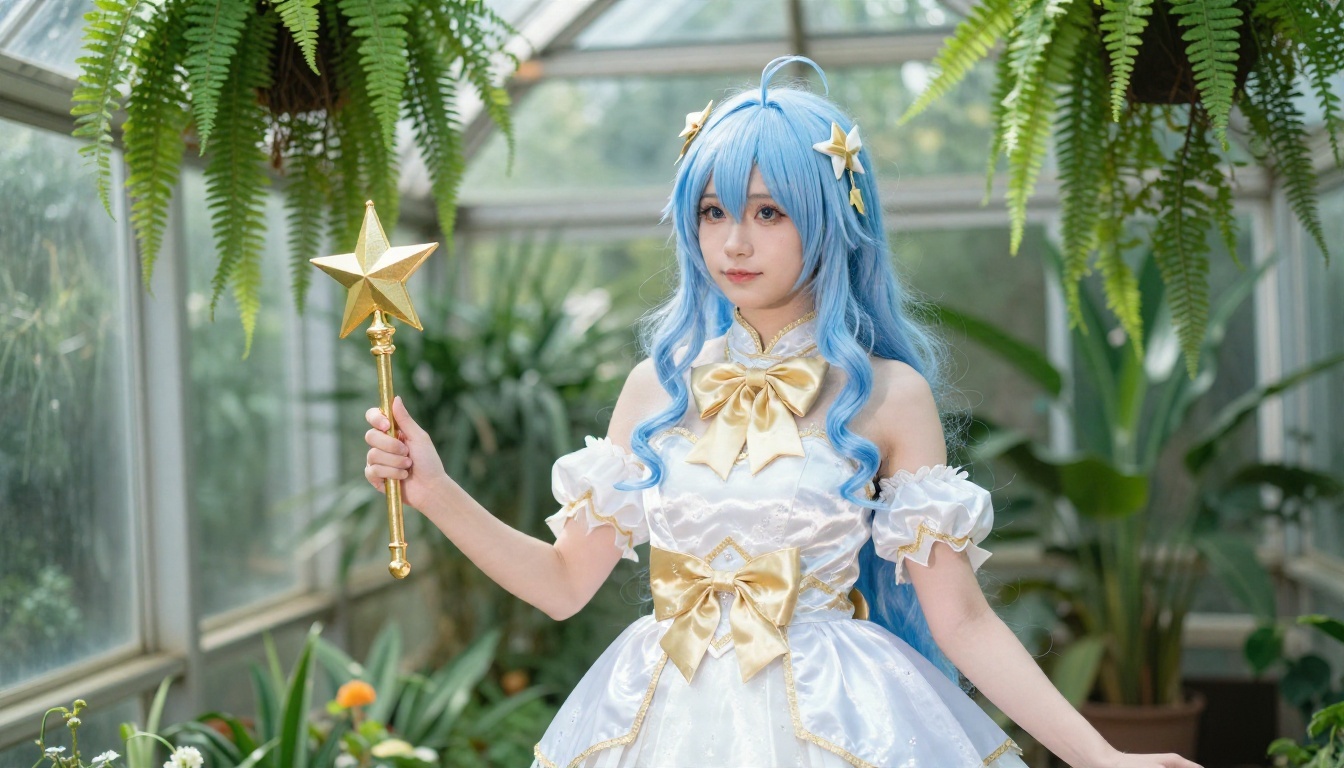
The Magical Girl
Light blue wavy hair, a white and gold layered dress, a satin bow and a prop star wand, shot in a glass greenhouse with soft light from above. The trick is the diffused overhead light. It keeps the pale dress from blowing out and gives the fabric a gentle sheen.
The Cafe Character
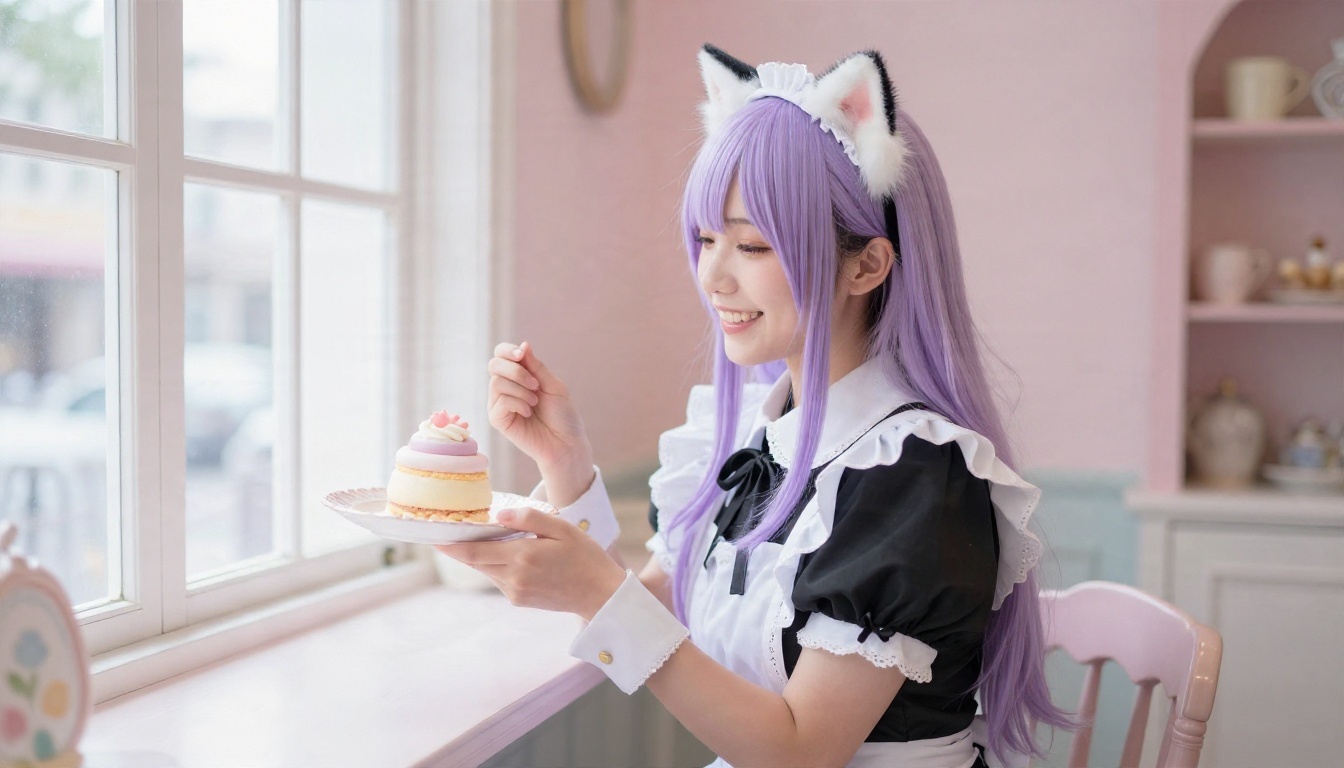
A lavender haired character with cat ears and a black and white cafe dress, laughing with a pastel dessert in a bright interior. The setting is cheerful, so the prompt asks for window light from one side and "ceramic and lace textures" to add small tactile details.
The Festival Heroine
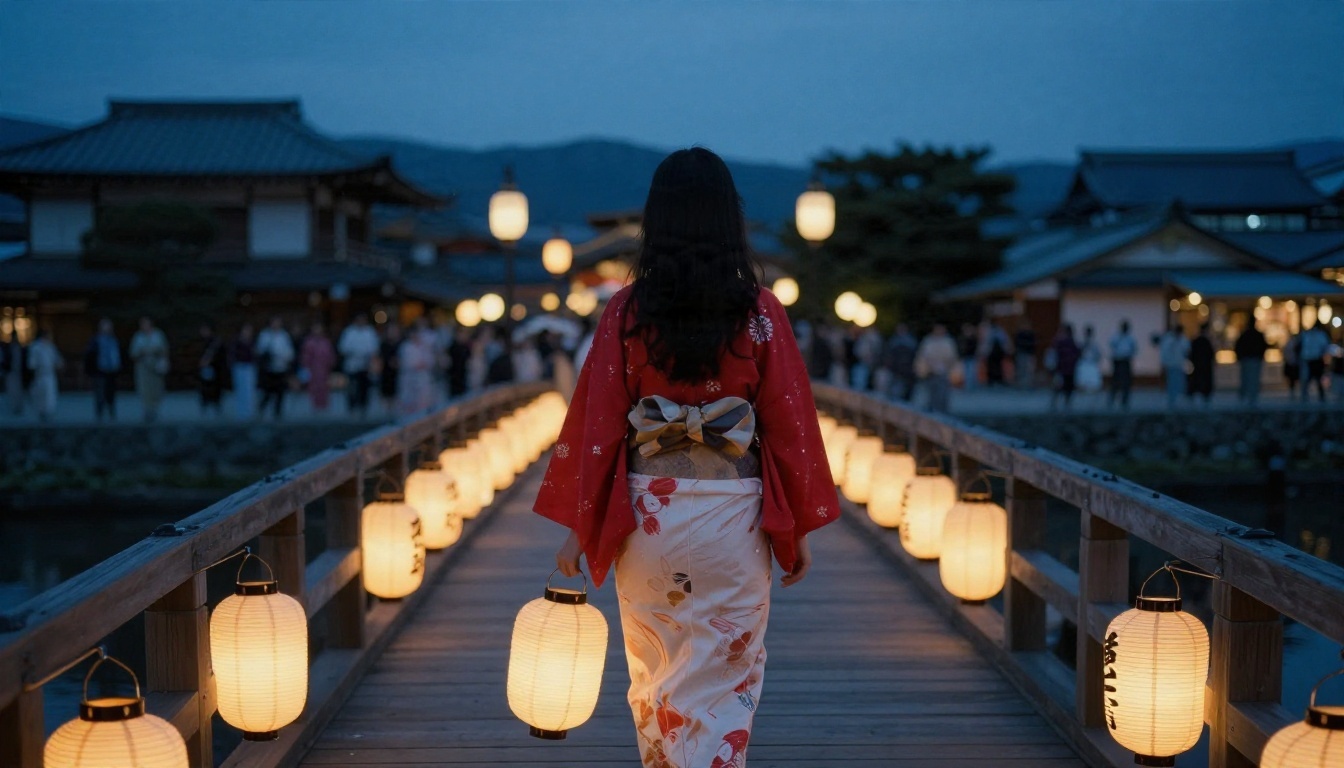
Long black hair, a red kimono jacket over a white yukata, a wooden bridge and warm paper lanterns against blue twilight. Mixing warm lantern light with cool evening sky is a reliable way to make a photoreal scene feel like a film still.
The Glamour Look
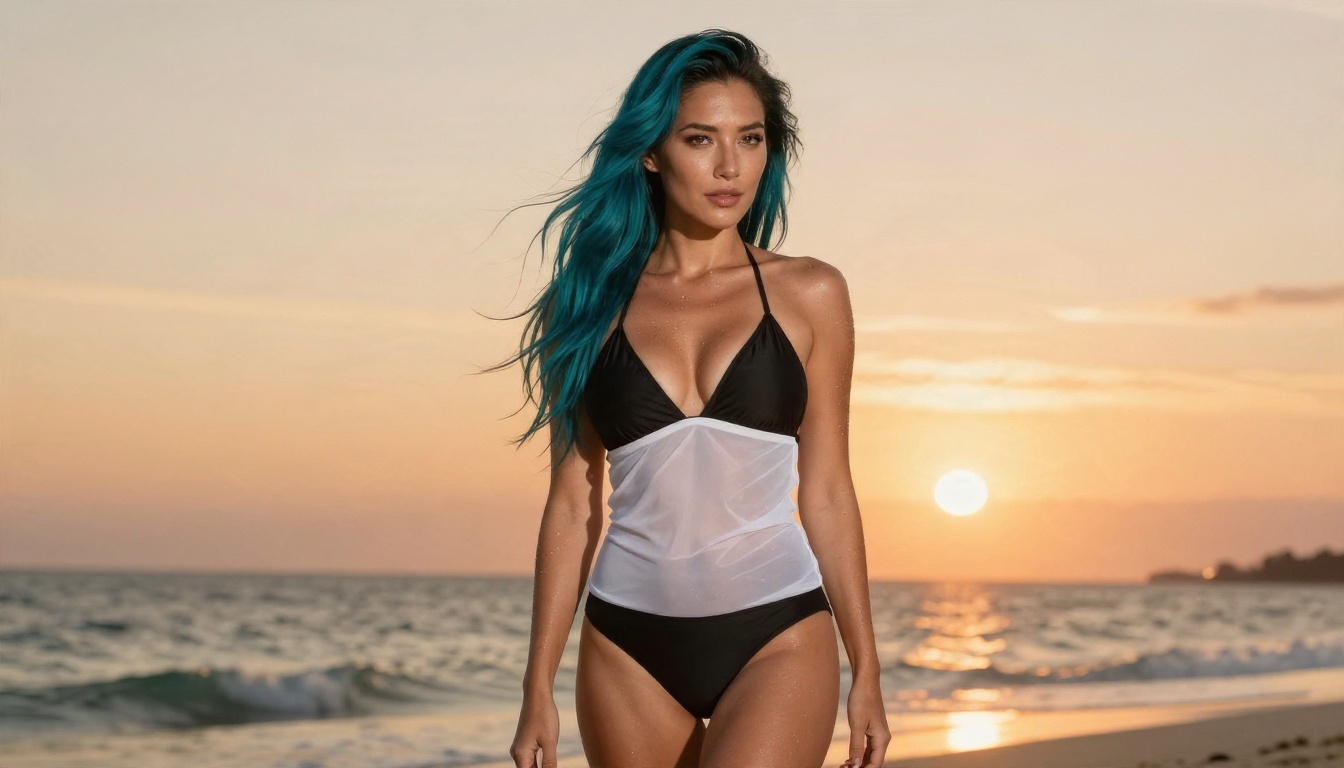
Some people want swimwear and sunset portraits. A teal haired character in a black swimsuit with a sheer white cover-up, standing on an island beach with orange backlight, is attractive without crossing into explicit territory. This is where Seedream 4.5 and Image Editor Pro shine, because they handle skin, sea spray and warm backlight naturally.
💡 Tip: Keep a text file of your best prompts. Swapping only the hair color or location in a proven prompt is faster than writing a new one every time.
How to Use Seedream 4.5 on PicassoIA
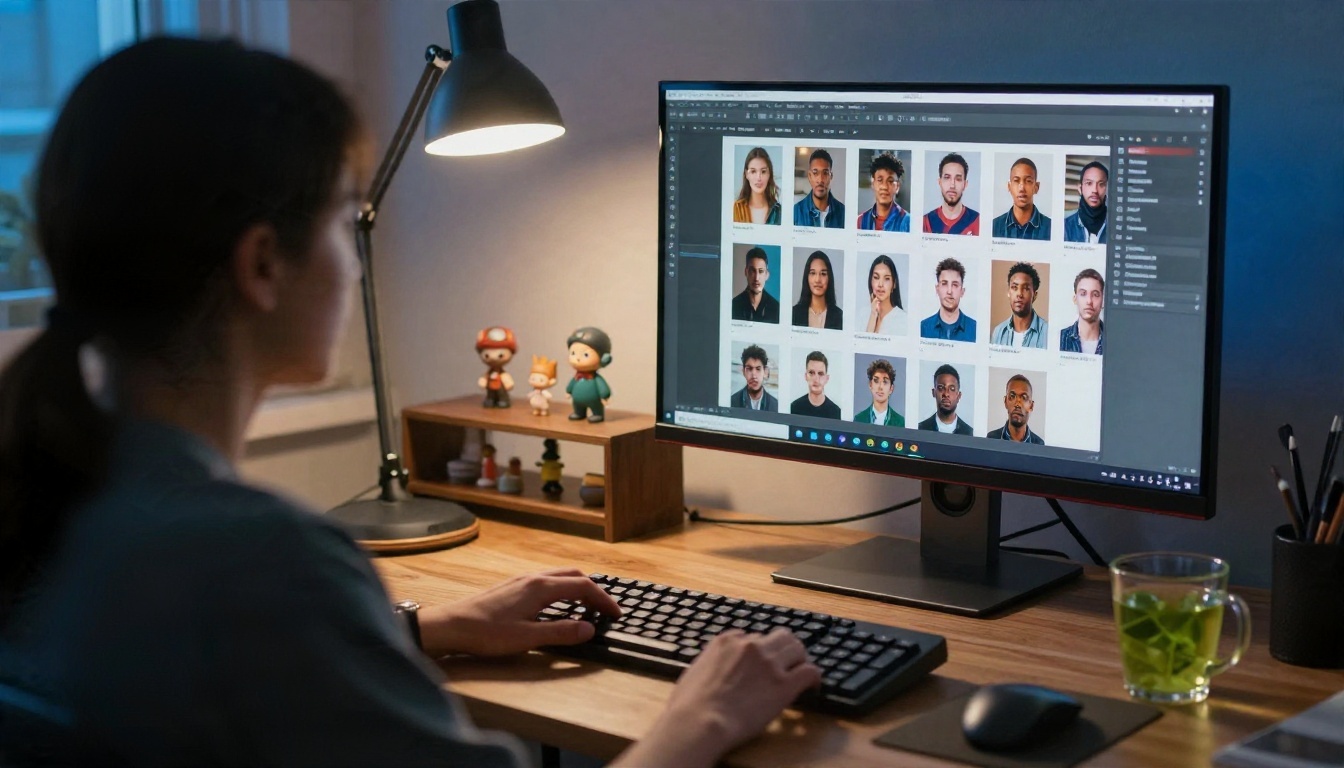
Seedream 4.5 is the model to open first for an anime waifu AI project, so here is the short routine.
Step by Step
- Open the Seedream 4.5 page on PicassoIA.
- Paste a prompt built with the five part formula above.
- Pick a wide ratio such as 16:9 for scenery or a tall ratio for full-body character sheets.
- Choose the highest resolution offered, since fine hair and fabric detail depend on it.
- Generate, then change only one element at a time (hair, outfit, location) and run it again.
- Send your favorite result to PicassoIA Image Editor Pro for unlimited edits and variations.
Parameter Tips
- Aspect ratio: match it to the use. Wallpapers want 16:9, phone lock screens want tall frames.
- Prompt length: 60 to 120 words is a sweet spot. Shorter prompts leave too much open, longer ones get ignored at the tail.
- Iteration: change one variable per run. If you change five, you cannot tell which one helped.
- Reference image: when the platform lets you attach one, use it to hold a face steady across scenes.
💡 Tip: Write the character's fixed traits (hair, eyes, signature accessory) in the same sentence every time. Copy and paste that sentence into each new prompt. It is the cheapest consistency trick there is.
Keeping One Character Consistent
The biggest frustration with any anime waifu AI is losing your character the moment you change the scene. Three habits fix most of it.
Lock the Identity Sentence
Write a single descriptive sentence: "adult woman, shoulder length auburn bob, freckles, green eyes, small silver star earring." Start every prompt with it. Change only what follows.
Use an Editor Instead of Regenerating
Regenerating from scratch rolls the dice on the face. Editing keeps the face and changes the rest. Nano Banana Pro and PicassoIA Image Editor Pro are both built around this idea, and the unlimited nature of the second one means you can run twenty small edits without worrying about cost.
Keep a Reference Sheet
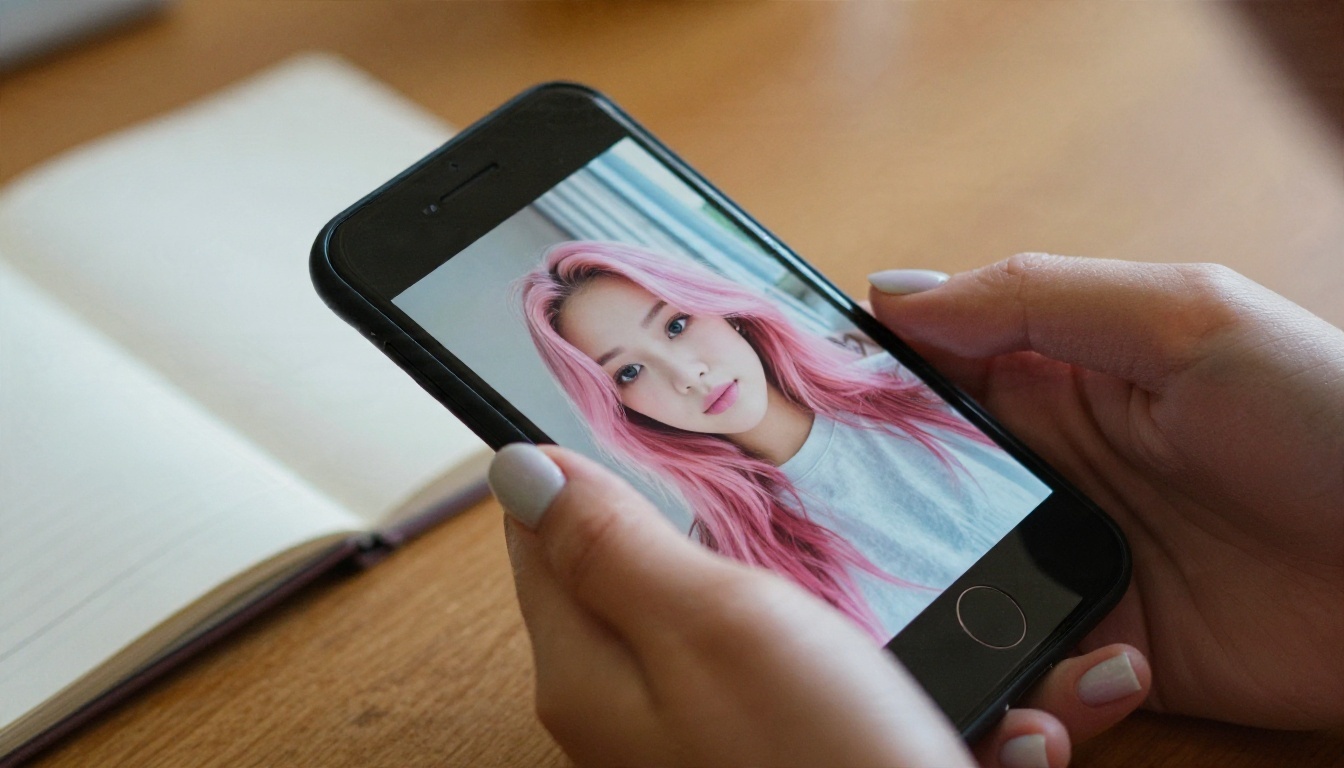
Save one front view, one side view and one full-body shot of your character in a folder. Whenever a tool accepts an input image, feed it the best of these. Over time you build a small library that behaves like a real character sheet.
App Options for Phone and Desktop
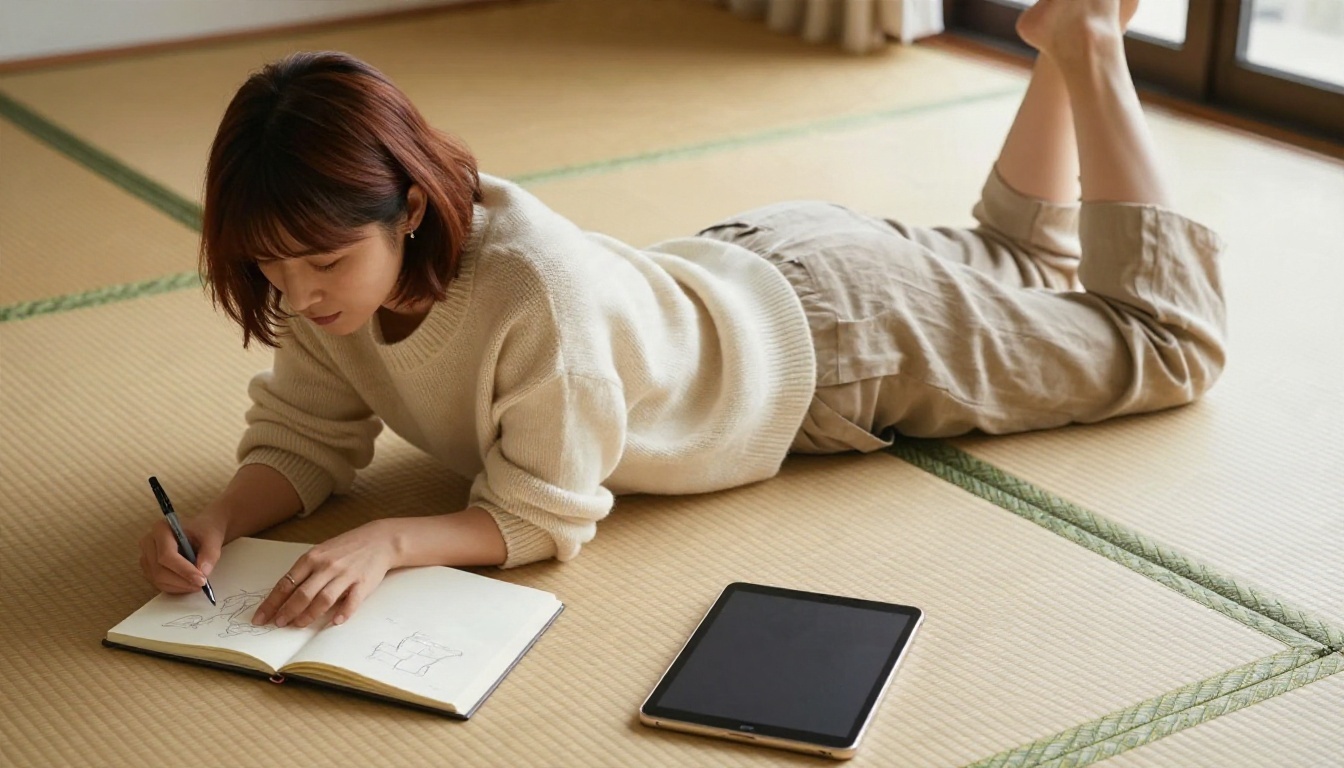
You do not need a gaming PC. Browser tools run on a phone just as well, and the experience is similar to a photo app: type, tap, wait a few seconds, save.
Browser Platforms
A platform like PicassoIA keeps dozens of image models in one place, so you can test an illustrated model, then a photoreal one, without installing anything. That is useful because no single model wins at every style. Krea 2 Medium and Proteus v0.3 lean toward anime art, while Seedream 4.5 and Z Image Turbo lean toward photographic looks.
Dedicated Waifu Chat Apps
Many mobile apps bundle a generator with a chatbot companion. They can be fun, but check three things before you subscribe: whether the image generator is actually unlimited, whether your pictures are stored on their servers, and whether cancellation is simple. Many of these apps rely on weekly subscriptions that renew quietly.
Local Software
Running a model on your own graphics card gives you total privacy and no queue, but you need a recent GPU, disk space and patience with setup. For most people, a browser platform wins on convenience.
| Option | Cost pattern | Setup | Privacy | Best for |
|---|
| Browser platform | Free tier, optional plan | None | Medium | Most people |
| Companion apps | Weekly or monthly plan | App install | Varies | Chat plus images |
| Local software | Hardware cost | High | Highest | Hobbyists with a strong GPU |
Turning a Photo Into Anime Style
If you already have a portrait, Qwen Image Edit Plus LoRA Photo To Anime converts it into an illustrated version. Only use photos of yourself or people who agreed to it.
Mistakes That Waste Credits
Most disappointing results trace back to the same handful of habits.
- Vague prompts. "Cute girl" gives you the model's default face. Specify hair, eyes, outfit and light.
- Ignoring the style. Mixing illustration words with photo words produces a muddy middle.
- Changing too much at once. You lose track of what worked.
- Skipping the resolution setting. Low resolution turns fine hair into a smear.
- Not saving seeds or prompts. If you love a result, you want to be able to get it again.
A Quick Fix List
- Faces drifting: add the identity sentence and use an editor.
- Weird hands: ask for a relaxed hand pose, or crop the frame at the waist.
- Washed-out colors: name a real light source, such as "golden hour from the left."
- Plastic skin: add "visible pores, natural skin texture."
Safety and Fair Use
A few rules keep this hobby friendly for everyone.
- Adults only. Always describe characters as adults. Do not generate anything that suggests a minor.
- No real people without consent. Do not paste a real person's face into a character without permission.
- Keep it non-explicit. Glamour, swimwear and stylish outfits are fine. Pornographic content is not what these platforms are meant for, and sharing it publicly can get your account removed.
- Check usage terms. If you plan to sell prints or use a character in a commercial project, read the platform's terms about commercial use first.
💡 Tip: When posting on social media, label your images as AI generated. Communities appreciate the honesty, and some platforms require it.
Start Making Your Own Character
You now have the formula, the examples and the model list. The fastest way to find out what works for your own taste is to run a few experiments. Open Seedream 4.5, paste the sailor uniform prompt from earlier, and change the hair color. Then send the result to PicassoIA Image Editor Pro and try three different outfits without worrying about a limit.
When you want to test other styles, such as illustrated art from Krea 2 Medium, photo to anime conversion, or consistent faces from Nano Banana Pro, browse the whole catalog at picassoia.com/en/all-models. Pick a character idea tonight, write the identity sentence, and make your first image. Your waifu is a few prompts away.


