Typing a sentence and watching it turn into a moving clip still feels slightly unreal. The catch is that every app to create AI videos advertises "free", and then you hit a watermark, a three clip daily cap or a 480p export. This article sorts out what free really means in late 2026, which limits show up first, how to write prompts that waste fewer credits, and which online alternatives let you skip the app store entirely.
💡 Quick answer: For short clips, a browser based platform with a free, unlimited lightweight model beats most phone apps. For premium quality, expect to spend credits no matter where you go.
What a Good AI Video App Does
Before comparing free plans, it helps to know what you are actually shopping for. Nearly every tool falls into one of two modes, and a few add sound on top.
Text to Video
You write a description, the model invents every frame. This is the fastest route when you have no footage, and it is where prompt quality matters most. Models like Kling v3 Video and Veo 3.1 Fast handle full scenes with camera movement, lighting and physics from a single paragraph.

Image to Video
You upload a photo and the model animates it. This keeps your subject, outfit and setting consistent, which is why product shots, portraits and family photos work so well. Wan's fast animation model, Wan 2.5 I2V Fast, is built for exactly this job and returns clips quickly.
Native Audio
A growing number of models generate sound together with the picture: dialogue, footsteps, ambience. Sora 2 and Veo 3.1 Lite both produce audio with the clip, so you skip a separate sound step.
Free Options and What They Really Offer
Free tiers exist, but they are marketing funnels. Roundups published through 2026 keep landing on the same pattern: a tool is free until the thing you care about most, such as resolution, length or watermark removal, sits behind a paywall. Pricing pages change often, so treat every figure below as a snapshot and check the plan screen before you commit.
Daily Credits
Some products refill a small allowance every day. Google Flow, for example, has been listed with a daily credit bucket that pays for roughly a handful of short clips per day. Kling's own app gives daily credits too, though reports differ on how many. The upside is that nothing expires on you in week one. The downside is that a single retry on a bad generation eats a large share of the day.
Watermarks
This is the most common catch. Several free plans stamp a logo on every export, including Kling's own free plan and InVideo AI's free plan according to published reviews. Canva is the exception most reviewers mention, with a monthly allowance of AI video minutes and no Canva stamp on the file. If you plan to post the clip anywhere public, ask this question first: can I download it clean?
Resolution Caps
Free usually means 480p or 720p. Pika's free tier has been described as limited to 480p in some reviews, while other sources disagree about its watermark, so open the account screen yourself. A 480p clip looks fine on a phone feed and falls apart on a laptop or a client presentation.
💡 Tip: Generate your first drafts on a cheap, fast model, then spend premium credits only on the one prompt that already works.
Limits You Will Hit Fast
Even with a good free plan, these are the walls most people run into during the first week.
| Limit | What it looks like | How to work around it |
|---|
| Clip length | 5 to 10 seconds per generation | Plan shots, then stitch clips in an editor |
| Daily credits | 3 to 6 clips, then locked | Draft on a fast model, finish on a premium one |
| Watermark | Logo in a corner | Pick a platform with clean exports |
| Queue time | Free users wait minutes or hours | Generate off peak hours |
| Resolution | 480p to 720p | Upscale afterward with a super resolution tool |
| Commercial use | Often not allowed on free plans | Read license terms before publishing ads |

Clip Length
Almost all generators output between 5 and 10 seconds per call. Seedance 2.5 Lite reaches up to 10 seconds, and the full Seedance 2.5 model goes as far as 30 seconds. If you need a minute of footage, think in shots, the same way a film editor would: wide, medium, close, cutaway.
Commercial Rights
Free plans often restrict commercial use, and the restriction is easy to miss. If the clip will appear in a paid ad, a client deliverable or a monetized channel, read the license text on the plan you are using. A watermark free file is not automatically a licensed file.
Prompts That Produce Usable Clips
A vague prompt makes the model guess, and guessing burns credits. A short structure fixes most of it.
The Five Part Formula
Write each prompt in this order and keep it under about 80 words:
- Subject and starting pose: who or what is in frame, and what they are doing.
- Action over time: what changes during the five seconds.
- Camera movement: dolly in, slow pan, handheld, static.
- Lighting and atmosphere: morning window light, overcast, golden hour.
- Style anchor: photorealistic, film grain, shallow depth of field.
Here are three prompts you can paste and adapt:
- A barista pours steamed milk into a ceramic cup, the camera slowly pushing in over the rim, warm window light from the left, visible steam, photorealistic, 35mm film grain.
- A golden retriever runs along a wet beach at sunrise, camera tracking low beside the dog, water spray catching the light, soft haze over the horizon, natural color.
- A potter's hands shape a wet clay vase on a spinning wheel, close-up, static camera, soft diffused studio light, slow realistic motion.
Camera Words That Work
Models respond well to the vocabulary filmmakers already use. These terms reliably change the result:
| Phrase | Effect |
|---|
| Slow dolly in | Camera glides toward the subject |
| Handheld | Slight natural shake, documentary feel |
| Low angle | Subject looks larger and more imposing |
| Rack focus | Focus shifts from foreground to background |
| Locked off | No camera movement, only subject motion |
| Shallow depth of field | Blurred background, sharp subject |
Common Mistakes
- Stacking too many actions. Five seconds fits one clear action, not a chase, a conversation and a sunset.
- Skipping the camera. Without direction, many models default to a static, flat frame.
- Asking for readable text. Signs, labels and subtitles often come out garbled. Add titles in an editor instead.
- Using abstract mood words only. "Epic" and "beautiful" tell the model nothing. Describe light, materials and motion.
💡 Tip: If a clip nearly works, change one phrase and rerun. Rewriting the whole prompt makes it impossible to tell what helped.
Online Alternatives Compared
You do not need to install anything. A browser based platform gives you several models in one place, so you can pick by task instead of by app icon. The picks below are models available on PicassoIA, grouped by what they do best.

Quick Drafts
When you are testing an idea, speed and cost matter more than polish.
- Seedance 2.5 Lite is listed as a free and unlimited generator for clips up to 10 seconds, which makes it a natural testing ground.
- Hailuo 02 Fast returns text to video drafts at 512p in short order.
- Wan 2.5 T2V Fast is another quick option for text prompts.
- LTX 2.5 Fast targets high resolution output at speed.
Premium Quality
For final deliverables, step up to a heavier model.
Longer Clips and Control
Two models cover needs that most free apps do not.
| Task | Good starting model | Why |
|---|
| Test an idea | Seedance 2.5 Lite | Free, unlimited, up to 10 seconds |
| Animate a photo | Wan 2.5 I2V Fast | Quick image to video |
| Final 1080p clip | Kling v3 Omni Video | Sharp output from text |
| Clip with sound | Sora 2 | Audio generated with video |
| Long single take | Seedance 2.5 | Up to 30 seconds |
Phone App or Browser?
Both work, and the choice depends on where you create.
Phone apps win for convenience. You can write a prompt on the train and share the result in seconds. They also tend to lean hard on subscriptions, with watermarks, ads and credit packs layered over the free tier.
Browser platforms win for control. A bigger screen helps when you are comparing outputs, editing prompts and managing files. You also avoid app store lock in, and you can switch models without switching accounts. Most people end up doing both: brainstorming on a phone, finishing on a laptop.
💡 Rule of thumb: If you make more than three clips a week, a platform with many models will save you more than any single app.
Who Gets the Most Out of Each
Small business owners filming product shelves, teachers building short explainers, and social creators testing hooks all benefit from the same loop: draft cheaply, pick a winner, then upgrade only that clip.

A shop owner can photograph a product, then animate it with an image to video model for a looping ad. A teacher can describe a scene from history and use the clip as a classroom opener. A creator can test five hook ideas on a fast model before spending premium credits on the best one.
Make Your First Clip in Five Steps
Here is a repeatable workflow using a free lightweight model, then an upgrade only if the draft deserves it.
- Open a text to video model. Start with Seedance 2.5 Lite since it is listed as free and unlimited for short clips.
- Paste a five part prompt. Use the formula above: subject, action, camera, light, style.
- Set the length. Choose 5 seconds first. Short clips render faster and are cheaper to retry.
- Review honestly. Check hands, faces, motion and background. Note one thing to fix.
- Rerun or upgrade. Change one phrase and regenerate. When the clip is right, send the same prompt to Kling v3 Omni Video or Veo 3.1 Fast for a sharper final.
💡 Tip: Save the prompts that worked in a notes file. A small personal library turns a ten attempt process into a two attempt one.
Fixing Low Resolution Afterward
If your favorite clip came out at a low resolution, you do not have to regenerate it. PicassoIA also lists video enhancement and super resolution tools in its catalog, so you can upscale a good draft instead of paying for a premium rerun. Browse the full list at picassoia.com/en/all-models.
Free Versus Paid: A Simple Rule
Free is perfect for learning how prompts behave. Paid becomes sensible when a clip has a client, a deadline or a monetized channel behind it. Until then, the cheapest workflow is almost always the same: draft on a fast model, keep a prompt notebook, and upgrade a single clip at a time.
| Situation | Best approach |
|---|
| Hobby or practice | Free, unlimited lightweight model |
| Social posts | Fast model, then upgrade the best clip |
| Client work | Premium 1080p model with license check |
| Long form story | Plan shots, generate clips, edit together |
Try It Yourself
The fastest way to find out what works for you is to make something today. Open Seedance 2.5 Lite, paste one of the sample prompts above, and watch what comes back. Then change a single word and run it again. After three or four rounds you will have a feel for how camera language and lighting words change the result.
When a draft looks right, send the same prompt to a premium model like Kling v3 Video or Veo 3.1 Fast and compare. If you want a starting frame for an image to video clip, create one with Seedream 4.5 first, then animate it.
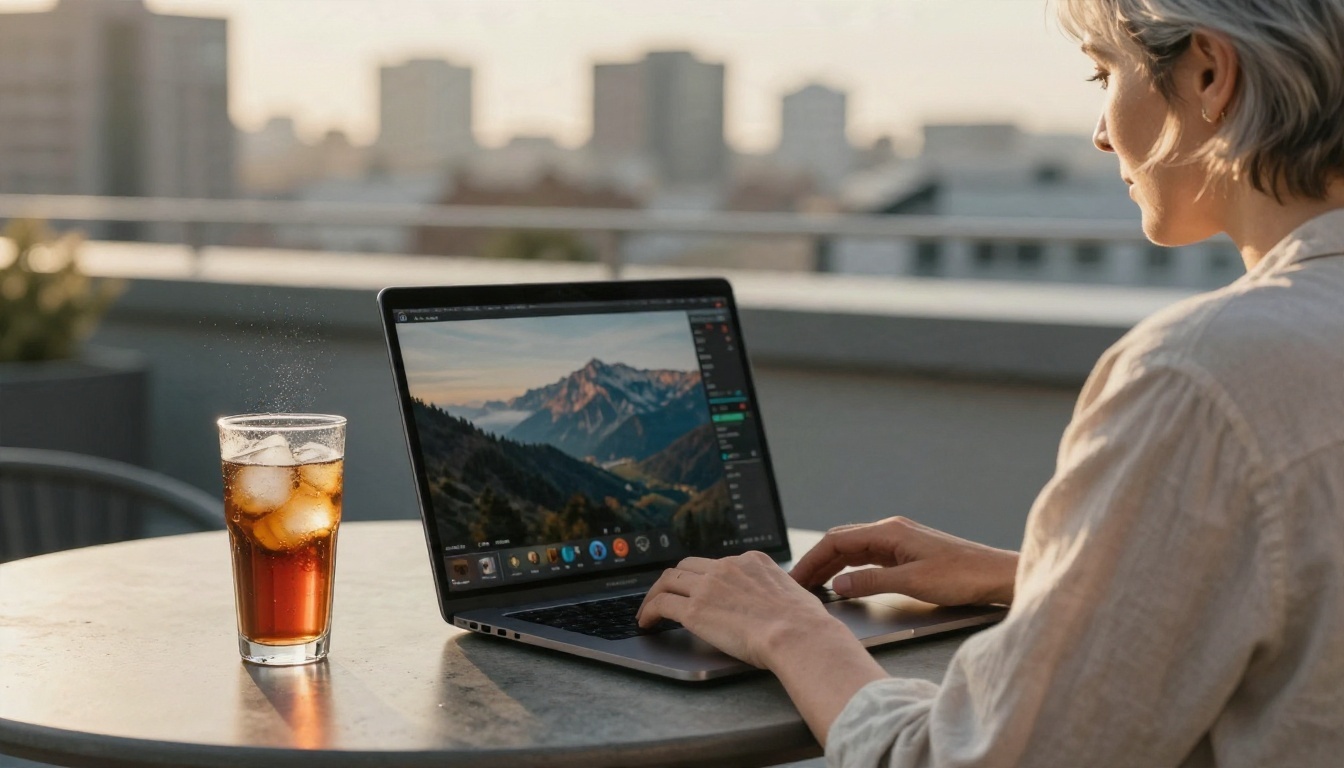
Picasso IA puts these models side by side in your browser, so you can experiment, compare and keep what works. Browse the whole catalog at picassoia.com/en/all-models and make your first clip now.


