You typed "apps like GetPrimal" into a search bar for a reason. Maybe the pricing felt vague. Maybe a prompt got blocked for no clear reason. Maybe the results looked more like plastic than photography. Whatever pushed you out the door, the good news is that the AI image and video space in late 2026 is crowded with strong options, and several of them are free or close to it.
This article walks through what people actually want from a GetPrimal style app, how pricing models work across the category, which free alternatives are worth your time, and where uncensored generation fits in. I also include a short, practical tutorial so you can produce glamour-grade, photorealistic images today without hitting a paywall every ten minutes.
💡 Quick note on sourcing: public information about GetPrimal itself is thin. I could not find a stable, verifiable price list or feature sheet, so I will not quote numbers for it. Instead, this article focuses on what you can verify yourself: how competing tools price their plans, what they allow, and how the output looks.
What People Want From Apps Like GetPrimal
When someone searches for alternatives, the intent is almost always the same bundle of three needs. I see it in forum threads, app store reviews and support questions all the time.
Lower Cost, Clearer Billing
The number one complaint about creative apps is not price itself. It is surprise. A free trial that quietly becomes a weekly subscription. Credits that vanish faster than the marketing implied. A cancellation button buried four menus deep. People will happily pay a fair price for a tool they use, but they hate guessing.
Fewer Content Blocks
The second need is creative freedom. Adult creators, fashion photographers, boudoir artists and plain curious users all run into the same wall: over-eager filters that refuse a swimsuit shoot, a satin robe portrait or a moody lingerie editorial. An app does not have to be explicit to be useful. It just has to stop treating every glamour prompt as a violation.
Photorealistic Output
The third need is quality. Nobody wants skin that looks airbrushed into wax, hands with seven fingers or lighting that screams "generated." Modern models have closed most of that gap, but only if you pick the right one and prompt it like a photographer, not like a poet.
The Real Cost of AI Image Apps
Pricing in this category looks chaotic, but almost every app falls into one of five models. Once you recognize the pattern, comparing apps becomes a lot easier.
The Five Pricing Models
| Pricing model | How it works | Watch out for |
|---|
| Free tier with limits | A few generations per day, often with lower resolution | Watermarks and slow queues |
| Credit packs | You buy a bundle and spend it per image or per video | Video usually burns credits much faster than images |
| Monthly subscription | Flat fee for a monthly allowance | Unused allowance rarely rolls over |
| Weekly subscription | Low headline price, billed every 7 days | The monthly total is often the highest of all models |
| Unlimited plan or tool | Generate as much as you like on selected models | Check which models are included and at what speed |
Why Weekly Billing Deserves Suspicion
A weekly price looks small on the paywall screen. Multiply it by four and a bit, and the monthly cost frequently beats a standard subscription by a wide margin. If an app only shows you the weekly figure, do the math before you tap anything.
What to Check Before Paying
Before entering a card on any app, run through this short list:
- Is the full price visible on the first screen, not hidden behind a "continue" button?
- Can you cancel inside the app, or only through a support email?
- Does the free tier export without a watermark?
- Are adult-leaning prompts allowed on your plan, or only on a higher one?
- Is there a refund window written in plain language?
💡 An automated site checker I came across gave a similarly named domain a low trust score. Automated verdicts are not proof of anything, but they are a good reminder to read billing terms carefully before you pay any app you do not know well.
Free Alternatives Worth Trying
GetPrimal is not available on PicassoIA, and this article does not claim otherwise. But if what you want is the same kind of result, glamour portraits, swimwear shoots and stylized photorealism, there are four models on PicassoIA that I would put in front of you first. They are listed in the order I recommend them for adult-leaning, non-explicit photography.
Seedream 4.5 for Sharp Photorealism
Seedream 4.5 is the first model I reach for when the brief is a believable human subject. It handles skin texture, fabric sheen and natural window light with a restraint that makes images look photographed rather than rendered. It also produces 4K output, which matters if you plan to print or crop heavily.
Image Editor Pro for Unlimited Edits
PicassoIA Image Editor Pro is built for people who iterate. You generate, tweak the outfit, change the setting, fix a detail, and generate again. Because it is positioned as an unlimited editor, you do not have to ration attempts the way you do on a credit system. For anyone coming from an app with strict caps, that single difference changes how you work.
Qwen Image 3 Pro for Natural Faces
Qwen Image 3 Pro leans into photorealism and does especially well with faces that look relaxed rather than posed. It is a good second opinion when Seedream gives you a look you like but a face you do not.
Flux 2 Klein 9B Base LoRA for Style
Flux 2 Klein 9B Base LoRA is the one to try when you want a specific styled look, such as a particular film stock feel or a recurring character. It is also free to try, which makes it a cheap way to test a visual direction before committing to a longer project.
💡 If you only have time to test one model today, make it Seedream 4.5. If you want to test one workflow, make it Image Editor Pro.
Uncensored Options Without the Mess
"Uncensored" is one of the most misunderstood words in AI generation. It does not have to mean explicit. In practice, most people searching for uncensored options want one simple thing: a model that will not refuse a bikini, a lingerie editorial or an artistic, implied nude because a keyword tripped a filter.
What Uncensored Really Means
There are three levels, and it helps to know which one you actually need:
- Standard filters: blocks swimwear, glamour and anything suggestive. Frustrating for fashion work.
- Relaxed filters: allows glamour, boudoir and implied artistic nudity, while still refusing explicit content.
- No filters: unrestricted output, which usually comes with legal, safety and platform risks.
Most creators are happiest at level two. It gives you attractive, adult, tasteful imagery without pushing into territory that gets accounts banned or content removed from social platforms.
Where to Draw the Line
Even with relaxed filters, a few rules are worth keeping for yourself:
- Never generate images of real, identifiable people without their consent.
- Keep every subject clearly an adult.
- Stay on the suggestive and artistic side instead of the explicit side.
- Do not publish adult-leaning images anywhere that prohibits them.
On PicassoIA, the models listed above are the ones I would use for this kind of work, and Image Editor Pro in particular suits it because you can refine freely without burning through a quota. Note that I would not recommend Seedream 5 Lite for adult-leaning work, since it blocks that kind of content.
Privacy and Safety Checks
Adult-leaning content raises the stakes on privacy. A prompt history is personal. A generated gallery is personal. Treat any app that stores them accordingly.
Questions About Your Data
Before you commit to any tool, look for plain answers to these questions:
- Are your uploads used to train models?
- Can you delete your gallery and have it actually removed?
- Is your prompt history visible to anyone but you?
- Does the app ask for more permissions than a creative tool needs?
Payment Safety
Use a virtual card or a payment method with easy dispute rights when you try a new app, especially one with a free trial. Set a calendar reminder for the day before the trial ends. These two habits prevent most of the billing regret I hear about.
How to Get Similar Results on PicassoIA
Here is a simple workflow built around Seedream 4.5. It works just as well for swimwear, boudoir, fashion and lifestyle portraits.
Step by Step
- Open the model page and choose a 16:9 aspect ratio for landscape scenes, or 3:4 for portraits.
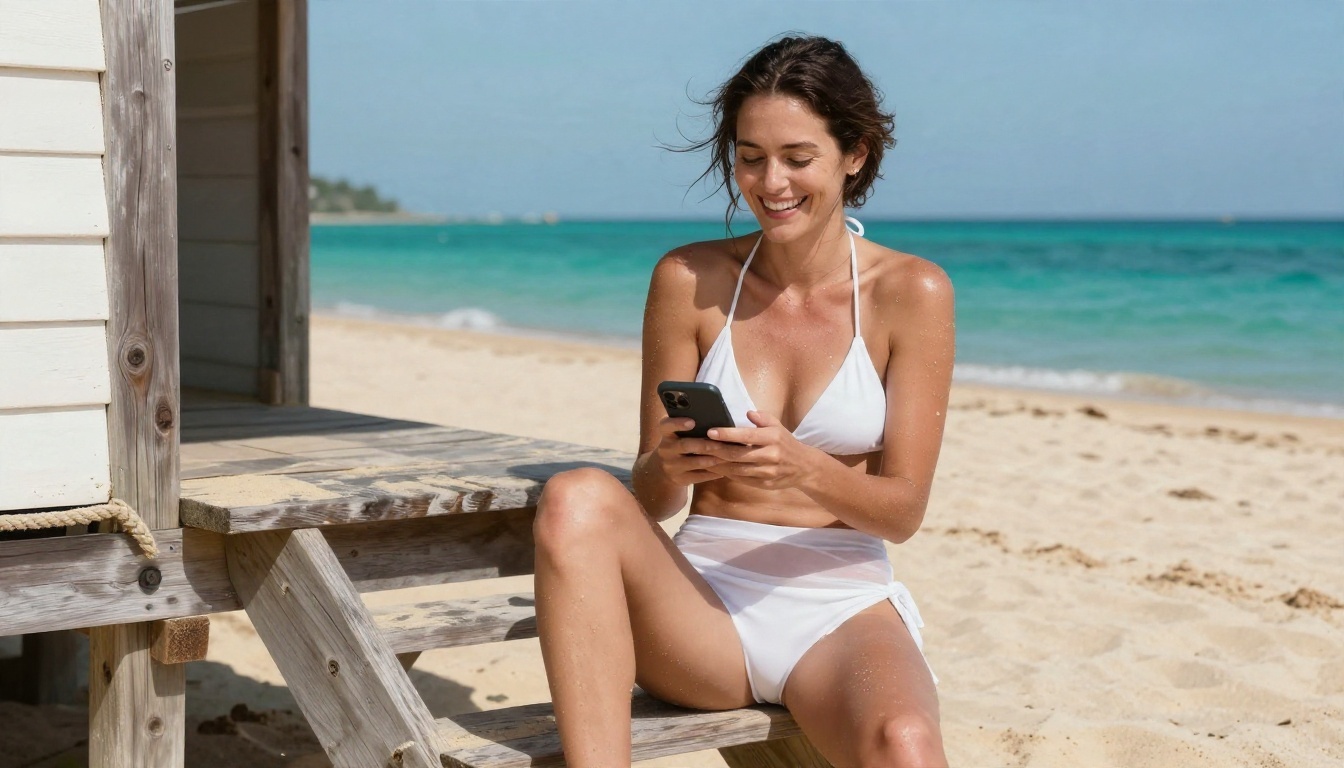
- Write the subject first. Describe who is in the frame, what they are wearing and what they are doing. Example: "a woman in a white bikini top and sheer sarong laughing at her phone on wooden beach steps."
- Describe the environment. Add the place, the time of day and two or three physical details, such as driftwood, sand or rope.
- Specify the light. "Soft late morning sun with gentle fill from the sand" beats "good lighting" every time.
- Name the camera. Add a lens and aperture, such as "85mm f/2 at eye level, shallow depth of field."
- Add texture words. Skin pores, fabric weave, film grain, droplets. They push the output away from the glossy AI look.
- Generate, then refine. Take your favorite result into PicassoIA Image Editor Pro to change the outfit, fix a detail or adjust the setting.
Parameter Tips
| Setting | Recommended | Why |
|---|
| Aspect ratio | 16:9 for scenes, 3:4 for portraits | Matches how the image will be viewed |
| Prompt length | 50 to 75 words | Enough detail without confusing the model |
| Lighting | Always name the direction | Gives depth and a believable shadow |
| Lens | 50mm to 105mm for people | Flattering proportions, soft background |
| Style words | "Kodak Portra 400, film grain" | Warm, photographic color |
A Prompt You Can Copy
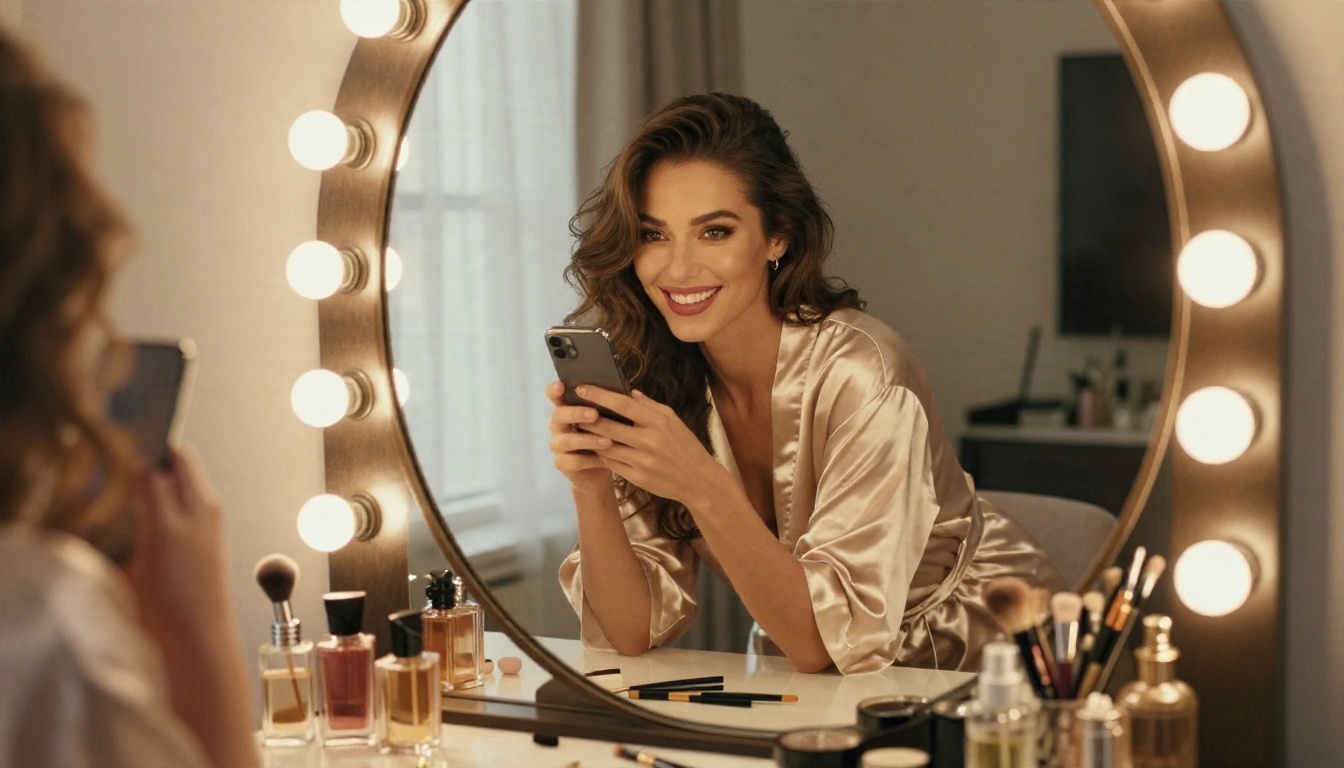
A woman in a champagne satin robe leaning on a vanity with a round mirror and warm bulbs, holding a phone for a selfie, makeup brushes and perfume bottles on the table, warm mirror light from the front and window light from the left, 35mm f/2 lens, glossy glass and satin textures, subtle film grain, Kodak Portra 400, glamorous and non-explicit.
Many apps in this category stop at "type a prompt, get a picture." The better ones let you finish the job. If you plan to work seriously, look for these capabilities.
Editing and Restoration
Inpainting lets you fix a hand or change a dress without redrawing the whole picture. Outpainting extends the canvas when a crop is too tight. Restoration tools clean noise and blur from older images. PicassoIA includes all of these among its platform capabilities, along with background removal and super resolution for upscaling 2x to 4x.
Turning Photos Into Motion
Still images are only half the story. If you want movement, a short clip of hair in the wind or a slow camera push on a portrait, video models do the job. Seedance 2.5 Lite is free and unlimited for clips up to 10 seconds, which makes it a low-risk place to experiment. For more cinematic motion, Kling v3 Video is worth a test, and Seedance 2.5 pushes length up to 30 seconds.
Quick Comparison of Workflows
| Goal | Best starting point | Why |
|---|
| Sharp glamour portrait | Seedream 4.5 | 4K detail and natural skin |
| Many quick edits | Image Editor Pro | Unlimited iterations |
| Relaxed natural faces | Qwen Image 3 Pro | Candid, photographic look |
| Styled or recurring look | Flux 2 Klein 9B Base LoRA | Style control, free to try |
| Short animated clip | Seedance 2.5 Lite | Free, up to 10 seconds |
| Cinematic motion | Kling v3 Video | Smooth, filmlike movement |
Mistakes That Waste Your Time
Even with good tools, a few habits sabotage results. Here are the ones I see most.
Vague Prompts
"Beautiful woman, nice light" gives the model nothing to hold. Name the pose, the outfit, the place, the light direction and the lens. Specific prompts produce specific photographs.
Chasing One Perfect Result
People burn an hour on a single prompt. A better habit is to generate six variations fast, pick the strongest and refine that one. Unlimited tools reward this approach.
Ignoring Texture
If every image looks too smooth, you probably forgot texture. Add skin pores, fabric weave, film grain and small environmental details such as dust in a sunbeam. These small words are what separate a believable photo from a render.
Skipping the Billing Check
This one costs real money. Check the price, the billing period and the cancellation path before you give any app your card, no matter how good the first image looks.
Studio Setup and Final Picks
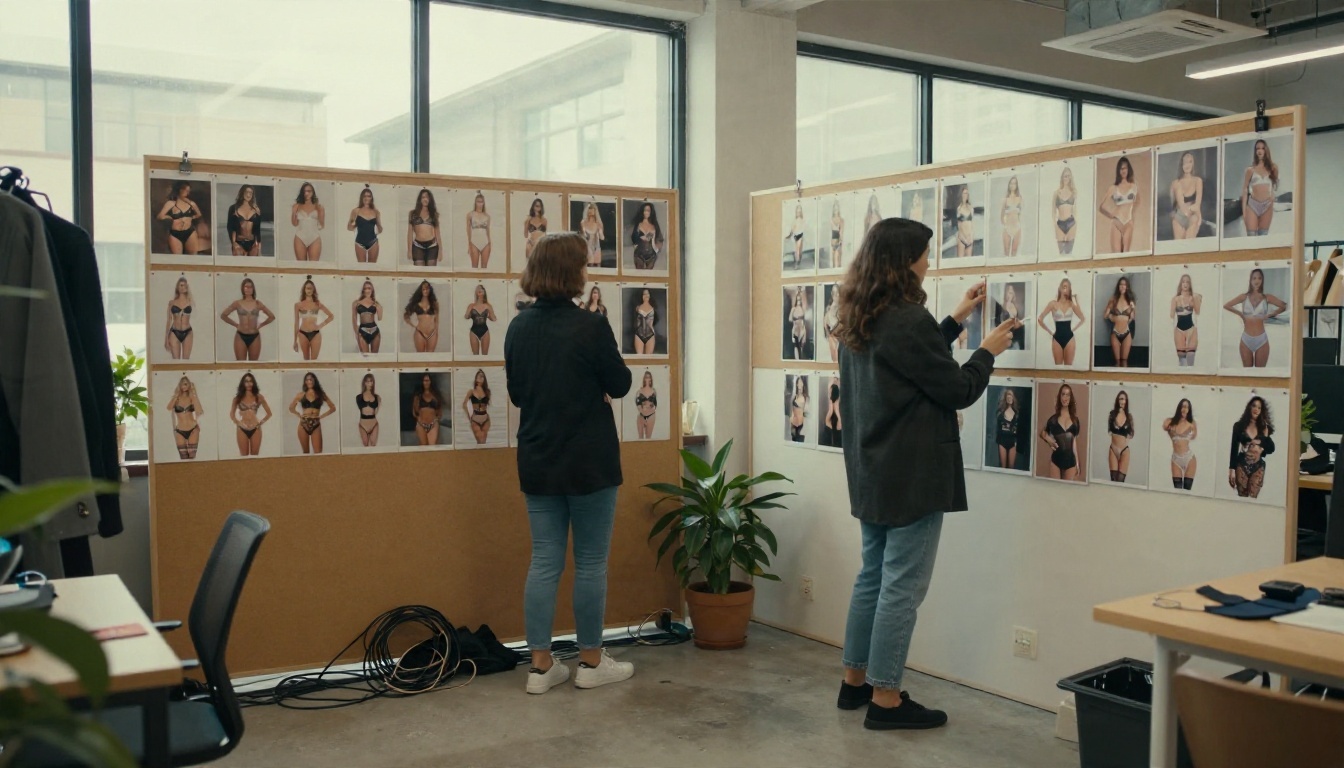
If you only remember a handful of points from all this, make it these:
- Apps like GetPrimal differ mostly on three things: price clarity, content filters and output quality.
- Free is realistic if you pick tools built around unlimited or generous tiers.
- Uncensored does not need to mean explicit. Relaxed filters are what most creators actually want.
- Photorealism comes from photography language: lens, light, texture and film stock.
- Check billing first, always.
Your Next Ten Minutes
Open Seedream 4.5, paste the sample prompt from above, and change one thing: the outfit, the room or the time of day. Then take your favorite result into PicassoIA Image Editor Pro and refine it as many times as you like. That is the whole workflow, and it costs you nothing to test.
Create Your Own Images Today
You do not need a vague pricing page or a wall of filters to make attractive, photorealistic images. Pick a model, write a specific prompt, and let the results speak. Seedream 4.5 for sharp portraits, Image Editor Pro for unlimited edits, Seedance 2.5 Lite when you want motion: each one is a few clicks away.
Ready to see what you can make? Browse every model at picassoia.com/en/all-models, start with a prompt from this article, and build your own gallery with Picasso IA. Experiment freely, change one variable at a time, and keep the versions you love.


