You open a pricing page, you see a friendly monthly number, and three clips later your credits are gone. That is the story behind most searches for an Artlist free alternative. Artlist built its name on stock footage and music, then added an AI suite that runs big-name video models on a shared credit pool. It works, but the meter runs every time you press generate, and experimenting gets expensive quickly.
This article looks at what you actually pay, where the friction shows up (credits, watermarks, content filters), and what to look for in a replacement. Then it points you to models on PicassoIA that give you uncensored AI video and images, no watermark, and limits that do not punish you for testing.
💡 Quick answer: If you want free or unlimited generation with fewer refusals, start with Seedance 2.5 Lite for video and Seedream 4.5 for images. Both are covered in detail below.
Why People Leave Artlist

Artlist is a polished product. The licensing is clear on paid plans, the library is big, and the AI suite bundles several top-tier video models in one login. None of that is the problem. The complaints usually fall into three buckets.
The credit meter problem
Artlist's AI plans work on credits. Every image and every video draws from a monthly balance, and the cost per clip depends on the model and the length you pick. A cheap model might give you dozens of short clips. A premium model can eat the same balance in a handful of generations. Third-party listings even disagree on how many videos an entry plan buys, with estimates ranging from a few dozen to several hundred, because the answer depends entirely on which model you choose.
That is fine for a finished client project where you know exactly what you want. It is painful for the way most people actually work: try a prompt, dislike the result, tweak, try again, repeat ten times.
Watermarks and licensing
Paid Artlist plans come with the platform's own licensing terms, so commercial use is usually straightforward there. Free trials and capped tiers across the AI video industry, though, commonly stamp a watermark on exports or lock commercial rights behind a subscription. If you are comparing tools, always test an export before you commit to a plan. A logo burned into your corner is a deal breaker for anything you plan to post.
What "uncensored" actually means
People type "uncensored" into search for different reasons. Some want to generate a model on a beach in a bikini without a refusal message. Some are filmmakers who want a tense, dark scene without the tool flagging a harmless prompt. Mainstream platforms that run models from large companies tend to apply strict filters, because their brand sits next to every output.
A realistic definition: fewer false refusals on glamour, fashion, swimwear and mature themes. It does not mean explicit pornography, and it does not mean real people's faces without consent. Keep your own limits clear, follow local law, and respect the rights of anyone whose likeness you use.

Artlist Pricing in Plain Numbers
Prices change often, and the listings I found do not agree with each other, so treat every figure below as a rough range and check the official pricing page before paying anything.
| What you are buying | Typical range reported | What to watch |
|---|
| Entry AI plan | Roughly $10 to $20 per month, cheaper when billed yearly | Yearly billing locks you in |
| Entry credit pool | Around 16,500 credits per month | Number of clips varies by model |
| Larger plans | Up to 180,000 credits per year on higher tiers | Credits can expire monthly |
| Unlimited generation | Reported only on select models at the biggest credit tier | Premium models excluded |
Credits versus real clips
Credits are an abstraction, so convert them into something concrete. Ask: how many five second clips can I make with my favorite model, including the failed attempts? Most creators throw away two or three takes for every keeper. If a plan promises 50 clips, plan on 15 to 20 usable ones.
Hidden costs of refills
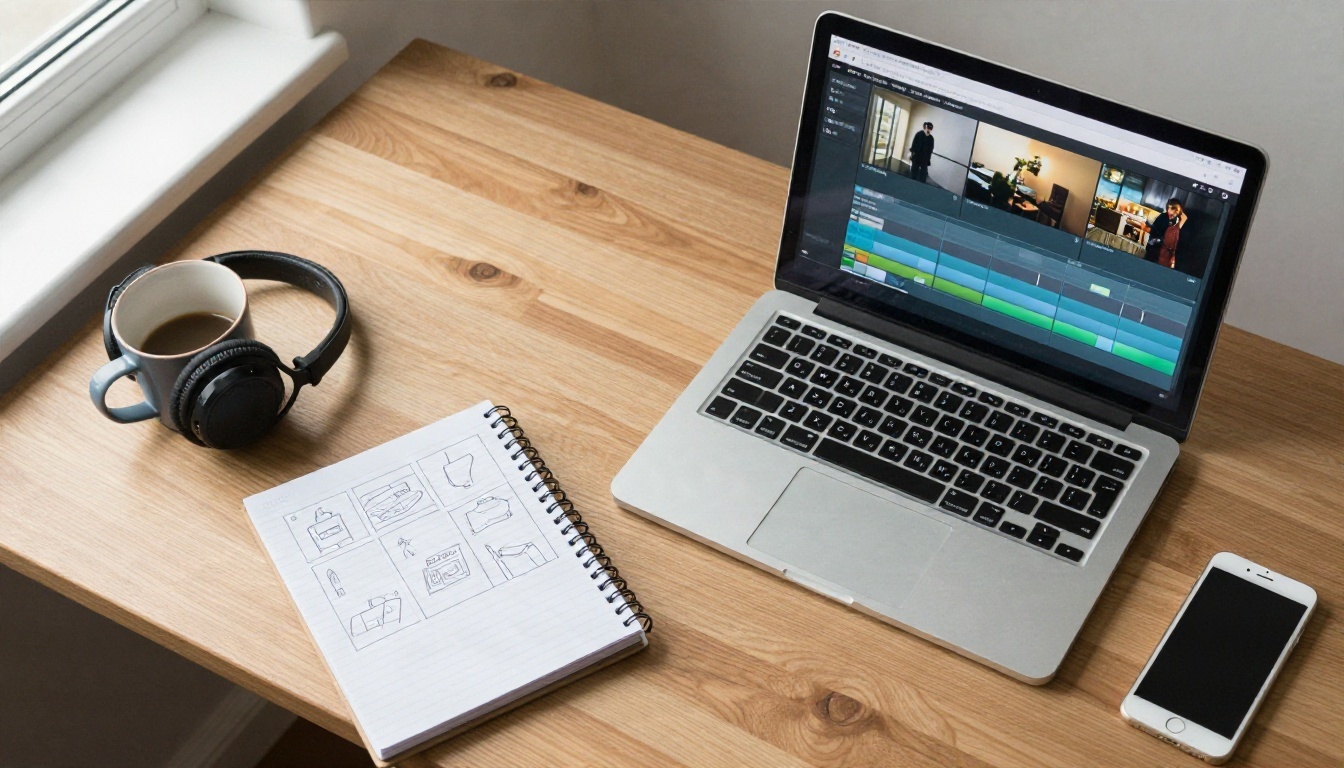
Running out mid-month means buying a top-up or upgrading a tier. Over a year, that adds up. A flat, generous or unlimited model changes the math completely, because you stop rationing prompts. Rationing is the real cost: people write safer, blander prompts when each try costs money.
What a Real Free Alternative Needs
Plenty of sites claim to be free. Most of them cap you after one clip or leave a watermark on it. Use this checklist before you invest time in any replacement.
No watermark on exports
Generate one clip and download it. If there is a logo, a corner stamp or a faded overlay, move on. A tool that is "free" but forces you to crop or pay to remove branding has not solved your problem.
Limits that allow experimenting
Look at three numbers: clips per day, maximum length, and maximum resolution. A good free tier lets you run many generations, produces at least 5 to 10 seconds per clip, and exports at a resolution you can actually publish. Resolution matters most if you plan to upscale later with a super resolution model.
Few prompt refusals
If a tool blocks ordinary fashion or swimwear prompts, it will block far more once you attempt real creative work. Test it with a prompt you actually care about, such as a model on a beach at golden hour, and see whether you get a result or a warning.
💡 Test prompt: "A woman in a red summer dress walking through a golden wheat field at sunset, hair moving in the breeze, shallow depth of field, warm backlight." If this fails or gets watermarked, the tool is not for you.
Best Video Picks on PicassoIA
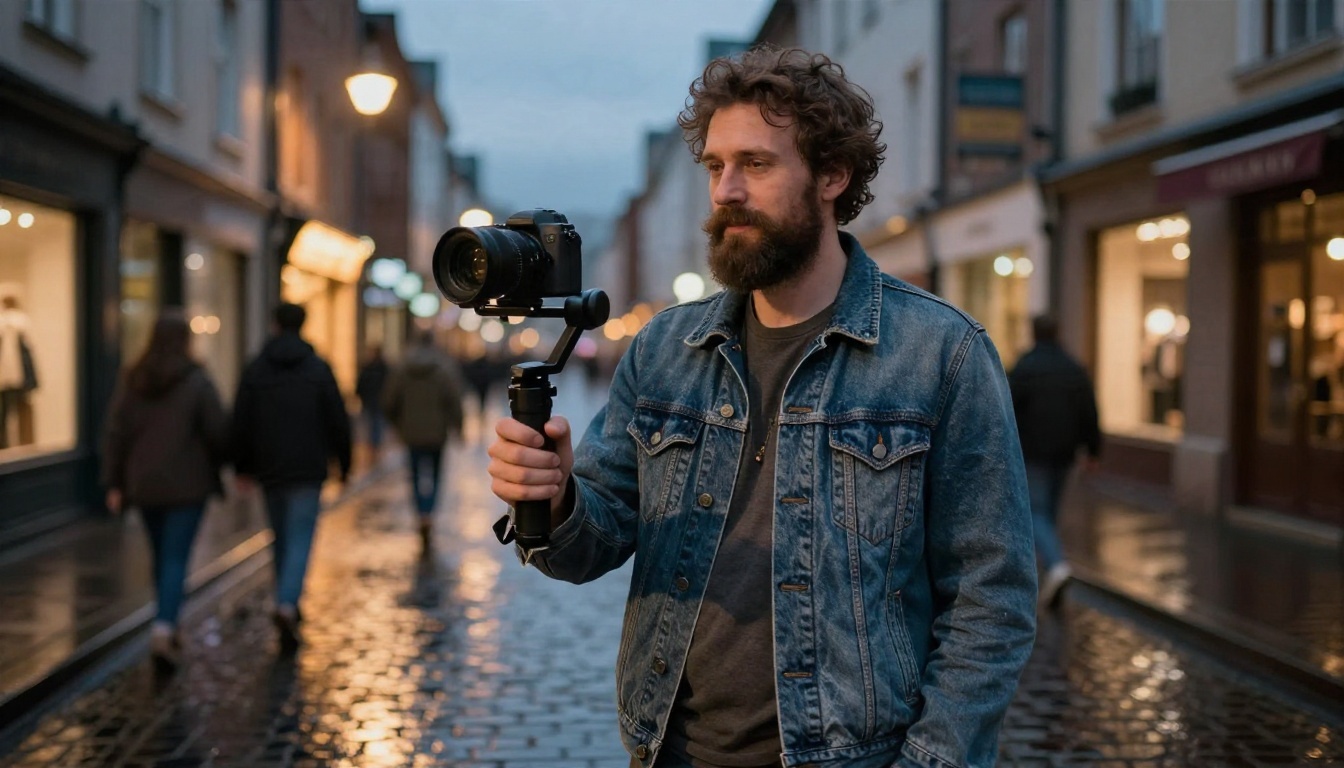
Artlist itself is not on PicassoIA, and the specific bundle it sells is not something you can copy one to one. What you can get is a set of strong video models in one place, with several of them offered free or at generous limits. Here is how the main options compare.

Seedance 2.5 Lite for free clips
This is the closest match to what most people mean by an Artlist free alternative. Seedance 2.5 Lite is listed as a free and unlimited generator with clips up to 10 seconds. Because there is no credit meter, you can iterate on a prompt the way you would with a camera: shoot, check, adjust, shoot again. When you land on a shot you love and want more length or polish, step up to Seedance 2.5.
Wan 3 for cinematic motion
Wan 3 handles camera language well: slow dolly-ins, orbits, handheld drift. If your prompt reads like a shot list, this model tends to follow it. Wan 3 Prime pushes the output to 1080p when you need a cleaner final.
Veo 3.1 Fast and Kling options
If you want sound generated alongside the picture, Veo 3.1 Fast produces native audio with the clip, which saves a separate audio step. For image-to-video work on a budget, Kling v1.5 Pro and Hailuo 2.3 Fast animate a still photo into a short shot with believable motion.
Uncensored Images Without the Refusals
Video starts with a good first frame, and most of the quality in image-to-video comes from the still you feed it. If your project involves glamour, swimwear or moody portraits, your image model matters as much as your video model.

Seedream 4.5 comes first
Seedream 4.5 is the model to try first for adult-leaning, non-explicit work such as beachwear, lingerie style fashion shots, boudoir lighting and sensual portraits. It produces sharp 4K images with convincing skin texture and fabric detail, and it accepts prompts that stricter platforms reject. Keep the content suggestive and tasteful, never explicit.
Image Editor Pro with unlimited runs
PicassoIA Image Editor Pro gives you unlimited generations, which is the same "no meter" advantage that makes Seedance 2.5 Lite attractive for video. Use it to fix details, change outfits, adjust lighting or retouch a frame before you animate it. Fast edits plus unlimited tries is the combination Artlist's credit system cannot match.
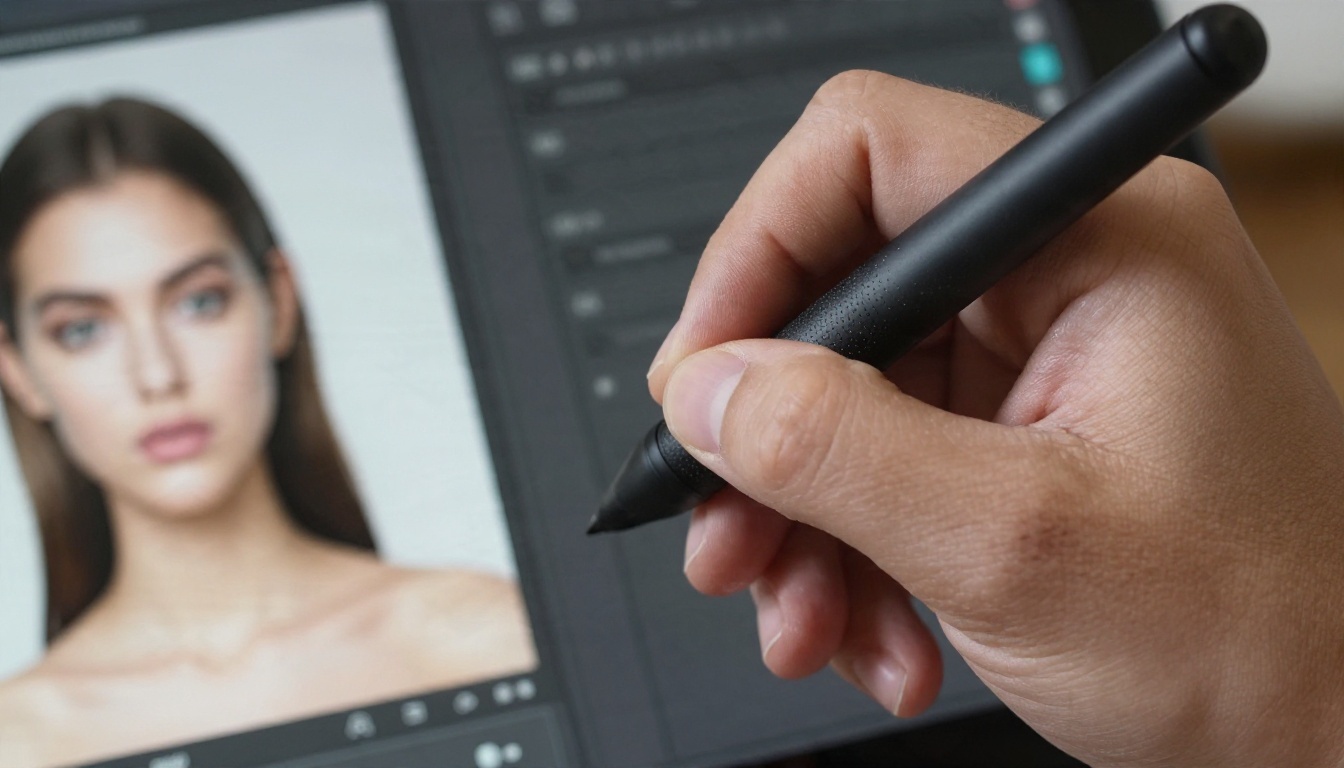
💡 Workflow tip: Generate a still in Seedream 4.5, retouch it in Image Editor Pro, then animate it in a video model. You control the look at every step, and you never pay per attempt.
How to Get Similar Results on PicassoIA
Here is a repeatable process using Seedance 2.5 Lite as the video engine. It is the practical stand-in for what people hope to get from an Artlist plan.

Step 1: Build a strong first frame
Generate your starting image with Seedream 4.5. Describe the subject, the setting, the light direction and the lens. A line such as "warm backlight from behind, 135mm lens, shallow depth of field" gives the video model a realistic base to animate.
Step 2: Open Seedance 2.5 Lite
Go to the Seedance 2.5 Lite page. Choose text-to-video if you are starting from words, or upload your still if you want the image to be frame one.
Step 3: Write a motion prompt
Describe what moves, in order. For example: "The woman walks forward through the wheat, hair and dress moving in the wind, camera slowly dollies in, golden light flickers through the stalks." Keep it to one clear action and one camera move.
Step 4: Pick duration and generate
Start with a short clip of five seconds to check motion quality, then go up to ten seconds once the shot works. Since the model is free and unlimited, you can run several variations of the same prompt and pick the best one.
Step 5: Refine and upscale
If the motion is right but the detail is soft, run the final clip through an upscaler. For sound, pair it with a text to speech model or switch to Veo 3.1 Fast for built-in audio.
💡 Parameter tips: One subject per prompt. One camera move per shot. Name the light source. Avoid stacking five actions in a five second clip.
Common Mistakes to Avoid

Even with unlimited generation, a few habits waste your time.
- Overloading the prompt. Ten ideas in one sentence produce muddy motion. Pick one.
- Skipping the first frame. A weak still gives a weak video. Spend your effort on the image.
- Judging a model on one try. Run at least three takes before deciding a model is bad.
- Ignoring export tests. Check resolution, length and any overlay on the first download.
- Using real faces without permission. Stick to original characters or people who have agreed.
- Expecting explicit output. Suggestive and glamorous works. Pornographic content is not the goal and not allowed.
Make Your First Clip Today
Artlist is a solid choice when you want one subscription with licensing and a deep stock library behind it. If your real need is free or unlimited AI video, no watermark, and fewer refusals, a credit meter is the wrong shape for the job. The simplest switch is to generate a still with Seedream 4.5, polish it in Image Editor Pro, and animate it with Seedance 2.5 Lite.
Pick the beach shot, the wheat field or the night portrait you have been picturing, write one clear prompt, and press generate. When you want more options, browse the full list at picassoia.com/en/all-models and try a different model on the same prompt. The only cost of experimenting is a few minutes, so create your own images and videos with Picasso IA and see which look fits your work.


