You typed "Artlist premium account free" into a search bar, which usually means one of two things. Either you have a project due and a budget of zero, or you have seen a promise of free logins and want to know if it is real. Here is the short answer: there is no legitimate permanent free premium tier. There is a free account with watermarked previews, a small one-time sample of AI generations, and paid plans whose prices depend on what you pick. Everything else you will find under that search phrase is either a trial trick, a shared login that will get you banned, or a trap.
This article lays out what the free side really includes, how the paid side is priced, why the "free premium" offers are a bad idea, and what you can use instead when you need footage, images and AI video without a subscription.
💡 Quick take: Artlist is a licensed library for stock footage, music, sound effects and AI tools. If you only need a few clips for a personal project, a free alternative is enough. If you sell client work every week, a paid license is the cheaper risk.
What "Free" Actually Means on Artlist

The free account
Artlist lets anyone create an account and browse the catalog. Downloads on the free side are watermarked previews, meant for testing a clip in your timeline to see if the mood works. Those files cannot be used in published content. That is the line that matters: a watermarked clip in a client video is a license violation the moment it goes live.
So the free account is a showroom, not a toolbox. It answers "does this song fit my edit?" but it does not answer "can I upload this to YouTube?"
The one-time AI sample
Artlist has added AI generation to its platform, covering voiceovers, images, video and music. Its pricing pages describe a small free sample so visitors can try each tool, reportedly including a single video generation. Think of it as a demo with a short fuse. It is not a monthly free allowance that refills.
A few things to keep in mind about that sample:
- It is limited and one-time, so plan your test prompts before you spend it.
- Results depend on the model Artlist routes you to, and credit costs differ by tool.
- Sample outputs may carry different usage terms than paid plan outputs, so read the terms before publishing anything.
Where the free tier stops
| What you want | Free account | Paid plan |
|---|
| Browse the catalog | Yes | Yes |
| Preview with watermark | Yes | Not needed |
| Download clean files | No | Yes |
| Publish commercially | No | Yes, under plan license |
| Monthly AI credits | No (one-time sample only) | Yes, tiered |
| Legal indemnification | No | Business tier only |
Artlist Pricing in Plain Numbers

Artlist pricing is hard to pin down because it has changed several times and because third-party sites quote different figures. My research turned up conflicting numbers, so treat the table below as a range and check the live pricing page before you pay.
Reported plan ranges
| Plan type | Reported price range | What it generally includes |
|---|
| Entry stock plan | Around $9.99 per month billed annually (some listings differ) | Music and sound effects licensing |
| AI Starter | Roughly $11.99 to $19.99 per month annually, depending on the listing | About 7,500 credits a month, voiceover focused |
| Image and video AI tiers | Credits start near 16,500 per month | Image and video generation across models |
| Max bundle | From about $39.99 per month billed annually | AI tools plus the stock catalog, footage up to 8K |
| Business | Quote based | Everything above plus legal indemnification |
Two patterns show up in every source. First, annual billing is the cheap path, while monthly billing often costs roughly 40 to 50 percent more. Second, promotions come and go, including offers of extra free months on annual plans, so the sticker price on any given day may not be what you pay.
Why credits burn faster than you think
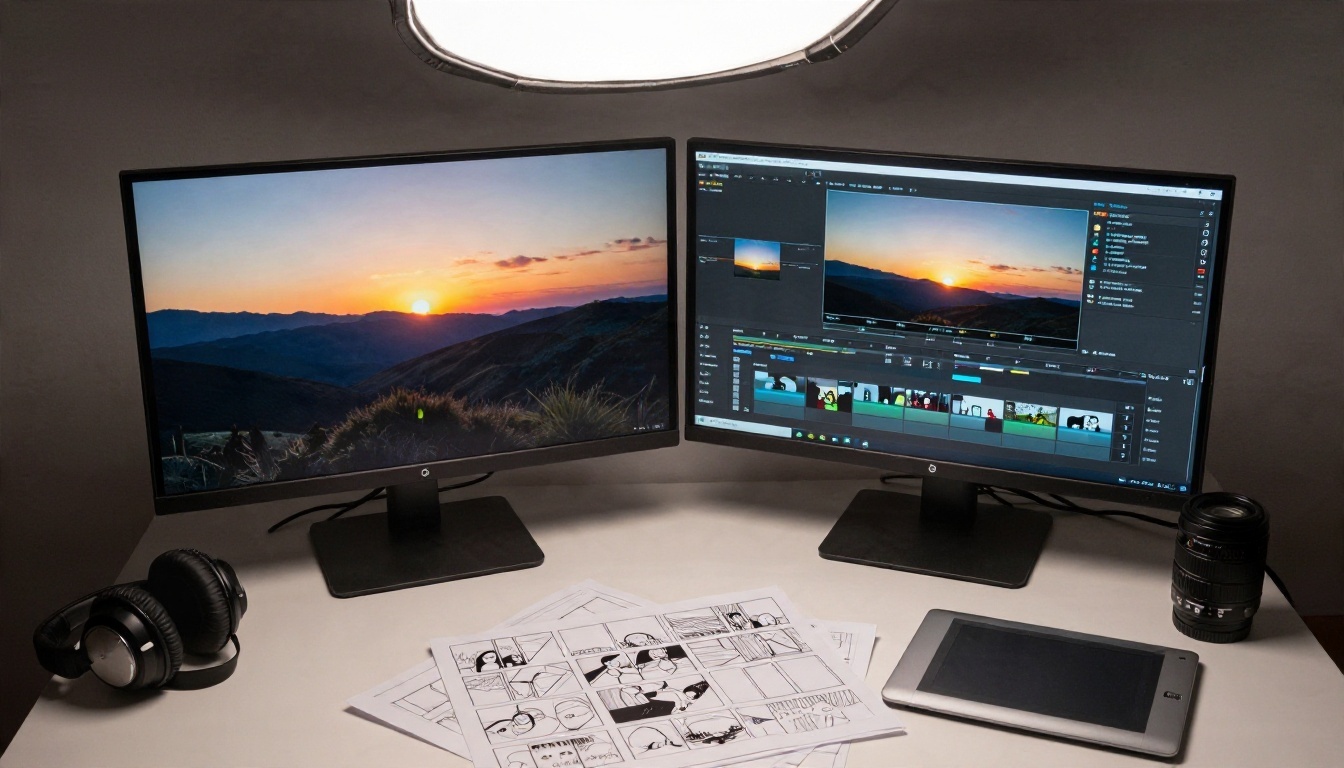
Credits are shared across all AI tools in your plan, and video costs far more than images. A single prompt that needs three retries can eat a visible chunk of your monthly pool. Reviewers consistently note that AI video tends to drain credits faster than still images.
Some pricing pages also mention "unlimited generations" for a set of models that do not use credits. That sits awkwardly next to the credit framing elsewhere, so confirm which models are covered and whether the unlimited label applies to your plan before you count on it.
💡 Budget rule: Estimate how many clips you need per month, multiply by two for retries, and compare that against the credit pool. If the numbers look tight, a pay per use or free generator may be cheaper.
Daily download limits
Reviews of the paid plans mention caps on daily downloads for music and sound effects, reported at around 40 songs or 100 sound effects per day. For most editors that is plenty. For someone batch downloading a whole library, it is a wall.
Why Free Premium Accounts Backfire
Search results for this phrase are full of "free premium account" lists, login dumps and "cracked" downloads. Here is why none of them are worth it.
Shared and leaked logins
A login posted online is used by hundreds of strangers. It gets reset within hours, the email on it is not yours, and you have no receipt to prove you had a license. Using someone else's paid account also breaks the terms of service, and platforms do close accounts for it.
The license is the real product
Artlist is not selling files. It is selling the right to publish those files. A clip you downloaded through a stolen login has no license attached to your name. If a claim lands on your video, you cannot prove anything, and the cost of a takedown or client dispute dwarfs a few months of subscription.
Malware and phishing
Many "free account generators" are credential harvesters or installers with bundled malware. If a page asks you to run a tool, complete a survey or enter your own password to "unlock" a premium login, close it.
💡 Rule of thumb: If a deal for a premium creative subscription is free, you are the product, or the account is stolen. Neither helps your project.
Legit Ways to Try Artlist Cheaply
You can test the platform without breaking anything.
Use the free account for previews
Create the account, drop watermarked previews into your timeline, and decide which tracks and clips are worth paying for. This costs nothing and avoids buying a plan for a library you will not use.
Time your purchase
Annual plans are the lowest per month rate, and promotions on extra months appear regularly. If you do decide to subscribe, buy during a promotion and check the cancellation terms before paying. Do not assume a refund path, since policies differ by plan.
Choose the smallest plan that fits
If you only need music, you do not need the Max bundle. If you only need AI voiceovers, the Starter tier may be enough. Matching the plan to the job is the simplest way to cut cost.
Free Alternatives Worth Using

If your goal is footage, images or audio at zero cost, you have more options than ever. The licensed stock route and the generative route solve different problems.
Free stock libraries
Sites such as Pexels, Pixabay and Videvo offer free stock video and photos with their own licenses. Quality varies, and popular clips get overused, which can make your video look generic. Always read the license for each file, especially for commercial or client use.
Free music and sound effects
YouTube Audio Library and similar free catalogs provide tracks with attribution or usage rules. These are fine for casual use, but catalogs are smaller than a paid library, and some tracks require credit in your description.
Generate your own footage
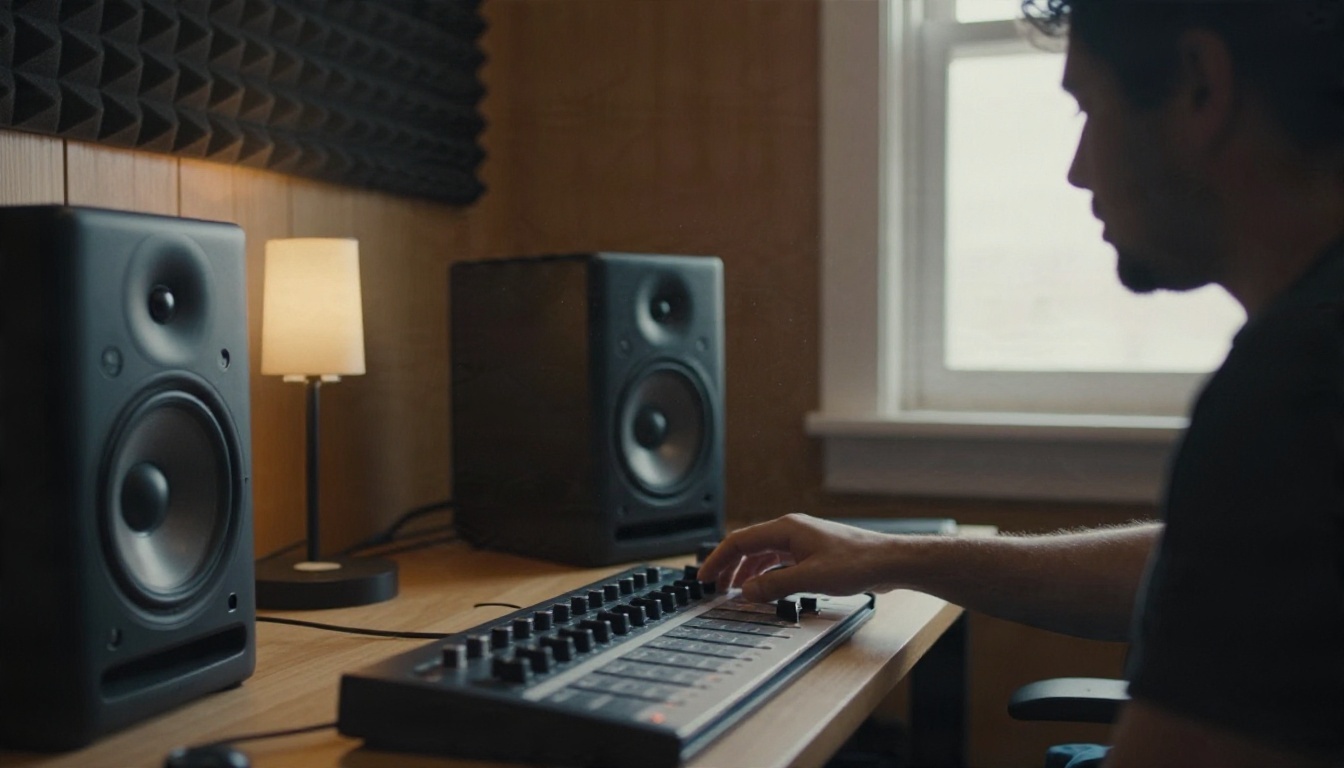
The third route is to stop searching for the perfect clip and make it. AI video and image models can now produce b-roll, backgrounds, product shots and establishing scenes from a text prompt or a single image. That is the same job Artlist's AI tools target, and PicassoIA offers it across many models in one place.
Here is how some PicassoIA models line up with common stock footage needs:
| Need | Model | Why it fits |
|---|
| Cinematic b-roll with sound | Veo 3.1 | 1080p video with native audio |
| Character and motion shots | Kling v3 Video | Smooth cinematic movement |
| Fast drafts and previews | LTX 2.5 Fast | Quick turnaround for testing ideas |
| Animating a still frame | Wan 2.5 I2V Fast | Turns one image into a short clip |
| High resolution stills | Seedream 4.5 | Sharp 4K image output |
| Editing and fast images | Nano Banana Pro | Detailed images and edits |
💡 Note on Artlist AI: Artlist is a separate platform and is not on PicassoIA. The models above are the similar tools you can use on PicassoIA today for footage and image work.
How to Get Similar Results on PicassoIA
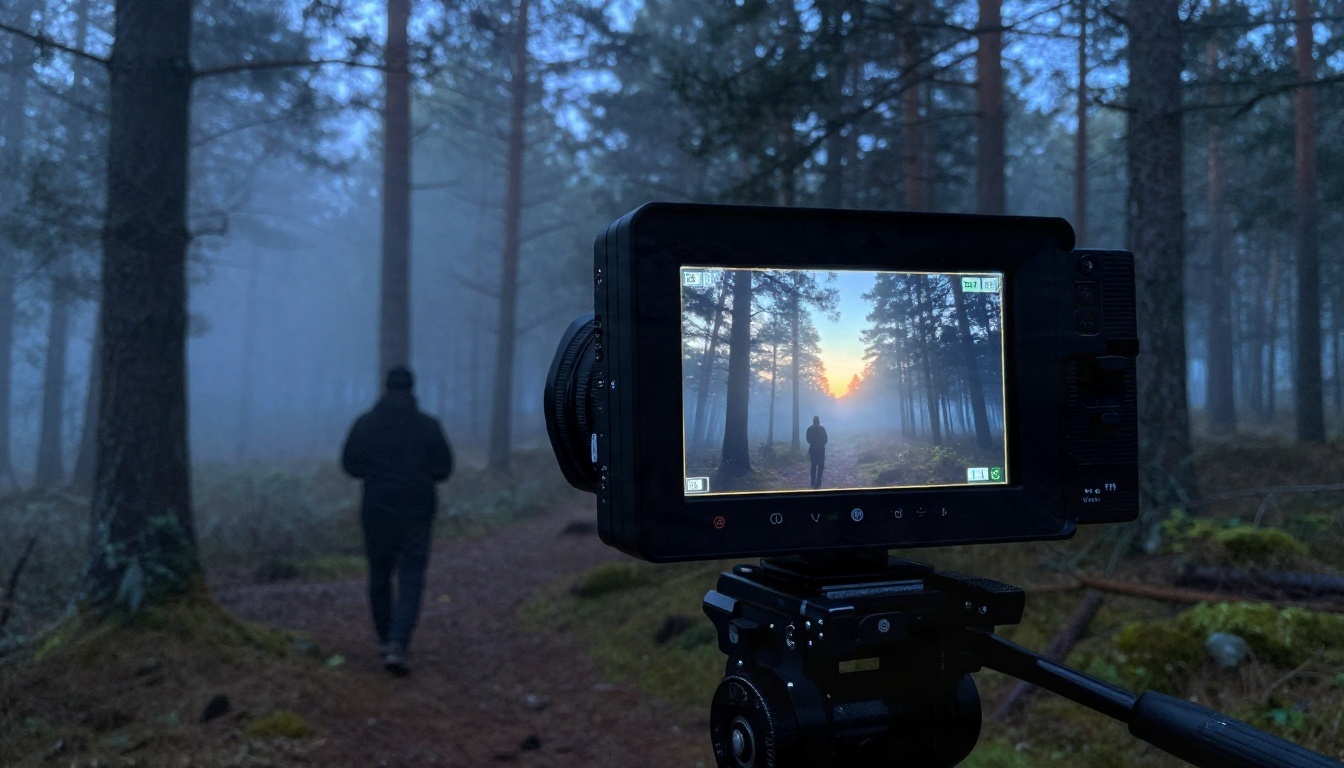
If you want the stock footage look without a subscription, Veo 3.1 is a strong place to start, since it produces 1080p clips with native audio. Here is a simple workflow.
Step by step
- Open the model page. Go to the Veo 3.1 page on PicassoIA and pick text to video.
- Describe the shot like a director. Name the subject, the camera move, the light and the setting. Example: "Slow dolly in on a misty pine forest at dawn, cool blue light, soft fog drifting between trunks."
- Add the sound you want. Because the model supports audio, mention ambience such as birdsong, wind or distant surf.
- Generate a draft first. Test the idea on a faster model like LTX 2.5 Fast, then rerun the winning prompt on Veo 3.1.
- Animate a still if you need control. Create a frame with Seedream 4.5, then bring it to life with Wan 2.5 I2V Fast.
- Download and cut. Drop the clip into your editor and match your color grade across shots.
Parameter tips
- Keep prompts specific. "Cinematic" alone is vague. Name the lens, light direction and mood.
- One action per clip. Short clips handle a single movement well. Chain several clips in the edit for longer sequences.
- Match the aspect ratio to your destination, wide for YouTube and vertical for short form.
- Reuse a seed or reference image when you need consistency between shots in the same scene.
- Test cheap, finish premium. Use fast models to find the idea, then spend time on the best model for the final render.
💡 Tip: For character motion, try Kling v3 Video. For polished stills and edits, Nano Banana Pro is a handy companion.
Which Option Fits You
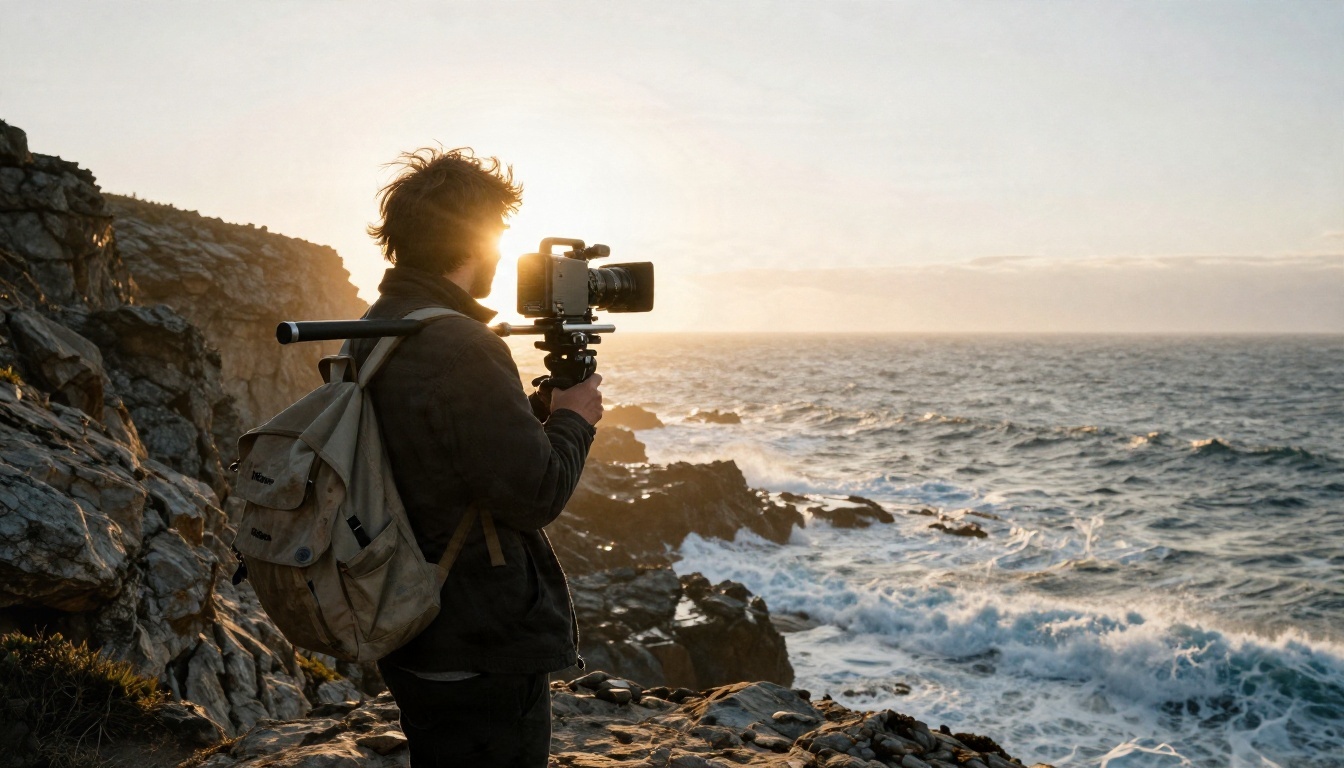
Different creators need different things. Use this table to pick without overthinking it.
| Your situation | Best route | Why |
|---|
| Hobby video, no income | Free stock sites plus AI generation | Costs nothing, license is simple |
| Client work weekly | Paid library license | Clear commercial rights and proof of license |
| Need custom shots that do not exist | AI video and image models | Make the exact scene you imagine |
| Music heavy projects | Paid music license or free catalogs | Depends on how many tracks you need |
| Agency or brand work | Business tier with indemnification | Legal cover for large campaigns |
| Testing a concept | Free preview plus fast AI drafts | Low commitment, quick feedback |
Mixing both worlds
Plenty of editors combine sources. They keep a paid music license for tracks, use free stock for generic fillers, and generate the hero shots that nobody else has. That mix keeps costs low and the final video distinct.
A quick license checklist
Before publishing anything, ask:
- Is the license tied to my account or to an anonymous file?
- Does it allow commercial use on the platform where I will post?
- Do I need to credit the creator?
- Can I prove I had the right to use it if a claim arrives?
If you cannot answer yes to the first and last, pick another source.
You do not need a hacked login to build a good video. A watermarked preview helps you plan, free libraries fill the gaps, and AI generation gives you the shots that no catalog has. The most reliable way to find out what works for your style is to try a few prompts and see what comes back.
Open Veo 3.1 for cinematic clips with sound, try Seedream 4.5 for sharp reference frames, and keep Nano Banana Pro handy for quick edits. When you want to compare more options, browse every model at picassoia.com/en/all-models and start generating your own footage and images with PicassoIA today.


