You open two tabs. One says Artlist, a polished platform that grew out of stock music and footage and now sells AI video, images and voiceover. The other says Loova, a newer AI video tool with a free plan that looks generous until you start generating. Both want your email. Only one will let you finish a project without a credit card, and neither is likely to be as relaxed about content as you'd hope.
This is a straight look at Artlist vs Loova Free: Pricing, Limits, and a Free Alternative With No Filters: what you pay, what you get, where the walls are, and what to use when the walls get in your way.
💡 Quick take: Artlist is built for paying creators who want a polished, credit-based suite. Loova's free tier is a trial, not a workflow. If you want to create freely without a meter running, there is a third path, and it's below.

Before comparing prices, it helps to be clear that these two products start from different places.
Artlist in one paragraph
Artlist began as a licensed music and stock footage library for filmmakers. Over the last couple of years it added an AI Suite: AI voiceover, AI video, AI images and AI music, bundled with a studio workspace. It is a subscription product, and the AI side runs on a credit system. Third-party listings describe monthly tiers of roughly 7,500, 16,500 and a much larger 180,000 credits.
Loova in one paragraph
Loova is an AI video platform that gathers several generation models in one interface. It markets a free plan to get you in the door, then moves you toward paid plans and credit top-ups. Directory listings describe the free tier as a small starter allotment, around 10 credits, with a single video job running at a time and no credit card needed.
💡 A note on accuracy: Pricing on both products changes often, and third-party sites disagree with each other. Treat every figure here as a snapshot, and check each official pricing page before you pay for anything.
Pricing Side by Side
Here is how the two compare on the points that decide most purchases.
| Feature | Artlist AI Suite | Loova Free |
|---|
| Pricing model | Monthly or annual subscription with credits | Free starter credits, then paid plans and top-ups |
| Entry cost | Roughly mid-teens in USD per month on the lowest tier, per third-party listings | $0 |
| Credits at entry | About 7,500 per month on the lowest tier | About 10 starter credits |
| Concurrent jobs | Varies by plan | Reported as 1 on free |
| Credit rollover | Reported as no rollover month to month | Not clearly stated |
| Credit card to try | Free samples reported, trial coverage inconsistent | Reported as not required |
| Best for | Paying creators who want a bundled suite | Quick tests of a video tool |
The Artlist tiers
The lowest Artlist AI tier is reported to cover voiceover only. Video, image and music generation, along with the studio workspace, show up from the 16,500-credit tier upward. That matters because many people sign up expecting video on the cheapest plan and find it sits one step higher.
A related detail: credits are said to renew monthly and not carry over. If you generate heavily in one month and barely at all in the next, you lose the unused balance.
Artlist also advertises unlimited use of select models, but reportedly only on yearly plans. That is a real perk if you commit for twelve months, and a poor fit if you only want to test the water.
The Loova free tier
A starter allotment of about 10 credits sounds fine until you check what a single video costs. Video models burn credits quickly, and the number varies by model, length and resolution. In practice, a free tier like this gives you a few test clips and then a prompt to upgrade.
I could not find a trustworthy statement about watermarks on Loova's free outputs, so check that before you plan to publish anything made on the free plan.
Limits That Bite in Real Use
Sticker prices are the easy part. The limits are what you feel on day three.
Credits drain faster than they look
Credit systems hide the real cost of a clip. One user may see "up to 400 videos" in a plan description while another sees "about 55," and both can be right, because the number depends on which model you choose and what settings you pick. A short low-resolution clip from a lightweight model costs a fraction of a long 1080p clip from a premium one.
Rule of thumb: divide the monthly price by the number of finished clips you realistically keep, not the number you generate. Most people keep one in four or fewer.
One job at a time
A single concurrent job on a free plan means you queue. If a clip takes a couple of minutes, ten iterations eat a whole afternoon. On paid plans the cap rises, but on a trial you are working in single file.
Commercial rights and watermarks
Free tiers across the AI video market commonly attach restrictions, such as watermarks, lower resolution or personal-use-only licenses. Artlist's whole identity is licensing, so its paid plans lean toward clear commercial terms. For Loova's free plan, read the terms before you post anything for a client.
The Content Filter Problem
Here is the part most comparison posts skip. Both Artlist and Loova run content moderation, and that is normal for hosted AI products that serve brands, agencies and the public. The practical effect:
- Prompts that mention swimwear, lingerie, glamour or anything suggestive often get blocked or quietly softened.
- Fashion, boudoir and beach photography references can trigger a refusal, even when the result would be perfectly tasteful.
- A blocked prompt can still cost you credits on some platforms, depending on how the check runs.
- Rewording your prompt five times to sneak past a filter burns the same meter you are paying for.
None of that is a scandal. These companies have partners and reputations to protect. But if your work involves fashion editorials, swimwear campaigns, glamour portraits or artistic figure studies, a locked-down tool is the wrong tool.
💡 Worth stating clearly: "No filters" here means room for tasteful, suggestive, attractive content, such as bikinis, glamour and implied artistic nudity. It does not mean explicit pornographic material, which is not the goal and not what any of the tools below are meant for.
A Free Alternative With Fewer Filters
If you want to keep generating without watching a credit counter, PicassoIA is built differently. It is a multi-model platform, so you pick the engine that fits the job instead of living inside one vendor's rules.
Artlist and Loova are separate products and are not part of PicassoIA. What PicassoIA does offer is a set of image and video models you can use directly. Here is the lineup I would reach for, in order.
Start with Seedream 4.5
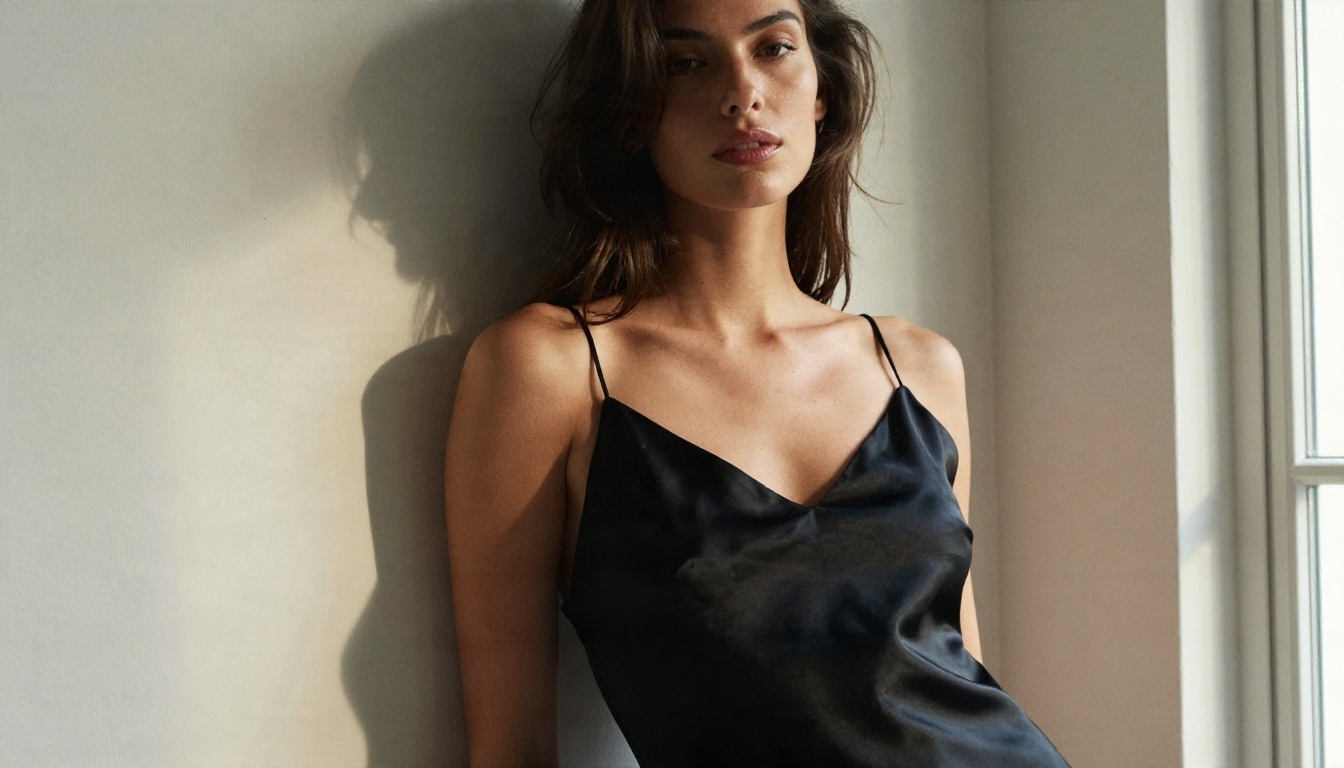
Seedream 4.5 is the model I would lead with for photorealistic work. It handles skin texture, fabric sheen and natural light well, and it is considerably more relaxed about swimwear, glamour and fashion prompts than most hosted video suites. Think beach editorials, satin and lace studies, and boudoir-style portraits, all kept non-explicit.
Then try Image Editor Pro
PicassoIA Image Editor Pro is where the unlimited generations angle matters most. You can generate, edit and revise the same picture again and again without a meter ticking. For anyone who has watched credits vanish on failed attempts, that single feature changes how you work: you stop rationing prompts and start iterating.
Other image models worth a try
- Seedream 5 Pro for sharp 2K stills when you want a different look from the same brief.
- Qwen Image 3 Pro for photorealistic scenes with strong prompt following.
Video models for the motion side
Artlist and Loova both lean on video, so here is the video lineup on PicassoIA:
💡 Image moderation and video moderation are separate. Video models often keep stricter rules than image models, so the most relaxed workflow is usually image first, then animate.
How to Get Similar Results on PicassoIA
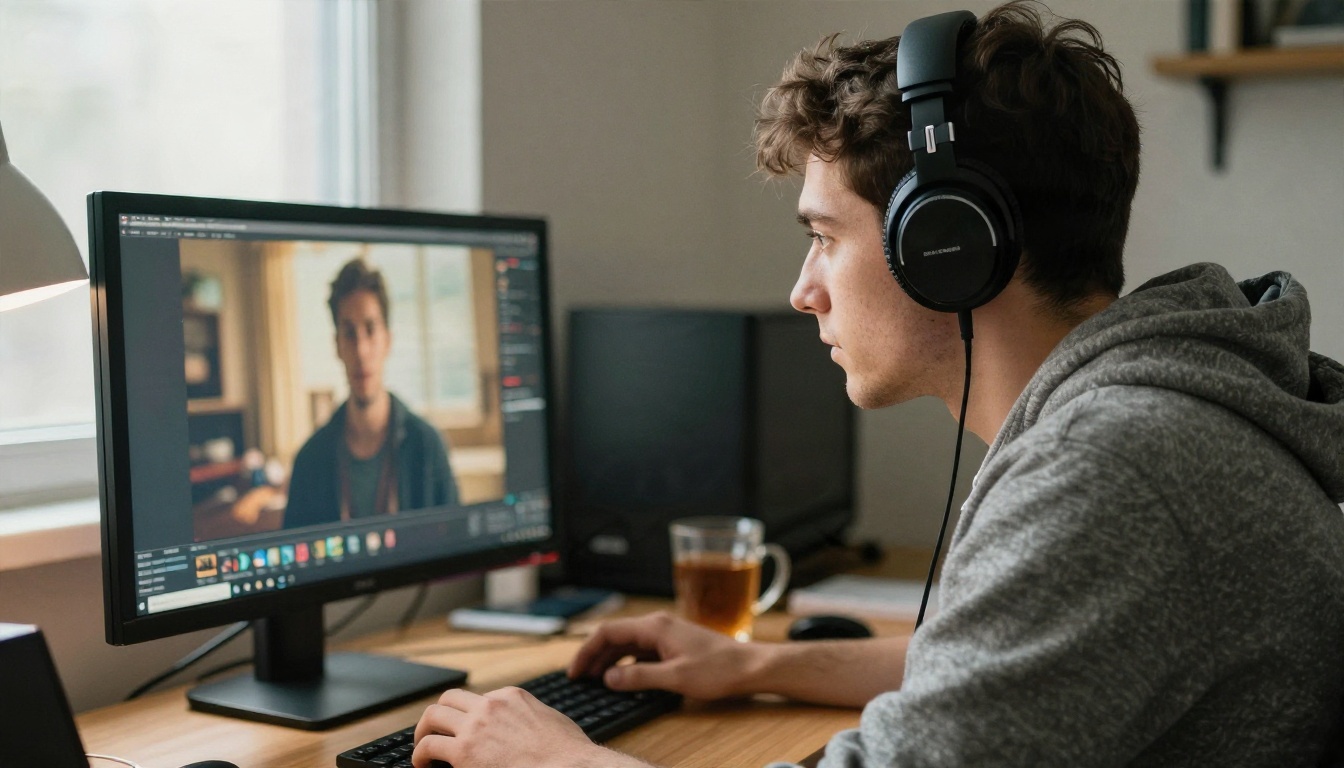
Here is the workflow I use to replace a paid credit plan, built around Seedream 4.5 for stills and Veo 3.1 Fast for motion.
Step 1: Build the still image
- Open the Seedream 4.5 page.
- Write your prompt in this order: subject, setting, light, lens, texture.
- Set the aspect ratio to 16:9 for video-ready frames.
- Generate four variations and keep the best one.
A prompt that works well:
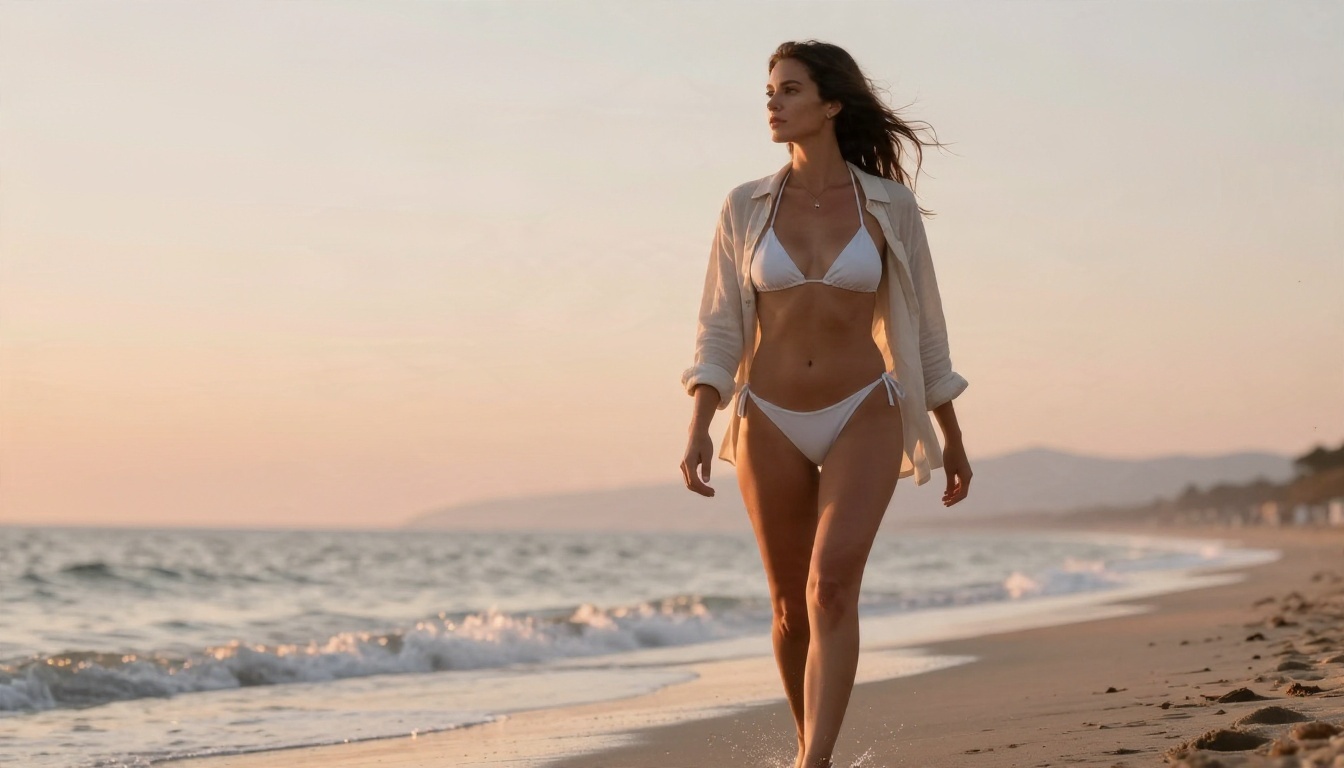
"Woman in a white bikini and linen shirt walking along a quiet beach at sunrise, soft backlight from the left, 85mm f/1.8, visible skin texture, Kodak Portra 400 grain."
Step 2: Polish it in Image Editor Pro
- Take your favorite frame into Image Editor Pro.
- Fix small details: a stray hand, a hair strand, a background object.
- Because generations are unlimited, run as many passes as you need.
Step 3: Animate the frame
- Open Veo 3.1 Fast.
- Upload your polished still as the starting frame, if the input offers it.
- Describe motion only: "slow dolly-in, hair moving in the breeze, waves rolling at her ankles."
- Keep clips short. Five seconds is plenty for social posts and gives the model less room to drift.
Parameter tips
| Setting | Recommended | Why |
|---|
| Aspect ratio | 16:9 for stills meant to be animated | Matches video frames without cropping |
| Prompt length | 50 to 75 words for images | Enough detail without confusing the model |
| Video prompt | Motion and camera only | The image already defines the look |
| Clip length | 5 seconds | Lower cost, fewer artifacts |
| Iterations | 3 to 4 per idea | Best balance of quality and effort |
Which One Fits Your Situation
Choose Artlist if
- You are a working filmmaker or agency that already values licensed music and stock footage.
- You want voiceover, music, images and video under one bill.
- You are comfortable with a monthly credit budget and brand-safe content rules.
- You can commit to a yearly plan to get unlimited access on select models.
Choose Loova Free if
- You just want to test whether a video model suits you.
- You have no budget today and a handful of clips will do.
- You do not mind queueing one job at a time.
Choose PicassoIA if
- Your work involves fashion, swimwear, glamour or portrait photography that stricter tools tend to refuse.
- You want to iterate dozens of times on a single image without counting credits.
- You like picking the model per task instead of being locked to one.
- You want a photorealistic image workflow first and motion second.

The Real Cost of Credits
It helps to run the numbers once. Say you pay about $20 a month for a mid-tier plan and generate 200 clips. If you keep 40 of them, each keeper cost you 50 cents before you account for your own time. That is fine for a brand video. It is steep for experiments, moodboards and test shots.
Now compare that to a free or unlimited image stage. If you iterate on stills without a meter, you only spend video generations on frames you have already approved. That one change cuts wasted video spend more than any plan upgrade can.
Three habits that save money anywhere
- Draft in images, finish in video. Stills are cheap to reject. Clips are not.
- Write short motion prompts. Long video prompts invite chaos.
- Batch your ideas. Plan a session of five or six concepts and queue them, instead of generating one idea at a time and losing momentum.
Common mistakes to avoid
- Buying a yearly plan before you have tested the output on your own prompts.
- Judging a tool by its demo reel instead of by your own subject matter.
- Ignoring licensing and watermark terms until a client asks.
- Rewording blocked prompts again and again instead of switching tools.
Questions People Ask
Is Loova really free?
It has a free plan, but it is a small trial allotment. Expect a few test clips, not a month of production. Check its pricing page for current numbers.
Does Artlist have a free trial?
Reports are mixed. Some sources say you can generate a limited set of free samples, including a voiceover, an image, a video and a track. Whether a full trial is offered seems to change, so confirm on Artlist's own site.
Do unused credits roll over?
Artlist credits are reported to renew monthly without rolling over. For Loova, I could not confirm a clear rule, so read the plan details first.
Can I make swimwear or glamour images?
Hosted suites with strict moderation often block them. On PicassoIA, Seedream 4.5 and Image Editor Pro are far more relaxed for tasteful, non-explicit work.
Which is better for beginners?
For a first experiment, a free tier is the lowest-risk start. For ongoing work, an unlimited image workflow plus a pay-as-needed video step usually costs less than a fixed credit plan you do not fully use.
Try It Yourself Today
Credits, queues and content filters shouldn't decide what you get to make. Take one idea you have been sitting on, a beach shoot, a fashion portrait, a moody terrace at dusk, and run it through Seedream 4.5. Refine it with Image Editor Pro, then bring it to life with Veo 3.1 Fast or Wan 3.
You can browse every available image and video model at picassoia.com/en/all-models and pick the one that fits your style. Start with a single prompt, see how it looks, and keep going. There is no counter telling you to stop.