You download a companion app, pick a name and a personality, and the first twenty minutes feel great. Then a banner appears: daily messages used. The chat that felt personal is suddenly behind a paywall, and the price you see next is rarely the price you wanted to pay. That is the real story behind the best adult companion question. It is less about which app has the prettiest avatar and more about where the free tier stops, what the subscription costs, and what you actually get for it.
This article breaks down how free AI companion apps work, where chat limits show up, what the common price points look like, and how to get more value from the visual side of a companion without a monthly bill.
💡 Quick note on numbers: companion apps change plans, caps, and prices often. The figures below are typical ranges gathered from recent comparisons. Always check the pricing page inside the app before you subscribe.
What an Adult Companion App Is
An AI companion app is a chat product built around a persistent character. You talk to it like a friend, a partner, or a roleplay character, and it remembers (to some degree) what you said before. Most apps add a voice, an avatar, or generated selfies on top of the text.

Who uses them
People come for different reasons, and the reason decides which app is worth paying for:
- Casual conversation after a long day, with no social pressure.
- Flirty roleplay and romantic storylines between consenting adults.
- Creative writing partners who stay in character for hours.
- Language practice with a patient partner that never gets tired.
- Loneliness relief, which is common and nothing to be embarrassed about.
What "adult" means in practice
"Adult" usually means one of two things. Either the app is built for users over 18 and allows mature, romantic themes, or it goes further into suggestive roleplay. Policies differ a lot between apps, and some tighten or loosen their filters from one update to the next. If mature content matters to you, test the free tier first and read the content rules before paying.
Free Tiers and Where They Stop
Almost every companion app is freemium. The free plan lets you try the personality, then rations the things that cost the company money: messages, images, voice, and memory.

Chat limits explained
Limits come in a few flavors. Here is how they usually show up:
| Limit type | What you see | How it feels |
|---|
| Daily message cap | A counter that resets every 24 hours | Predictable, but ends a good conversation abruptly |
| Energy or token system | Messages cost "energy" that refills slowly | Hard to plan, easy to burn through |
| Slower replies | Free users wait in a queue at peak hours | Annoying in the evening, fine in the morning |
| Feature locks | Voice, selfies, or longer memory are paid only | The chat works, but the companion feels flat |
| Shorter memory | The character forgets earlier details sooner | Immersion breaks after a few sessions |
Several recent comparisons point out that Chai uses daily message limits that shift over time, that Character.AI free access comes with usage caps and slower replies at busy hours, and that Replika keeps tight limits on its free plan. Pi, on the other hand, is described by many reviewers as free with no paid tier and no message cap, though it is more of a friendly assistant than a romantic companion.
The hidden cost of "free"
Free is rarely free. Watch for these patterns:
- Ads between messages that interrupt the flow.
- Blurred or locked images that you can only see after paying.
- Trial periods that quietly convert to a yearly plan.
- Data collection, since your conversations often train or tune the product.
💡 Tip: if a free plan feels generous in the first hour and stingy by day three, the app is built to convert you, not to keep you free.
Pricing: What You Will Actually Pay
Subscriptions usually land in a narrow band. The numbers below are typical figures reported across recent roundups, rounded so you can compare at a glance.

Monthly plans
| App | Free plan | Typical paid plan | What the paid plan adds |
|---|
| Character.AI | Usage caps, slower at peak times | Around $9.99 per month | Priority replies, no message caps, more character options |
| Chai | Daily message limits that change | Around $9.99 per month | Removes message limits |
| Replika | Tight limits | Around $13.99 per month, with a lifetime option reported near $299.99 | Romantic mode, voice, extra customization |
| Pi | Free, no cap reported | No paid tier reported | Nothing to buy |
| Nomi | Limited free use | Check in app | Stronger memory is the main selling point |
| Kindroid | Limited free use | Check in app | Customization and calls are the main selling points |
For Nomi and Kindroid, recent reviews praise memory and customization but do not agree on exact prices, so read the in-app plan screen before you commit.
Annual and lifetime deals
Annual plans often cut the monthly rate by a third or more. Lifetime deals sound attractive, but do the math: a lifetime price near $300 equals more than two years of a $13.99 plan. If the app shuts down, changes ownership, or tightens its filters, that lifetime purchase may not feel like a bargain anymore.
A simple budget rule
- Under $10 per month: fine for most casual users.
- $10 to $15 per month: worth it only if you use the app daily.
- Over $15 per month: make sure you are paying for features you actually use, like voice or video.
How to Pick the Best Adult Companion
Skip the "top 10" hype and test with a short checklist. The best adult companion is the one that matches your habits, not the one with the loudest ads.

A five-minute test
- Ask a follow-up question about something you said earlier. Memory is the biggest quality gap between apps.
- Switch the tone from casual to romantic to see if the character stays consistent.
- Count your free messages and see how fast the cap arrives.
- Check the reply speed at night, when servers are busy.
- Find the delete button for your data before you share anything personal.
Match the app to your goal
| If you want | Look for |
|---|
| Long roleplay stories | Large character library and strong memory |
| Daily friendly chat | A generous free plan and a calm personality |
| Voice and calls | A paid plan that includes voice at a fair rate |
| Visual personalization | Avatar tools or image generation |
| Pure privacy | Clear data deletion and no required real name |
Red flags to avoid
- Prices hidden until after sign-up.
- No clear way to cancel in the app.
- Images that are "free" but blurred.
- Vague claims such as "unlimited" with fine print about fair use.
Memory Is What You Pay For
Message caps get the attention, but memory decides whether the companion feels real. A character that remembers your dog's name, your job, and the joke from last week is worth more than a character that replies instantly but forgets everything.

Why free memory feels thin
Memory costs money to store and retrieve, so free plans keep it short. You may notice the companion repeating questions, mixing up details, or reverting to a generic personality after a few days.
A free workaround
You can keep a short "character sheet" of your own: name, personality, shared history, favorite topics. Paste it at the top of a new chat whenever the memory fades. For writing that sheet, general-purpose chat models are handy. On PicassoIA, you can draft character profiles and conversation starters with GPT 5.6 Luna, Gemini 3.5 Flash, or Qwen3.7-Plus. These are general writing and chat models with their own content rules, so use them for backstories, dialogue ideas, and scene planning rather than as a replacement for a dedicated companion app. For a lighter option, Granite 4.1 8B handles quick drafts well.
💡 Tip: a character sheet of 150 to 200 words is enough. Longer sheets eat into your message budget on capped plans.
Images: The Part Apps Charge For
Photos and avatars are where many apps make their money. Selfies, "spicy" images, and custom outfits are often locked behind the paid tier or sold as extra credits. That is why so many users now build the visual side separately.

Why separate visuals make sense
- No credit system counting every generated picture.
- Full control over look, outfit, setting, and mood.
- Consistent style across a whole set of images.
- Your own files, not locked inside one app.
Where PicassoIA fits
For adult-leaning, glamour-style imagery that stays non-explicit and attractive, start with these models, in this order:
- Seedream 4.5 is the first model to try. It produces sharp, photorealistic portraits with natural skin texture and handles swimwear, lingerie-style fashion, and evening wear without fuss.
- PicassoIA Image Editor Pro offers unlimited generations, so you can iterate on a look as many times as you want without a credit counter ticking down.
- Flux 2 Klein 9B Base LoRA is useful when you want a styled, repeatable look.
- Z Image Turbo is built for speed, ideal for quick drafts.
- Qwen Image 3 Pro is a solid option for photorealistic scenes with detailed backgrounds.
The value here is simple: uncensored-feeling freedom within the boundaries of tasteful, non-explicit imagery, unlimited retries, and fast results. You describe the person, the outfit, and the light, and the model does the rest.
Build a Companion Look Step by Step
This is the workflow many people use to create a consistent visual for their companion character.

Step 1: Write the character brief
Keep it concrete. Age (adult, clearly 21 or older), hair, eyes, skin tone, build, and a signature detail such as freckles or a gold necklace. Vague prompts give vague faces.
Step 2: Pick the setting and light
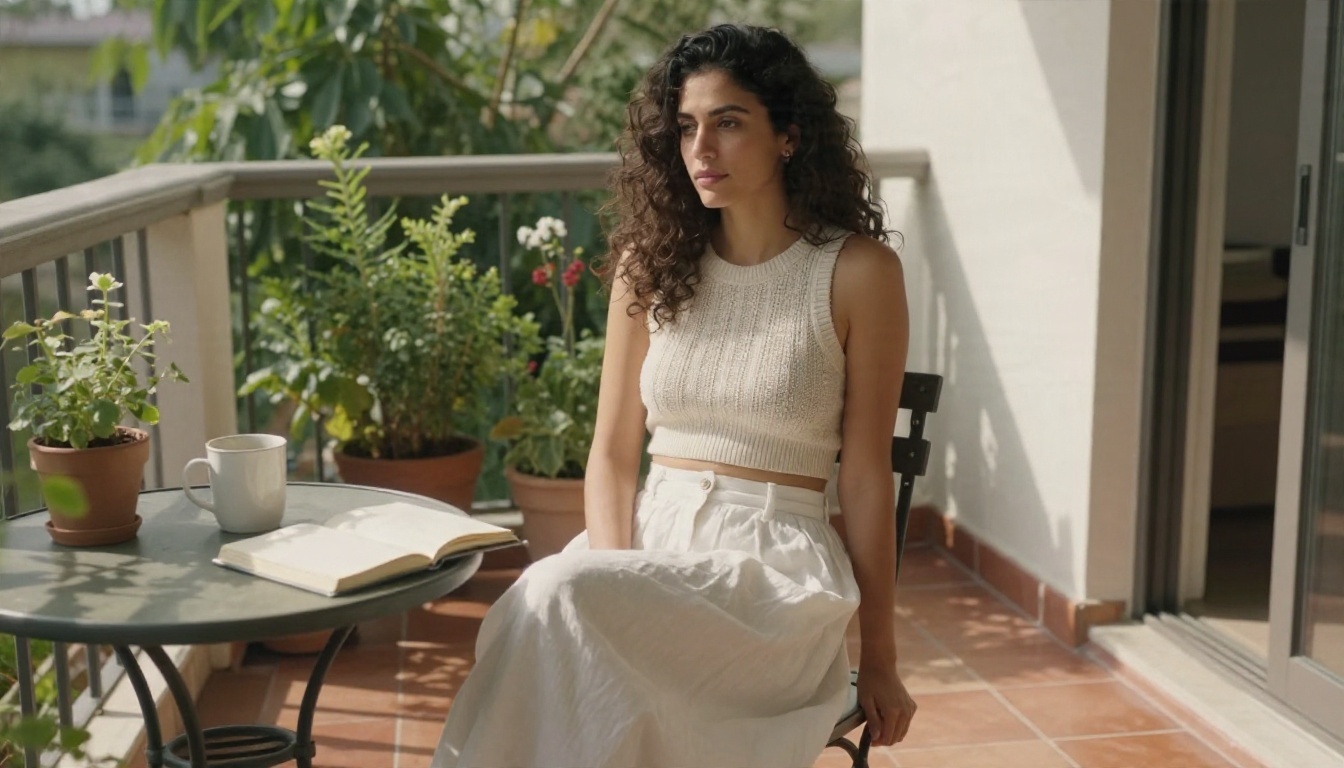
Light does most of the work for realism. Try phrases like "warm window light from the left", "golden hour on a balcony", or "soft bedside lamp glow". Add a lens hint, for example "85mm f/1.8, shallow depth of field", and a film feel such as "Kodak Portra 400, fine grain".
Step 3: Generate with Seedream 4.5
Open Seedream 4.5, paste your brief, and set the aspect ratio. Use 16:9 for wide scenes and a vertical ratio for phone wallpapers or chat avatars. Run three to four variations and pick the one with the best face.
Step 4: Refine with Image Editor Pro
Take your favorite result into PicassoIA Image Editor Pro to change the outfit, adjust the background, or fix small details. Because generations are unlimited, you can keep refining without worrying about credits.
Step 5: Keep a style sheet
Save the exact wording of your best prompt. Reusing the same description of hair, face, and lighting keeps the character recognizable from one image to the next.
💡 Prompt formula that works: subject and pose + environment + light direction + camera and lens + texture details. Short, specific, and photographic beats long and poetic.
Privacy and Safe Use
Companion chats are personal, and the data can be sensitive. Treat the app like any online service that stores your words.
Practical habits
- Use a separate email for companion accounts.
- Skip real names, addresses, and workplaces in chat.
- Check the deletion option before you share anything private.
- Avoid sending your own photos unless you are comfortable with how they are stored.
- Set a spending limit on your card or app store to avoid surprise renewals.
Healthy boundaries
A companion can be a fun, comforting part of your day. It works best next to real friendships, hobbies, and sleep, not instead of them. If you notice you are canceling plans to chat, or spending more than you planned, take a break for a week and see how it feels.
Keep imagery respectful
Generate characters, not real people. Do not recreate a real person's face, and keep every character clearly adult. That keeps your creations fun, safe, and on the right side of the rules.
Final Picks by Budget
Here is the short version, based on how you plan to use a companion.
| Budget | What to do |
|---|
| $0 | Use free tiers for casual chat, keep a character sheet for memory, and generate visuals on PicassoIA with Image Editor Pro |
| About $10 per month | Choose one app with the best memory for your style, and keep generating visuals separately for free |
| $14 or more per month | Pay only if you use voice, calls, or premium romantic modes every day |
| Lifetime deal | Only if you have used the same app for six months or more and like how it handles content rules |
The best adult companion is not a single app. It is a mix: a chat app whose free tier suits your habits, a character sheet that keeps the personality consistent, and a visual workflow that does not charge you per image.
Try It on Picasso IA
If the paywalls on companion apps annoy you, take the visual side into your own hands. Start with Seedream 4.5 to create a photorealistic character, then refine it in PicassoIA Image Editor Pro with unlimited generations. Try a few outfits, a few locations, and a few lighting setups until you get a look that feels like yours.
Ready to experiment? Browse every model, from fast drafts to high-end portraits, at picassoia.com/en/all-models and create your own images with Picasso IA today.


