You open an AI app, ask a simple question, and get a lecture about why it cannot help. Or you finally find a good voice mode and the free minutes run out halfway through a sentence. That is the daily reality for a lot of people searching for the best AI app to talk to. They want something that answers fast, sounds human, costs nothing, and does not flinch at normal topics.
This article sorts the noise. You will see which kinds of apps actually deliver free chat, which ones have a voice you will want to listen to, what "no restrictions" honestly means in 2027, and how to put together your own talking AI from a language model and a voice model. No hype, just what works.
💡 Quick answer: For free, casual talking, the big assistant apps (ChatGPT, Claude, Gemini) are the easiest start. For more control, fewer pointless refusals and your own choice of voice, build a chat plus voice setup from separate models on PicassoIA. Details below.
What "Talk To" Really Means
When people type this search, they usually mean one of three things, and the best app changes depending on which one you are.
Text chat that feels like a conversation
You type, it answers, it remembers what you said two messages ago. This is the baseline. A good chat model keeps context, asks a clarifying question when you are vague, and does not repeat itself.
Voice chat in real time
You speak, it listens, it speaks back with a short delay. The gap between your last word and its first word is what separates a pleasant conversation from an awkward walkie talkie. Anything above roughly one second starts to feel robotic.
A companion you return to
Some people want a steady personality: a friendly listener, a practice partner, a character. Here memory and tone matter more than raw intelligence.

The Best Free Apps Right Now
Free tiers change often, so treat the notes below as a snapshot from late 2026 and check each app's current limits before you commit. I focused on three questions: is chat free, is voice free, and how often do you hit a wall?
| App | Free chat | Free voice | Typical catch | Best for |
|---|
| ChatGPT | Yes | Yes, with daily limits | Voice time shrinks once you hit the cap | Most people, general talk |
| Claude | Yes | Yes, on the phone app | Message caps in busy hours | Thoughtful, longer talk |
| Gemini | Yes | Gemini Live on phone | Voice mainly on mobile | Android users, quick answers |
| Pi | Yes | Yes | Narrower skills | Low pressure, friendly talk |
| Copilot | Yes | Limited | Less voice focused | Chat plus image requests |
ChatGPT, the safe default
ChatGPT remains the app most people try first. Chat is free, voice mode is included, and the conversation feels natural. The limit is the daily cap on voice time for free accounts, which tends to arrive right when the talk gets interesting.
Claude, for slower and deeper talk
The Claude app offers voice on the free plan with several voice options. Its replies tend to be careful and well structured, which is great for working through a problem and less great if you want banter.
Gemini, built into the phone
Gemini Live is part of the free Gemini app on mobile. If you already live in the Google ecosystem, it is the lowest friction option, since it connects to the tools on your phone.
Pi and Copilot, the quieter picks
Pi is the low pressure option: short, warm replies, good for thinking out loud. Copilot is not a voice first product, but it handles chat and image requests in the same window.
💡 Tip: If a free voice mode cuts you off, switch to text chat for the rest of the day. The text limits are almost always more generous than the voice limits.
Why Voice Quality Decides Everything
A smart model with a flat voice is tiring to listen to. A decent model with a warm, well paced voice can carry an hour of conversation. Voice quality comes down to four things:
- Latency: how fast the first word arrives after you stop talking.
- Prosody: rhythm, emphasis and pauses that sound like a person, not a script.
- Emotion range: the ability to sound amused, curious or calm on purpose.
- Language coverage: especially if you want to practice another language.
Fast voices for live conversation
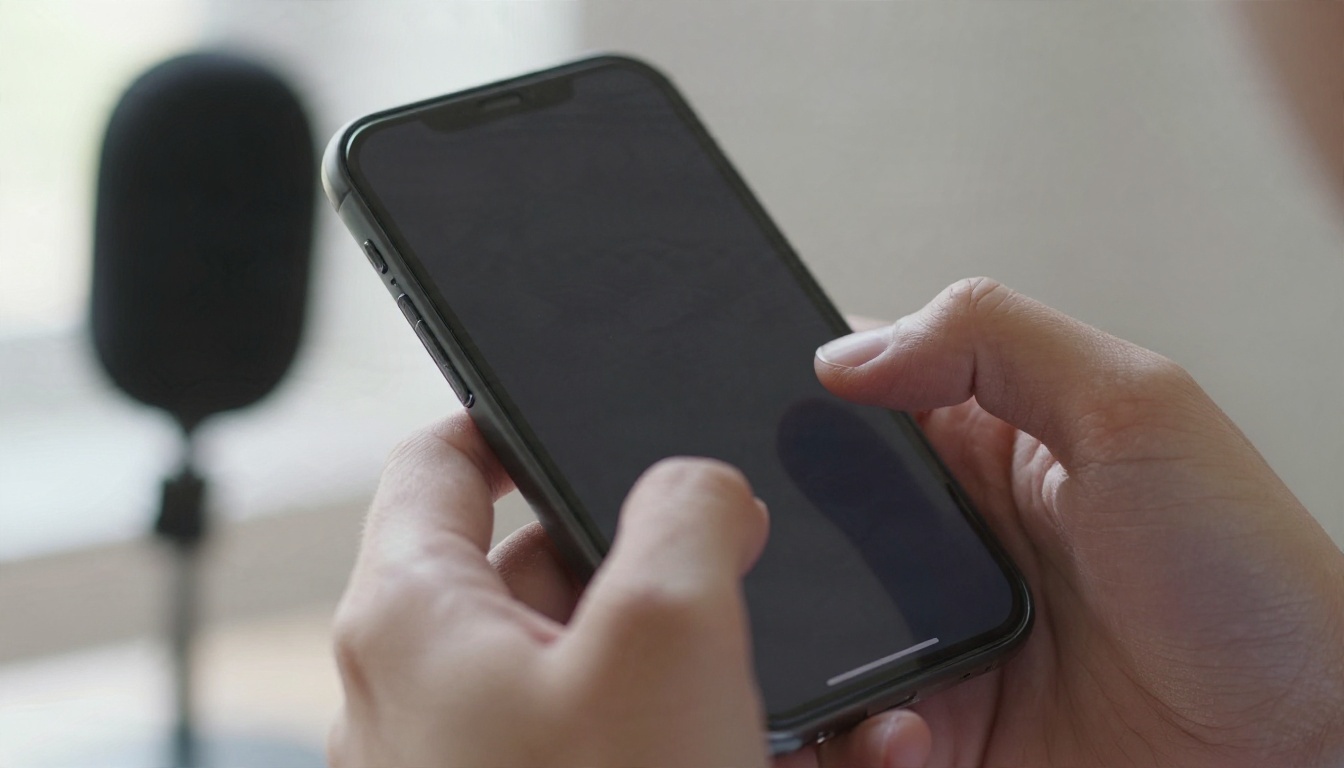
For real time talking, low latency models matter most. Realtime TTS 2 and Realtime TTS 1.5 Mini are built for speed, and Flash v2.5 and Turbo v2.5 are strong when you want quick replies in many languages.
Expressive voices for storytelling
When the voice is the point, such as a bedtime story, a character, or a podcast read, reach for expressive models. ElevenLabs v3 handles emotion well, and Speech 2.8 HD delivers studio quality delivery.
Multilingual voices for practice
Gemini 3.1 Flash TTS offers 30 voices across more than 70 languages, which makes it a handy partner for pronunciation practice.

What "No Restrictions" Actually Means
Let us be straight about this one, because a lot of pages oversell it. No hosted AI has zero rules. Every serious provider filters some content: instructions for real harm, illegal material, and a few other categories. Any app that claims to have no limits at all is either lying or hiding the risks from you.
What people usually mean by "no restrictions" is something more reasonable:
- Fewer pointless refusals. The model answers normal questions about health, law, fiction, history or dark themes in a story without a sermon.
- No paywall on basic talk. You can chat without a subscription popup every ten minutes.
- Freedom to choose. You pick the model, the voice and the tone instead of accepting one personality.
- Less hand holding. Direct answers, not five disclaimers before one sentence of content.
💡 Reality check: Be careful with apps that advertise "uncensored" as their main feature. Many of them are thin wrappers with weak privacy practices. Freedom is only useful if your conversations stay yours.
Why models behave differently
Refusal behavior is a property of the model and the app wrapped around it. The same question can get a full answer from one model and a polite refusal from another. That is a good reason to have several models within reach instead of depending on a single app.
Open weight models and flexibility
Open weight families such as Llama 4 Maverick Instruct and Granite 4.1 8B tend to be less preachy in casual talk, and trying them side by side makes the differences obvious within a few messages.

Companion Apps: Fun, With Limits
Companion apps give you a persistent character that remembers your day. For some people they are a pleasant routine, for others a source of loneliness relief, and for many just a curiosity. They share a few traits worth knowing about before you get attached:
- Subscriptions hide behind the charm. Memory, voice and photos are often locked behind a monthly plan.
- The personality can change when the provider updates the model.
- Your messages are stored. Read the privacy policy, especially if you share personal stories.
A talking AI is a tool, and a good one, but it is not a replacement for people. Use it as a sounding board, a practice partner or a bit of company on a quiet evening, and keep real conversations in your week too.

A short privacy checklist
- Skip real names, addresses and financial details in casual chats.
- Check whether the app trains on your conversations and whether you can opt out.
- Delete old chats you no longer need.
- Use a separate email for experimental apps.
Build Your Own Talking AI
Here is the option most roundups skip. Instead of accepting whatever one app gives you, you can combine a language model (the brain) with a text to speech model (the voice), and optionally a speech to text model (the ears). You choose each part, so you also choose how it behaves.

Pick the brain
PicassoIA lists dozens of chat models. A few good starting points:
Pick the voice
Pair the brain with a voice that suits the mood. Gemini 3.1 Flash TTS is a versatile all rounder, ElevenLabs v3 is the expressive pick, and Qwen3 TTS lets you design a custom voice. If you want a voice with adjustable emotion, Chatterbox is worth a try.
Add the ears
If you would rather speak than type, GPT 4o Transcribe and Gemini 3 Pro turn recordings into text you can paste straight into the chat. GPT 4o Mini Transcribe is the lighter, quicker choice.
How to Build It in Ten Minutes
This is the simplest workflow, no code needed.
- Open a chat model. Start with GPT 5.2 for a general conversation, or Claude Sonnet 5 for something more reflective.
- Set the tone in your first message. Write one sentence such as "Talk to me like a relaxed friend, keep replies short, and ask me a question back." This works better than a long list of rules.
- Chat until you get a reply you like. Copy that reply.
- Open a voice model. Paste the text into Gemini 3.1 Flash TTS or Flash v2.5.
- Choose a voice and generate. Press play and listen. If the pacing feels off, add commas and shorter sentences to your text.
- Repeat. Over a few rounds you will have a repeatable routine that sounds like your own assistant.

Parameter tips that make a difference
- Keep replies short. Ask the chat model for two or three sentences at a time. Long replies sound like a lecture when spoken.
- Write for the ear. Ask for contractions and plain words. Spoken language is looser than written language.
- Match speed to purpose. Fast voices for banter, a slower voice for stories or study.
- Use a style sentence. For expressive models, a short cue such as "warm, curious, slightly amused" in your text can shift the delivery.
- Test two voices. Run the same line through two models and keep the one you can listen to for ten minutes without fatigue.
💡 Why this beats a single app: If one model refuses or gives a flat answer, you switch to another in the same place. If a voice gets tiring, you swap it. Nothing is locked in.
Which Option Fits You
Different goals call for different setups. Here is a quick match.
| Your goal | Best route |
|---|
| Casual voice chat on the go | A big assistant app on your phone |
| Practice a language | A multilingual chat model plus a multilingual voice model |
| Think out loud, low pressure | Pi or a calm chat model with a slow voice |
| Fewer refusals and more control | Choose your own model on PicassoIA |
| Audio for videos or podcasts | Chat model for the script plus an expressive voice model |
| Hands free recording to text | A speech to text model, then a chat model |
For daily use on the go
Stay with a phone app. The convenience of a built in voice mode is hard to beat while walking or commuting, and the free limits are usually enough for casual use.

For creators and learners
If you produce content or study, a modular setup wins. You get better control of tone, language and pacing, and you can reuse the outputs in videos, lessons and audio notes.
Common Mistakes to Avoid
- Judging an app by its first reply. Give it five or six messages before deciding. Context makes a big difference.
- Ignoring the free limits. Check how many voice minutes you get per day before you build a habit around an app.
- Trusting every answer. Chat models can state wrong facts with confidence. Double check anything about health, money or law.
- Sharing sensitive data. Treat every chat as something that could be stored.
- Chasing the word "uncensored". The best experience comes from a good model, a clear first message and a voice you like, not from a marketing label.
Start Talking Today
The best AI app to talk to is the one that matches how you actually like to talk. If you want zero setup, a phone assistant gets you chatting in a minute. If you want a voice you chose, a tone you shaped and fewer dead ends, build the combination yourself.
Open PicassoIA, pick a chat model like GPT 5.2 or Claude Sonnet 5, send your first message, and then turn the best reply into audio with Gemini 3.1 Flash TTS. Try two or three combinations, keep the one that sounds like company you would enjoy, and see how much better it feels when you are the one making the choices. The full model list is at picassoia.com/en/all-models.